-
-
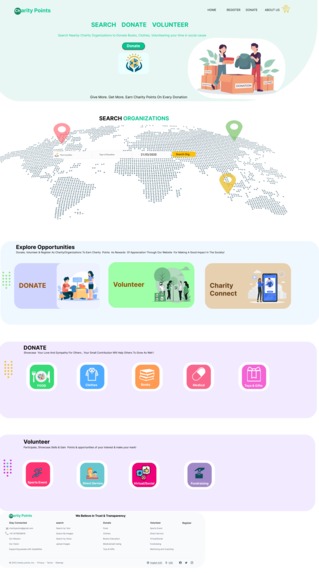
Home Page
-
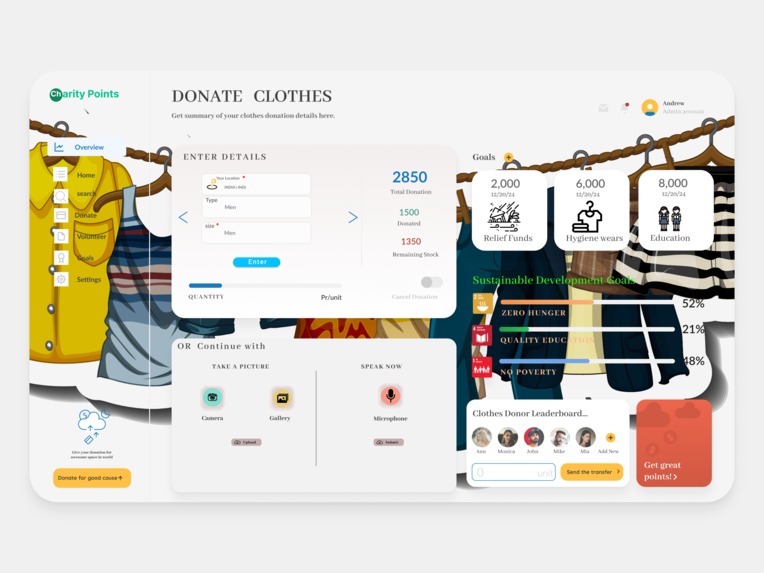
Clothes Dashboard
-
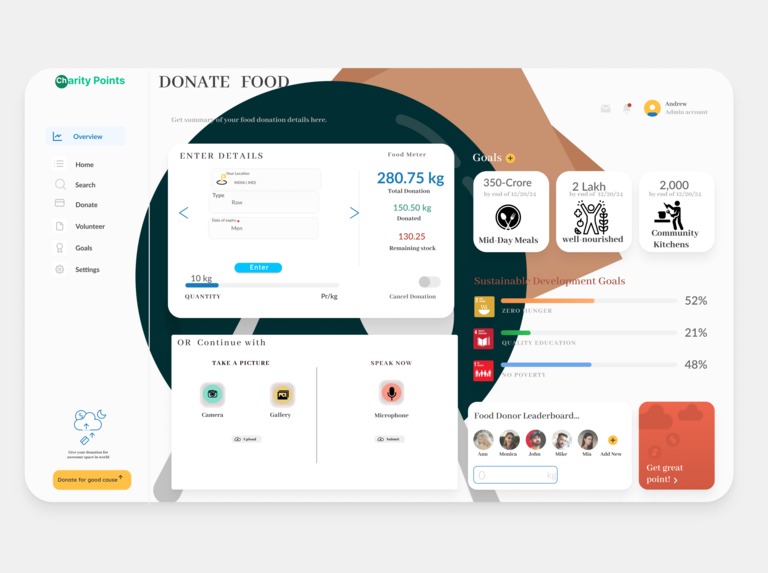
Food Dashboard
-
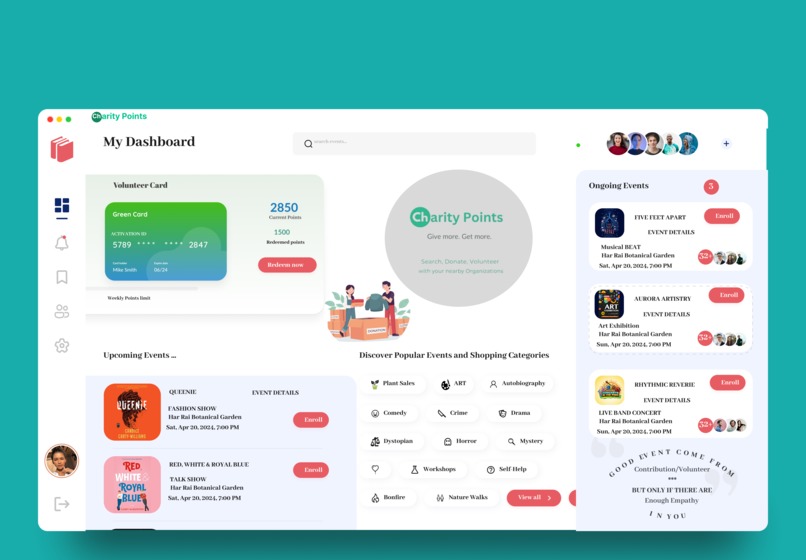
Incentives Platform for Contributor
-
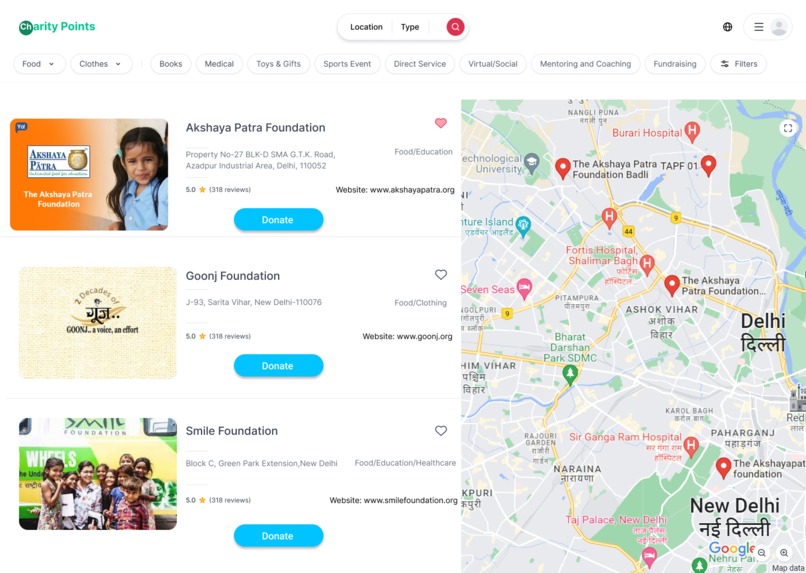
Search List
-
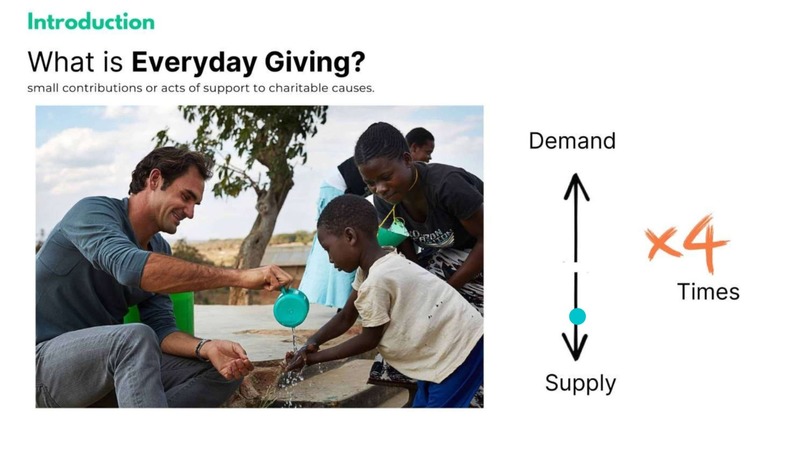
Understanding Problem
-
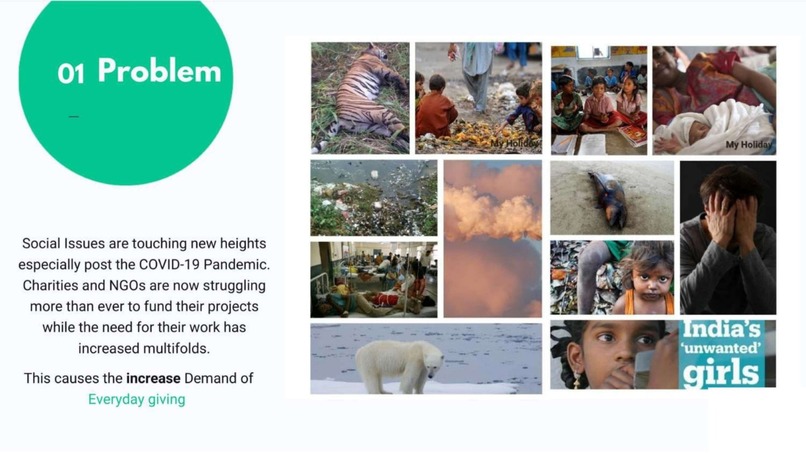
Facts
-
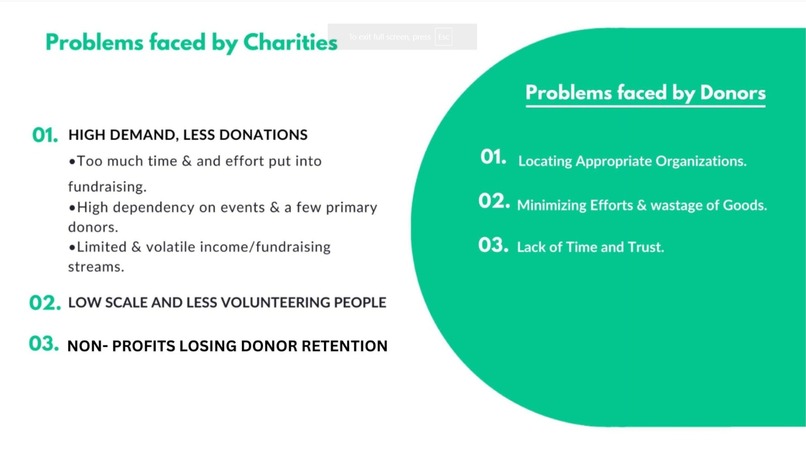
Problem Faced by Contributors and Organizations
-
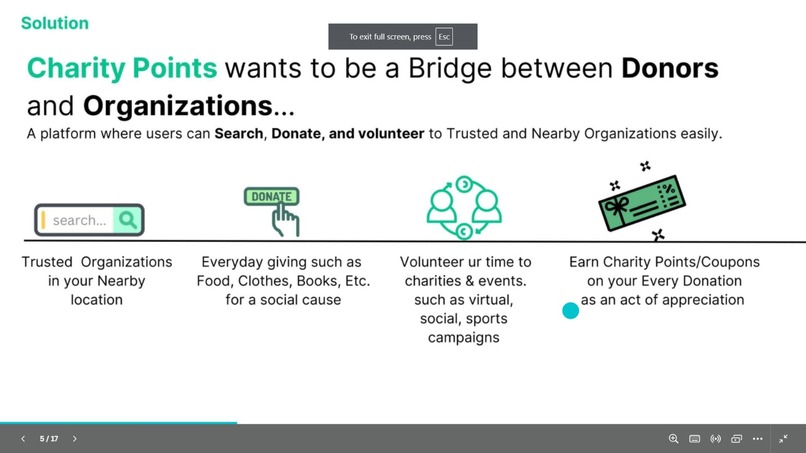
Our Solution
-
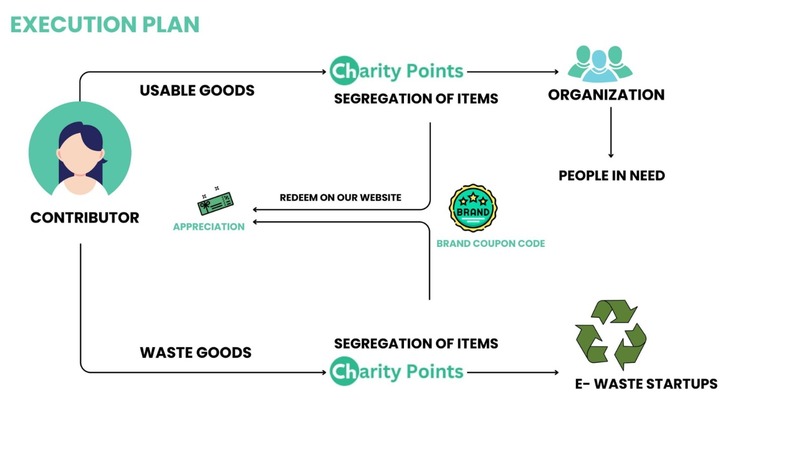
Execution Plan
-
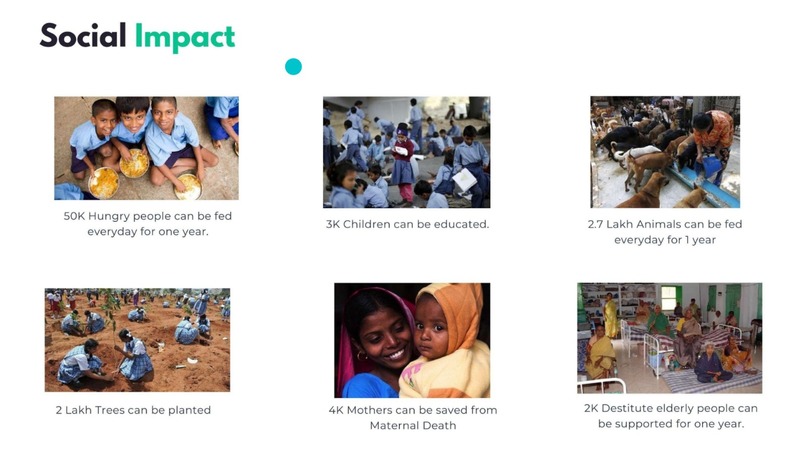
Social Impact we creating with this Idea
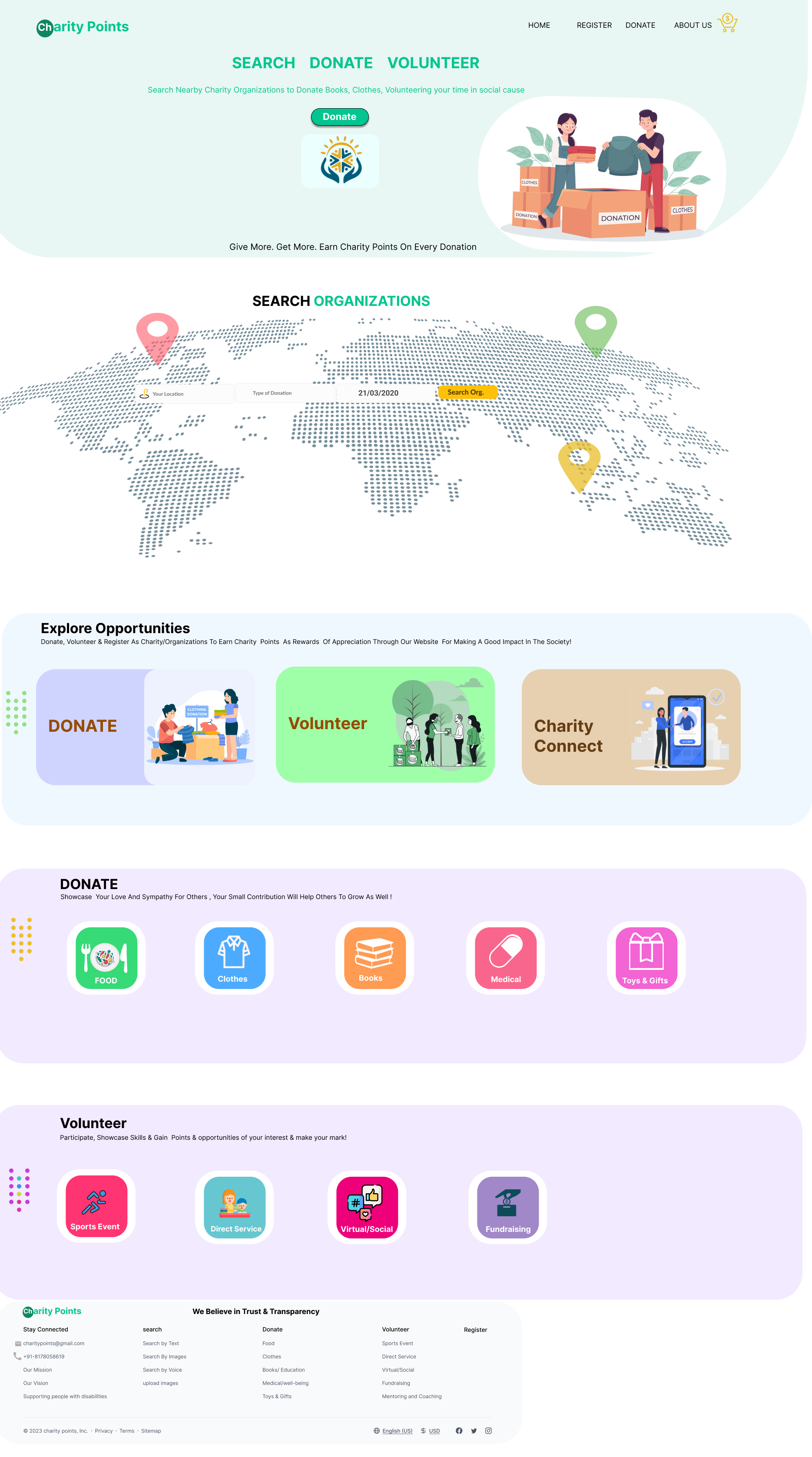
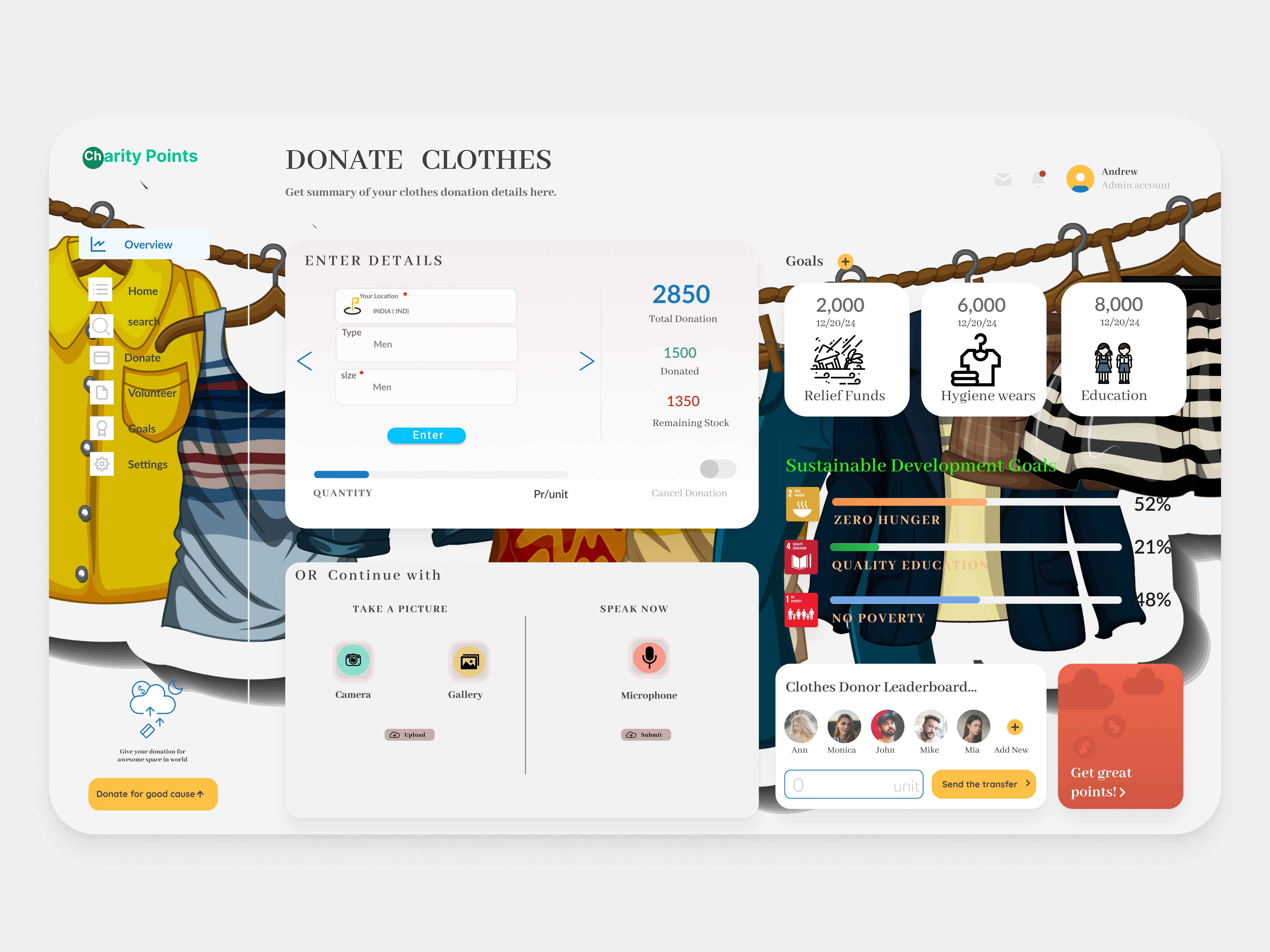
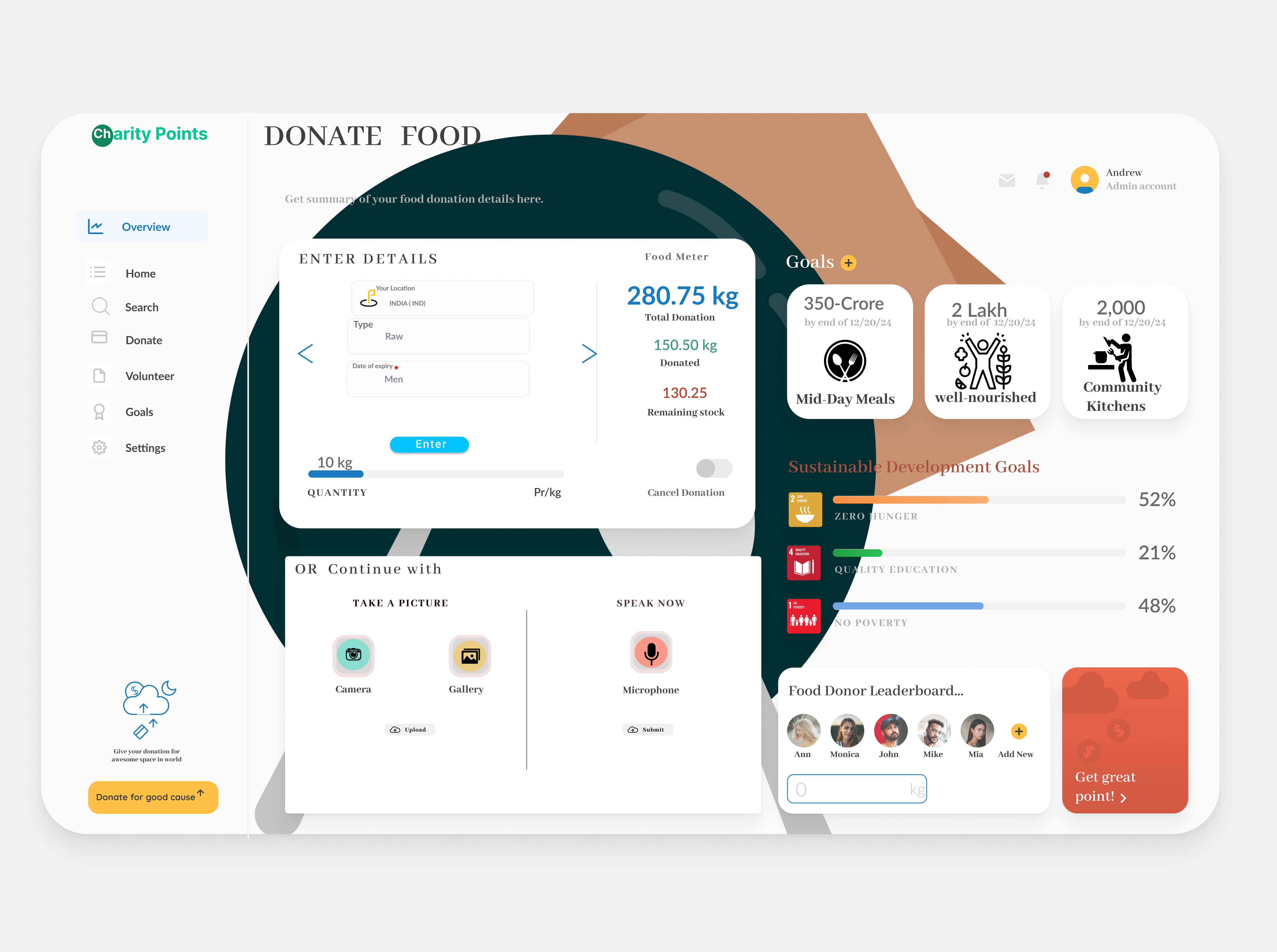
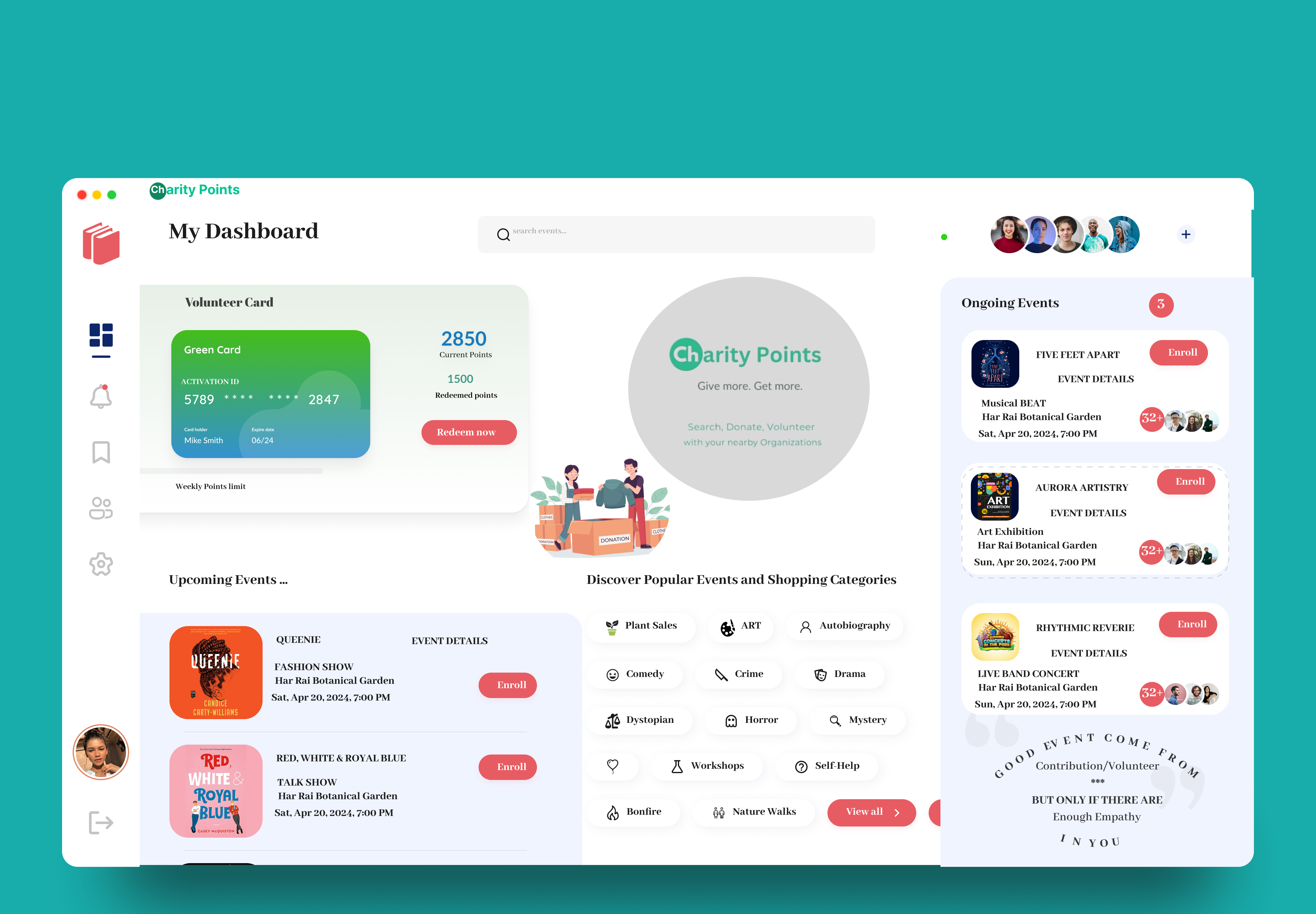
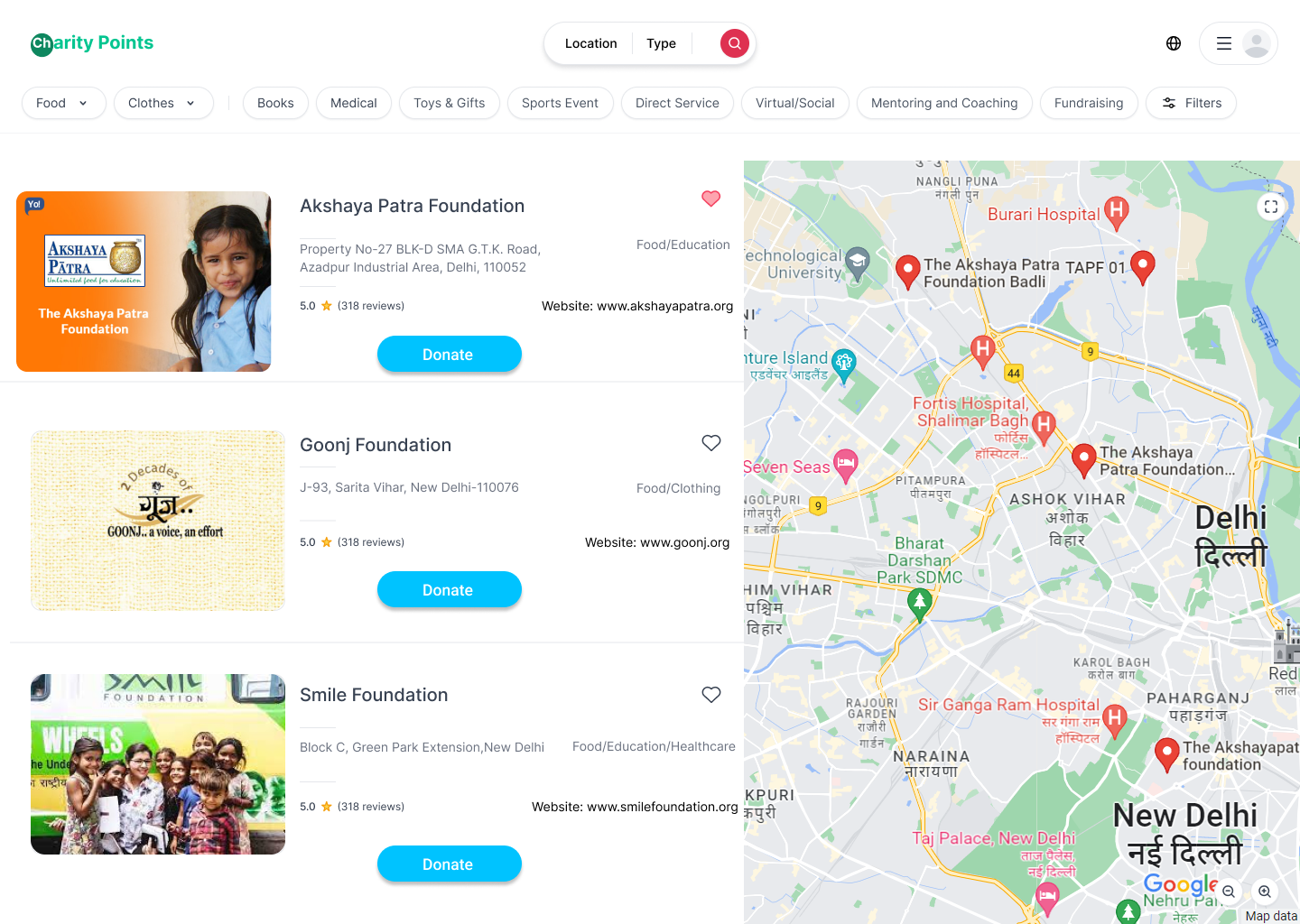
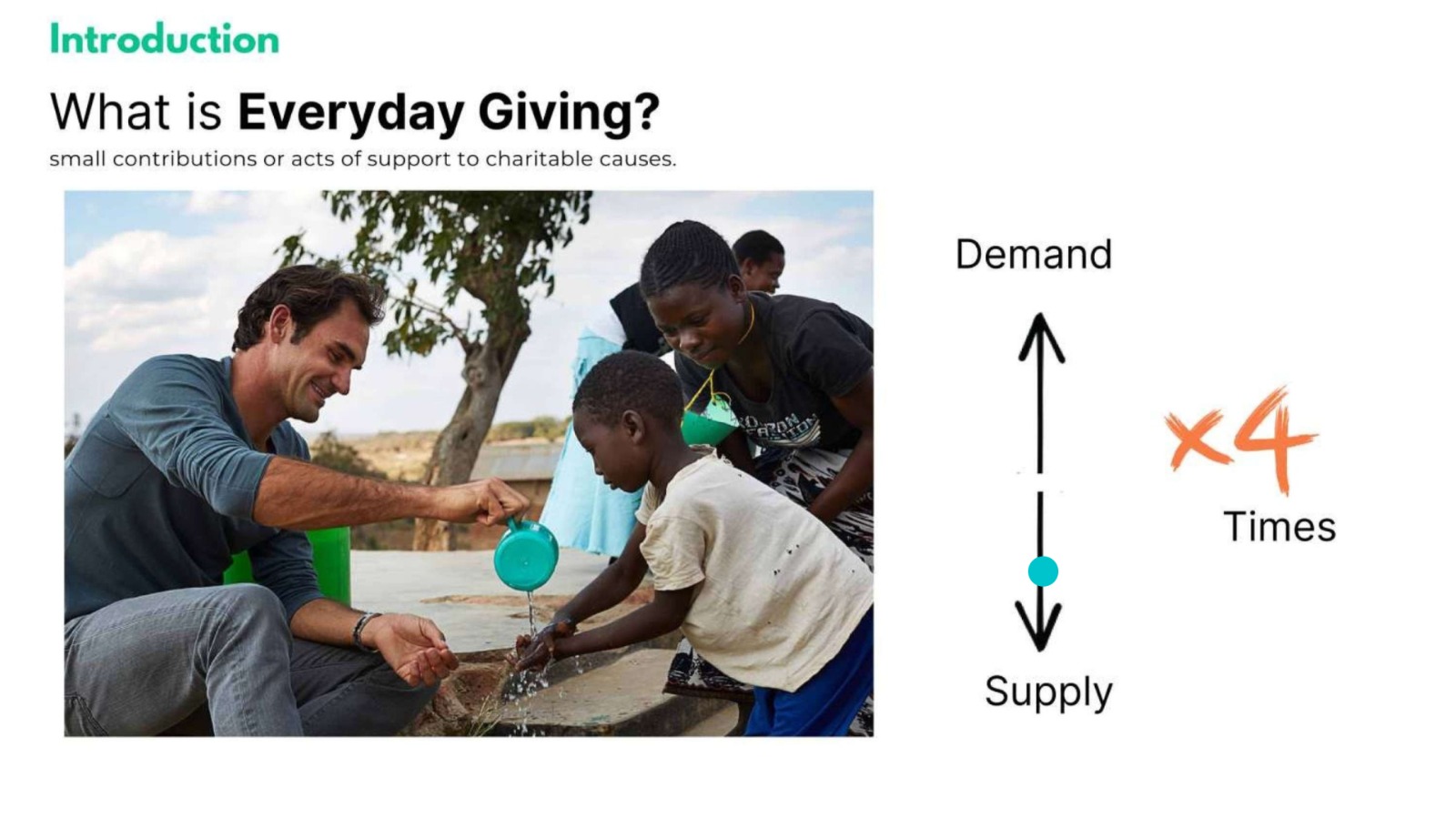
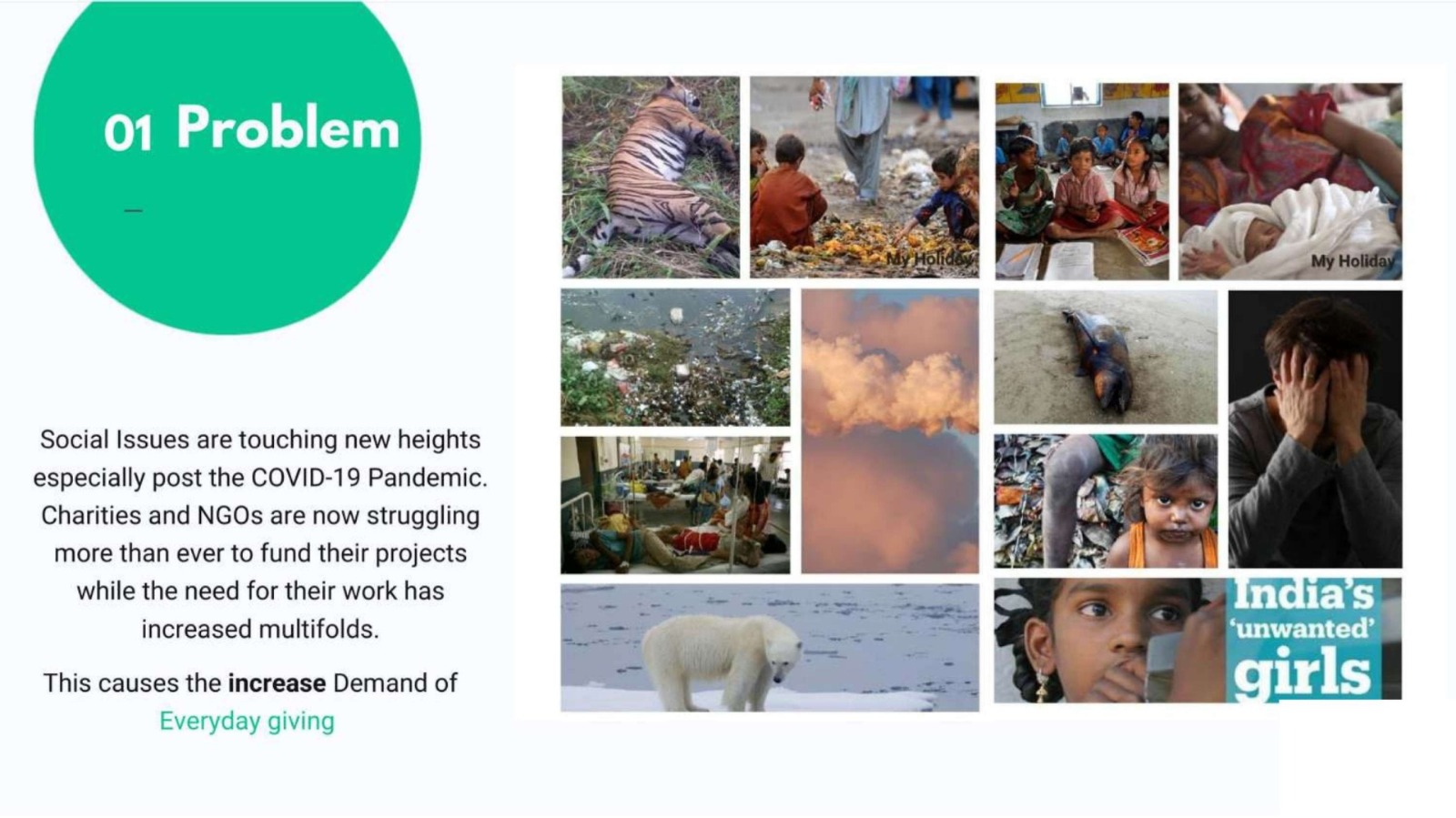
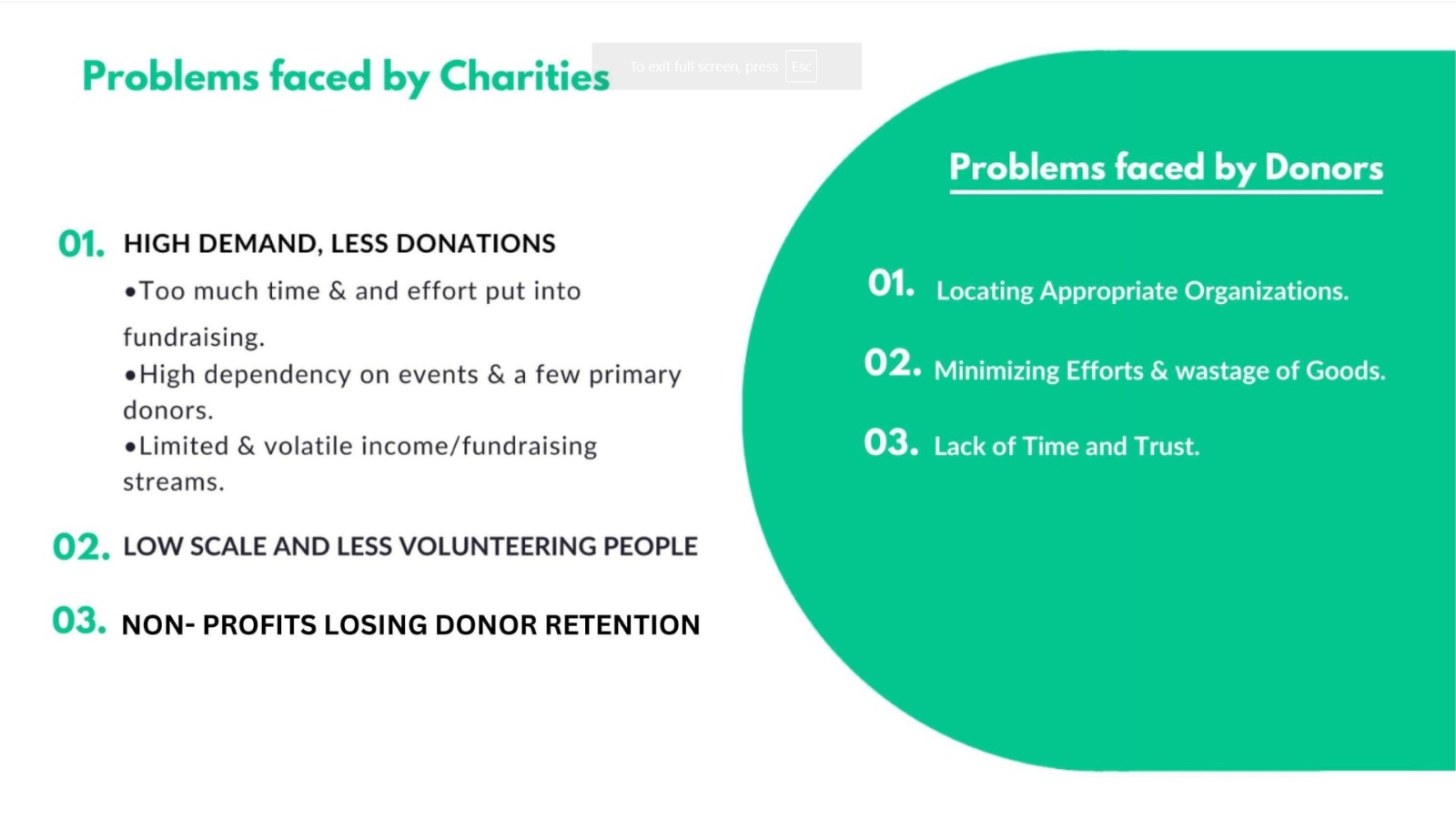
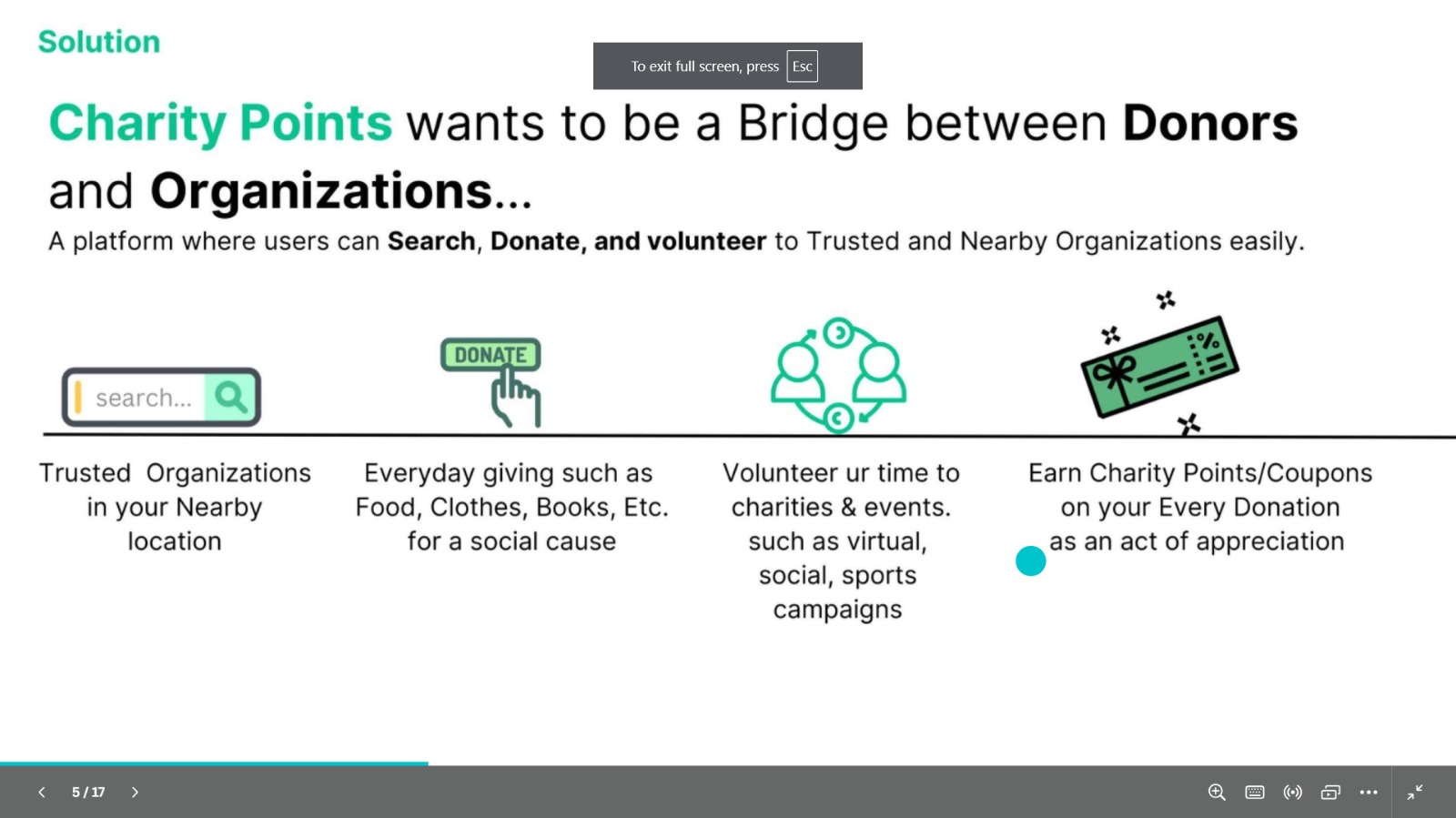
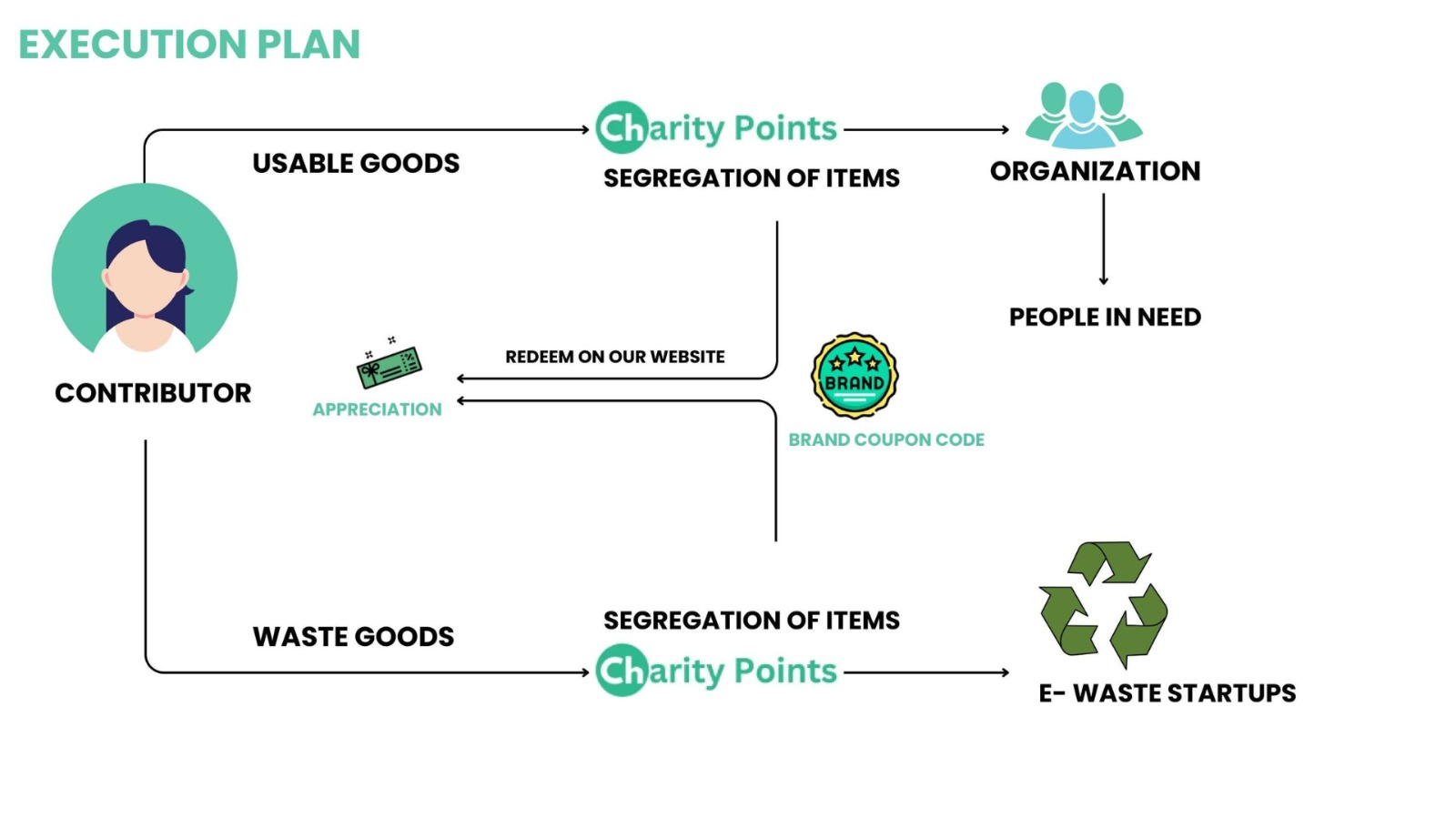
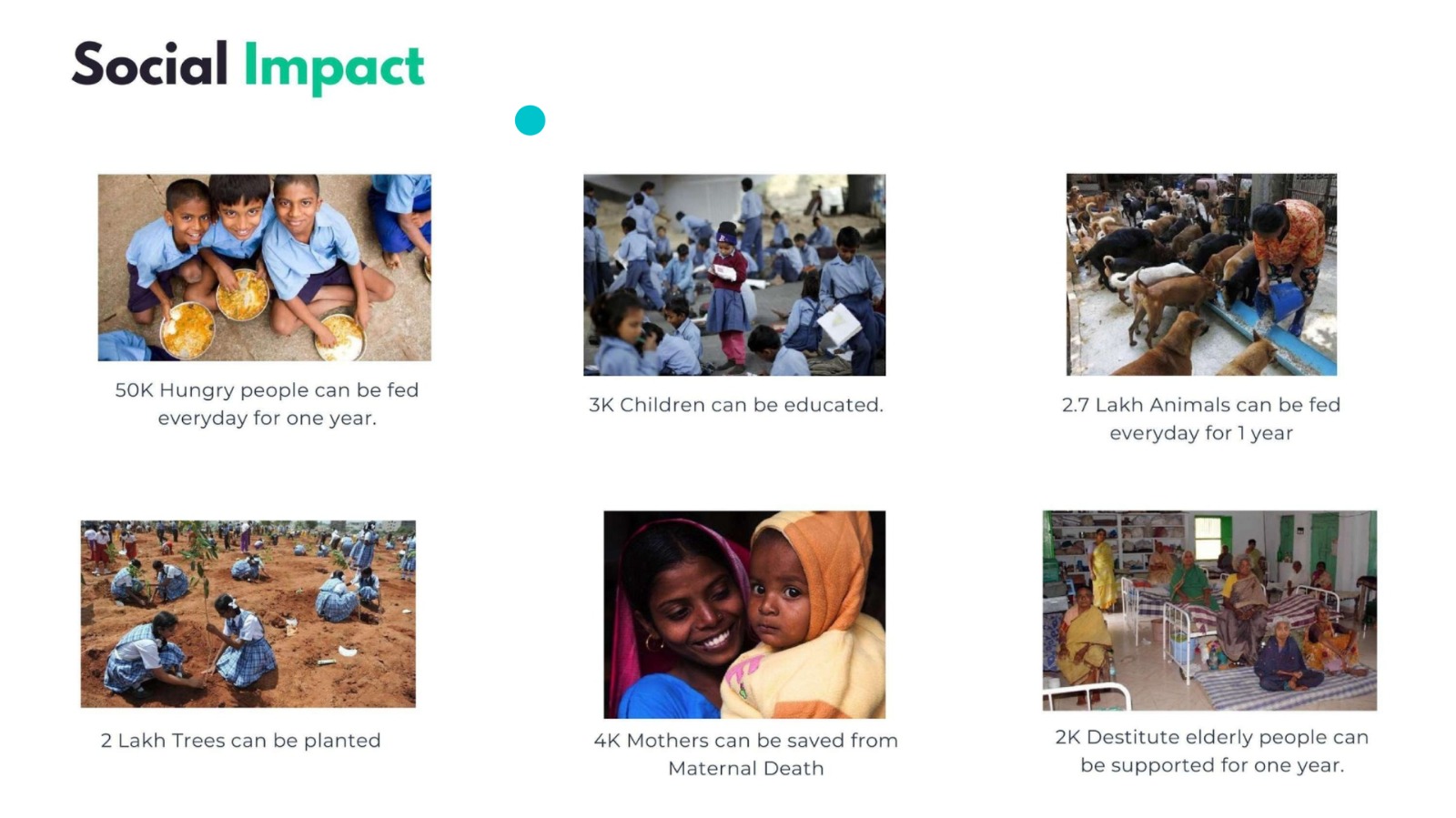
Table of Contents:
Project Summary
The Issue we are Hoping to Solve
More than 220 million Indians sleep hungry each day and lack proper hygiene wear. This has led to a significant increase in the demand for donations in India. While many individuals are willing to contribute, donors encounter various challenges during their efforts to provide essentials such as food, clothes, and books. These challenges include:
- Locating Appropriate Organizations: Donors often struggle to identify trustworthy organizations to which they can contribute. They may not know where to direct their donations or which nearby organizations are involved in responsible and effective donation distribution.
- Minimizing Efforts: Some donors prefer convenient methods of giving and may hesitate to put in substantial effort to locate needy individuals or distribute donations personally. As a result, usable items like food and clothing are sometimes discarded, leading to wastage.
---
### How our technology solution can help
---
Introducing the platform "Charity Points," where donors can effortlessly find nearby charities and organizations to contribute their in-kind donations, including food, clothes, books, and medical supplies.
### Our Idea
Charity Points facilitates the connection(Interface) between donors eager to contribute their Everyday-Giving( Food, Clothes, Books, etc) and those Committed(Charities/Organizations) to collecting and distributing these vital donations to those in need.
OBJECTIVE: The primary objective of Charity Points is to fulfill the demand for donations and extend a helping hand to those who are genuinely in need.
OUR AIM We Aim to Create Trust among users and make them feel that their Donations can change someone's life. This transformation resonates at an individual level, directly influences the nation's economy, and fosters natural betterment.
How it works: Donor/user can perform Three Activities 1 at the Charity Points website. Search 2. Donate 3. Volunteer
- Search: Users can input their location and select the type of donation they wish to offer (such as books, food, clothes, etc.). The platform will then display a list of organizations operating in those areas where they can contribute their items.
- Donate Our platform offers a range of donation options including food, clothes, books, medical supplies, toys, and gifts—serving as contributions to everyday giving. Once users provide the details of their items, they will receive a list of organizations to which they can donate.
- Volunteer We present various avenues for users to volunteer, including participating in events (such as sports and medical activities), offering direct services, engaging in virtual/social events, and contributing to fundraising campaigns. This empowers users to dedicate their time to meaningful causes.
Result When users contribute to a good cause through donations, we express our gratitude by rewarding them with Charity Points or coupons. These valuable rewards can be utilized to redeem courses, participate in activities, or make purchases for themselves or their loved ones. This system encourages donors to consistently engage with the platform, generating a continuous cycle of support. With each interaction, donors experience the joy of making a positive impact while also gaining something meaningful in return.
Impact
- Social
- Economical
- Environmental
Our Mission: Charity Points sees a mission to become the First Platform where we Fulfill the Demand and Support the People who are in Need
Technology implementation
Webiste Development ( Charity Points)
- Tech Stack
- HTML
- CSS
- Javascript
- Images and Screenshots of Main Website(Charity Points)
## IBM AI services used
- Watson Assistant
- When and where: We utilize the Watson Assistant Chatbot on our website, "Charity Points," to enhance user experience. Through this feature, users can conveniently explore options for donating, volunteering, and registering as an NGO.
## Code of Watson Assistant
  <script>
  window.watsonAssistantChatOptions = {
    integrationID: "12650214-b8c0-4e1a-99f6-408259800e97", // The ID of this integration.
    region: "au-syd", // The region your integration is hosted in.
    serviceInstanceID: "106aa994-9b93-40c0-8264-baf6c87cdf3f", // The ID of your service instance.
    onLoad: function(instance) { instance.render(); }
  };
  setTimeout(function(){
    const t=document.createElement('script');
    t.src="https://web-chat.global.assistant.watson.appdomain.cloud/versions/" + (window.watsonAssistantChatOptions.clientVersion || 'latest') + "/WatsonAssistantChatEntry.js";
    document.head.appendChild(t);
  });
</script>
API KEY USED
API key: g5zv1TuXoobQuBk233Il4stBjOEKF0PDu1zYoJc6pief
## GIF & Video (Watson Assitant)
- Watson Speech to Text
- When and Where
Other IBM technology used
- IBM Cloud Object Storage
Auto-generated for key
crn:v1:bluemix:public:conversation:au-syd:a/f9e1c3f91e4747b28c7b16f7cb9d264b:106aa994-9b93-40c0-8264-baf6c87cdf3f:resource-key:84ec672a-426b-4361-b223-57a6adf6ebe2
Solution Architecture
Presentation materials
## Solution demo video Charity Points
## Project development roadmap
- 1: Donate:( Food🥗, Clothes👕, Books📒, Medical💊, Toys & Gifts🧸)
- 2: Volunteer:(Sports/Events🏃🏻, Virtual/Social📱,Direct Services,Fundraising)
- 3: IBM-Chatbot:(Help users to search, Donate and Register as NGO)
- 4: Enter Details📜:( Text ✏️, Speak🎙️,Upload Image🖼️)
- 5: Search Organisation🔎: List of Organisations in your Nearby Location, [Select and Donate]
- 6: Greetings & Charity points:(Reward for you )🟡💰 As an Appricaition you will receive Charity points that can be redeemed to buy something from our platform
## Additional details ### How to run the project
Note: Please ensure you have installed nodejs
To preview and run the project on your device:
1) Open project folder in Visual Studio Code
2) In the terminal, run npm install
3) Run npm start to view the project in the browser
Built With
- css
- html
- ibm-cloud-object
- ibm-watson
- javascript
- python
- watson-speech-to-text

Log in or sign up for Devpost to join the conversation.