-
-
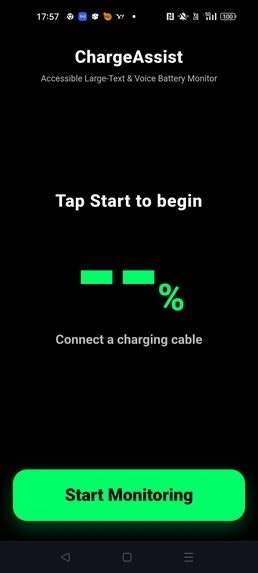
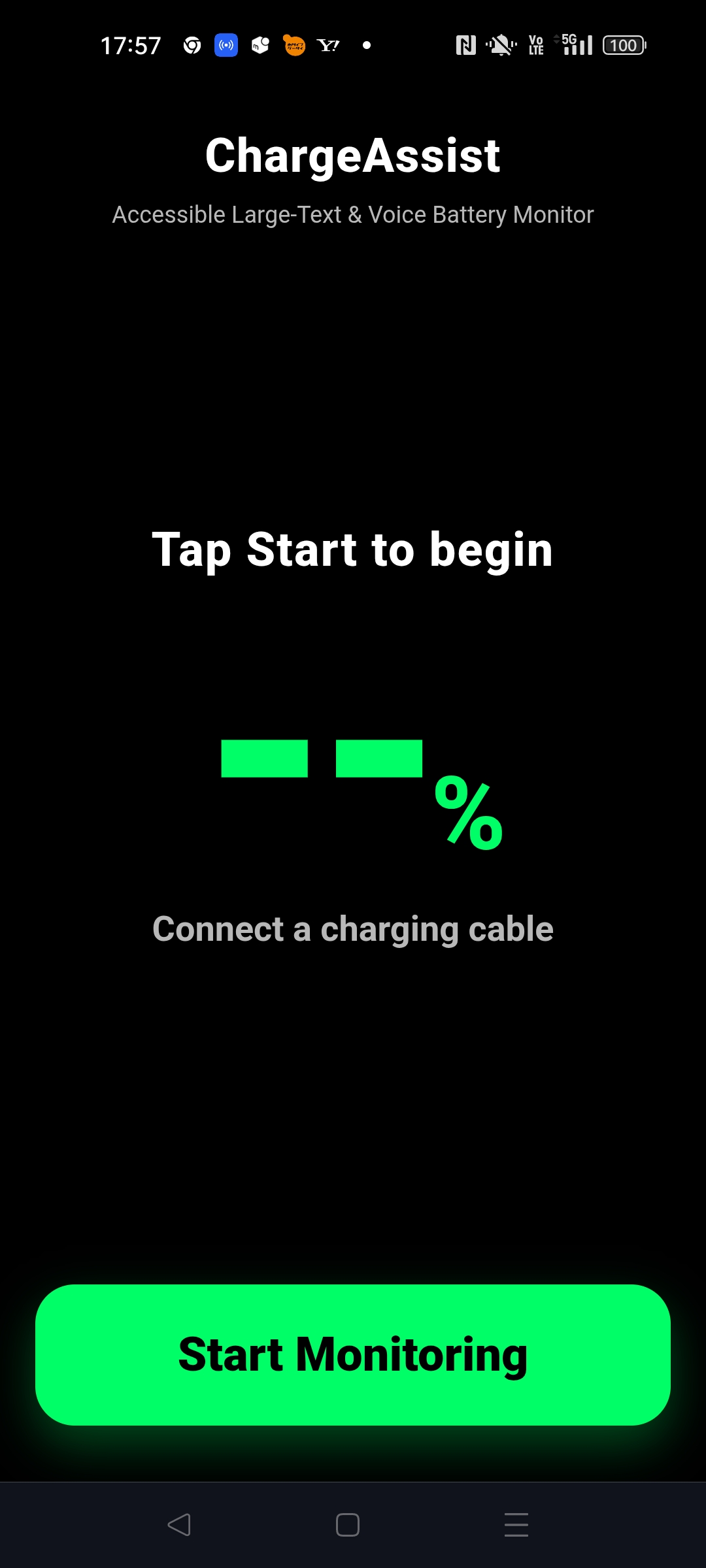
start screen
-
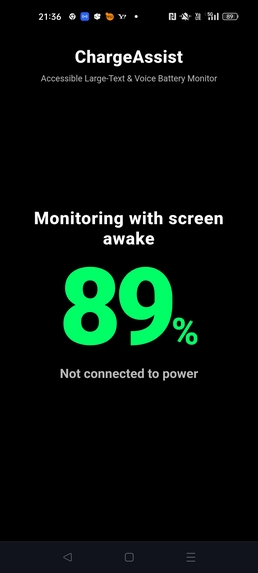
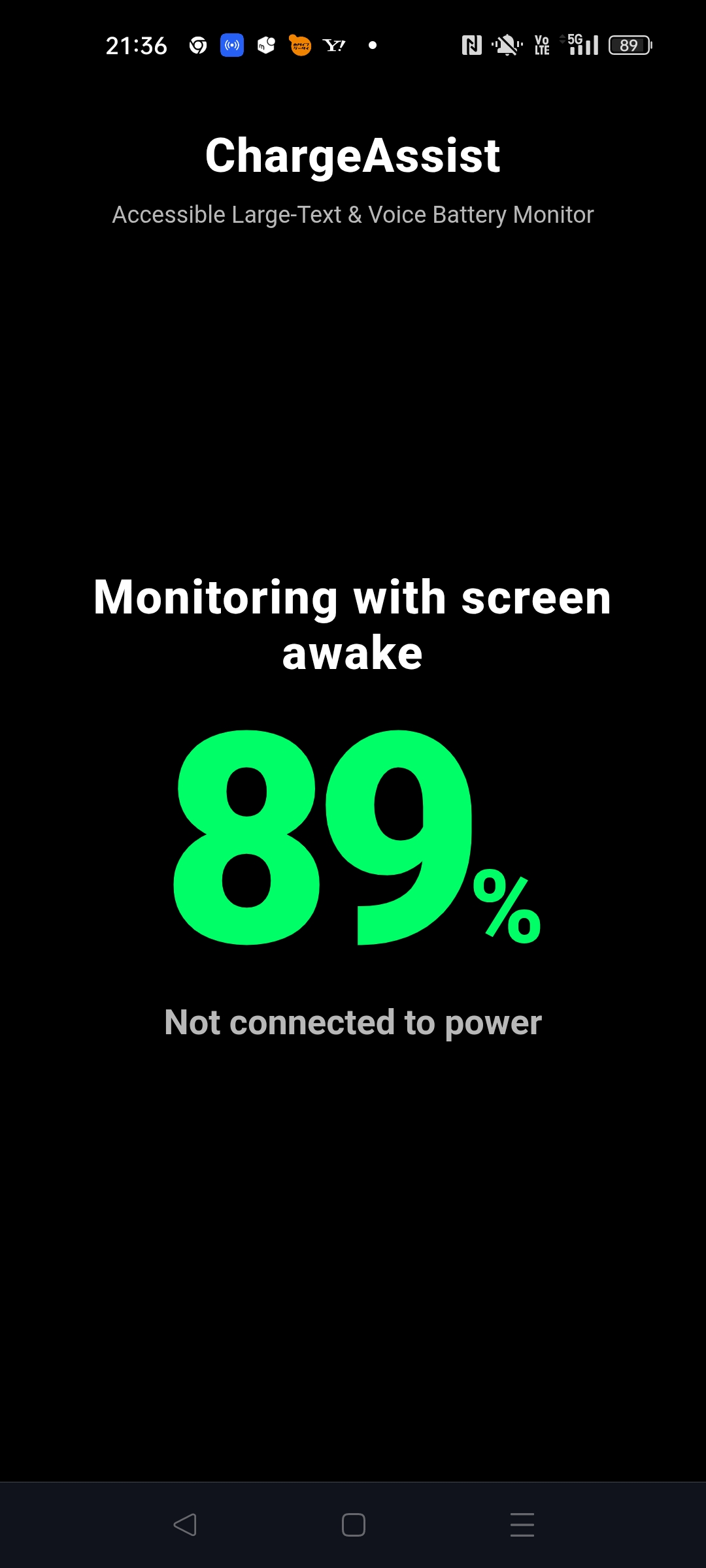
Live monitoring
-
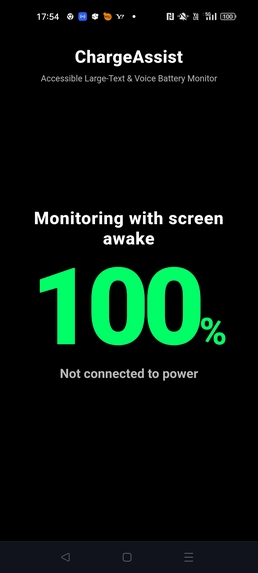
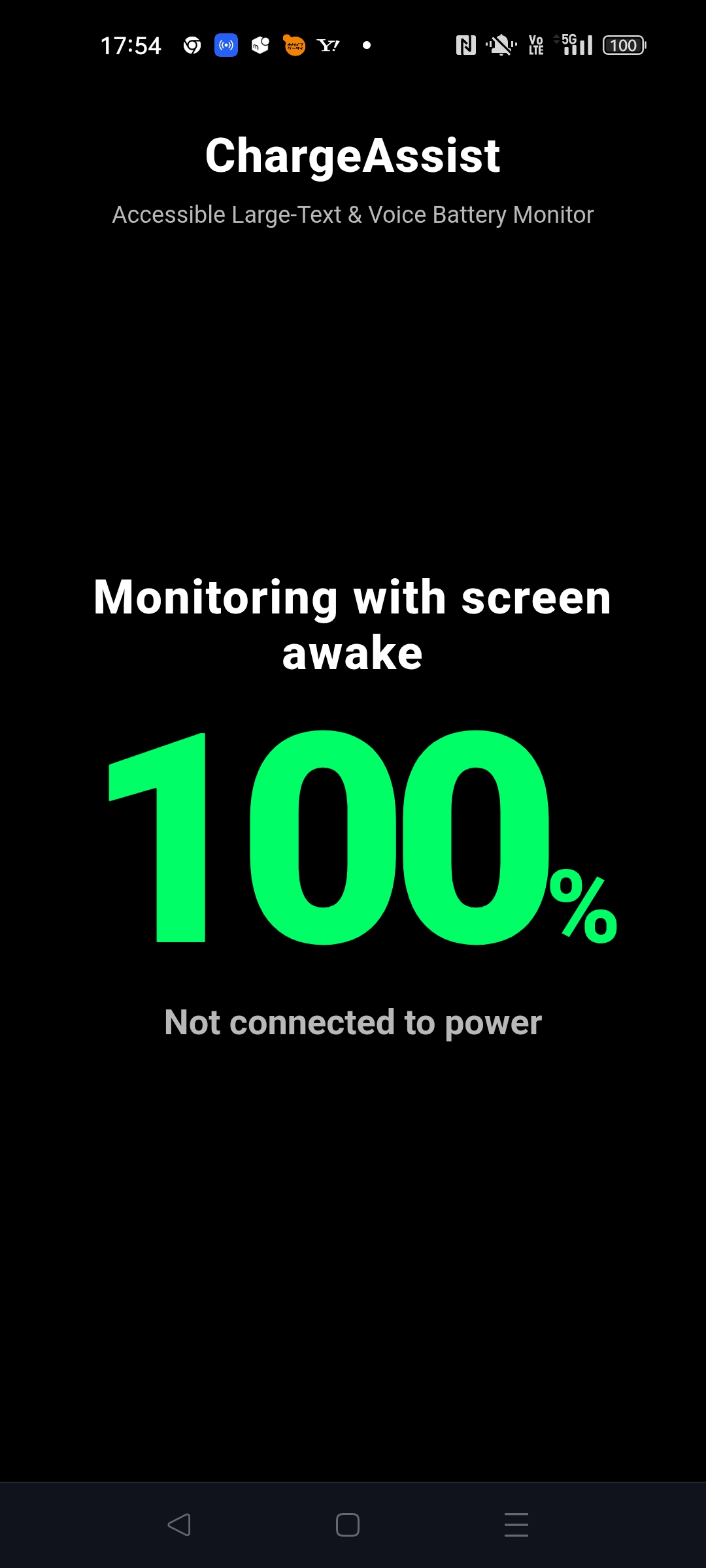
Full battery
-
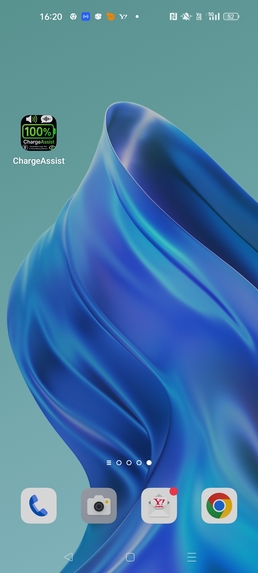
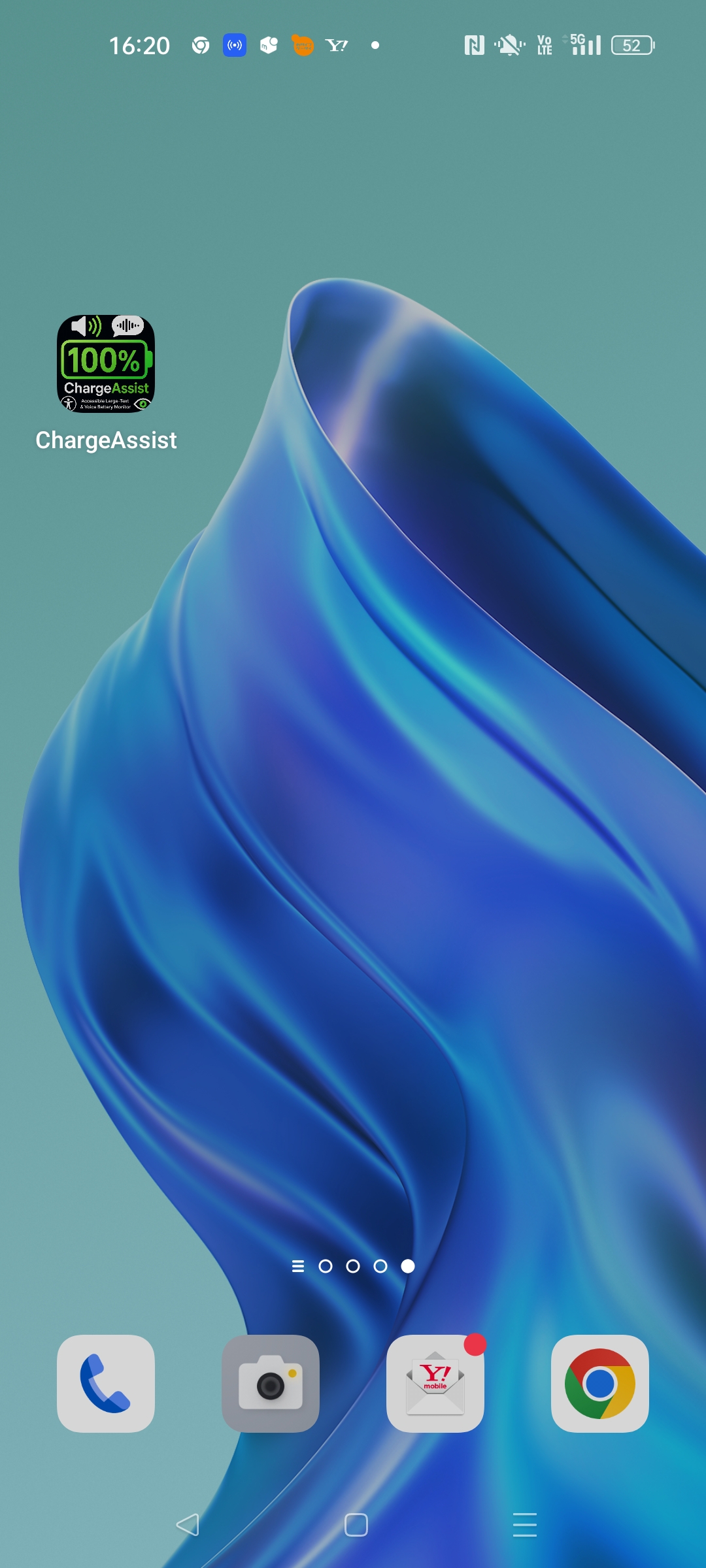
Installed PWA
Inspiration
Battery status is essential information, but on most phones it is reduced to a tiny icon. For older adults, people with low vision, and anyone who has difficulty reading small interface elements, checking the battery can become unnecessarily frustrating.
Japan's aging society made this everyday accessibility problem feel especially important to me. I wanted to solve one small but frequent problem with a deliberately focused product: a battery monitor that can be understood at a glance and heard without navigating menus.
What it does
ChargeAssist is an installable Progressive Web App that displays the battery percentage in extremely large, high-contrast text and announces important battery and charging information in English.
The experience is intentionally simple:
- One large button starts monitoring
- The current battery percentage dominates the screen
- Charging and disconnection states are announced immediately
- Charging milestones are announced at 5% intervals
- 80%, 90%, and 100% receive tailored voice messages
- Wake Lock support helps keep the display visible when available
- The app shell can launch offline after a successful visit
- No account, advertising, analytics, backend, or personal-data collection is required
Accessibility is not an extra feature in ChargeAssist; it is the product itself.
How I built it
ChargeAssist uses HTML, CSS, and vanilla JavaScript. It combines the Battery Status API, Web Speech API, Screen Wake Lock API, Service Worker and Cache API, Web App Manifest, ARIA live regions, and responsive CSS. GitHub Pages provides the public deployment.
All battery processing remains inside the browser. GPT-5.6 and Codex were used during development, but they are not runtime dependencies, so the finished app remains lightweight and private.
ChargeAssist entered Build Week as a small working PWA. During the submission period, it was meaningfully extended and hardened with GPT-5.6 and Codex. The Build Week work restored browser zoom, added a screen-reader-friendly battery summary, improved voice states and milestone announcements, corrected Wake Lock fallbacks, strengthened portrait and landscape layouts, refined the manifest and offline cache, and verified the live deployment against the tested files.
Challenges I faced
The main challenge was not adding features; it was making a very small interface behave reliably across changing browser and device conditions.
Battery API support varies by browser. Wake Lock can be unavailable or fail. Speech synthesis and charging events are asynchronous. Landscape screens leave little vertical space, while low-vision users still need browser zoom and very large text. Service-worker updates also need careful cache handling so that the deployed version matches the verified version.
Each fallback had to communicate the truth without making the interface more complicated. Testing therefore covered multiple viewport sizes, keyboard focus, screen-reader announcements, charging-state transitions, voice milestones, service-worker activation, offline reloads, and the deployed GitHub Pages files.
Human-AI collaboration
I made the core product and design decisions: the target users, accessibility philosophy, extra-large percentage display, one-screen interaction, English-only interface, visual hierarchy, and the decision to reject menus, accounts, advertisements, decorative animation, settings pages, and feature bloat.
GPT-5.6 helped structure the specification, refine English wording, explore accessibility improvements, and organize the documentation and submission story.
Codex inspected and debugged the repository, implemented focused accessibility and reliability improvements, traced browser behavior and fallbacks, tested responsive layouts and voice states, verified PWA and offline behavior, checked the live deployment, and prepared technical documentation and submission media. Codex's debugging and verification workflow significantly accelerated the path from a working prototype to a stable submission.
What I learned
I learned that accessibility often depends on details that are easy to overlook: allowing browser zoom, announcing state changes without repetition, exposing a concise screen-reader summary, and reporting unsupported browser capabilities honestly.
I also learned that simplicity requires discipline. A product can become more useful by removing decisions and distractions rather than adding features. AI collaboration was most valuable when it accelerated implementation and verification while the human product direction remained clear.
What I am proud of
ChargeAssist is a complete, installable, open-source product that solves a specific everyday problem with minimal interaction. It demonstrates that accessibility-focused software does not need to be technically or visually overwhelming. Sometimes good design means making one essential piece of information impossible to miss.
What's next
The next step is careful usability testing with more older adults and low-vision users, followed by small evidence-based refinements. The one-screen, accessibility-first philosophy will remain unchanged.
Try ChargeAssist
Built With
- androidchrome
- aria
- batterystatusapi
- cacheapi
- css3
- githubpages
- gpt-5.6
- html5
- javascript
- openaicodex
- progressivewebapp
- screenwakelockapi
- serviceworker
- webappmanifest
- webspeechapi

Log in or sign up for Devpost to join the conversation.