Inspiration
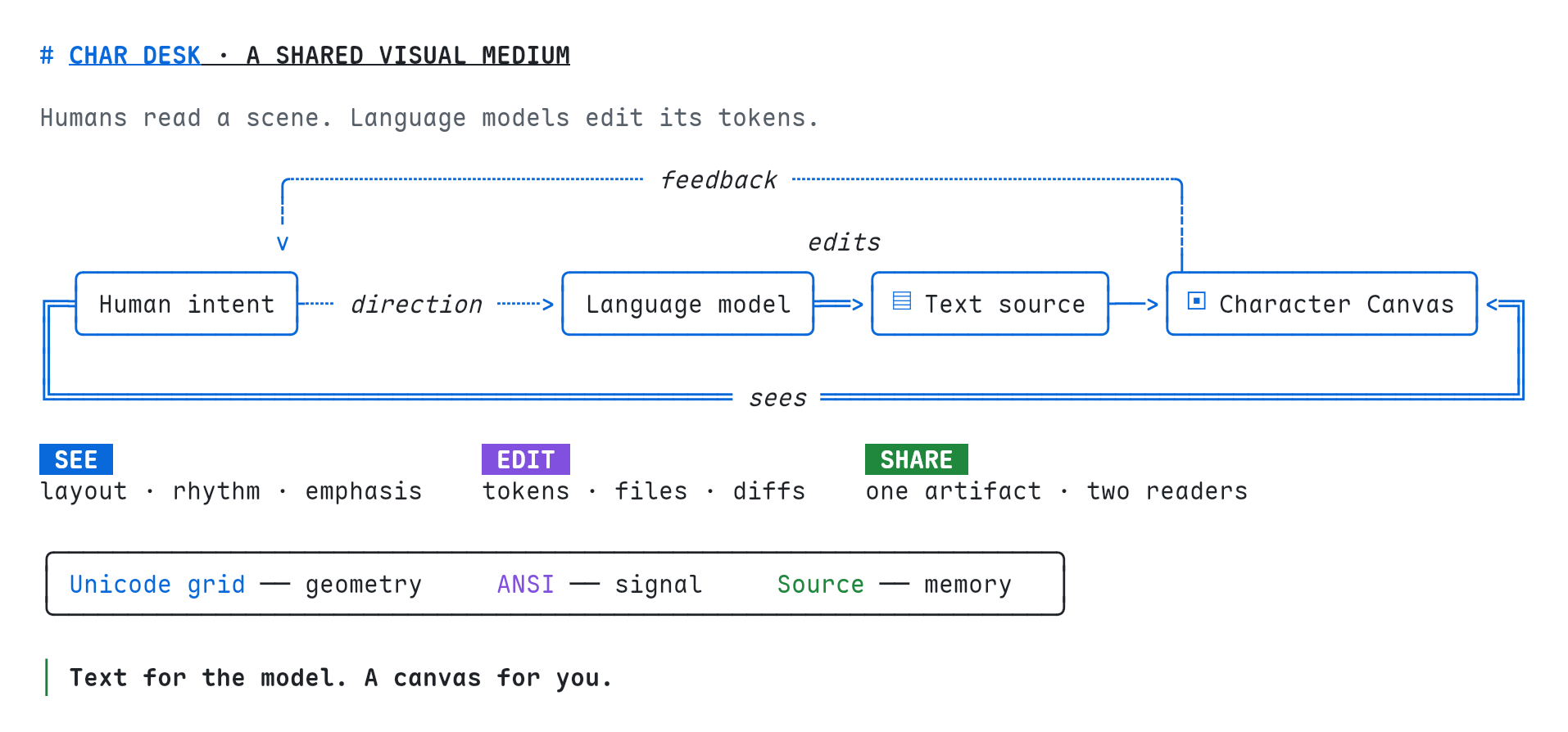
Most AI agents are fluent in text, but people understand complex ideas faster when they can see structure, position, emphasis, and relationships.
Existing collaboration tools usually force one side to compromise: people work through visual interfaces while agents imitate mouse clicks, or agents produce plain text that people must mentally reconstruct. We wanted a medium native to both.
CharDesk began with a simple idea:
What if the canvas were visual to people, but still made of tokens an agent could read and edit precisely?
What CharDesk does
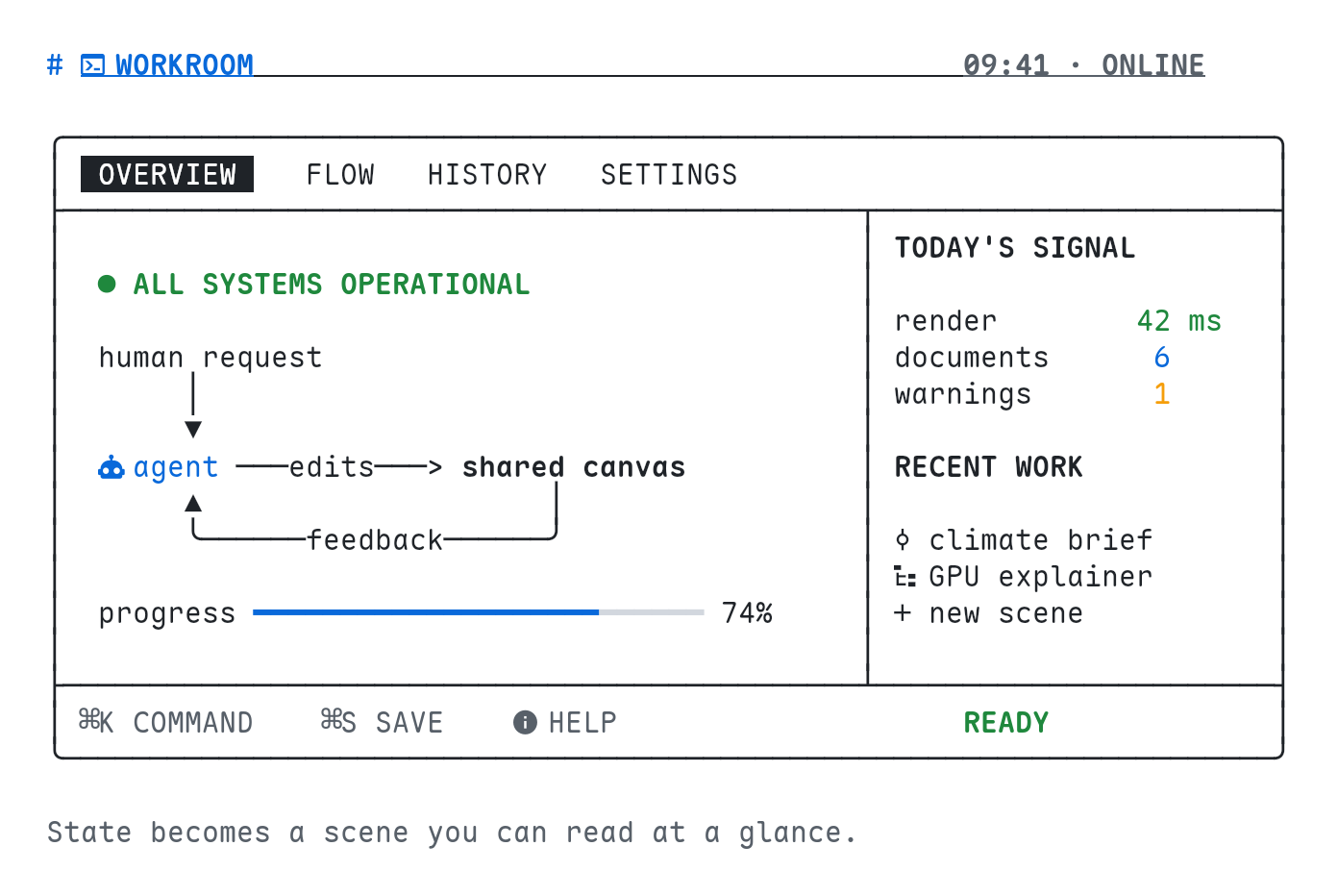
CharDesk is a shared visual workspace for humans and AI agents.
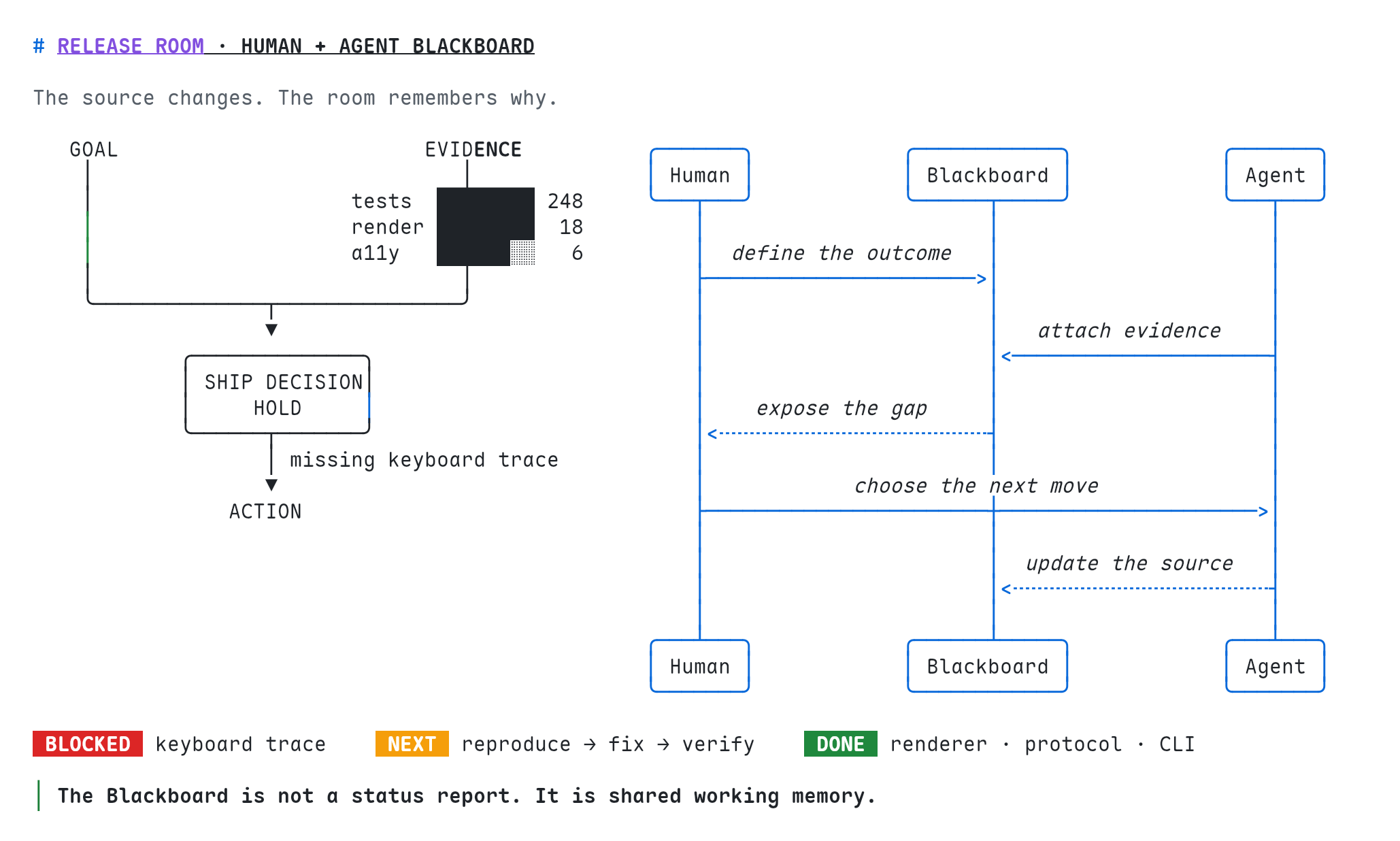
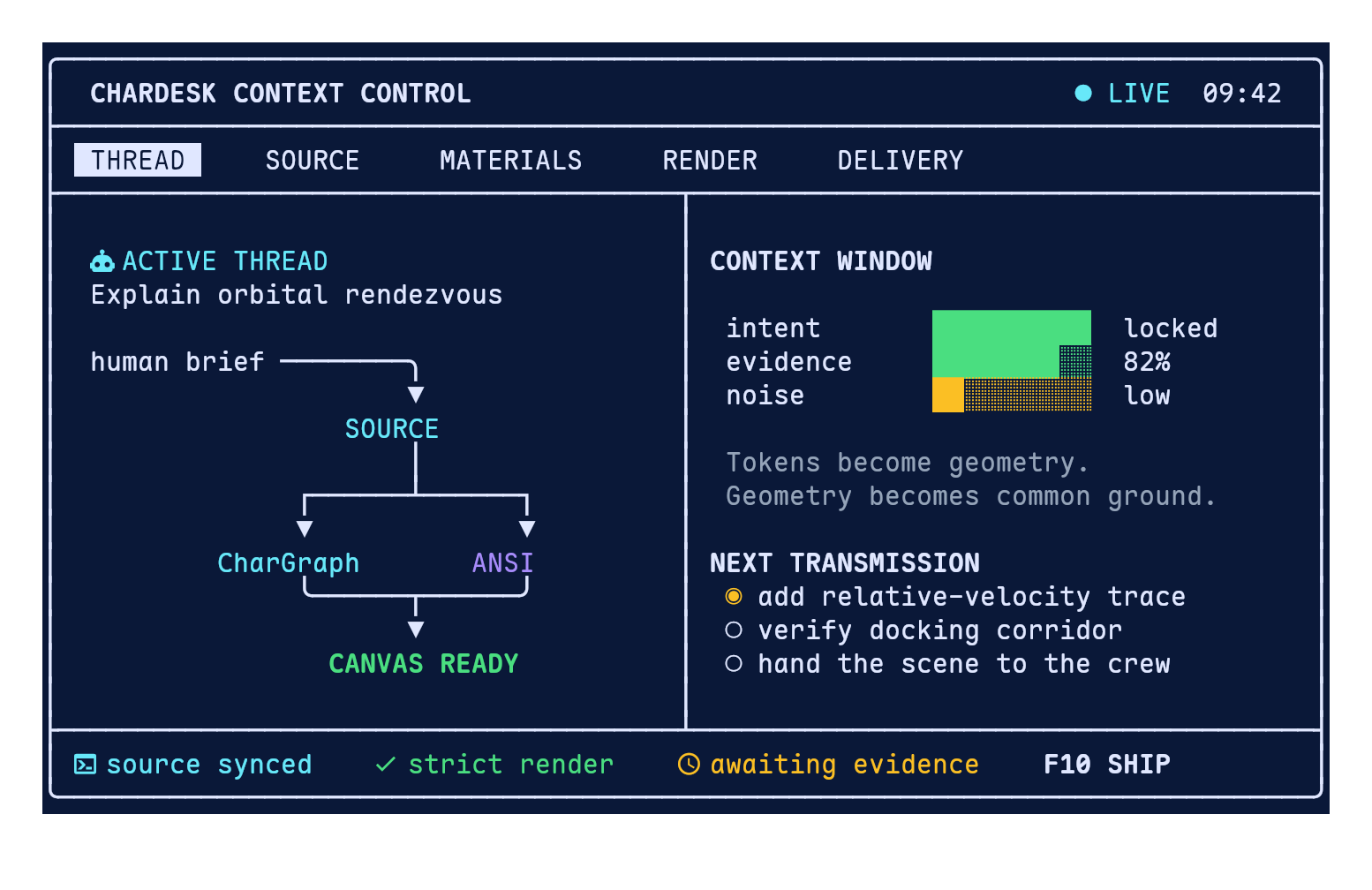
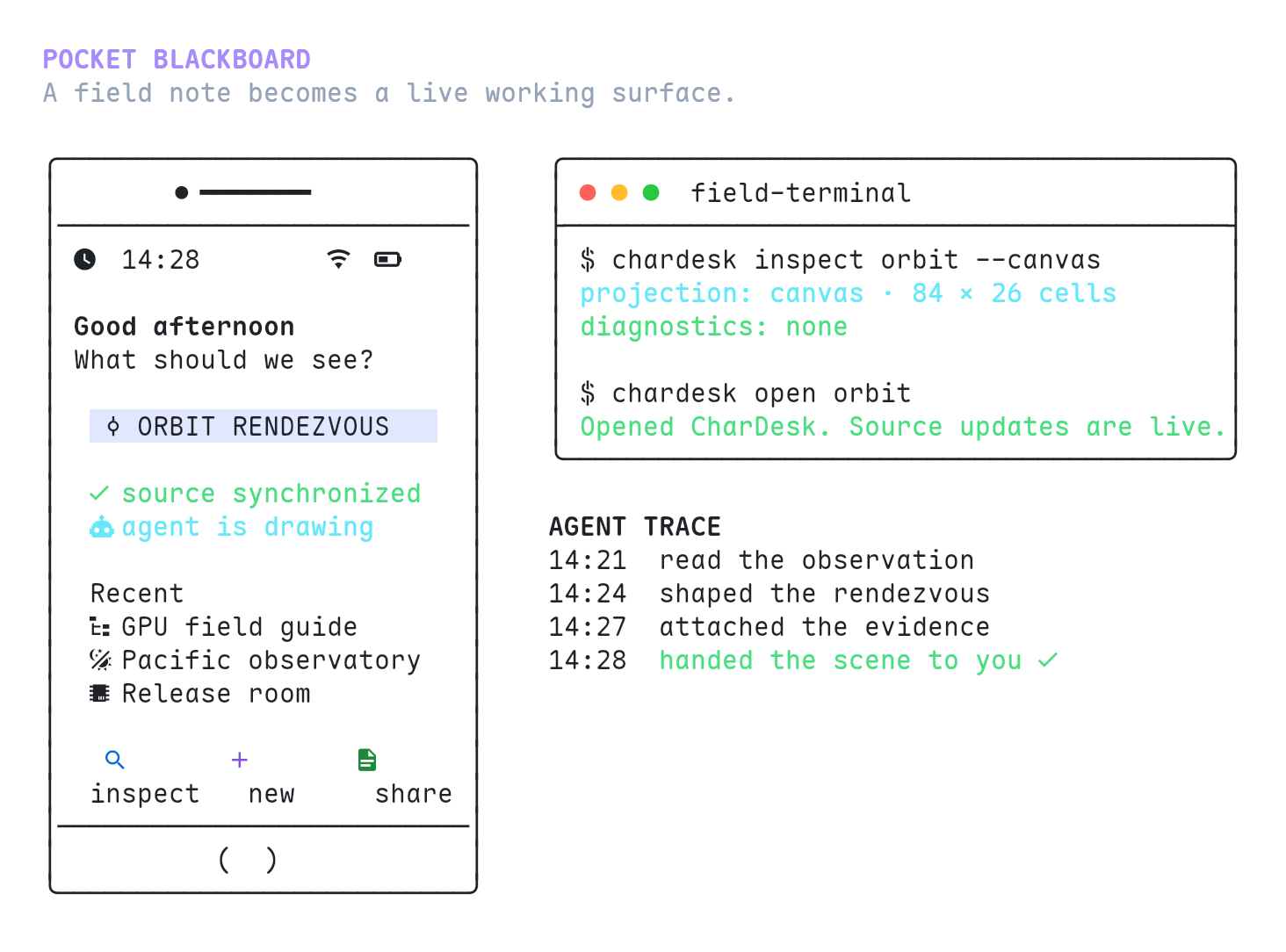
An agent can create or update a Blackboard through WebMCP. The result immediately appears as a live Unicode canvas that a person can inspect, navigate, and continue discussing with the agent.
The same canvas can combine:
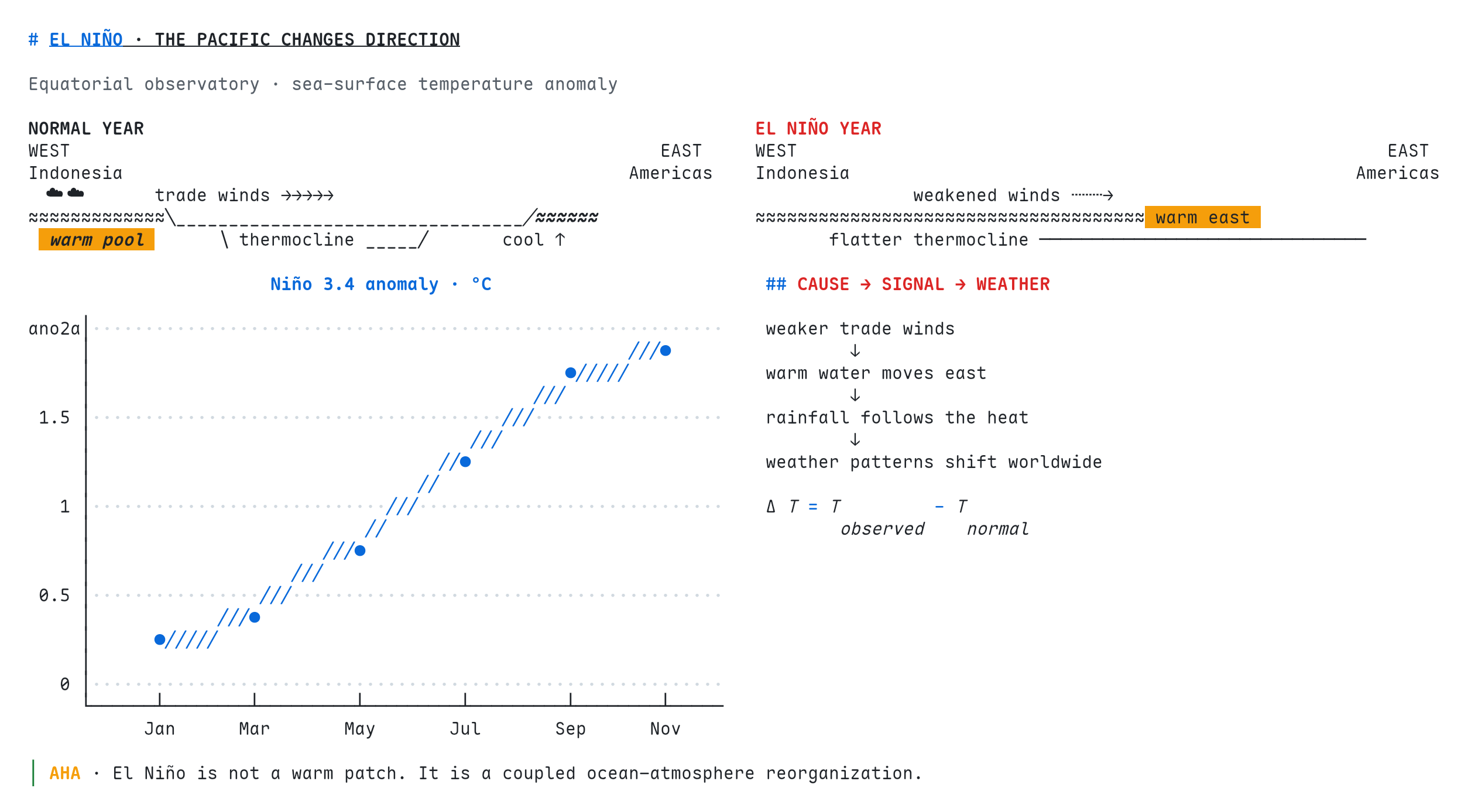
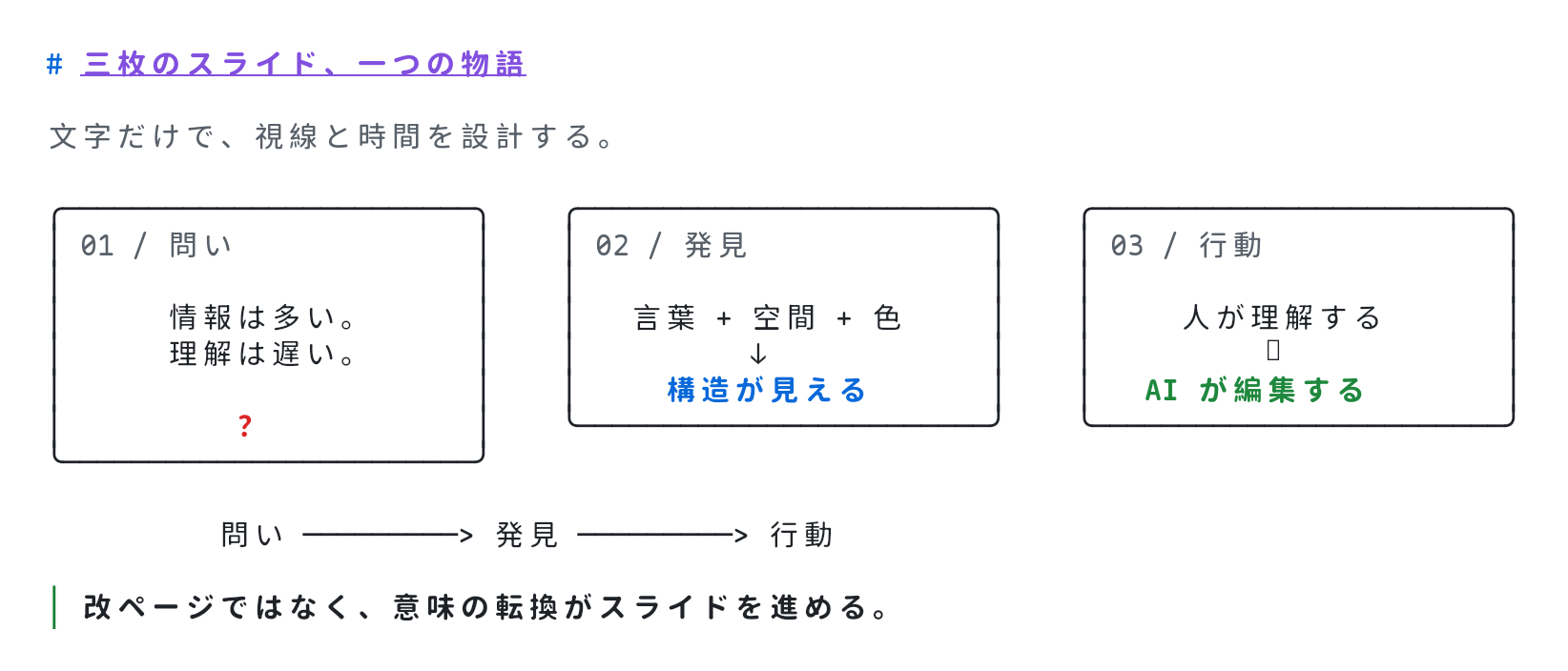
- Unicode and ANSI art
- Markdown and fenced code
- Mermaid diagrams
- Tables, JSON, and YAML
- Mathematical expressions
- Scientific plots and Vega-Lite
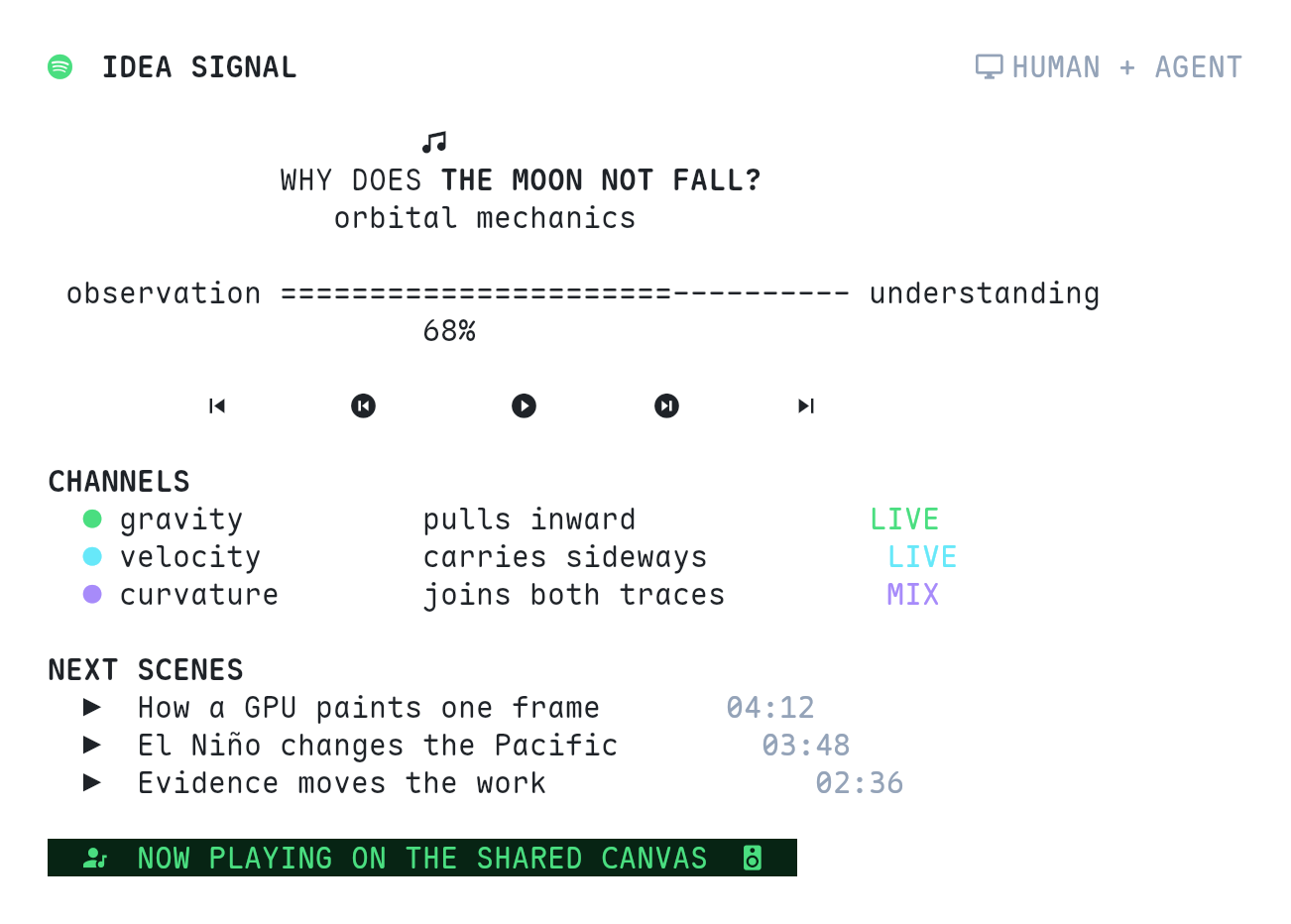
- Spatial layouts and character-based slides
This makes CharDesk useful for explaining concepts, visualizing research, mapping systems, designing interfaces, presenting stories, and maintaining a shared project workspace.
For example, someone can ask:
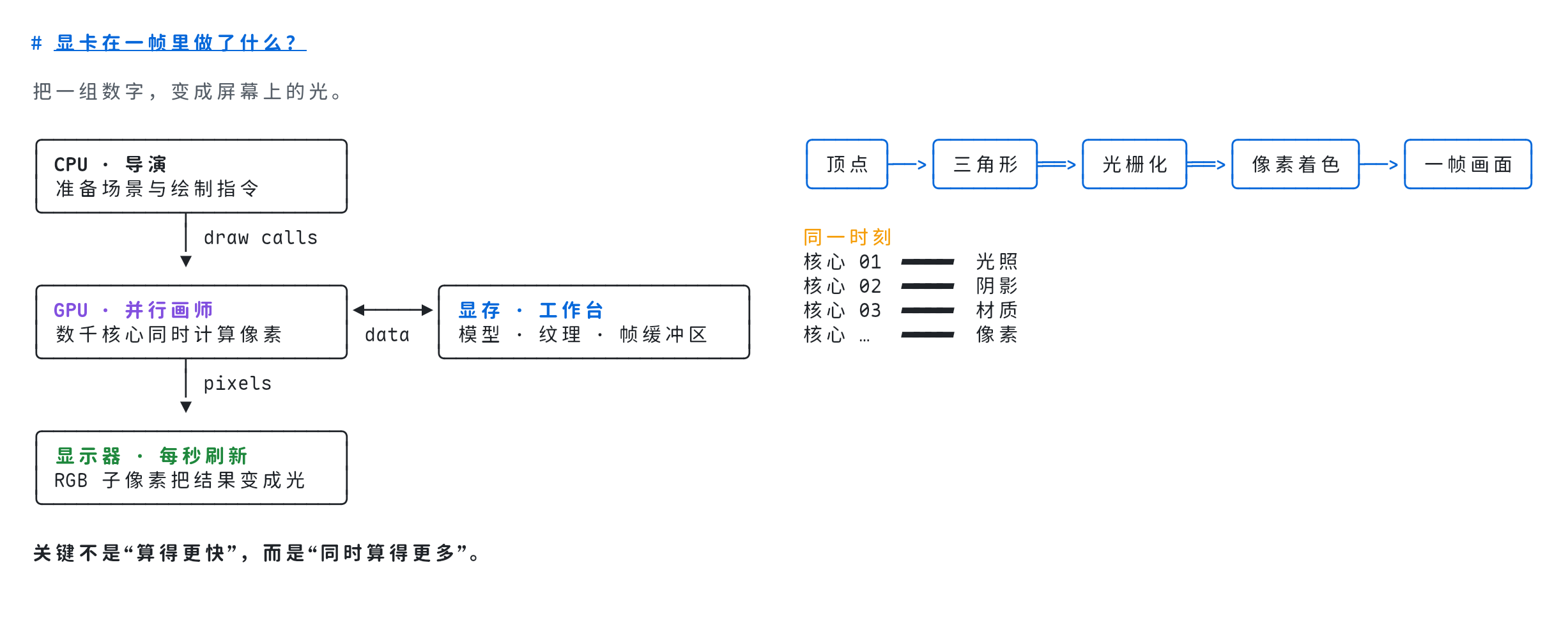
“Explain how a GPU renders one frame.”
The agent can turn that request into a structured visual scene containing a pipeline diagram, memory relationships, annotations, and styled interface elements—not just another long answer in chat.
Why it is better with WebMCP
Without WebMCP, an agent would need to guess how to operate the interface or manipulate individual canvas cells.
CharDesk instead exposes focused workspace tools for discovering, creating, reading, writing, patching, deleting, and validating Blackboard files. The source remains authoritative; the canvas is a live projection of it.
This gives each participant the representation they work with best:
Human
  sees relationships, hierarchy, and visual emphasis
                         ⇅
              CharDesk Blackboard
                         ⇅
Agent
  reads and edits structured, diffable text
Agents can also call chardesk_read_materials to learn the visual language from worked examples. The tool teaches not only how to call the API, but how to compose an effective scene.
How we built it
CharDesk has a protocol-neutral tool layer shared by two thin host adapters:
- Standard WebMCP for compatible Chrome environments
- The imperative WebMCP capability supported by ChatGPT Site Tools
Both adapters expose the same underlying Blackboard operations, so product behavior does not depend on a particular browser integration.
A Blackboard stores source files and layout metadata. Changes are compiled through a shared rendering pipeline into a fixed character grid. This pipeline handles Unicode width, CJK characters, Nerd Font glyphs, ANSI styles, structured diagrams, and multidimensional layouts.
The browser keeps the latest valid canvas mounted while an agent edits the source. If an intermediate update is invalid, CharDesk returns diagnostics without replacing the visible scene with a broken or empty state.
The same format also works outside the browser through the CharDesk CLI, making projects portable, inspectable, renderable, and friendly to normal version-control workflows.
Challenges we faced
One unexpected challenge was tool ownership across browser tabs. Opening several CharDesk pages could cause identical tools to be registered multiple times, leaving the agent unable to choose a target. We built an origin-level gateway lease so only one page exposes the tools, with automatic takeover when that page closes.
Chrome and ChatGPT also expose different subsets of the evolving WebMCP API. Instead of spreading compatibility checks throughout the product, we isolated those differences behind capability adapters backed by one canonical tool definition.
Another challenge was timing: some hosts inject WebMCP after the application has already loaded. CharDesk therefore uses an adaptive registration handshake rather than assuming the API exists at startup.
Finally, we learned that exposing tools is not enough. An agent may know how to write a file without knowing how to create a compelling visual explanation. Embedding CharDesk’s materials and examples as a callable tool gave browser agents the missing creative context.
What we learned
The most important lesson was that agent-native design is not simply automation layered onto an existing UI.
A better pattern is to give agents a precise, structured representation while giving people a rich visual projection of the same underlying artifact. WebMCP makes that relationship discoverable directly from the website, without requiring agents to reverse-engineer the interface.
CharDesk explores what becomes possible when the web page is no longer just something an agent operates, but a shared medium in which the human and agent can think together.

Log in or sign up for Devpost to join the conversation.