-
-
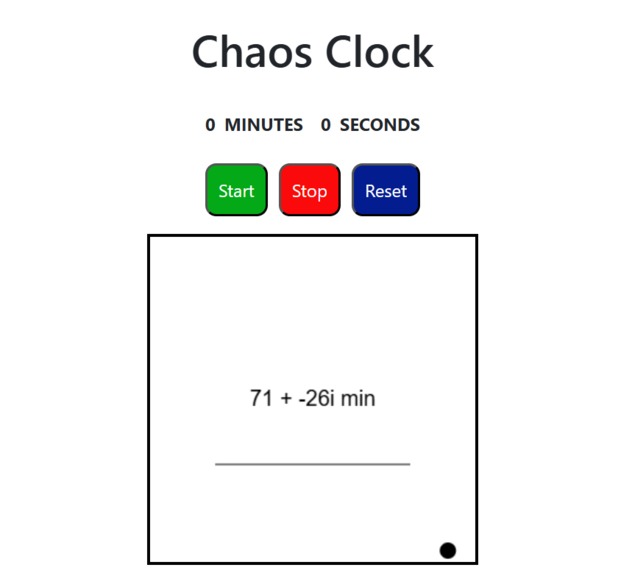
Landing Page/Timer
-
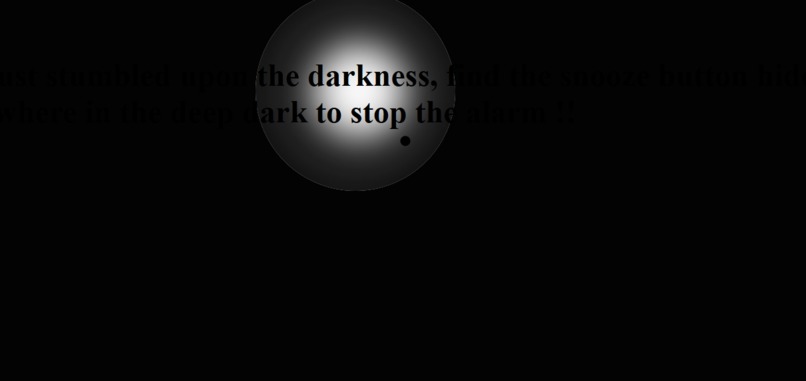
Task 1
-
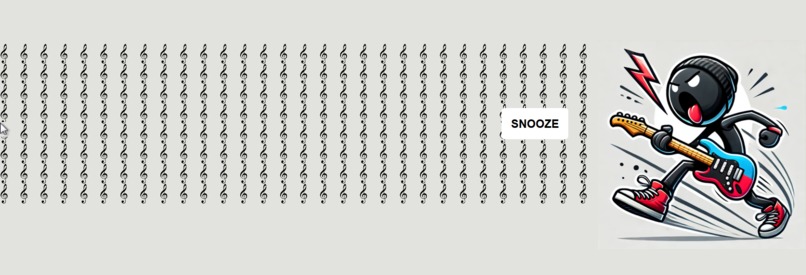
Task 2
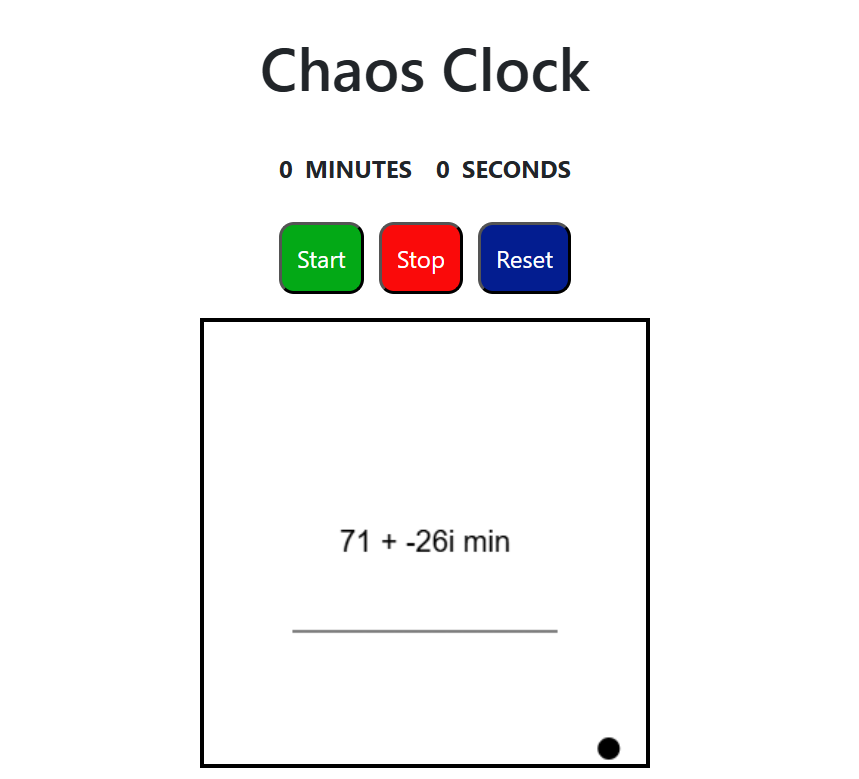
Chaos Clock: The Timer That'll Drive You Mad!
Inspiration
Chaos Clock is the ultimate test of patience disguised as a productivity tool. We wanted to take something as simple as a Pomodoro timer and turn it into a hilarious, frustrating, and unforgettable experience. Think of it as the timer equivalent of walking through a haunted house - but instead of ghosts, you’re battling pop-ups, blaring alarms, and unruly cursors.
What it does
Chaos Clock redefines productivity by challenging not just your focus, but your sanity. Here’s the torture — we mean, features:
- A rebellious slider: Set your desired duration—if you can! The slider ball might just tumble off the bar, and you’ll have to drag it back before starting the timer.
- Pop-up chaos: Every 10 seconds, a window alert pops up, letting you know the remaining time with an alarm that’s anything but subtle.
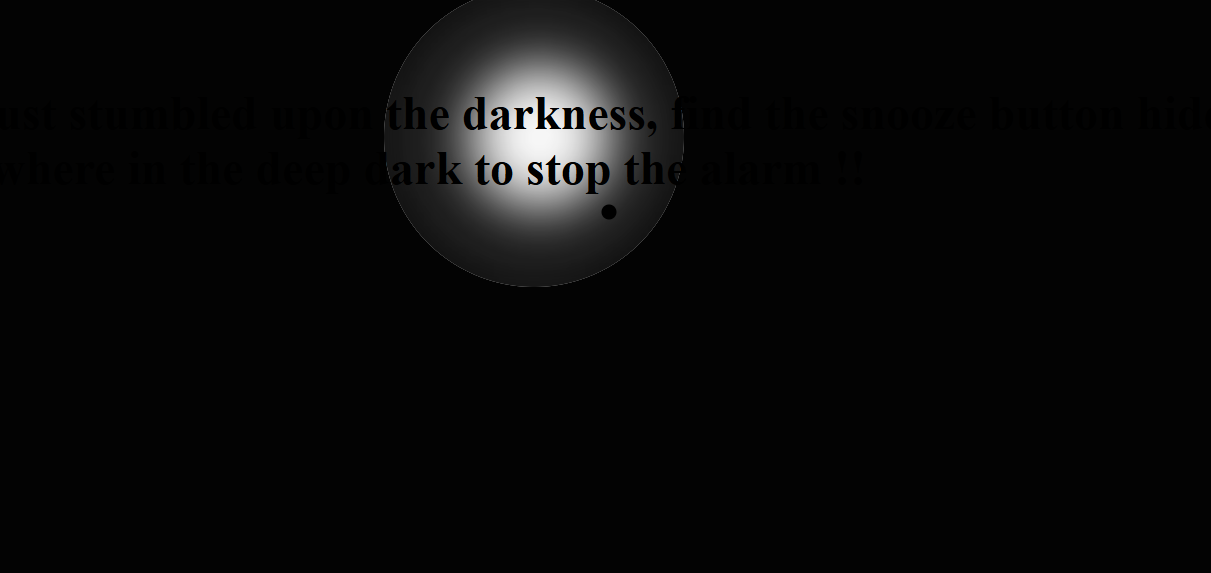
- The dark zone: After 45 seconds, the real fun begins. You’re redirected to a pitch-black page with an incessant alarm, where your cursor is now a flashlight. Your mission? Find and click the snooze button.
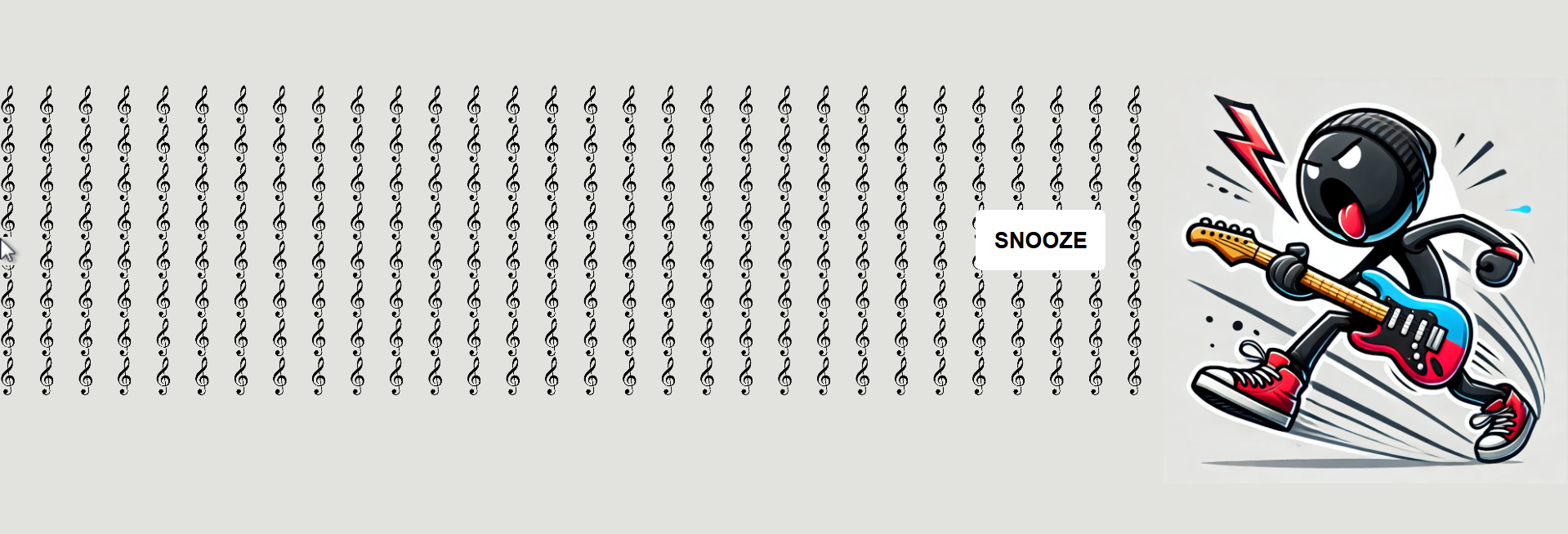
- The final battle: Survive the dark zone, and you’re thrown into a page where the cursor is blown leftward. Clicking the center snooze button while fighting the "wind" is your only way to silence the chaos.
How we built it
- Using pure HTML, CSS, and JavaScript, we combined creativity with absurdity to craft Chaos Clock. Each feature was a deliberate attempt to push boundaries—not of productivity, but of annoyance.
Challenges we ran into
- Designing unpredictable and aggravating interactions while maintaining functional code.
- Keeping ourselves sane during development with annoying alarms and sounds blaring at us.
- Restricting ourselves to just HTML, CSS, and JavaScript to turn the simplest idea into something delightfully absurd.
Accomplishments we’re proud of
We created something so frustratingly fun that even we couldn’t stop laughing while testing it. If you’ve ever thought, “Timers are just too simple,” Chaos Clock is here to prove you wrong.
- Designing interactive elements like the runaway slider and the flashlight cursor in the dark zone.
- Seamlessly integrating humor and frustration into a single functional app.
- Staying true to the concept and delivering a product that’s ridiculous all while relying on just the three basic frameworks.
What we learned
This project was as much about learning as it was about coding. Key takeaways include:
- Creative problem-solving: Designing purposeful annoyances that still felt engaging.
- JavaScript mastery: Using event listeners, timers, and DOM manipulation to craft chaotic interactions.
- User experience (or lack thereof): Understanding how to balance frustration with fun to keep users engaged.
- Collaboration under pressure: Building a quirky project in the time crunch of a hackathon.
What's next for Chaos Clock
Why stop at annoying timers? We plan to expand Chaos Clock with even more maddening features:
- Cursor lag: A delay on every movement, making the simplest tasks unbearable.
- Unpredictable alarms: Randomly activated alerts that keep users guessing.
- Reverse controls: Flipping cursor direction for maximum disorientation.
- Leaderboard of suffering: Track how long users last before rage-quitting.
- AI-generated pop-up insults to motivate you.
Dare to try? Use Chaos Clock and experience productivity—if you can survive the madness.


Log in or sign up for Devpost to join the conversation.