-
-
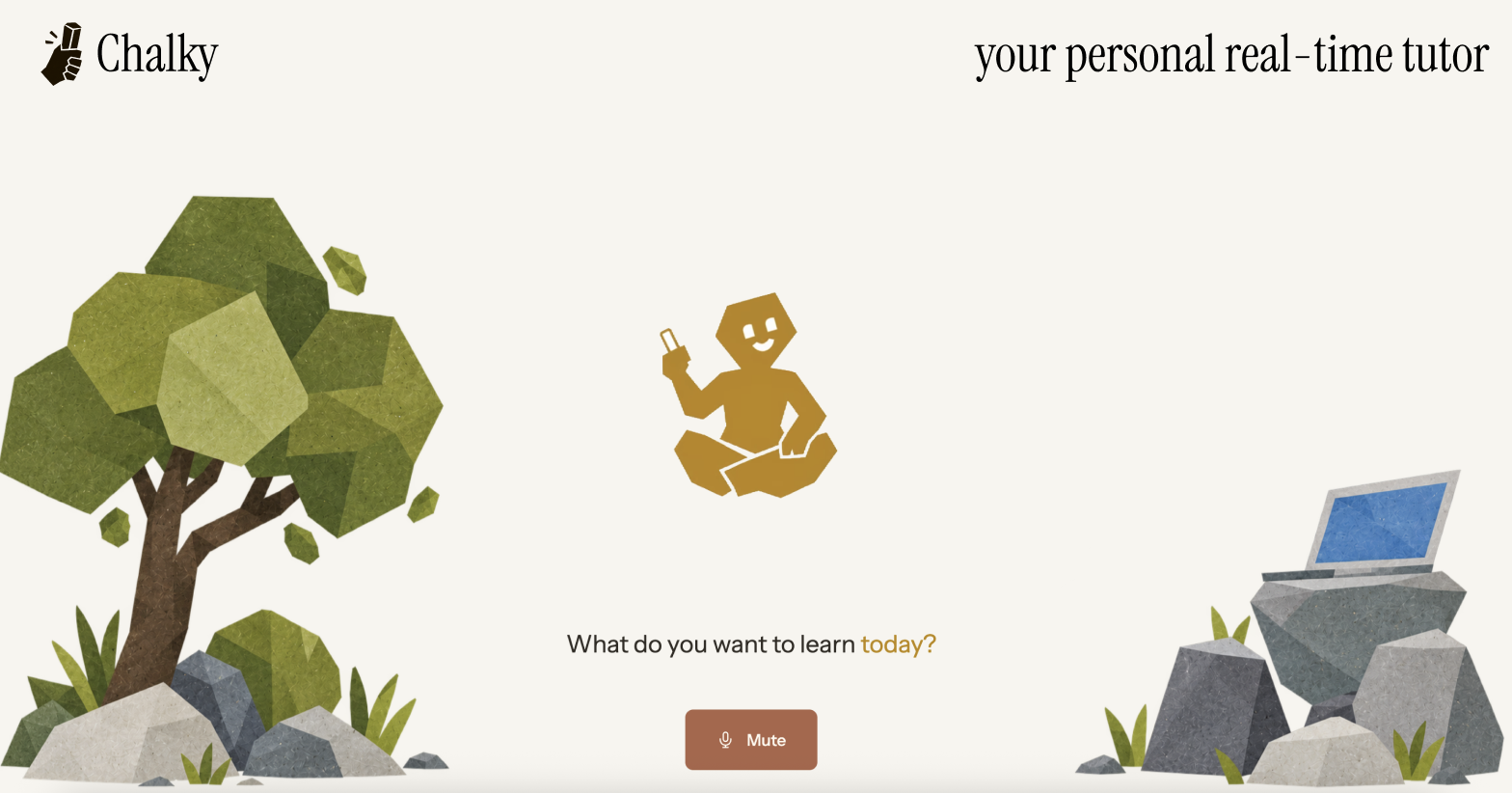
hey i'm chalky!
-
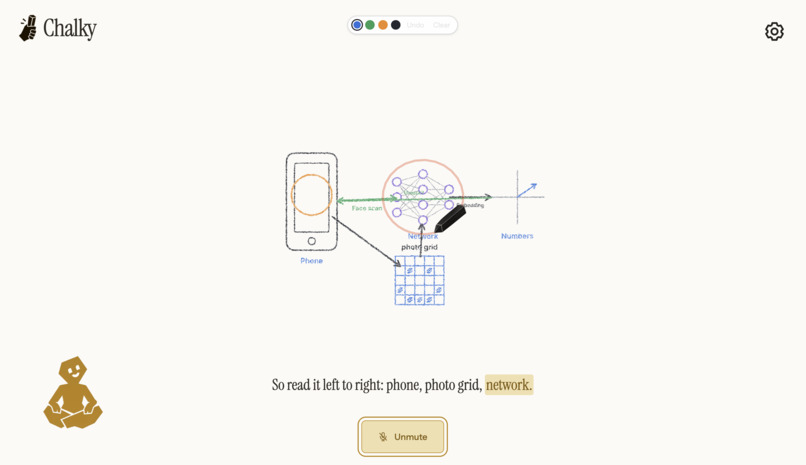
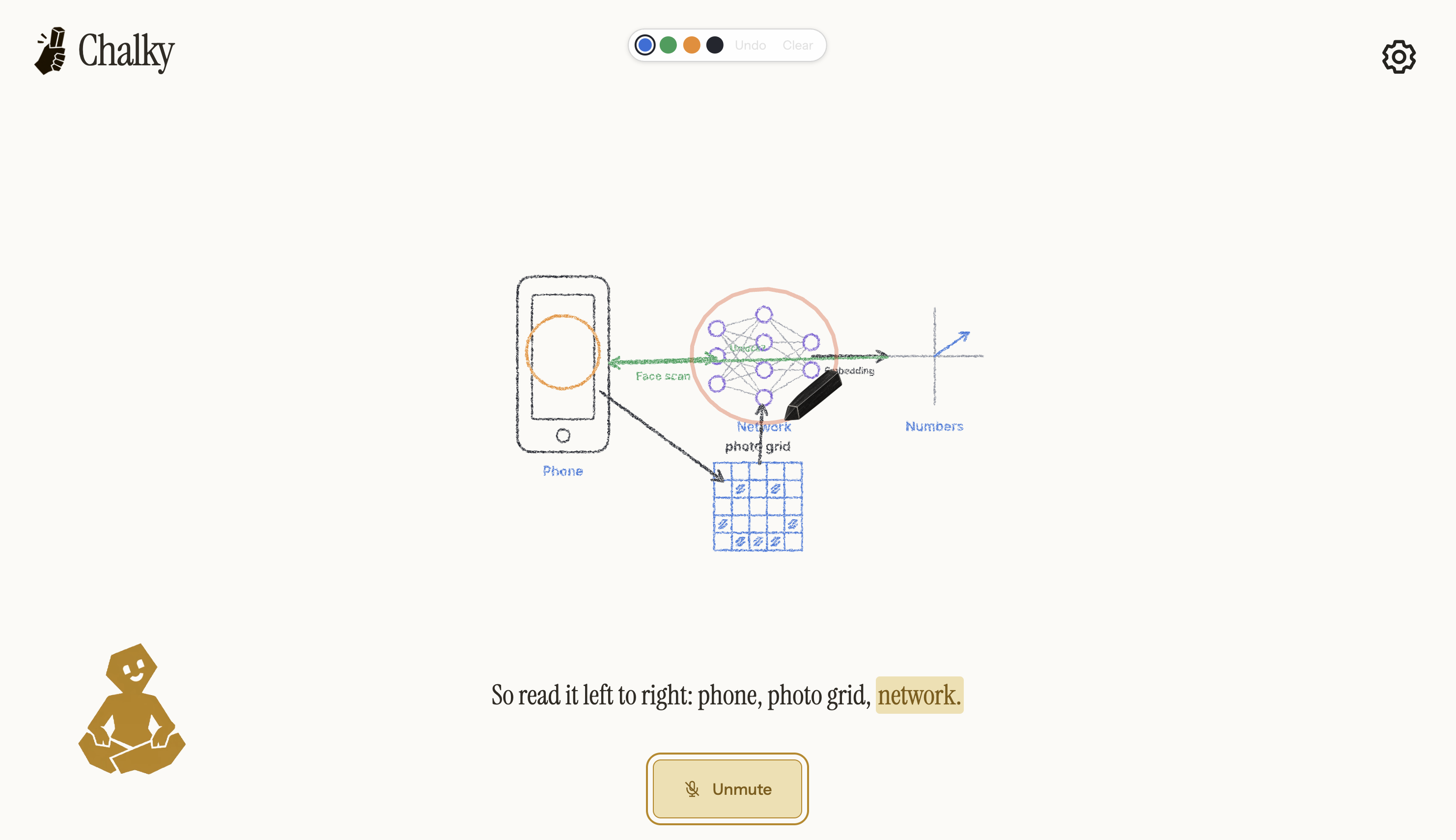
learn about face id
-
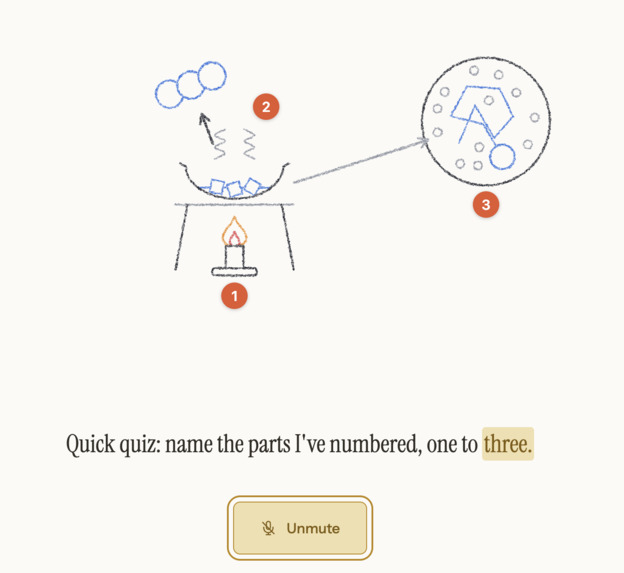
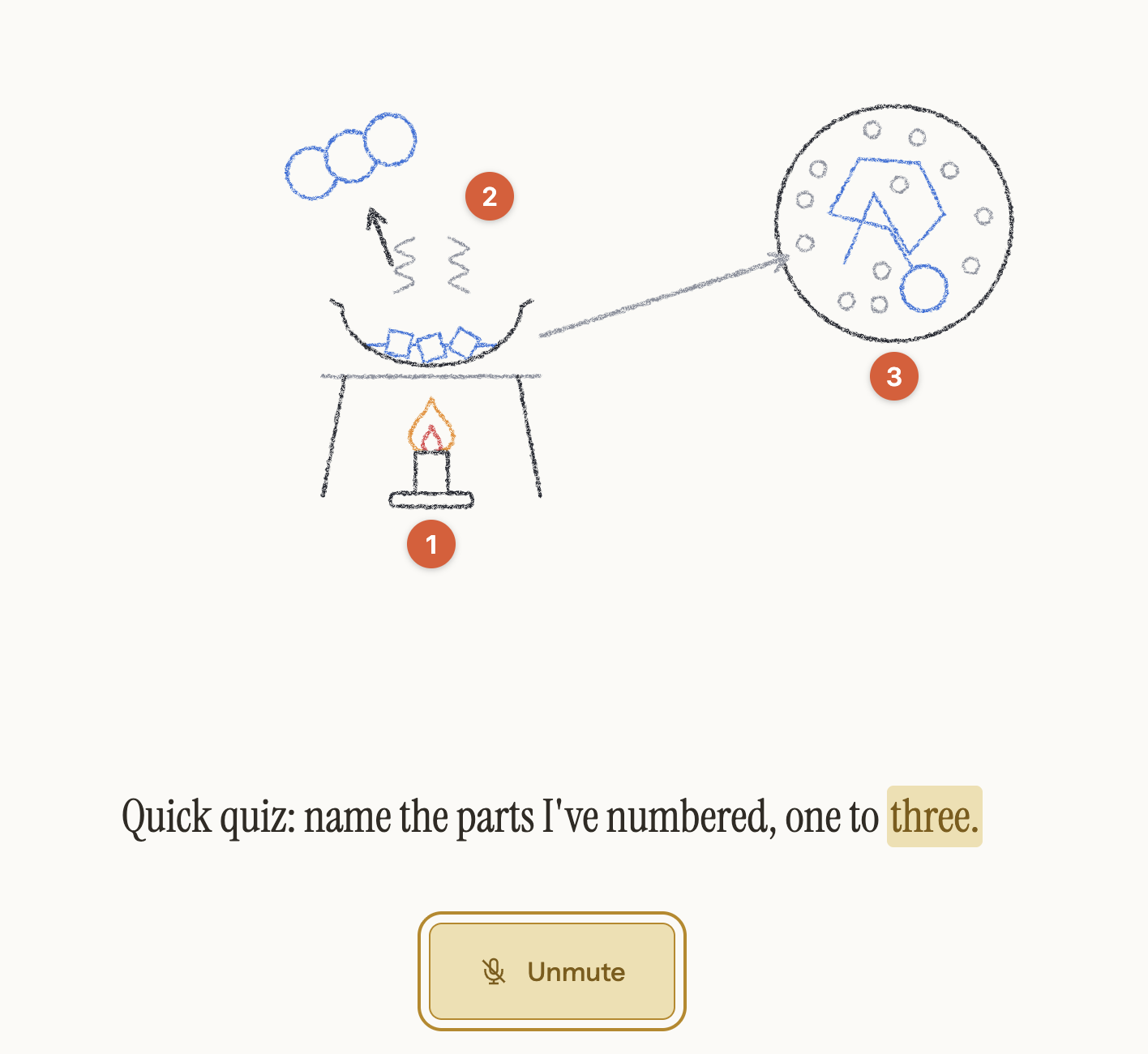
quiz example
-
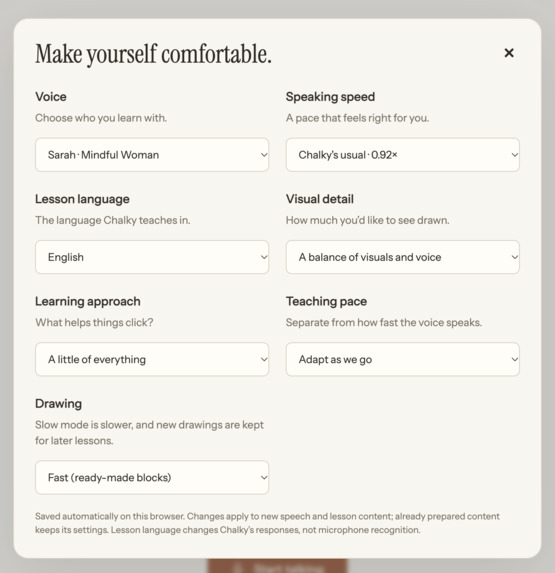
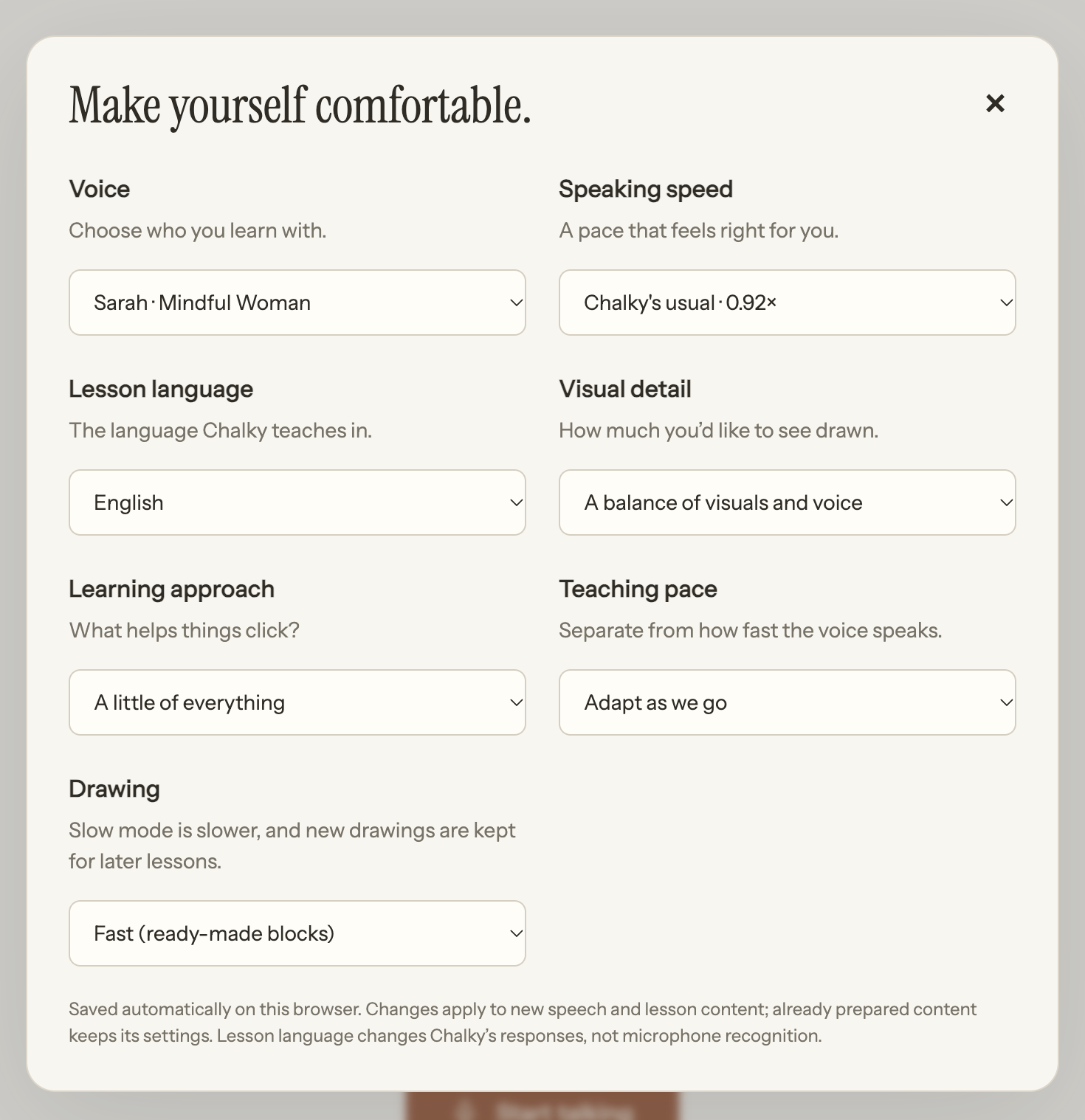
preferences
-
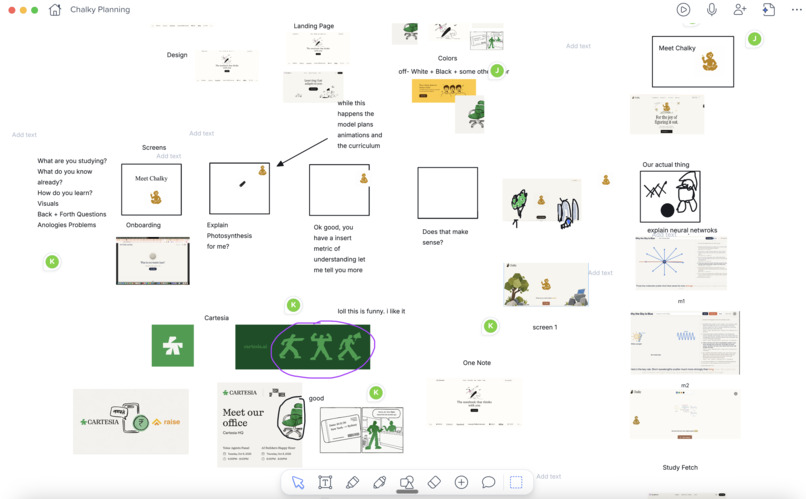
design notability
-
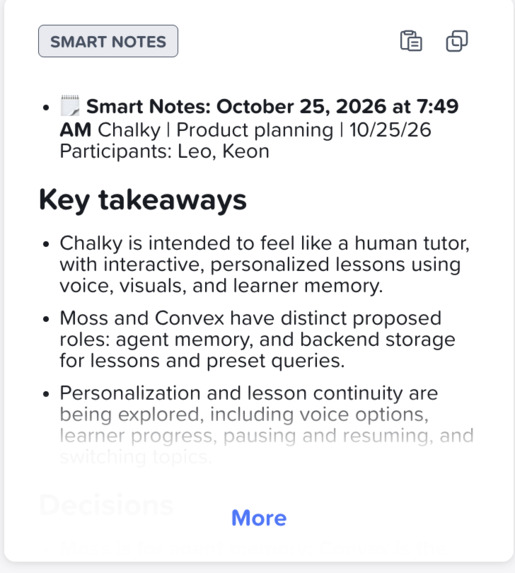
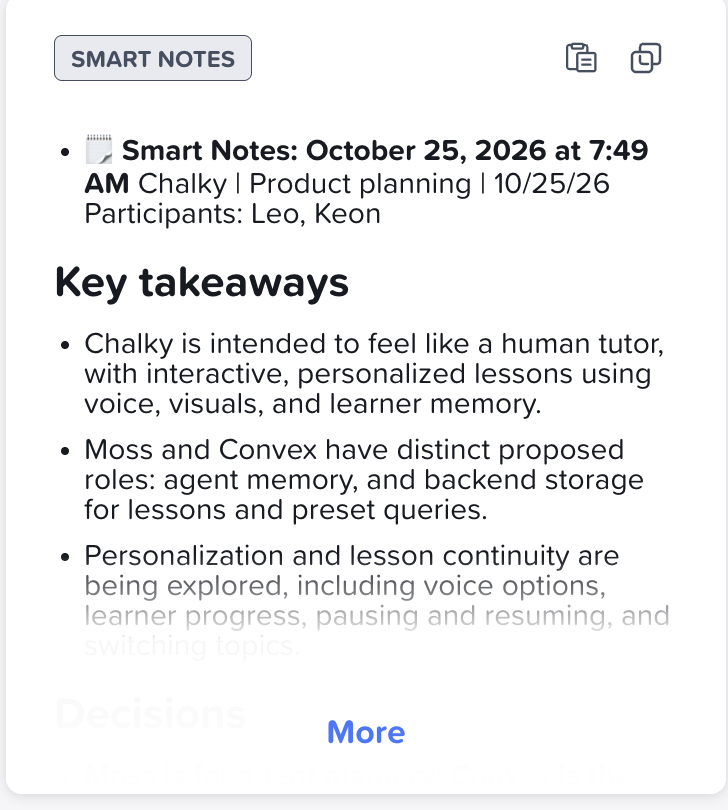
notability smart notes
-
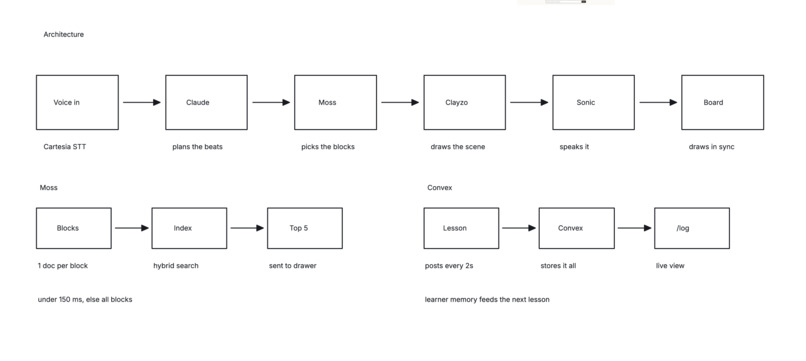
notability
-
-
Inspiration
LLMs are trained on more data than a person can fathom, and yet it's so hard to learn from them. My team and I have diverse learning preferences: sometimes we want visuals, sometimes we want to constantly interrupt and ask questions, and sometimes we want to be quizzed and think for ourselves. But most LLM interfaces force you into one mode: long text outputs. Slow, generic visuals. Minimal customization. No sense of flow.
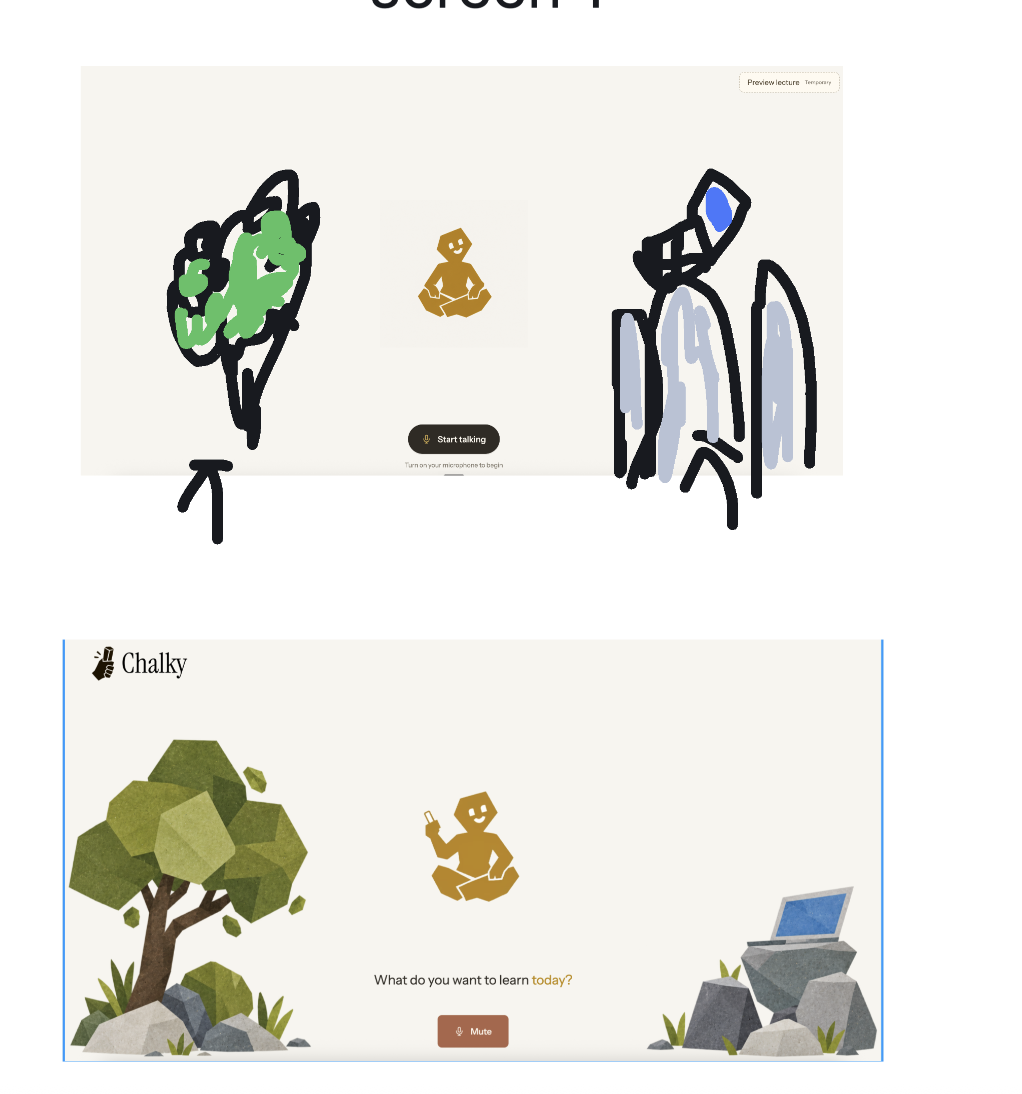
We built Chalky to feel like a person teaching you at a whiteboard. They draw out their thoughts. You can interrupt them at any time and steer the lecture. And they learn how you learn. So does Chalky.
What it does
Chalky completely changes the standard agent interface, using visuals and voice to keep things engaging. To start, you ask Chalky a question, like "what is photosynthesis?" It asks a question to gauge your current understanding, and then shapes the lesson around your answer.
You can cut in at any point. Just start talking, and Chalky stops to listen. It answers on the board: it points at what you asked about, highlights relevant parts while talking, or sketches something new. Then it picks up from where you stopped it. If you keep asking about the same thing, it escalates and starts planning an entire lesson around it to make sure you understand.
You can also draw on the board yourself: circle something chalky drew or add your own drawings and ask Chalky about it. Chalky also checks in at the end of each section to see if the idea landed. It remembers what you got stuck on, so your next lesson starts from where you are.
How we built it
With both voice and custom visuals being drawn on the board, we needed to balance flexibility with real time. When you ask a question, three things start at once:
- Haiku says a first line within about a second.
- Opus streams out a lesson plan, beat by beat.
- Separate drawers sketch every visual beat in parallel.
You can think of it like having a fast and slow model. The fast model is what responds to the user, but it can also "escalate" or call the slow model to start generating the plan and the visuals.
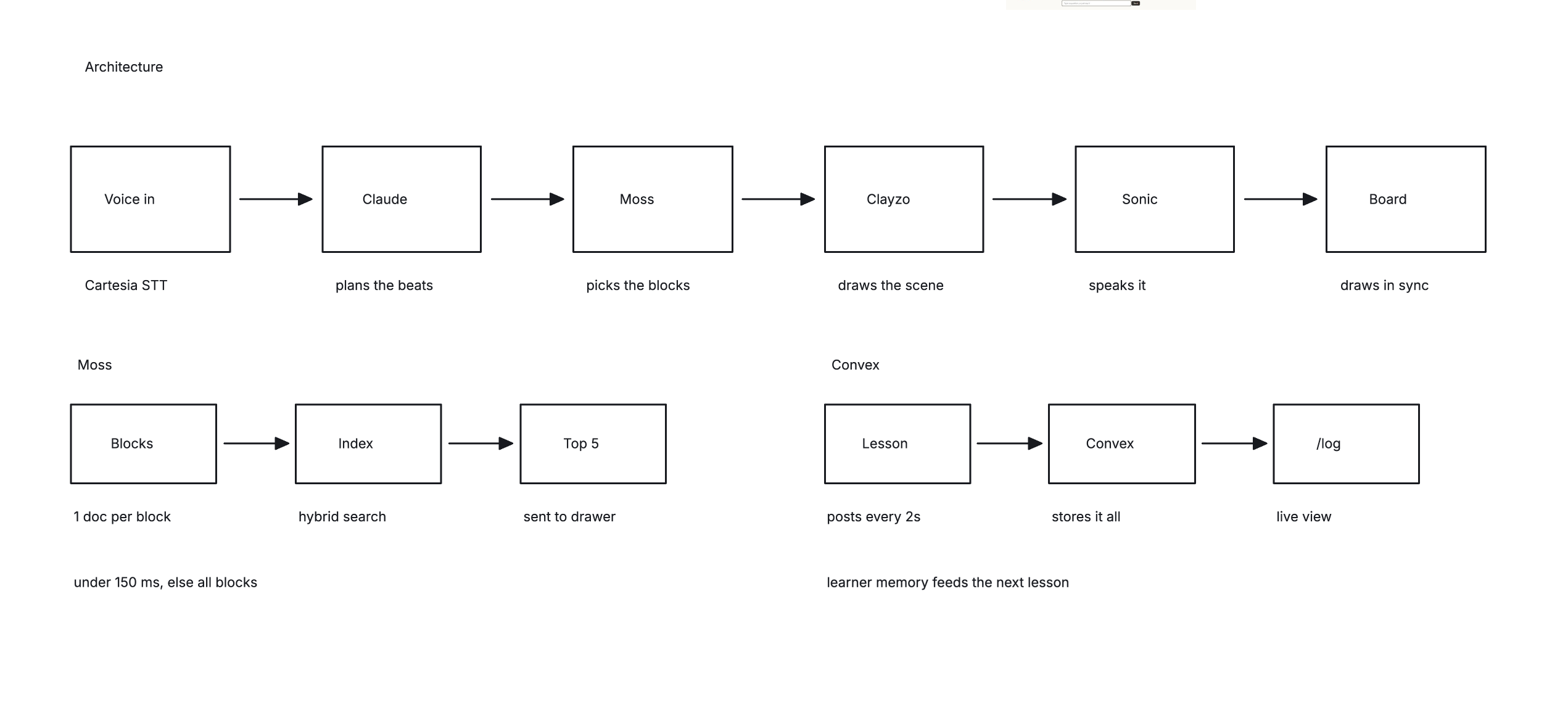
Voice is Cartesia. Sonic speaks and Ink-2 listens. Sonic sends a timestamp for every word, and those timestamps are what we sync the drawings to. Audio starts in about 250–380 ms, so users immediately get a response.
Drawings come from an animation engine called Clayzo. We used a powerful model to generate a set of 300+ building blocks the model could use across STEM subjects. Animation and the chalk look run on Clayzo.
Moss picks the blocks. Listing all 300 blocks in every prompt would blow up context, so Moss searches the catalog with each lesson block's description and hands the drawer the 5 that fit. A query takes about 2 ms. Moss is also used when the user interrupts, so the fast model can searches what’s on the board and what we know about the learner before every reply. Moss powers our real time.
Apify looks up anything time-sensitive that the model doesn’t know. One call to Apify’s browser actor searches the web and pulls the top 3 pages. It runs while Chalky asks its intake question, so there’s no wait you can feel. Chalky then teaches straight from those pages, and every beat cites its source on screen.
Convex stores everything. It keeps lessons, events and a learner record that carries over from one lesson to the next.
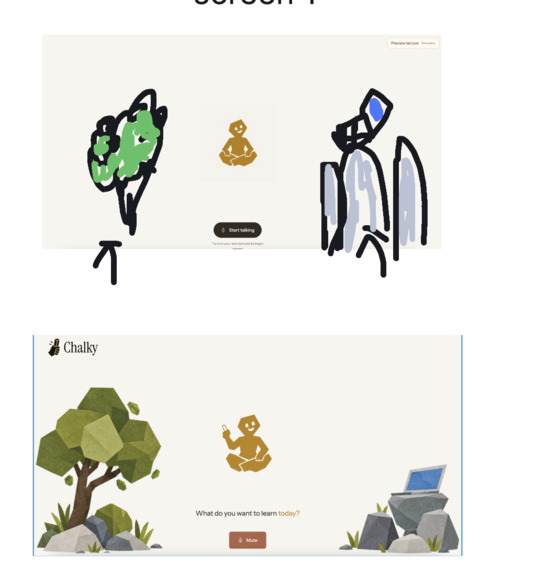
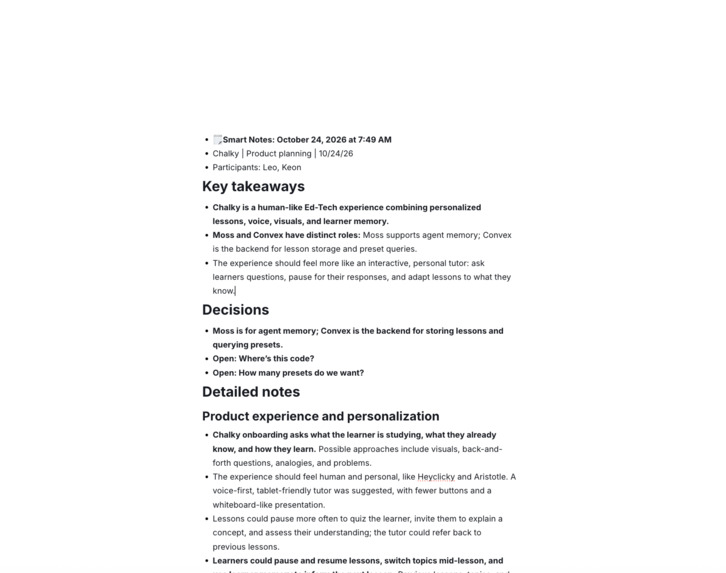
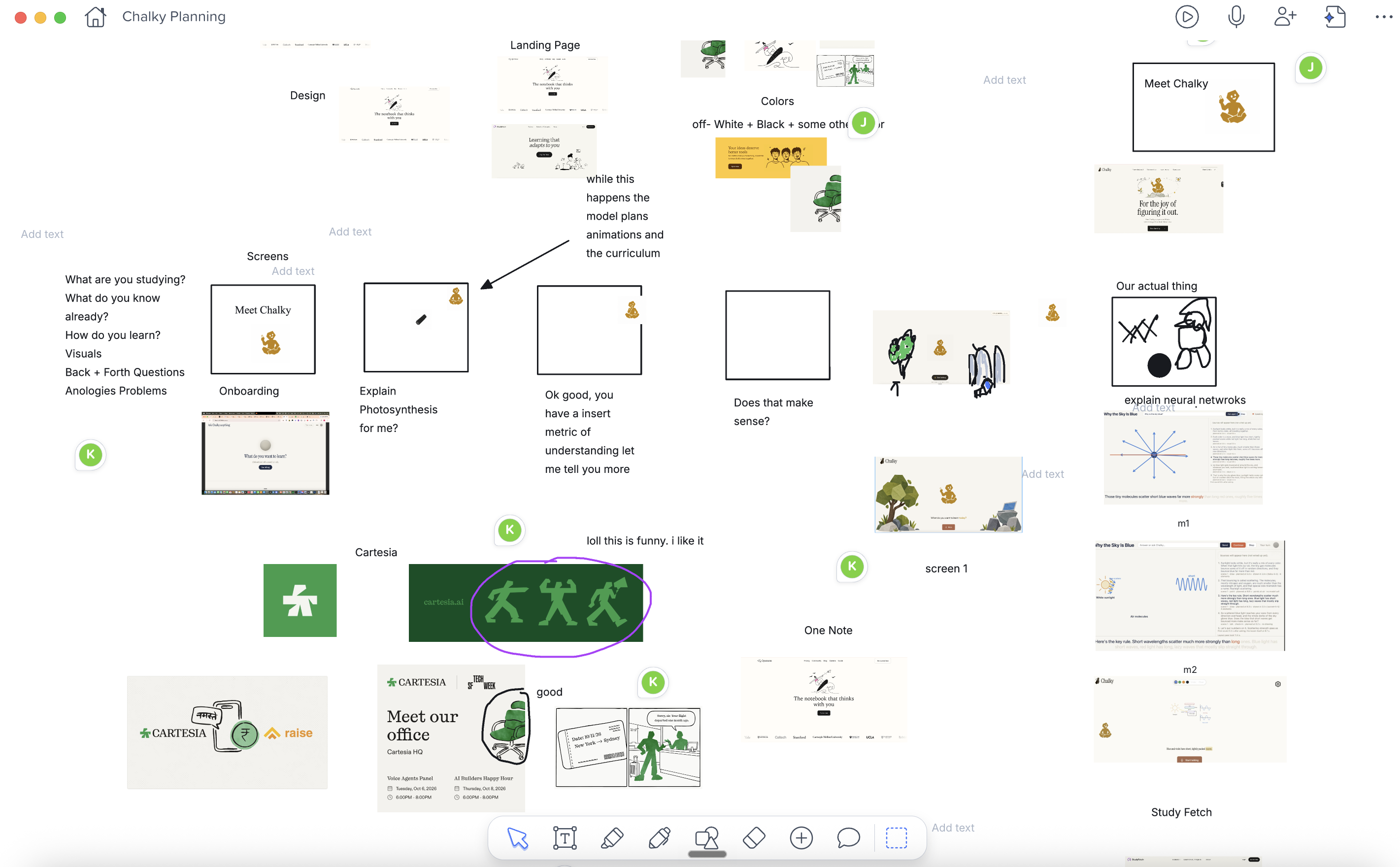
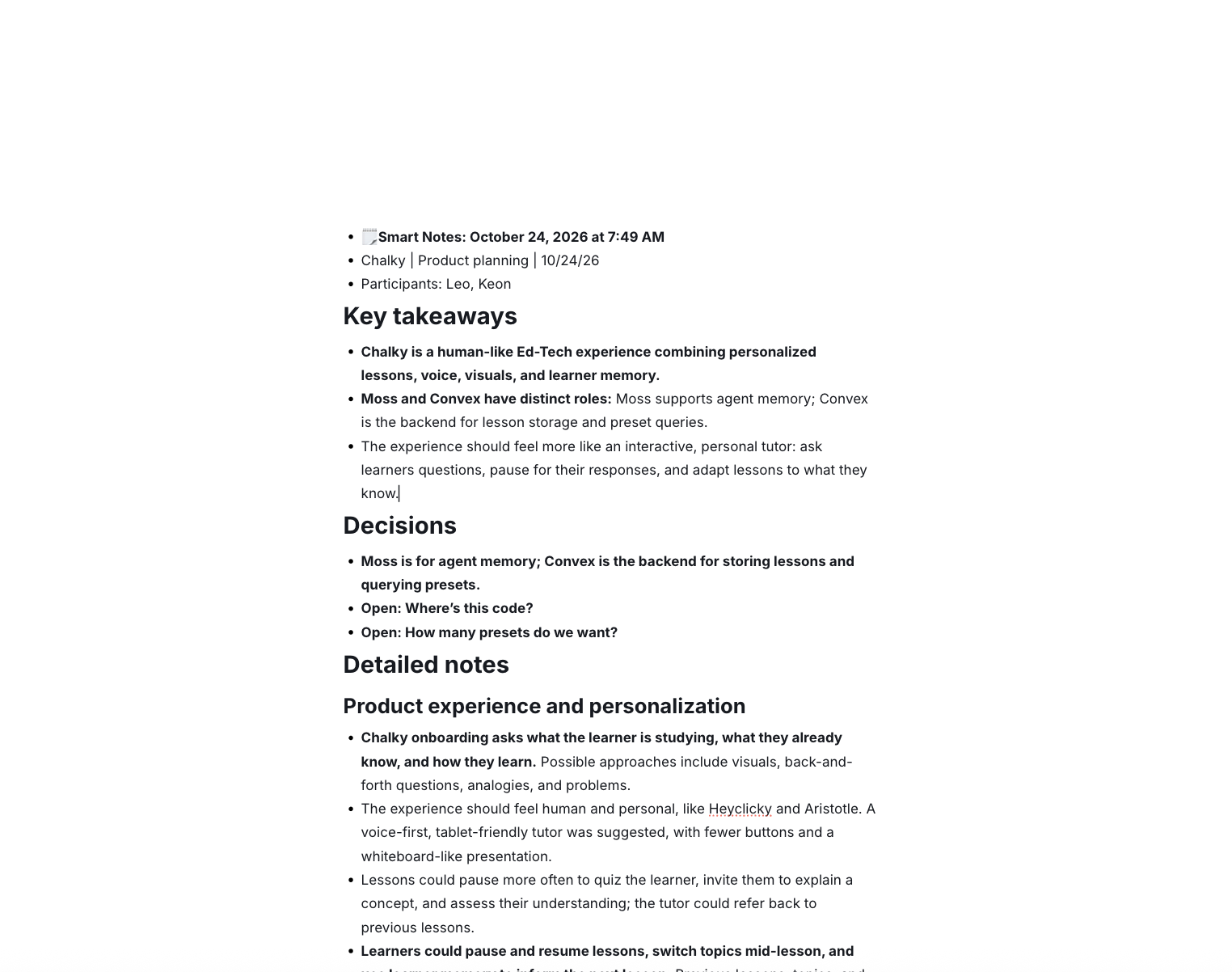
Notability to plan out our product along the way. Used the audio, diagrams, and notes. Added the pictures at the end of the picture carousel!
Challenges we ran into
The hardest part was making it real time. Our first version had the agent draw everything from scratch, out of basic shapes. Every drawing took seconds, the voice sat waiting for the board, and the lesson kept stalling.
We fixed it by splitting the work 80/20: 80% is ready-made block animations. We hand-drew 300 blocks, and the agent picks the right one and places it. Moss finds it in about 2 ms. 20% is the agent drawing freely, only for what no block covers.
That cut the time to a drawing from seconds to almost nothing. On top of that, the voice no longer waits for the board: it starts speaking right away, the drawings are made in parallel, and each one appears on the word it belongs to.
Accomplishments that we're proud of
- You can interrupt it like a real teacher, and it carries on from the exact word.
- Real-time animations
- It feels like a person teaching you, not an app
What we learned
- Models are good at deciding what to draw and bad at drawing it. Hand-drawn blocks plus a model that arranges them works far better than either alone.
- Interruptions are the hard part of a conversation, and they’re also what makes it feel real.
What's next for Chalky
We want to expand the animations to allow more building blocks, and also look into incorporating more free-form, slow animation. We're experimenting with using a slower model to generate building blocks on a per-lesson basis rather than once, in a shared registry. When the user first asks their question, we know the subject and can generate 5-10 general purpose building blocks. While these load, we can ask the user some guiding questions to gauge their understanding. If they don't load in time, the first few draws can use the generic building blocks, but later in the lesson the model can use the custom ones.
We also see this being used as a general interface for agents, not just for learning. Imagine asking a coding agent to report what it did, and you get a visual representation of the architectural changes.
Built With
- apify
- canva
- cartesia
- claude
- convex
- moss
- notability


Log in or sign up for Devpost to join the conversation.