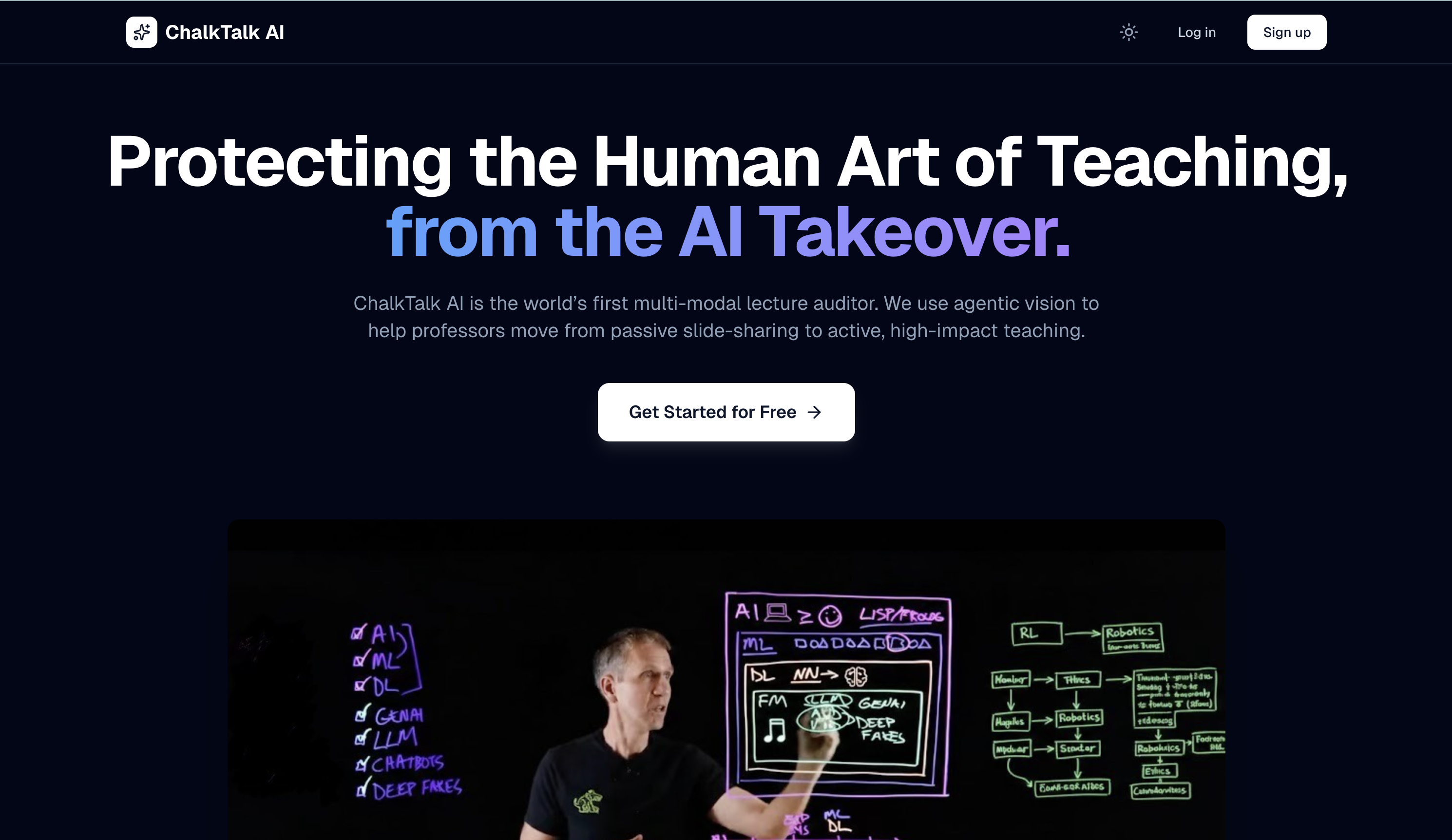
ChalkTalk AI 🎓
Inspiration
Why do we sometimes learn more from a 20-year-old video of a professor with a piece of chalk than from a modern 4K live stream?
We asked ourselves this while watching a lecture where the professor just read off "Slide 42 of 90." The difference wasn't the camera quality, it was the energy. The best teachers don't just display information; they build it with you, using movement, gestures, and the board.
We realized that "Death by PowerPoint" isn't a lack of effort; it's a lack of feedback. Professors rarely get to see their teaching from the student's perspective. We built ChalkTalk AI not to critique teachers, but to be a supportive "Smart Mirror", giving them the data they need to bring the spark back to the classroom.
What it does
ChalkTalk AI is a friendly lecture companion that helps professors understand their teaching dynamics. It moves beyond simple transcription to analyze the "Art of Delivery."
Using multimodal AI, it "watches" and "listens" to the lecture to generate:
- The "Active Delivery" Timeline: A visual breakdown showing how much time was spent on "Static Delivery" (reading slides) vs. "Dynamic Delivery" (whiteboarding, gesturing, engaging).
- Engagement Pulse: By combining voice energy with visual motion, we identify "High-Impact Moments" where the class was likely most attentive.
- The Coaching Corner: An AI-generated summary that highlights strengths (e.g., "Great energy when explaining the NFA concept!") and offers gentle suggestions (e.g., "The segment at 22:00 was a bit static; maybe try a diagram here next time?").
How we built it
We wanted ChalkTalk AI to be fast, private, and helpful:
- The Eyes: We used OpenCV to track movement and gestures, creating a "Kinetic Score" for the lecture.
- The Brain: We hooked up Google Gemini 2.5 Flash via Google AI Studio. It looks at video frames + audio to understand the context, knowing the difference between a pause for effect and a pause of confusion.
- The Engine: A Python & FastAPI backend handles the heavy video processing.
- The Look: A clean Next.js 15 dashboard with Recharts, designed to be friendly and readable for non-tech faculty.
- The Home: Hosted on DigitalOcean with MongoDB Atlas keeping the data safe.
Challenges we ran into
- Capturing "Vibe": Teaching is nuanced! It was tricky to teach the AI the difference between meaningful gestures (explaining a concept) and random movement. We spent a lot of time refining our prompts to get it right.
- Fairness: We didn't want to penalize quiet, intense teaching styles. Balancing our "Engagement Score" to appreciate different types of good teaching took several iterations.
- The Sync: Aligning audio sentiment with visual cues down to the second was a tough engineering puzzle, but crucial for accurate feedback.
Accomplishments that we're proud of
- From Data to Empathy: We didn't just output cold graphs. We managed to generate feedback that feels supportive and human, like a mentor.
- Quantifying the Unquantifiable: We successfully built a metric for "Teacher Presence", something we weren't sure was possible when we started!
- It's Fast: We optimized our pipeline so professors don't have to wait hours to see their results.
What we learned
- Context is King: A transcript misses half the story. You have to see the teaching, the pointing, the hesitation, the excitement, to truly understand it.
- Teachers Want to Grow: Every educator we talked to wants to reach their students better; they just need the right tools to see how.
- Multimodal Magic: Combining vision and text models allowed us to solve problems that neither model could handle alone.
What's next for ChalkTalk AI
- Self-Reflection Mode: Letting professors add their own notes to the timeline ("I felt rushed here") to compare their feelings with the AI's data.
- The Student Simulator: Using the lecture content to generate "Practice Questions," helping professors prepare for Q&A sessions before class even starts.
- Accessibility Check: Automatically flagging moments where the professor says "Look at this" without describing it, helping make lectures better for blind students.
Built With
- digitalocean
- docker
- fastapi
- gemini
- mongodb
- next.js
- opencv
- python
- react
- recharts
- tailwind
- typescript


Log in or sign up for Devpost to join the conversation.