-
-
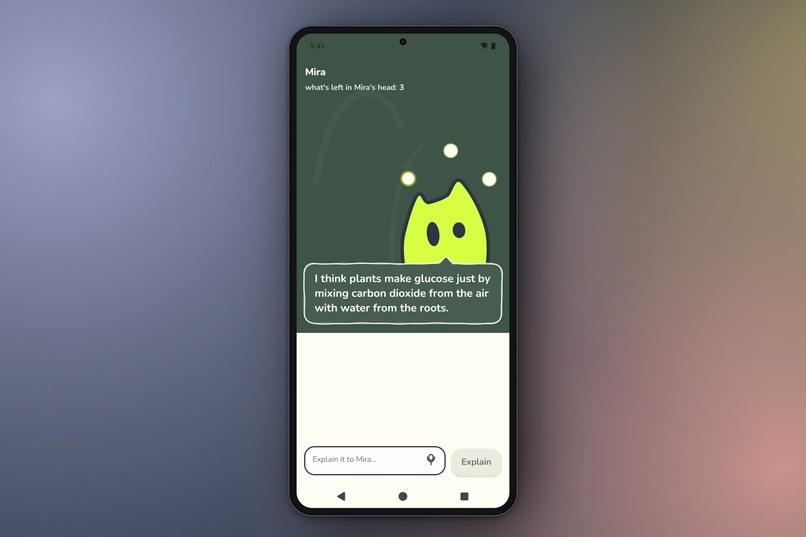
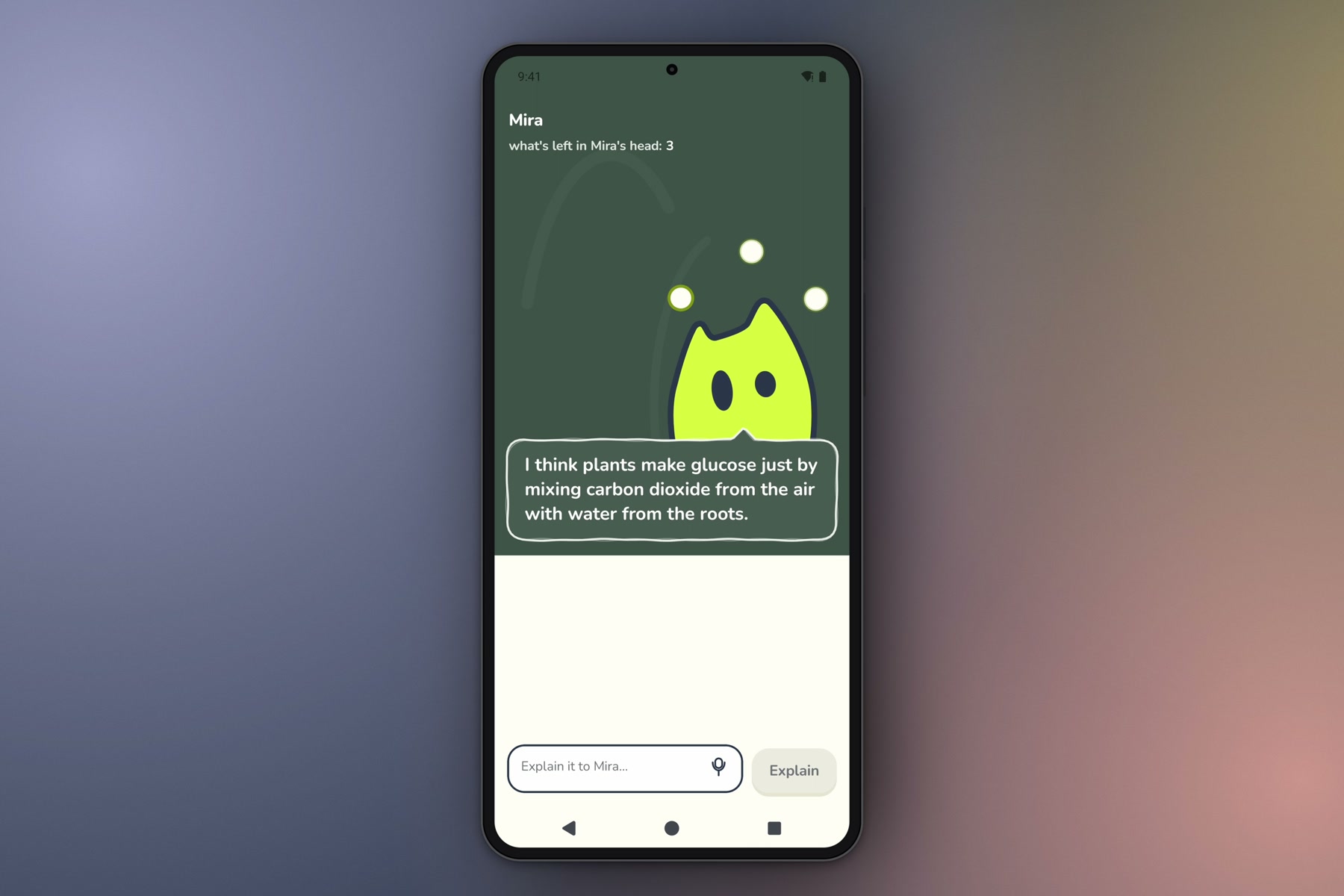
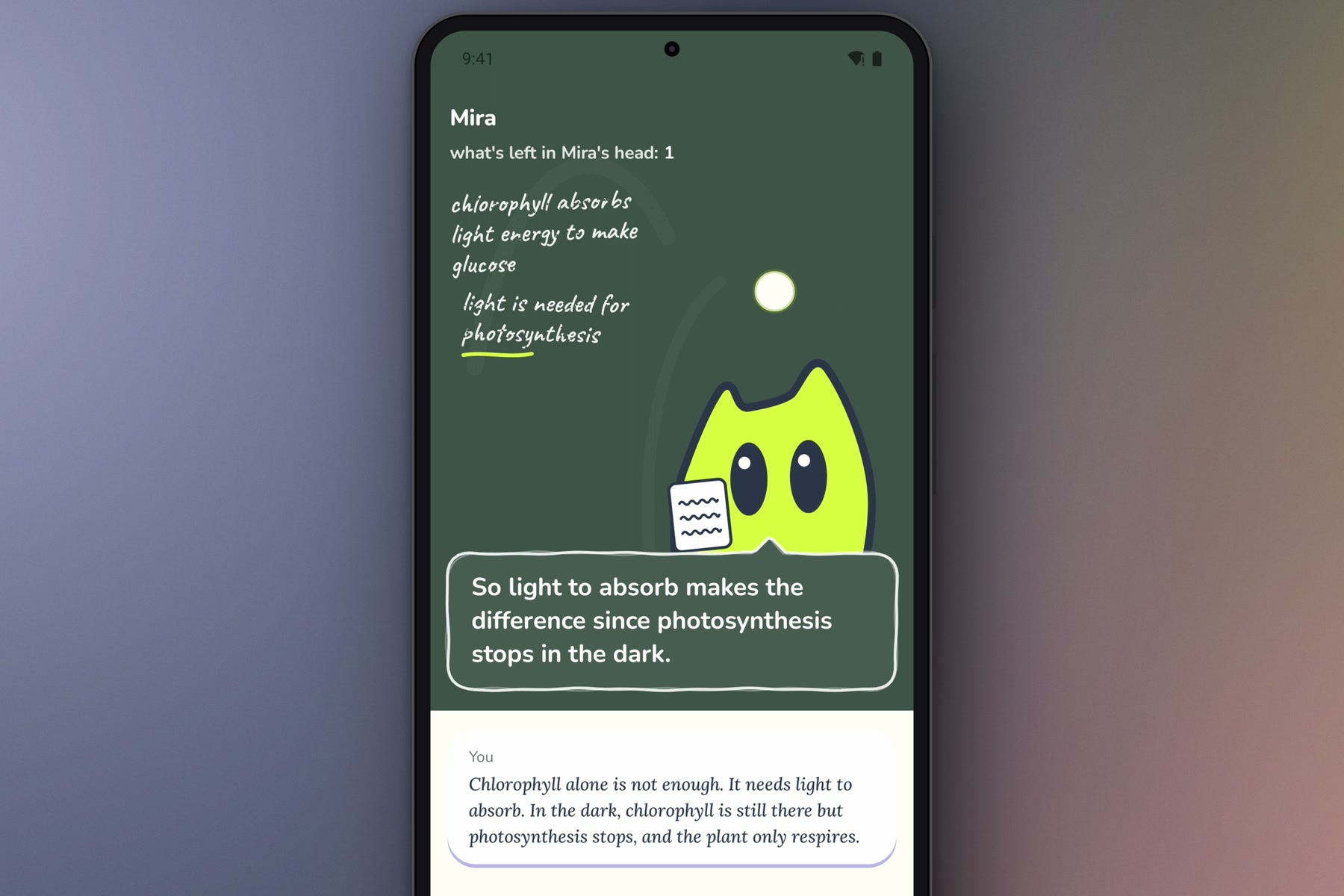
The lesson starts with Mira's first misconception.
-
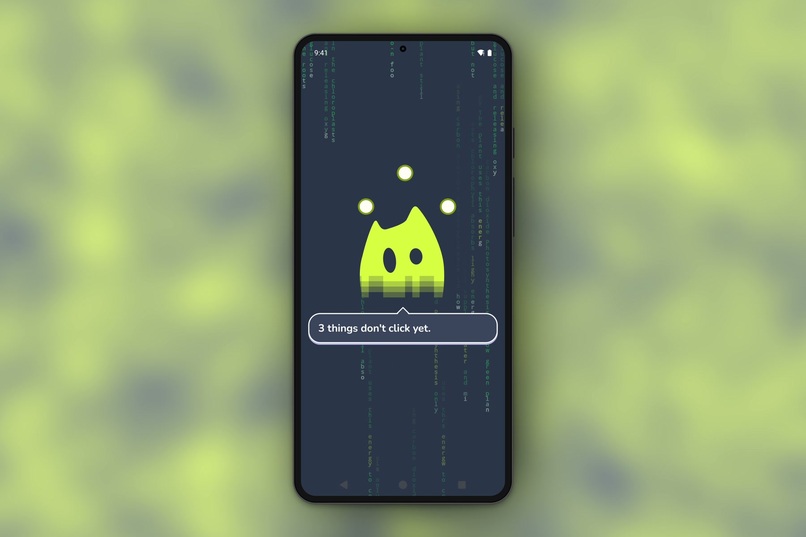
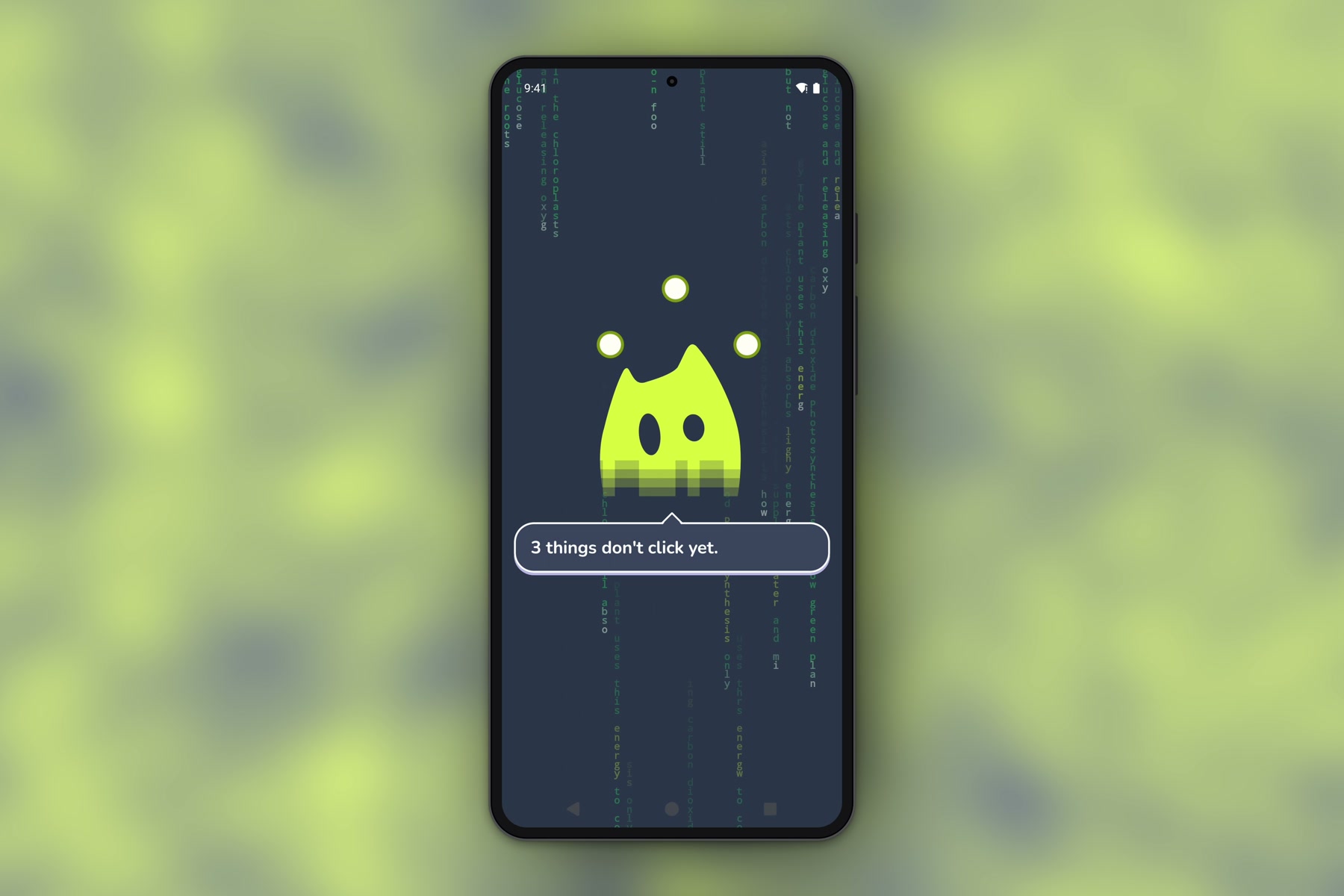
Mira reads the notes and finds three things that don't click yet.
-
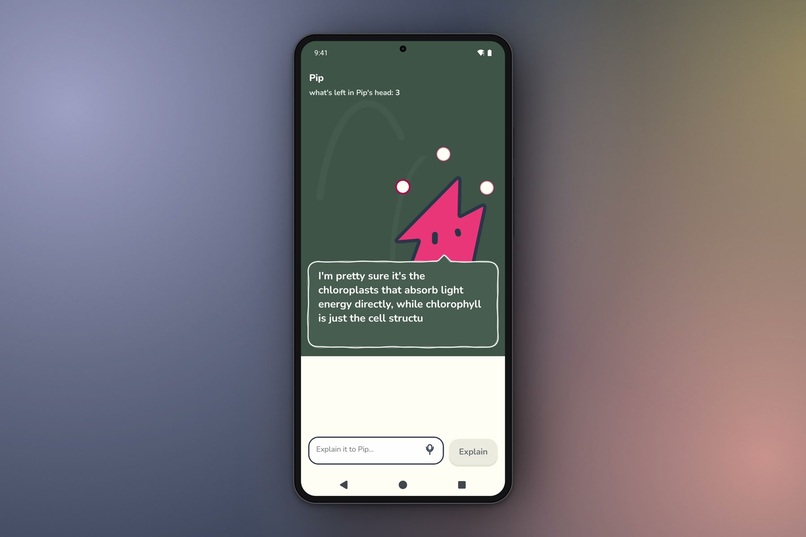
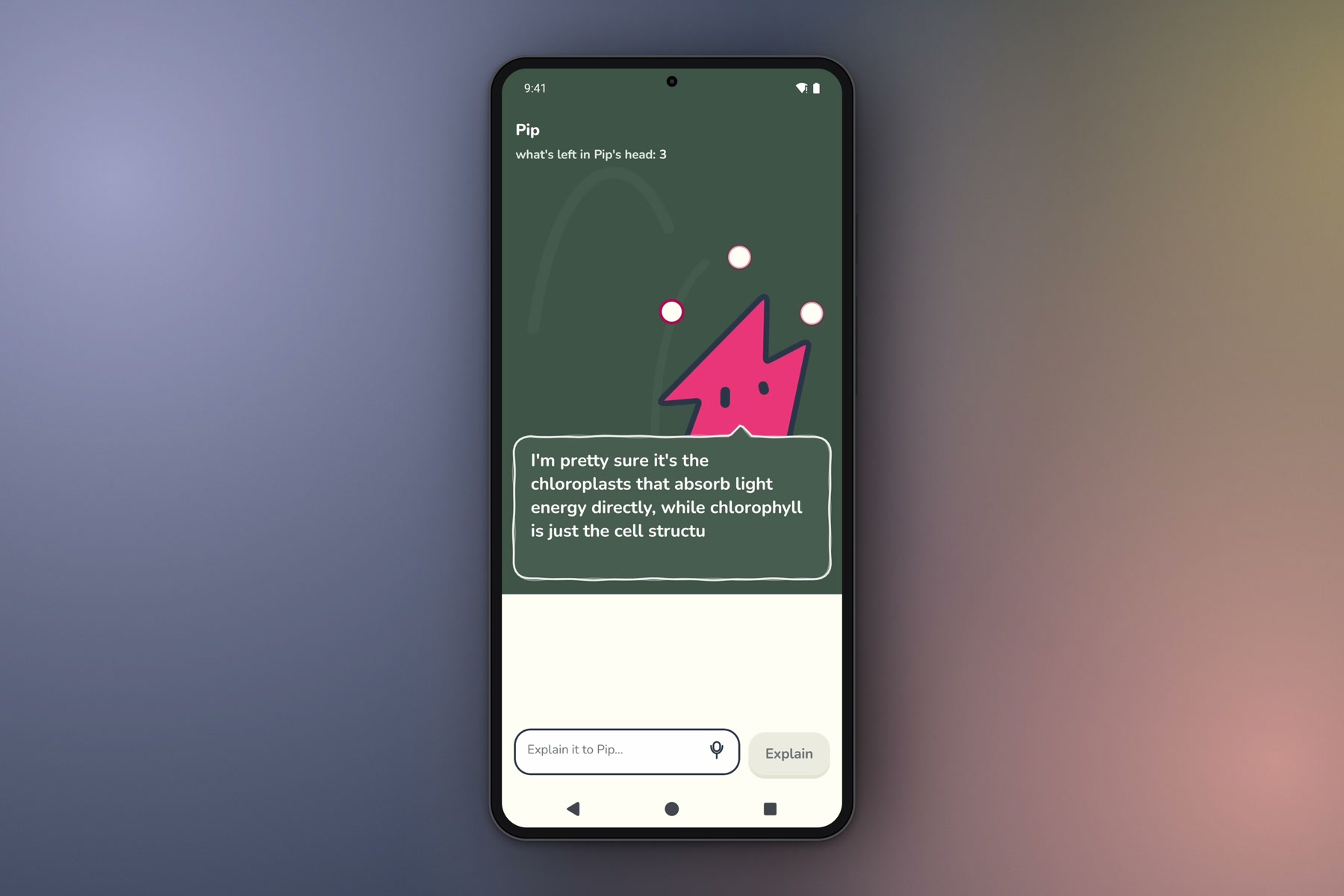
Same notes, different student: Pip's misconception.
-
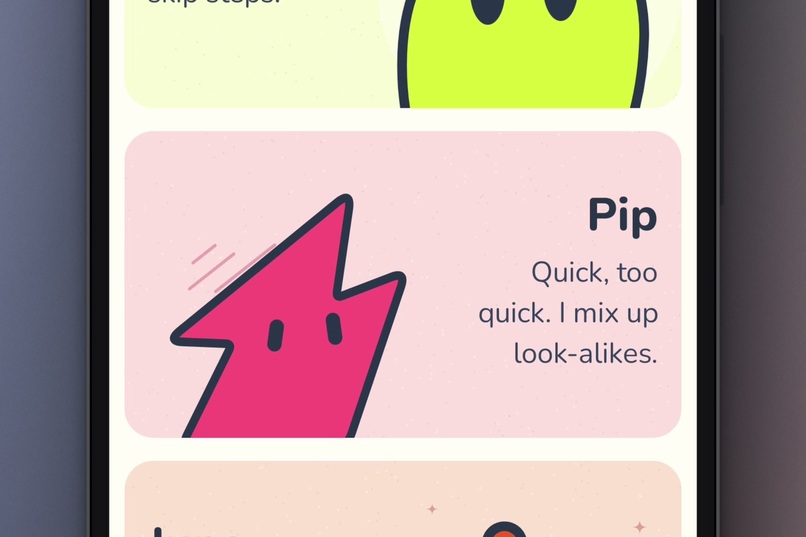
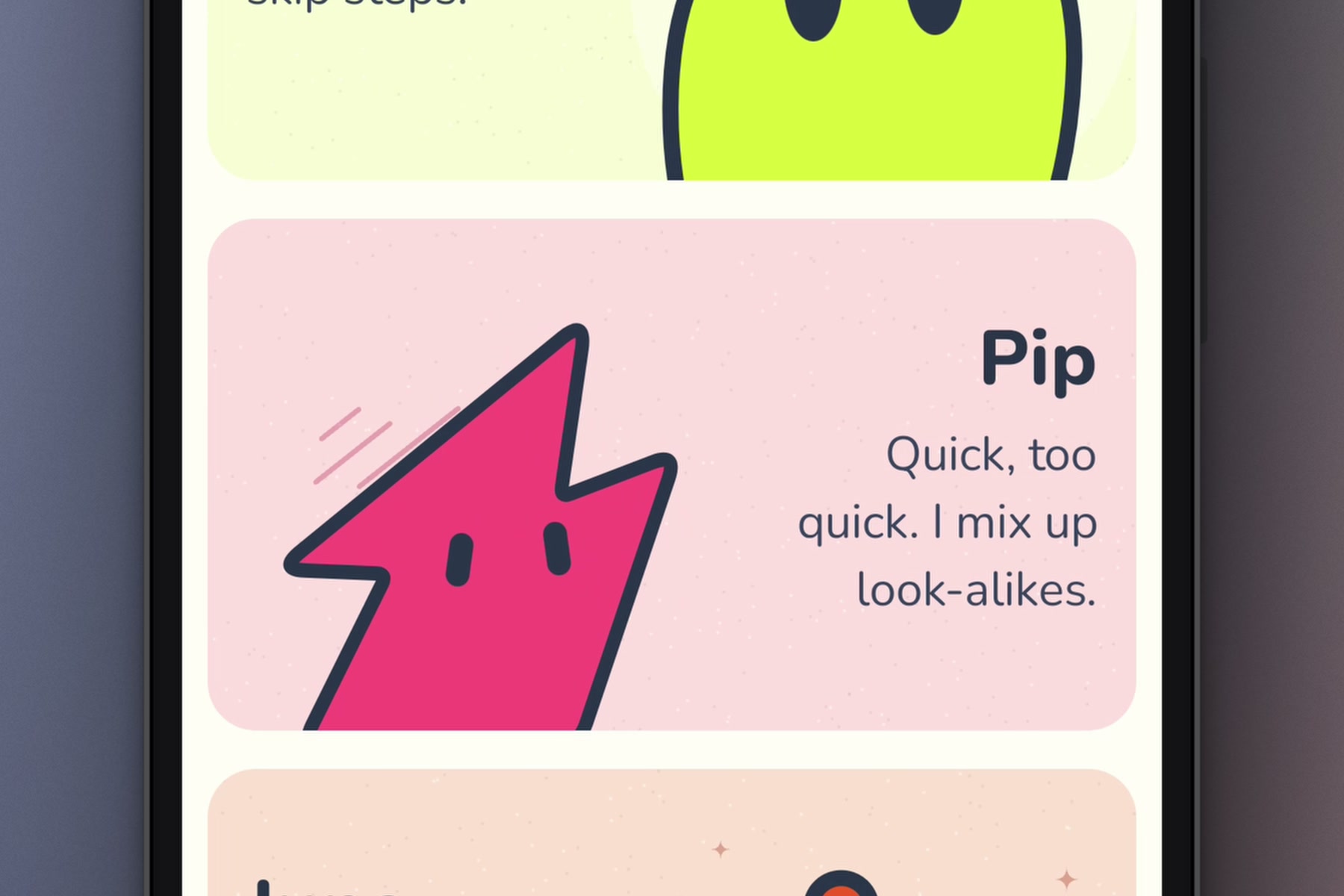
Choosing a student. Pip mixes up look-alikes.
-
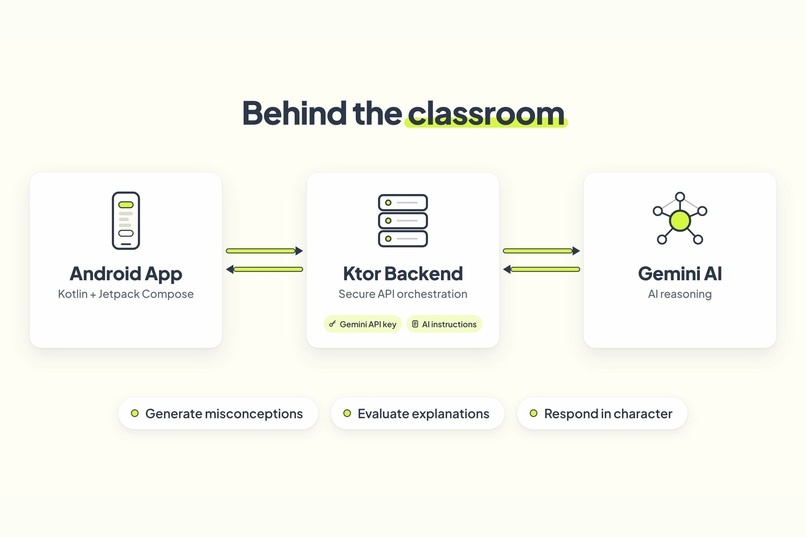
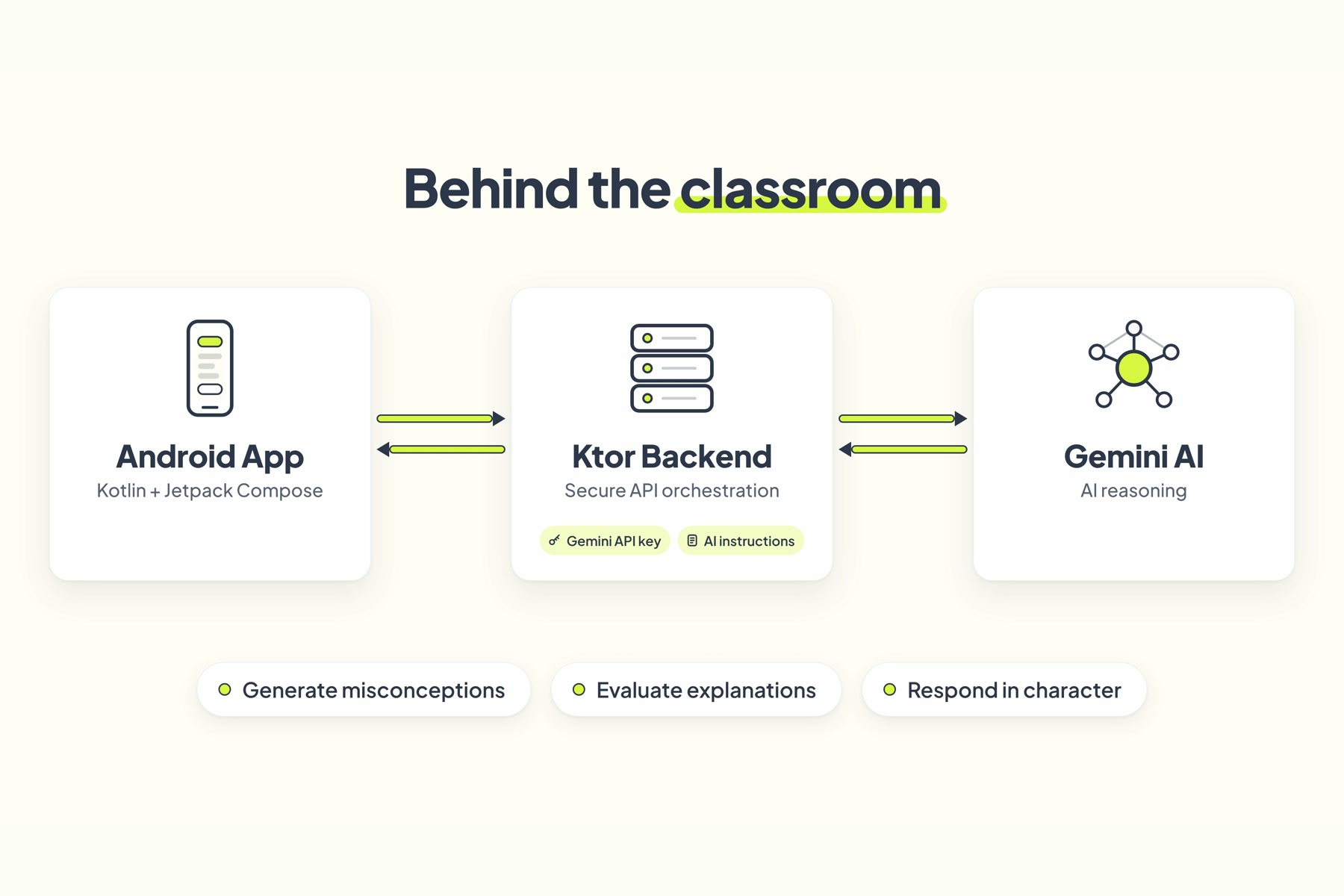
Architecture: the Android app talks to a Ktor backend, which calls Gemini.
-
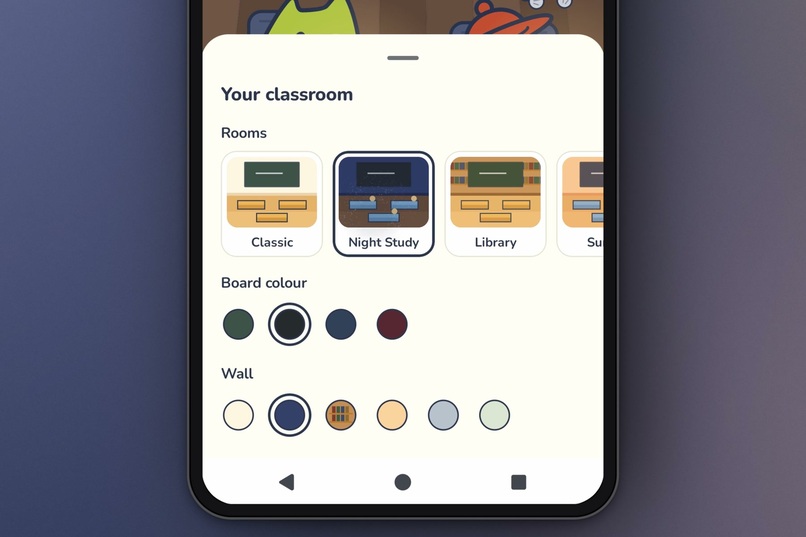
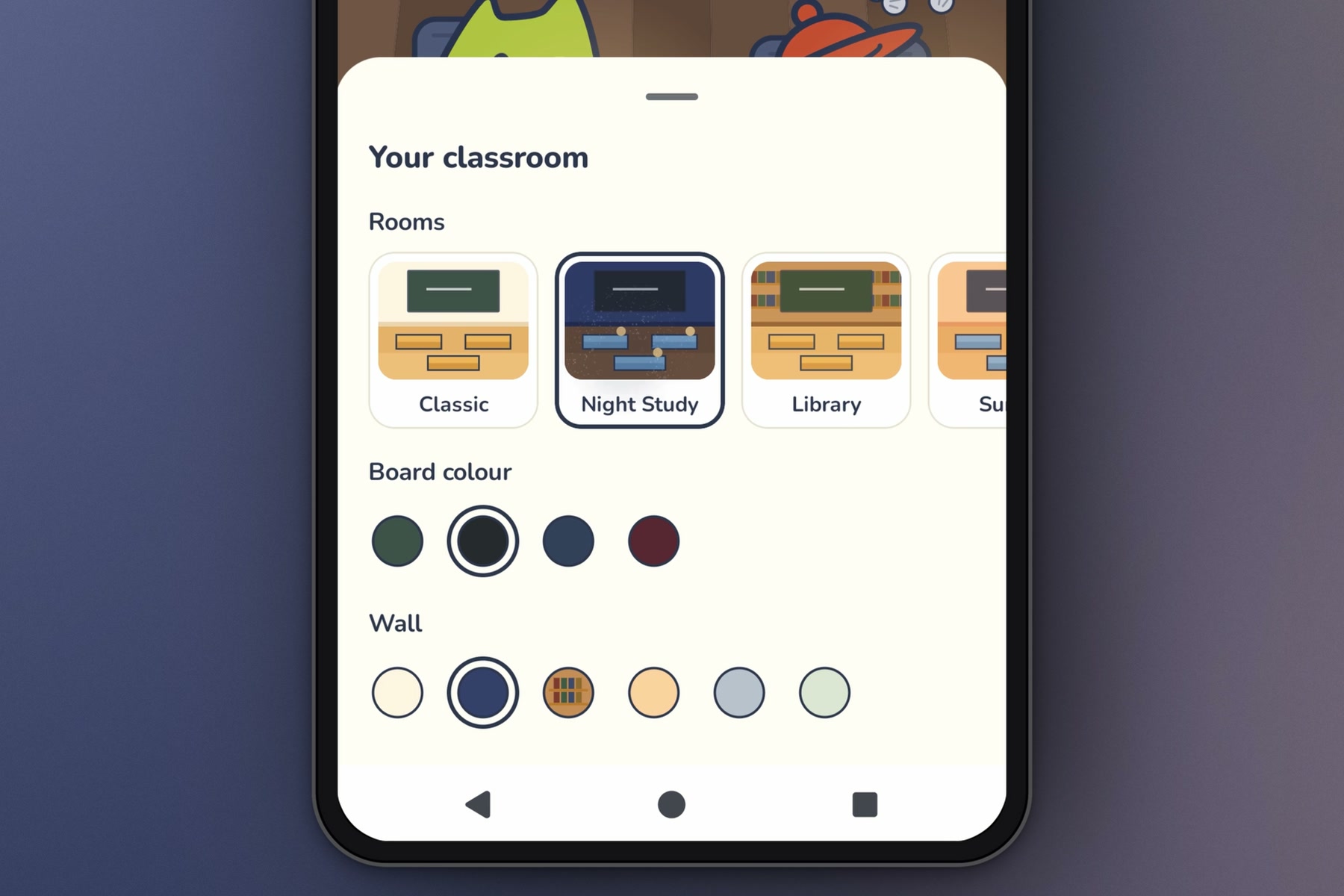
Customizing the classroom: room, board and wall colors.
-
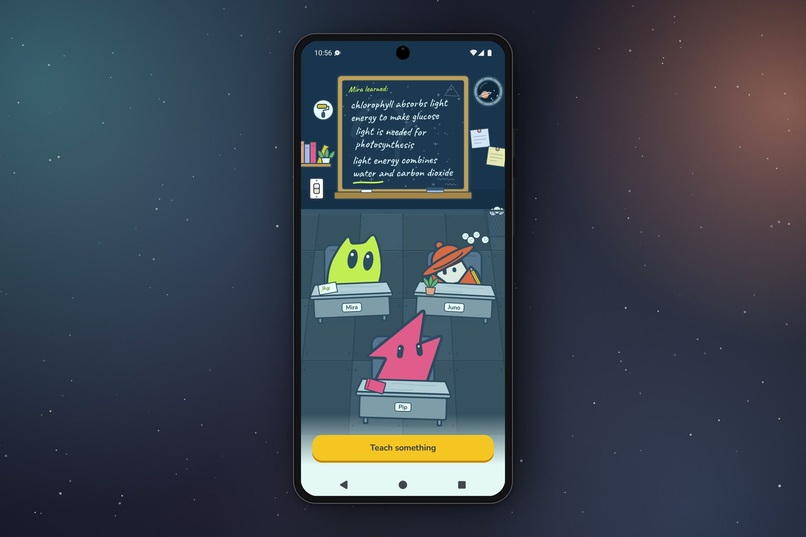
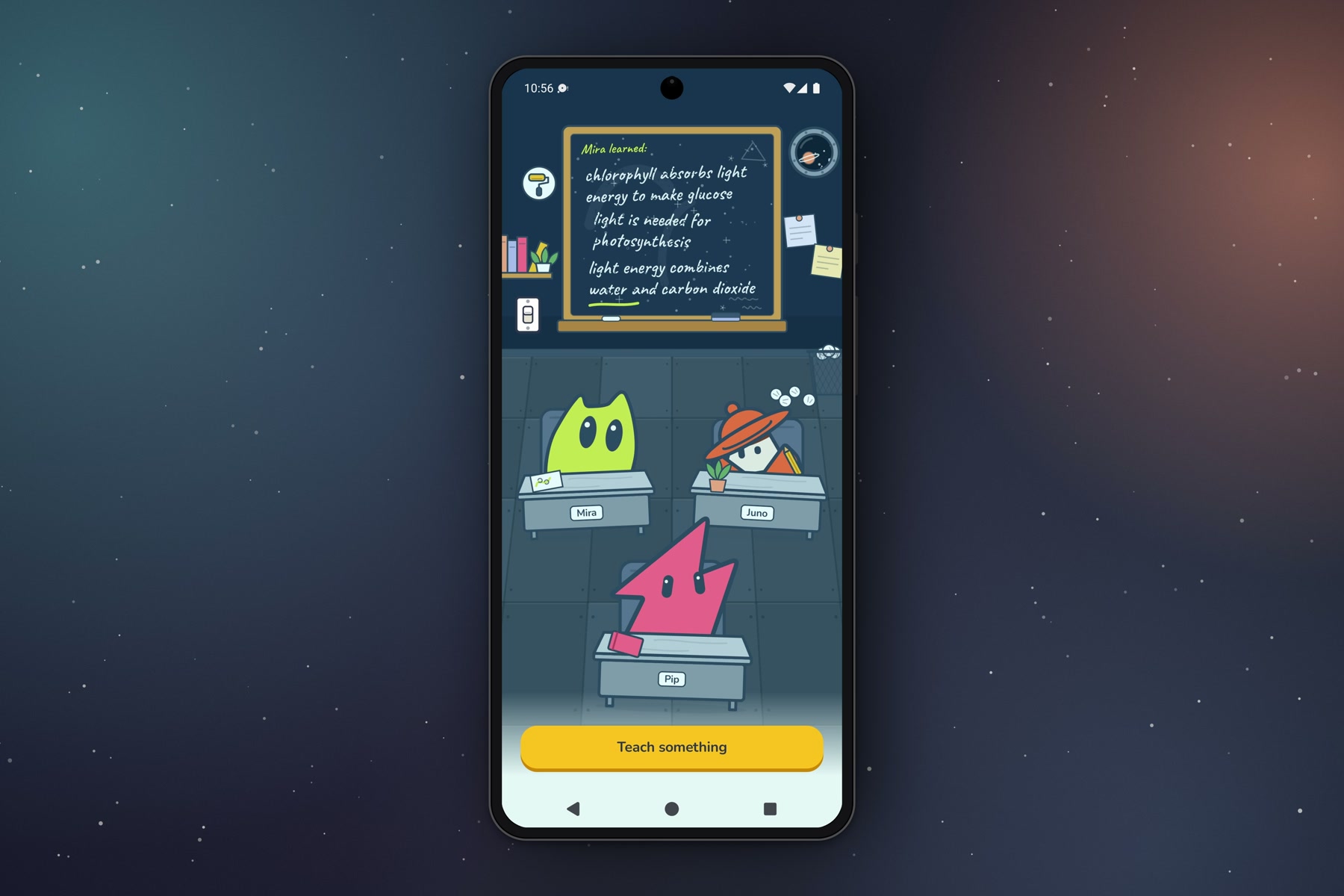
Back in the classroom, the board shows what Mira learned.
-
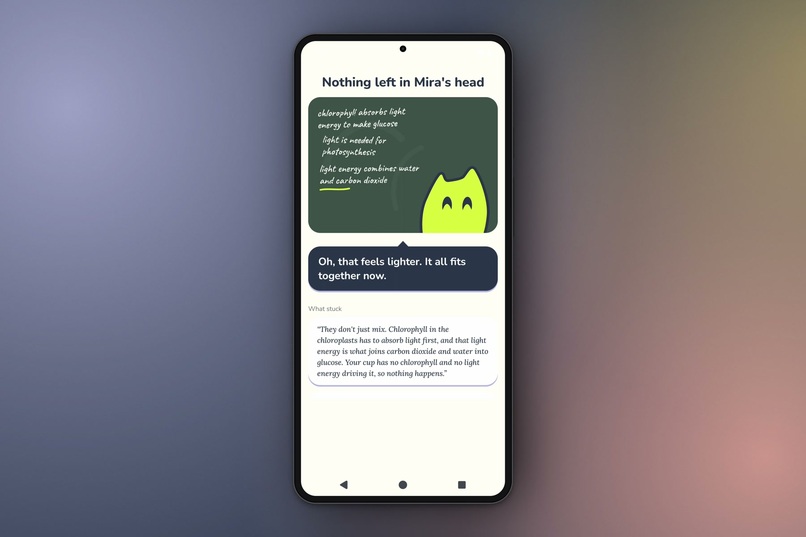
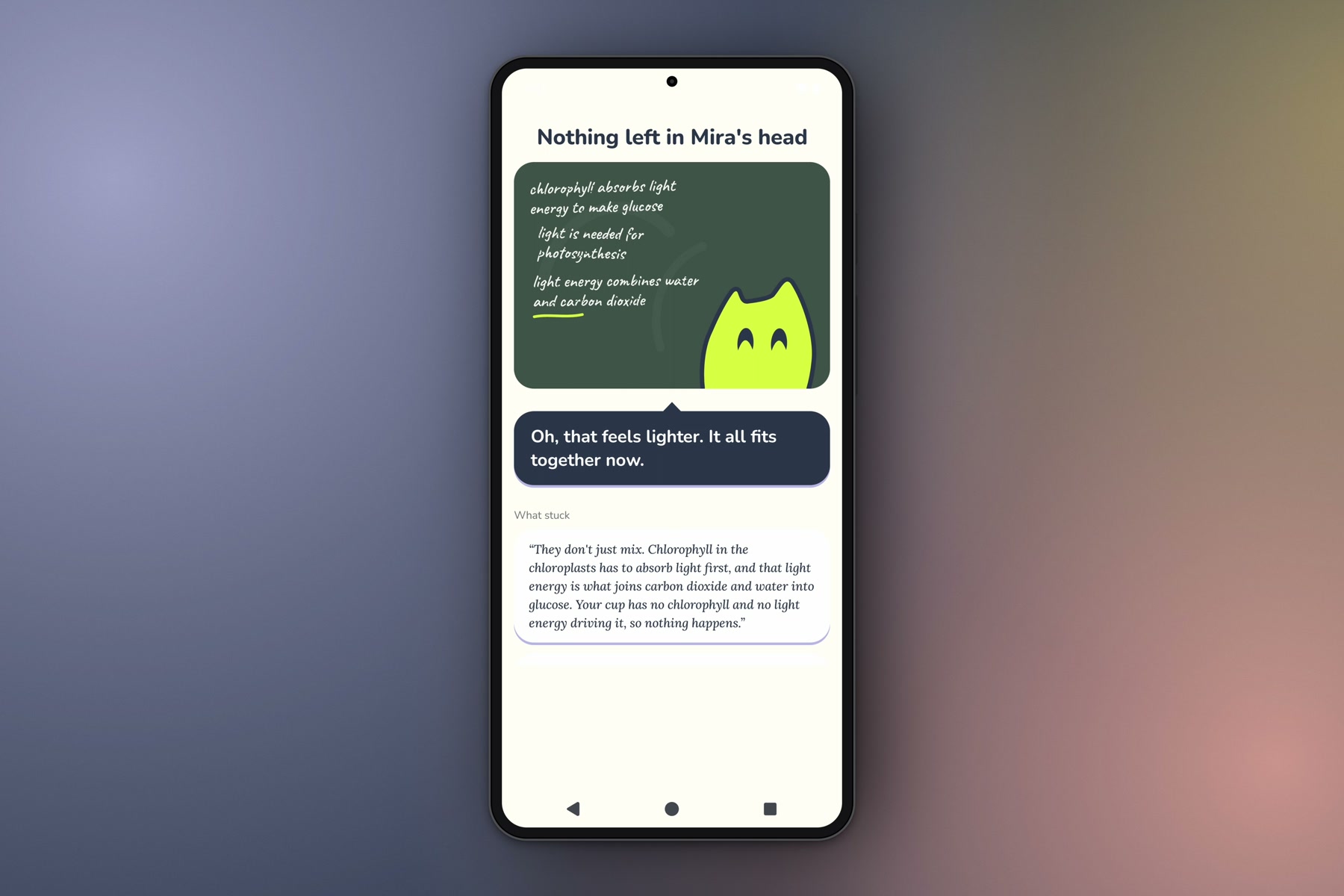
All misconceptions cleared, with a summary of what stuck.
-
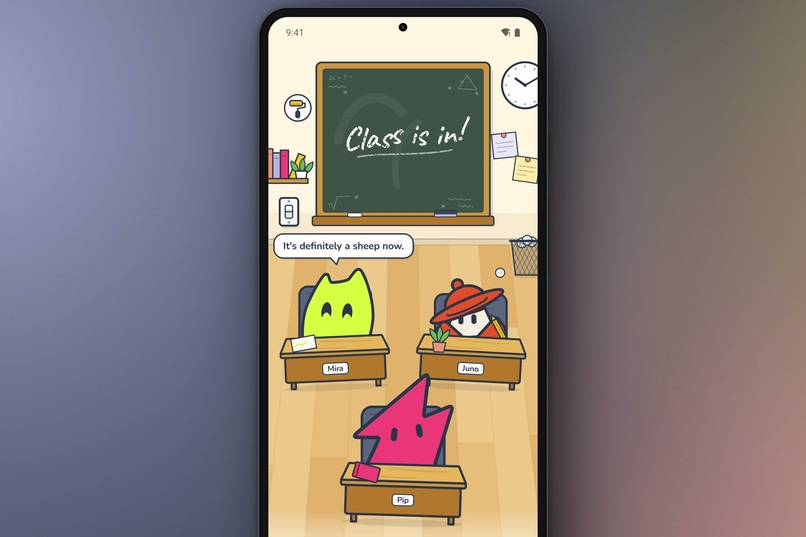
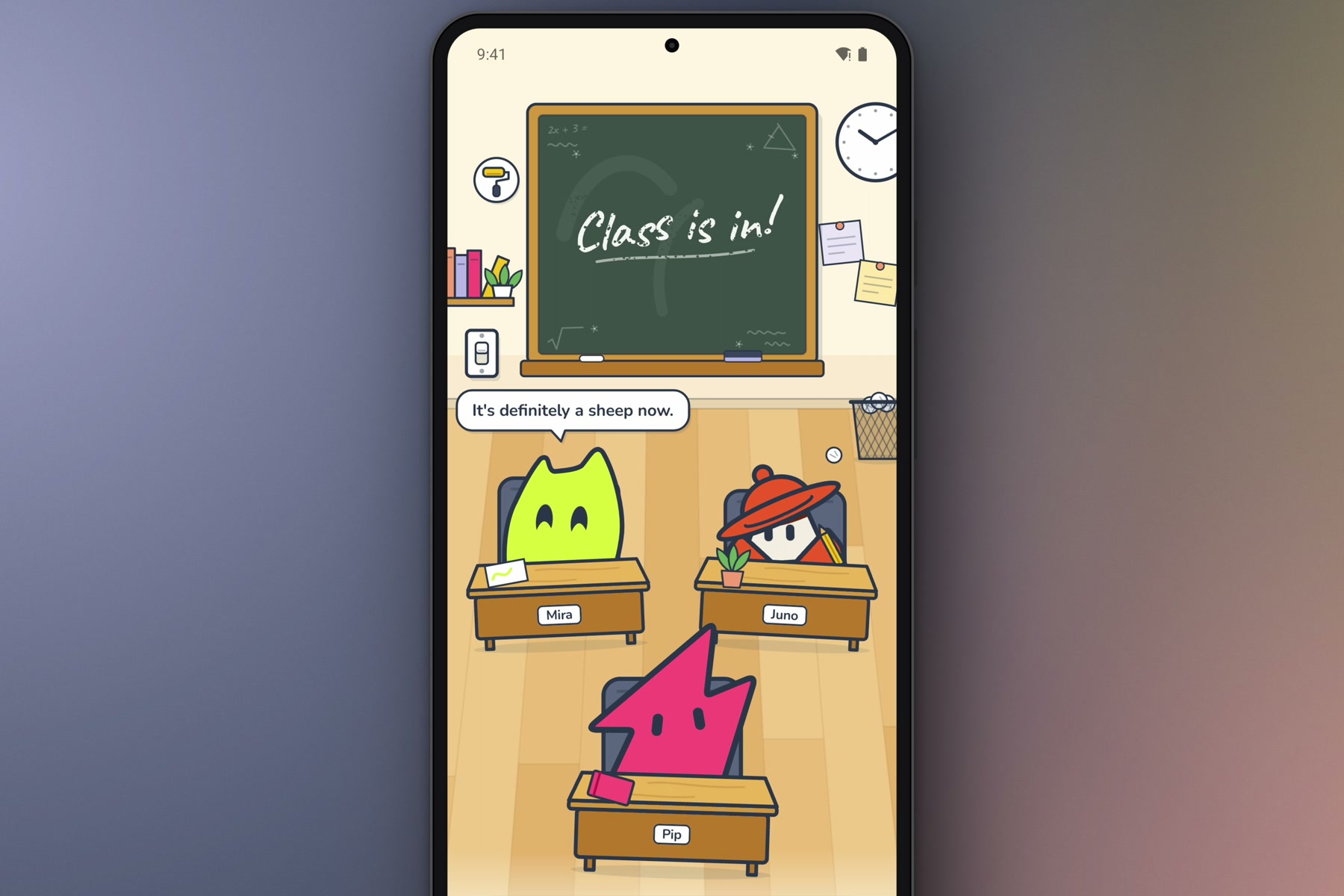
The classroom: Mira, Juno and Pip at their desks, chatting between lessons.
-
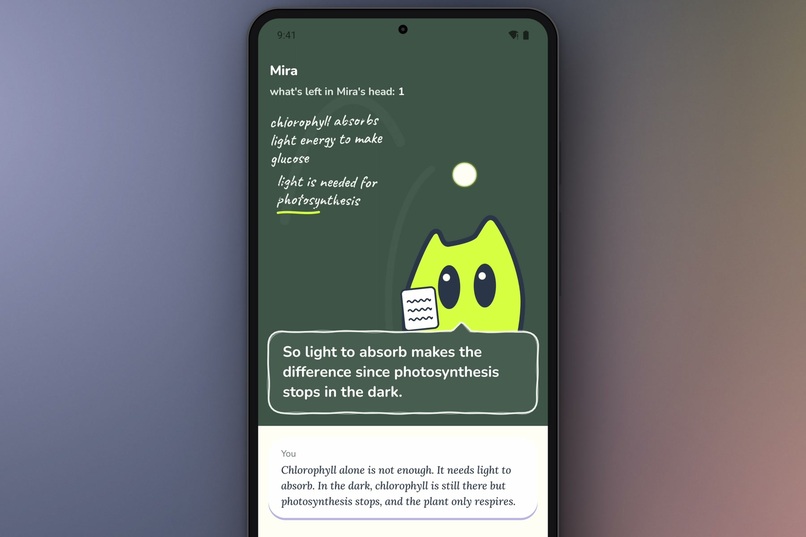
Mid-lesson: what Mira has learned so far is written on the board.
Inspiration
Most learning apps ask you questions and tell you whether your answers are right or wrong. I wanted to try the opposite.
What if the AI was the one getting things wrong, and you had to teach it?
That's where Chalkroom started. The idea is simple: explaining something to someone else makes you think about how well you actually understand it.
What it does
Chalkroom is an Android app where you teach AI students using your own notes.
You start by pasting something you're studying. Then you choose one of three students: Mira, Pip, or Juno.
Each student misunderstands things differently:
- Mira misses important steps or details.
- Pip mixes up similar concepts.
- Juno gets confused about what causes what.
Powered by Gemini, the student you pick reads your notes and comes up with three misconceptions that fit their personality.
Your job is to explain why their beliefs are wrong. But they won't just agree with everything you say. If your explanation doesn't address their misunderstanding, they'll keep asking questions.
When a student finally understands, one of the little clouds around their head (one for each misconception) disappears.
Once you've worked through all their misconceptions, the lesson ends with a summary showing what you taught them and which of your explanations helped them understand.
How we built it
I built Chalkroom as an Android app using Kotlin and Jetpack Compose.
I used Google Gemini for three main tasks: generating misconceptions from the user's notes and checking whether an explanation actually addresses a misconception and writing the student’s reply in character.
The backend is built with Ktor. It handles the Gemini API calls, keeps the API key on the server, and returns structured responses to the Android app.
I also built the classroom and student characters directly in Jetpack Compose, including their expressions and animations.
Challenges we ran into
One of the biggest challenges was making the AI students behave like actual students instead of helpful AI assistants.
At first, they could give away too much information or agree with explanations that didn't really fix their misunderstanding.
I had to work on the prompts and the way explanations were checked. The students needed to stay confused when something was missing, without revealing the answer themselves.
Another challenge was making sure all three students misunderstood the same notes in different ways. I tested their responses and adjusted the generation process to keep each student's behavior consistent.
Accomplishments that we're proud of
I'm proud that I managed to turn the idea into a working Android app.
The part I'm happiest with is how the students respond to explanations. They don't simply accept everything the user says. They have their own misunderstandings, and the user has to address those misunderstandings before moving forward.
I'm also happy with how the classroom turned out. I built the characters and their animations in Jetpack Compose, and watching their expressions change as they learn makes the experience feel more alive.
What we learned
I learned that making an AI intentionally misunderstand something is harder than making it explain something correctly.
I also learned how important it is to separate the AI's decisions from what the user sees. Gemini checks whether a misconception has been addressed, but the app presents that through the student's reactions rather than giving the user a score.
Building Chalkroom also gave me more experience working with Gemini's structured outputs, testing AI behavior, and connecting an Android app to a Kotlin backend.
What's next for Chalkroom
I'd like to keep improving how naturally the students respond and how differently they think.
I also want to explore bringing Chalkroom to more platforms and making it easier to return to previous lessons.
The main idea will stay the same: instead of asking AI for the answer, teach it yourself.

Log in or sign up for Devpost to join the conversation.