-
-
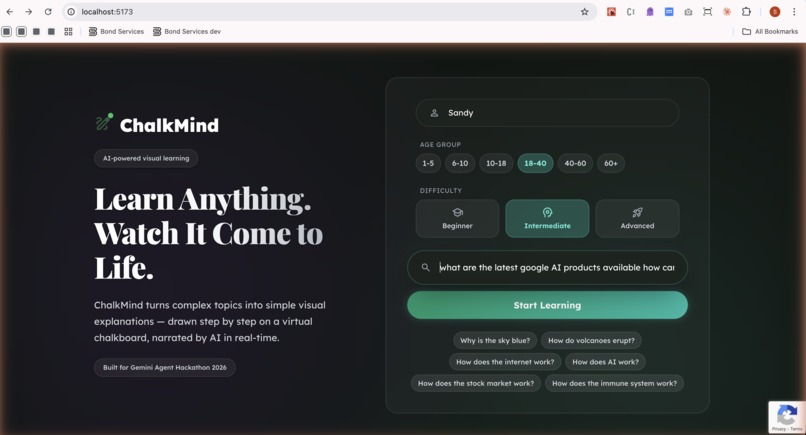
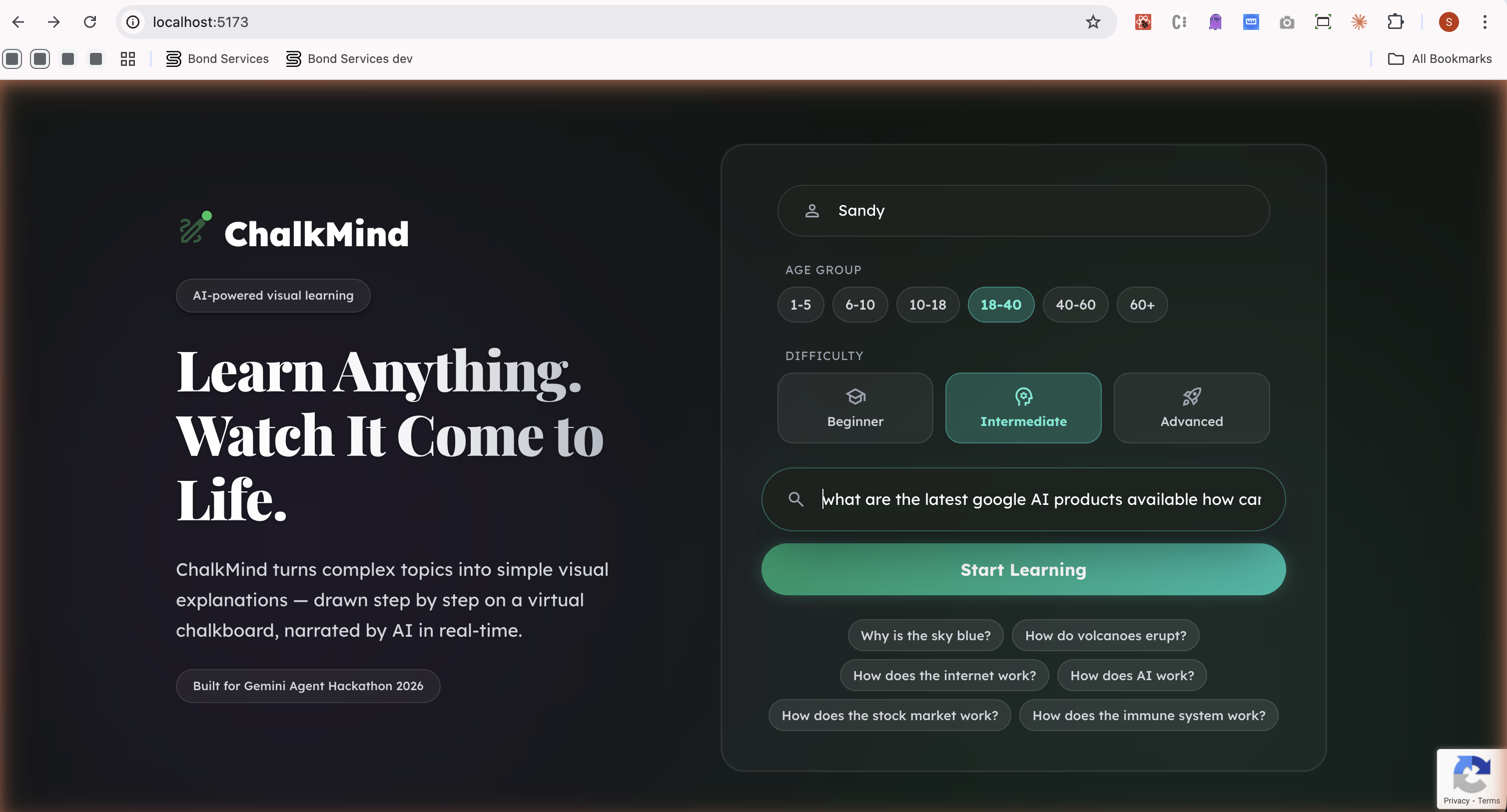
Landing Page
-
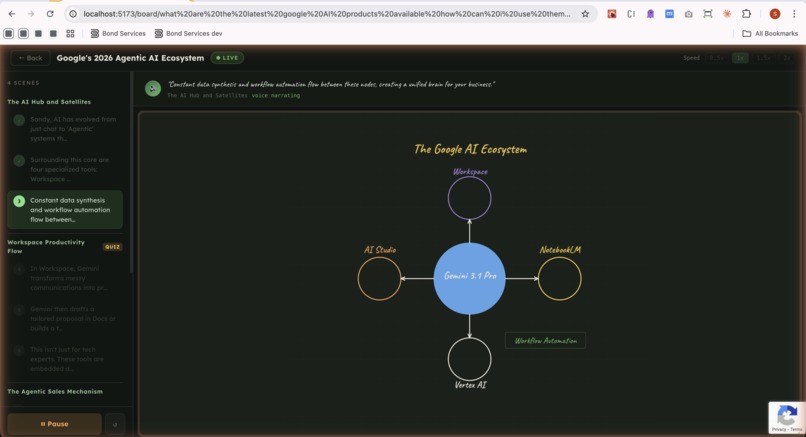
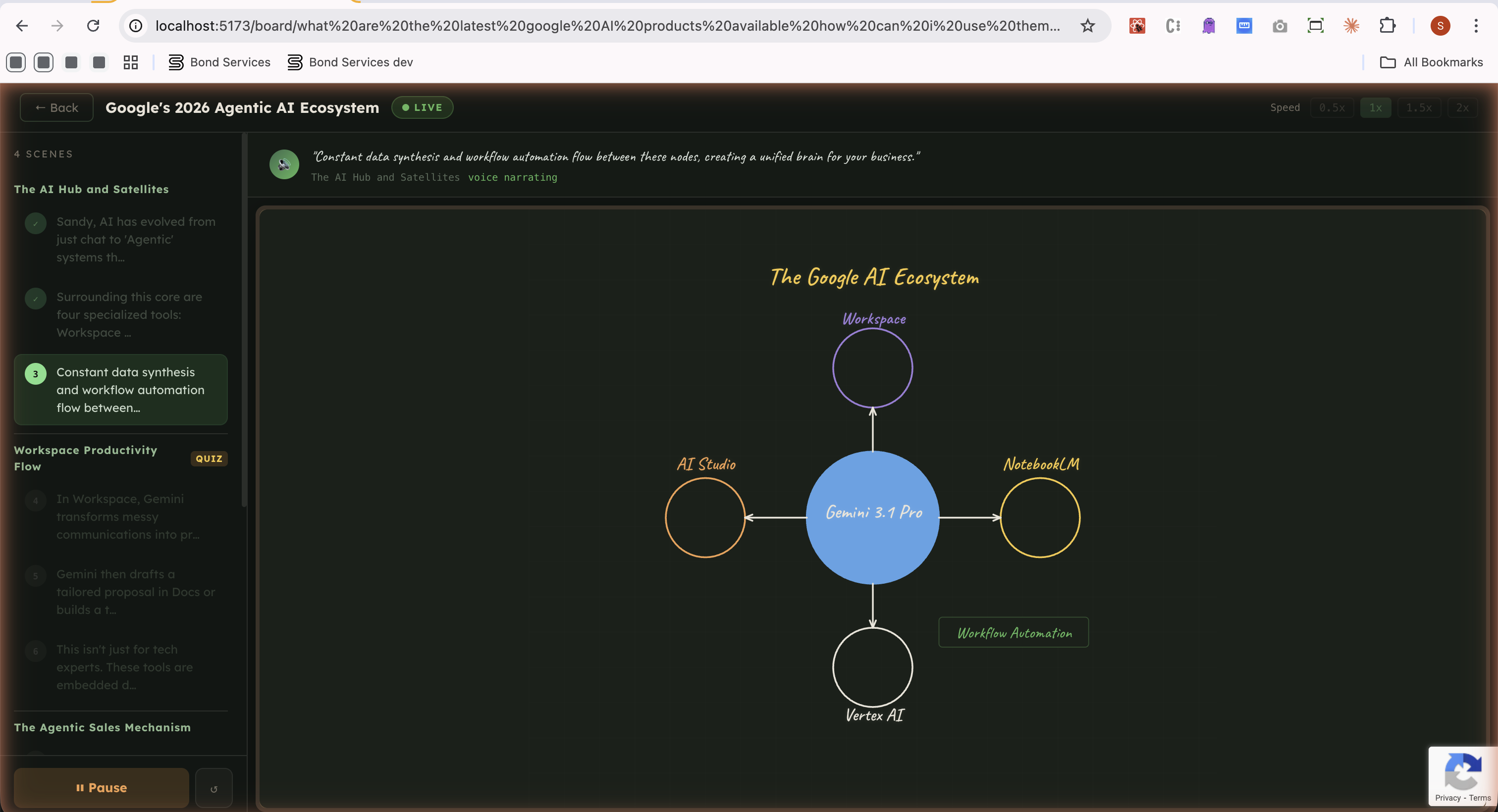
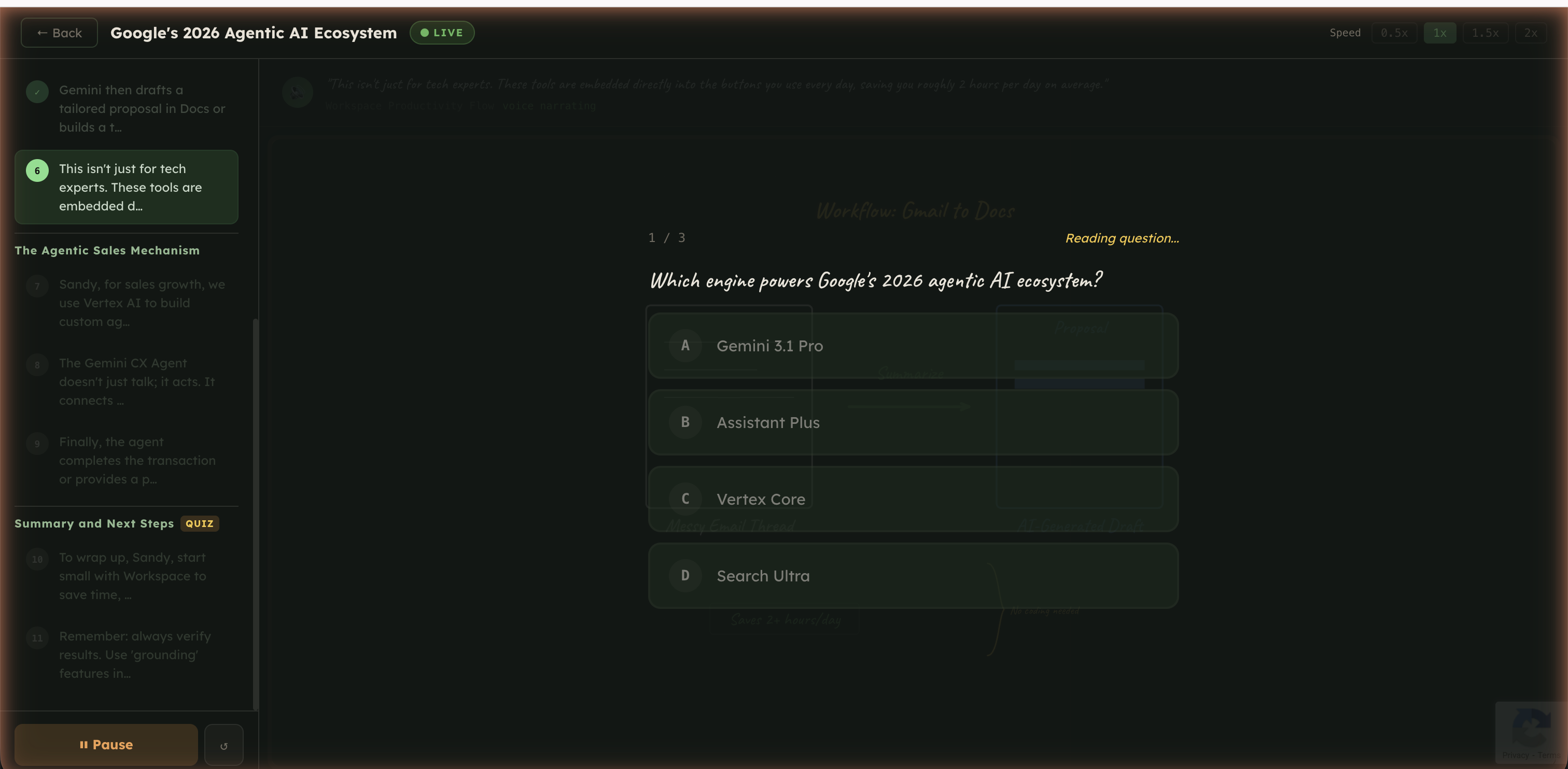
The AI draws animated SVG diagrams on a chalkboard while narrating each step with real-time voice
-
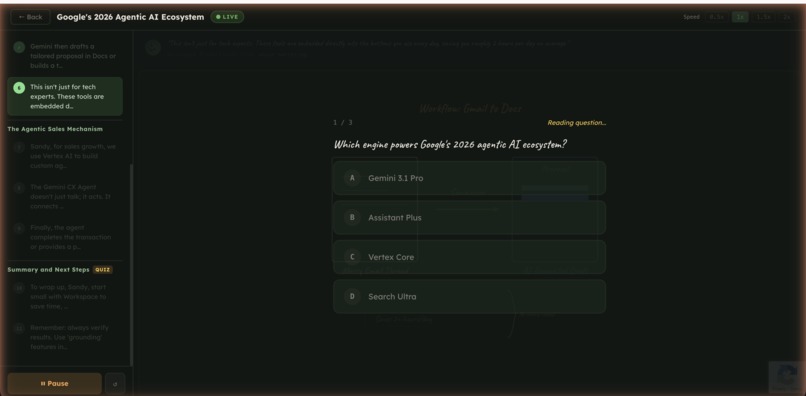
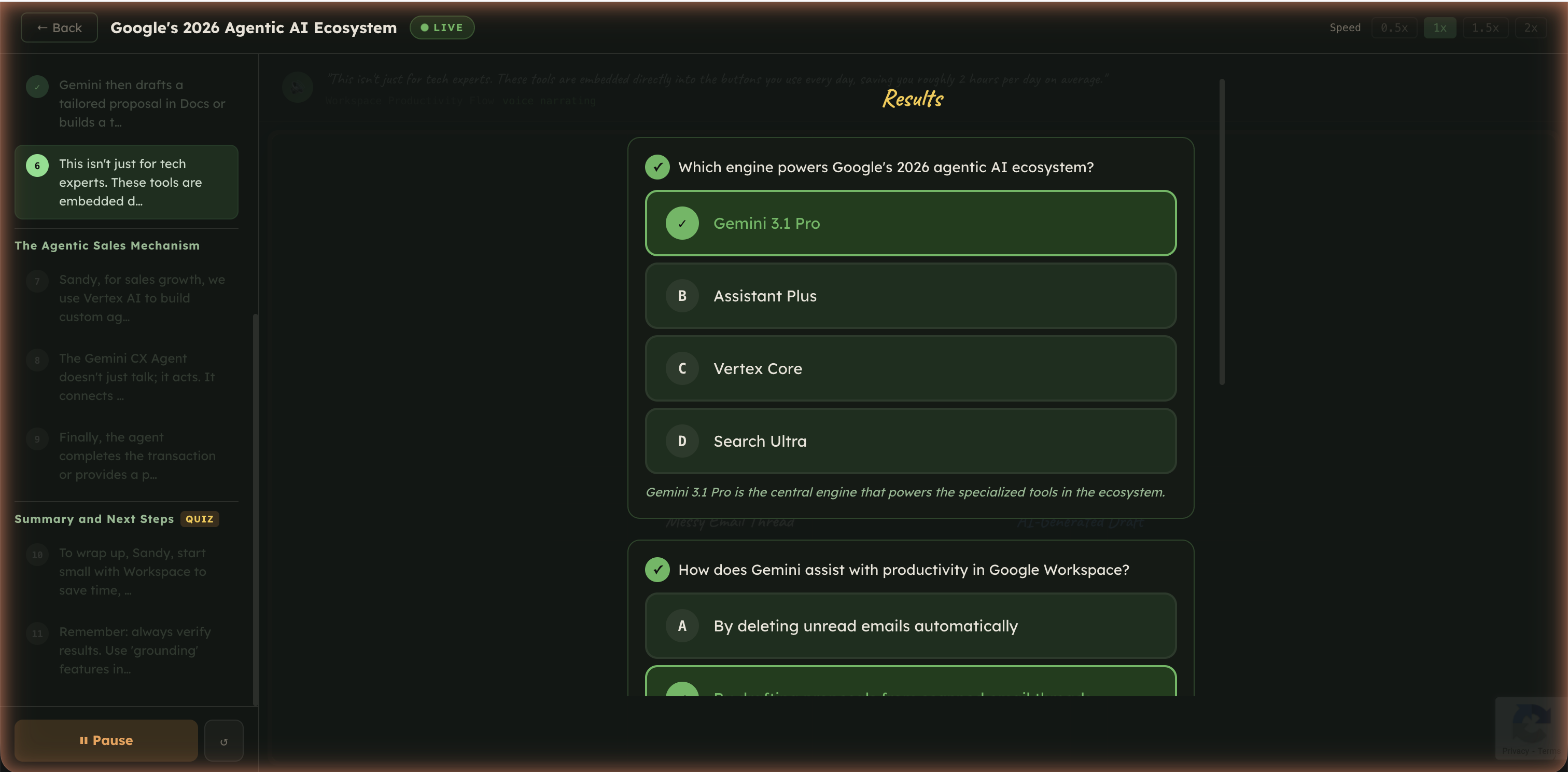
After each scene, a timed multiple-choice quiz tests your understanding of the material just covered.
-
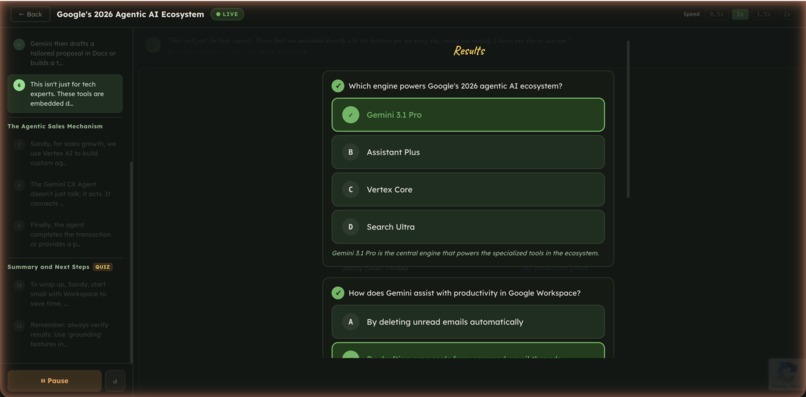
Result: See which answers were correct or incorrect, with detailed explanations for each question.
-
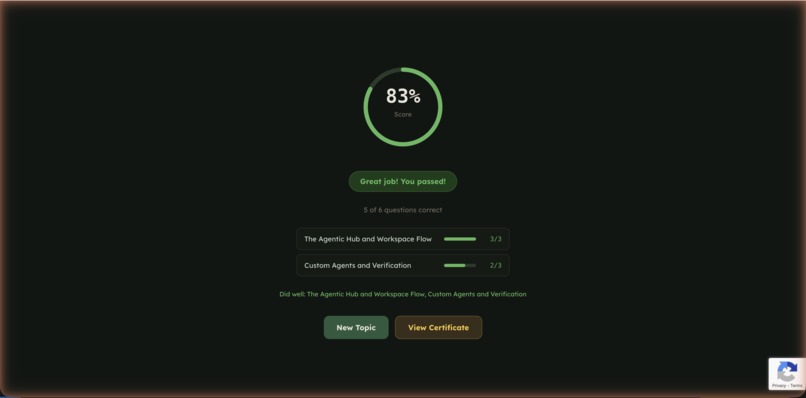
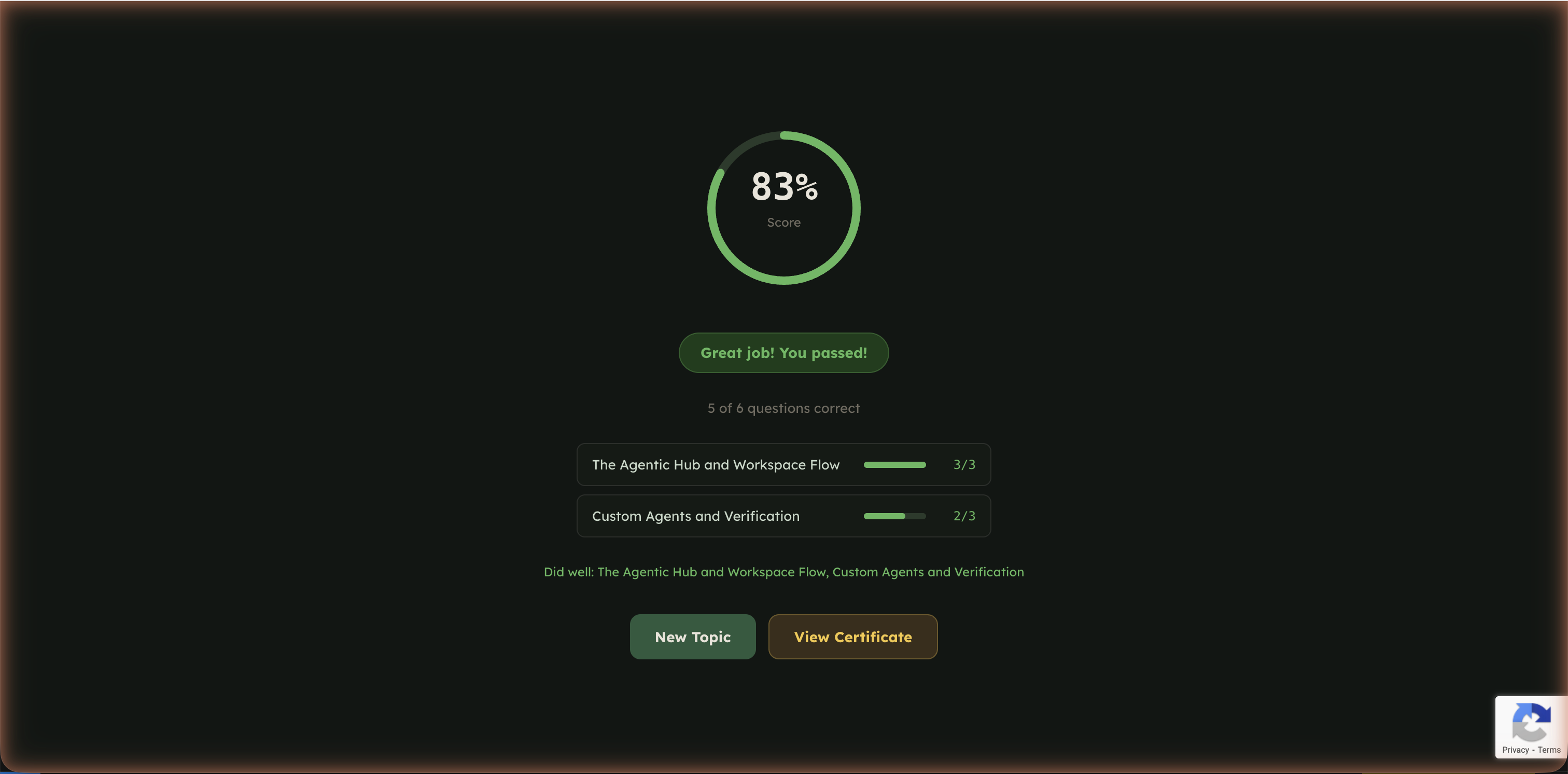
A per-scene breakdown shows your score with pass/fail status for each section of the lesson.
-
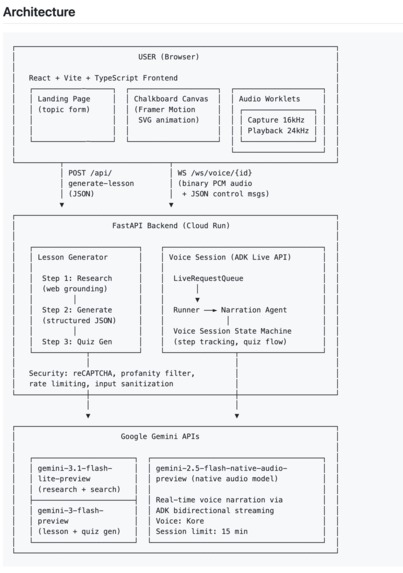
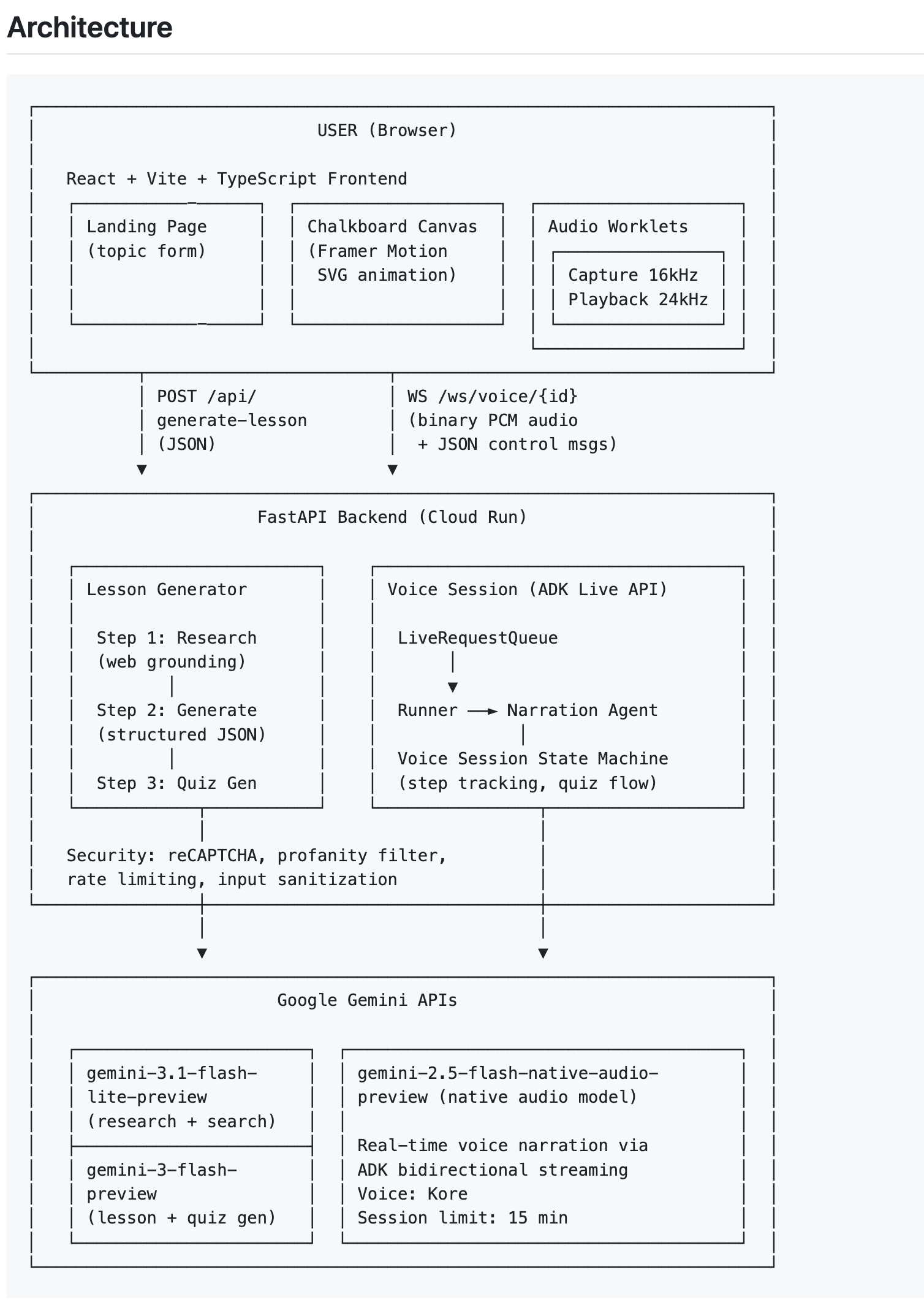
Architecture
Inspiration
This app is inspired from the classroom experience, where every teacher explains concepts with the help of a board. Drawing diagrams, writing key points, walking through ideas step by step with AI. — similar to the way we have been taught in schools. We wanted to bring that same experience.
What it does
You give it a topic. It researches the topic, breaks it into scenes, and starts teaching — drawing on a virtual chalkboard while narrating with voice, just like a teacher would. After each scene, it asks you a quick quiz.
How we built it
We built it using React and FastAPI. Integrated Gemini SDK and Agent tools for AI integrations. Once the topic is entered on the frontend, we have a pipeline on the backend that first researches the topic and gathers learning materials and visual guidelines. This is then fed to a Lesson Generator agent to produce structured material to present on the UI, and a Quiz Generator agent to create quizzes based on the learning material. Finally, the frontend app uses Gemini voice over WebSockets to animate the scenes with SVG animation while a narration agent explains the topic step by step.
Challenges we ran into
Getting AI to generate good visuals was the biggest challenge. We tried multiple approaches in our POCs — raw SVG was inconsistent and broke often, batch rendering had continuity issues between steps. After a lot of experimentation we landed on a drawing DSL where the AI outputs simple JSON commands and our renderer handles the actual SVG. That's what finally made it work.
Accomplishments that we're proud of
The drawing DSL approach — AI just says what to draw, our renderer makes it look good and animate smoothly. The voice and drawing sync actually feels like a teacher explaining on a board.
What we learned
We learned that AI results improved a lot when we gave it few-shot examples and defined a proper schema for the output. Unlike asking AI to generate visuals directly, giving it a structured format helped in improving the quality of results significantly.
What's next for ChalkMind
Multi-language support, saving and sharing lessons, and mid-lesson interaction with live visual responses.
Built With
- framer-motion
- gemini-native-audio-api-cloud-services:-google-cloud-run
- github
- google-agent-development-kit-(adk)
- google-cloud-build-other:-docker
- languages:-python
- react
- typescript-frameworks:-fastapi
- vite-apis:-google-gemini-sdk
- web-audio-api
- websockets

Log in or sign up for Devpost to join the conversation.