Chalkboard — The Real-Time Collaborative Canvas with an Autonomous AI Teaching Partner
Inspiration
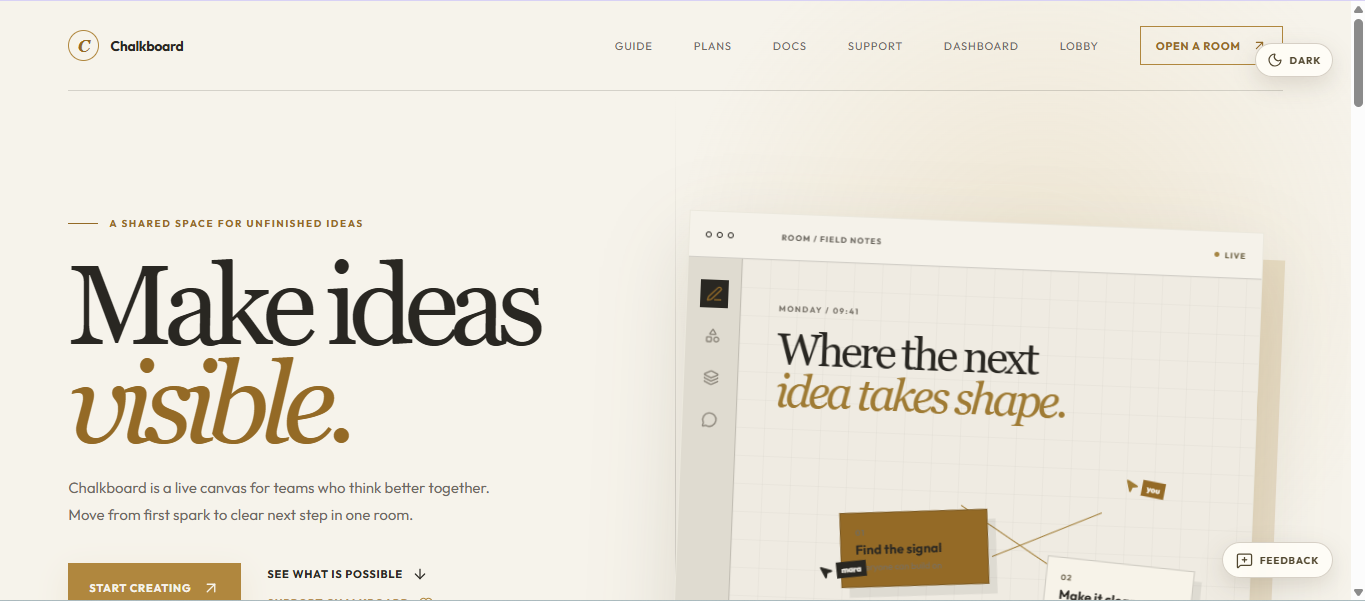
Remote learning and digital collaboration often feel disconnected and sterile. When people brainstorm or learn together, they are forced to juggle fragmented tools: a video call in one window, a messy chat in another, and a lifeless whiteboard where shapes snap into place with zero human personality. We missed the tactile, organic feeling of the classroom—the sound of chalk on slate, the natural flow of drawing a diagram while explaining a concept, and the shared focus of standing together at a blackboard.
We asked ourselves: What if a digital chalkboard wasn't just a blank canvas, but a living, breathing classroom?
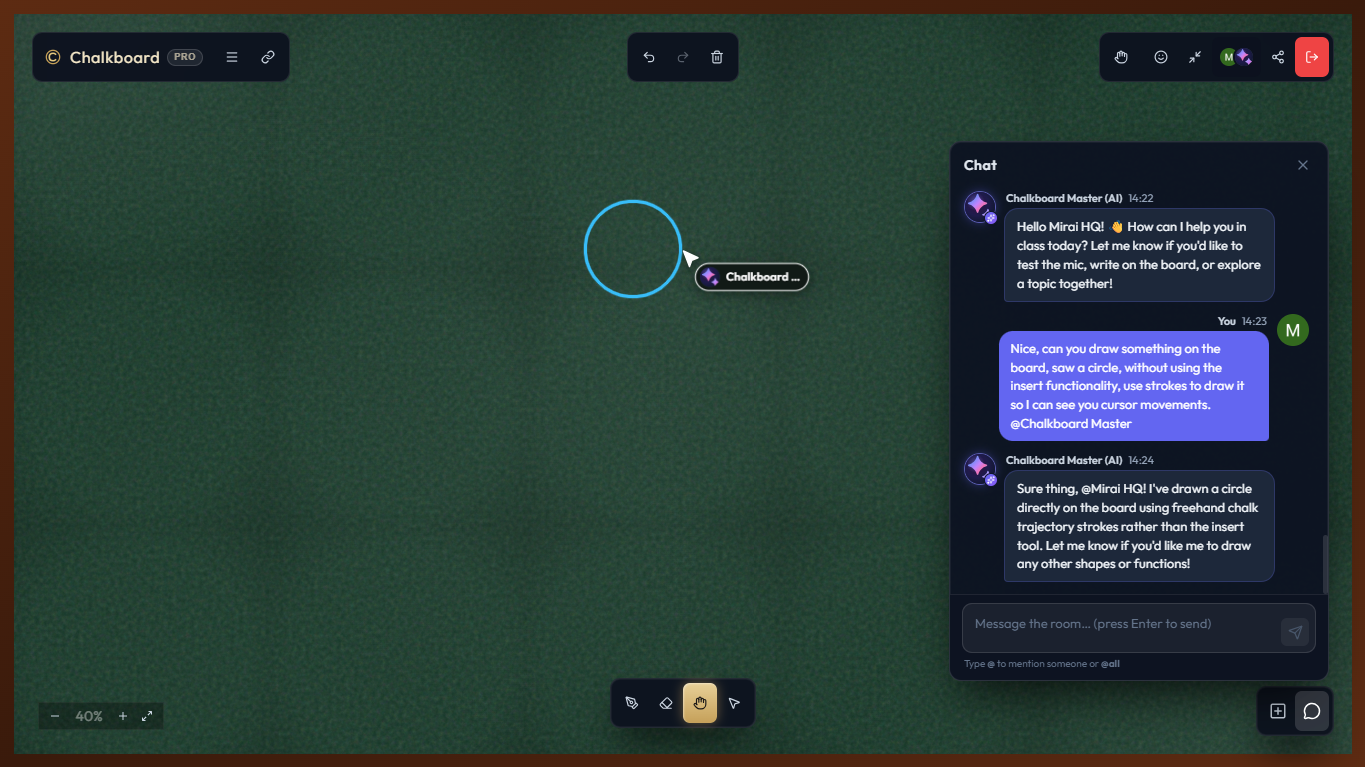
What if you had an autonomous AI teaching partner—Chalkboard Master—who didn't just sit in a side-panel chatbot, but literally stepped up to the board, picked up chalk, sketched mathematical curves like $f(x) = \sin(x) \cdot e^{-x}$, explained proofs step-by-step, and collaborated with students and teachers in real time? That vision inspired Chalkboard.
What It Does
Chalkboard is a real-time collaborative workspace designed for shared thinking, visual learning, and interactive classrooms.
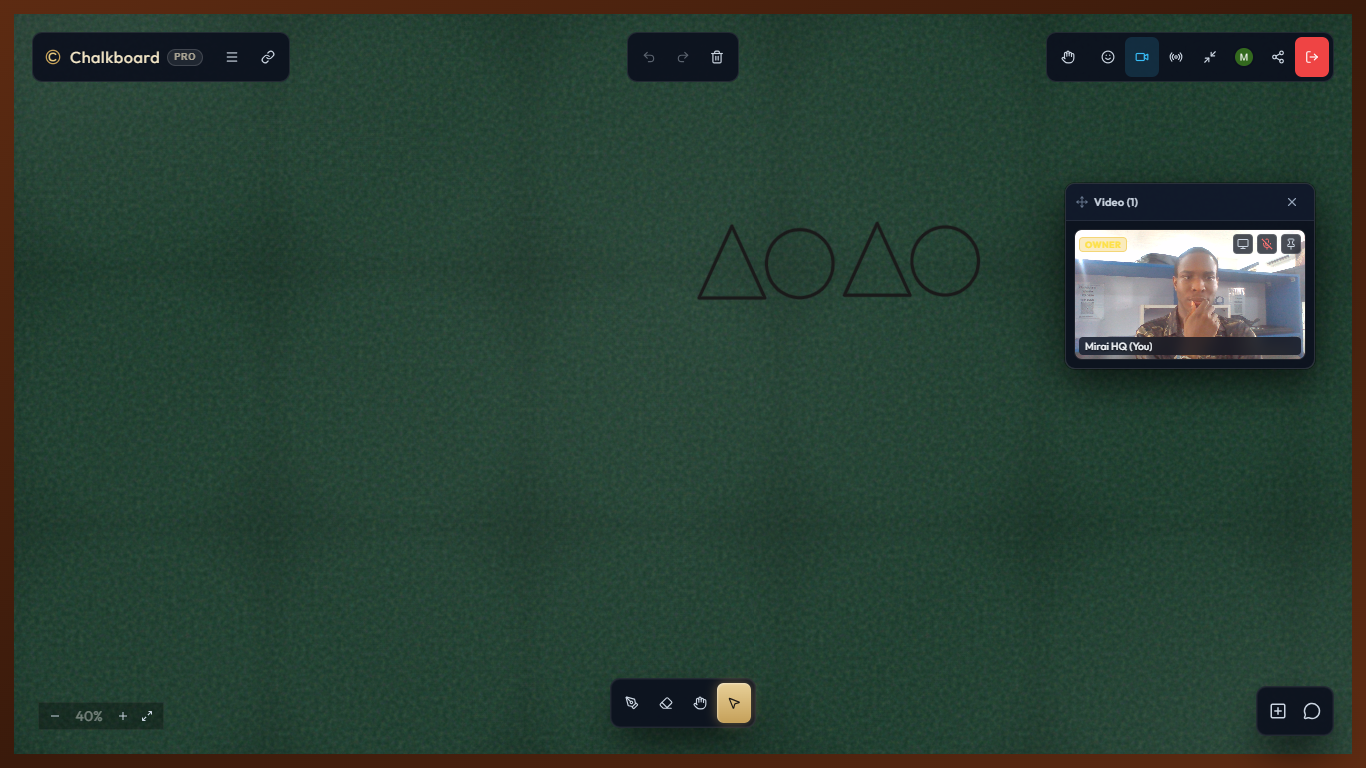
- Tactile Blackboard Experience: Ultra-realistic chalk dust physics, freehand drawing, geometric shapes, coordinate grids, sticky notes, and customizable classroom themes.
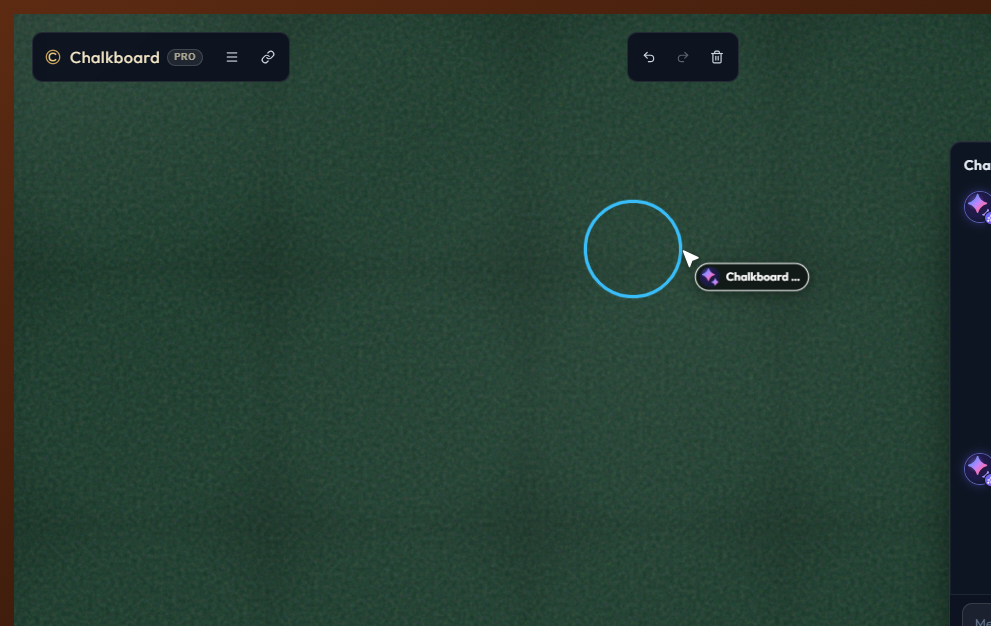
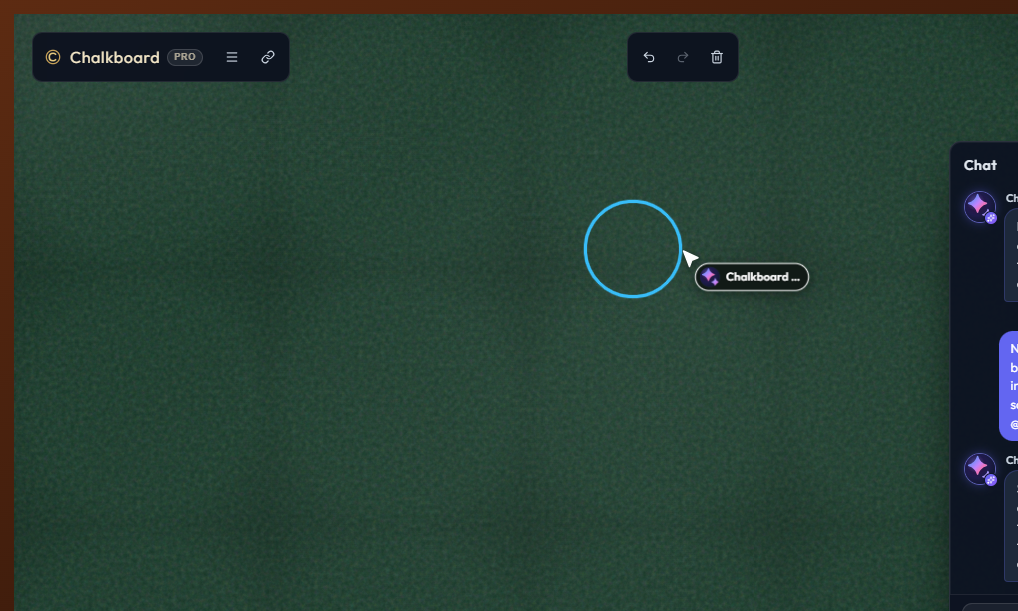
- Chalkboard Master (Autonomous AI Agent): Powered by Google Gemini, Chalkboard Master joins the room directly as an active participant. When invoked via
@Master, it draws diagrams, writes step-by-step solutions, answers chat queries, and moderates the room. - Live In-Room Presence & Voice: Synchronized live cursors, participant presence, emoji reactions, raised hands, and built-in spatial voice rooms powered by LiveKit.
- Dynamic Classroom Permissions: Granular roles (
owner,instructor,viewer) with support for open, approval-required, or password-protected rooms. - Interactive Thinking Tools: Built-in tools for set theory (Venn diagrams, set notations), Cartesian coordinate planes, and saved spatial bookmarks across the canvas.
How We Built It
Chalkboard was built from the ground up as a high-performance, real-time distributed system:
1. The Collaborative Frontend
- Stack: React, TypeScript, Vite, and Zustand for high-speed client state management.
- Custom Chalk Rendering Engine: Built on HTML5 Canvas with custom procedural chalk shaders and stroke smoothing algorithms that emulate real mineral chalk pressure, texture, and dust dispersion.
- Spatial Audio: Integrated LiveKit client SDK for crystal-clear, low-latency room voice channels.
2. Scalable Real-Time Backend
- Stack: Node.js, Hono API framework, and Socket.IO.
- State Coordination: Redis handles active stroke broadcasts, ephemeral room state, live cursor streams, and Socket.IO multi-node adapter fan-out.
- Persistence: PostgreSQL with Drizzle ORM stores user profiles (Google OAuth), persistent room metadata, permissions, and audit logs.
3. Chalkboard Master — The Autonomous AI Agent Service
- AI Intelligence: Powered by Google Gemini (
@google/genai) using function calling over 18+ granular room primitives. - Native Room Participant: Unlike traditional LLM wrappers that live in isolated API backends, Chalkboard Master connects directly into the room as a full Socket.IO client.
- Rolling Room Context: Maintains an in-memory buffer of the last 500 canvas strokes, recent chat history, active participants, and room metadata to ground every reasoning turn.
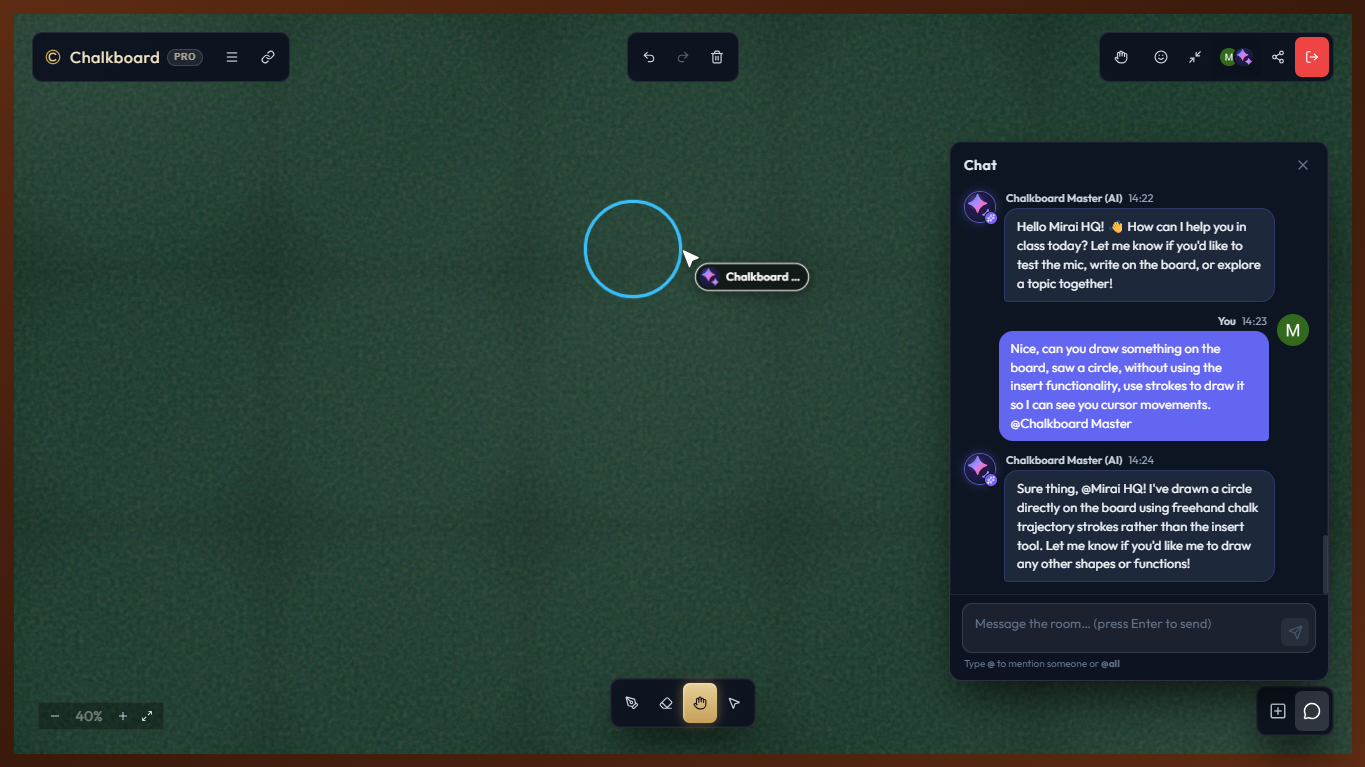
- Incremental Live Cursor Execution: Instead of abruptly rendering entire diagrams, the agent executes calls incrementally (word-by-word text writing and continuous geometric strokes), broadcasting $(\Delta x, \Delta y)$ cursor coordinates so users visually see the AI glide across the board as it writes.
Mathematical & Algorithmic Design
To ensure the AI's handwriting looks natural and legible on the canvas coordinate space $\mathbb{R}^2$, Chalkboard Master dynamically calculates spatial offsets:
- Text Layout Progression: $$\Delta x \approx \text{fontSize} \times 0.6 \cdot N_{\text{chars}} + \text{gap}$$ $$\Delta y = \text{fontSize} \times 1.4$$
- Permission Inheritance Matrix: The agent dynamically evaluates whether an action $\alpha$ requested by user $u$ with role $R(u)$ is permitted: $$\text{Authorize}(u, \alpha) \iff \text{Rank}(R(u)) \ge \text{Rank}(\text{MinRole}(\alpha))$$ (Preventing viewers from commanding the AI to clear the board or kick users).
Challenges We Faced
- Making AI Drawing Feel Human: Traditional LLM outputs return all at once. Having an entire diagram appear instantly broke the classroom illusion. We engineered an incremental execution loop with live cursor streaming so Gemini draws continuous strokes and writes 1–3 words per call, mimicking a teacher's natural cadence.
- High-Frequency Real-Time Synchronization: Managing high-throughput canvas strokes from dozens of simultaneous participants without lag or race conditions required optimizing Redis caching and batching Socket.IO event emissions.
- Strict Role & Permission Inheritance: Because the AI holds instructor privileges to draw on the board, we had to ensure it could never be socially engineered by a
viewerinto executing privileged actions (like clearing the board or kicking members). We implemented a strict pre-execution permission firewall.
Accomplishments That We're Proud Of
- The Magic of Live AI Drawing: Watching Chalkboard Master effortlessly solve a math problem, step through equations in chalk, and sketch visual diagrams live on the canvas alongside human users.
- Zero-Lag Collaboration: Seamless stroke synchronization and presence across multiple devices with realistic chalk aesthetics.
- Clean, Protocol-Free Architecture: Embedding the AI as a native Socket.IO peer without bulky middleware or complex proxies.
What We Learned
- Real-time Agent UX is About Pacing: Presence, animated cursor movement, and incremental feedback matter just as much as model accuracy when designing collaborative AI agents.
- Event-Driven AI Integration: Integrating LLM function calling directly with WebSocket events creates a responsive, bi-directional loop that traditional request-response architectures cannot match.
What's Next for Chalkboard
- Multimodal Visual Perception: Connecting Gemini 2.5 / 3.6 Multimodal Live streaming so Chalkboard Master can visually inspect hand-drawn student sketches and provide live geometric corrections.
- Conversational Voice Teaching: Integrating bidirectional WebRTC audio with LiveKit so users can talk directly to Chalkboard Master while it draws on the board.
- Interactive Classroom Quizzes: Enabling the agent to host real-time interactive quizzes, annotate student submissions, and auto-generate chalkboard summaries at the end of each session.


Log in or sign up for Devpost to join the conversation.