-
Home Page
-
Professor View
-
Lecture Notes
Inspiration
In many classes, especially technical ones, students are expected to listen, understand, write, and ask questions all at the same time. When a professor is writing dense equations or diagrams on the board, it is easy to fall behind.
One of the biggest problems we noticed was that the limiting factor was often the students' willingness to speak up, not their ability to learn. A lot of students have questions but are uncomfortable asking them out loud. They do not want to interrupt the lecture or feel embarrassed for not understanding something right away. Once a student misses a step, it becomes much harder to follow the rest of the lecture, a situation that could be easily avoided had they just asked for clarification.
We wanted to build something that lets students focus on understanding the material instead of rushing to copy everything down.
What it does
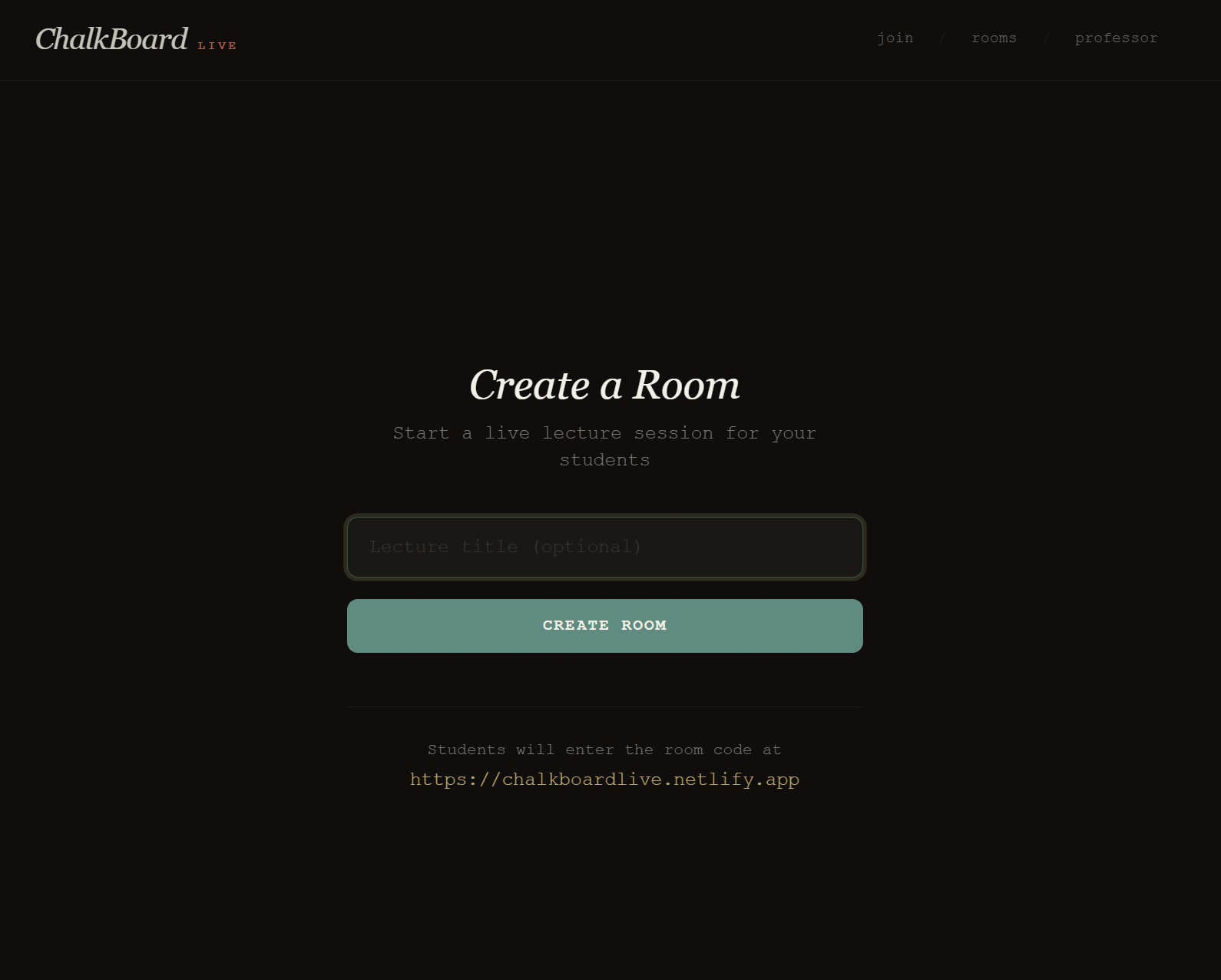
ChalkBoard Live is a classroom accessibility tool that turns handwritten chalkboard or whiteboard lectures into live digital notes.
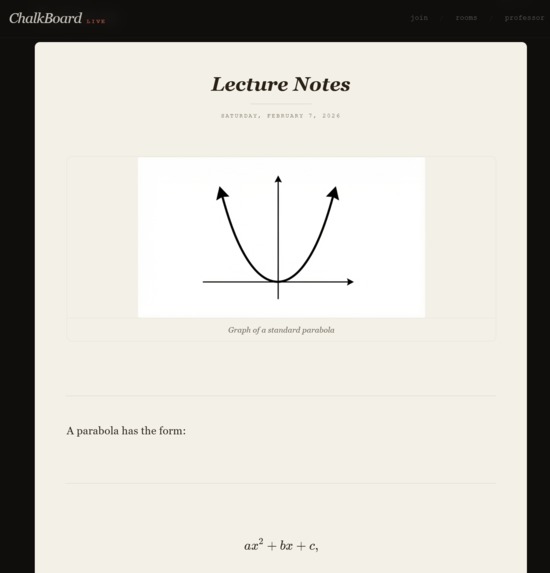
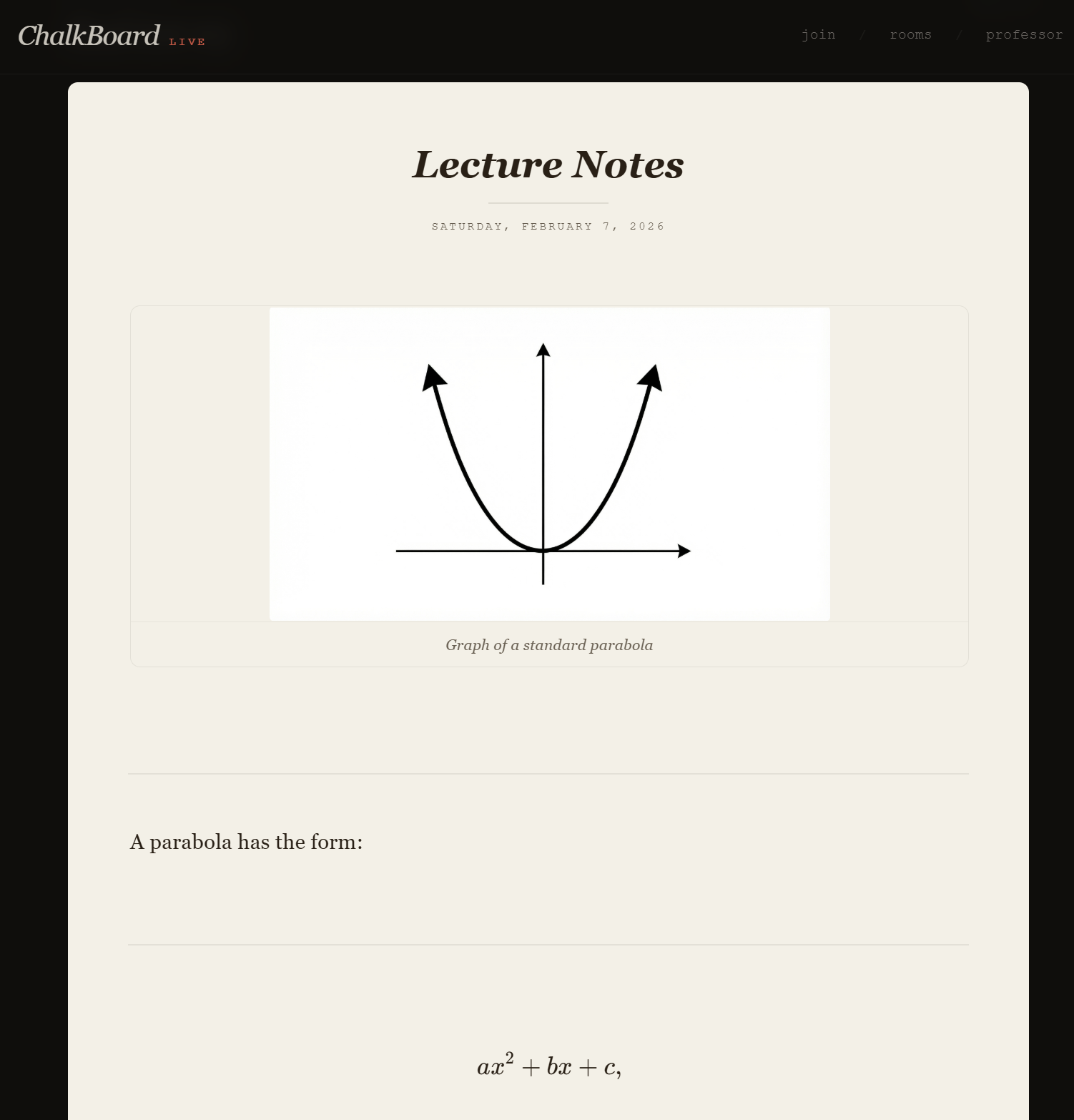
A camera is pointed at the board and continuously captures what the professor writes. Each frame is processed by an AI vision pipeline that extracts handwritten text, math, and diagrams. The content is converted into clean, structured notes with full KaTeX support for mathematics.
For example, a handwritten equation on the board becomes:
$$ \int_0^\infty e^{-x^2} dx = \frac{\sqrt{\pi}}{2} $$
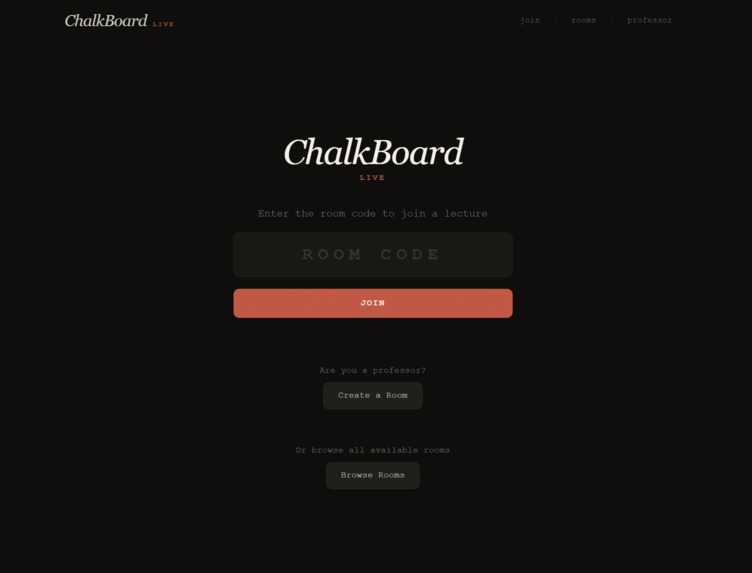
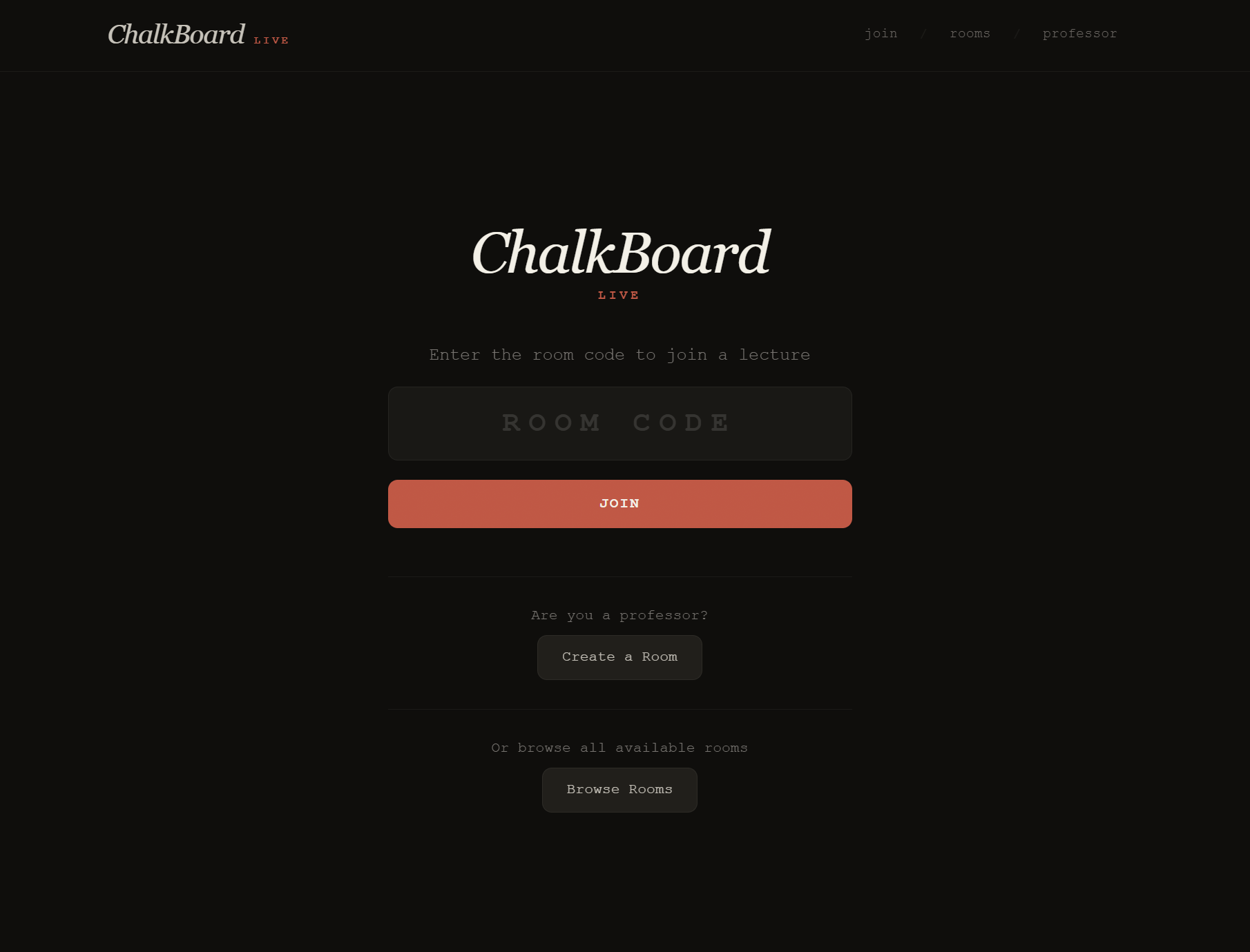
Students join a lecture using a simple room code and see notes appear live on their devices. During the lecture, they can:
- Highlight sections they find confusing or important
- Add optional anonymous comments or questions when highlighting
- See highlighted sections get darker as more students highlight the same concept
- Listen to any section using text-to-speech when reviewing later
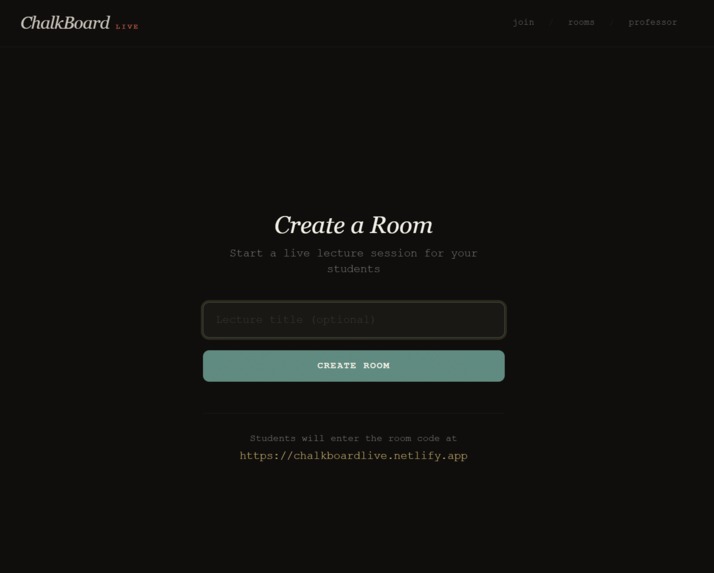
Professors have a separate dashboard where they can see which sections are being highlighted the most, along with anonymous student questions and a live camera preview.
Accessibility focus
Accessibility was the core motivation behind this project.
Many students struggle silently during lectures. Some are shy, some are anxious about asking questions, and others simply need more time to process information. ChalkBoard Live gives students a way to signal confusion without speaking up in front of the class.
The highlighting system creates a quiet feedback loop. When many students highlight the same section, the professor can immediately see that something needs clarification. No one is singled out, and the lecture flow is not interrupted.
The text-to-speech feature also supports students who learn better through audio, especially when reviewing notes after class.
These features are not just accommodations. They improve the experience for everyone in the room.
How we built it
Frontend
The frontend is built with Next.js, React, TypeScript, and Tailwind CSS. Notes render live using KaTeX for math. Diagrams are displayed as images that students can zoom and inspect.
Highlight intensity updates in real time as more students interact with the same section.
Backend
The backend is a FastAPI server that receives camera frames and sends them to Google Gemini through OpenRouter. We use a carefully designed prompt to extract structured content, including LaTeX math and diagram descriptions.
Supabase provides the PostgreSQL database and real-time subscriptions, allowing all students and the professor to see updates instantly.
Challenges we faced
Prompt design
Getting consistent, well-structured LaTeX output was harder than expected. The AI often tried to guess missing content or change formatting between frames. We had to iterate heavily on the prompt and add strict rules to keep the output stable.
Diagram quality
Turning rough board sketches into readable diagrams took multiple approaches. We experimented with different formats before settling on generated images that could be zoomed and reviewed clearly.
Deployment
Deploying the frontend and backend on separate services introduced challenges with environment variables, networking, and CORS. Making everything work smoothly together took more time than we expected.
What we learned
- How to design prompts that produce reliable structured AI output
- How to build real-time collaborative systems using Supabase
- How much small UI decisions affect accessibility and usability
Built at QHacks 2026.
Built With
- elevenlabs
- fastapi
- netlify
- nextjs
- pillow
- react
- render
- supabase
- tailwind

Log in or sign up for Devpost to join the conversation.