Inspiration
User story from one of our team members: One time my LX bus decided to stall at the Livi student center, and long story short I ended up getting to my linear algebra class 15 minutes late. Doesn’t sound like much, but that was enough time for two of the six chalkboards in the lecture hall to be completely full of matrices and symbols. I tried to decipher what was going on, but referencing my textbook’s table of contents while the professor continued to move forward was impossible. If only someone could catch me up on exactly what I missed.
What it does
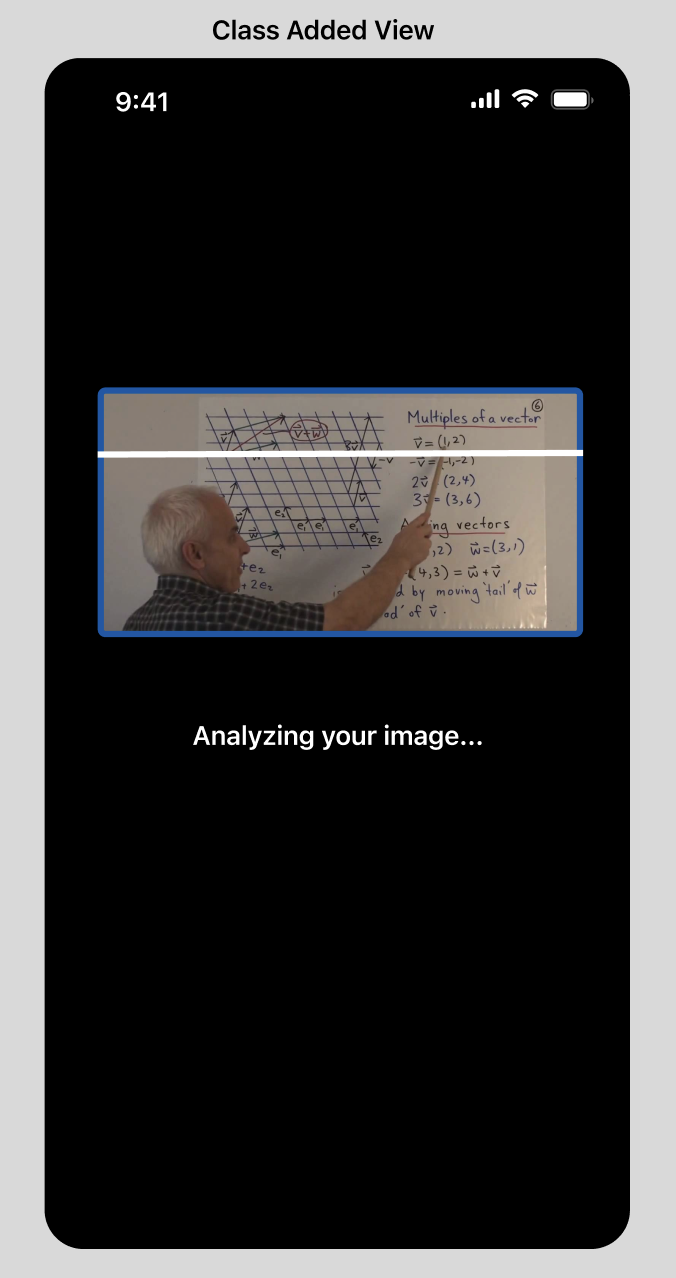
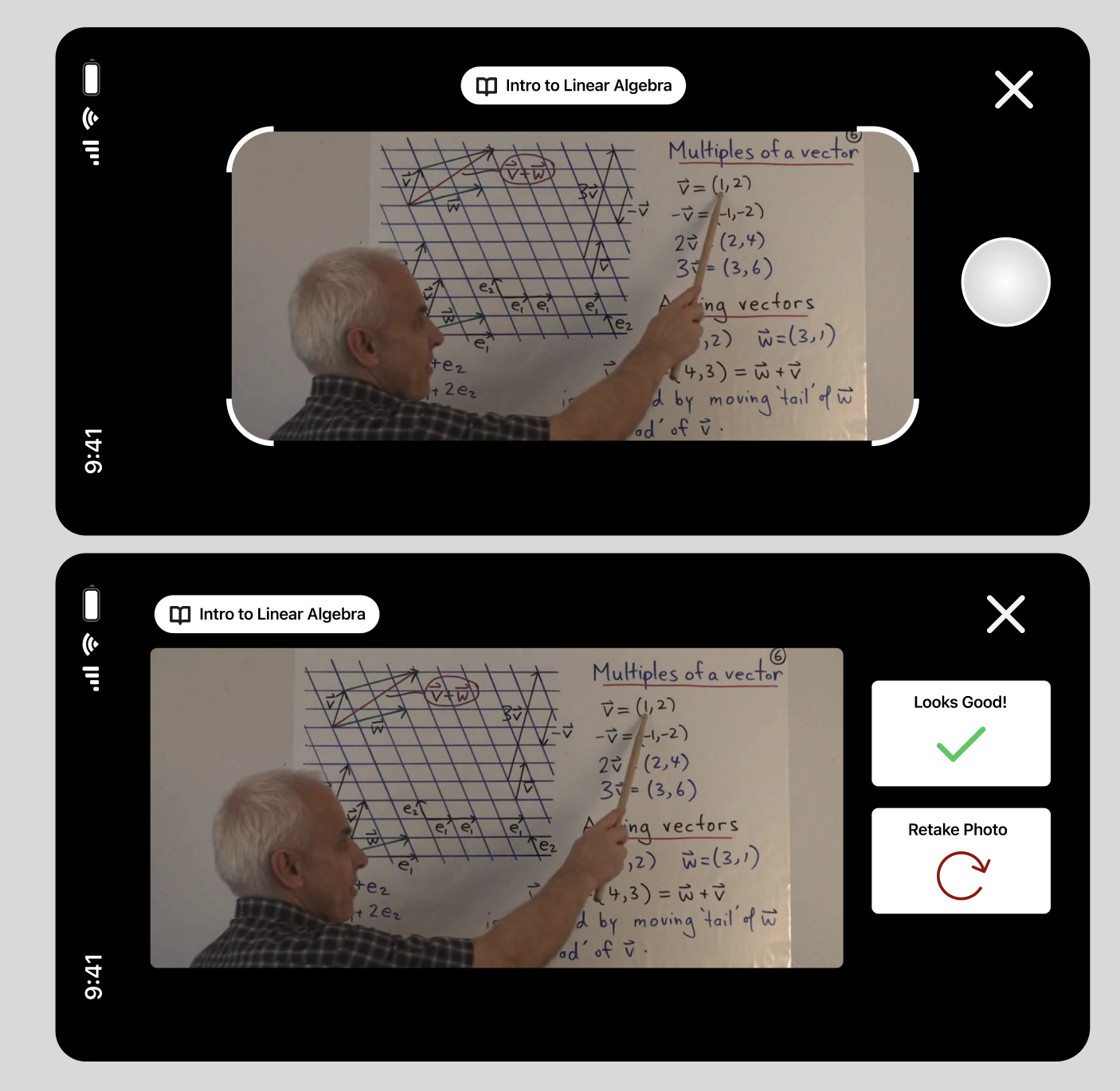
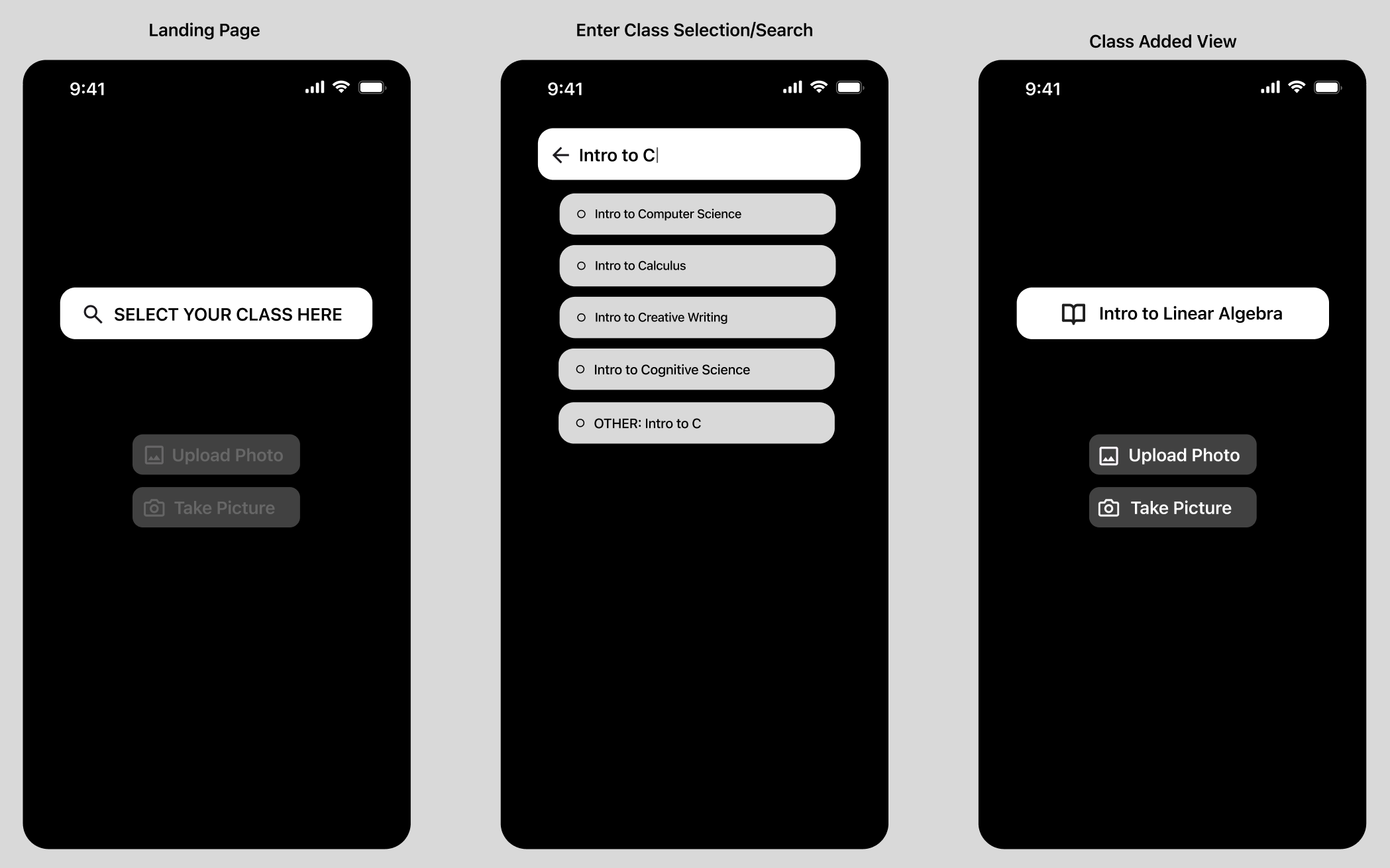
In the app, users are able to select their class (from our database of Rutgers courses), and then take or upload a picture. This information is sent to an AI-based API that returns information in three sections: 1) What is going on? Topics and descriptions directly being discussed in the picture. 2) What should you know? Foundational topics (within the context of the class syllabus) that are likely important to understand the current discussion. 3) What is to come? Topics that will be covered in the near future
How we built it
1) Data sourcing (via crawling + scraping). Went school by school at Rutgers to find class code, class name, and syllabus information. Some automated work, some manual work. 2) Setup backend via Supabase for hosting data and images from users. 3) Built out frontend via Xcode/Swift for iOS 4) Created an API for the AI response, hosted via Vercel edge functions. The AI utilizes GPT with training data from the scraped course info in our backend. Returns JSON info that is easily processed to display to users in the frontend.
Challenges we ran into
1) A challenge we ran into while creating this software was accumulating all the different classes that Rutgers offers and finding their syllabuses. 2) We ran into was the creation of API which takes context from the picture taken or uploaded and uses AI to look through the syllabus and gives an output with relevant information
Accomplishments that we're proud of
First API any of us have built/hosted!! What we’re most proud of is this app’s ability to effectively include all students in the classroom in the current discussion. In regards to how the app functions, we’re glad that the API we built works properly with the information scanned from the photo uploaded.
What we learned
1) Different data scraping methods 2) Figma and API Optimization 3) Effective Database Implementation
What's next for Chalkboard AI
For now, the database only has syllabuses from Rutgers University. As for the foreseeable future, we would like to scale up our operations to include a syllabus database compatible with all students, regardless of the institution they’re enrolled in.

Log in or sign up for Devpost to join the conversation.