-
-
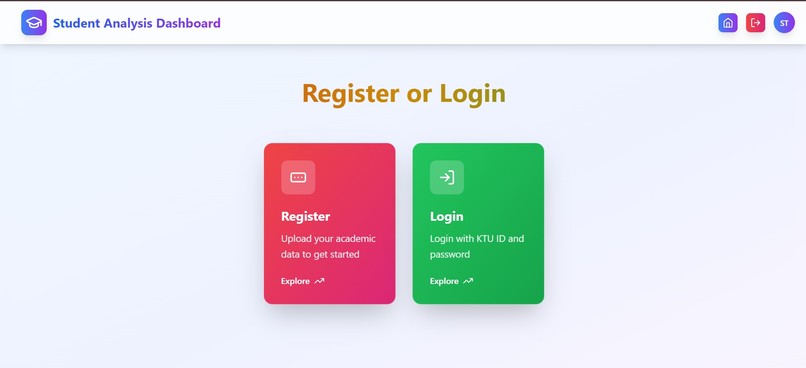
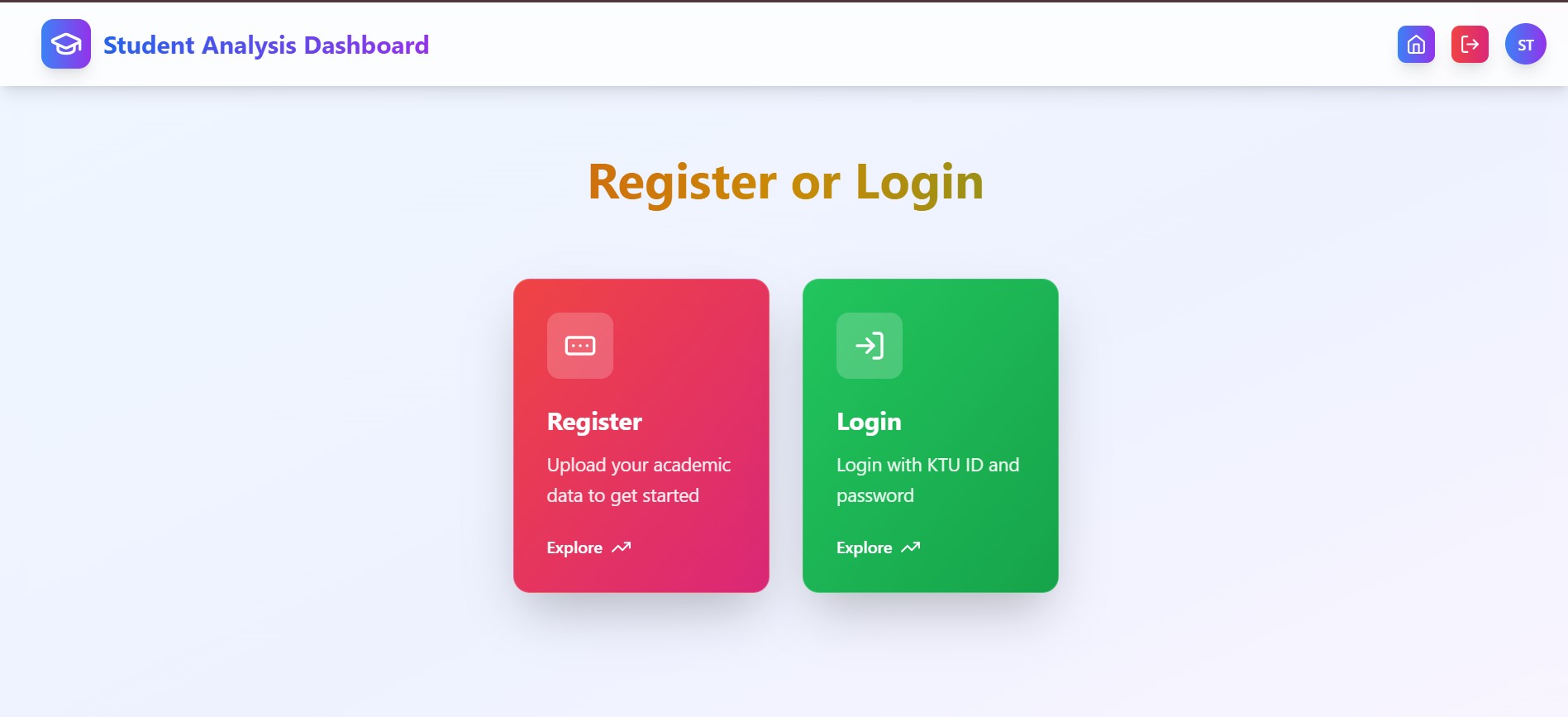
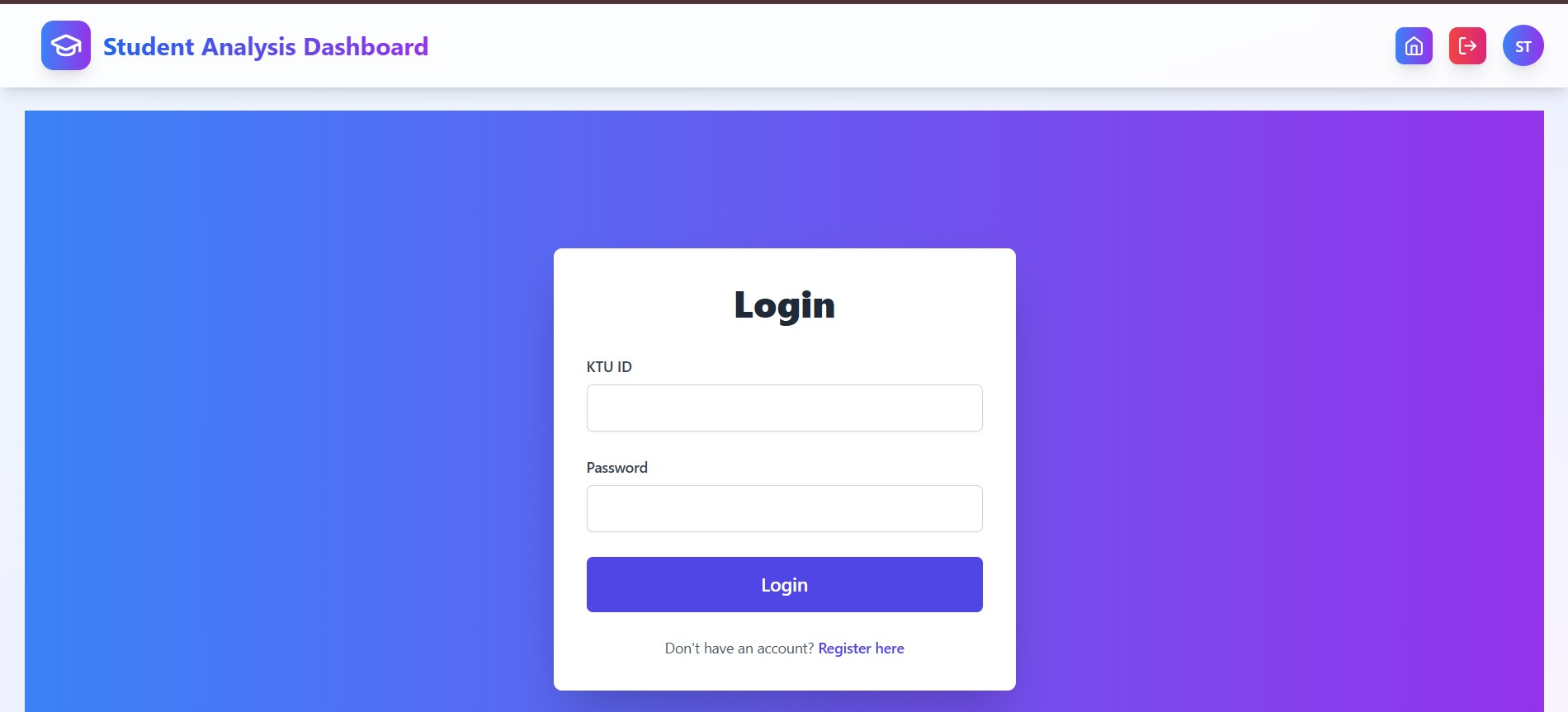
Register/login
-
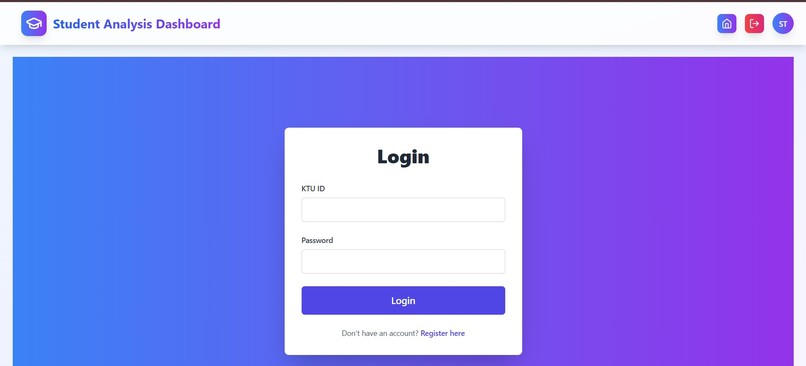
login
-
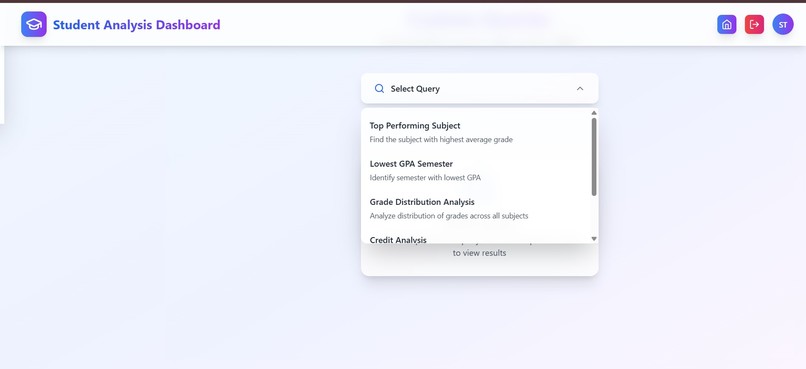
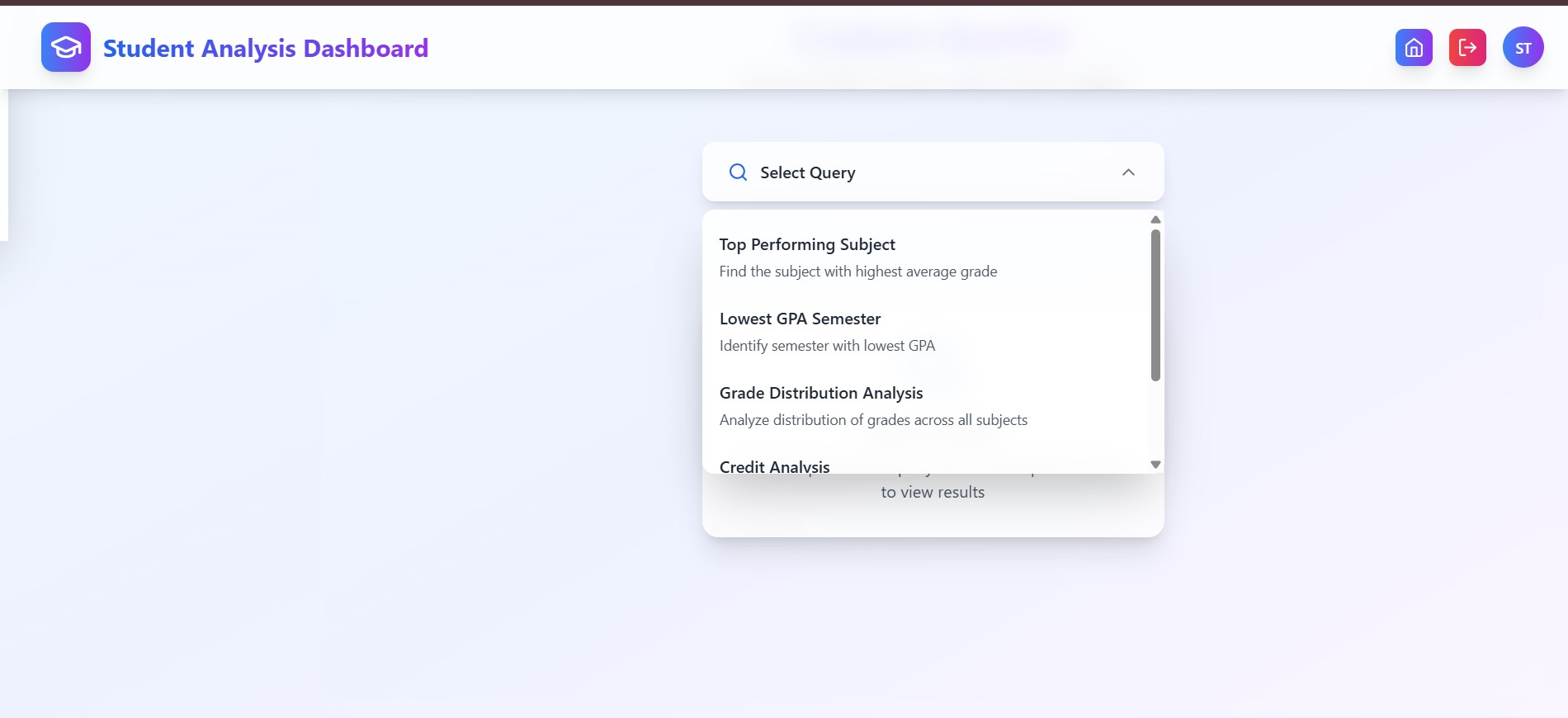
custom queries
-
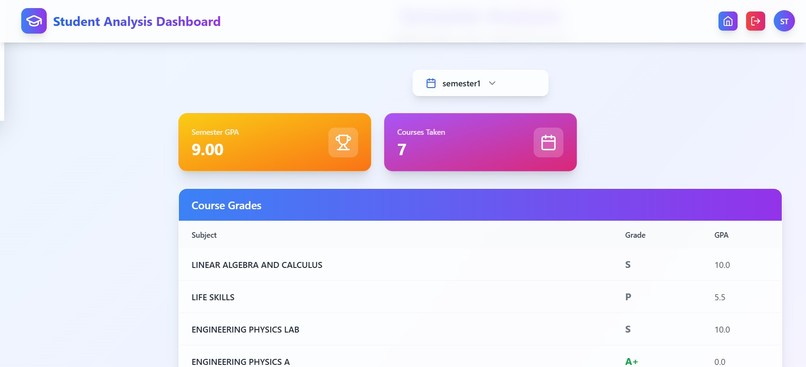
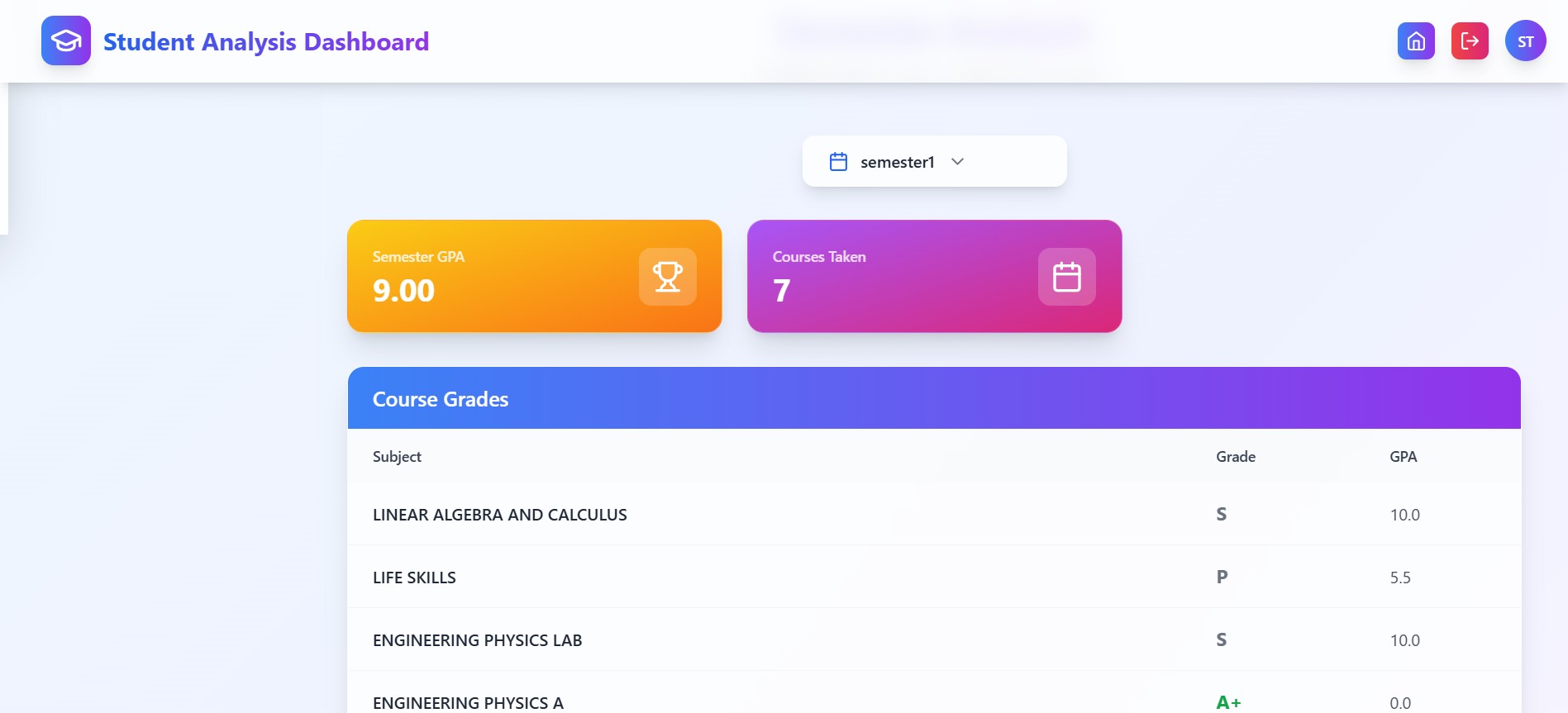
semester wise analysis
-
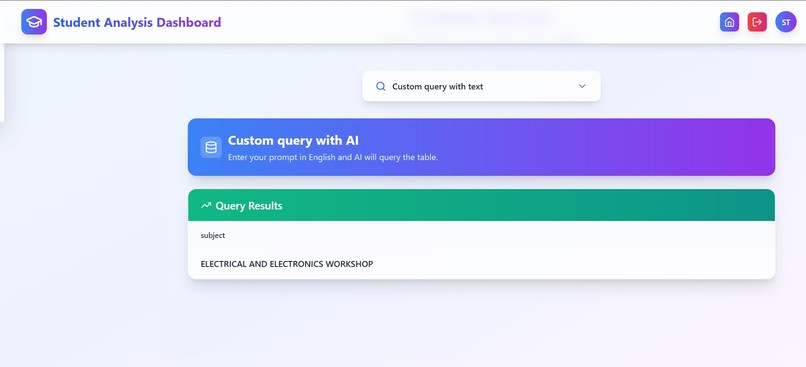
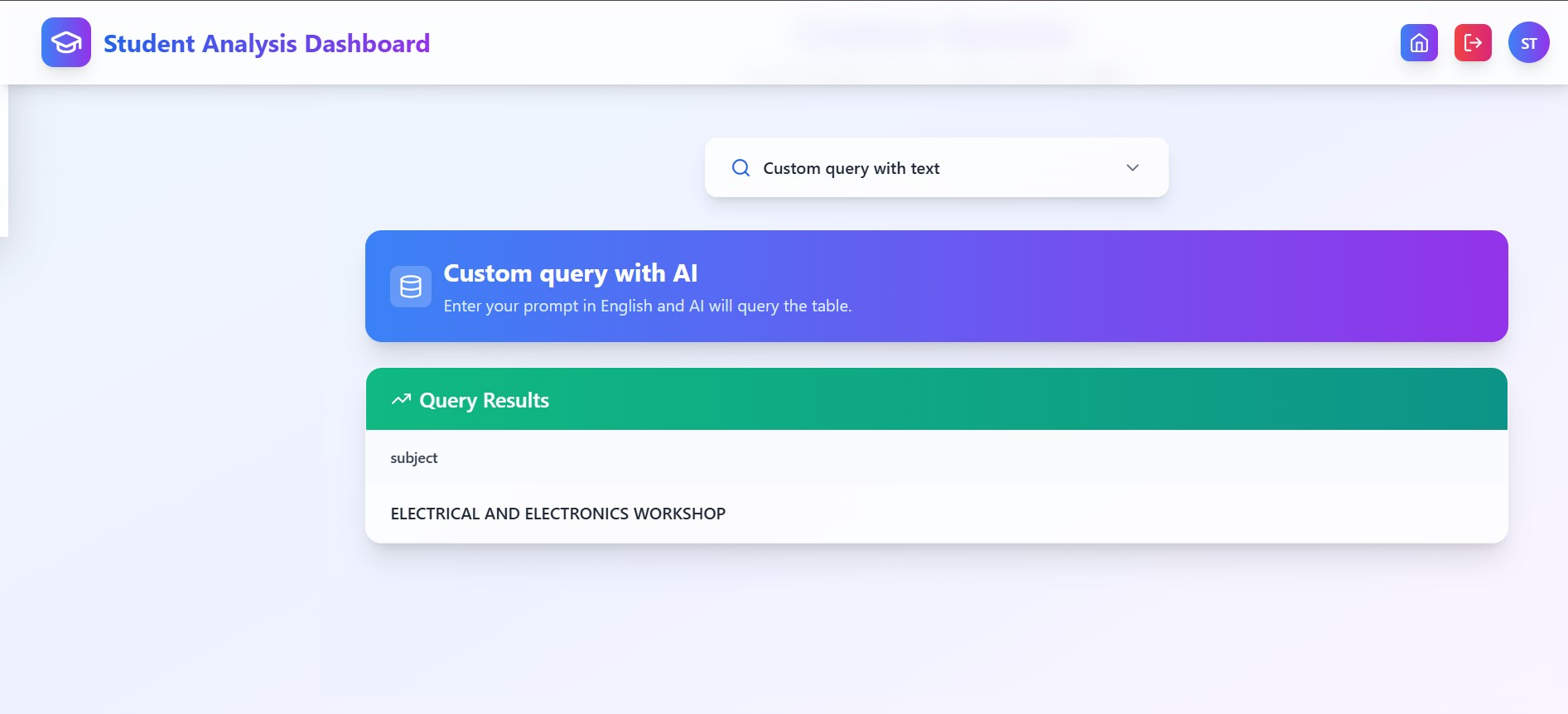
ai powered query
-
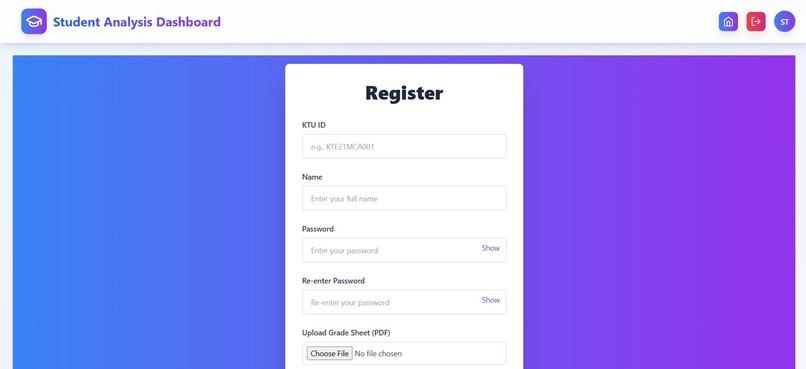
Register
-
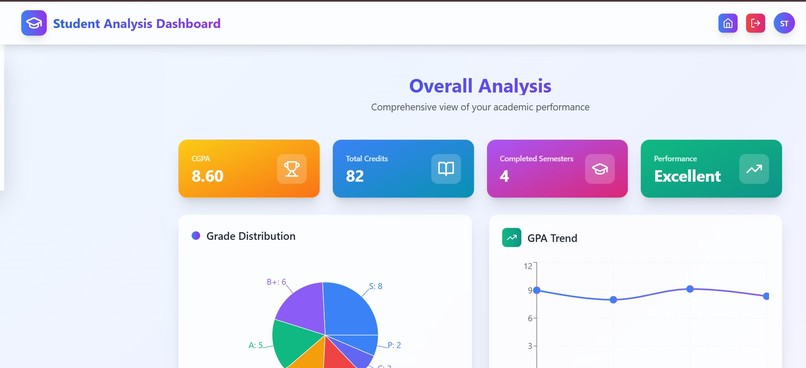
overall analysis
Inspiration
Many students, including myself, find it tedious to manually calculate their CGPA and analyze their performance every semester. University portals are often clunky and don't provide detailed analytics or a way to query the data easily. I wanted to build a tool that would automate this process and provide a modern, user-friendly interface for students to understand their academic journey better. The idea of integrating a natural language interface for querying the data came from my interest in Large Language Models and how they can make data more accessible to non-technical users.
What it does
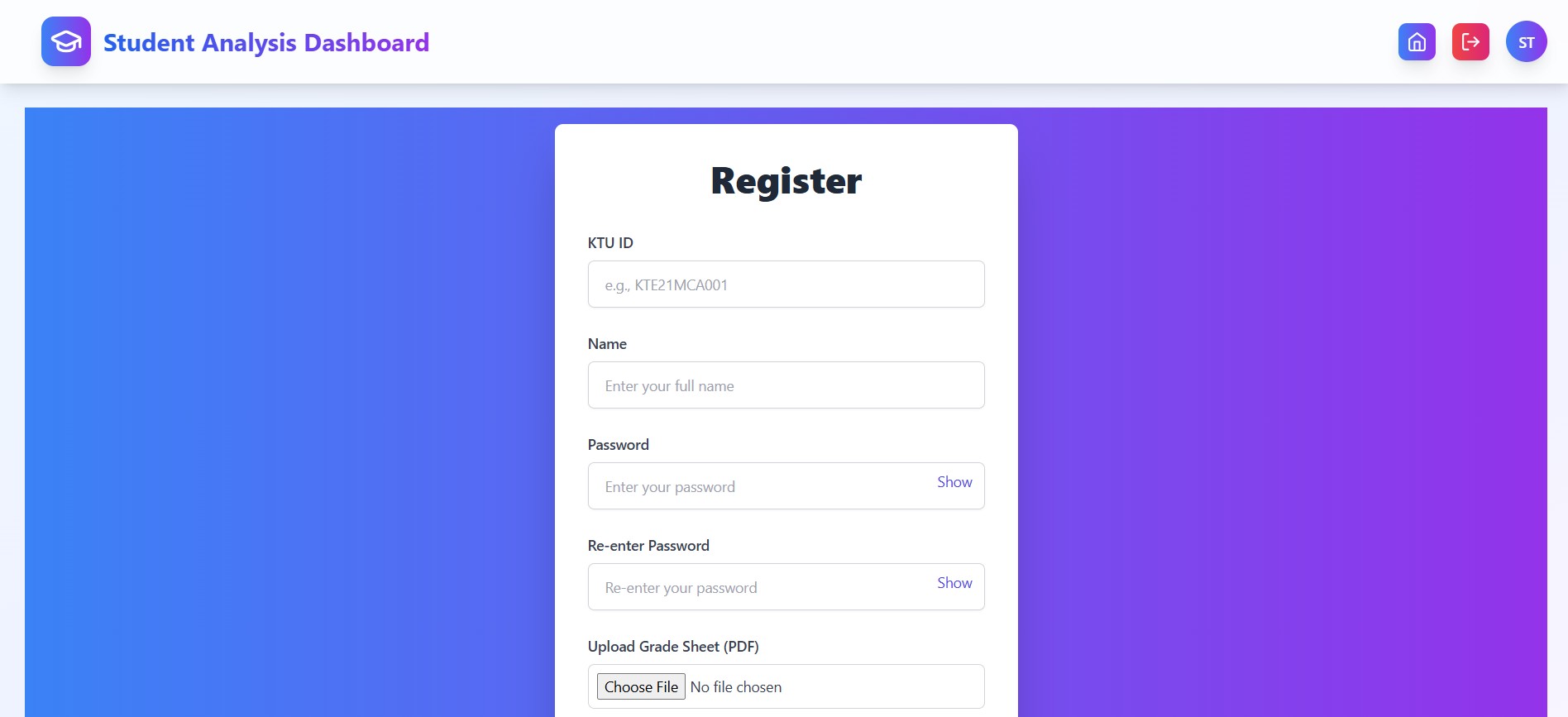
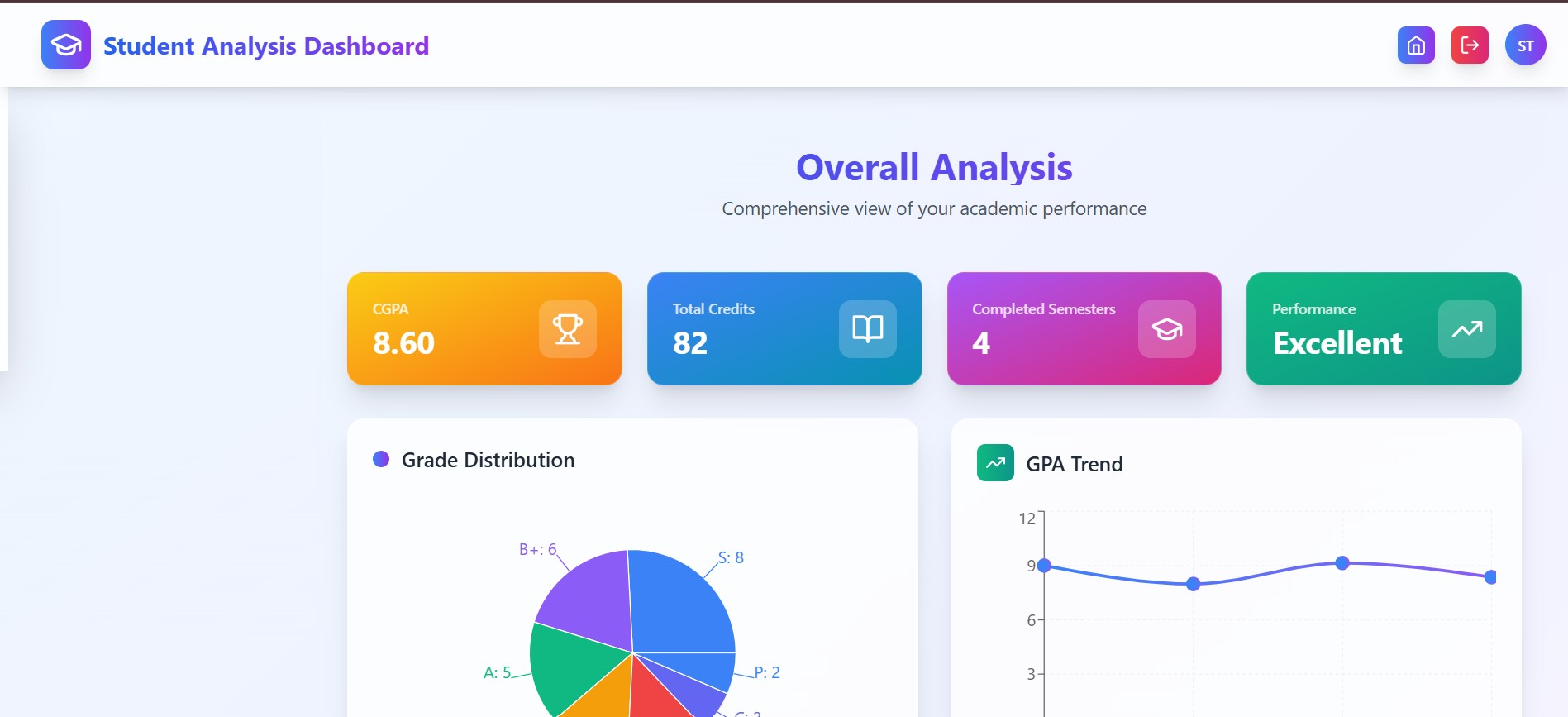
This web app allows students to upload their PDF grade sheets, and it automatically extracts all the relevant information: subjects, grades, credits, and semester. It then calculates the SGPA for each semester and the overall CGPA. The data is presented in a dashboard with visualizations of grade distributions and semester-wise performance. The most powerful feature is the ability to ask questions in plain English, like "What was my CGPA in the 5th semester?" or "In which subjects did I get an A grade?", and get an instant answer.
How we built it
The project is a full-stack application with a React frontend and a Python backend.
- Frontend: I used React with TypeScript for a type-safe and component-based UI. Vite was chosen for its fast development server and build times. Tailwind CSS helped in styling the application quickly and efficiently. For data visualization, I used Recharts to create interactive charts for grade distribution and semester performance.
- Backend: I chose FastAPI for its high performance and ease of use in creating APIs. The backend handles user authentication, file uploads, and the core logic. For PDF data extraction, I used the Google Gemini API, which is excellent at parsing structured and semi-structured documents. The extracted data is then processed using the Pandas library.
- Database: I used a PostgreSQL database to store user information and their academic data in a structured format.
- AI-Powered Queries: The natural language querying feature is also powered by the Google Gemini API. When a user asks a question, it is sent to the Gemini API along with the database schema. Gemini then generates the corresponding SQL query, which is executed on the database to fetch the answer.
Challenges we ran into
- PDF Parsing: PDF grade sheets from my university have a very complex and inconsistent structure. Extracting the data accurately was a major challenge. I initially tried using traditional libraries like PyPDF2, but they were not reliable. I then decided to use the Gemini API's multimodal capabilities, which worked surprisingly well after some prompt engineering.
- SQL Generation: Getting the LLM to generate correct SQL queries for all possible user questions was tricky. It required designing the database schema carefully and providing a very detailed prompt with the schema and examples. There are still some edge cases where the generated SQL might be incorrect.
- State Management: Managing the application state in the React frontend, especially with asynchronous data fetching and user authentication, was complex. I used a combination of React's built-in state management (useState, useContext) and a custom API service layer to handle this.
Accomplishments that we're proud of
- I am particularly proud of the AI-powered custom query feature. It feels magical to be able to "talk" to your academic data.
- Building a full-stack application from scratch was a huge learning experience and a significant accomplishment for me.
- The data extraction from complex PDFs using the Gemini API is a feature I'm very proud of, as it solves a real-world problem for many students.
What we learned
- I learned a lot about full-stack web development, from setting up a database and building a REST API to creating a modern frontend with React.
- This project was a deep dive into prompt engineering and how to effectively use LLMs to solve real-world problems like data extraction and natural language to SQL.
- I also learned about the importance of a well-designed database schema and how it impacts the entire application.
What's next for CGPA Analysis and Querying System
- Support for more universities: I plan to add support for grade sheet formats from other universities.
- More advanced analytics: I want to add more advanced analytics and visualizations, such as trend analysis, and what-if scenarios (e.g., "What grades do I need in the next semester to get a CGPA of 8.5?").
- Improving the SQL generation: I will continue to work on improving the accuracy of the AI-powered SQL generation to handle more complex queries and edge cases.
- Deploying the application: I plan to deploy the application to a cloud service so that other students can use it.
Built With
- css
- fastapi
- gemini
- gemini-api
- html
- postgresql
- python
- react
- tailwind
- typescript


Log in or sign up for Devpost to join the conversation.