-
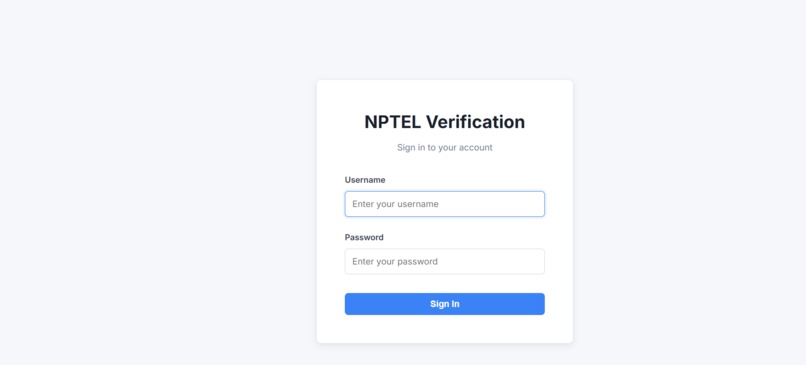
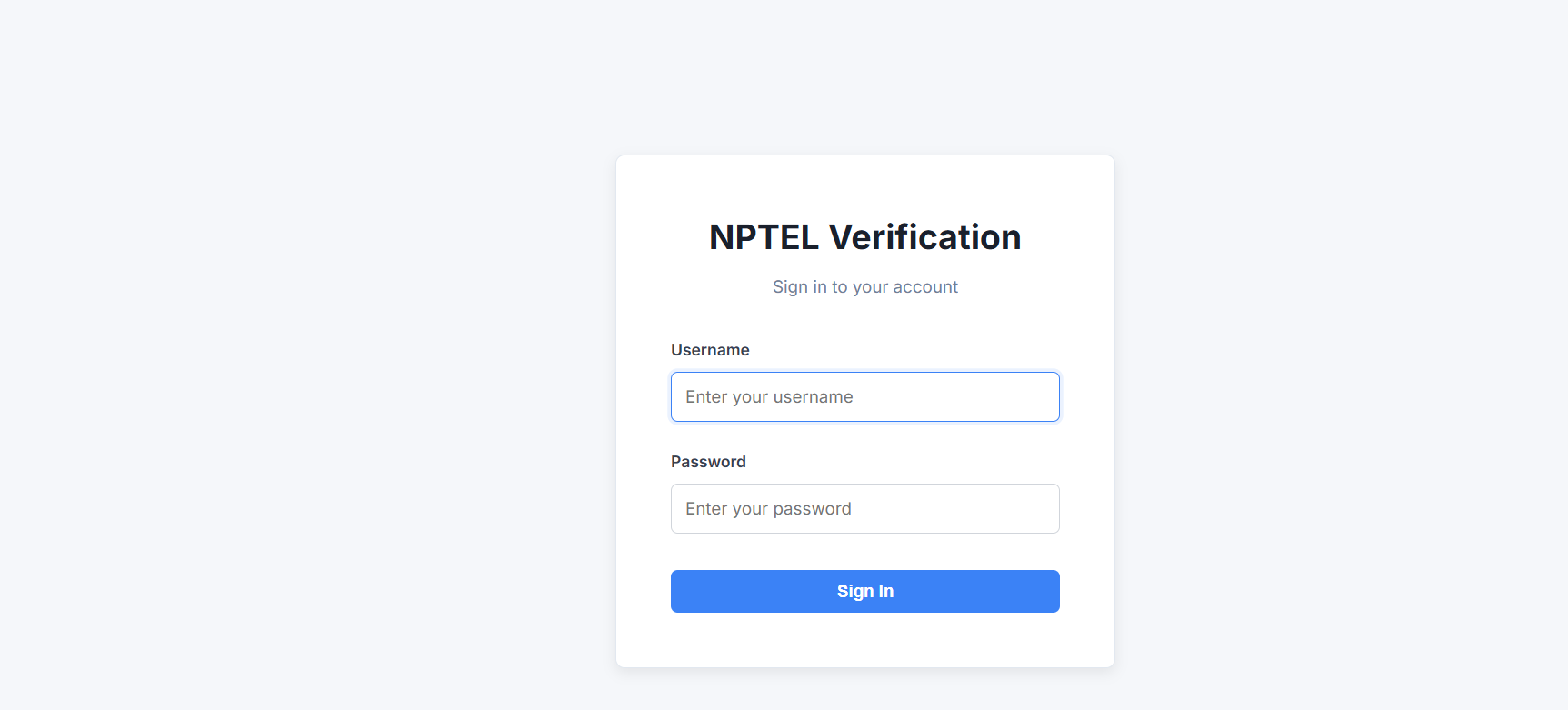
LOGIN
-
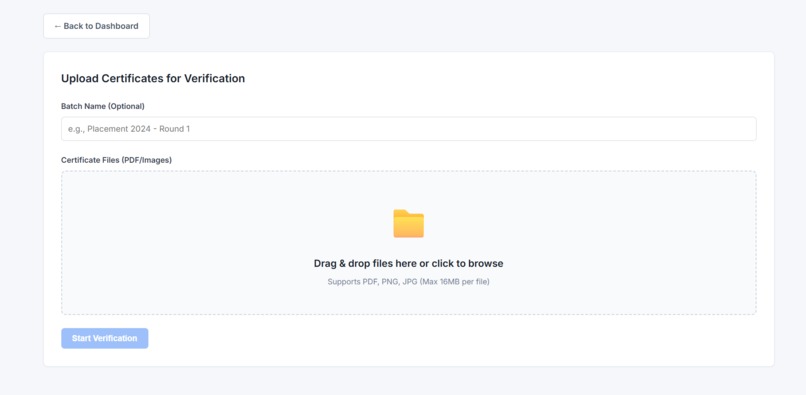
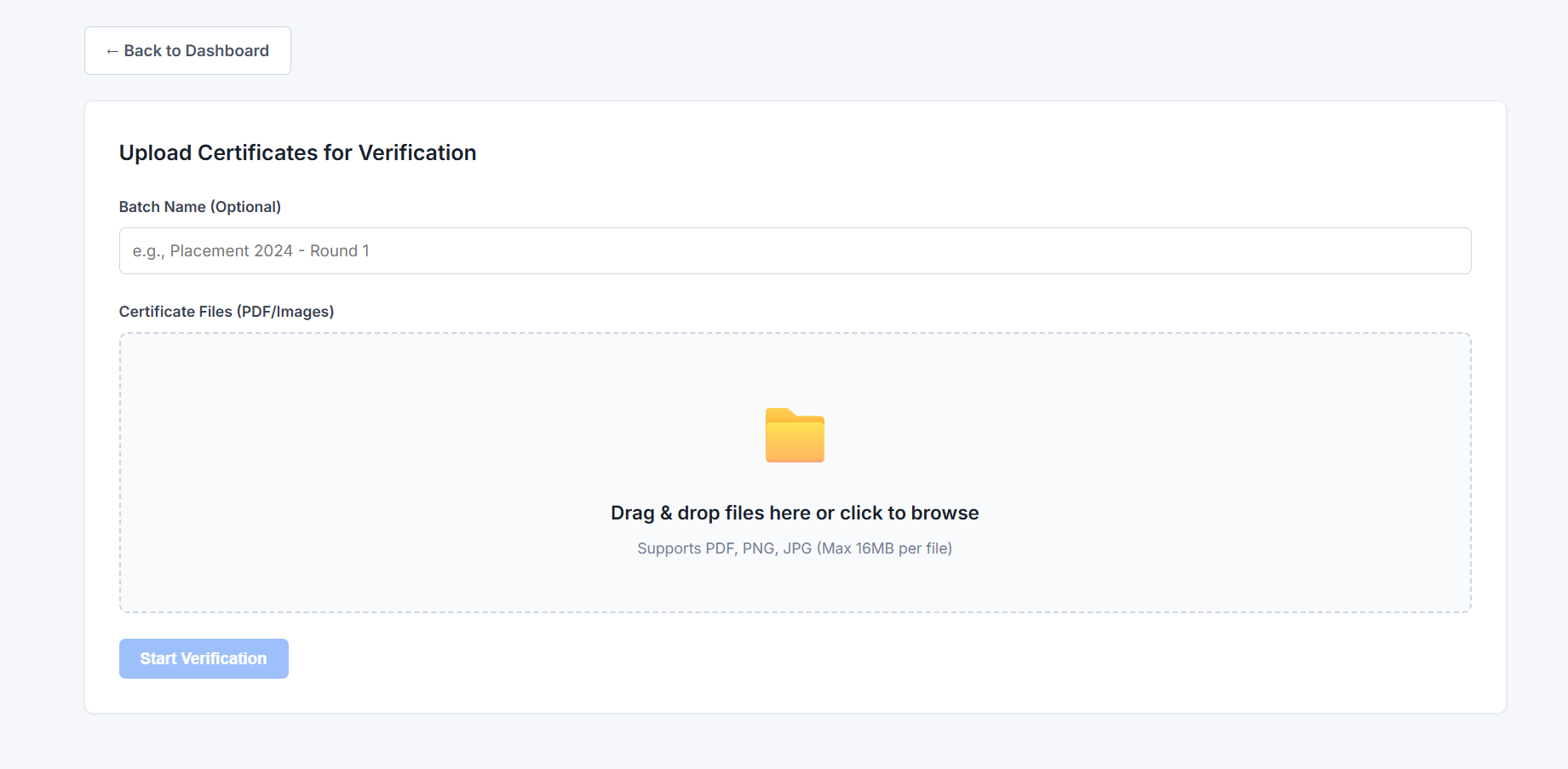
PAGE TO UPLOAD THE CERTIFICATES
-
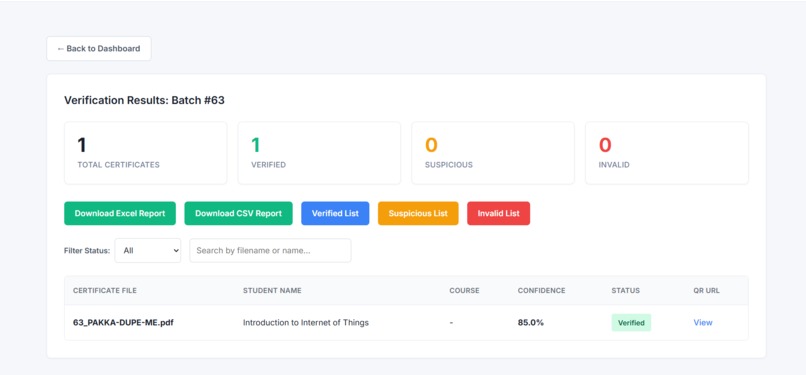
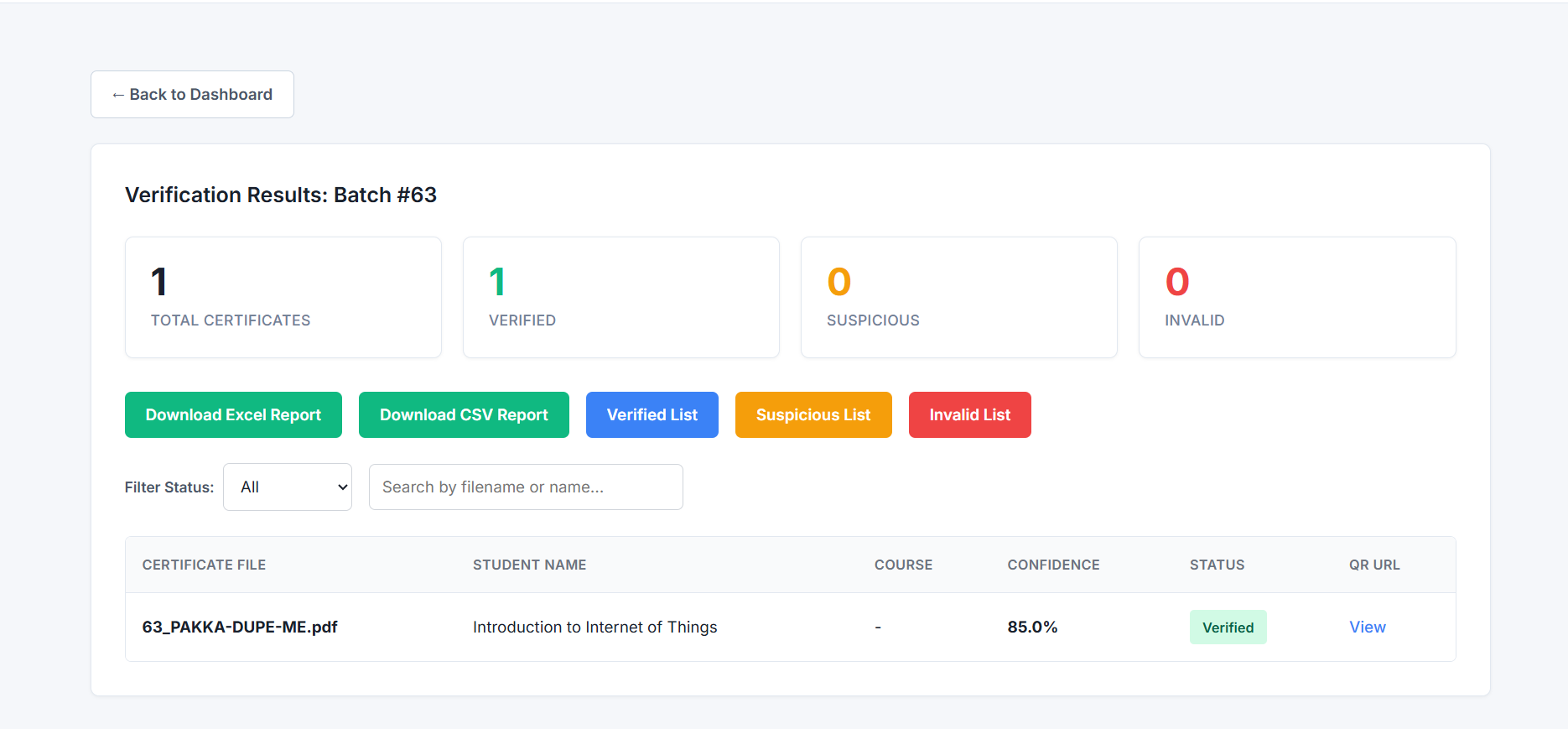
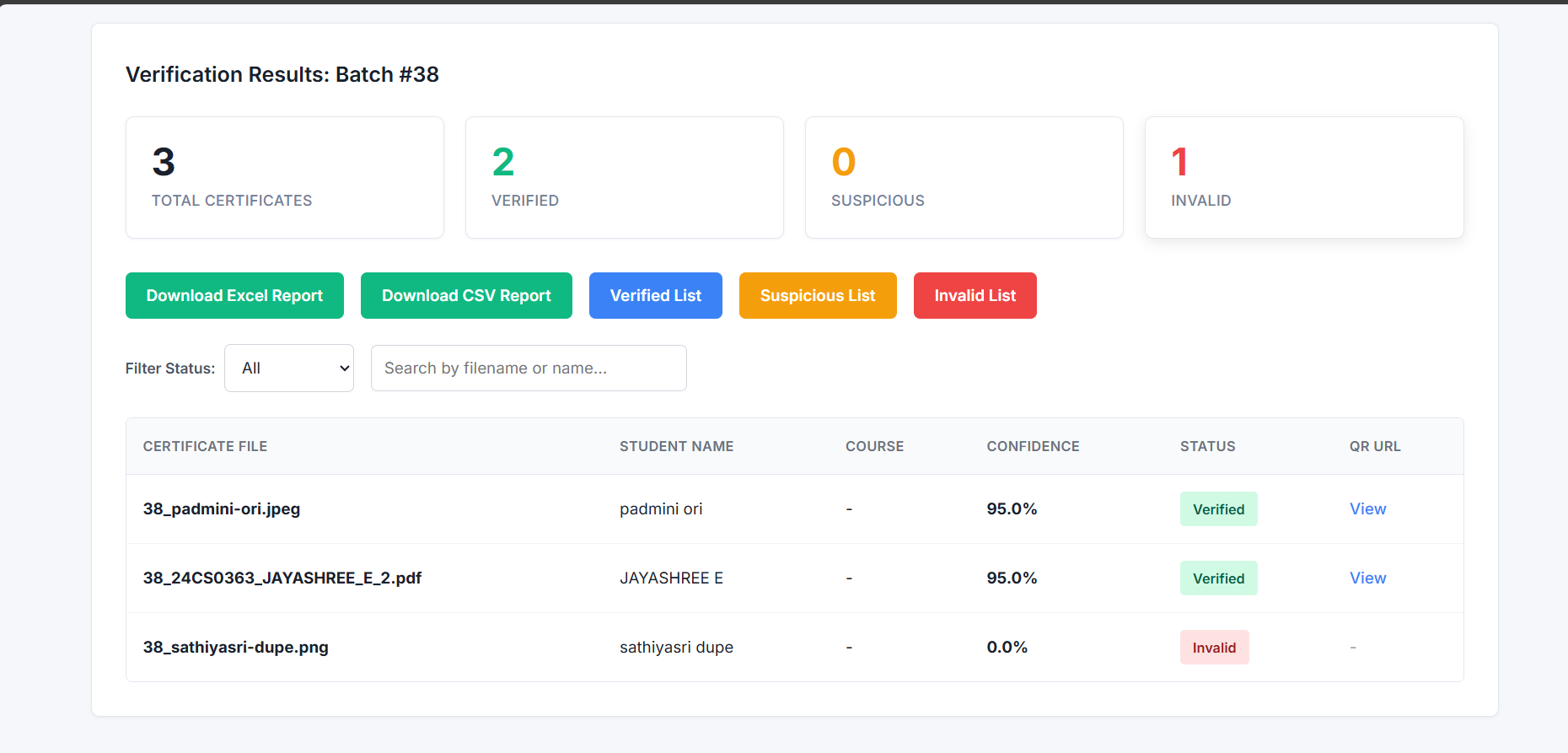
RESULT OF VERIFICATION
-
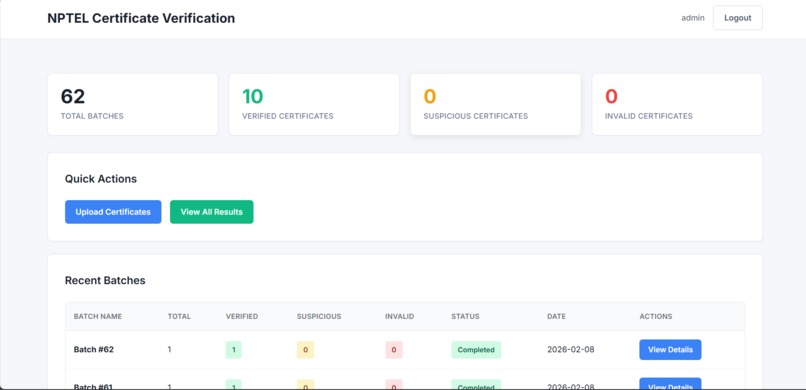
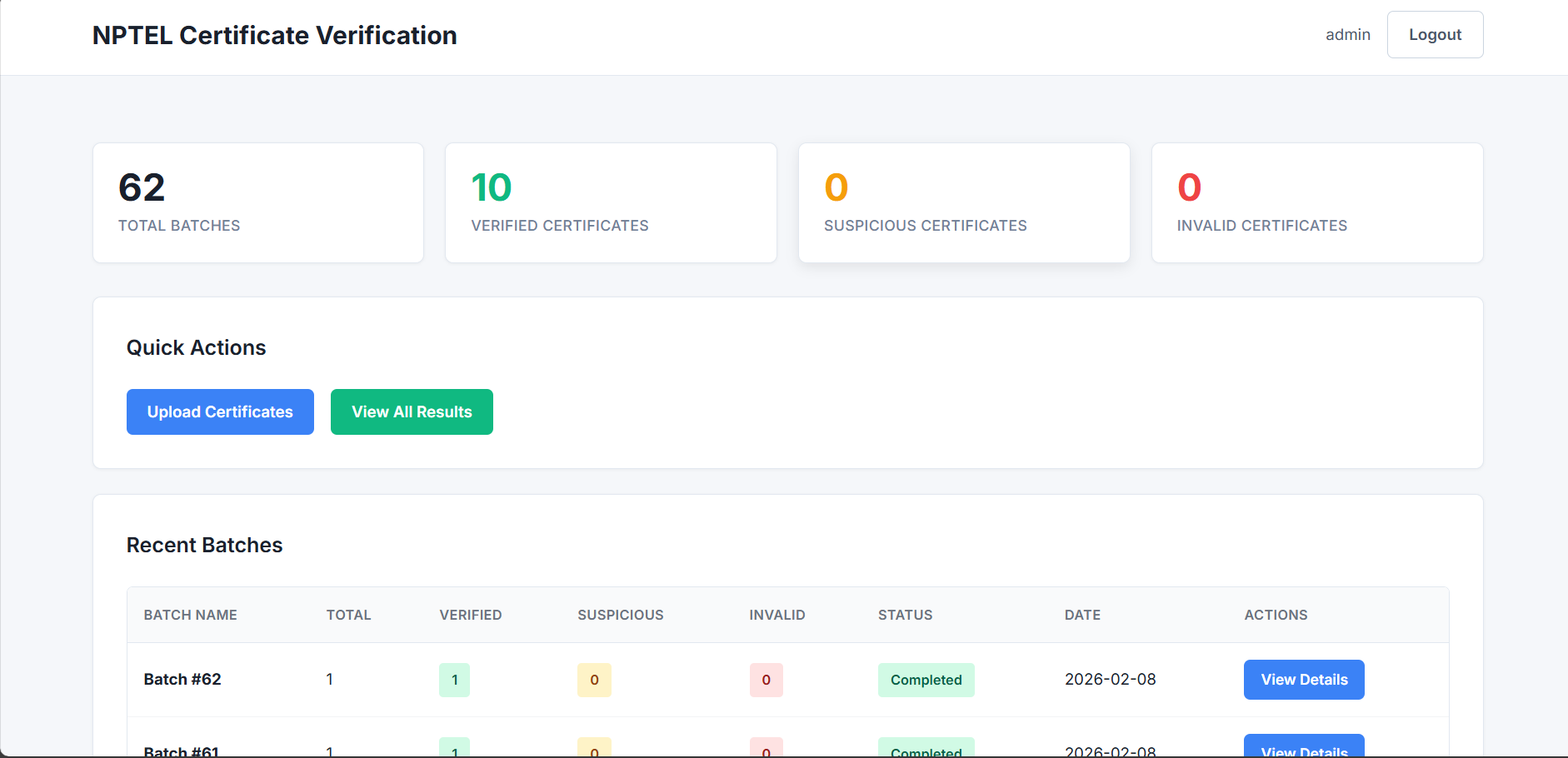
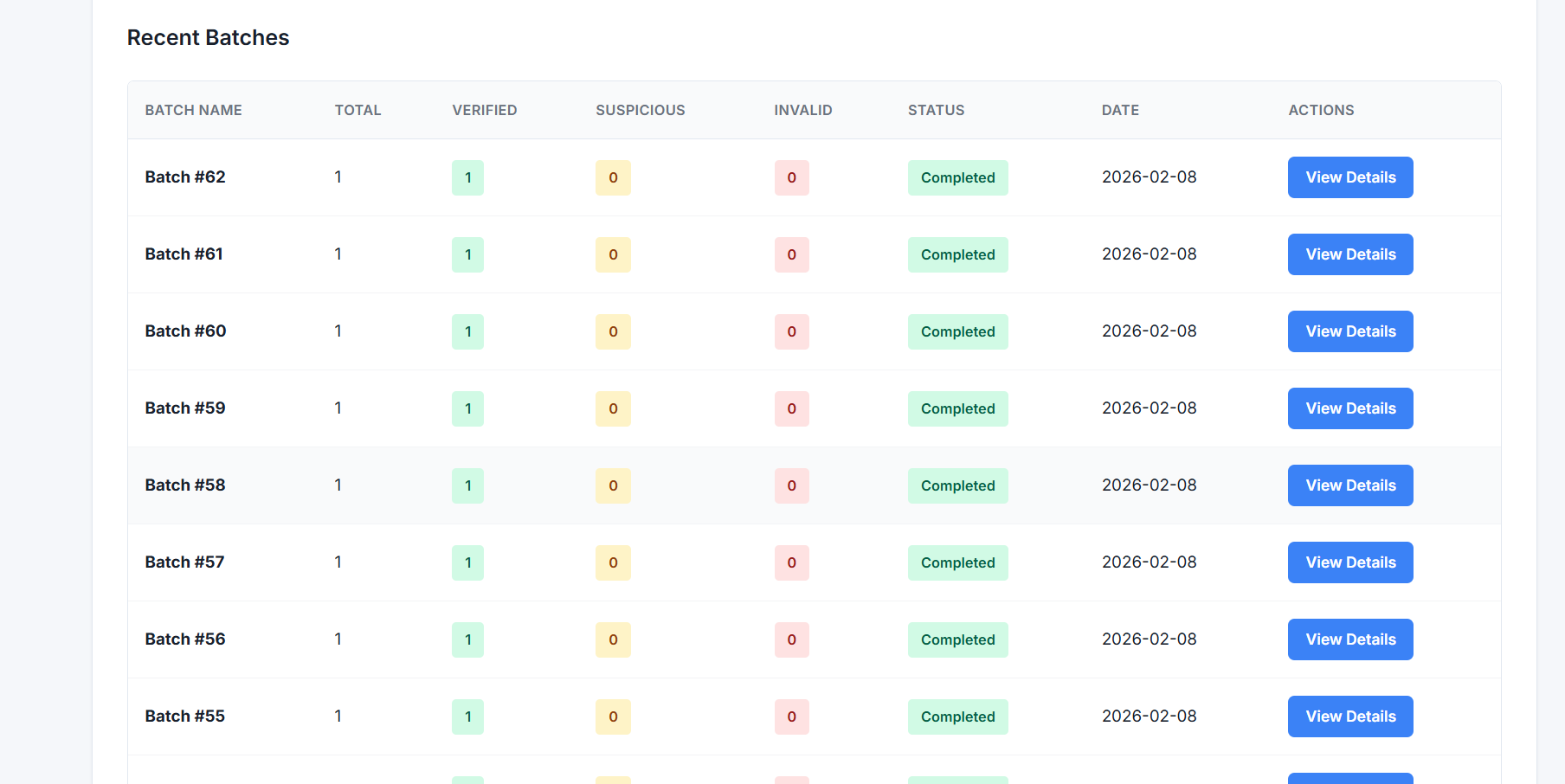
ADMIN DASHBOARD
-
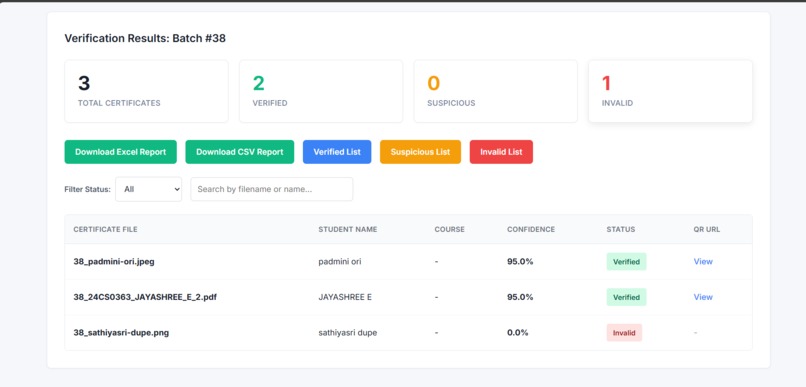
DOWNLOADING THE RESULT PAGE
-
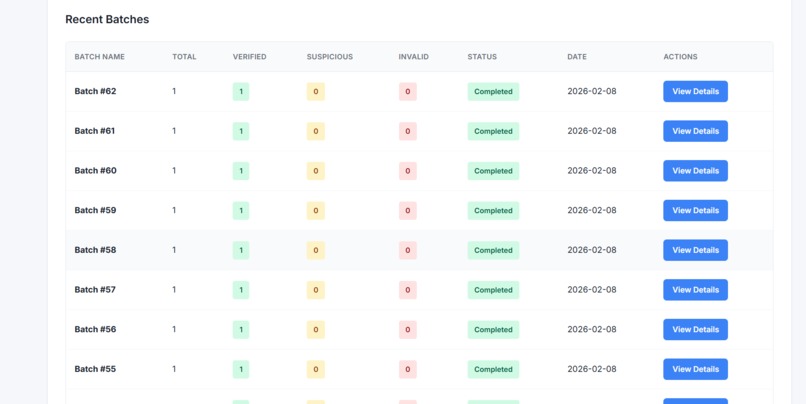
UPLOADED CERTIFICATES AND ITS DETAILS
🚀 CertiSure
Automated NPTEL Certificate Verification System
💡 Inspiration
Online certificates are widely used today for jobs, internships, and academic credits.
However, we noticed a serious issue: it is very easy to modify just the candidate name on a certificate while keeping the rest of the certificate unchanged.
Although NPTEL provides QR-based verification, manually verifying certificates one by one is time-consuming and not practical when handling many certificates.
This inspired us to build CertiSure — a system that automates the official NPTEL verification process and helps detect name-only tampering in a reliable way.
⚙️ What It Does
CertiSure automatically verifies NPTEL certificates by following the official verification flow.
The system:
- Opens the official NPTEL QR verification link
- Navigates the website like a real human user
- Extracts the official student name shown on the NPTEL certificate
- Compares it with the uploaded certificate name
- Provides a clear result:
- VERIFIED if both names match
- SUSPICIOUS if the names do not match or extraction fails
This ensures faster and more reliable certificate verification.
🛠️ How We Built It
We used a headless browser to replicate the real NPTEL verification process.
The system:
- Uses Playwright to handle JavaScript-rendered content
- Clicks the “Course Certificate” button on the NPTEL portal
- Waits for the certificate to load completely
- Accesses the certificate content rendered inside an iframe
- Extracts the student name from the visible certificate data
- Compares it with the uploaded certificate information
We strictly avoided OCR, PDF downloads, and unofficial data sources.
🚧 Challenges We Ran Into
The biggest challenge was that the certificate data is not present in the main webpage.
The actual certificate content is loaded dynamically inside an iframe.
Initially, the system extracted only the outer page content, which did not include the student name.
Since there were no runtime errors, identifying this issue was difficult.
Once we switched to extracting content directly from the iframe, the problem was resolved.
🏆 Accomplishments We’re Proud Of
- Identified and solved a hidden iframe rendering issue
- Built a system that mirrors real human verification
- Successfully detected name-only tampering
- Maintained strict security and originality principles
- Designed a scalable and automation-ready solution
📚 What We Learned
- Modern websites often render important content dynamically
- Critical data may not exist in the main DOM
- Headless browsers are essential for real-world automation
- Silent failures require deeper debugging and understanding
- Verification systems should prioritize correctness over assumptions
🔮 What’s Next for CertiSure
- Add support for bulk certificate uploads
- Provide detailed reasons for suspicious results
- Build dashboards for institutions and recruiters
- Extend verification to other certification platforms
- Deploy CertiSure as a secure web-based service
CertiSure
Trust Every Certificate
Built With
- headless-chromium
- html-dom-parsing
- iframe-dom-access
- javascript-rendering
- playwright
- python
- qr-code-extraction

Log in or sign up for Devpost to join the conversation.