-
-
Thumbnail
-
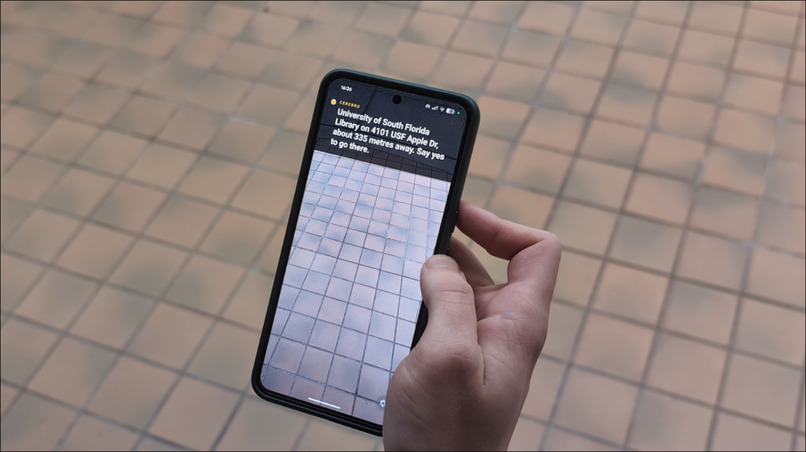
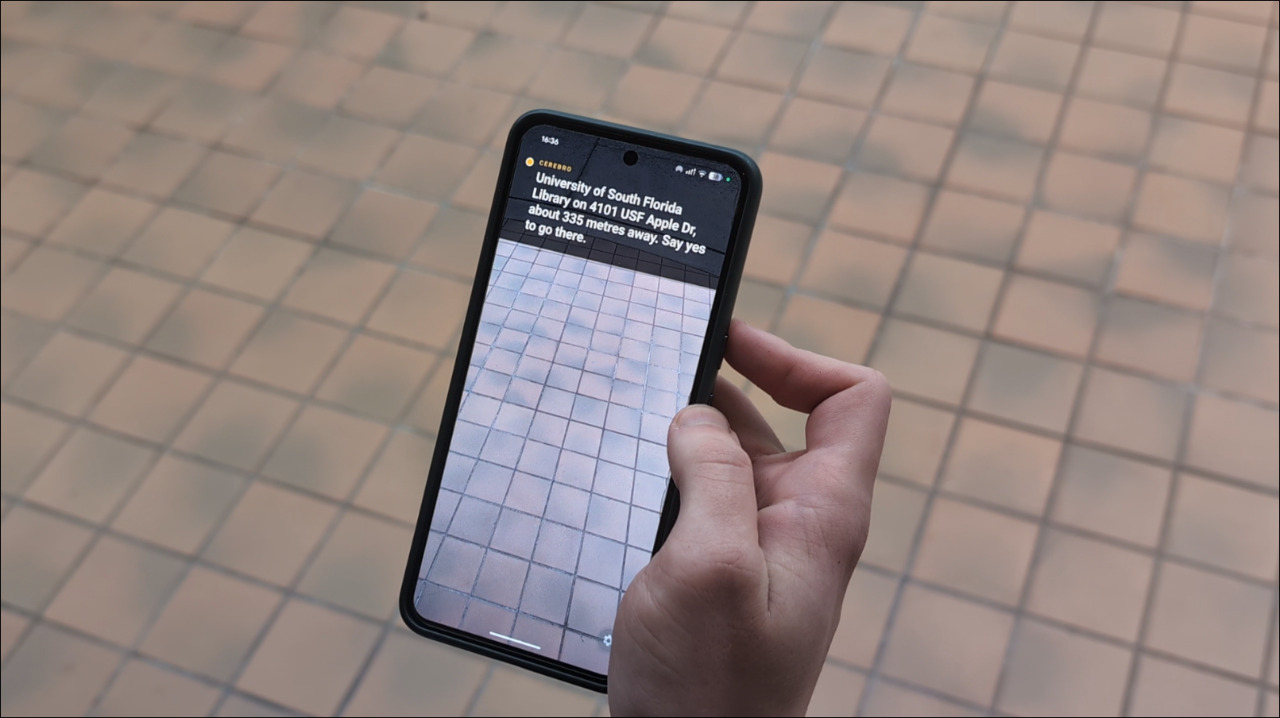
Assistant building the route
-
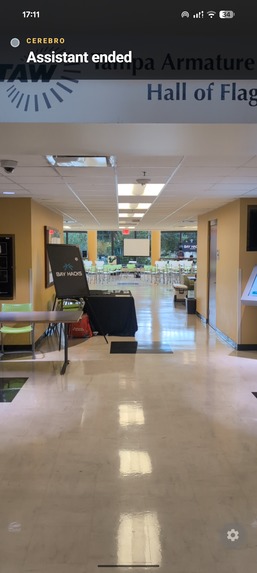
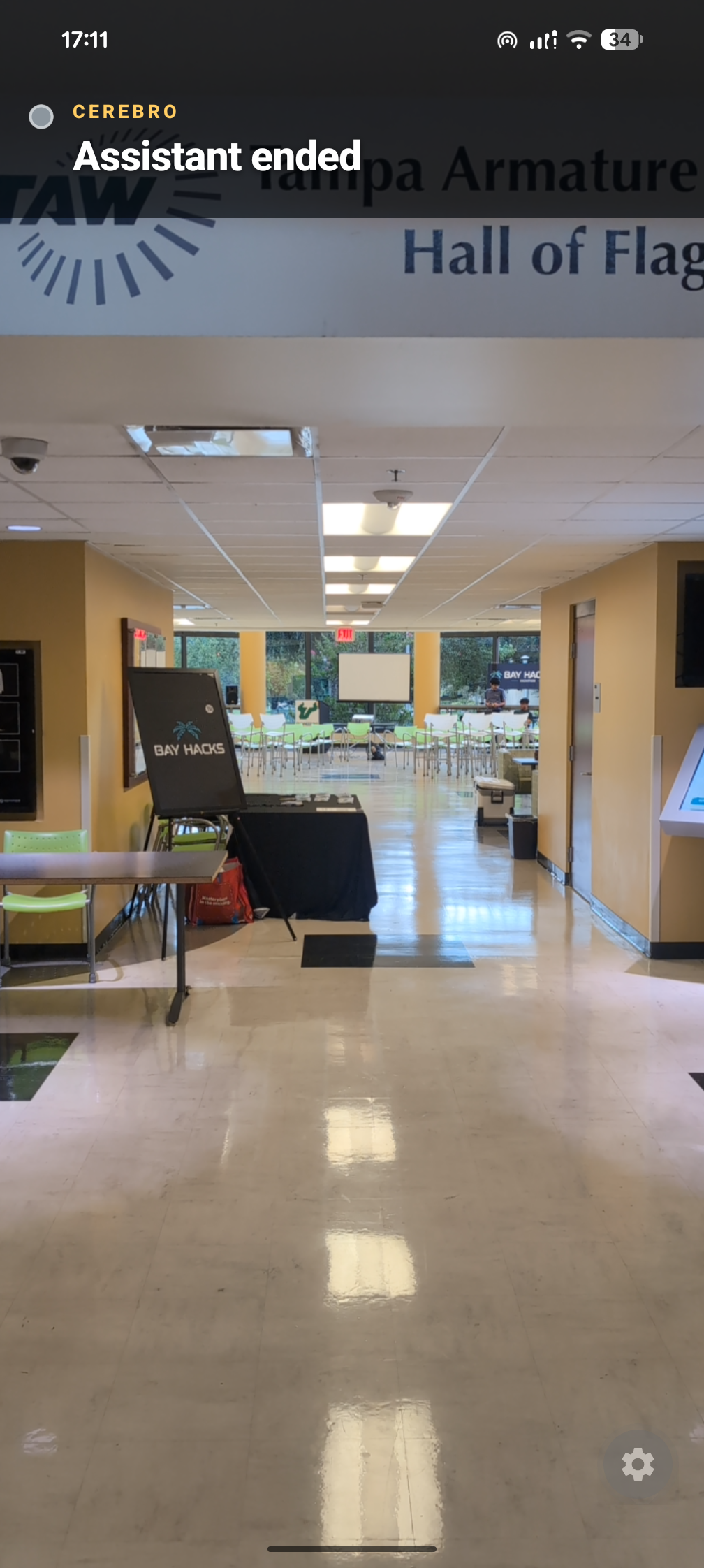
Assistant ended
-
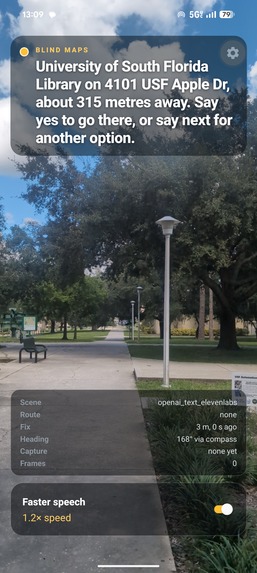
Route UI
-
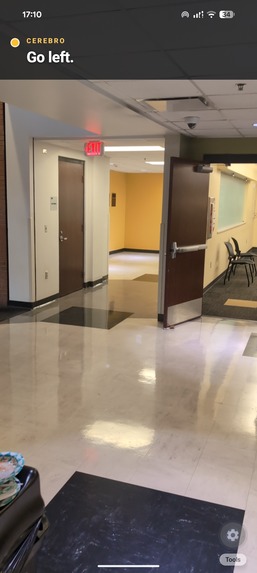
Assistant guiding
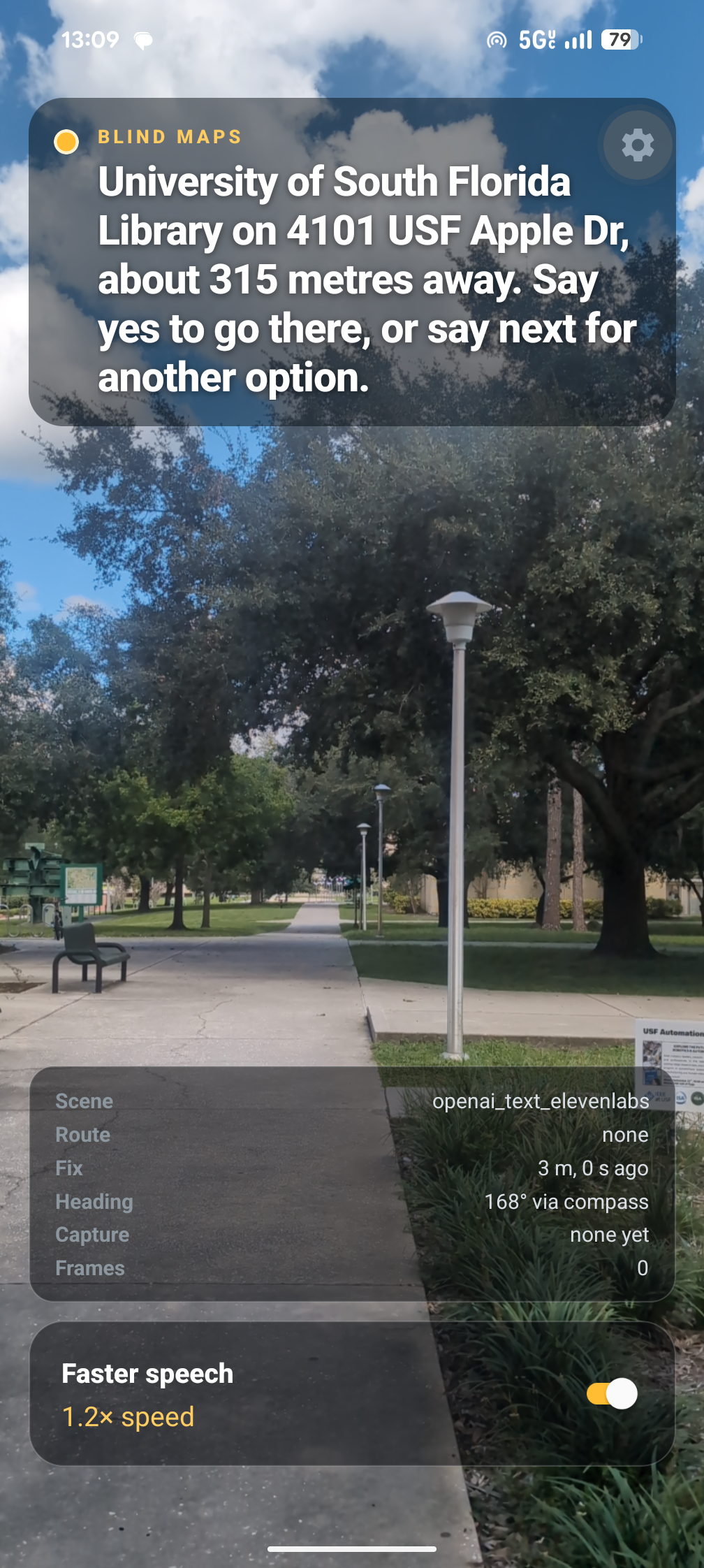
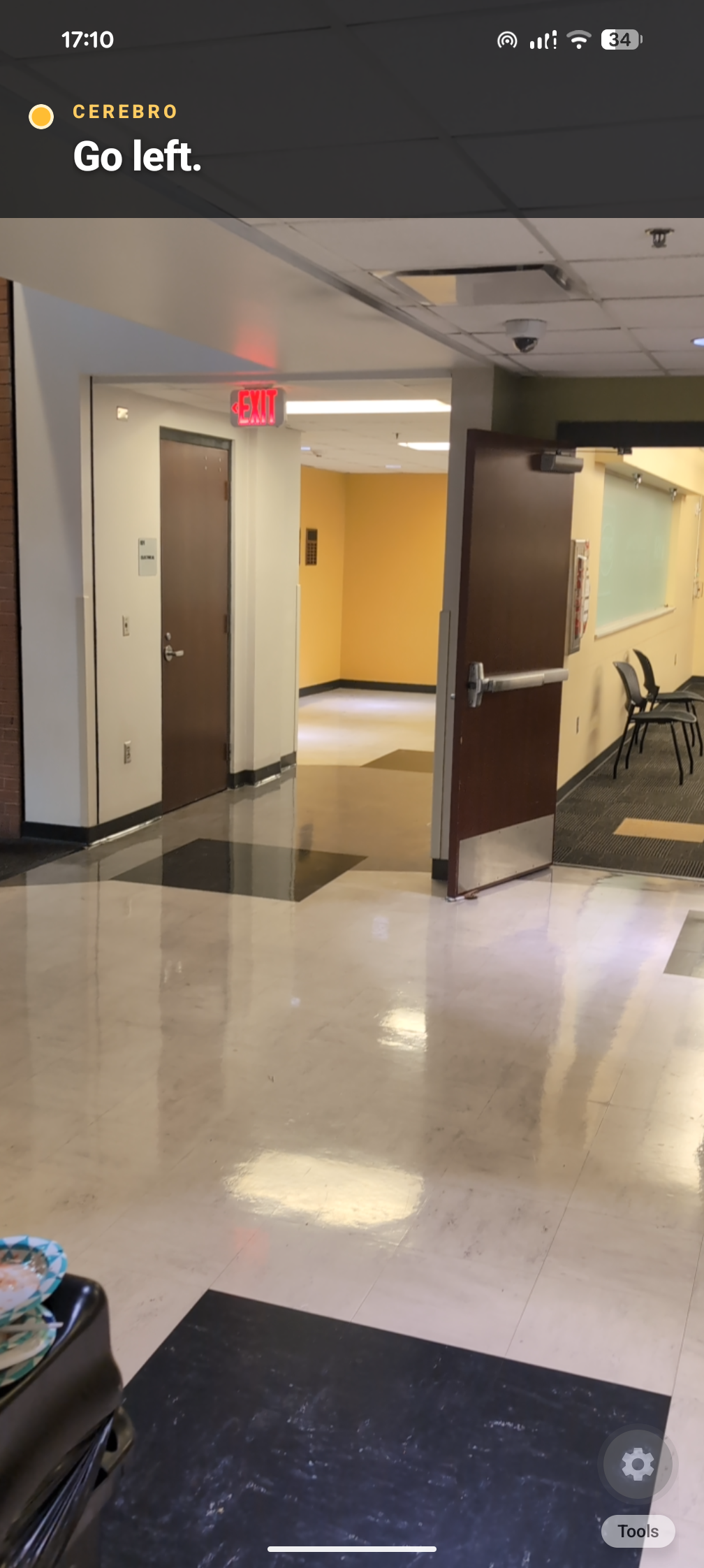
Inspiration
We started with a simple question: how can we help visually impaired people? As USF students, we wanted to address a need in our own campus community. That led us to Cerebro: Voice-first navigation app built for visually impaired USF students.
What it does
Cerebro (Spanish for "brain") is a navigation app built primarily for blind and visually impaired USF students. It works on the USF campus, combining navigation and camera-based assistance to provide spoken guidance about where to go and what is ahead.
The UX is entirely voice-based, so users do not need to look at a screen or navigate visual menus. They say where they want to go, and Cerebro delivers spoken feedback using ElevenLabs.
How we built it
We built Cerebro using React Native, Expo, and TypeScript, with a native Android build. We connected the camera, microphone, GPS, and compass so the app can respond to the user’s location and surroundings.
We use Google Places to find spoken destinations and Google Routes to get walking directions. The phone tracks progress along the route and sends camera images to OpenAI to help understand what is ahead. ElevenLabs handles speech recognition and spoken responses, letting users control the app with commands like “pause,” “repeat,” and “change destination.”
Challenges we ran into
Our biggest challenge was making the app fast while keeping it local-first, meaning most of the processing happens on the phone. Users need directions right away, so we had to make sure the phone could keep up.
We have a lot of experience building web apps, but mobile development was new to us. We had to learn how to build a mobile app and make the camera, voice controls, and navigation work together.
Accomplishments that we're proud of
We’re proud that Cerebro is a finished product, not just a staged demo. We built a real mobile app that works on the USF campus and serves a specific community: blind and visually impaired students.
We’re especially proud of making voice the primary interaction throughout the app, rather than adding it as an extra feature. Delivering that experience while prioritizing speed and a local-first architecture was our biggest accomplishment.
What we learned
We learned how much performance shapes the usefulness of an accessibility app. Camera processing, navigation, and spoken feedback need to work together without making the user wait or overwhelming them with information.
We also learned that designing without a visual interface changes how you approach every interaction. Instructions, confirmations, and feedback all need to make sense through voice alone.
What's next for Cerebro
Our next step is to get feedback from visually impaired members of the USF community to help us make the app faster and its directions clearer.


Log in or sign up for Devpost to join the conversation.