-
-
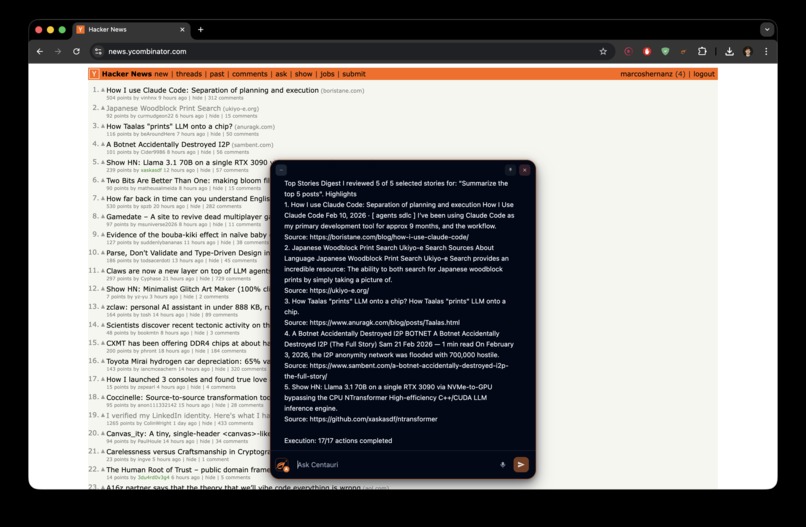
Summary of top 5 HackerNews posts
-
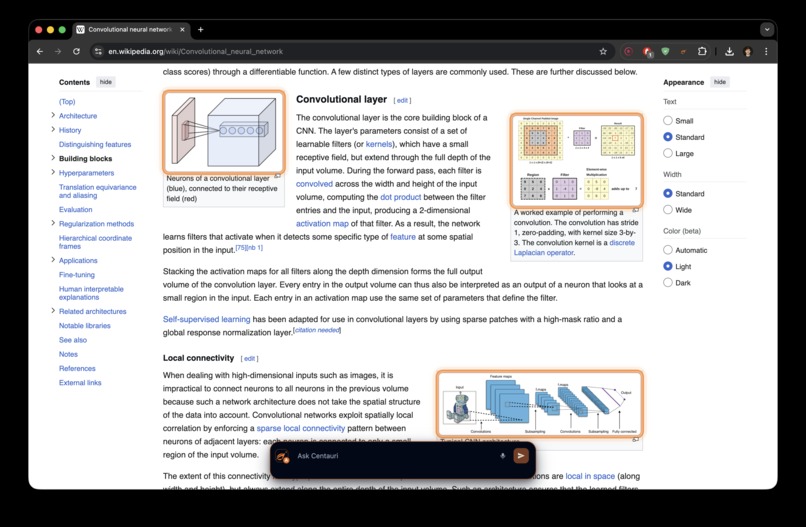
Image selection feature
-
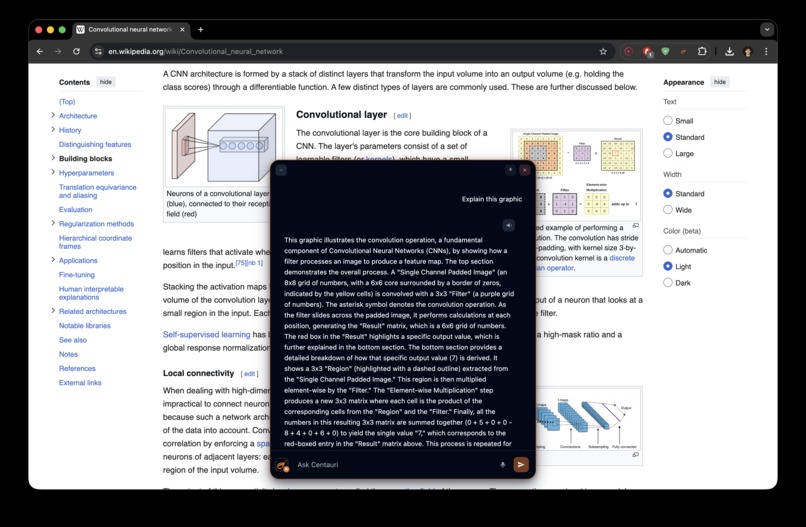
Image context
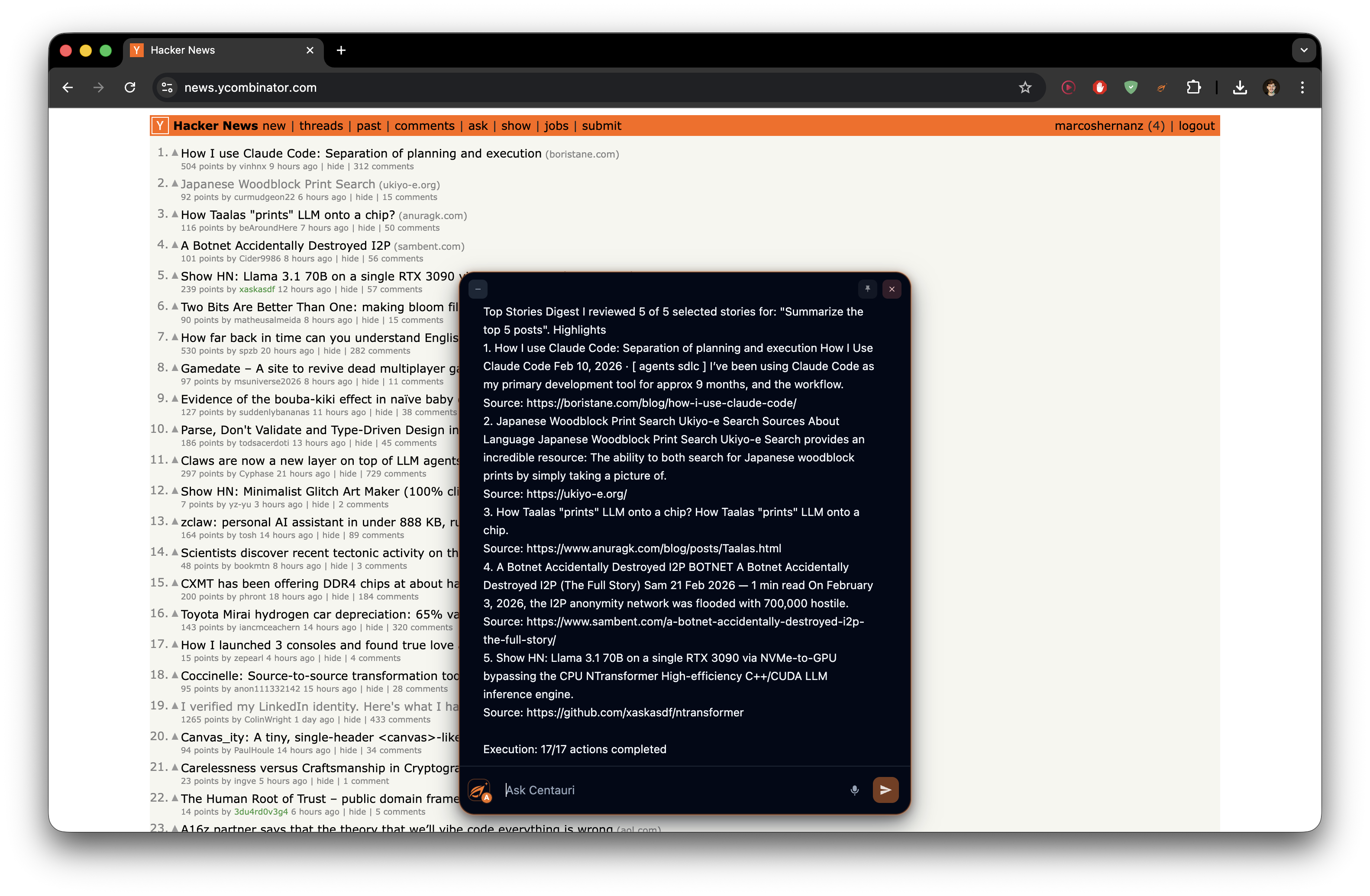
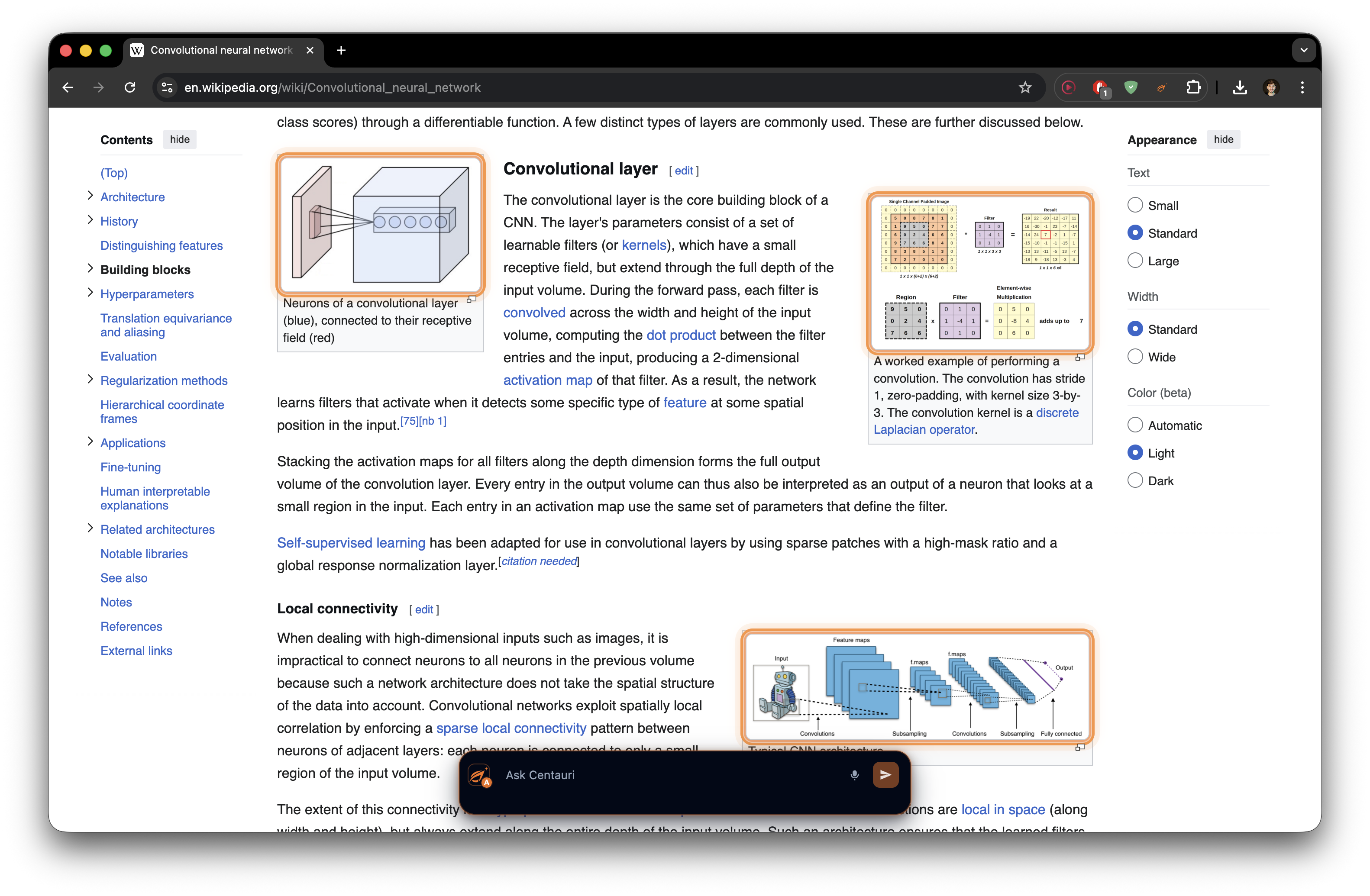
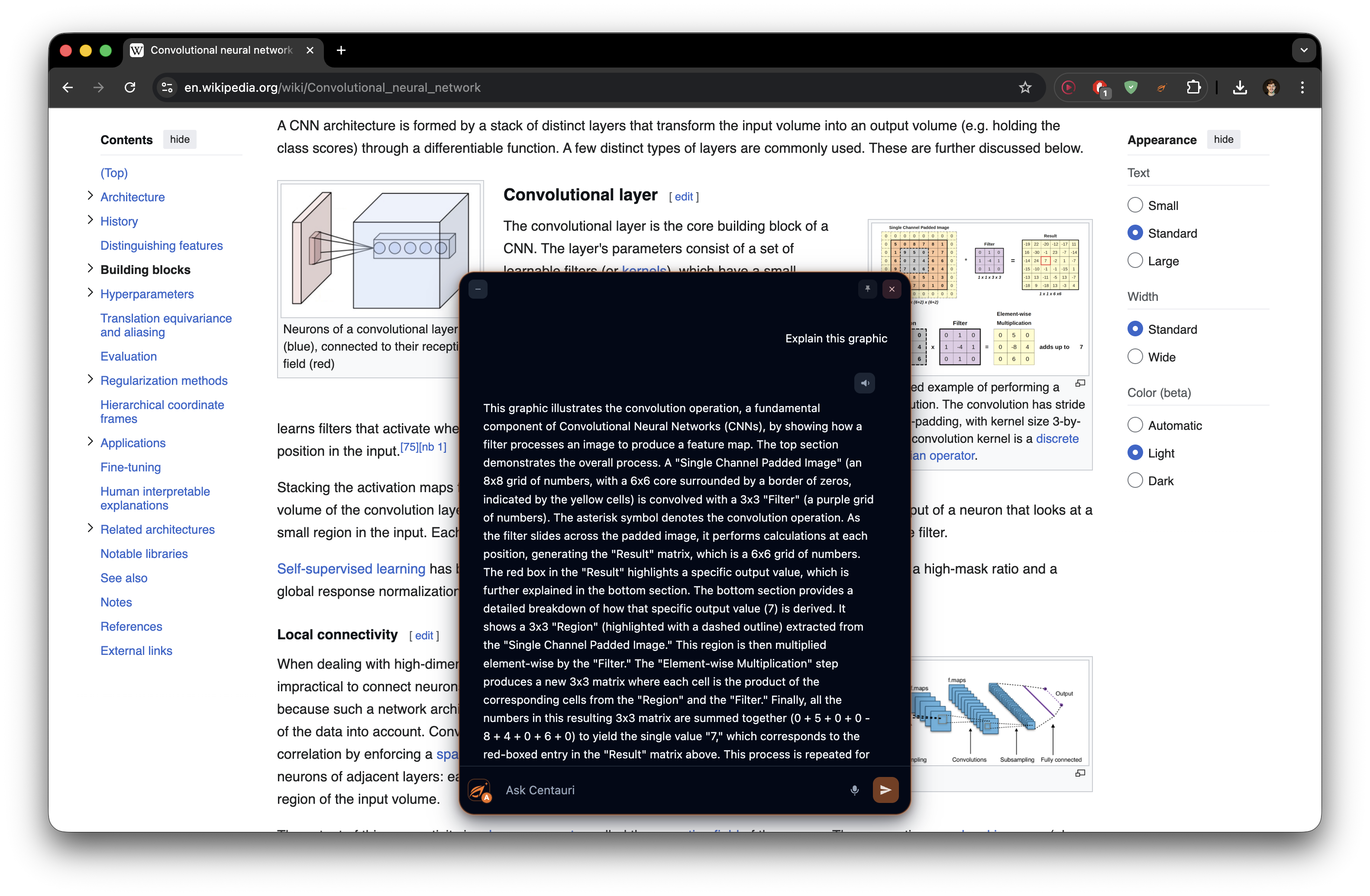
Inspiration
One of the most common annoyances when using AI is having to constantly take screenshots or copy text from a web page just to reference it in another chat. We decided to create an extension that could be applied directly to web pages, so your queries would always have the necessary context and the AI would be seeing the same thing you see. In the same way, you can use AI models on any website in a simple, intuitive way, with extra features like pinned notes. We decided to build a platform that not only solved this problem, but also enabled users to get the most out of AI on that web page by generating an AI agent that can fulfill all of their requests.
What it does
Centauri is a multimodal browser copilot that adds an intelligent, natural-language layer to any webpage. In Agentic Mode, it acts as a fully autonomous web agent that plans and executes physical actions, like scrolling, clicking, typing, and extracting data, while dynamically adapting if UI elements change or actions fail. Alternatively, Chat Mode serves as a conversational assistant, providing deep, context-aware answers without taking direct actions on the DOM.
Housed in a floating, draggable UI, Centauri inherently understands the page you are viewing. We introduced spatial "pinned" notes, allowing users to attach AI conversations to arbitrary points on a page, effectively turning any website into a dynamic study notebook. It also features an advanced image context system powered by Gemini, enabling intuitive, in-situ multi-image selection and screenshot cropping directly via a quick menu. Finally, seamless voice integration via ElevenLabs provides full speech-to-text commands and text-to-speech responses for a truly natural interaction.
How we built it
Our agent translates user intent into concrete browser actions by analyzing the page context alongside any attached images, formulating a strategy, and safely executing DOM tasks to deliver a useful summary. To achieve this, we built a robust three-tier architecture: a browser extension for on-page interaction, a lightweight backend for AI orchestration, and a shared package of typed contracts to keep everything perfectly synchronized.
The extension serves as the user-facing frontend. It renders the chat interface and handles all inputs—including voice commands, text prompts, and multi-image screen cropping. Crucially, when operating in agentic mode, it takes charge of executing real DOM interactions, such as scrolling, clicking, typing, and extracting text, while displaying real-time progress to the user.
On the other side, the backend acts as the intelligence engine. Powered by LLMs and voice endpoints, it generates step-by-step plans, dynamically adapts and replans if a step fails, and formulates responses for the standard conversational mode. Binding these layers together is a shared communication protocol built with Zod and TypeScript schemas. This strict typing environment was vital for our workflow, allowing us to develop the frontend, the agent logic, and the backend completely in parallel without ever breaking integrations.
Challenges we ran into
During this project we had so solve many problems we had never faced before, like enabling our UI to interact with a webpage, with the posterior depuration and training that that involved. However, each functionality we wanted to implement also entailed other challenges, as we had to use new tools like ElevenLabs or multiple chats generation, which was new for us.
Building a browser agent that works across real websites was our biggest challenge. Every page has a different DOM structure, dynamic content, and changing selectors, so making interactions reliable (clicking, typing, extracting data) required verification and fallback strategies instead of naive automation.
Another major challenge was the extension architecture itself (Manifest V3). Coordinating the content script, background script, and backend while keeping the UI responsive.
Accomplishments that we're proud of
We're proud of the versatility of our tool and the reviews of our hackathon collegues. As it was a tool that we felt as we needed it, we believe that was what made others feel something similar about it, and the usual reviews said they would also love to have this tool with them. We are very proud of our product and its sthetics. We wanted the UI to be intuitive but also very complete. So we added the features we considered to be the most important, but we know there is still room for many more.
What we learned
We learned was that an initial planning is fundamental for such a complex project like this. Even if we had one clear idea in mind since the beginning, the journey to get there was complex and very challenging, and it would've been impossible without having an initial planning at the beginning for it.
What's next for Centauri
The first think we want to do after HackEurope is publishing Centauri and getting some more feedback about it. We really believe in it's potential and, after seeing how good we understand each other in our team, we would love further develop this project and eventually turn it into a business, and try to grow it as much as possible. Indeed, that was our dream from the beginning.
Built With
- claude
- css
- domapis
- eleven-labs
- gemini
- html
- javascript
- react
- reactdom
- typescript
- web-speech-api

Log in or sign up for Devpost to join the conversation.