-
-
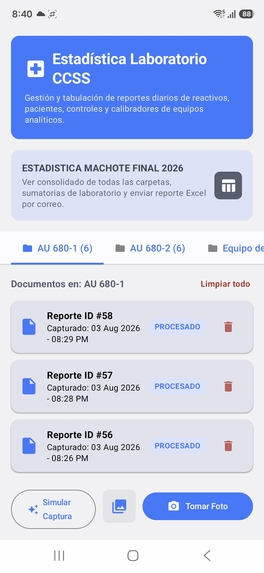
Dashboard
-
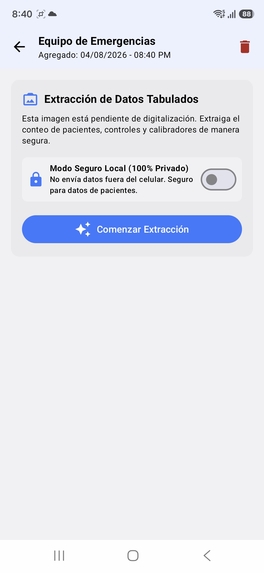
Local mode
-
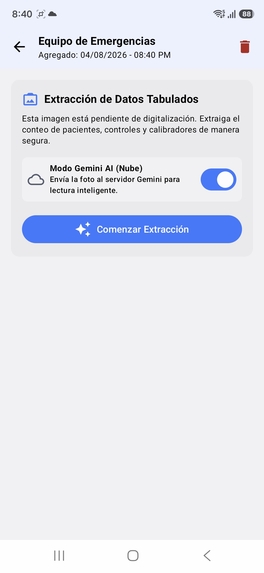
AI Cloud mode
-
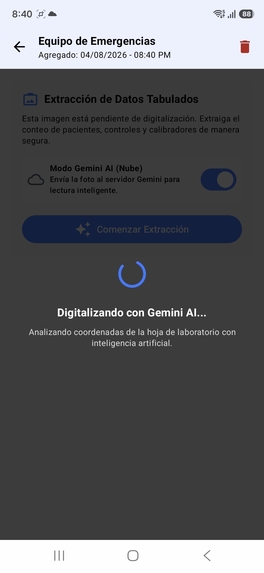
Processing AI mode
-
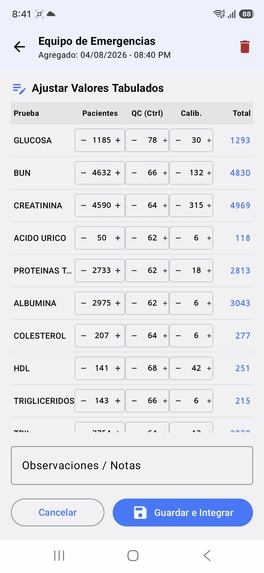
Preliminary extraction
-
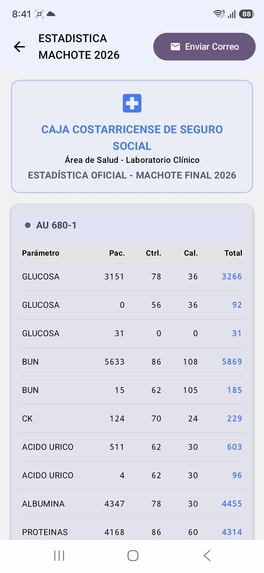
Final Report
-
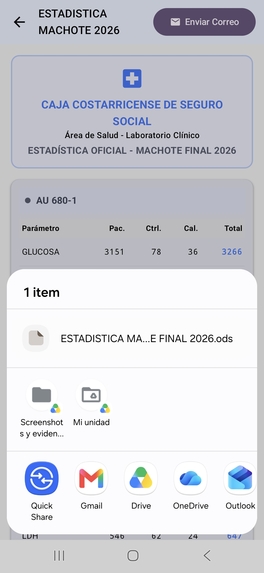
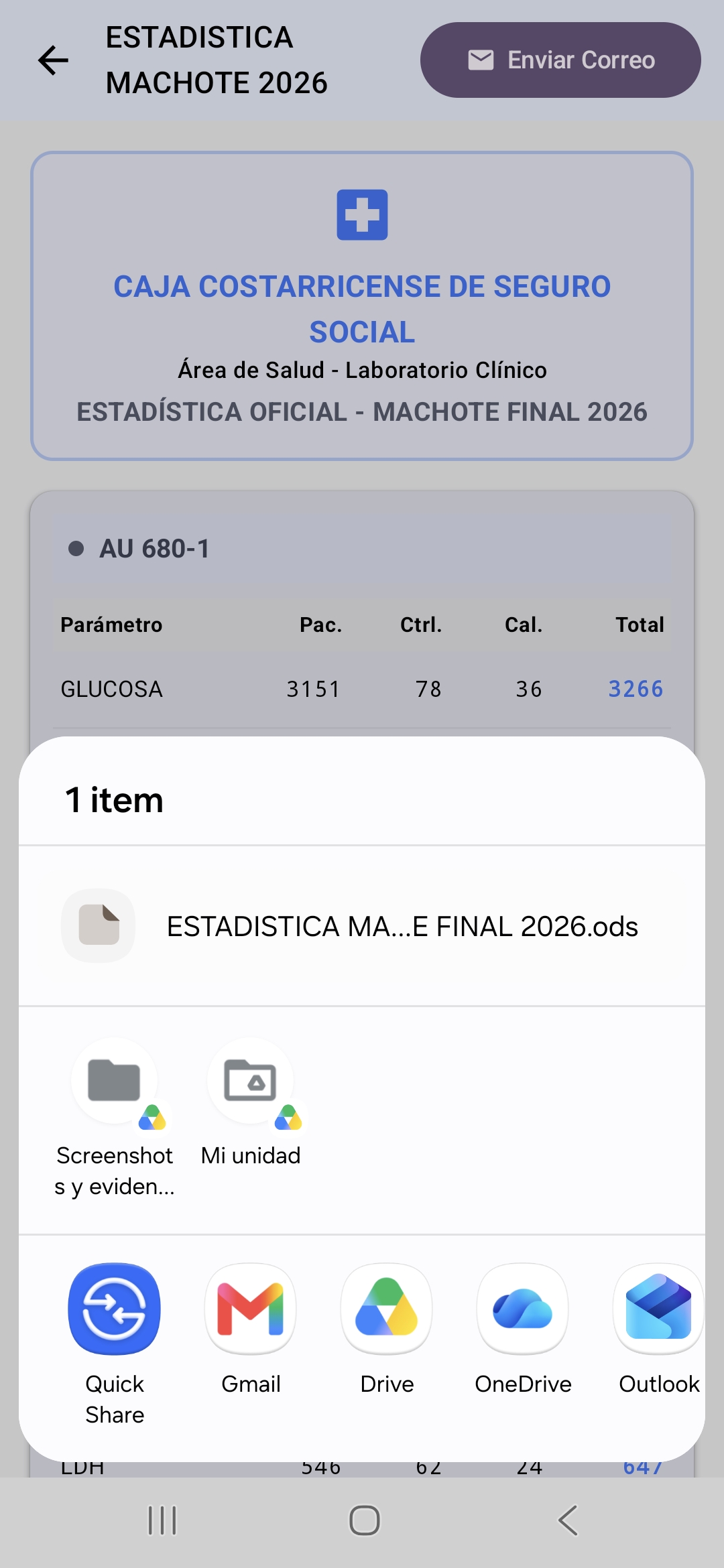
App embedded email
-
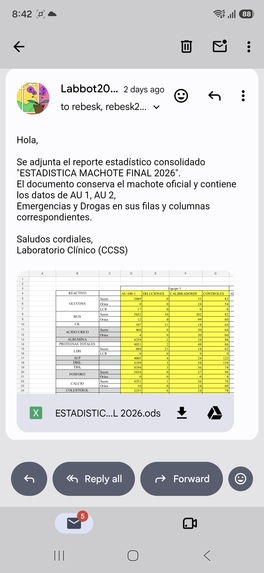
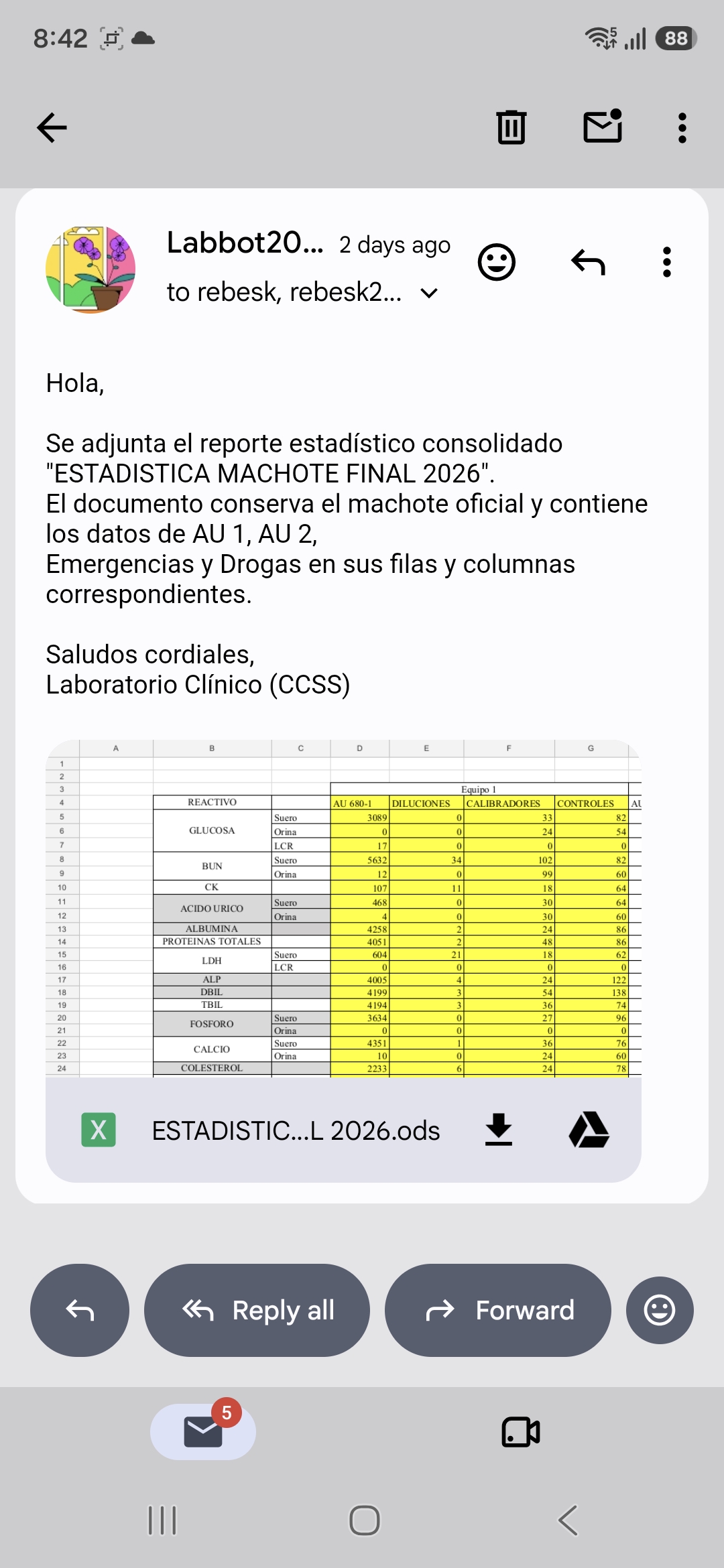
Received report
-
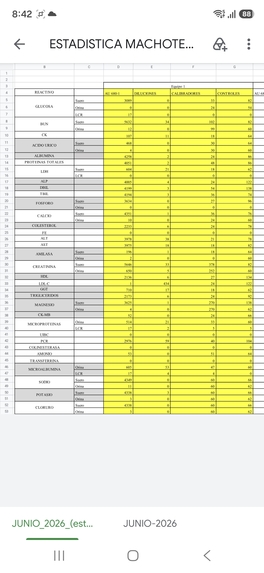
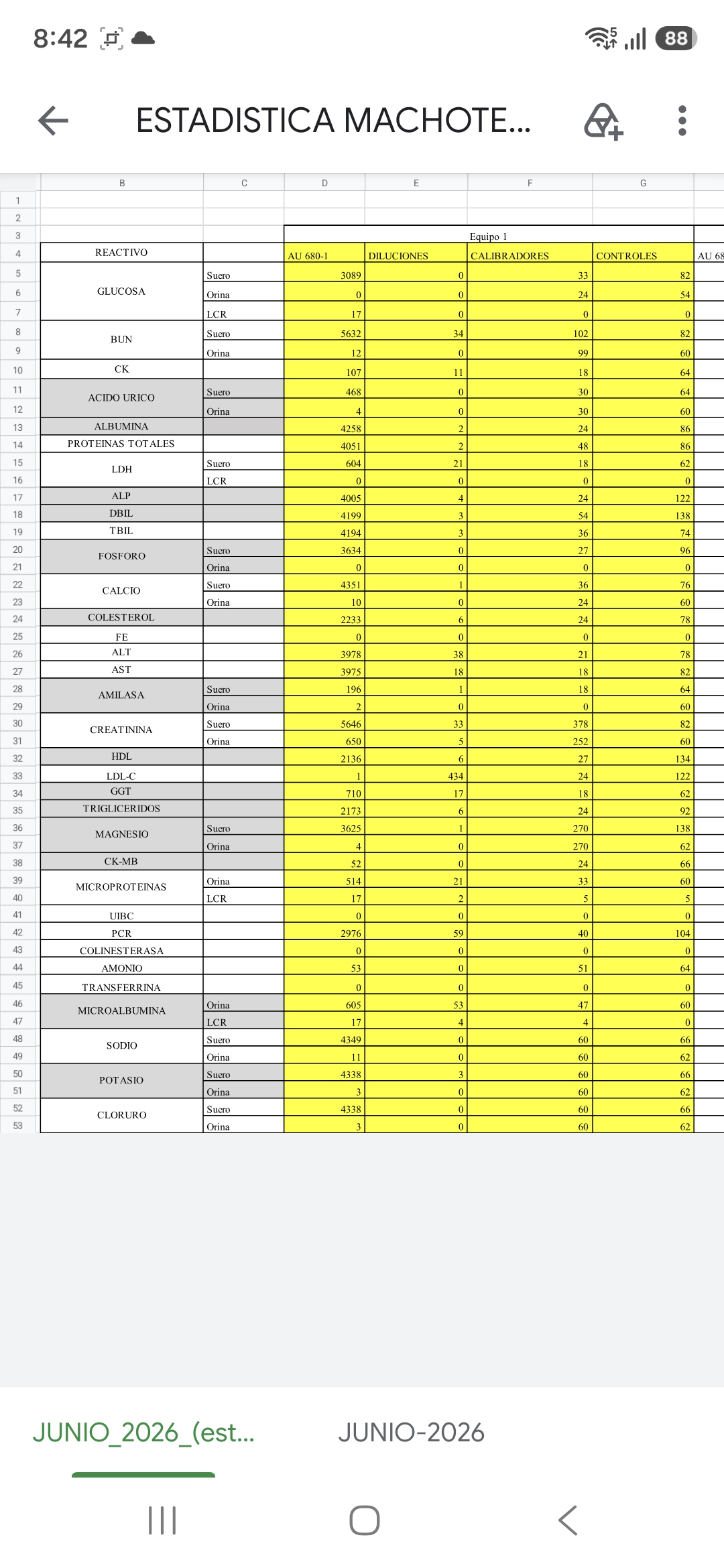
Final report Excel file
-
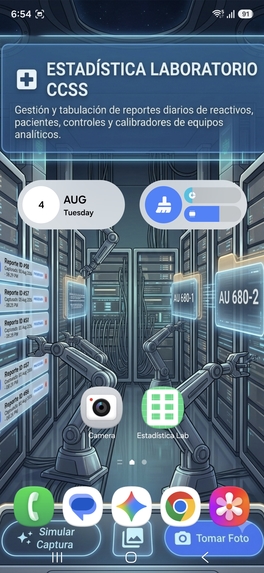
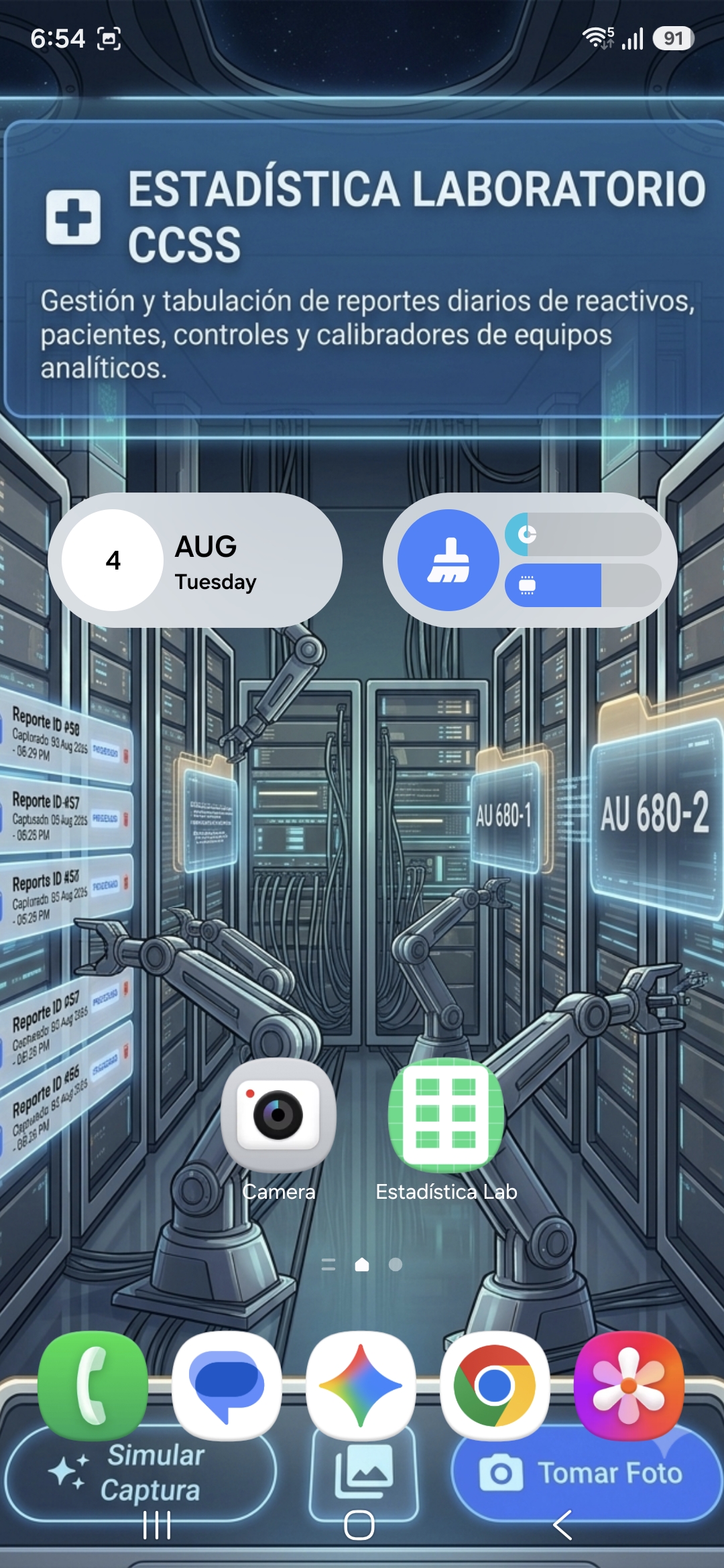
App Icon on dedicated device
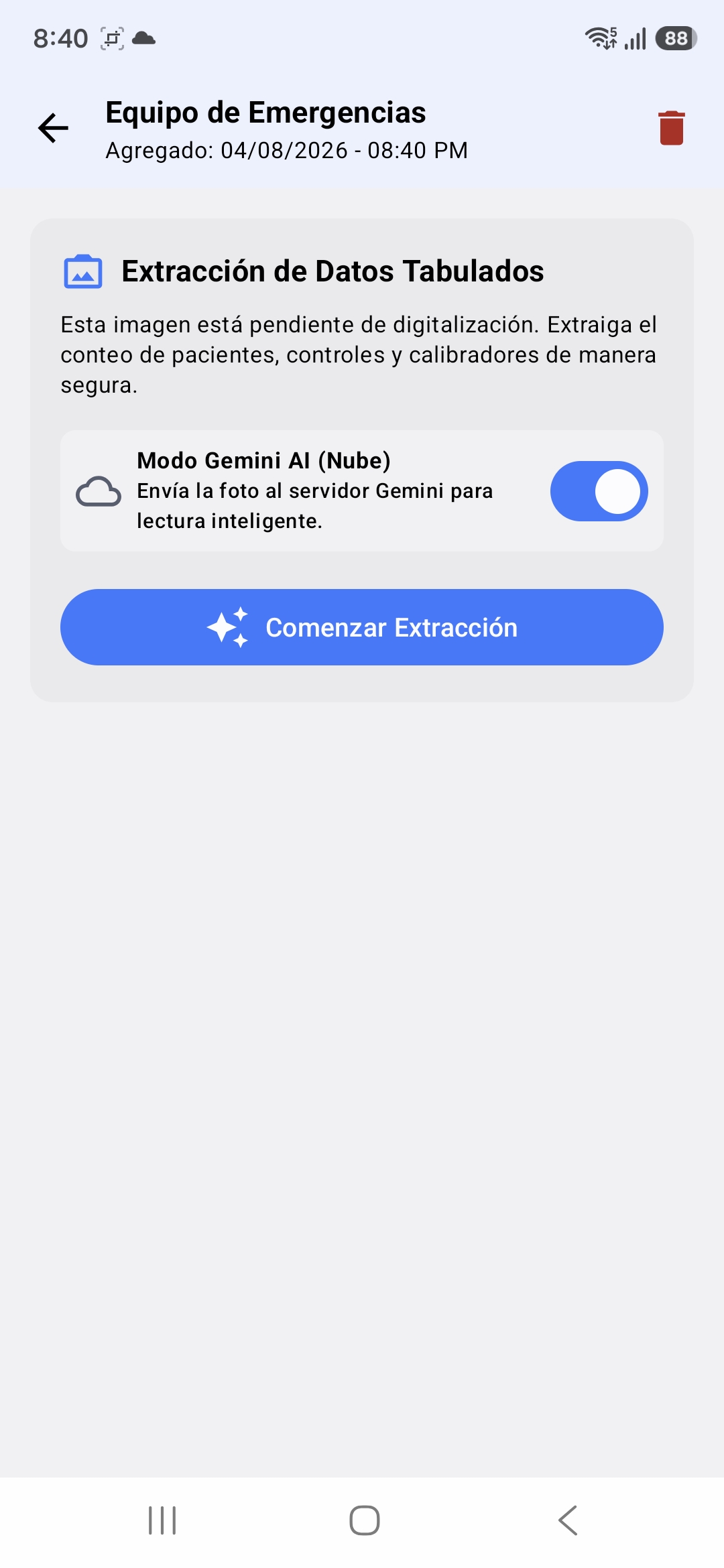
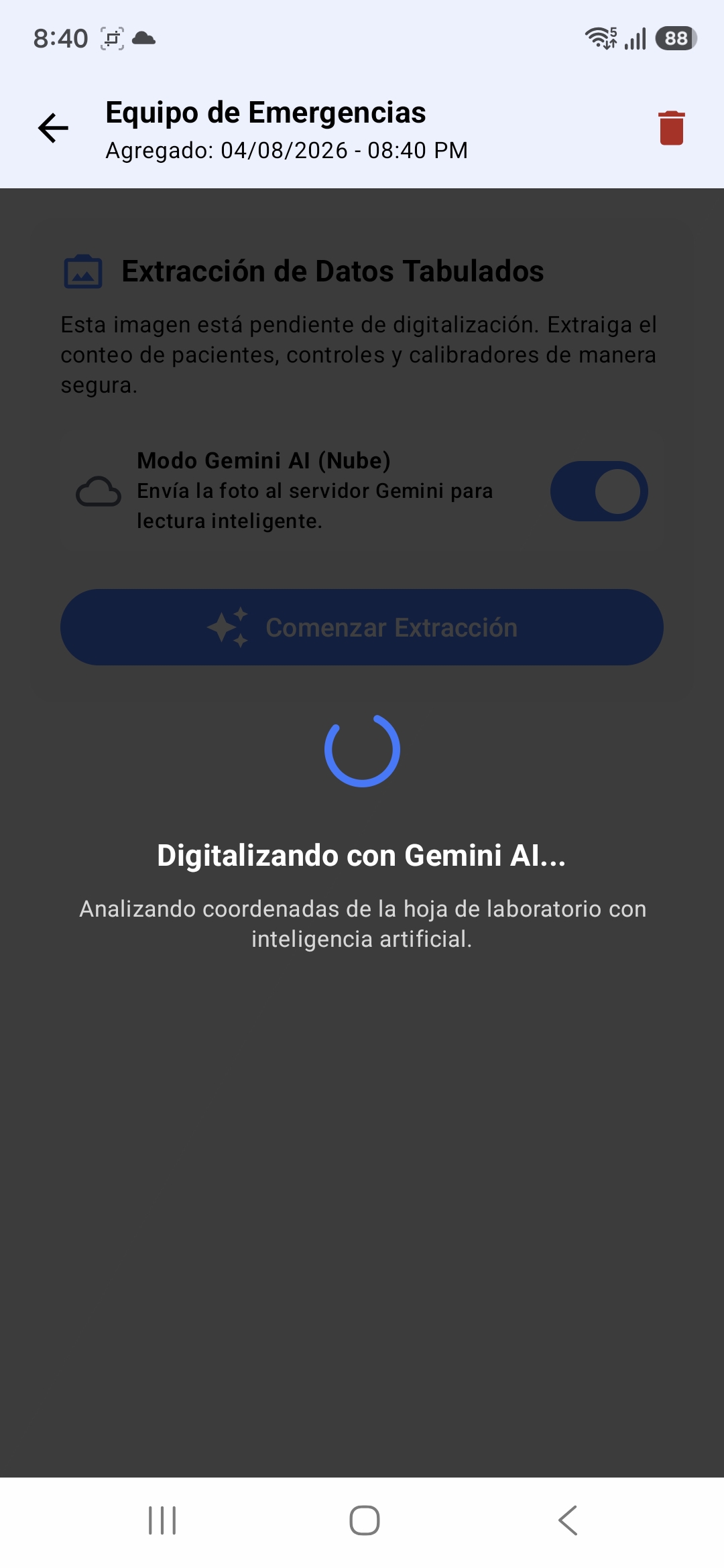
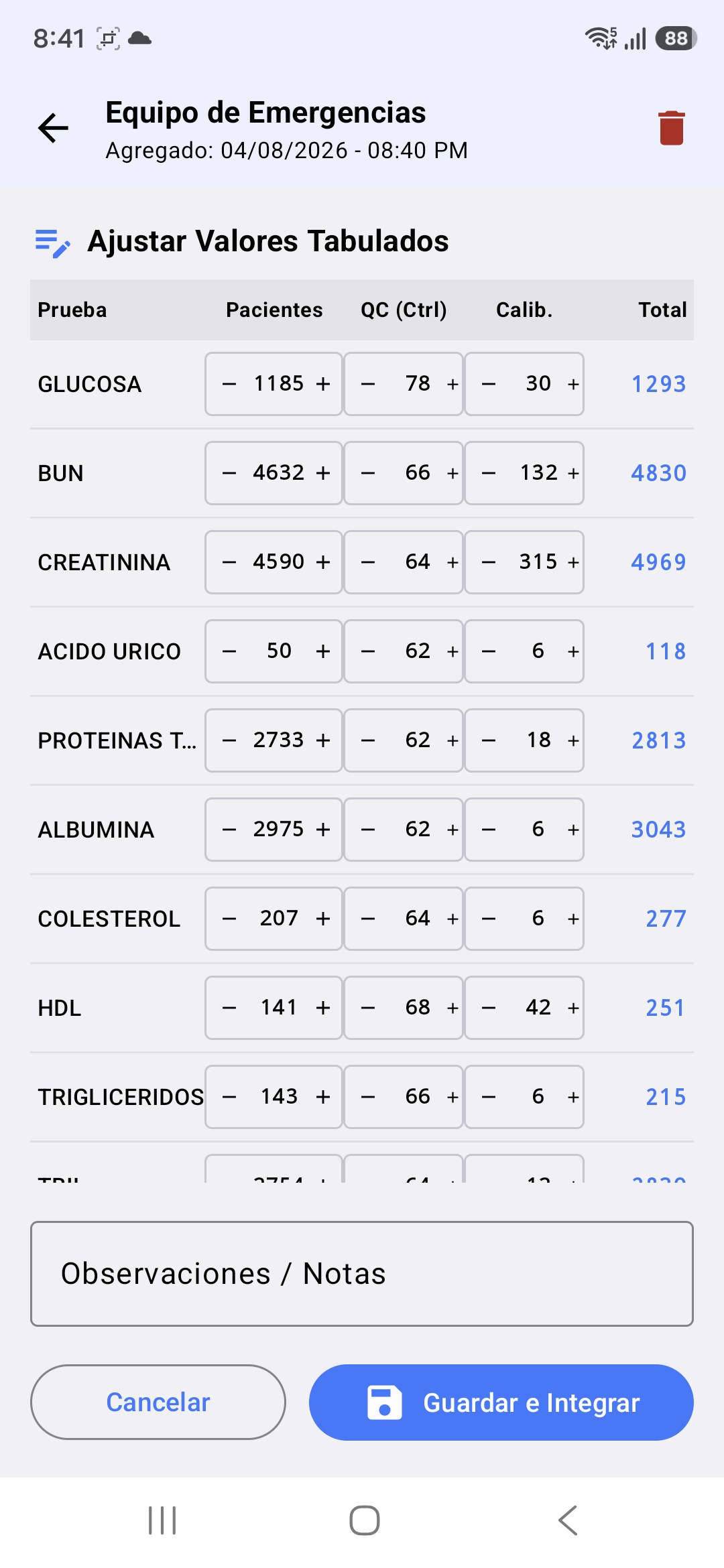
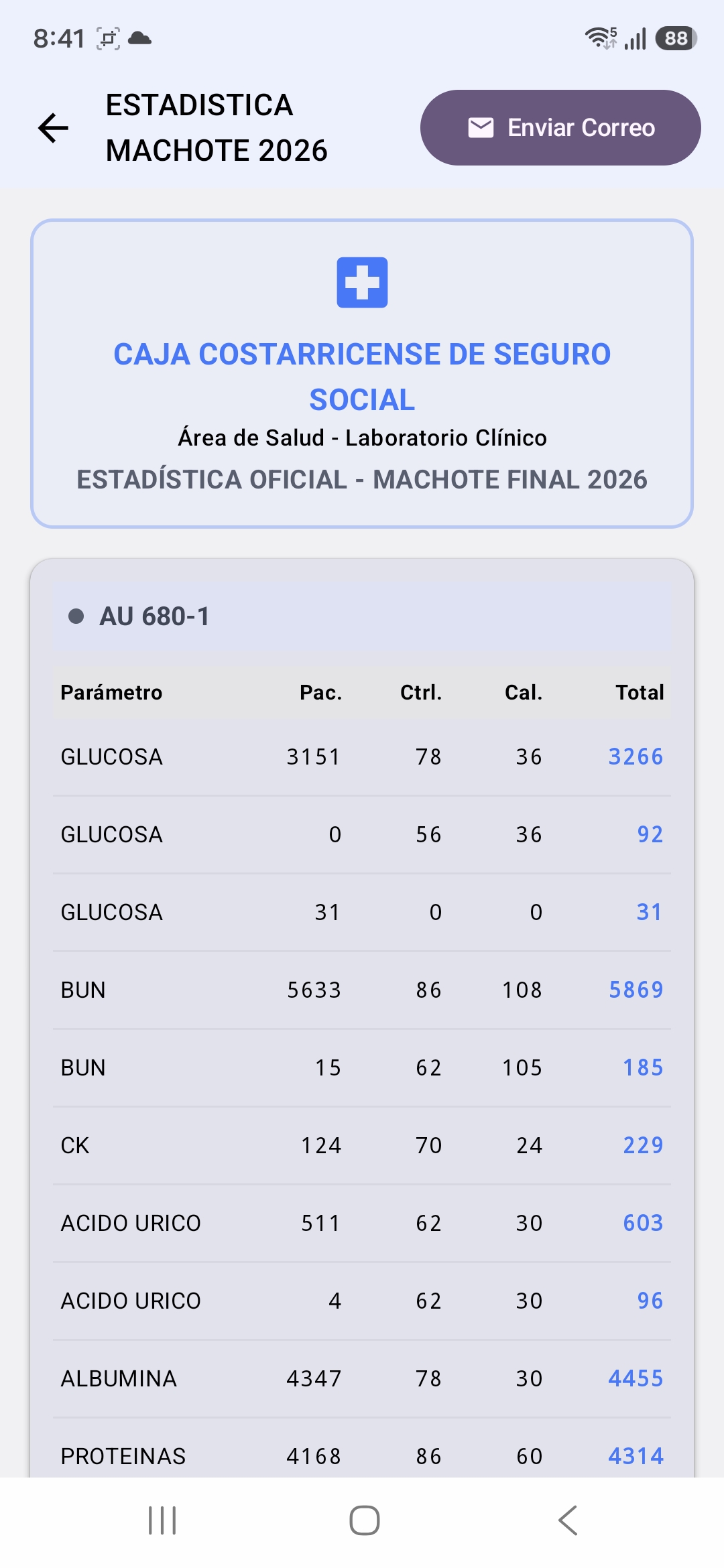
AppCCSS - Laboratory Efficiency Tools
AppCCSS applies responsible AI-assisted automation to reduce repetitive laboratory work while keeping healthcare professionals in control of the final result.
What's the Inspiration for the Project?
AppCCSS was inspired by a repetitive and stressful monthly task in our clinical laboratory. Beyond the time involved, there was always concern that a single misplaced number could affect the final report. We wanted to create a safer and faster workflow that would reduce repetitive work and return valuable time to laboratory personnel.
What Does It Do?
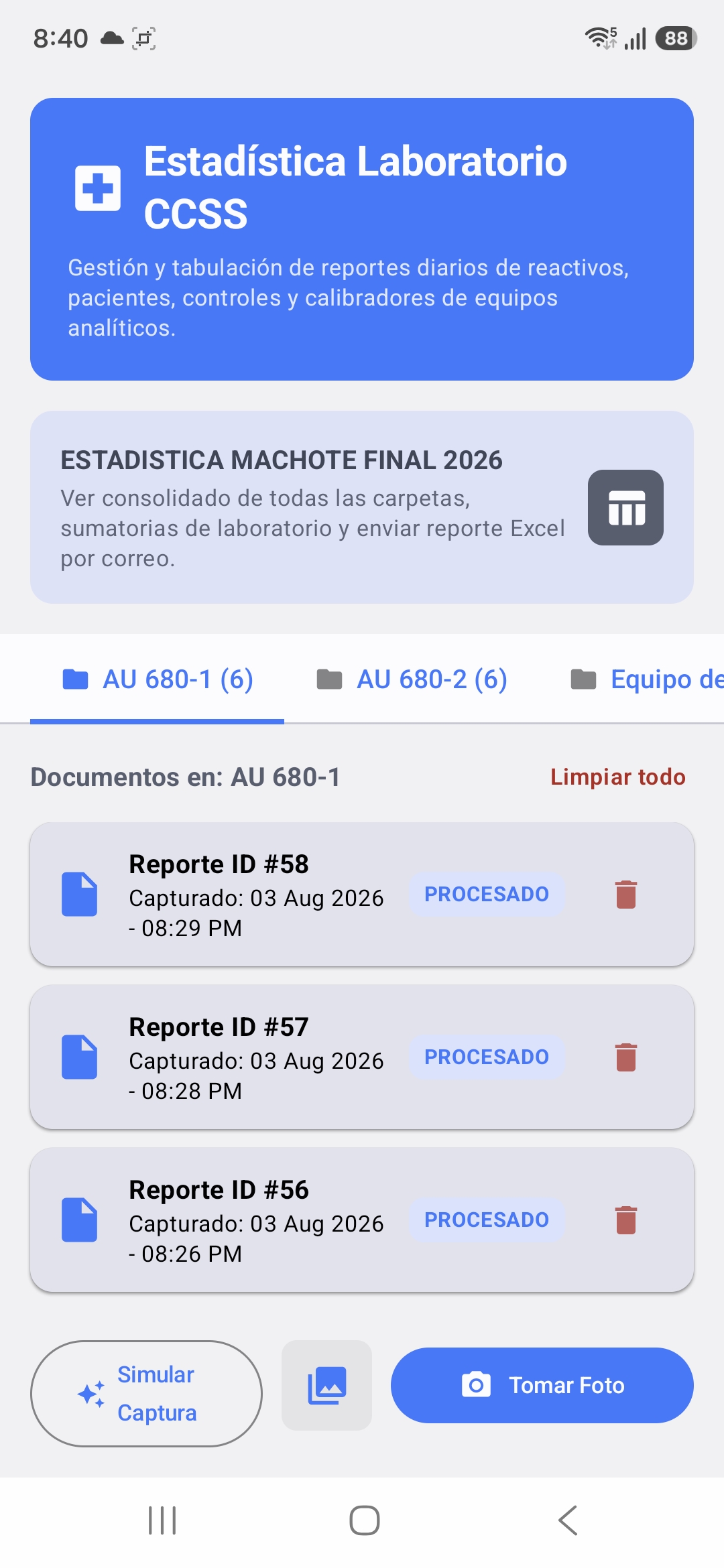
AppCCSS is an Android application that photographs and digitizes printed laboratory equipment reports. It organizes the images into four equipment categories:
- AU 680-1
- AU 680-2
- Drugs
- Emergencies
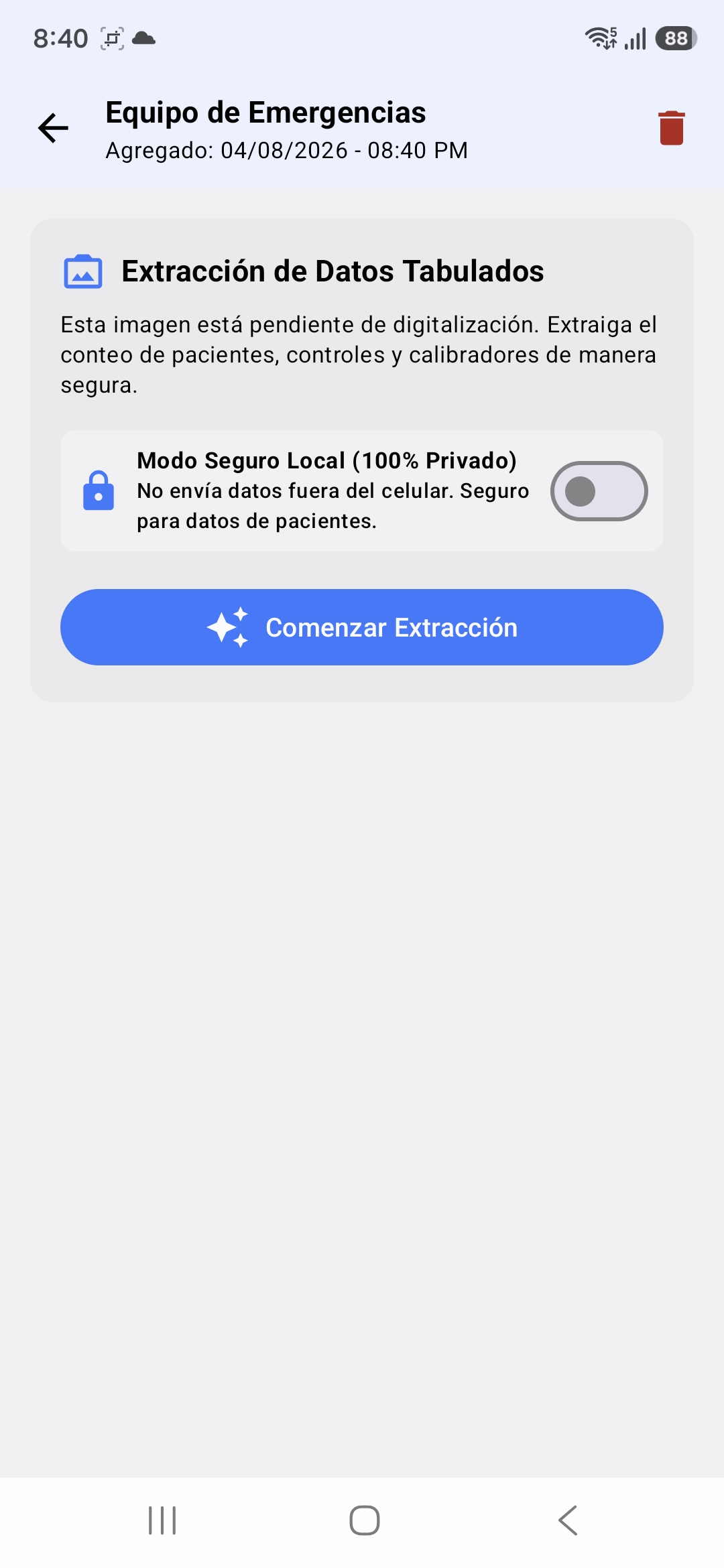
The application uses AI-assisted document recognition to identify patients, controls, calibrators, dilutions, sample types, and reporting periods. When authorized, Gemini provides multimodal interpretation of complex report layouts. A private local-processing mode is also available for sensitive documents.
After extraction, AppCCSS applies equipment-specific laboratory protocols, presents every value for human verification, and consolidates approved reports into the official Excel-compatible ESTADISTICA MACHOTE FINAL 2026 workbook. The completed file preserves the original structure and formulas and can be shared through email.
The workflow can be summarized as:
$$ \text{Printed report} \longrightarrow \text{Image capture} \longrightarrow \text{AI-assisted extraction} \longrightarrow \text{Protocol validation} \longrightarrow \text{Human review} \longrightarrow \text{Official workbook}. $$
How Did We Build It?
We built AppCCSS as a native Android application using Kotlin and Jetpack Compose. CameraX handles document capture, while bundled ML Kit text recognition supports local processing. Gemini provides an optional multimodal cloud-processing route for approved or de-identified documents.
The processing pipeline combines AI with deterministic software components:
- The user selects the laboratory equipment.
- The report is photographed or imported.
- AI-assisted recognition extracts the table.
- Specialized parsers reconstruct its rows and columns.
- Laboratory rules normalize and validate the values.
- The user reviews and approves the results.
- The information is consolidated into the official workbook.
Room stores reports locally, and a custom ODS exporter updates the institutional template while preserving its worksheets, styles, merged cells, and formulas. The project was built through continuous collaboration between Dr. Rebeca Sawyers Kenton and Marcelo Seravalli.
Challenges We Ran Into
The first prototype depended on AI components that had not been configured correctly. When we later configured a local language model, its native inference engine repeatedly crashed on the Samsung Galaxy A56. We replaced that unsafe route with stable local OCR and deterministic validation while retaining Gemini as an optional cloud-processing mode.
OCR accuracy was another major challenge. Some reports used faint dot-matrix printing, broken words, missing zeroes, and tightly spaced columns. We addressed this with image normalization, multiple crops and contrast variants, coordinate-aware table reconstruction, confidence checks, and mathematical validation against printed totals.
We also had to encode different rules for every equipment type, support multi-page reports, preserve the exact official workbook, stabilize CameraX, and work around OneDrive interference with Android build files.
Accomplishments That We're Proud Of
We are especially proud that AppCCSS transforms a process that could take up to six hours into a workflow that can be completed in less than one hour.
$$ T_{\text{manual}} \approx 6\ \text{hours}, \qquad T_{\text{AppCCSS}} < 1\ \text{hour}. $$
The application now supports the complete journey from a printed laboratory report to a consolidated, shareable spreadsheet. It preserves the official workbook's two worksheets, exact 49-row laboratory structure, formatting, and formulas.
We are also proud of its safety features. AI-generated results remain editable, uncertain local readings are rejected instead of silently accepted, and users are asked to retake a photograph when confidence is insufficient.
What Did We Learn?
We learned that AI alone is not enough for a healthcare workflow. Reliable automation requires domain knowledge, explicit protocols, privacy safeguards, mathematical validation, testing, and human oversight. Laboratory professionals must remain in control of the final result.
The reliability model behind AppCCSS is:
$$ \text{Reliable Automation} = \text{AI Assistance} + \text{Domain Protocols} + \text{Human Oversight} $$
The project also taught us the importance of collaboration. Our disagreements and long conversations helped transform practical laboratory knowledge into precise software rules. Ultimately, we learned that meaningful innovation does not always begin with a world-changing idea. Sometimes it begins by solving one exhausting problem well.
What's Next for CCSS Laboratory Efficiency Tools?
Our next step is to conduct a structured pilot using authorized, de-identified reports from multiple reporting periods. This will allow us to measure processing time, accuracy, correction rates, usability, and staff satisfaction under real working conditions.
We also plan to:
- Make equipment protocols easier to configure and reuse.
- Improve Gemini-assisted processing for difficult or irregular documents.
- Explore deployment in other CCSS laboratories after institutional validation.
Our long-term vision is for CCSS Laboratory Efficiency Tools to become a broader family of responsible automation tools---reducing administrative burdens and giving healthcare professionals more time for the people they serve.
$$ \text{Less repetitive work} + \text{more professional time} \longrightarrow \text{better support for patient care}. $$


Log in or sign up for Devpost to join the conversation.