
Programme dashboard — guide for judges
URL: https://prufture.voltarut.com/dashboard TestFlight (iOS, no account needed): https://testflight.apple.com/join/rBhq72De
Sign in
- Open the URL and sign in with your Gmail account
- If asked for an invitation code, enter LIMA-TEAM-2026 or BOGOTA-OPS-2026. Staff accounts need it once; the browser remembers it.
What to look at (left sidebar)
• Overview: this week's reports, how many are ready to review, how many still need another community report, and the programmes covered. Shows a review pipeline and the latest reports received.
• Reports: every report received, filterable by status, programme, area or date, plus text search. The URL keeps your filters. Open a report to see:
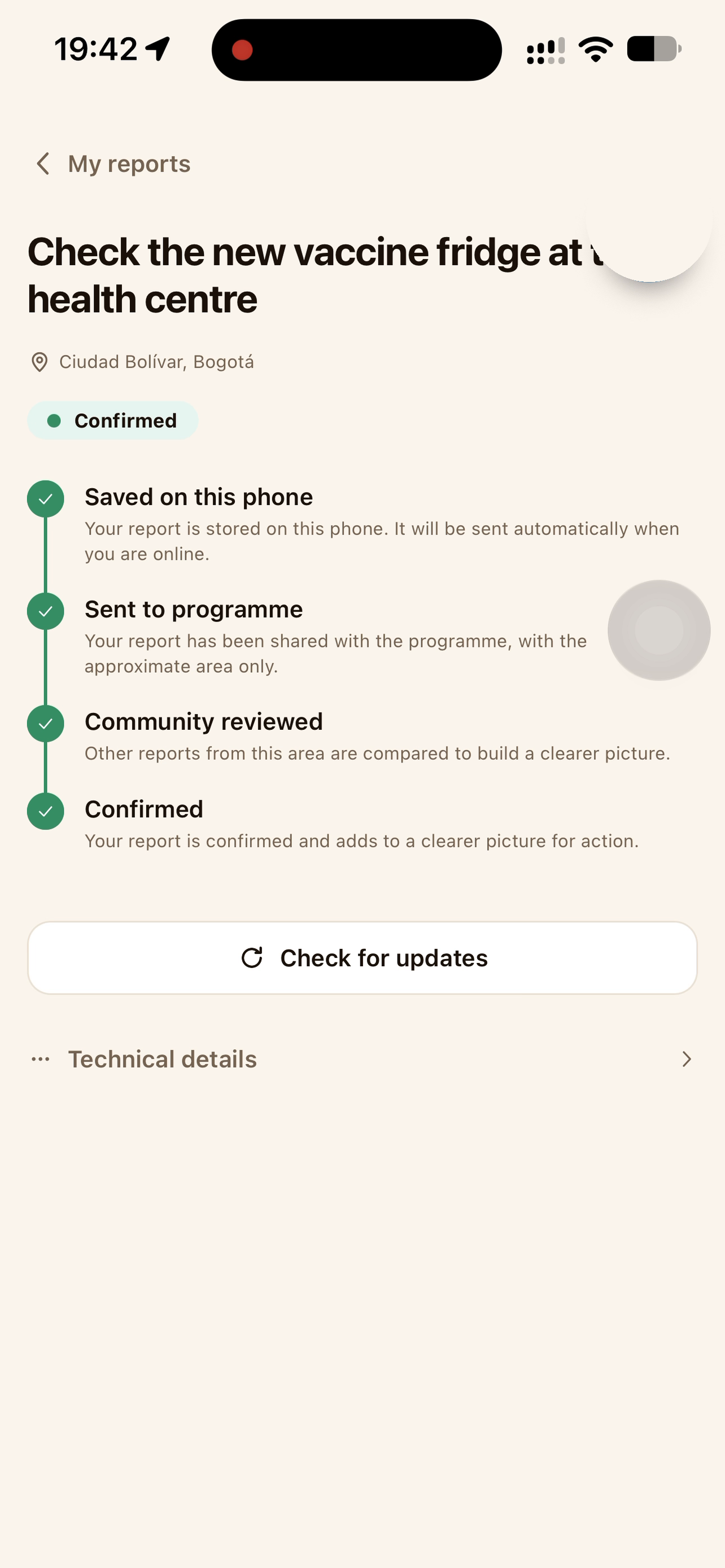
• its evidence summary and review timeline (signed on the phone → delivered → second community report → anchored as a public record);
• Open public record, the same page anyone can verify without an account.
• Use j / k to move between reports.
• Alerts: reports that need a decision or a follow-up.
• Programmes: coverage by programme and activity type.
• Communities: coverage by approximate region. Exact locations of households, schools or people are never shown.
• Coverage: a map of zones by report count. Only approximate 5-character cells, never a pin.
• Exports: the coarse report list as CSV, for offline review.
• Settings: what the dashboard shows and what it never shows.
What you will never see No reporter name, phone, email or identity; no exact coordinates; no original photos. A photo exists only if the reporter chose to share it; it is encrypted to the programme key and never shown here.
Please avoid
• Programmes → Enrolment acts on the live programme pass group: it adds members and starts new rounds. Viewing it is fine. Please do not enrol commitments or start a new round.
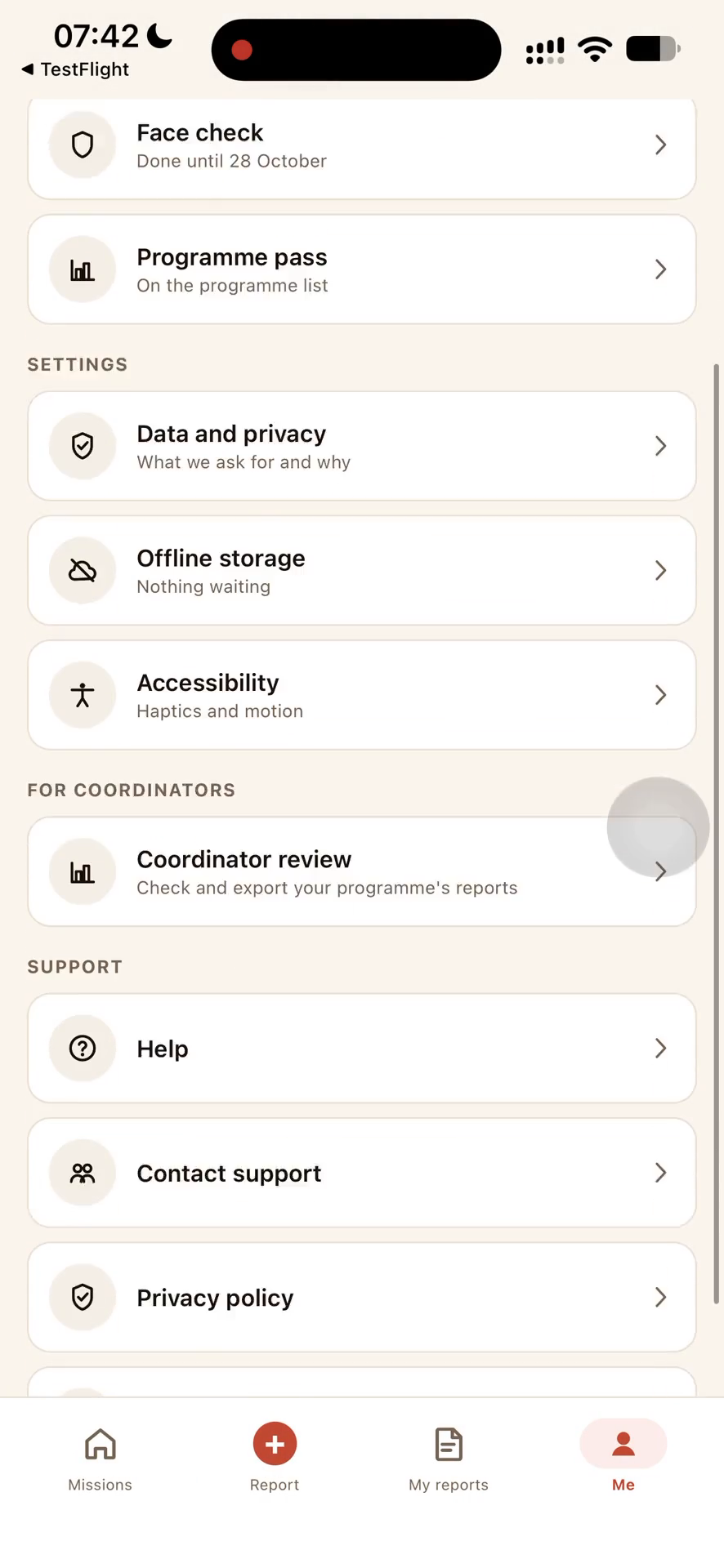
• "Mark reviewed" on a report page is disabled in this version. Accept/reject review lives in the app (Me → Coordinator review). With the offer code, that screen shows a sample inbox you can freely accept and reject.
Inspiration
Field teams document work that matters—solar installations, vaccine refrigeration, water access—but connectivity is unreliable and the people collecting evidence should not have to trade away their privacy. Prufture started from a simple question: can a report remain useful and independently verifiable without publishing the reporter's identity or exact location?
What it does
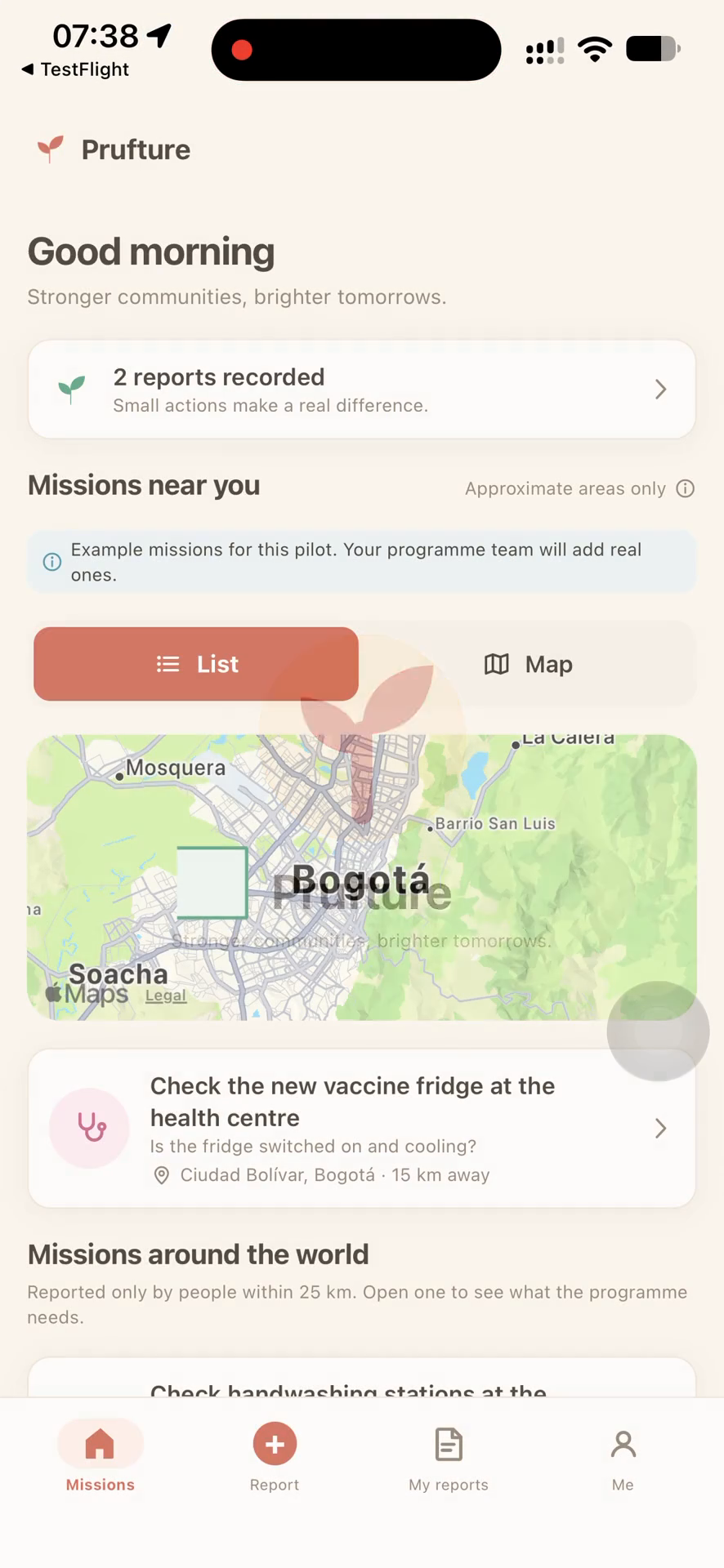
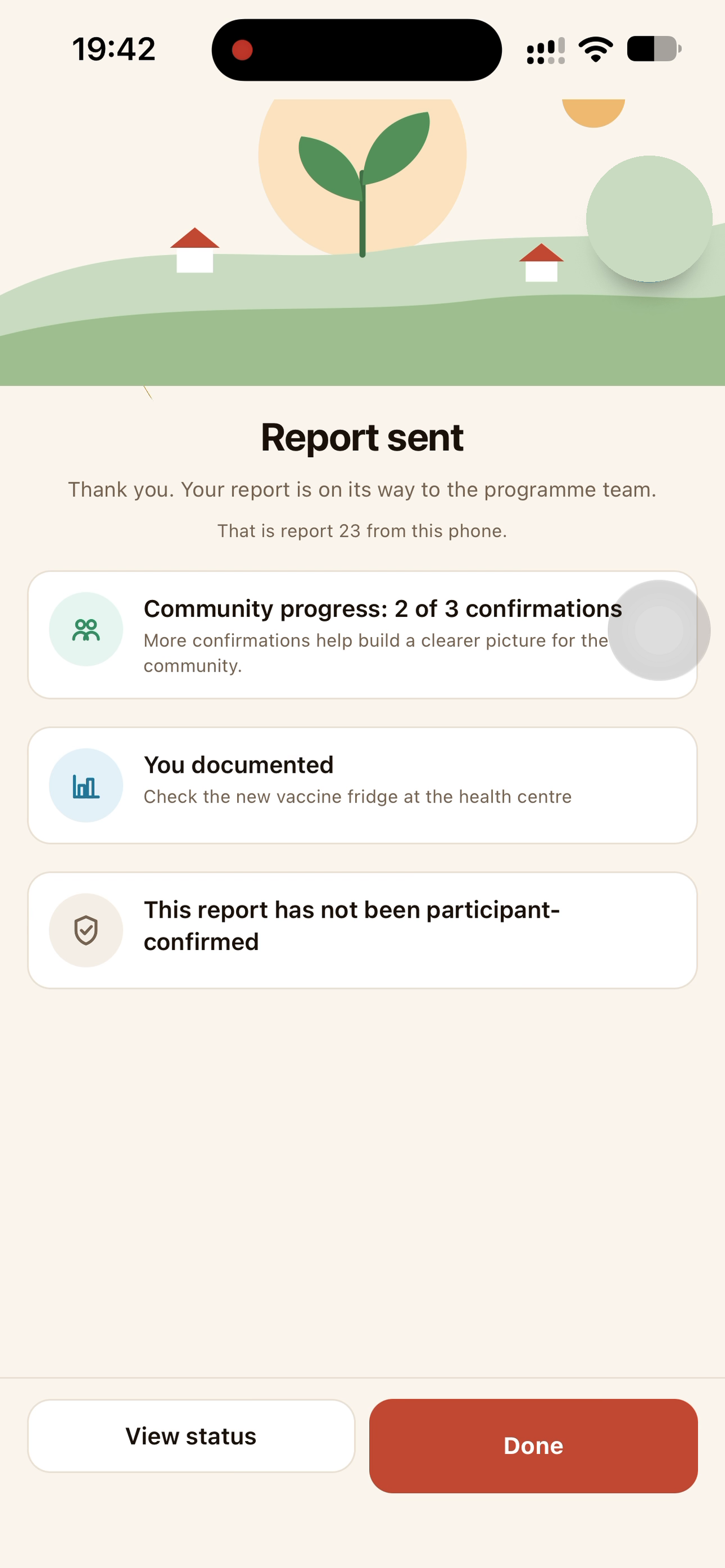
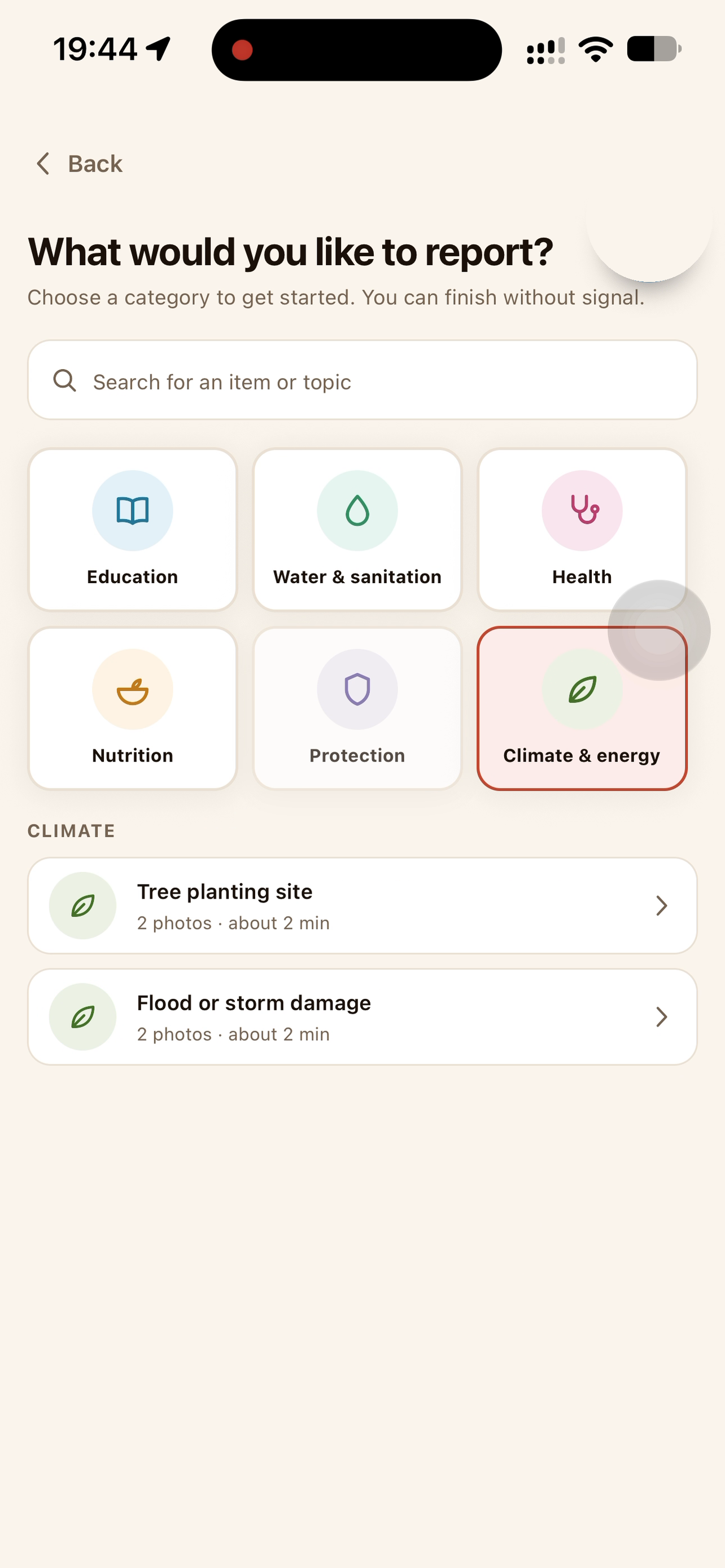
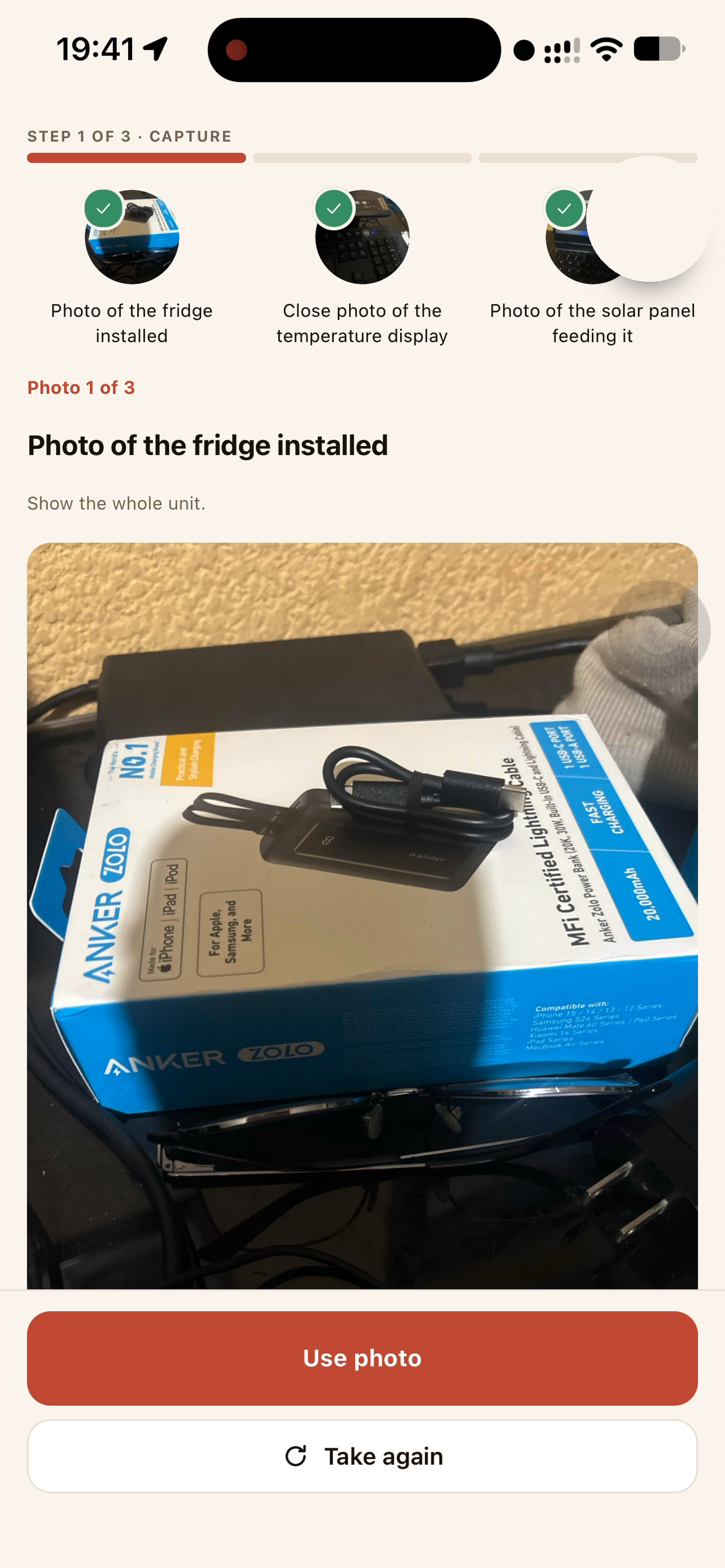
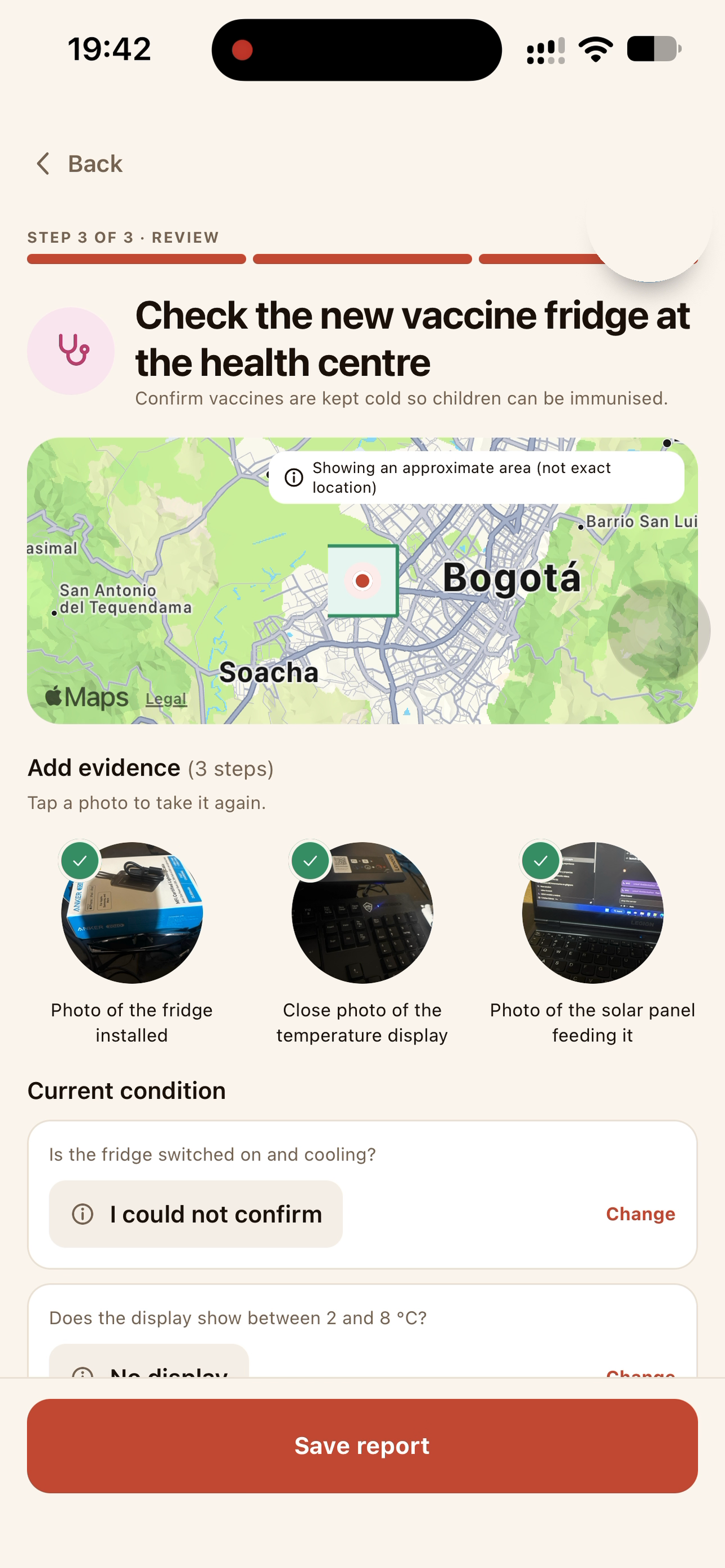
Prufture is an offline-first iPhone app for humanitarian field reporting. A volunteer can photograph completed work, answer a short activity-specific checklist, and save the report with no account and no network. The phone hashes and signs the evidence locally, queues it, and sends it when connectivity returns.
The public record contains only the activity, date, a deliberately approximate area, and a verification reference. Original photos remain on the device unless the reporter explicitly agrees to share them with the programme team. Optional Face check and Programme pass flows add assurance without blocking basic reporting.
Reporting is free. Programme coordinators can subscribe to the Coordinator plan through RevenueCat to review reports, accept or reject them, restore purchases, redeem Apple offer codes, and draft an email summary. This keeps the field workflow accessible while charging the organizational role that receives ongoing operational value.
How we built it
The mobile app uses Expo, React Native, TypeScript, Expo Router, SQLite, SecureStore, and RevenueCat. Capture, local signing, the offline queue, sync, and public attestation are separate layers so a vendor outage never destroys the core reporting flow. The backend uses Express and Render; the public verification site and coordinator dashboard use Next.js and Vercel. Report fingerprints are anchored on Base Sepolia. Optional liveness uses AWS Rekognition, while the staff dashboard uses Clerk.
Every external integration returns a typed availability result instead of throwing through the user flow. Sync retries are idempotent by proof hash. The public payload is intentionally small: proof hash, task ID, coarse geohash, and capture time—never a name, email address, exact GPS point, photo, or face image.
RevenueCat is a product boundary, not a decorative paywall. The app identifies the anonymous App Store customer, loads monthly and annual offerings, purchases through Apple, restores entitlements, supports offer-code redemption, and re-checks the coordinator entitlement server-side before returning protected programme data.
Challenges we ran into
The hardest part was combining offline reliability, verifiability, and privacy without making the interface feel technical. We narrowed what leaves the phone, built explicit pending/synced/attested states, and made every optional assurance step degradable.
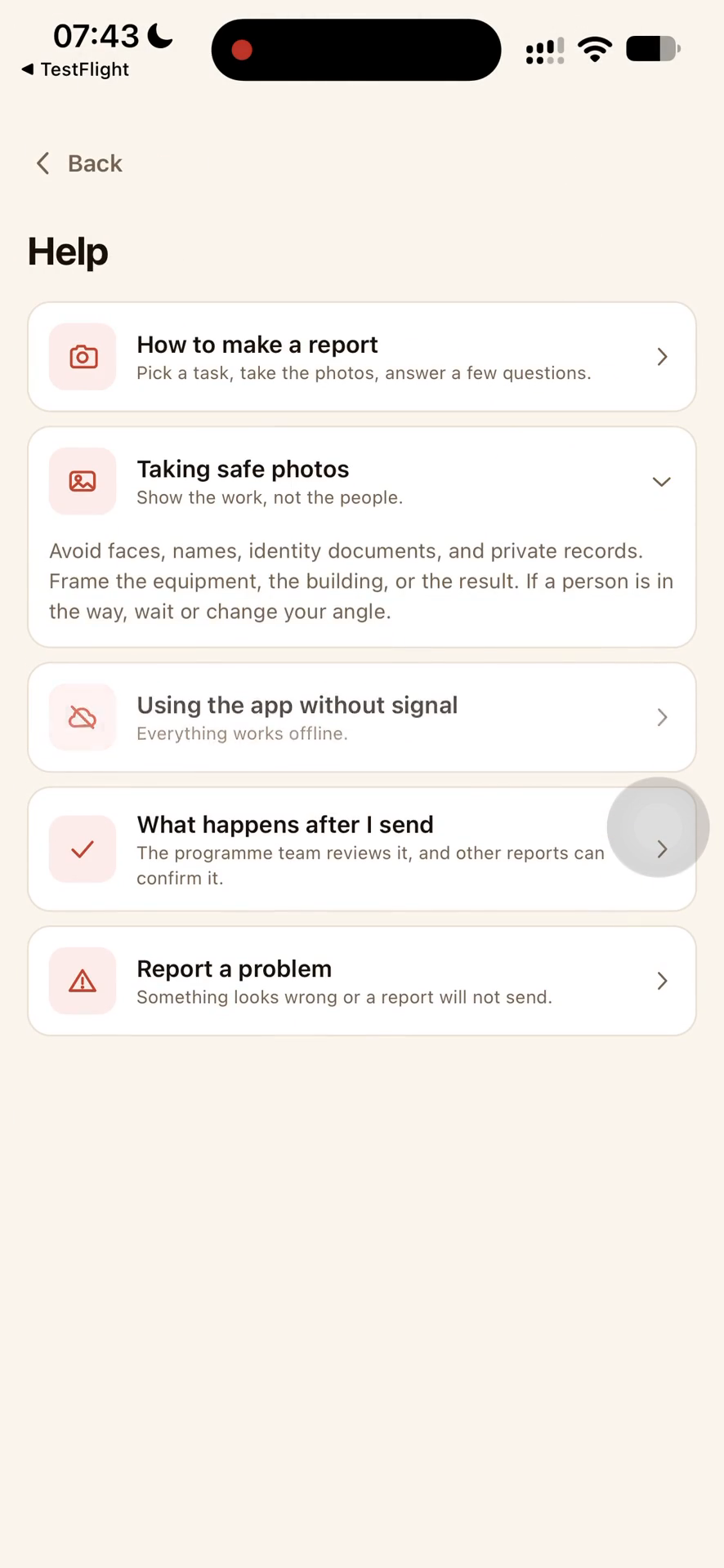
Store review added another real-world constraint: reviewers must understand why location and camera access are needed, how the app works without accounts, and where the paid coordinator experience begins. We built a complete no-login path, clear permission copy, restore purchases, offer-code redemption, privacy and support pages, and a physical-device walkthrough.
We also found and fixed production-only integration problems: platform-specific RevenueCat keys, server-side project scoping, unknown-customer behavior, and entitlement failures that must be shown as unavailable rather than falsely interpreted as unpaid.
Accomplishments that we are proud of
- A full report can be captured, signed, and queued without connectivity.
- The reporter does not need an account, and no PII is written to the public record.
- RevenueCat subscriptions unlock a real coordinator workflow rather than a cosmetic screen.
- Original evidence remains under the reporter's control.
- Public verification is useful without exposing exact field locations.
- The iOS build runs on a physical iPhone through TestFlight.
What we learned
Privacy is strongest when enforced by data shape, not only promised in copy. Offline-first design is more than caching: every state transition needs a visible, recoverable meaning. Monetization works best here when it follows the value chain—volunteers report for free, while coordinators pay for the operational review layer.
What's next
Next we will complete App Store publication, expand programme onboarding, harden multi-programme coordinator workflows, and test with more field teams. We also plan to improve accessibility and localization while keeping the same privacy rule: useful public proof, minimal public data.
Built With
- aws-rekognition
- base
- clerk
- cloudflare
- eas
- ed25519
- ethereum-attestation-service
- expo-router
- expo-secure-store
- expo-sqlite
- expo.io
- hono
- next.js
- noble-curves
- node.js
- react-native
- react-native-purchases
- render
- revenuecat
- rust
- semaphore
- typescript
- vercel
- viem
- zero-knowledge

Log in or sign up for Devpost to join the conversation.