-
-
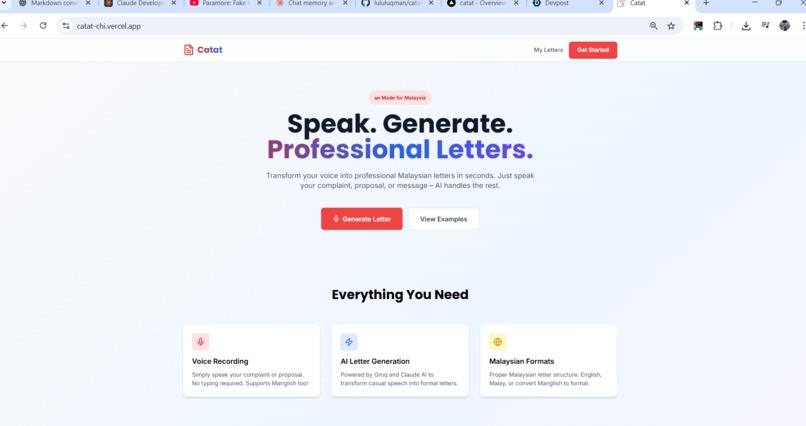
Main page
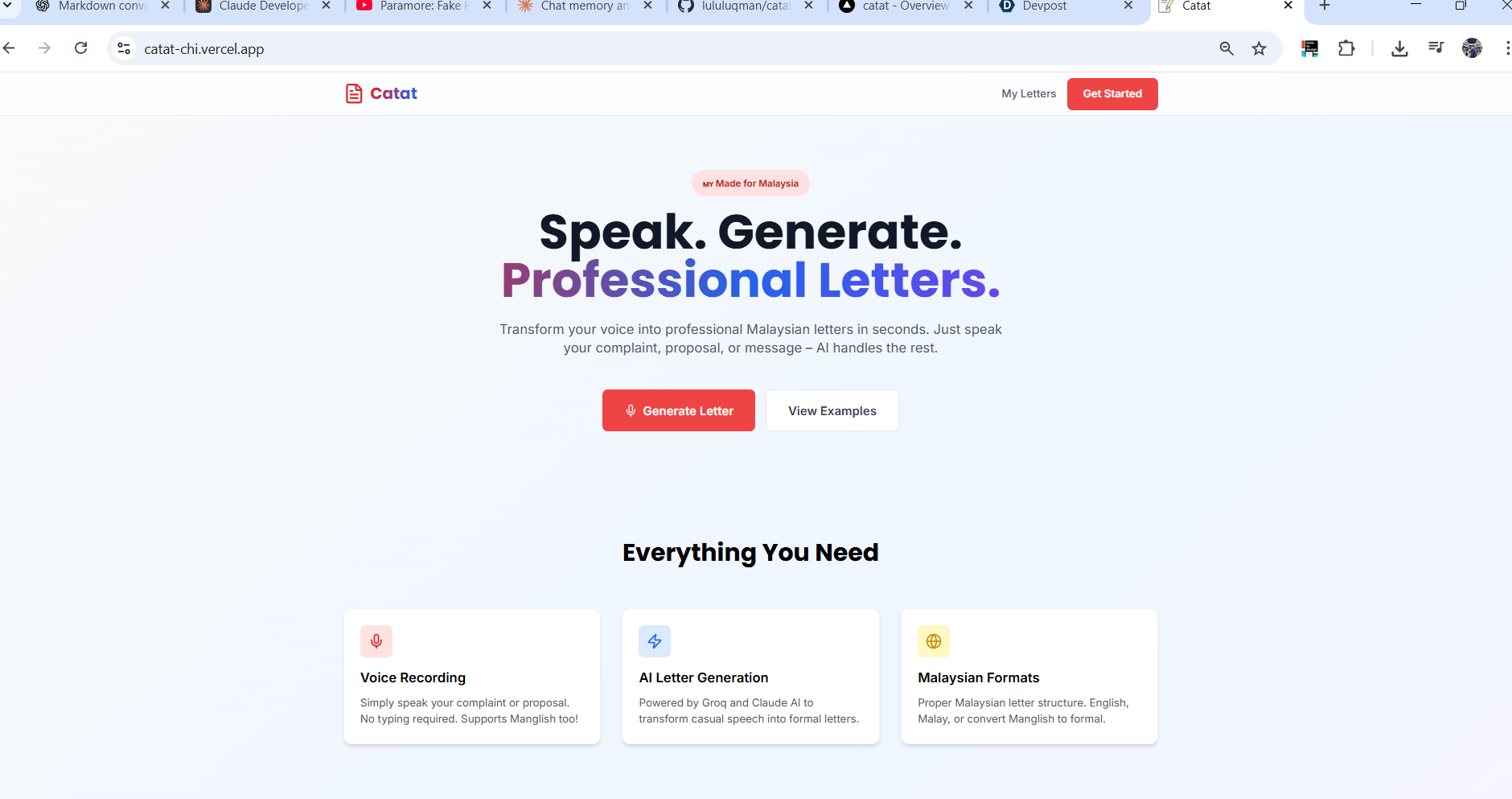
Inspiration
- Drafting formal letters is slow and error-prone, especially with locale-specific conventions (e.g., Malaysian formats). We wanted a tool that makes compliant, professional letters effortless.
- Many people struggle with tone and structure; we set out to remove that friction with AI guidance.
What it does
- Generates tailored letters from prompts, with selectable tone, urgency, and locale-specific formatting.
- Auto-inserts required fields (sender/recipient/date/subject) and applies consistent styling.
- Exports clean PDFs and saves drafts for later edits.
How we built it
- Frontend in React with a template system for formats and tones.
- AI-assisted text generation for phrasing suggestions.
- PDF rendering service to preserve layout fidelity across devices.
- Supabase/DB for saving letters, versions, and user preferences.
Challenges we ran into
- Enforcing locale-specific formatting (e.g., date placement, bold/underline rules) while keeping the editor flexible.
- Ensuring PDF output matches the on-screen preview pixel-for-pixel.
- Balancing AI-generated content with user control to avoid overstepping intent.
Accomplishments that we're proud of
- Delivered ready-to-send PDFs that match regional formal standards.
- Built reusable templates that stay consistent across tones and urgency levels.
- Smooth UX: users can go from prompt to polished letter in a single flow.
What we learned
- Small formatting rules (dates, indentation, salutation spacing) matter a lot for trust.
- Users want AI help, but also quick overrides and edits to keep their voice.
- Testing PDF layout early prevents late-stage surprises.
What's next for Catat
- Add more locale-specific formats and industry-specific templates.
- Richer collaboration: comments, version history, and shared templates.
- Better AI guidance for tone calibration and compliance checks (e.g., required clauses).


Log in or sign up for Devpost to join the conversation.