-
-
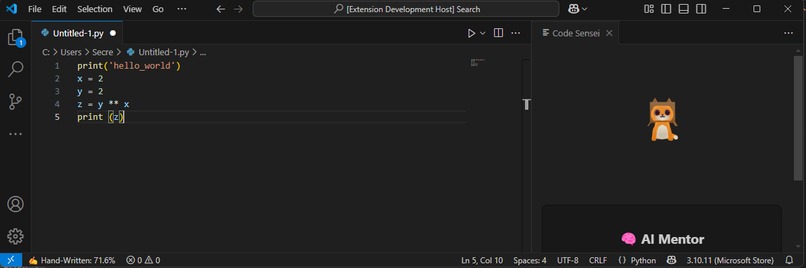
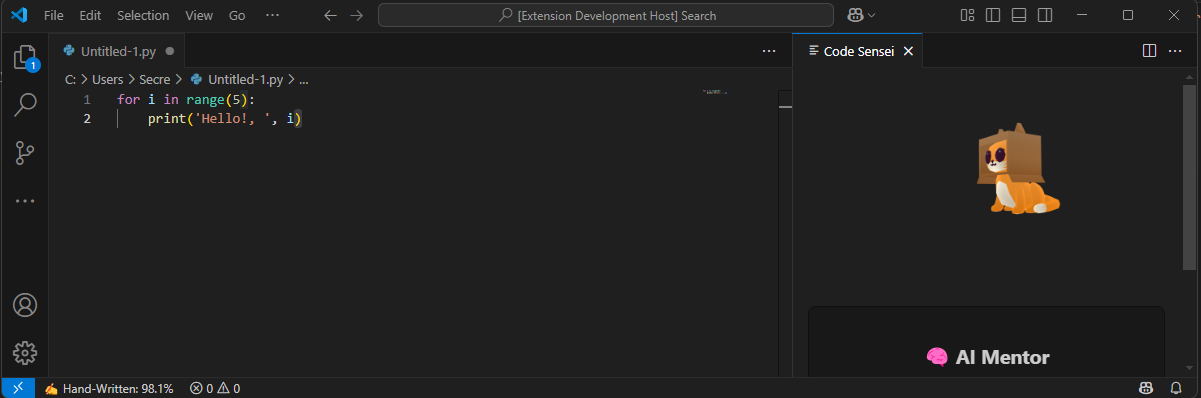
Idle kitty
-
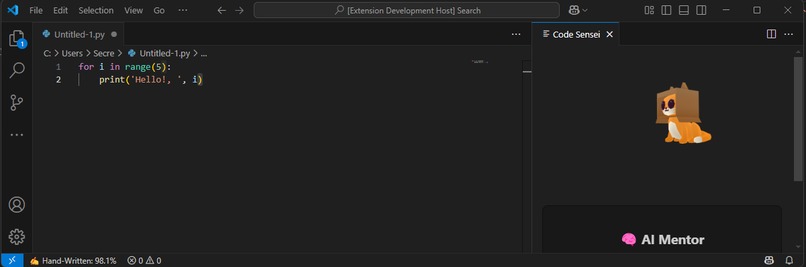
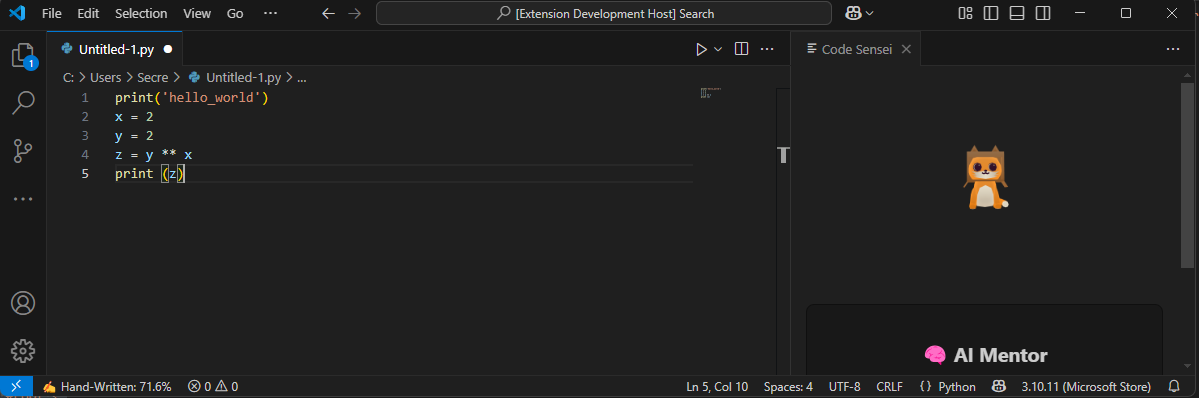
Happy kitty since mostly handwritten code
-
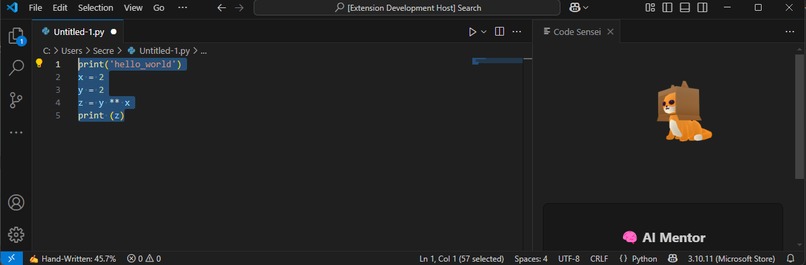
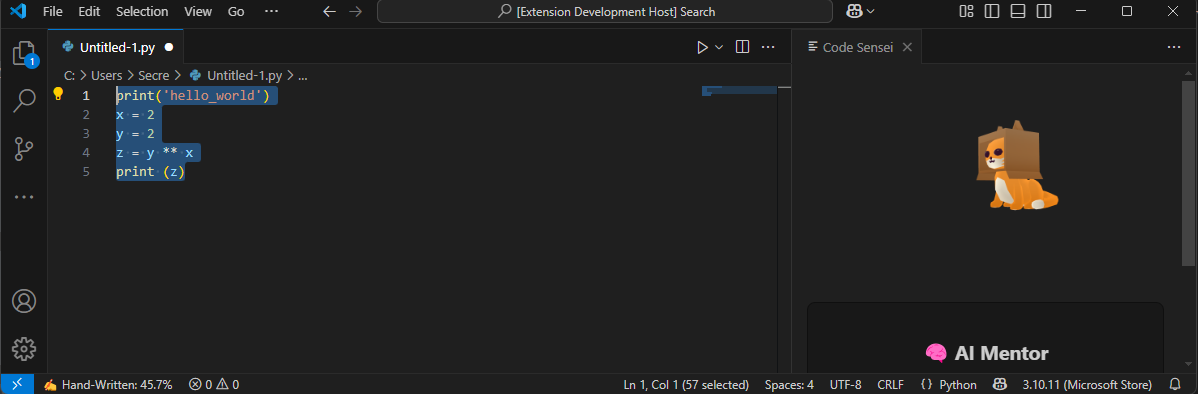
Unhappy kitty since a lot of pasted code
-
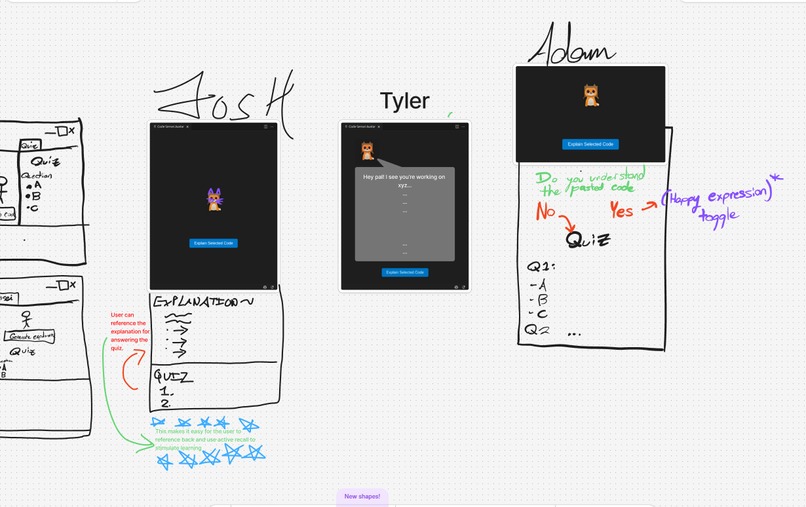
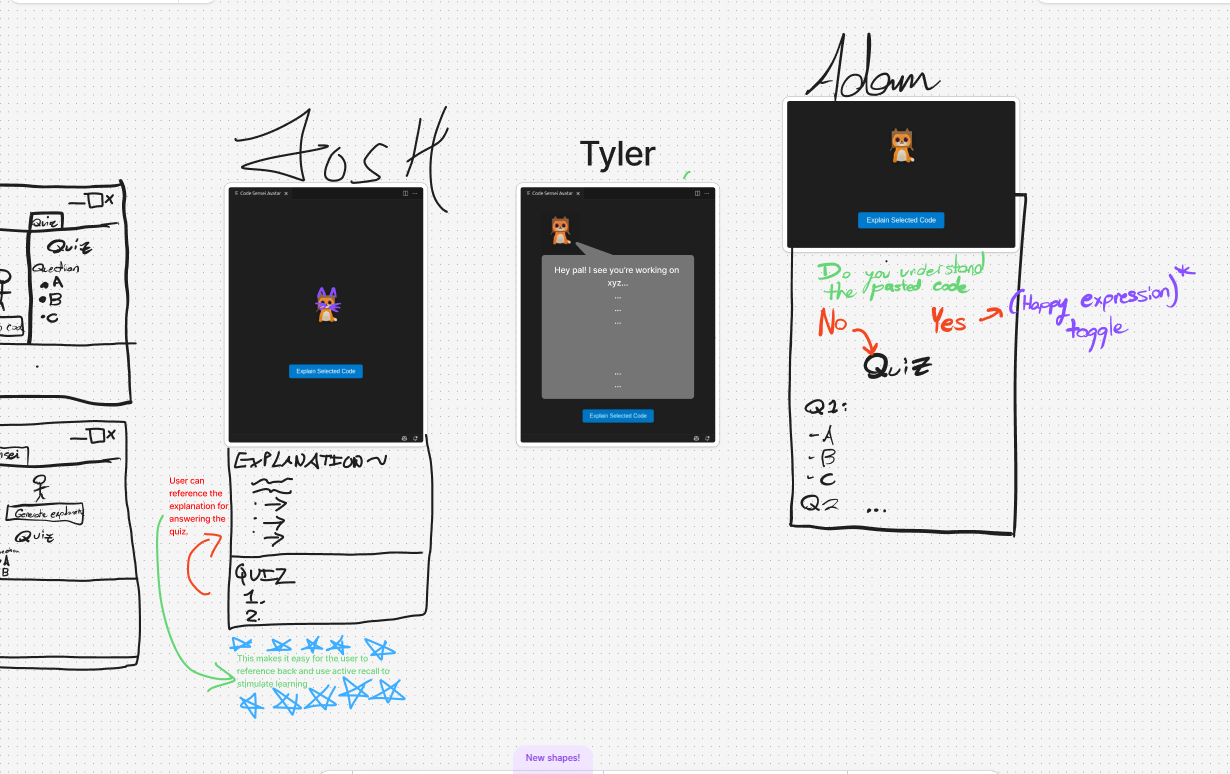
Whiteboarding ideas to flesh out our design choices
Inspiration
As developers increasingly lean on AI tools like Copilot and ChatGPT for coding assistance, there's a growing risk of overreliance. Copying and pasting without truly understanding what's happening under the hood can lead to bad habits and shallow knowledge. We built Catalyst to change that. It helps bridge the gap between AI-assisted coding and real comprehension, empowering developers to become not just faster, but smarter.
What it does
Catalyst is a Visual Studio Code extension that helps developers understand and learn from AI-generated code. It promotes intentional coding through:
Real-time tracking: Monitors the ratio of hand-written to pasted code, encouraging developers to stay engaged and avoid blind copy-pasting.
AI-powered explanations: Provides clear, concise breakdowns of selected or pasted code snippets using state-of-the-art AI models.
Interactive quizzes: Automatically generates personalized quizzes based on code explanations. These quizzes include multiple-choice, fill-in-the-blank, and coding challenges.
Cat Avatar Interface: A friendly cat avatar acts as your guide, adding charm and motivation to the learning process.
How we built it
Frontend: Built with React and styled using modern CSS. Integrated into a VS Code webview for a clean and accessible in-editor experience.
Backend: Uses OpenRouter’s deepseek-r1t2-chimera model to generate explanations and quizzes. We also implemented a custom networking layer to improve performance. VS Code Extension: Developed in TypeScript using the VS Code API for seamless editor integration, real-time tracking, and event handling.
Challenges we ran into
Maintaining responsive UI while handling asynchronous interactions with the AI API. Embedding a React-based webview into the VS Code extension environment. Managing state and communication between the extension backend and the dynamic webview frontend. Ensuring that generated quizzes remain contextually accurate and educationally meaningful.
Accomplishments that we're proud of
- Built a full-stack VS Code extension that is both practical and enjoyable to use.
- Integrated AI explanations, live activity tracking, and interactive quizzes into a single workflow.
- Created a playful yet useful user interface with a cat avatar that enhances the learning experience.
What we learned
Gained a solid understanding of VS Code extension architecture and webview integration.
Learned how to apply AI not just for generating code, but for teaching developers in a useful and contextual way.
Strengthened our skills in state management, asynchronous programming, and full-stack development.
Improved our collaboration and ability to ship high-quality work under tight deadlines.
What's next for Catalyst
- Expanded avatar personalization and richer user interaction features.
- More UI enhancements to improve clarity, accessibility, and customization.
- Developer analytics dashboards that visualize coding and learning trends over time.
- Further optimization of backend networking to make AI responses even faster.
Built With
- css
- html
- javascript
- openrouter
- react
- typescript


Log in or sign up for Devpost to join the conversation.