-
-
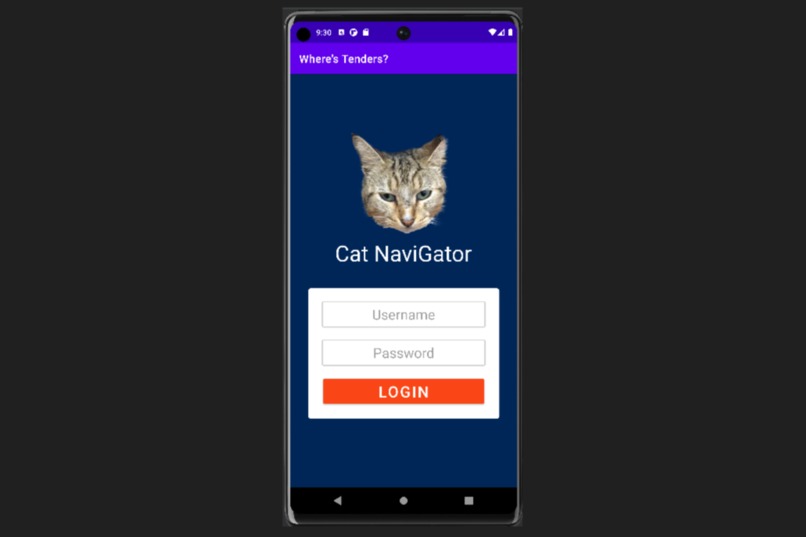
Log-in Screen
Inspiration
One of our members saw Tenders inside the Tolbert Area office and took a picture of her and thought an app that designed specifically for uploading pictures of campus cats while pinging their current locations could be nice and also helpful in keeping the cats safe.
What it does
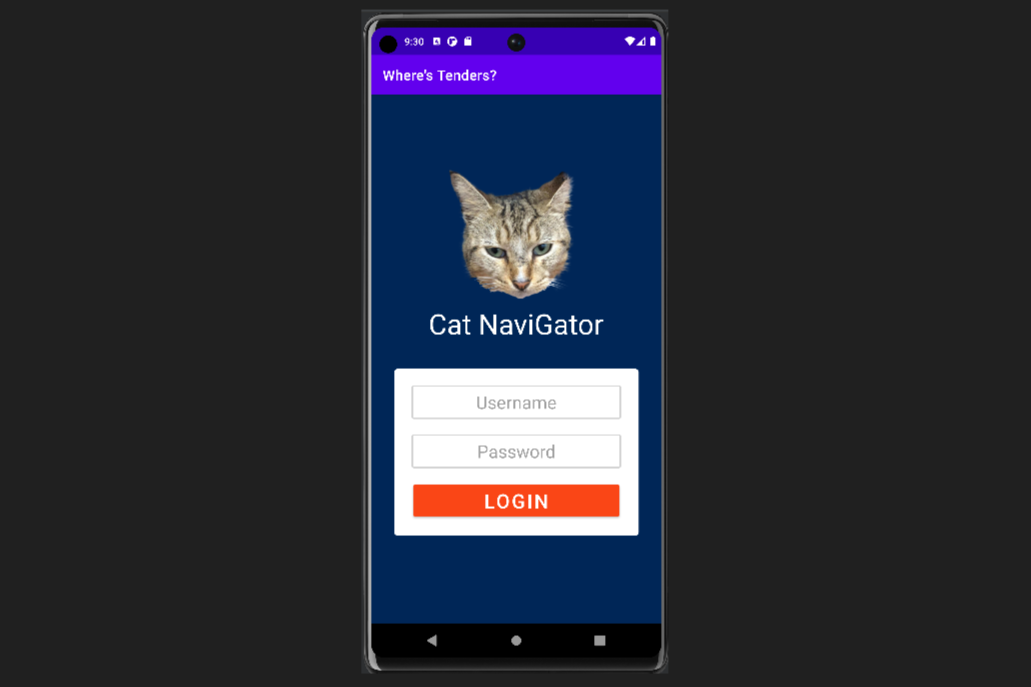
The app currently has a log-in screen that leads into the main posts screen and a map screen. The main post screen is currently empty, and there is a static image of the Tolbert Area on the map screen. The user's inputted username and password are stored in a Cloud Firestore database.
How we built it
We used andorid studio as the IDE to create our app and kotlin as our language. XML was used to design the app screens themselves. We then used Google Firebase's Cloud Firestore as a database to store and access user information like usernames and passwords.
Challenges we ran into
We found that creating the front-end for the application was a lot harder than we anticipated as some of the tutorials we were trying to follow were outdated. We also had to navigate working with Android Studio as none of us really had any experience creating the front-end for the app. It was also our first time working with Google Firebase. Because of how much time these collectively took, we weren't able to implement many of the core features of the app.
Accomplishments that we're proud of
We have a decent looking front-end and we got firebase to work storing user data.
What we learned
We learned how to use Andorid Studio, XML, Kotlin, and Google Firebase for our project.
What's next for Cat NaviGator
We plan on continuing to work on the app as a learning project to practice the skills that we picked up and learn more along the way.
Built With
- android-studio
- firebase
- firestore
- java
- kotlin
- xml


Log in or sign up for Devpost to join the conversation.