Inspiration
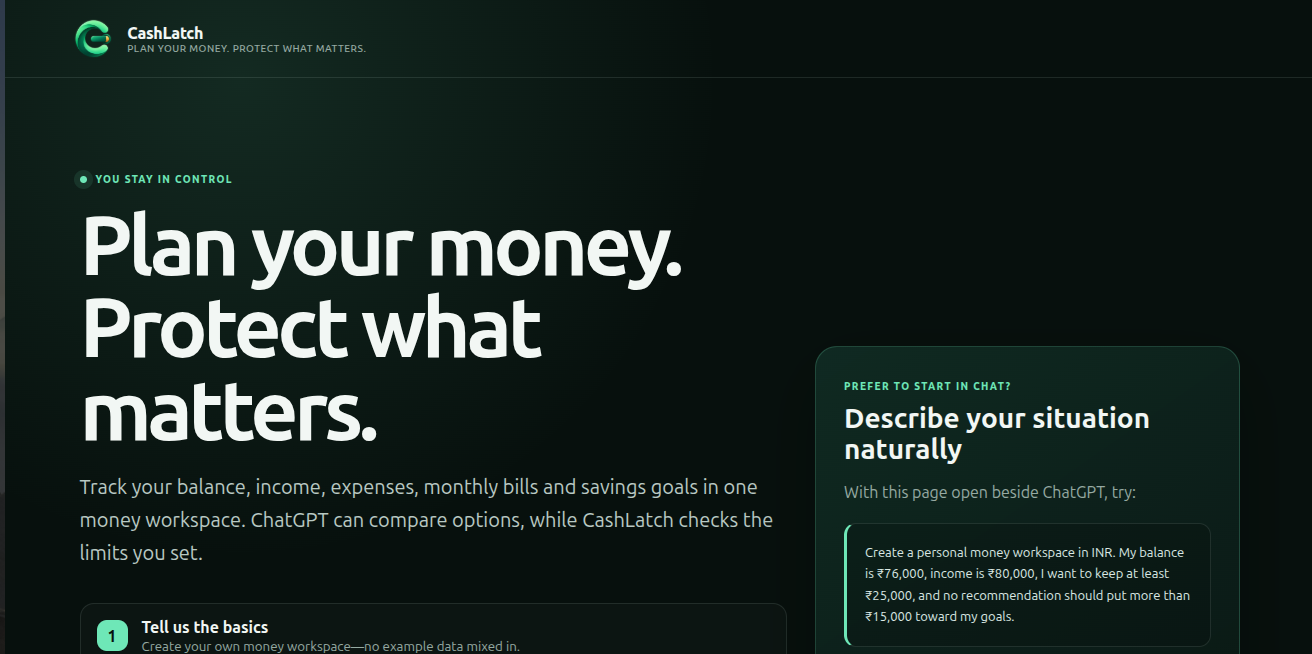
Managing money often means checking balances, remembering bills, tracking savings goals and doing the same calculations repeatedly.
ChatGPT can help compare options, but a normal conversation does not automatically know what is currently saved in a financial tool. It may also continue using an old recommendation after the balance or bills have changed.
I built CashLatch to connect these two parts. ChatGPT helps the user understand their options, while CashLatch keeps the current information, checks the user’s limits and requires approval before recording a recommendation.
What CashLatch does
CashLatch is a browser-based money workspace where users can:
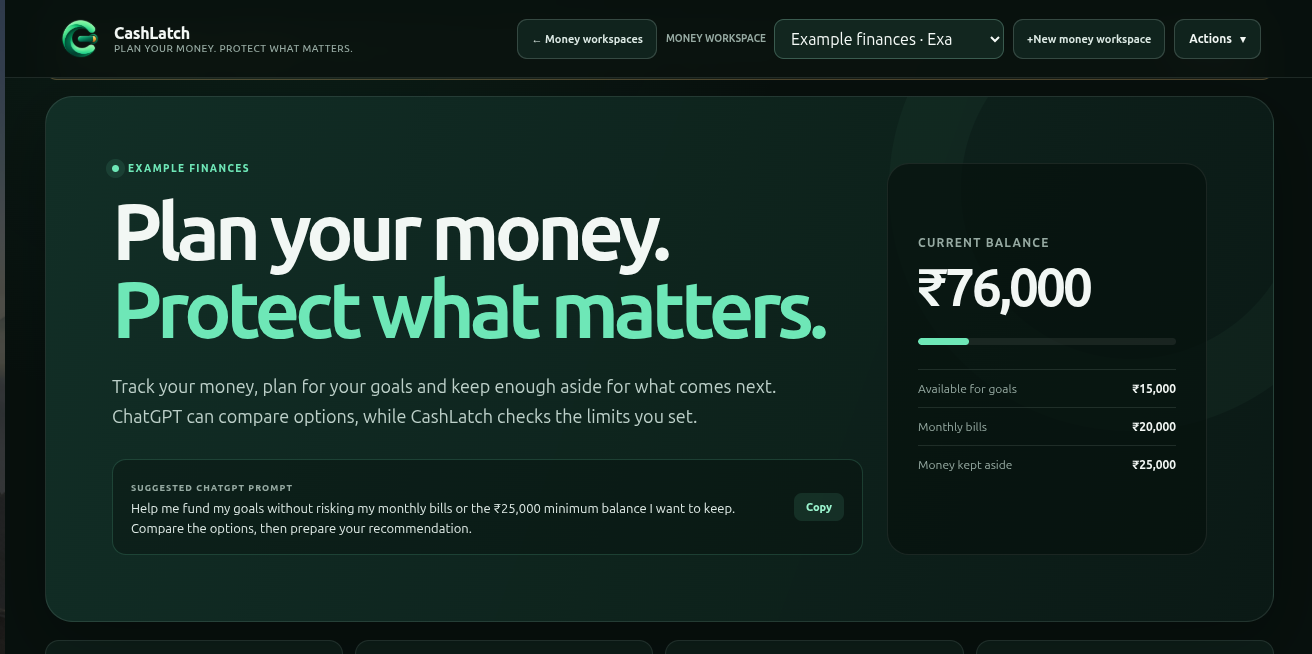
- Track their current balance, expected income and expenses.
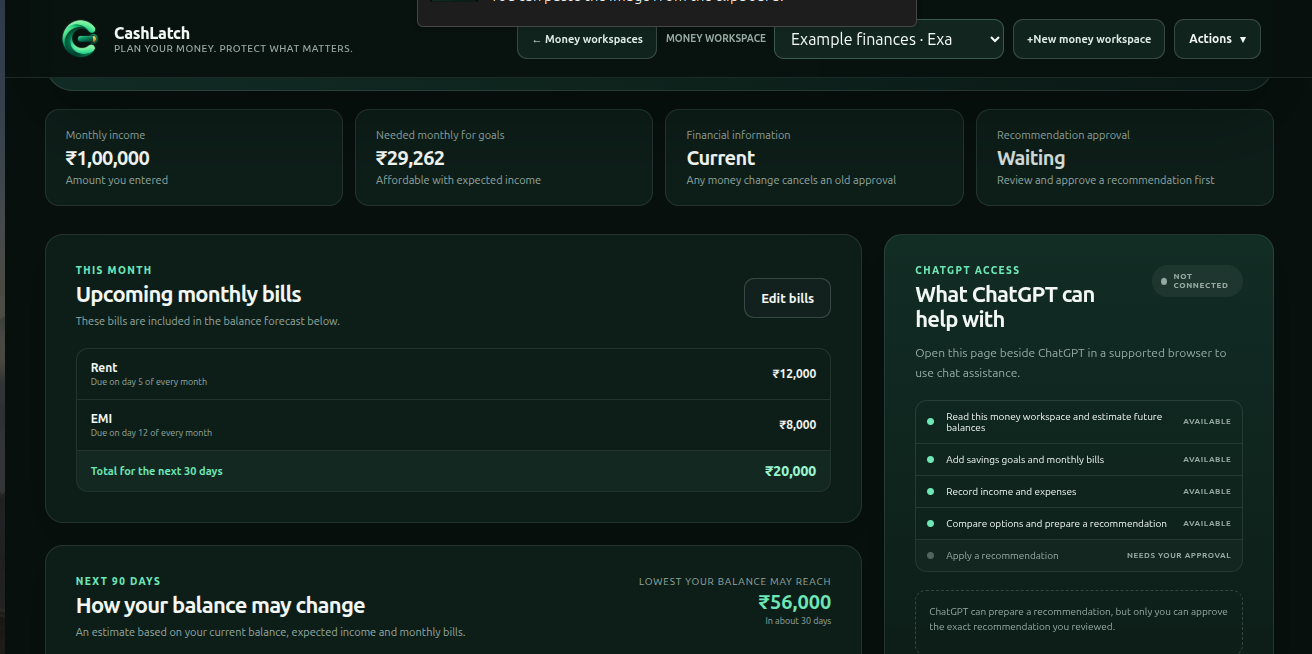
- Add monthly bills with amounts and due dates.
- Create savings goals and monitor their progress.
- Choose the minimum balance they want to keep.
- Limit how much one recommendation can put toward goals.
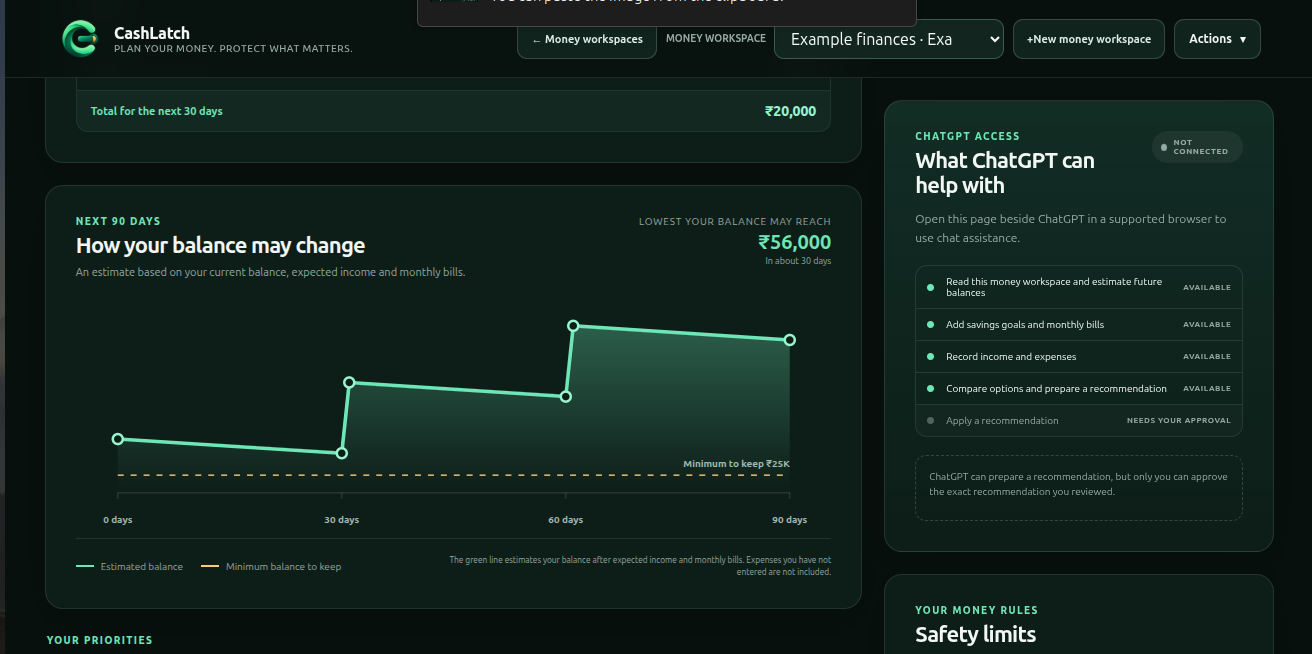
- See how their balance may change over 30, 60 and 90 days.
- Use different currencies and separate money workspaces.
Through WebMCP, ChatGPT can read the money workspace currently open in CashLatch. It can calculate what the goals need, estimate future balances, compare different funding options and prepare a recommendation on the webpage.
The user can review the exact amount, where it will go and how much money may remain. ChatGPT cannot approve the recommendation for them.
After the user approves it, ChatGPT can apply only that exact recommendation, and only once.
If the balance, bills, goals or limits change, CashLatch cancels the old approval. ChatGPT must read the updated information and prepare a new recommendation.
CashLatch is a planning workspace. Applying a recommendation updates its local records; it does not transfer real bank funds.
How I built it
CashLatch is built with HTML, CSS and JavaScript modules.
The interface is responsive and includes money workspaces, currency selection, monthly bills, savings goals, transactions, balance estimates, safety limits and recent activity.
The app uses the WebMCP imperative API through document.modelContext.registerTool. It provides tools that let ChatGPT:
- Read the open money workspace.
- Add or update savings goals.
- Add or update monthly bills.
- Record income and expenses.
- Estimate future balances.
- Calculate how much each goal needs.
- Check different ways to fund goals.
- Prepare a recommendation for review.
- Propose safety-limit changes without applying them.
A recommendation cannot be applied immediately. When the user approves an exact recommendation on the webpage, CashLatch temporarily creates a one-time apply tool for it.
Before applying, CashLatch checks the latest balance, bills and safety limits again. The approval expires after five minutes, disappears after one use and is cancelled by any financial change.
A SHA-256 fingerprint helps CashLatch detect whether the information used for approval has changed.
Money-workspace data is stored in the browser using localStorage. CashLatch does not require an external financial database or an OpenAI API key.
Challenges I faced
The biggest challenge was making WebMCP useful instead of simply adding chat controls to a webpage.
The important difference is not that ChatGPT can calculate a recommendation. It is that ChatGPT can work with the information currently open in CashLatch, while the website independently checks the result and keeps the user in control.
Another challenge was designing the approval flow. The first version used technical terms such as staging, allocation, authorization and stale state. These were difficult for normal users to understand.
I replaced them with clearer terms such as recommendation, money added to goals, approve, apply once and needs an update.
I also worked through browser permissions, dynamic tool registration, local persistence, responsive navigation, form contrast, graph readability and clear monthly-bill presentation.
What I learned
I learned that WebMCP is most useful when the website remains responsible for its own data and rules.
ChatGPT is good at understanding a request and comparing options. CashLatch is responsible for checking the numbers, showing the exact result and requiring user approval.
I also learned that approval should depend on current information. If the user’s money changes after approval, continuing with the old recommendation may no longer be appropriate.
Finally, I learned that a technically correct workflow is not enough. The interface and tool responses must use language that non-technical users can understand.
What I am proud of
CashLatch demonstrates a complete WebMCP workflow:
- ChatGPT reads the open money workspace.
- It compares multiple ways to fund a goal.
- CashLatch checks the recommendation against monthly bills and safety limits.
- The user reviews and approves the exact recommendation.
- A financial change cancels that approval.
- ChatGPT prepares a new recommendation using the latest information.
- The newly approved recommendation can be applied once.
- The balance, goal progress, confirmation and recent activity are updated.
This gives ChatGPT useful access without giving it unlimited control.
What’s next
The next steps are broader browser testing, improved accessibility and clearer first-time guidance.
Future versions could also support optional encrypted cross-device sync and connections to external financial services. These would require proper authentication, consent and additional security controls.
Built With
- api
- chatgpt
- crypto
- css3
- html5
- javascript
- localstorage
- node.js
- openai
- responsive
- vercel
- web
- webmcp
Log in or sign up for Devpost to join the conversation.