
What it does
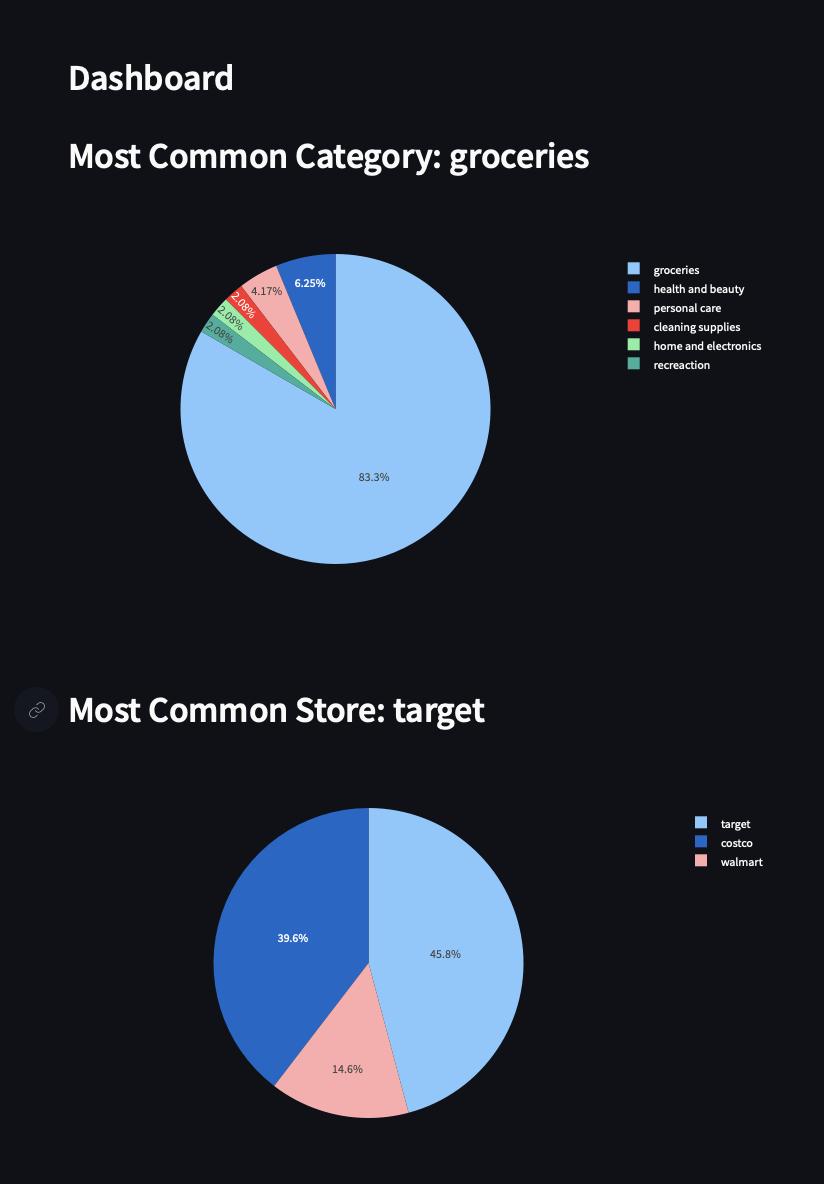
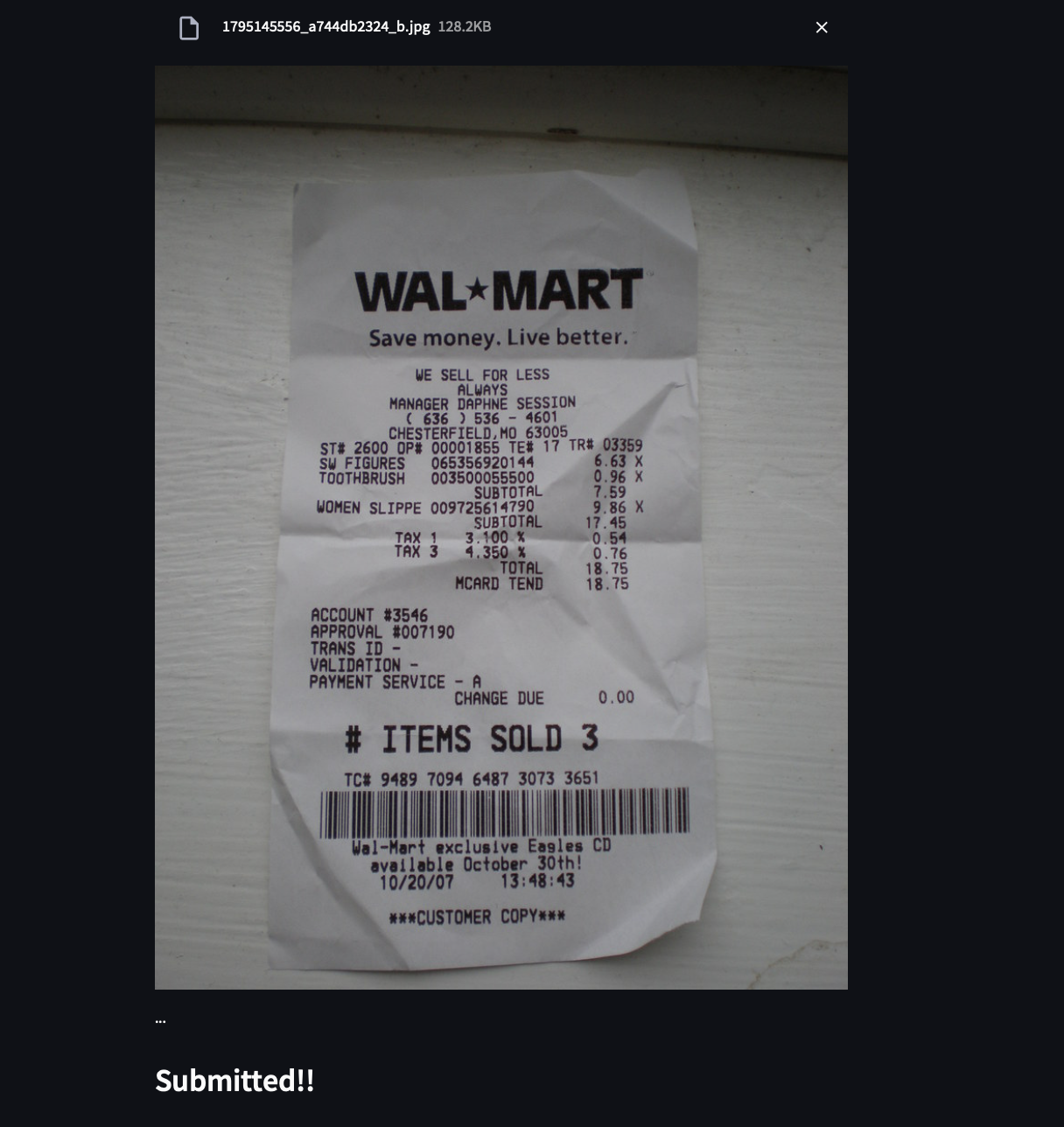
CashIQ helps people view and study their overall spend analysis by analyzing all the purchases made by scanning a receipt. Use optical character recognition (OCR) to simply click an image of a receipt and track payments. Using AI and machine learning, CashIQ is able to group items category-wise, for example, food, clothes, fuel, etc. and prompt users when they overspend or make repeat purchases.
How we built it
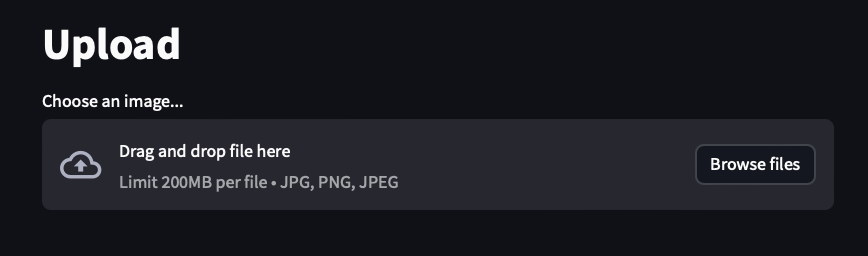
The app uses a home-grown Optical Character Recognition (OCR) program to allow users to upload an image file and extract text from it. This step includes image preprocessing using open-cv and using tesseract. After that, the data is formatted and categorized with ChatGPT API and sent to a json file. The data is then processed and turned into a pie chart with pyplot and insights are provided accordingly.
Challenges we ran into
Some challenges we ran into included learning how to code and use OCR and deciding on a layout/design for our app. We also struggled to get the OCR to work accurately with the cloud app, so we went through multiple;e libraries and methods of preprocessing. Towards the end, we had troubles using the Chat GPT API and extracting the output in a json format.
Accomplishments that we're proud of
We are really proud that we were able to effectively integrate all these tools and make a working app that fits out vision. We were really worried it wouldn't come together, so we are very proud that it did.
What's next for CashIQ
We are planning to add a login/sign up page and add more insight as to how users can budget more wisely based on their spending and purchase history. We also hope to integrate this with other apps to provide an all in one dashboard.

Log in or sign up for Devpost to join the conversation.