

My Project Story
Logins
Username: [email protected] password: admin123
Inspiration
As a student, I’ve always struggled to find financial tools that are both easy to use and affordable. Most apps are either too complex, too expensive, or not designed for students managing everyday expenses. I wanted to build something simple, clear, and accessible something I personally needed. That inspired me to create my own personal finance app.
What I Learned
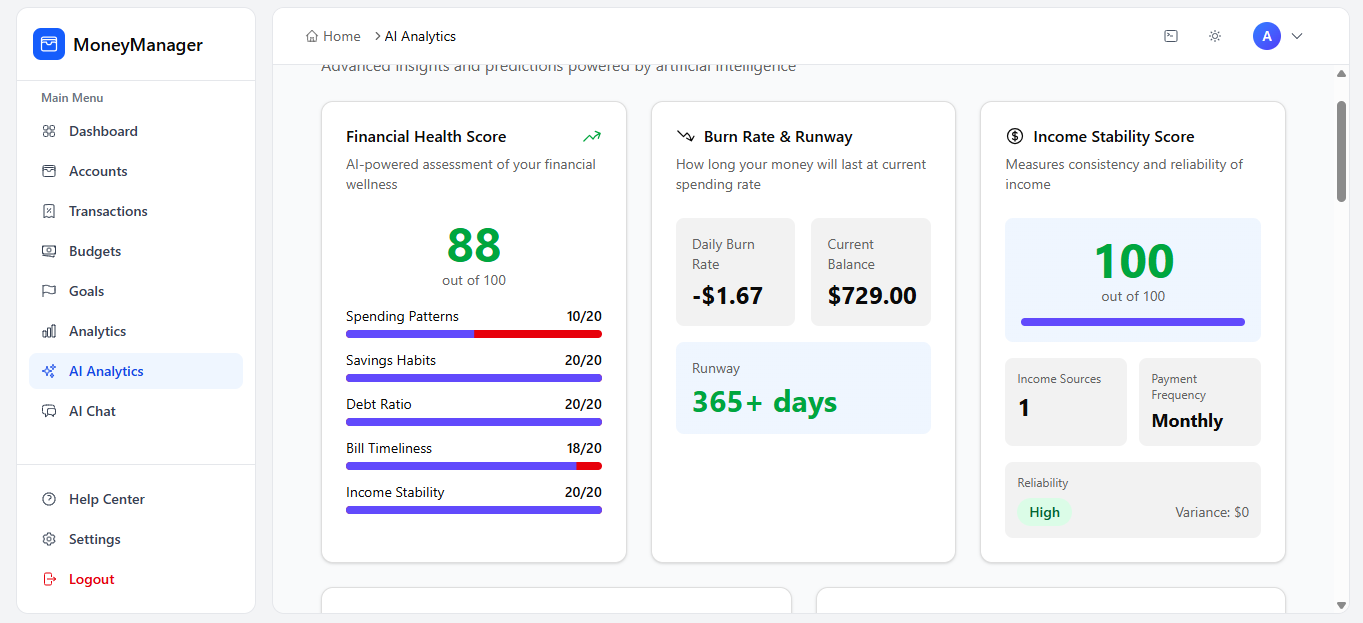
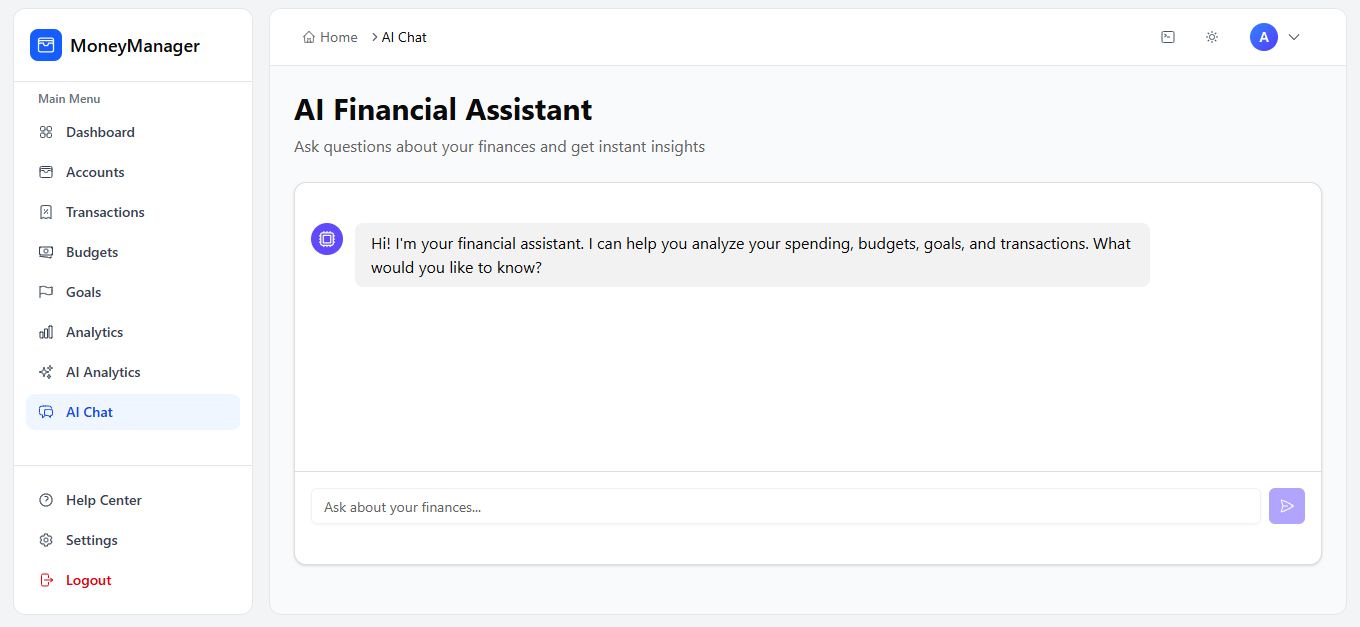
During this project, I learned not only how financial systems work but also how to integrate AI into real-world applications. I explored how AI can assist with tasks like categorizing transactions, identifying spending patterns, and giving personalized financial insights. I experimented with using embeddings, simple ML models, and API-based AI services to interpret user data and suggest better financial habits.
I also learned that integrating AI comes with a cost consideration. To make the app sustainable, I realized I would either need to charge users or allow them to provide their own API keys for AI tools, ensuring both affordability and scalability.
I also learned how to express financial logic in code using clean formulas such as:
[\text{Remaining Budget} = \text{Budget Limit} - \text{Amount Spent}]
and how AI can enhance even simple math by turning raw numbers into meaningful guidance—like predicting overspending or spotting unusual activity. Integrating AI taught me how to structure data more effectively and design features that feel intelligent without being overwhelming.
How I Built It
I built the app using tools that are free or affordable for students:
- Vite fast dev environment
- React building the UI
- shadcn/ui clean and modern components
- Supabase backend, auth, and database
- Netlify free and easy deployment
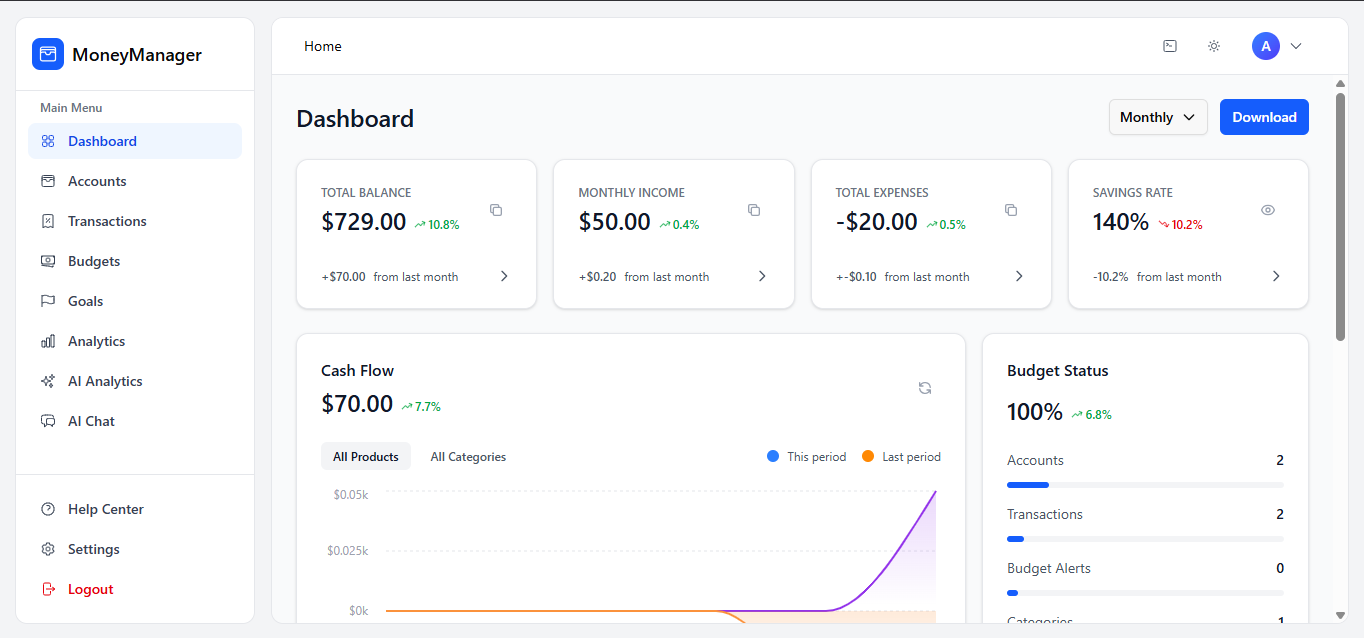
I focused on making each page simple and intuitive so users can track spending, manage budgets, and view insights without confusion.
Challenges I Faced
Building a simple interface that still offers valuable insights was a major challenge. Integrating AI also meant learning how to handle data responsibly and efficiently. Setting up Supabase tables for transactions, categories, and budgets required careful planning so queries stayed fast. Deploying to Netlify taught me how to manage environment variables and securely connect the frontend to the database.
Each challenge improved my skills and helped shape the app into something useful and meaningful.
Built With
- netlify
- react-native
- supabase
- vite

Log in or sign up for Devpost to join the conversation.