-
-
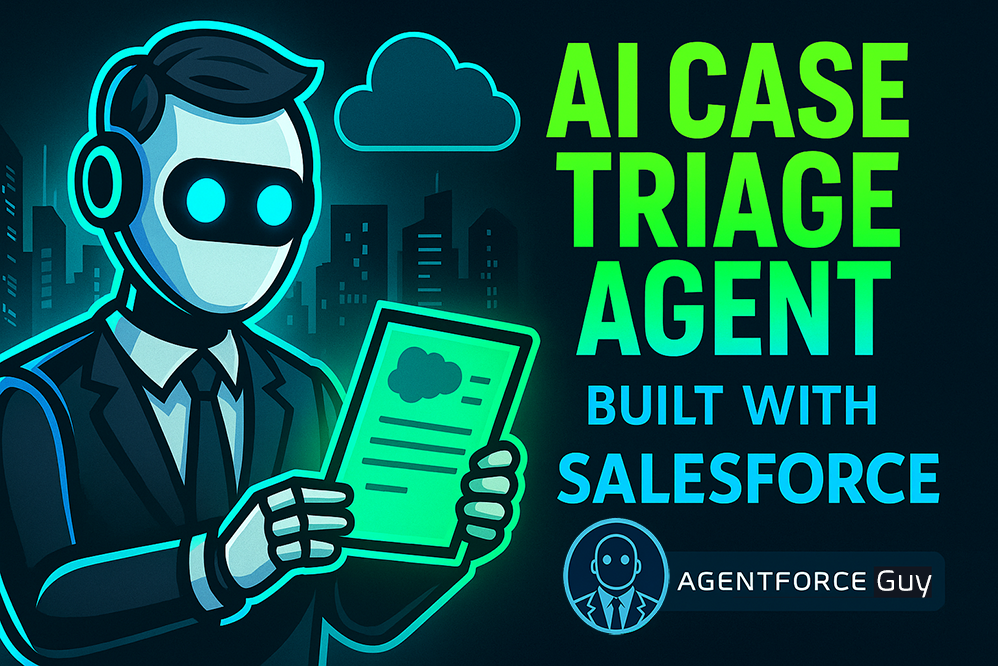
Case Triage Agent Cover Photo
-
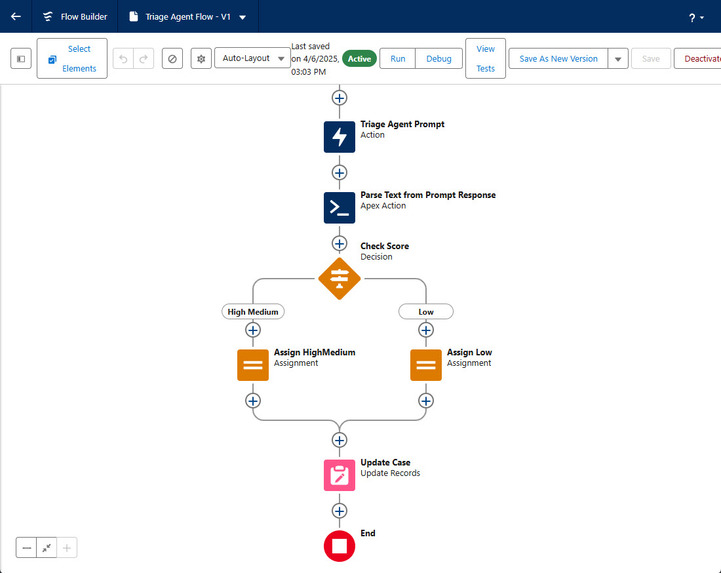
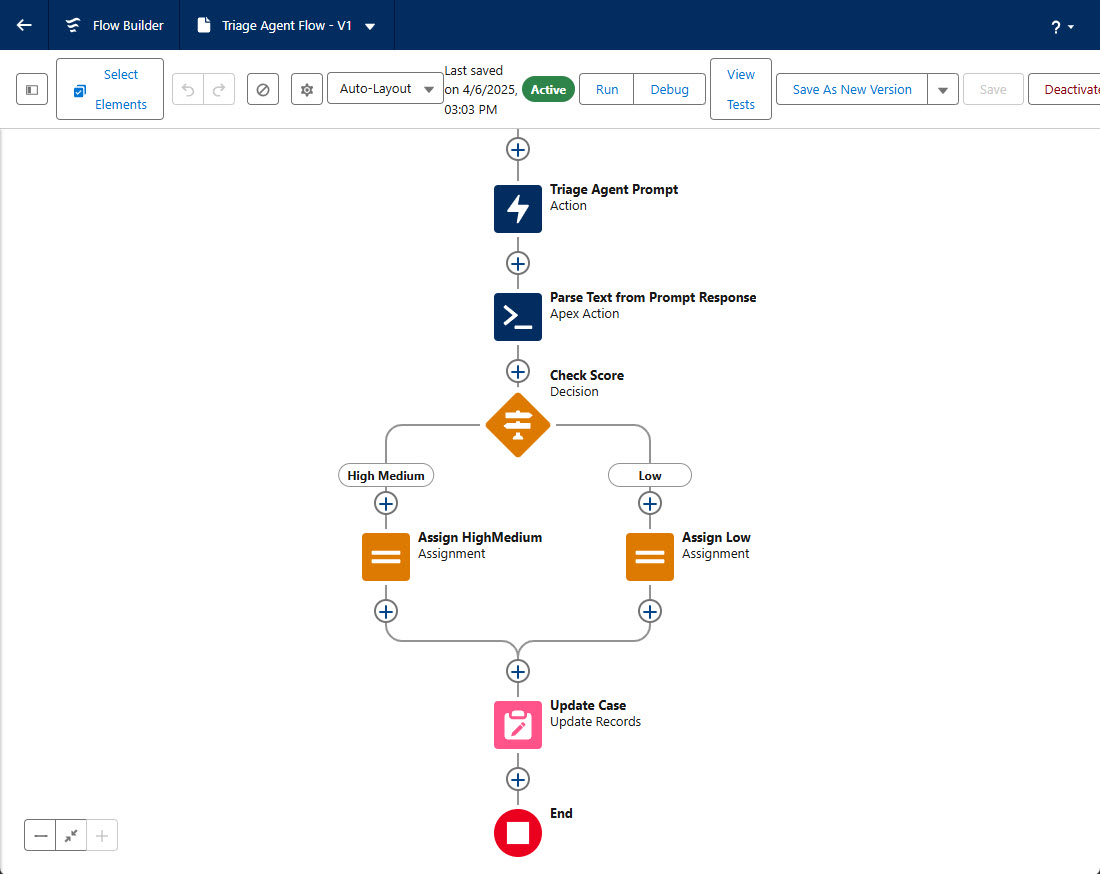
Triage Agent Flow
-
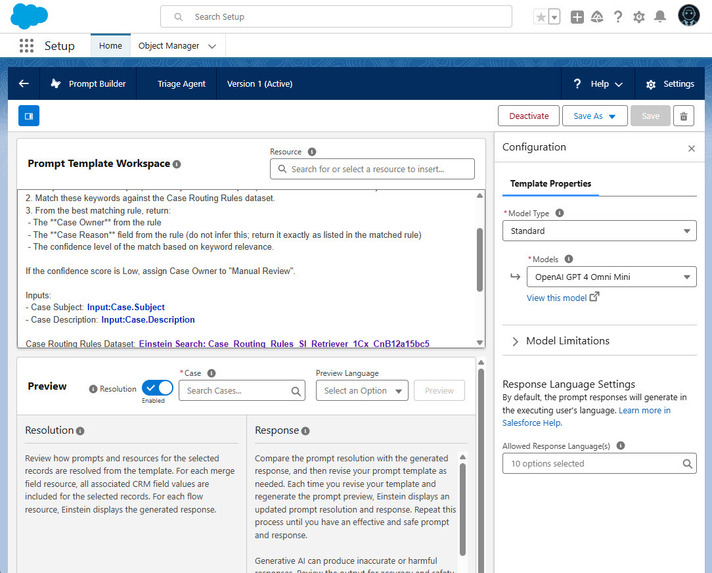
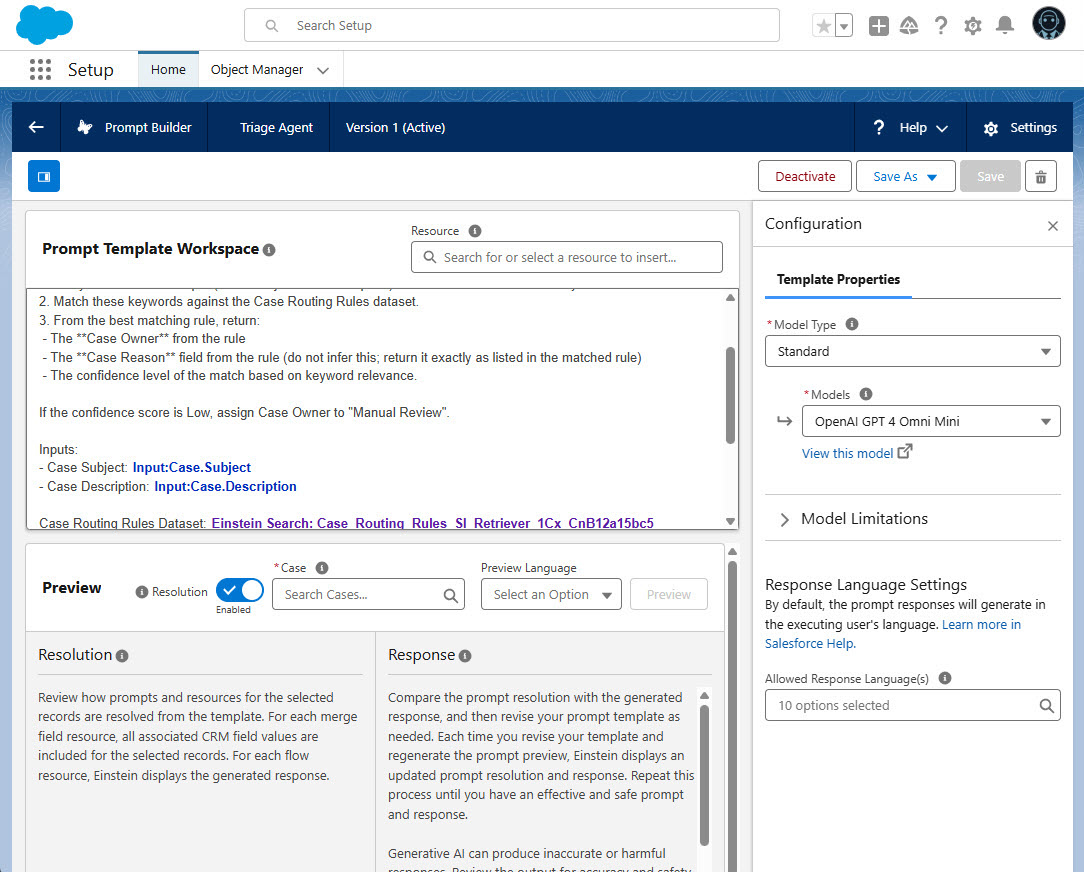
Triage Agent Prompt Builder
-
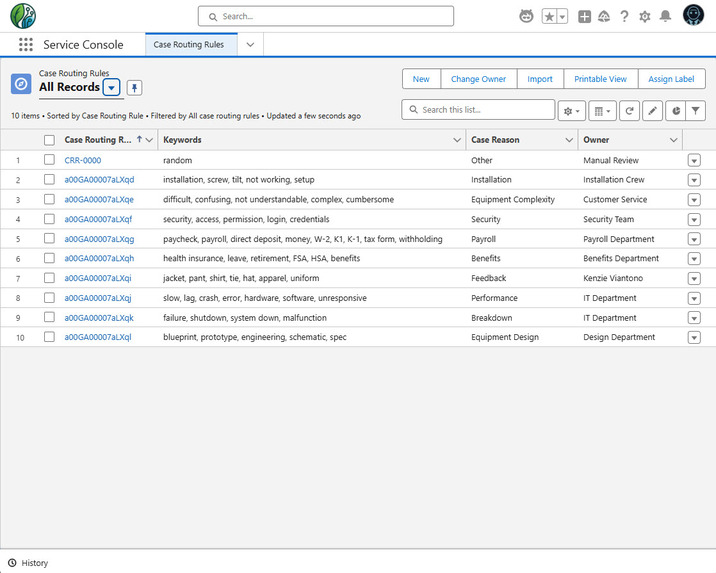
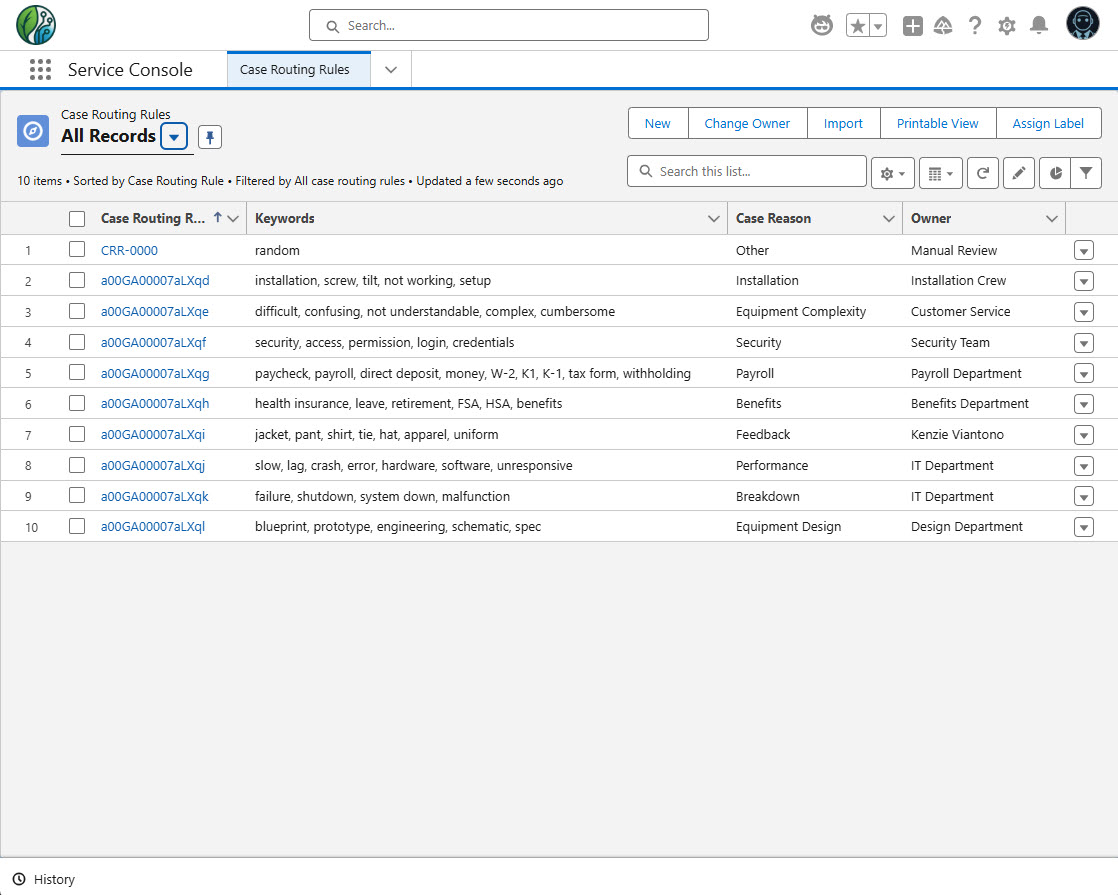
Custom Object - Case Routing Rules
-
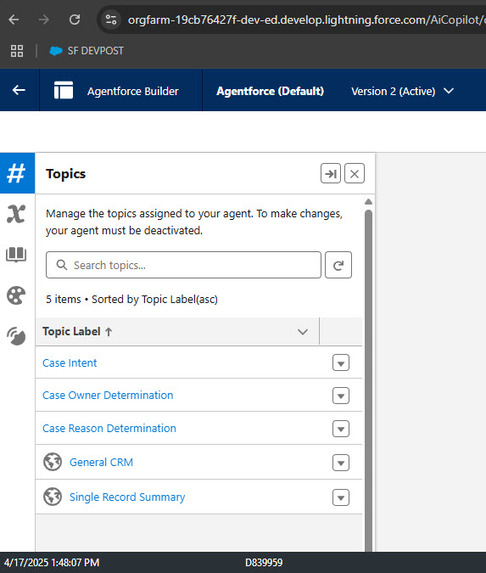
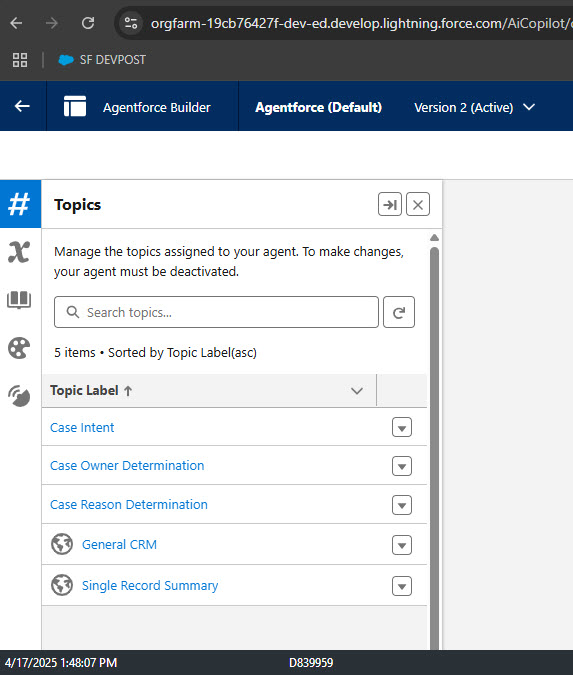
Agent Builder - Topics
-
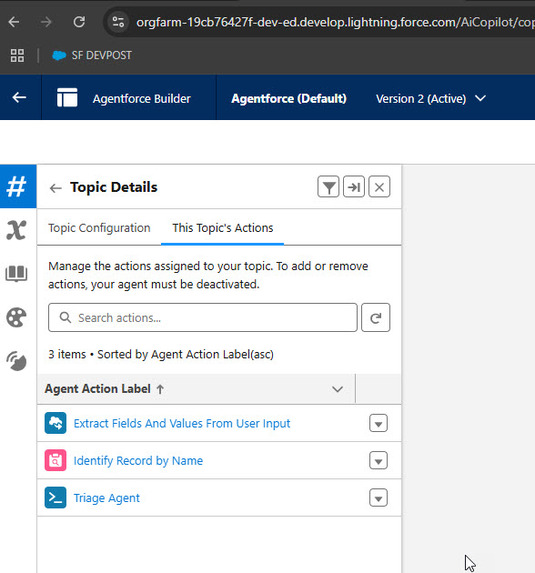
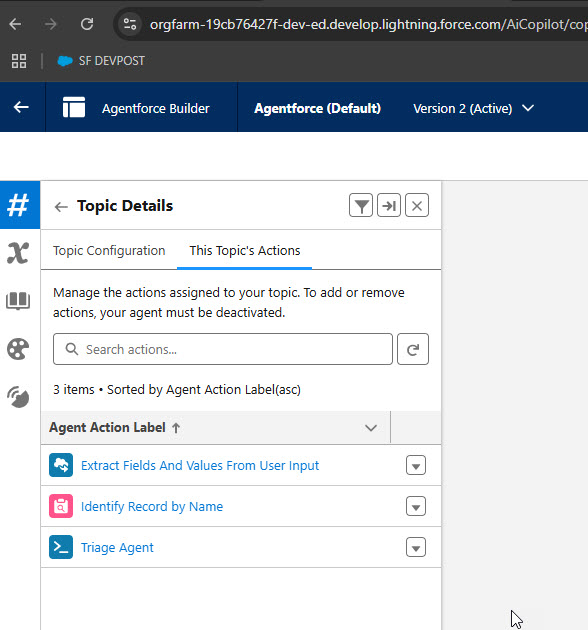
Agent Builder - Topic Actions
-
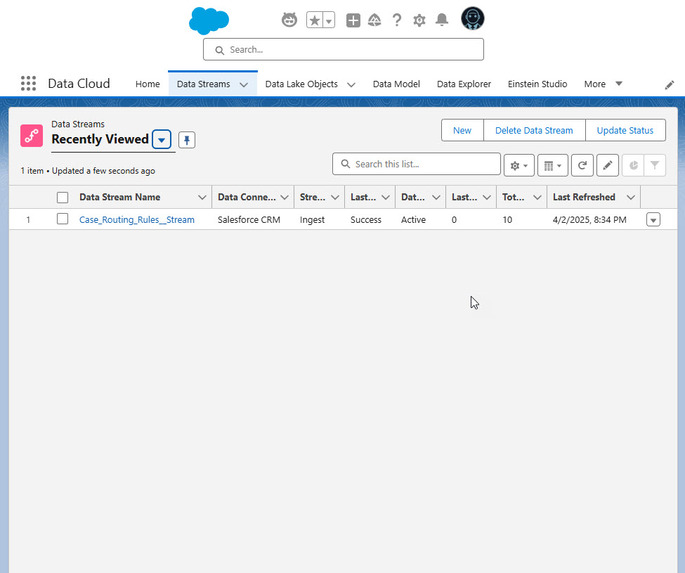
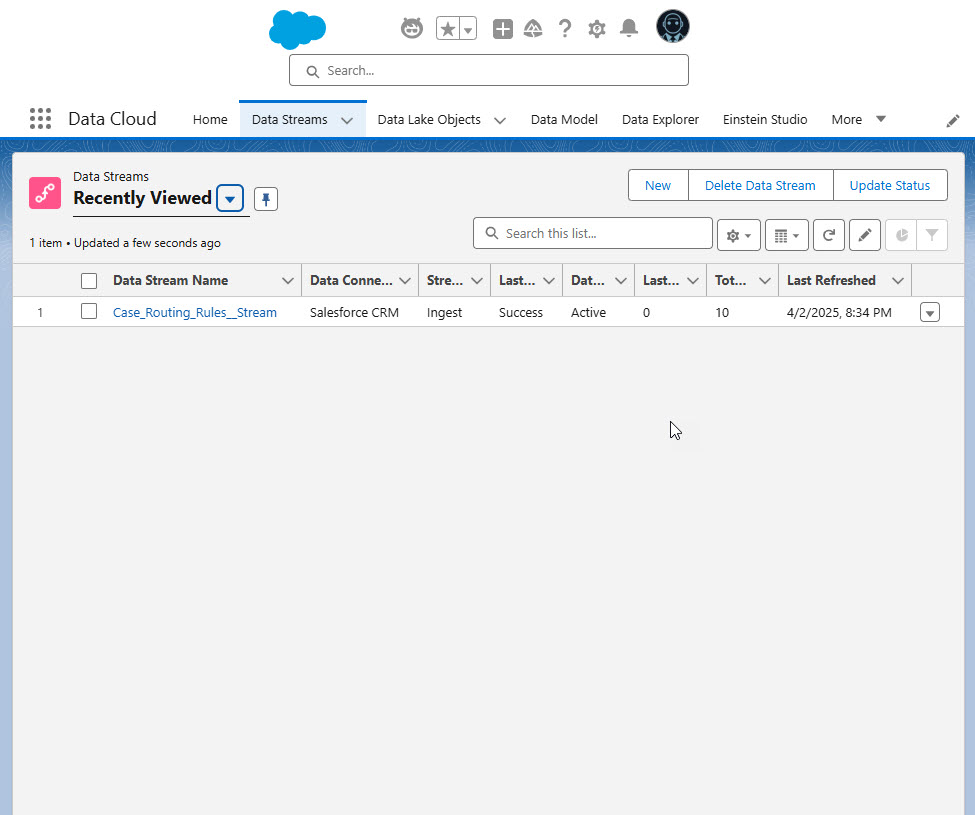
Data Cloud - Stream
-
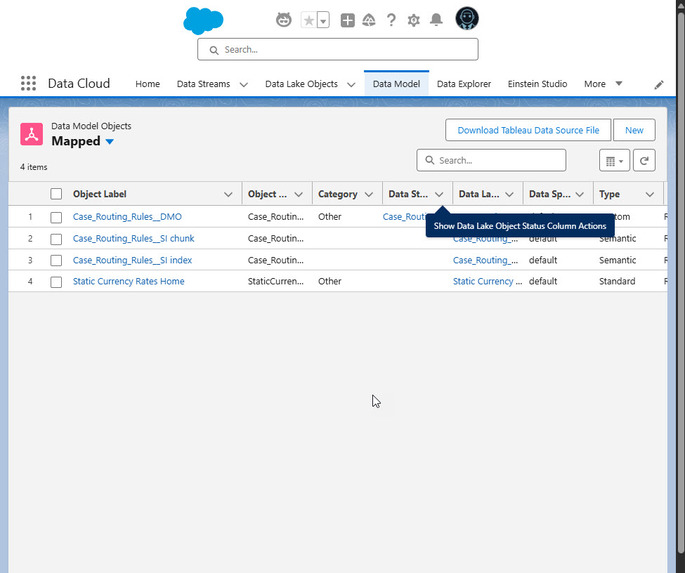
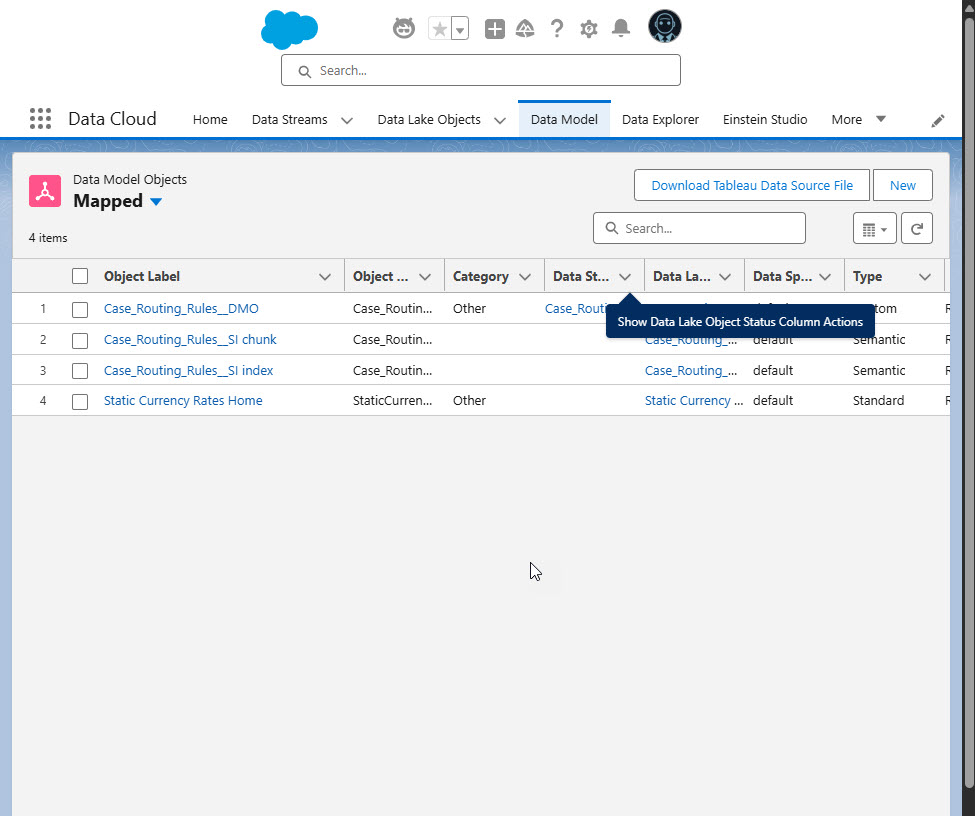
Data Cloud - DMO
-
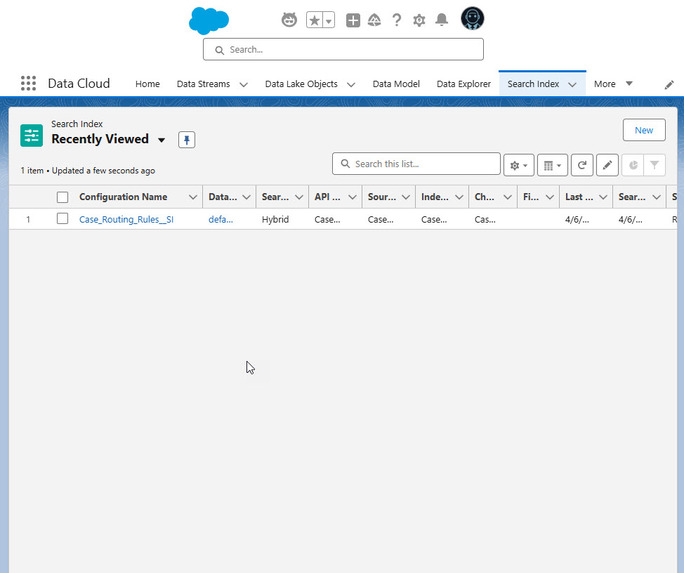
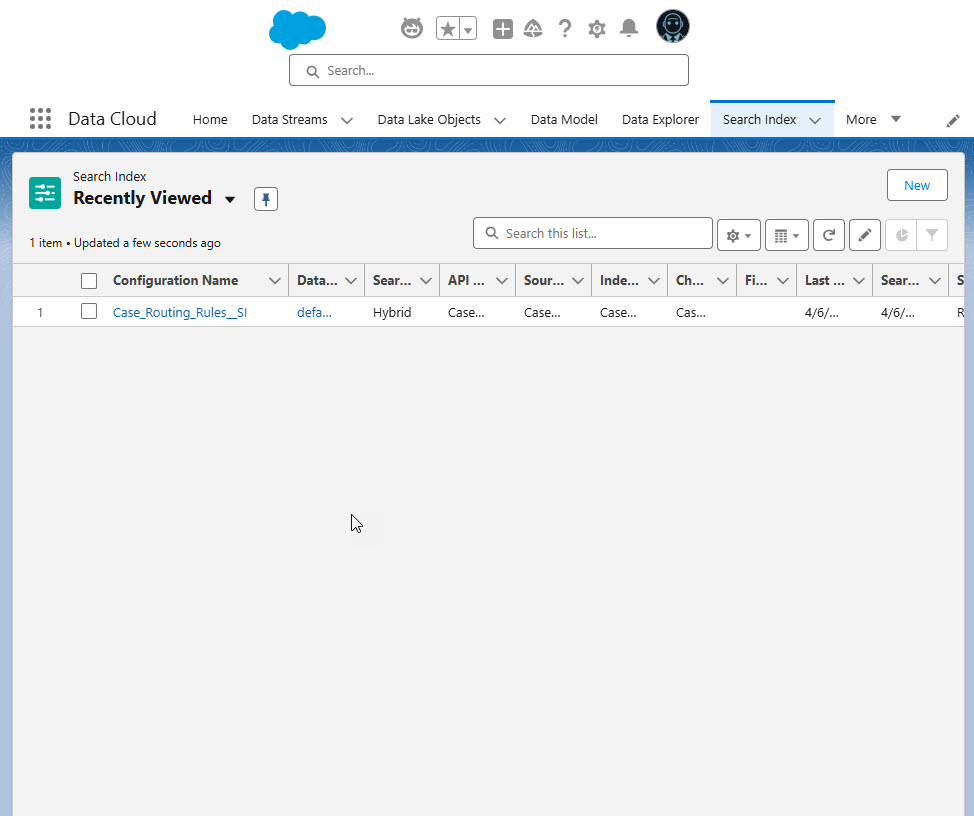
Data Cloud - Search Index
-
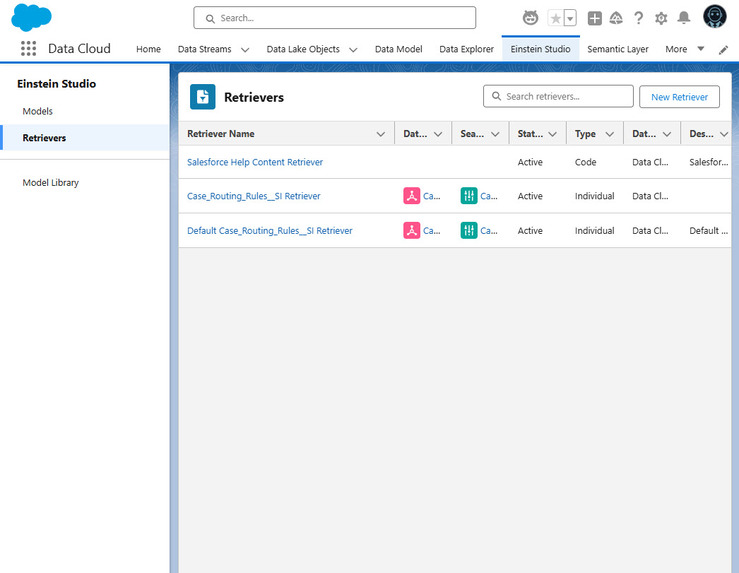
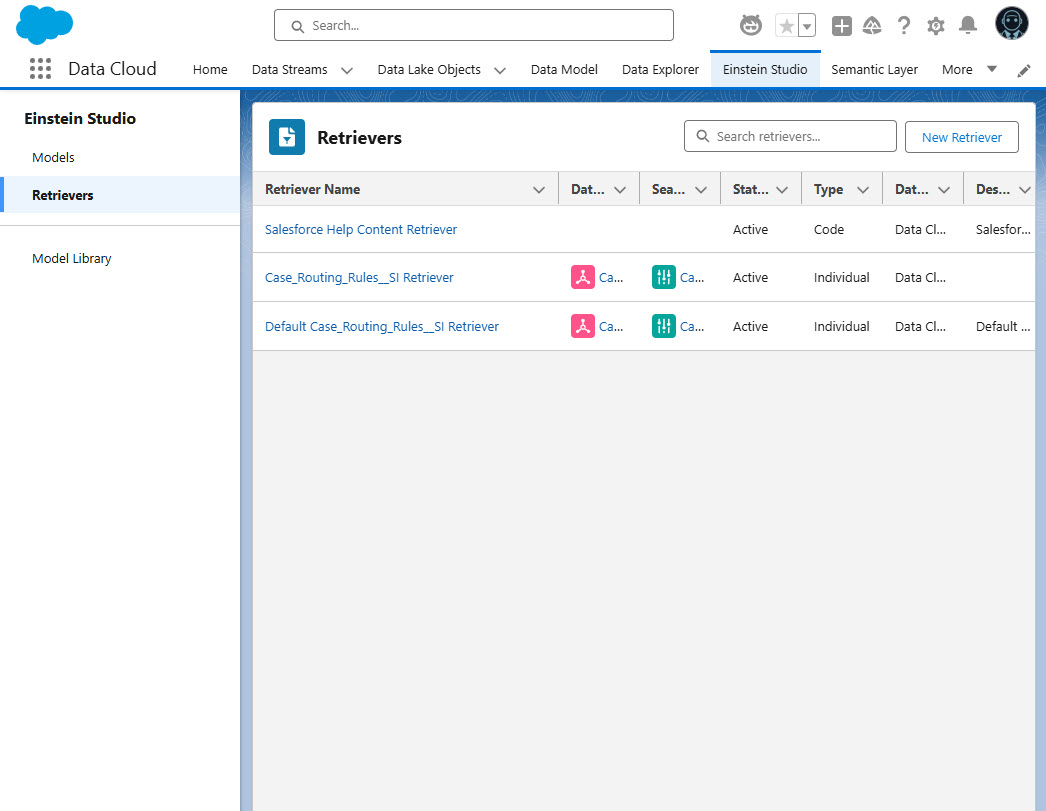
Data Cloud - Retriever
Inspiration
The inspiration for this project comes directly from a real-world business challenge I encountered while supporting a busy service department. The team was inundated with hundreds of email inquiries daily, and routing them to the correct department was a constant struggle. During high season, they would have to hire additional agents to help manage triaging the incoming cases.
Routing rules were stored in spreadsheets — reviewed, revised, and re-shared continuously as departmental needs changes.
Back then, we explored automation through bots, but they lacked understanding intent. They could follow logic trees, but couldn’t interpret the purpose behind a customer’s message.
Today, with Salesforce infused with natural language AI, that vision is now possible.
What it does
Case Triage Agent uses AI to automatically analyze incoming cases subject and description, and route them to the right department — based on customer intent, not just keywords. This reduces backlogs, eliminates spreadsheet-based routing rules, and because cases get to the right department faster, customers get faster responses. The solution is scalable, flexible, and low-code — built entirely with tools available in Salesforce.
How we built it
This project began with a simple idea: "What if AI could understand customer intent and automate routing?" From there, I slowly built it through trial and error.
I used:
- Prompt Builder to extract intent from email case descriptions and find match in Case Routing Rules object
- Flow + Apex to process incoming cases and automate routing logic and decision-making
- Data Cloud to power real-time rule lookups
- Email-to-Case to simulate a real-world scenario
- Agent Builder to assist agents with Case Routing recommendations
Every step included learning something new, failing, fixing, and building again. The journey was very important for my learning and FUN!!
Challenges we ran into
- AI Model Changes: As Salesforce improved and updated their models, prompt results would vary. I learned that for consistent automation, we need stable and standardized model outputs.
- Designing for Accuracy: Building a reliable system required fallback logic and confidence scoring.
- Prompt Engineering: Getting the prompt just right was a challenge!
Accomplishments that we're proud of
- Building a working AI agent that solves a real business problem
- Learning new tools like Prompt Builder, Data Cloud, and Agent Builder from scratch
- Seeing our failures turn into stepping stones for the final solution
- Having access to Salesforce’s powerful platform for free — SOO AWESOME!! Shows Salesforce commitment to innovation!!
What we learned
- AI + Salesforce is a powerful combo, and it's just getting started
- New features are added regularly, and each release makes building easier
- Prompt engineering is a skill worth developing
- Even a small team can build real AI automation with the right mindset and tools
What's next for Case Triage Agent
- Case Merging: Identify duplicate cases and merge them automatically
- Agent Feedback Loop: Allow agents to rate the routing accuracy to improve prompts
- Production Pilot: Work with a real department to implement and measure impact
- Agent Dashboard: Let agents and supporting department review the triage performance
- More Agent Actions: Develop more agent actions for Agent Builder to support more types of triaging activities.

Log in or sign up for Devpost to join the conversation.