-
-
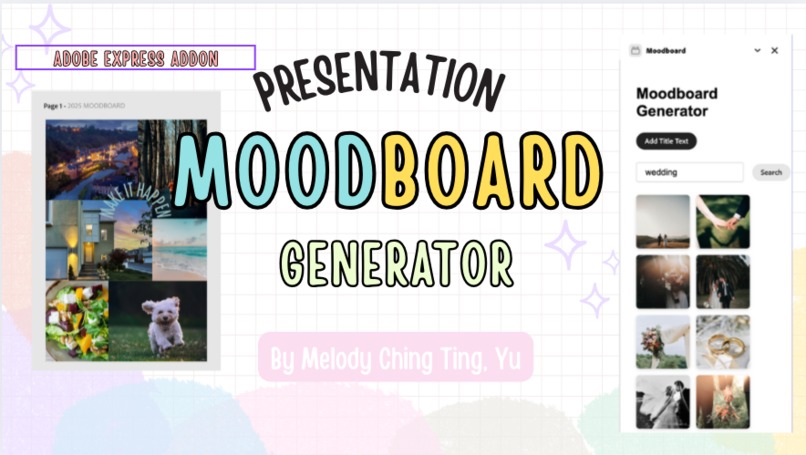
cover
-
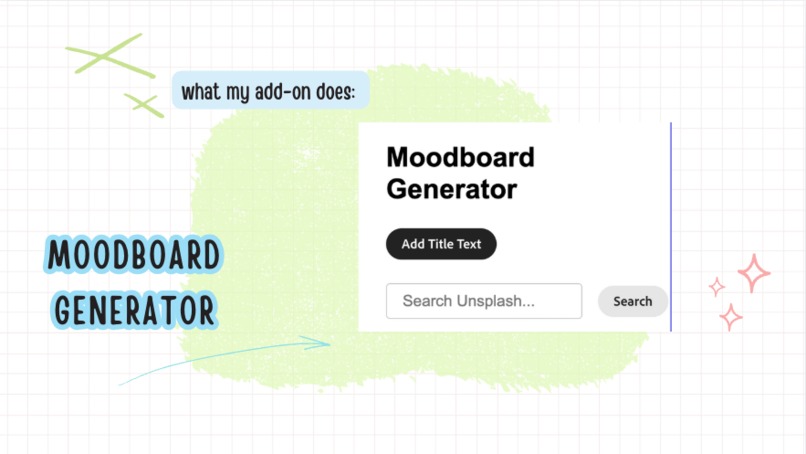
moodboard generator ui
-
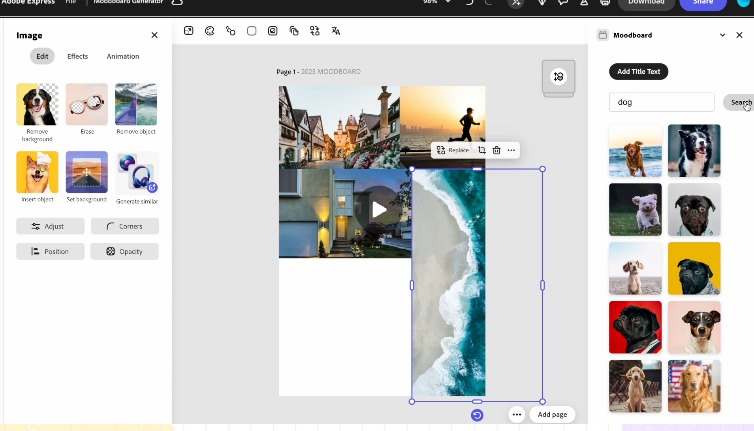
demo
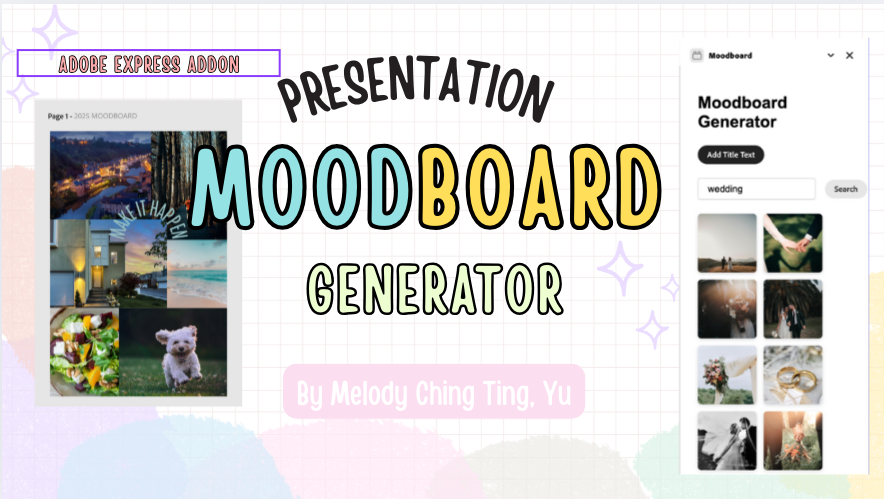
Inspiration
Moodboards are commonly used by designers, students, and planners to visualize ideas, but creating one often means switching between platforms like Pinterest, image sites, and design tools. I wanted to simplify that process directly inside Adobe Express.
What it does
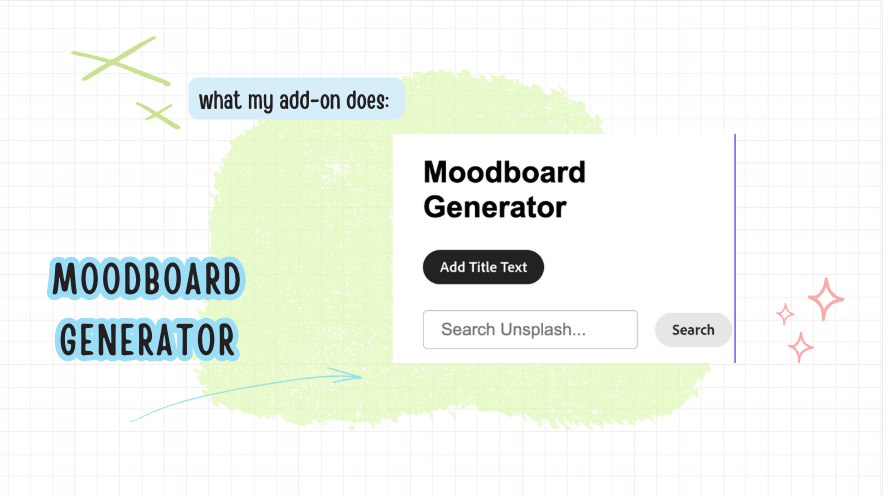
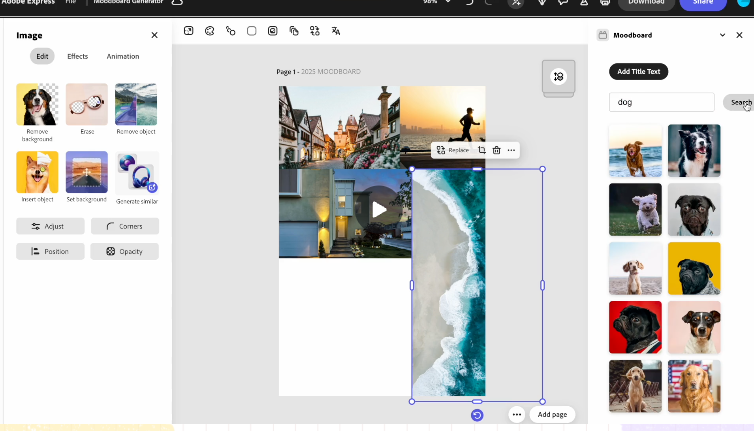
Moodboard Generator lets users enter a keyword to quickly fetch high-quality images and color palettes. Users can then drag and drop these assets into their Adobe Express canvas to build a visual moodboard.
How I built it
The Add-on was built using the Adobe Express SDK in the Code Playground. It uses the Unsplash API to fetch free, high-quality images based on user input and displays them in a grid with drag-and-drop functionality enabled through enableDragToDocument().
Challenges I ran into
One challenge was figuring out how to integrate external image APIs smoothly into the Adobe Express environment.
Accomplishments that I'm proud of
I created a working prototype that runs entirely within Adobe Express and allows for fast, functional moodboard generation. The Add-on is easy to use and demonstrates clear value for everyday creative tasks.
What I learned
I learned how to build and test an Adobe Express Add-on and became more familiar with the SDK and API documentation. I also learned how to integrate third-party APIs and think about user flow and design within an embedded creative tool like Adobe Express.
What's next for Moodboard Generator
Plan to add grids templates, support for additional image and color palette APIs, suggest font pairings, and allow users to save and reuse their moodboard layouts as templates.
Built With
- react
- splash


Log in or sign up for Devpost to join the conversation.