-
-
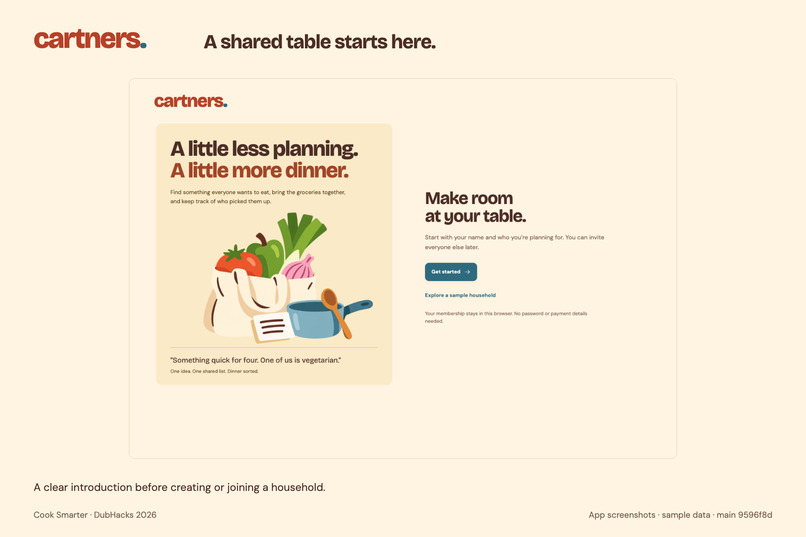
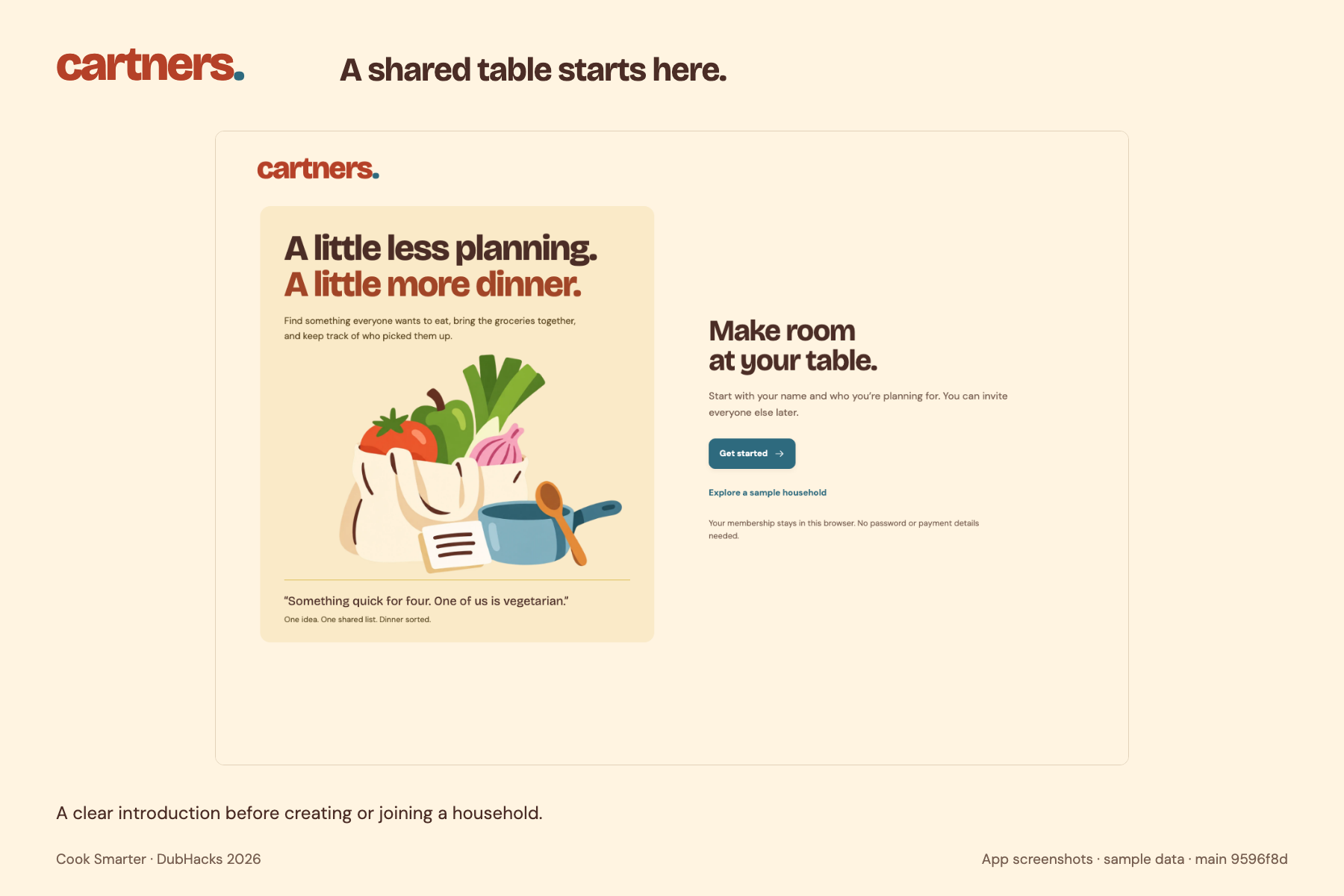
A little less planning. A little more dinner. Meet Cartners.
-
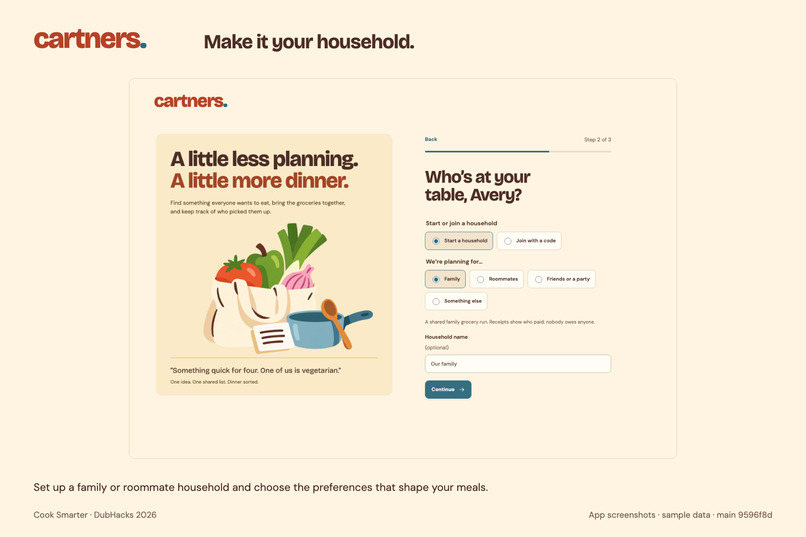
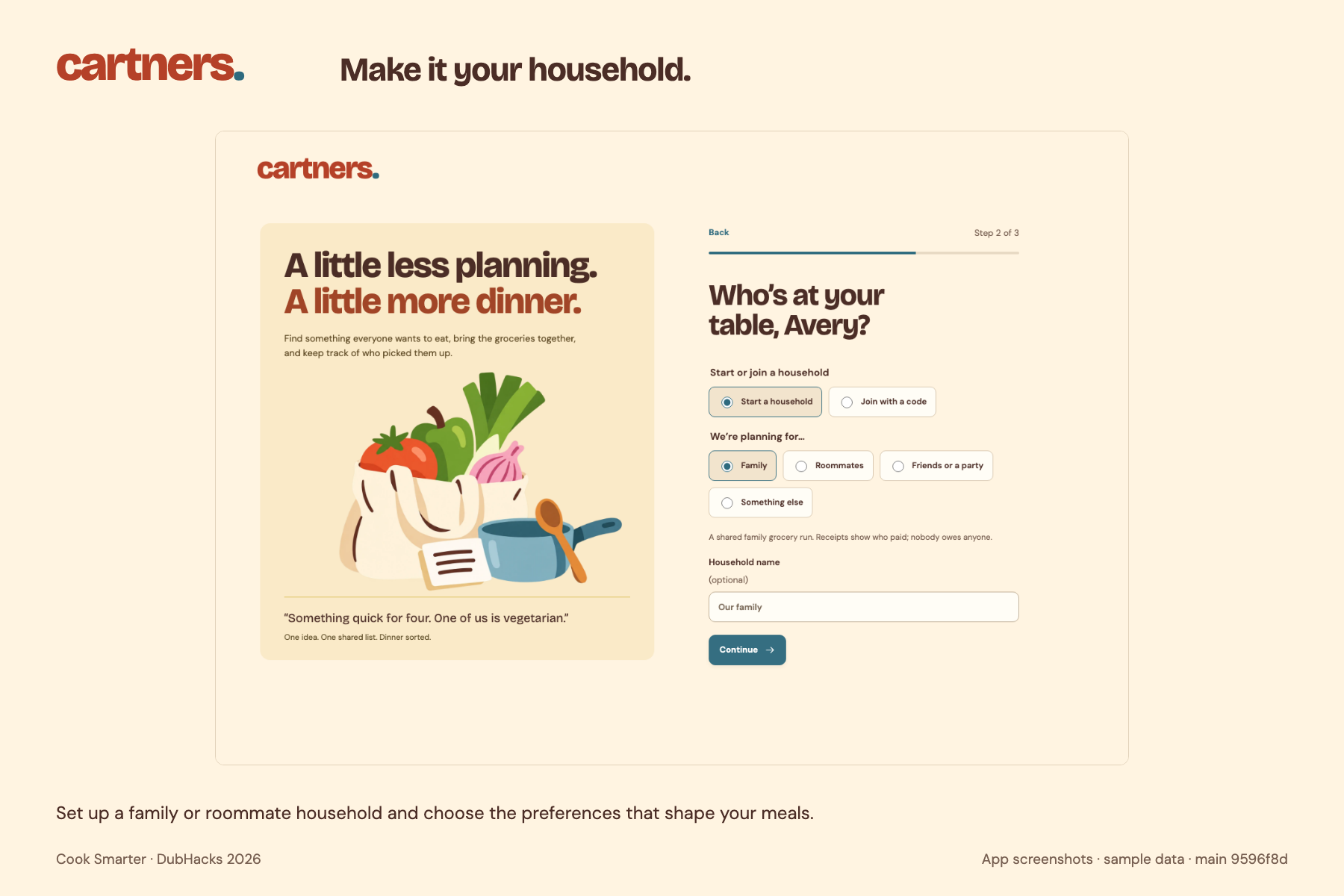
Create or join a household, then tell us who’s coming to the table.
-
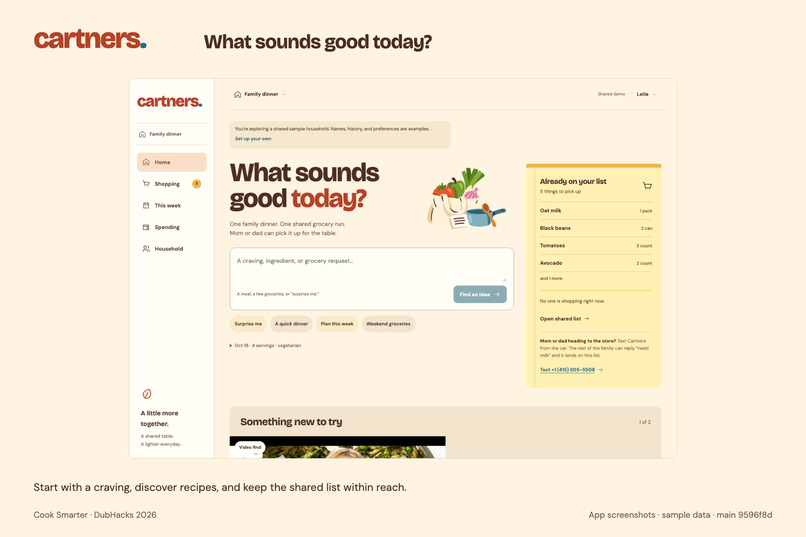
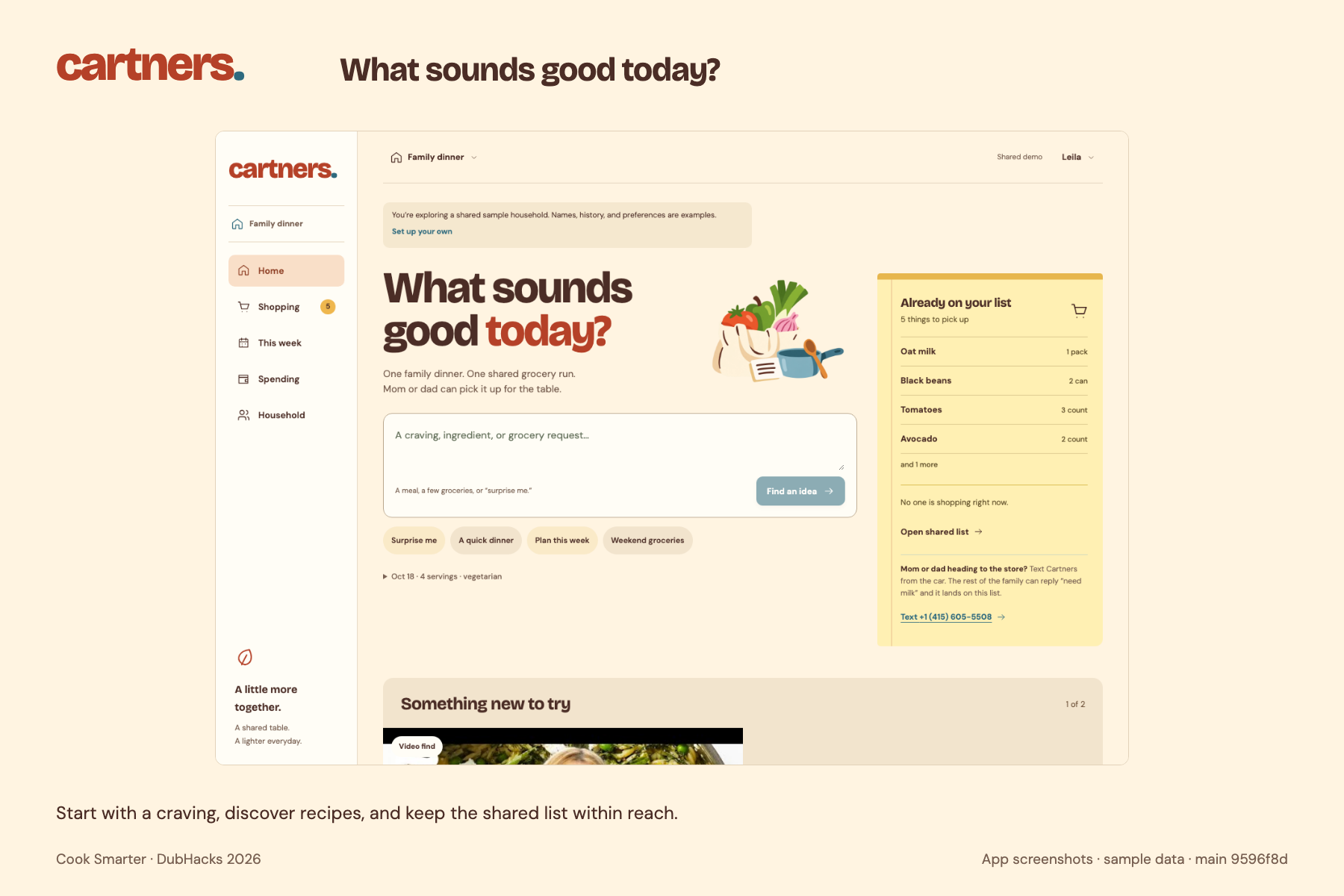
What sounds good? Start with a craving, a recipe, or a few groceries.
-
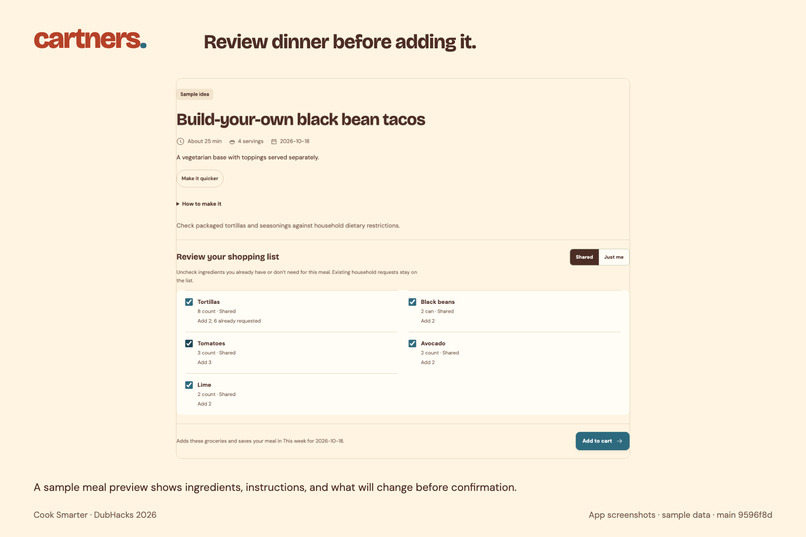
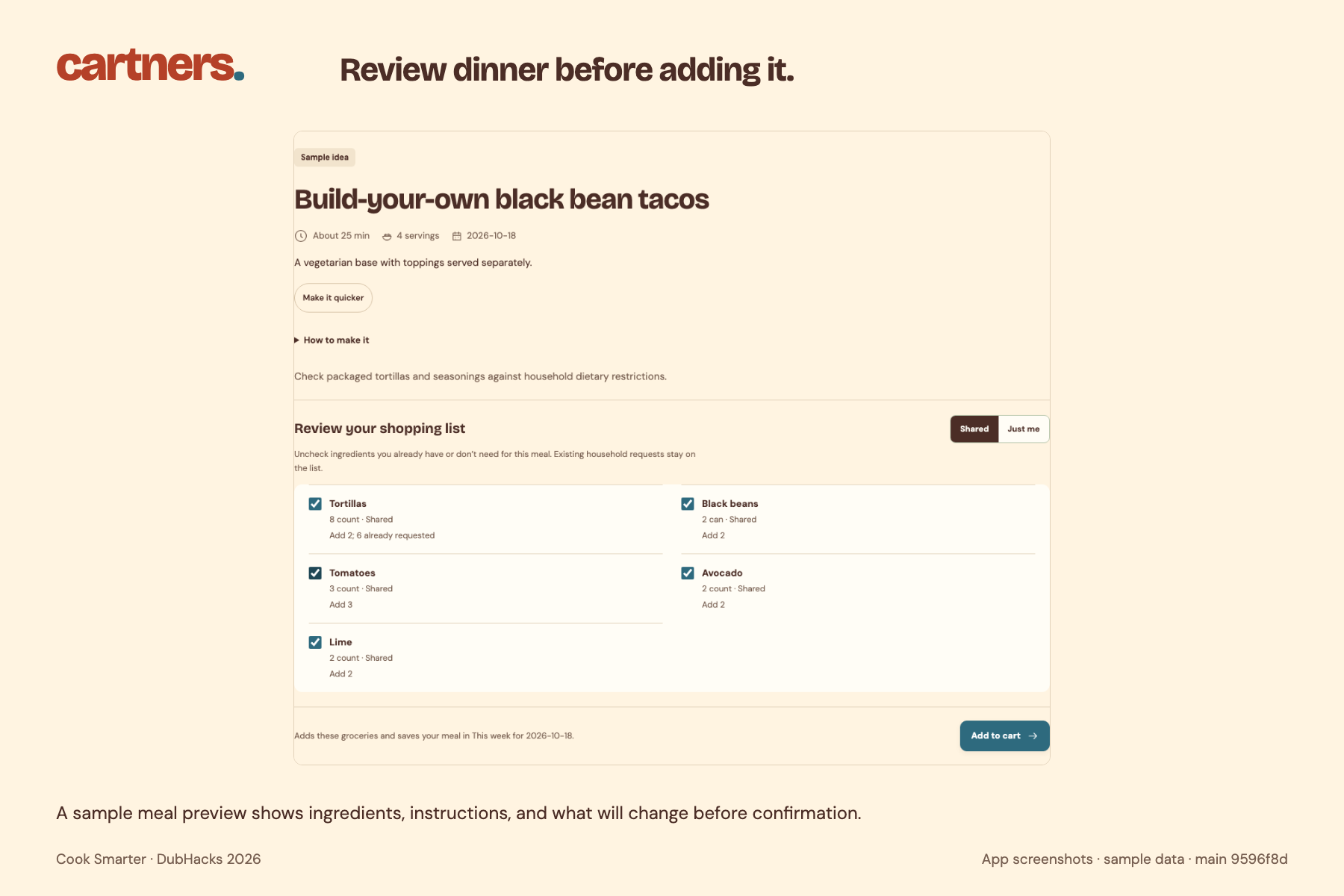
Review the recipe, ingredients, and shopping-list changes before adding anything.
-
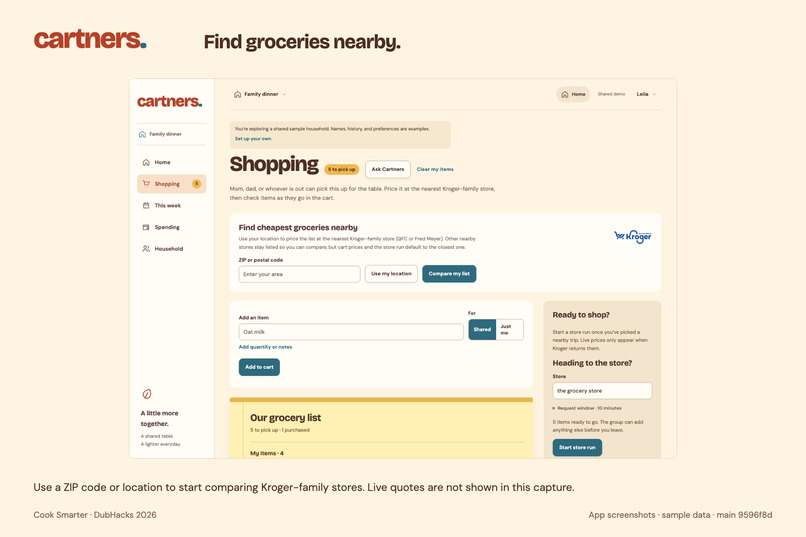
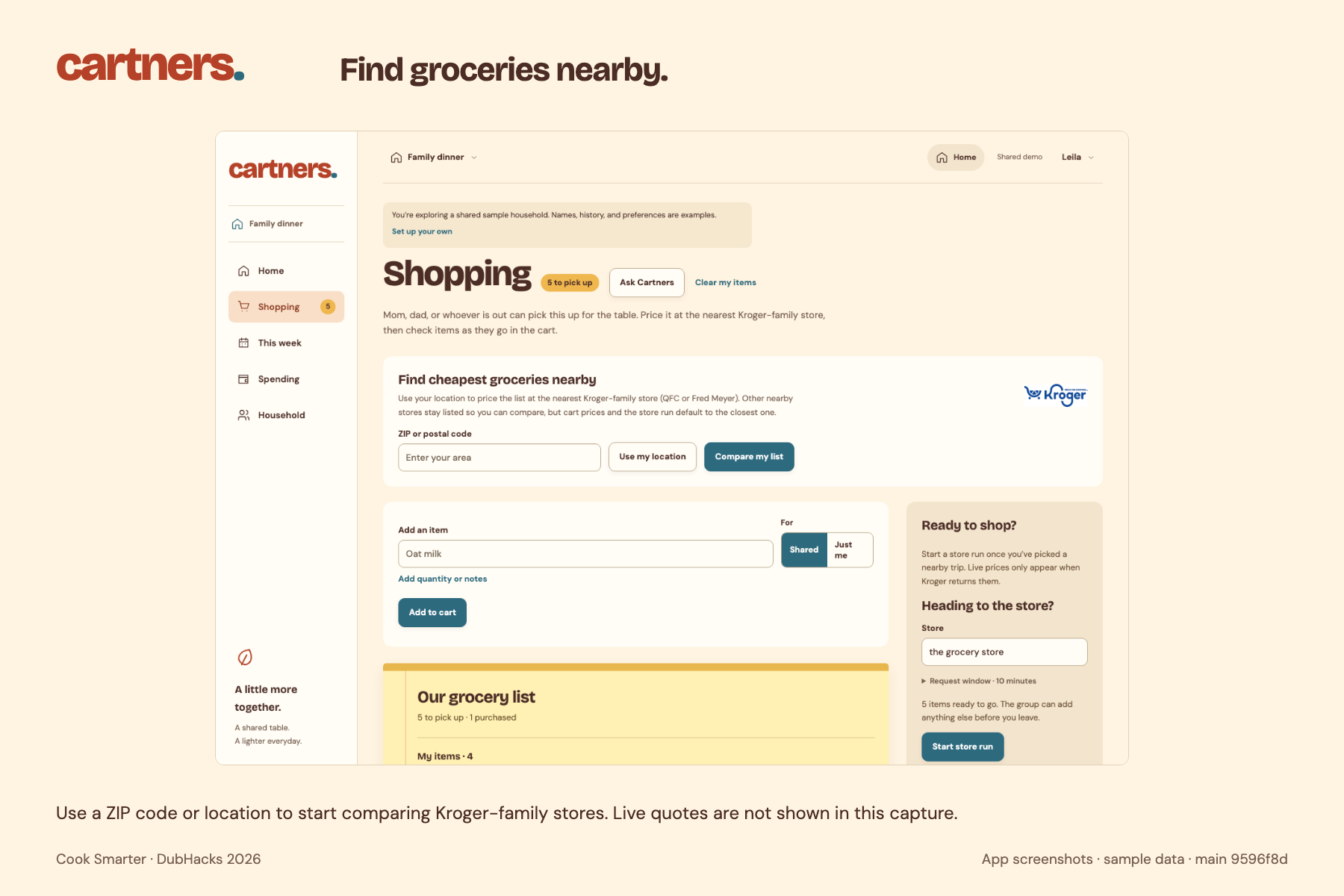
Find nearby Kroger-family stores and request prices for your grocery list.
-
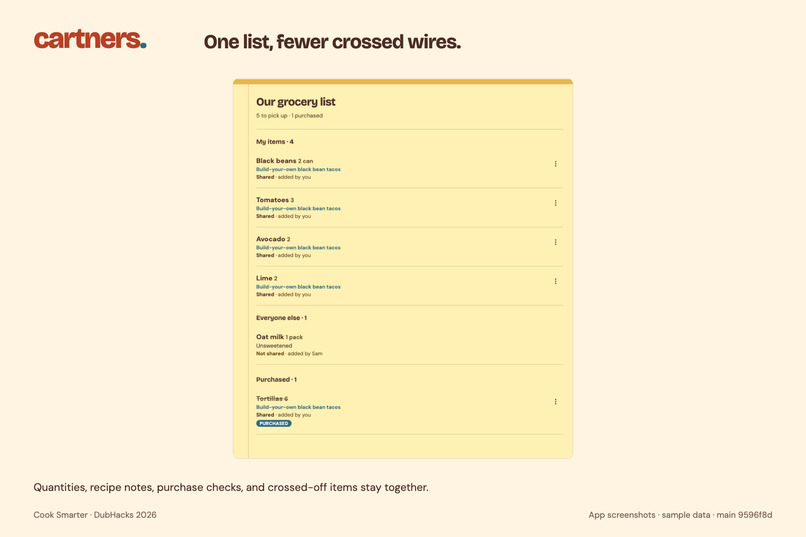
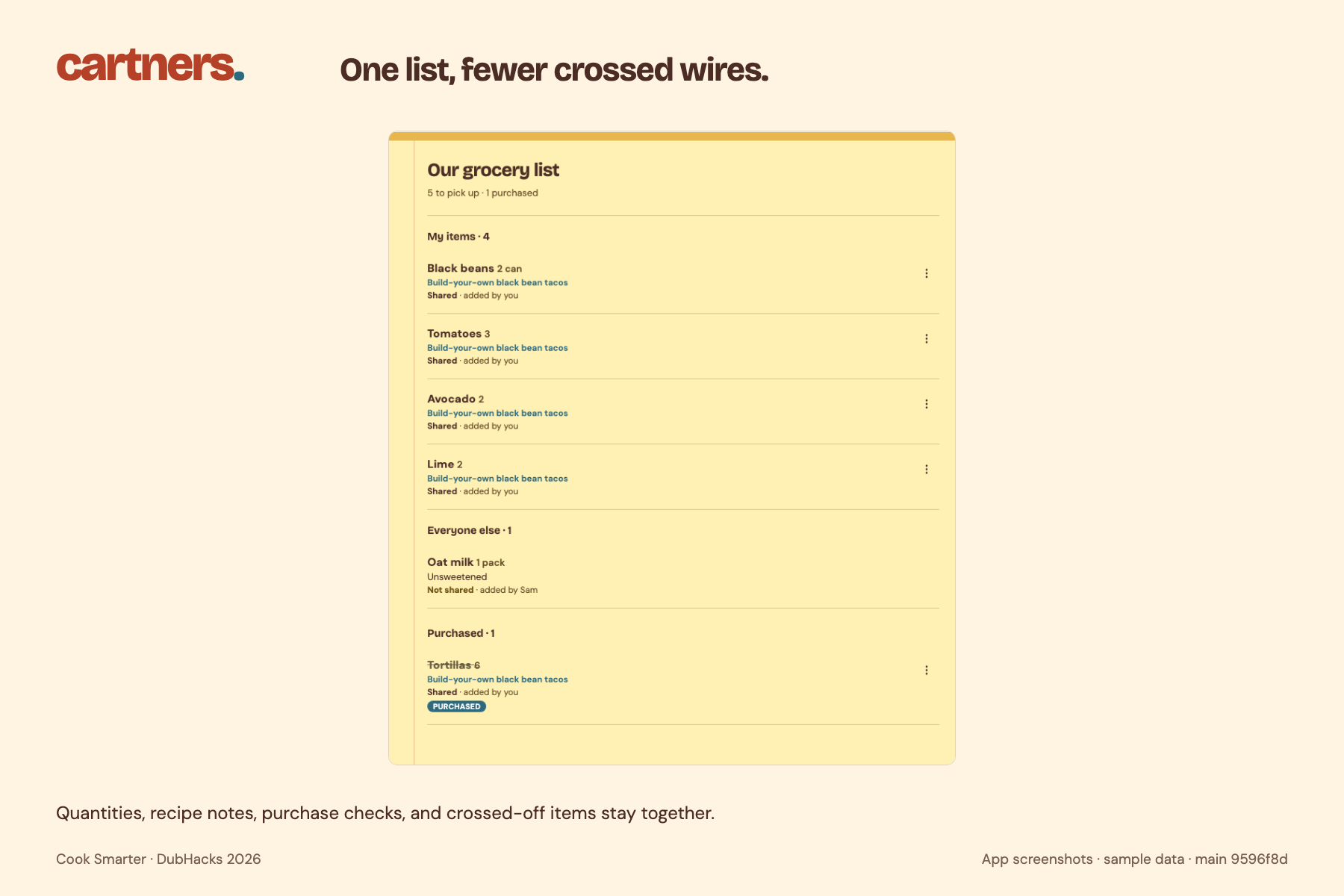
One shared notepad for quantities, recipe notes, and checking off purchases.
-
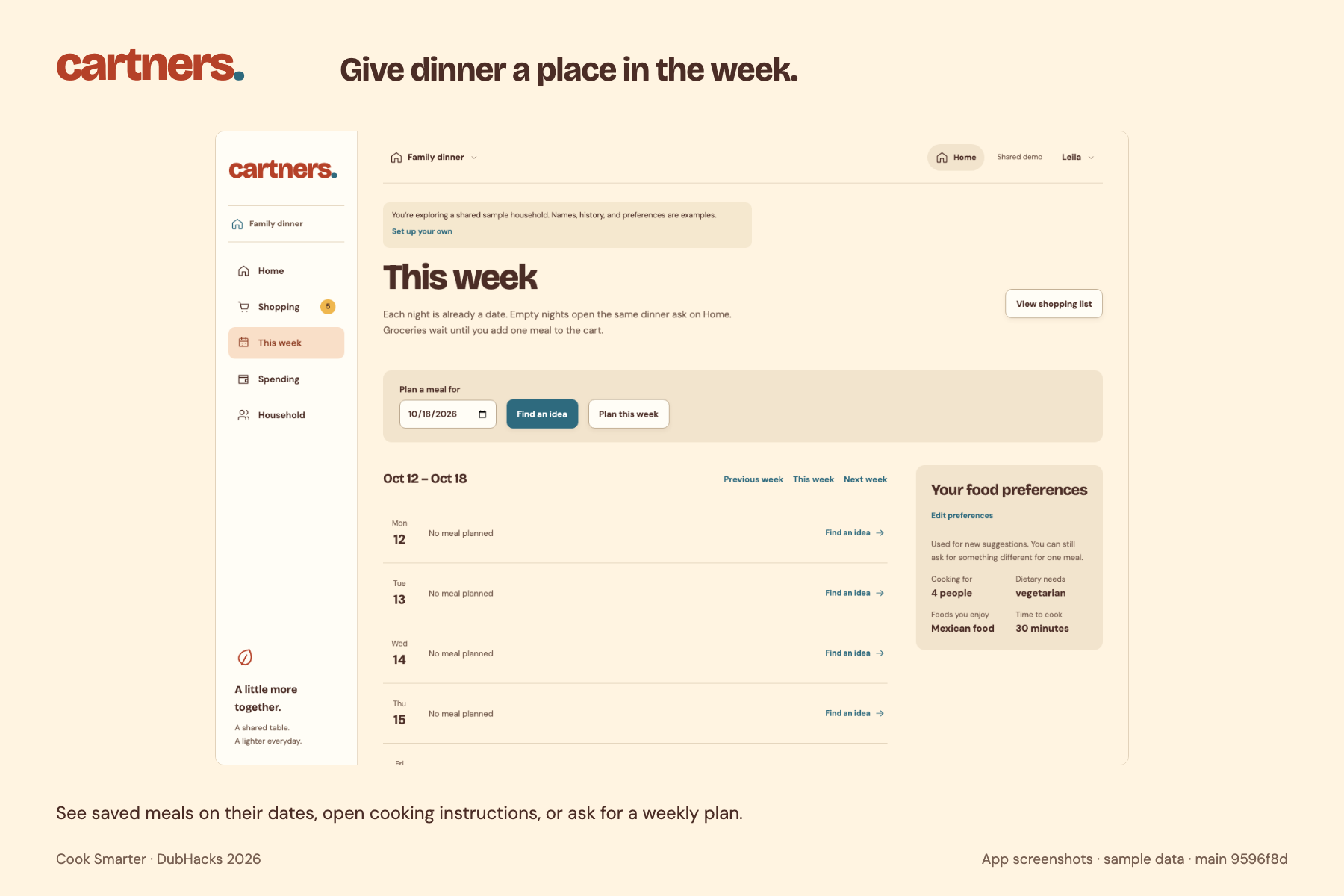
Give dinner a place in your week, with saved meals and cooking instructions.
-
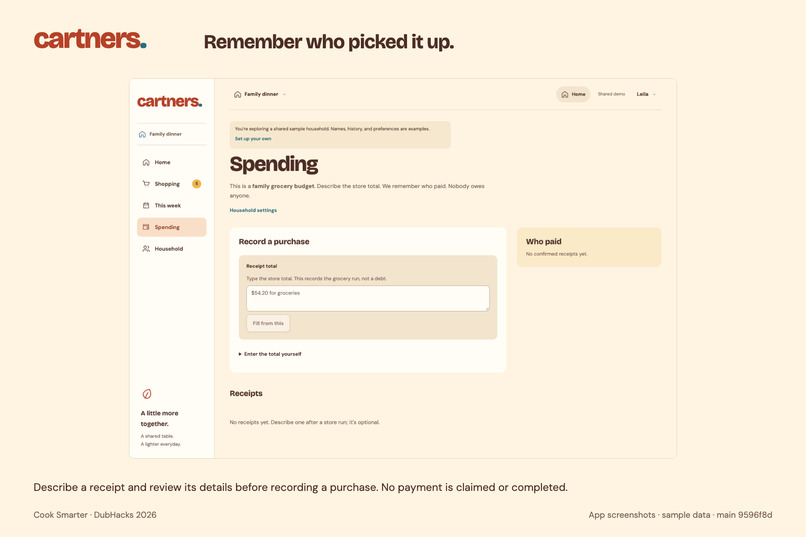
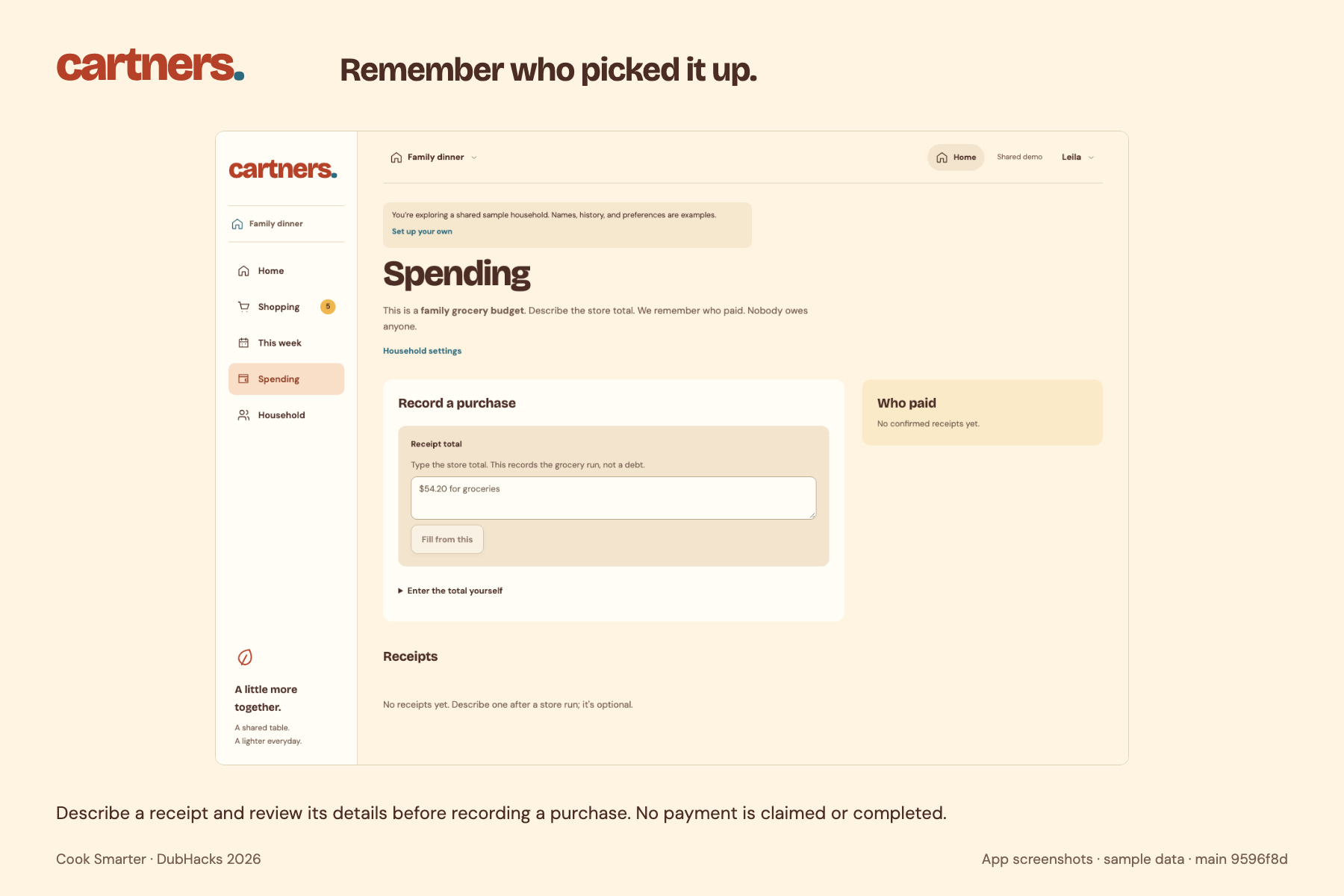
Describe what you spent, review the details, and keep track of who paid.
-
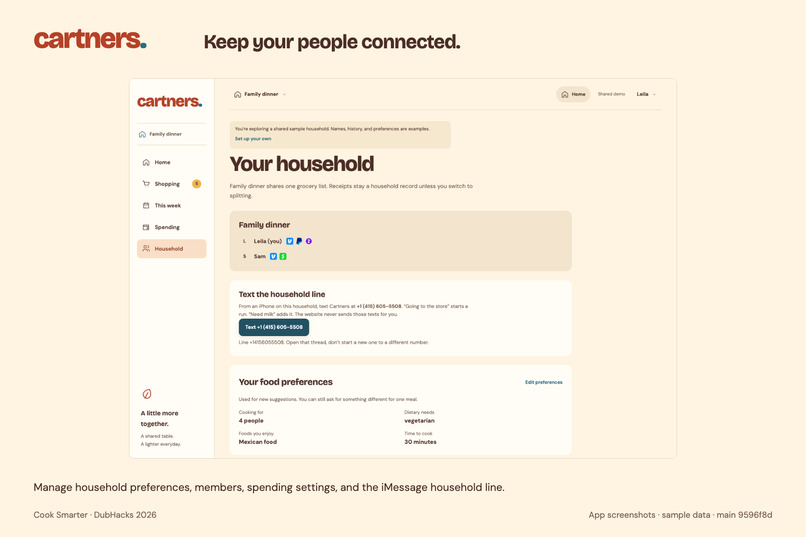
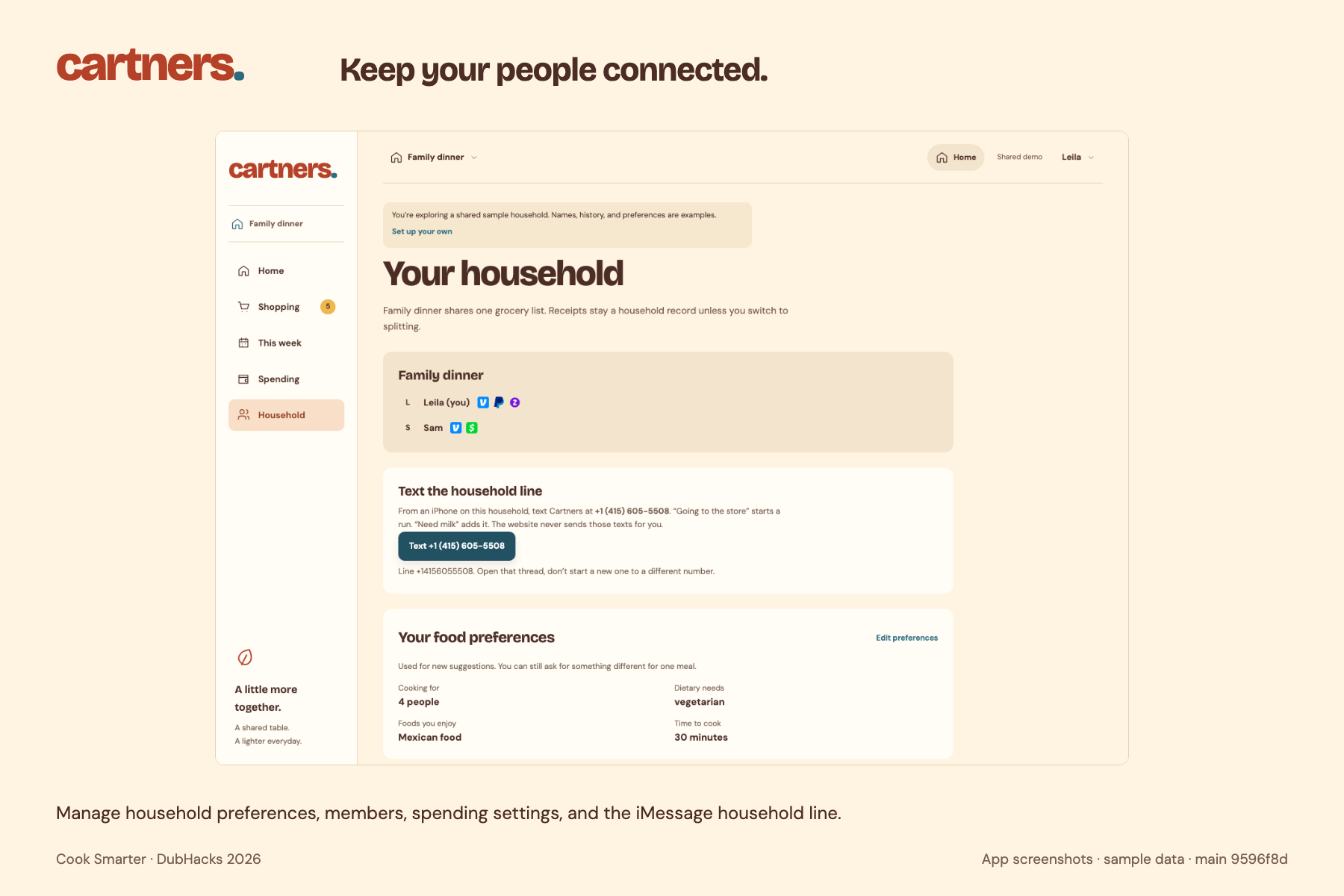
Keep your people, food preferences, spending settings, and household texting together.
-
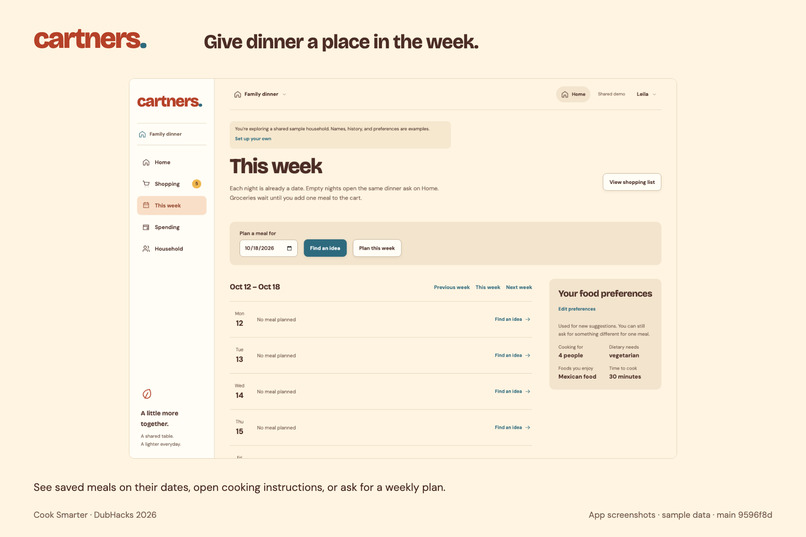
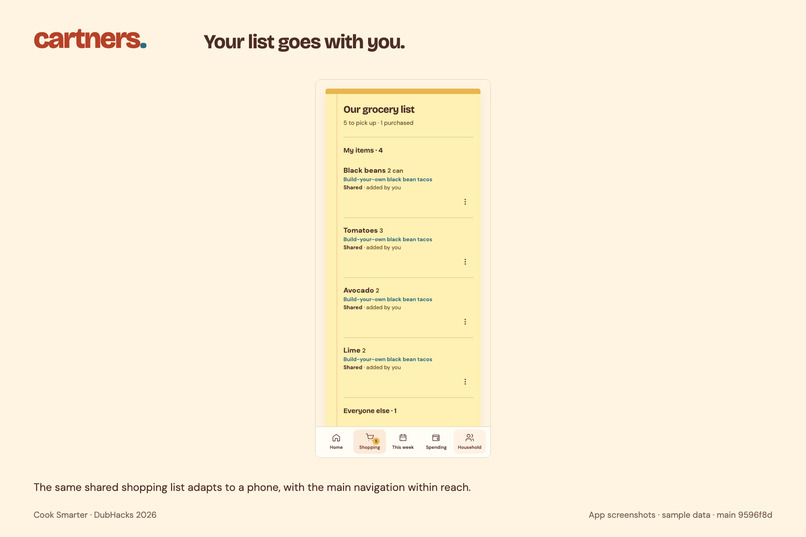
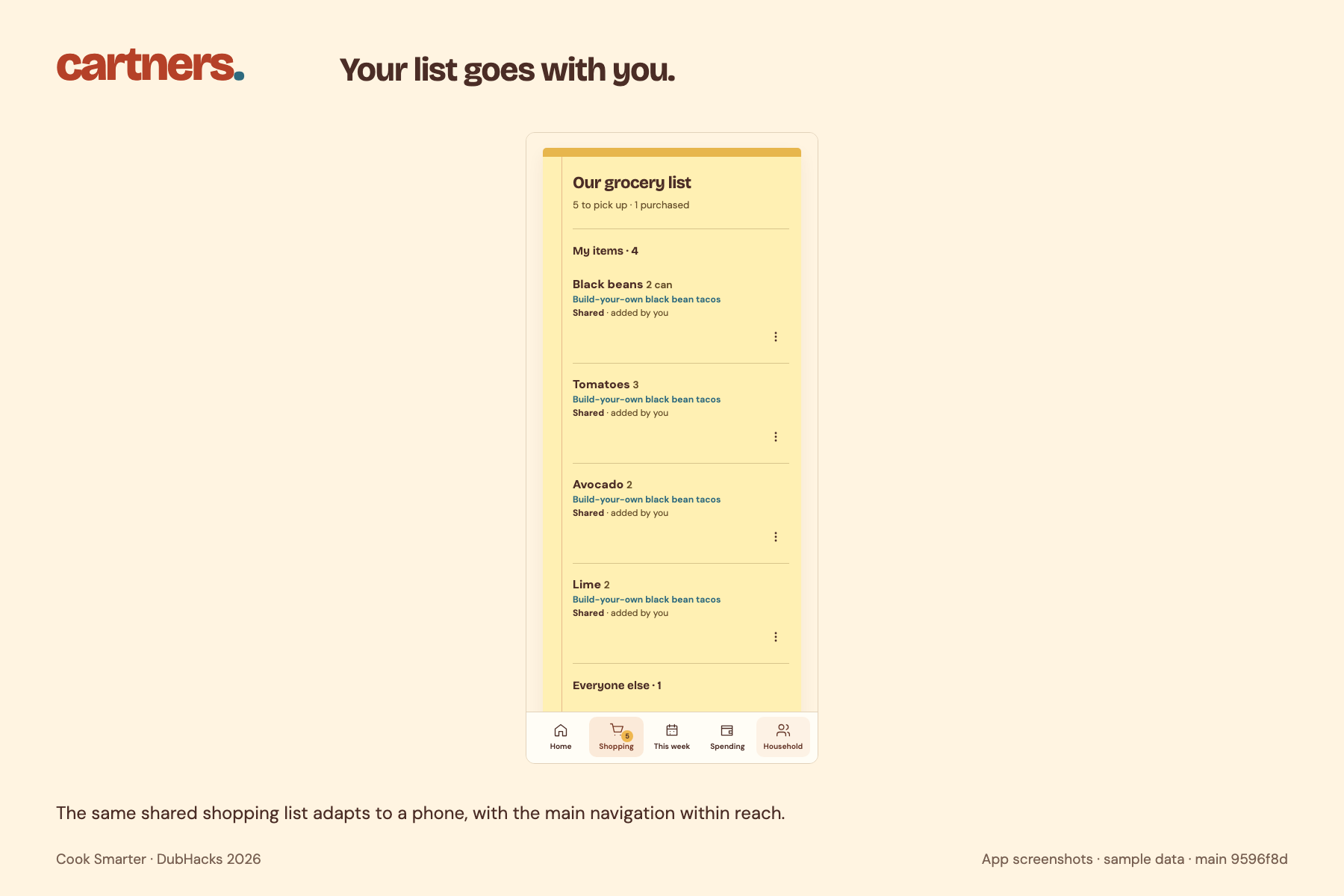
Your shared grocery list goes with you. From planning dinner to walking the aisles.
Inspiration
Planning dinner in a group chat falls apart. Someone suggests tacos, someone else is already at the store, and the list lives in three different threads. Families and roommates end up buying the same thing twice, or one person does all the remembering.
We wanted one place for the craving, the list, and the person who is actually shopping.
What it does
Cartners asks “What sounds good today?”
A meal idea becomes a draft you can confirm before it hits the shared list. You can also skip the recipe and add “milk” directly. When someone is heading out, “going to QFC” starts a short store run so everyone else can still add what they need.
The same list works from the website or from iMessage. Each phone texts the household invitation code once to +1 (415) 605-5508. After that, “need milk” lands on that household’s list, not a sample cart and not someone else’s kitchen. A different household uses its own code.
After the run, a receipt note can fill the spending form. Families keep one pooled record. Roommates can split it and see Venmo, Zelle, Cash App, or PayPal next to a name. Opening a pay link never marks a debt paid.
How we built it
The app is React and Vite on the frontend and FastAPI with SQLite on the backend. Gemini drafts meals and reads a receipt note. Kroger supplies nearby price comparisons, labeled separately from sample prices. Households are created in the browser with an invitation code, not an email account.
iMessage goes through Photon Spectrum. A small agent on a laptop listens on the shared line, joins the sender to the household behind that invitation code, and uses that person’s Photon name. The public site is on GitHub Pages and talks to our hosted API.
Challenges we ran into
The first hosted API slept, so the site looked broken even when the code was fine. We moved the API and kept secrets on the server.
iMessage was harder. The free Photon plan uses a shared number, not a dedicated business line, and texts to the wrong number never arrived. We also had to stop the bot from writing the sample household, the one full of tortillas and flour, and teach it which real household a phone belongs to.
We kept a hard line on money and AI. The model can suggest a meal or fill a receipt draft. It cannot invent a total, confirm a cart by itself, or mark anyone paid.
Accomplishments that we're proud of
A group can start from a craving, confirm one list, and text additions while someone is in the store. The website and iMessage stay on the same household.
We’re also proud of the kitchen design, and of spending that shows who paid without pretending the app moved any money.
What we learned
AI helps when it shortens a real chore and a person still confirms the result. A recipe that never reaches the shared list is just another chat message.
We also learned how much of a messaging product is routing. The model and the list were not the hard part. Making sure one text hit the right household was.
What's next for Cartners
Keep the iMessage line up without depending on one laptop, support more than one shopper at a time, and make price comparisons cover more of the list. Preferences and splits should keep getting easier to set without turning Household into a spreadsheet.
Built With
- fastapi
- gemini
- javascript
- krogerapi
- photon
- python
- react
- sqlite
- vite


Log in or sign up for Devpost to join the conversation.