-
-
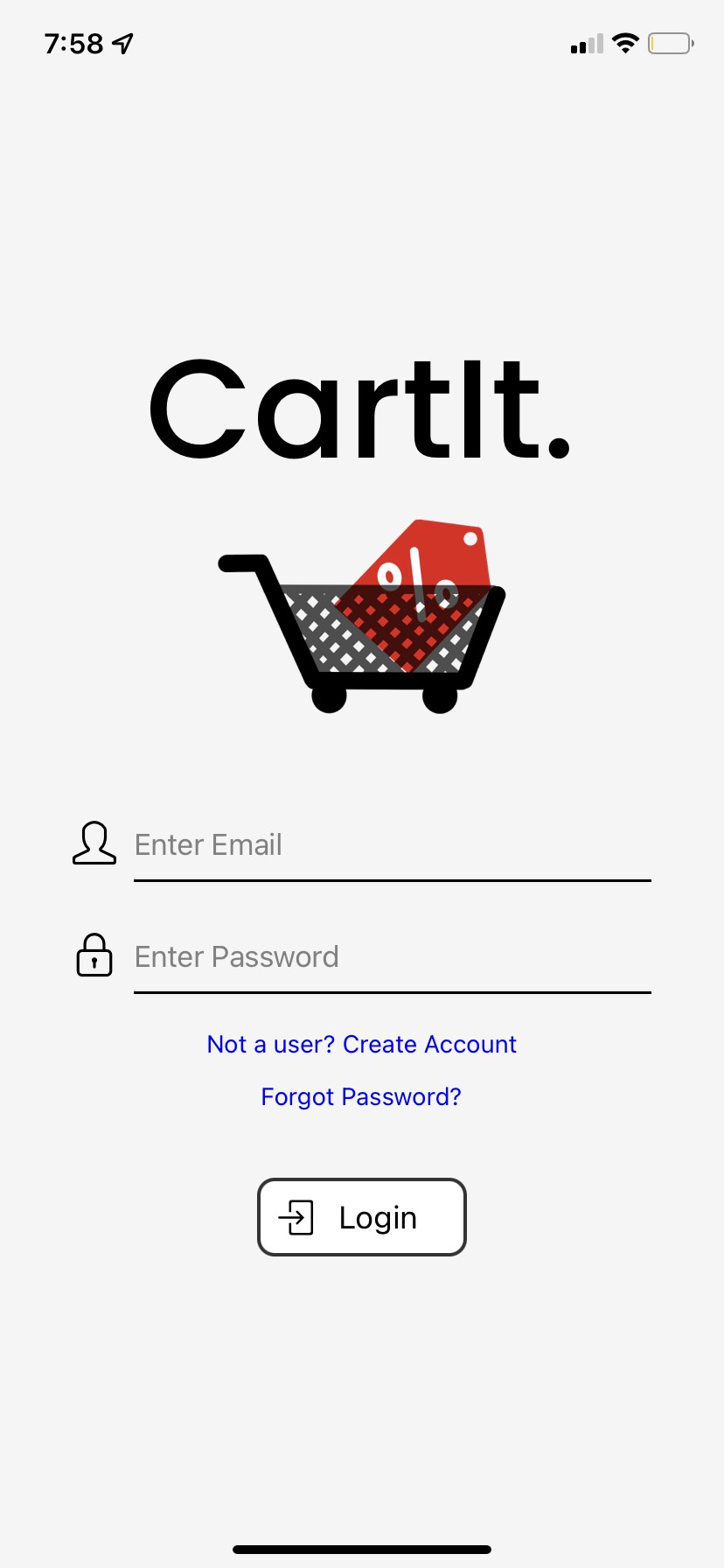
Login Page with logo
-
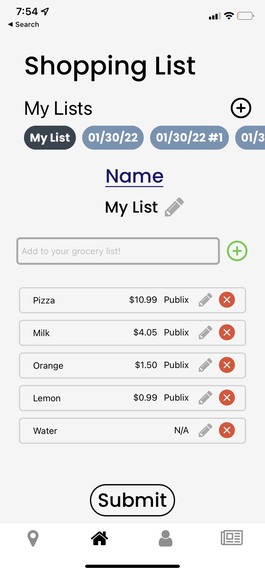
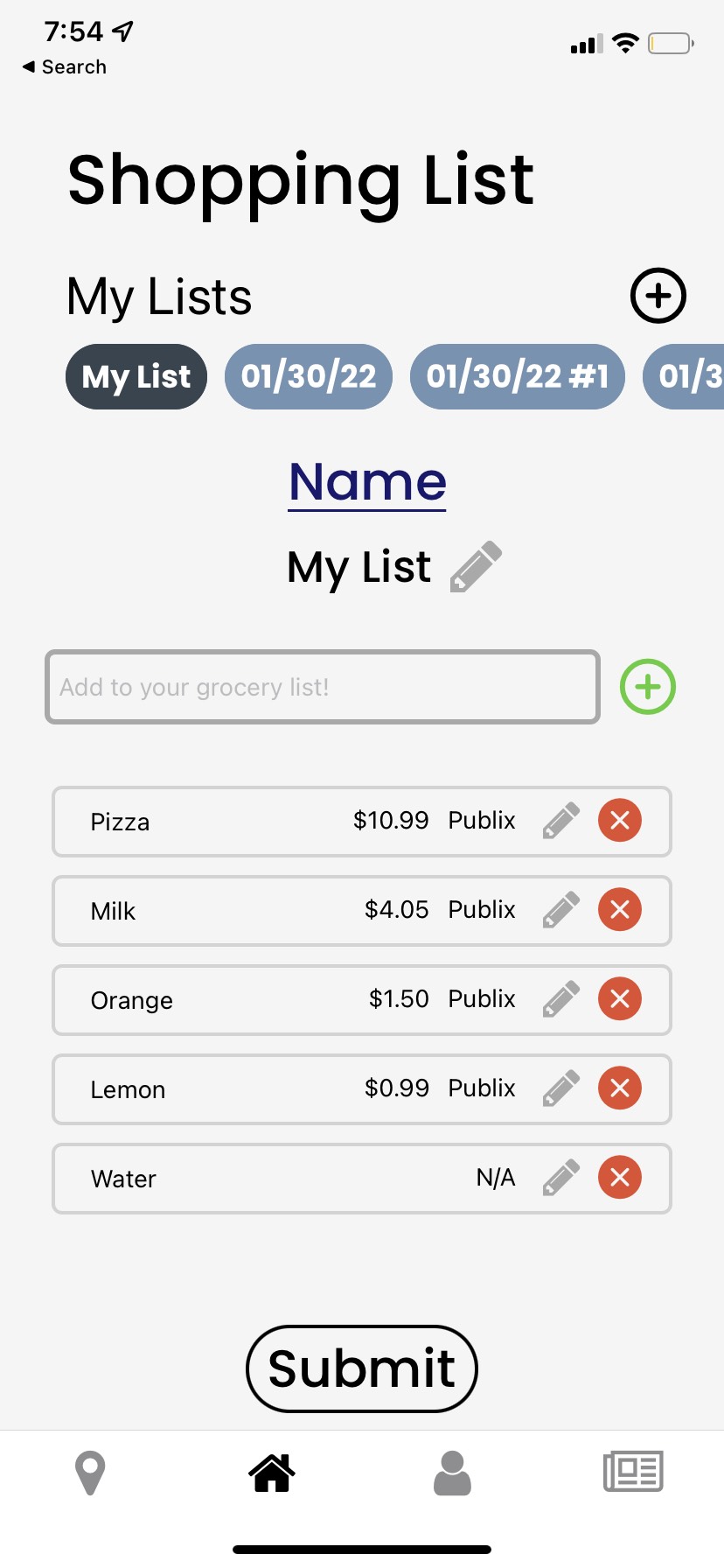
Shopping List with entered data and shows public dataset lowest price and corresponding location
-
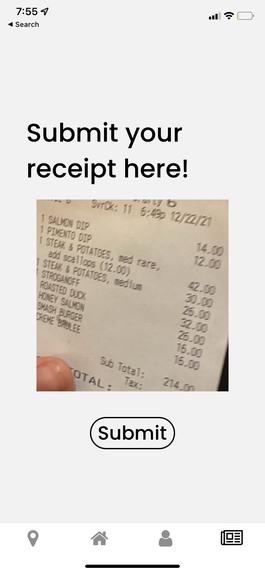
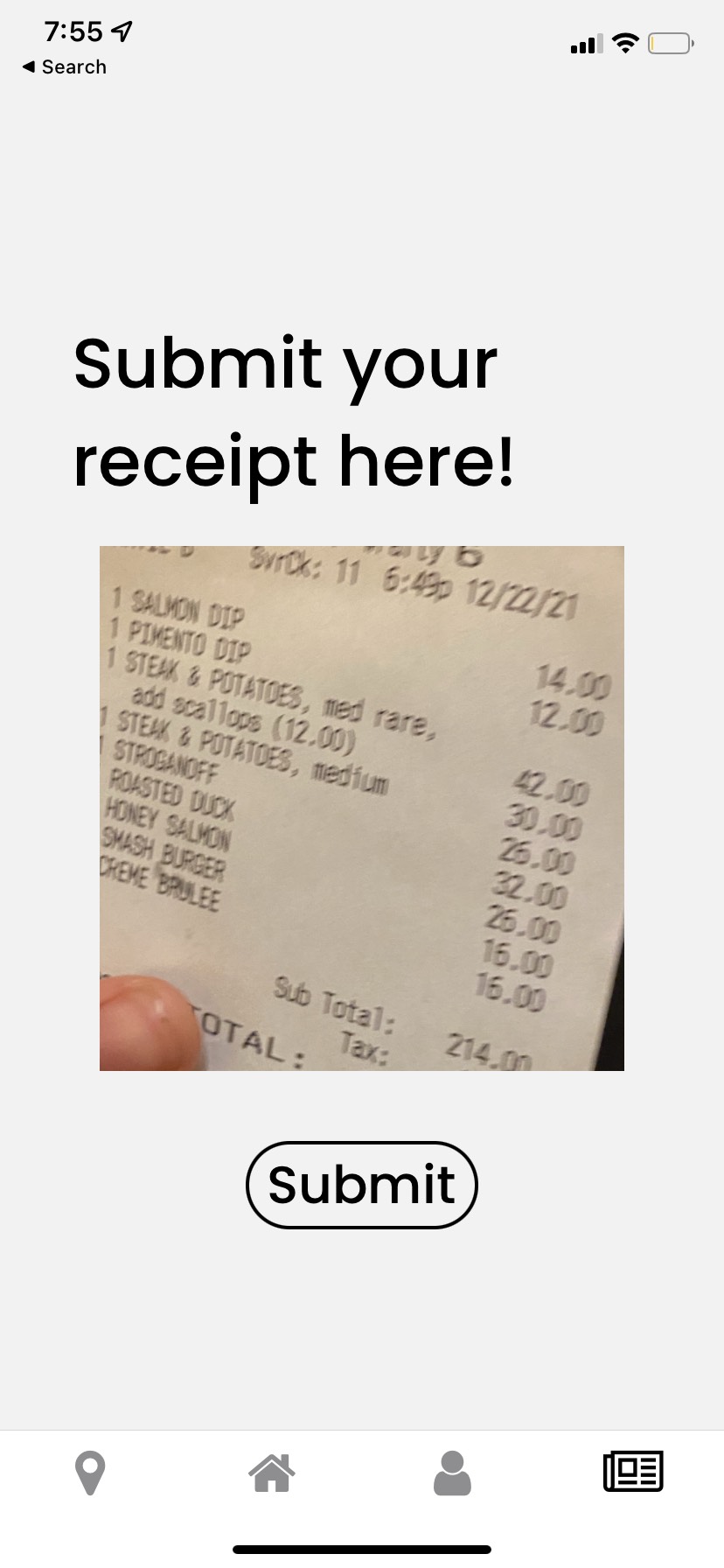
Receipt Scanner using Google Cloud Vision API
-
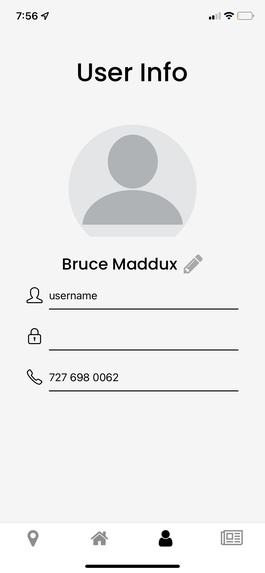
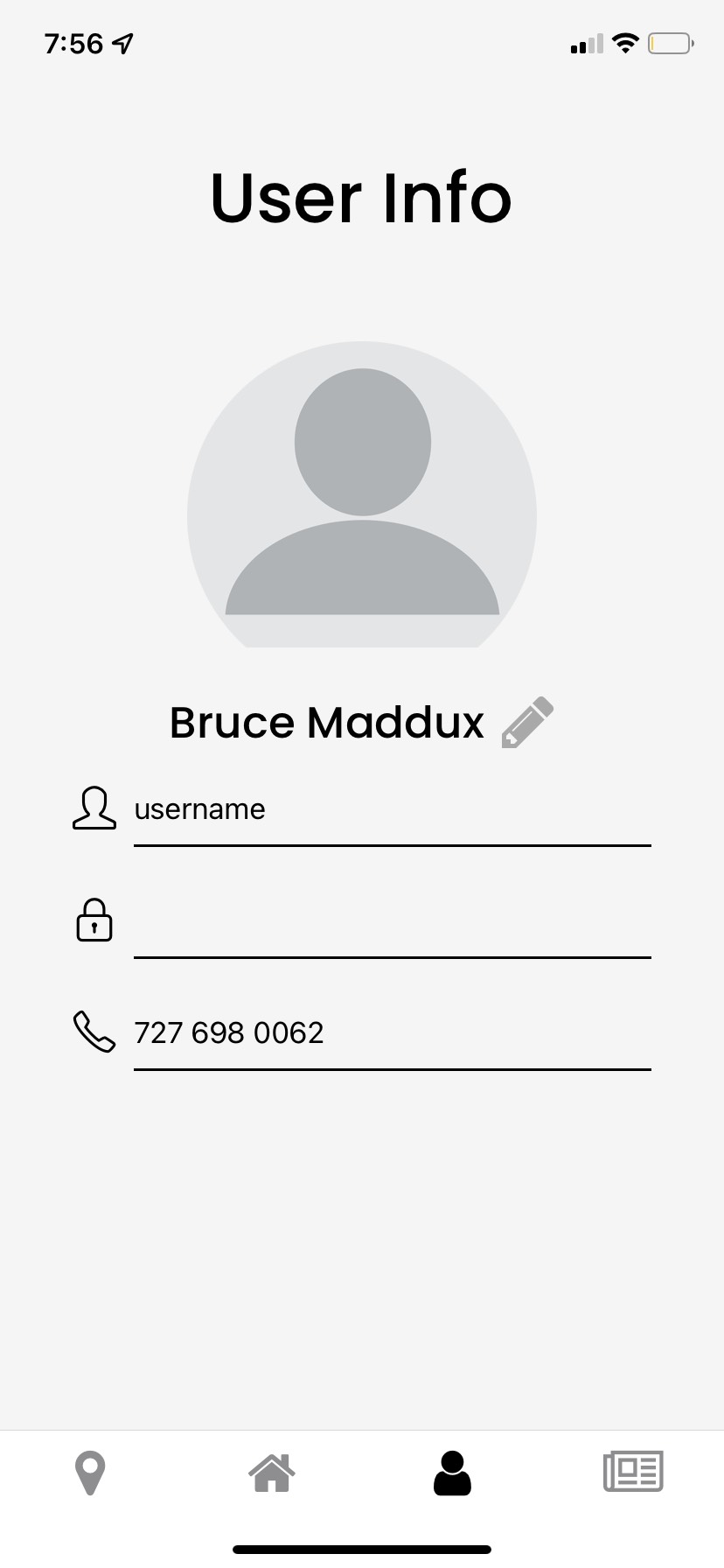
User account page
-
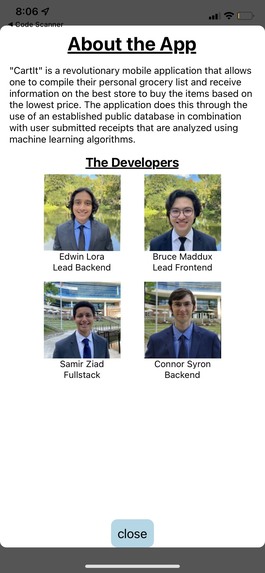
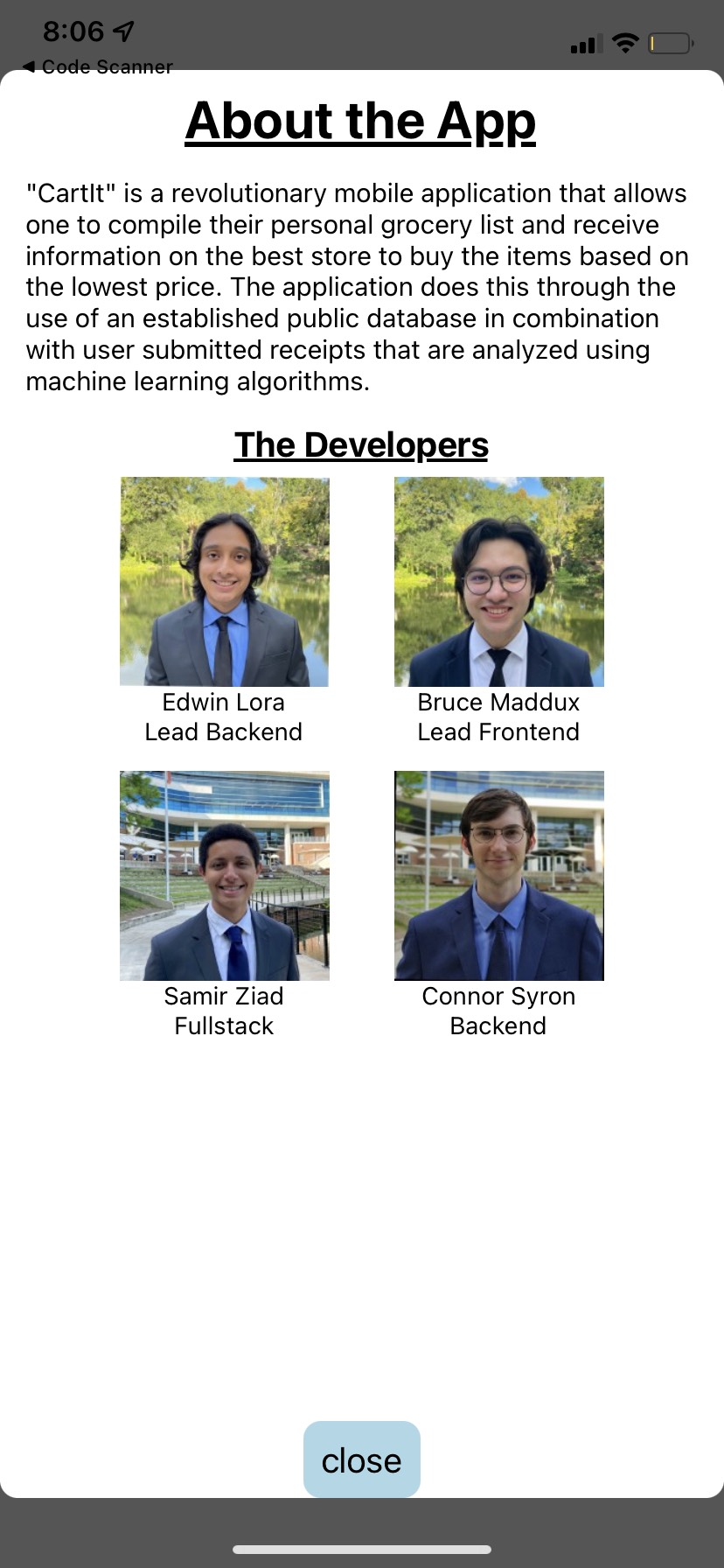
About Page from User
-
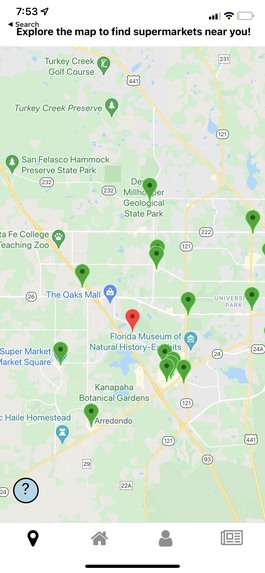
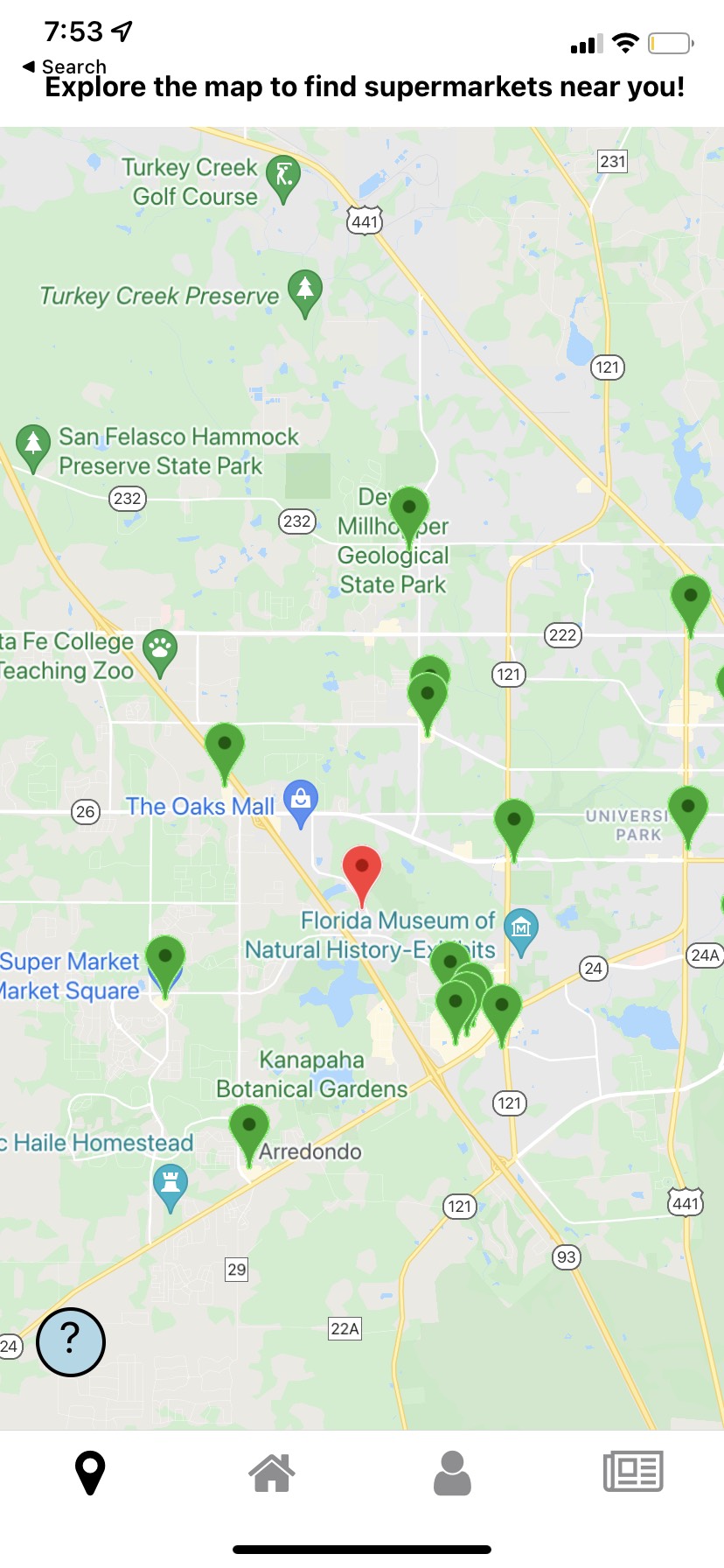
Map Screen, showing nearby Local Stores
-
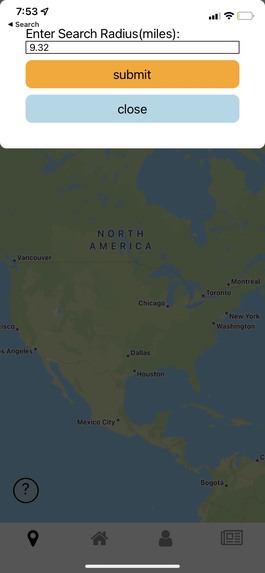
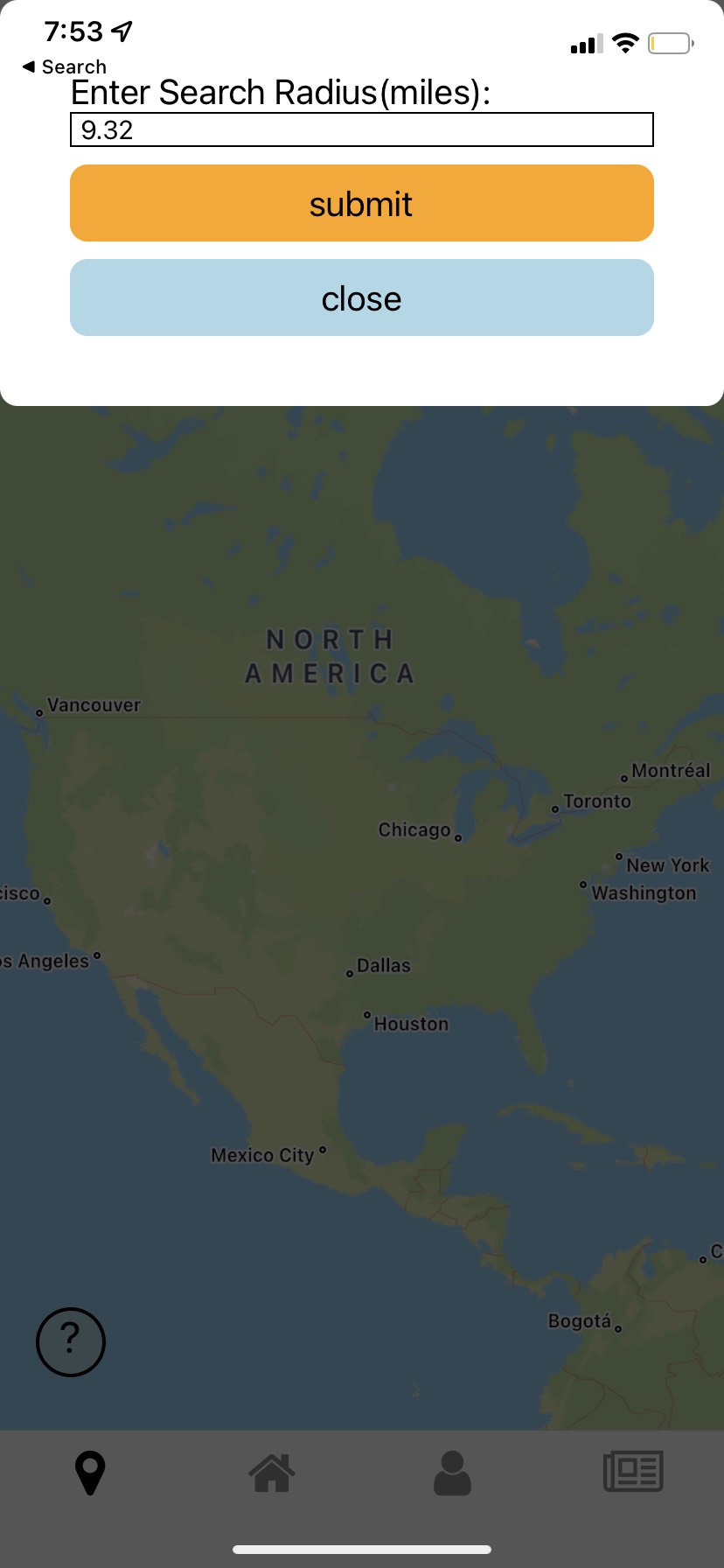
Map Screen, showing option to change area size
Inspiration
Every week, I realized I check the Publix Weekly Ad to see what deals and BOGOs there are online. This can take lots of time, and I don't even cross check other places to see if they also have deals I could use. We wanted to think about a way to aid this issue, saving time looking across different companies websites for low prices.
What it does
Our app works by using a public dataset that contains grocery store items, as well as the store location. Once logging into the app, we can use the shopping list to add items to buy, edit items, remove items, and switch between different lists. From here, our app will check the database to find the lowest price, as well as the location. Our app also allows users to upload their own receipts, which then helps update our database with the lowest prices each day. Our app also allows the user to find the nearest store locations near their current location, as well as their addresses.
How we built it
Our app was built in React Native for the front-end, and utilized various Google Cloud products for the backend, written in Python. For example, we used Google Cloud Vision AI and Google Cloud functions to build a pipeline that handles the upload of receipts to our cloud storage which then triggers a cloud function that parsers the text in the receipt. This data is processed to reflect any changes in minimum prices in our database. We also used other cloud functions to handle services such as retrieving grocery prices. We also used google maps API and google places API to display user location on a map, and display grocery stores near the user's location. To run the app locally, we utilized Expo. Checkout our Github Repo for the specific technologies we used, as well as checkout the README.md for more info!
Challenges we ran into
Our initial idea focused around using a web scraper, ideally viewing Instacart's webiste, as they have many store locations and respective prices. We found web scraping to be extremely difficult as websites had many measures against scraping, leading us to our idea to use public datasets as well as user entry through receipts. One large issue we ran into front-end wise was dynamically saving lists on one page. It was easy enough to display a list's contents on a page, but changing the list, as well as its contents for each list became a difficult challenge. For backend, we ran into issues working with Cloud Products, as we had never used them before. Specifically, cloud functions were difficult to use. Some of us did not have a lot of experience with React Native as well as HTML and CSS, specifically styling.
Accomplishments that we're proud of
We were product of overcoming many challenges we ran into, specifically, creating the Google Cloud Vision pipelin, as well as dynamically working with the shopping list. We were product of our ability to learn quickly when exposed to new technologies, as well as working well and efficient as a team in a limited timeframe.
What we learned
The main learning topic for us was utilizing Google Cloud Products. None of us had been exposed to cloud products before, and being able to use some of the products opened a doorway into a new aspect of our coding careers. Along with this, we gained lots of experience using React Native, as well as HTML and CSS basics.
What's next for CartIt.
We want to expand our public datasets specifically, and get more user receipt uploads. We need to work towards being able to handle large datasets to be ready for real-world deployment. Ideally, our dataset will keep very accurate data, and be able to check values to determine if user input is real.
Built With
- expo.io
- google-cloud
- google-cloud-functions
- google-cloud-sql
- google-cloud-vision
- google-maps
- google-places
- react-native


Log in or sign up for Devpost to join the conversation.