-
-
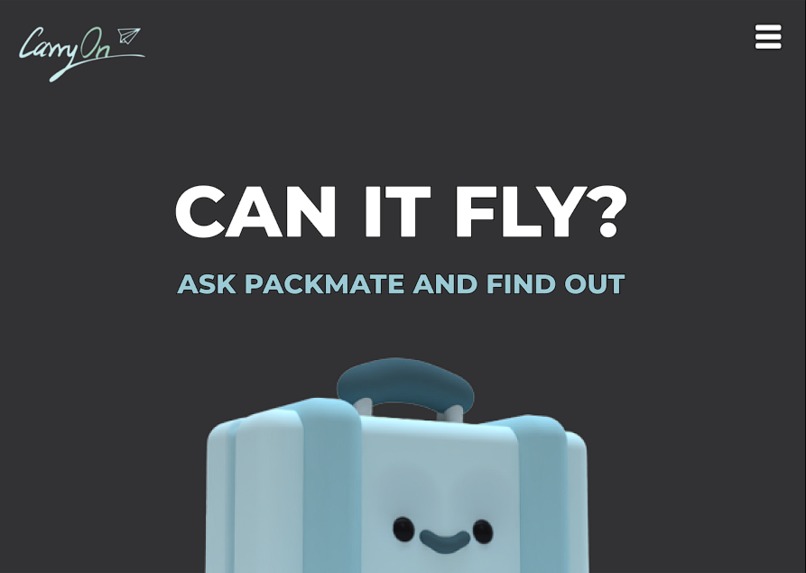
Our Home Page
-
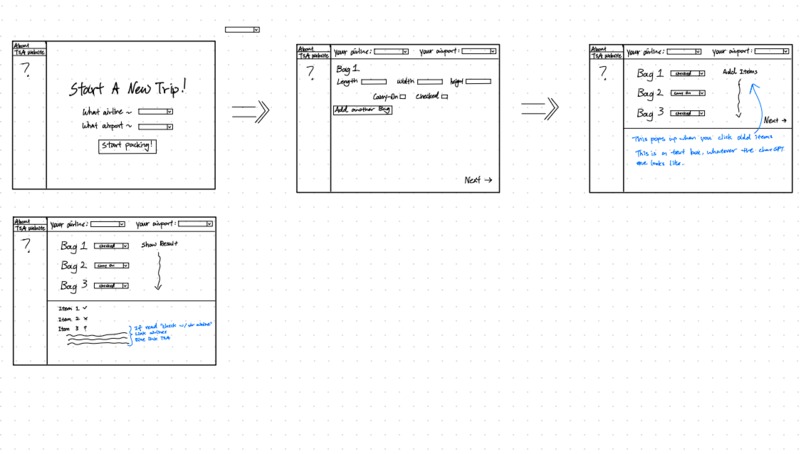
UI/UX Template
-
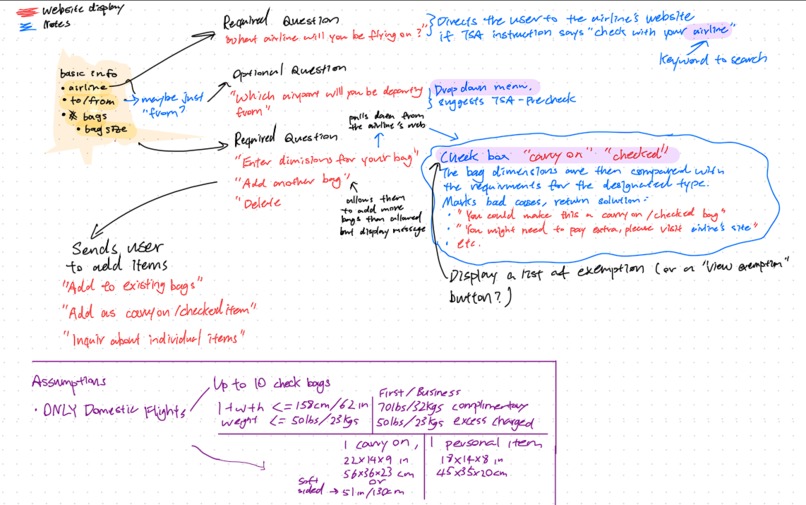
Gameplan Part 2
-
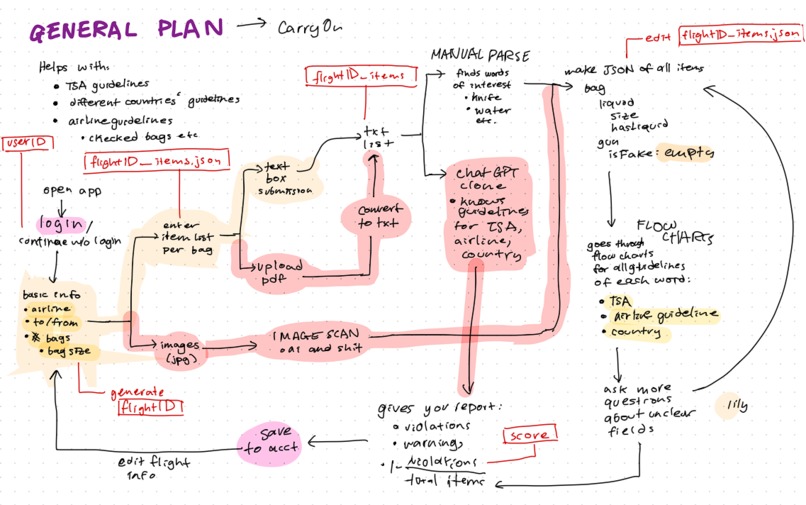
Our Gameplan Part 1
-
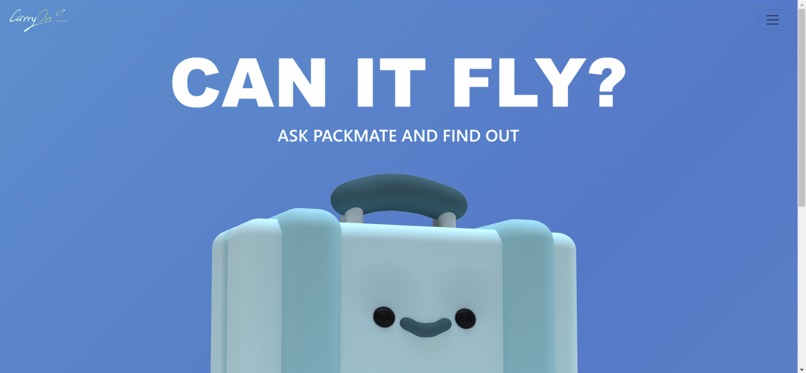
Alternative Background
Inspiration
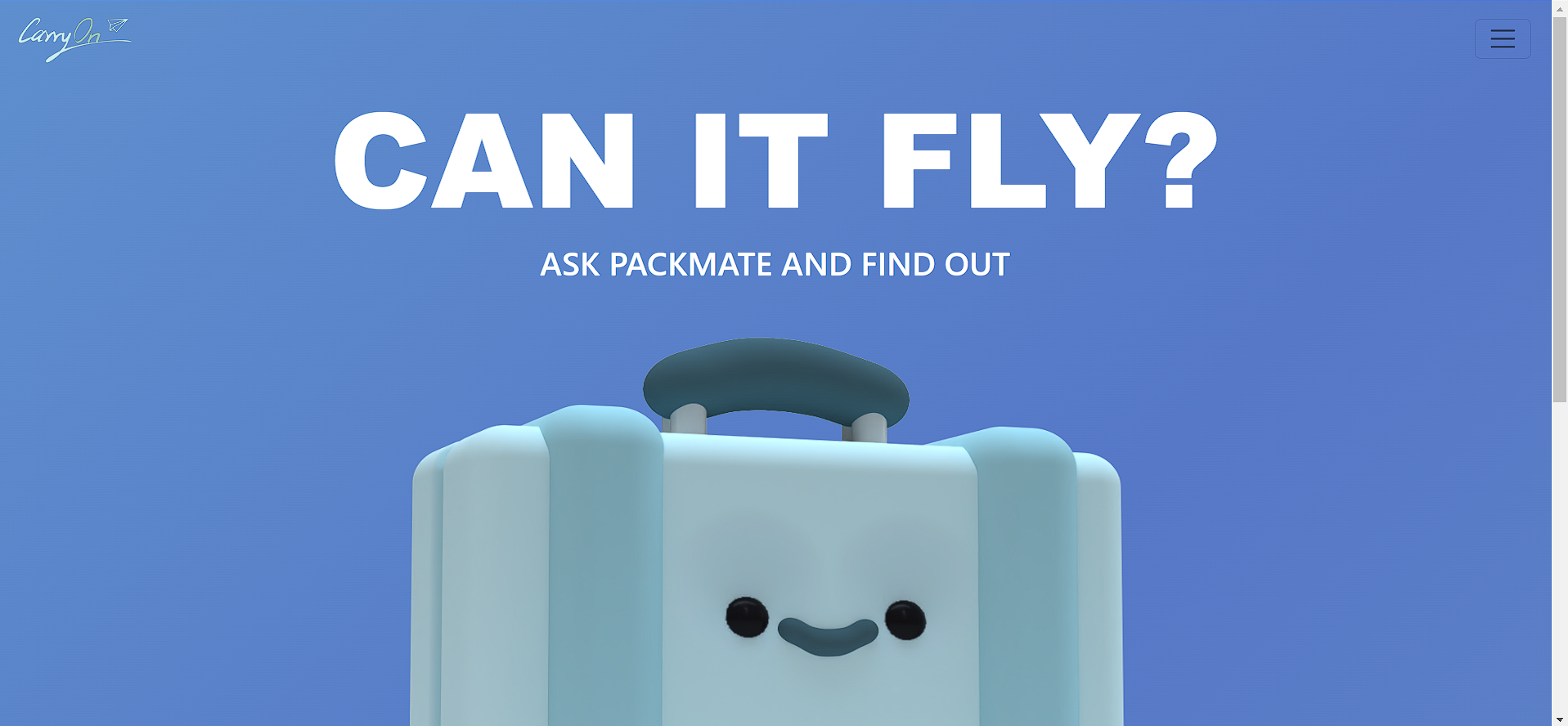
Whether you're a frequent flyer or on your first well deserved vacation in years, it's easy to get mixed up in the hundreds of regulations the TSA has for carry on items. CarryOn serves to alleviate that problem in a friendly and easy to use chat-style application. "For less throwing away souvenirs and expensive items that you could have easily left at home, more seamless travel, ask PackMate before you fly!"
What it does
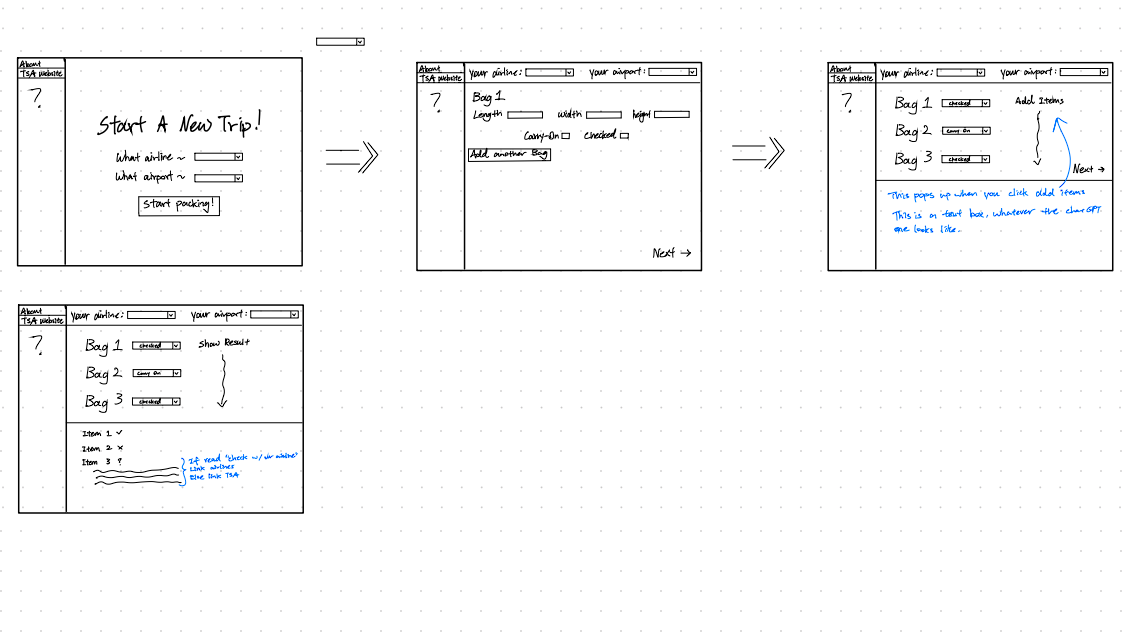
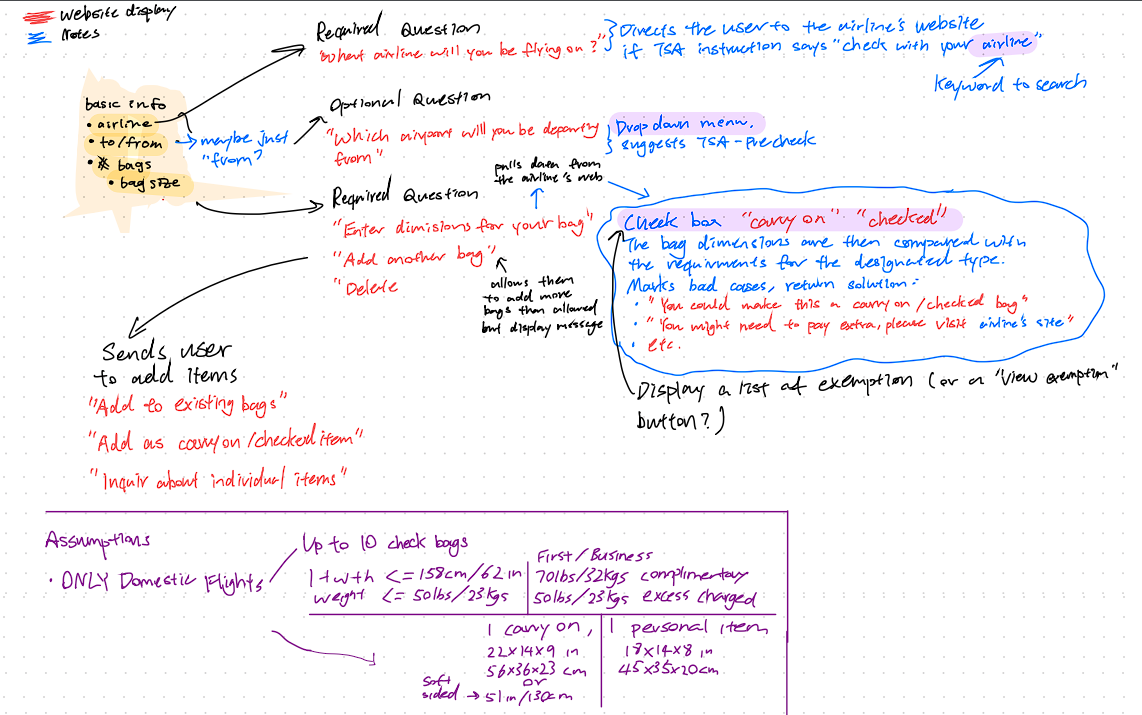
CarryOn features a carry-on item checker called PackMate! You can enter information on the airline, airport, bag dimensions, checked/carry-on status, and items you are travelling with. PackMate will tell you whether or not you can fly with the items you listed based on the TSA guidelines for your item! If PackMate cannot find your item, it will recommend a set list of items that seem to match, or ask you to re-try!
How we built it
We built this application using Javascript (TypeScript) & React.js, HTML/CSS (Tailwind CSS), Python (Selenium), Microsoft Cloud (Azure Static Web Apps), and a .Tech domain name (askpackmate.tech) from Domain.com.
Challenges we ran into
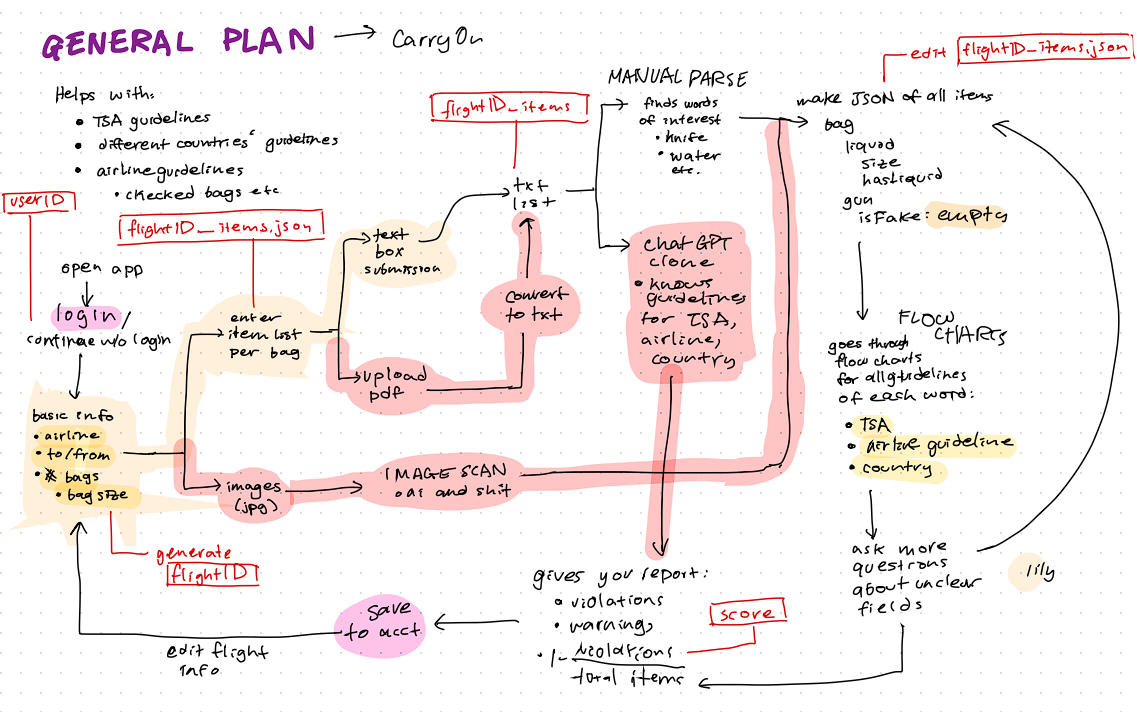
Some challenges we ran into were in implementing the Material UI Component Library for React and learning to properly enable automatic deployment for our website using GitHub actions, which we successfully implemented. Naturally, with the time constraint, one notable challenge that we ran into was polishing our final UI and launching our full intended feature set, which is highlighted on our project planning flowchart!
Accomplishments that we're proud of
We are particularly proud of how aesthetically pleasing our UI is and how useful PackMate's core functionality is for expediting the packing process and accommodating for different Airlines' and Airports' policies (i.e. HNL in Hawaii not allowing fruit as a carry-on).
What we learned
We learned web-scraping using Selenium (Python Library), parsing HTML files to determine and store key-terms, React Strap, React Root, Tailwind CSS, improved project planning and scoping, 3-D modeling, UI/UX designing (using Figma), deploying using GitHub Actions for automatic deployment, the difference between a static and dynamic web application (with Microsoft Azure), CSS web animations, implementing a React Component Library.
What's next for CarryOn
In the future, we hope to complete implementation of all of our intended features, add more domestic and international airports and airlines to the list, add accessibility features for ease of use and for clients with disabilities, and polish our UI.


Log in or sign up for Devpost to join the conversation.