-
-
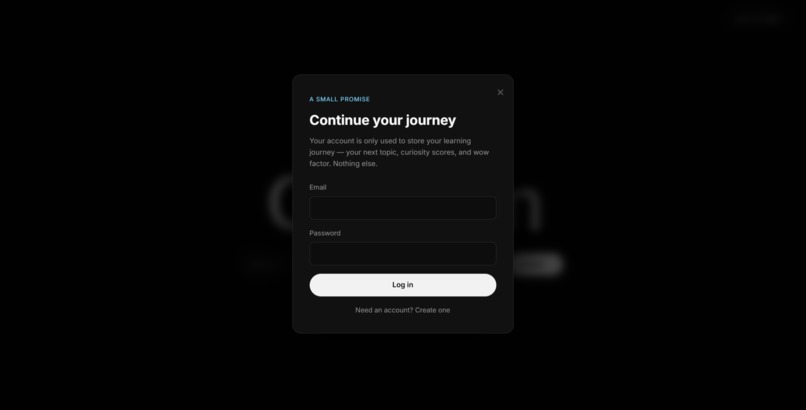
login popup for saving user journey
-
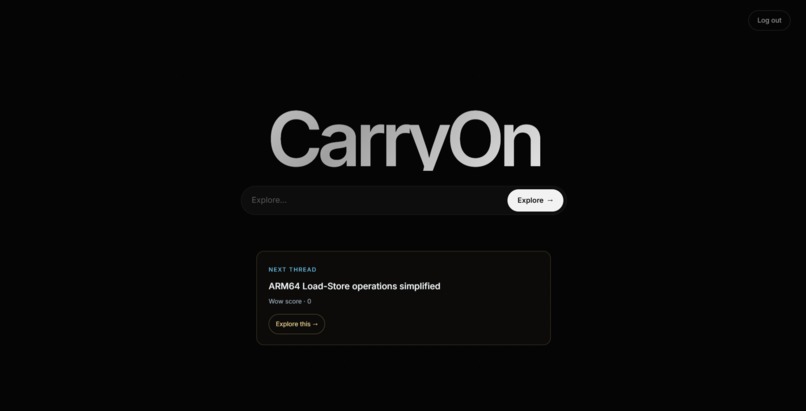
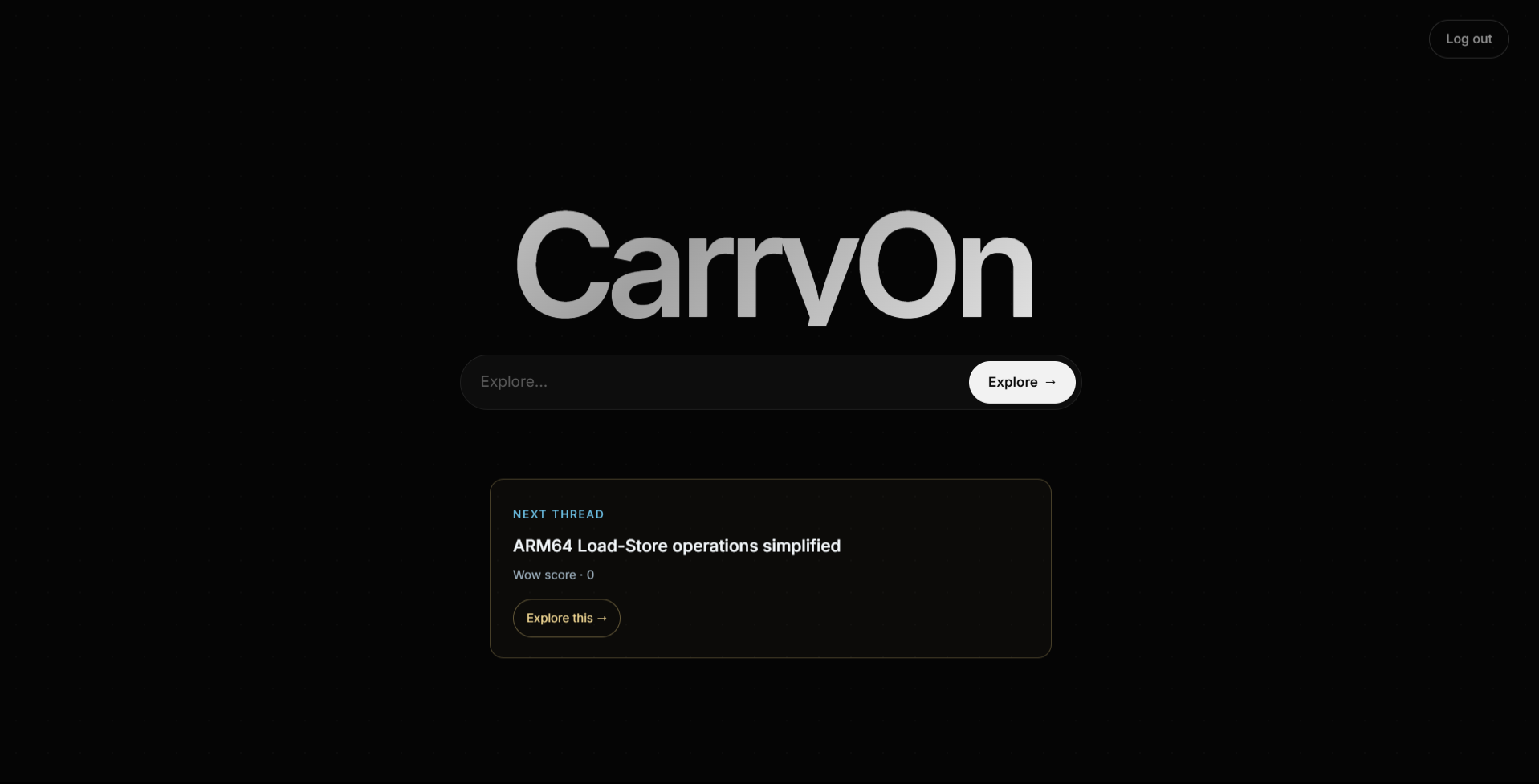
initial search bar for exploration
-
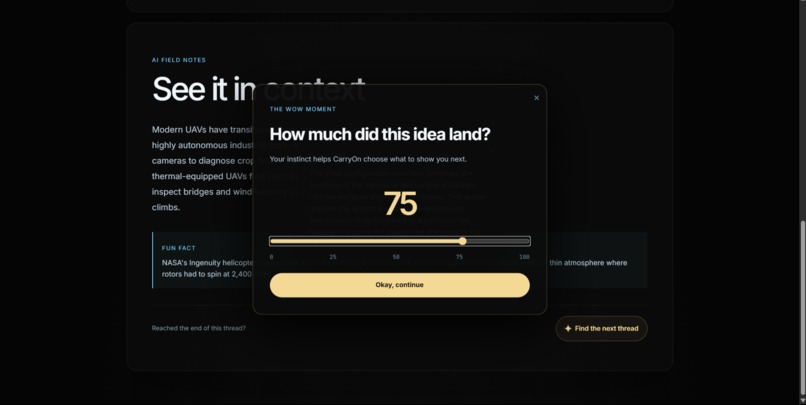
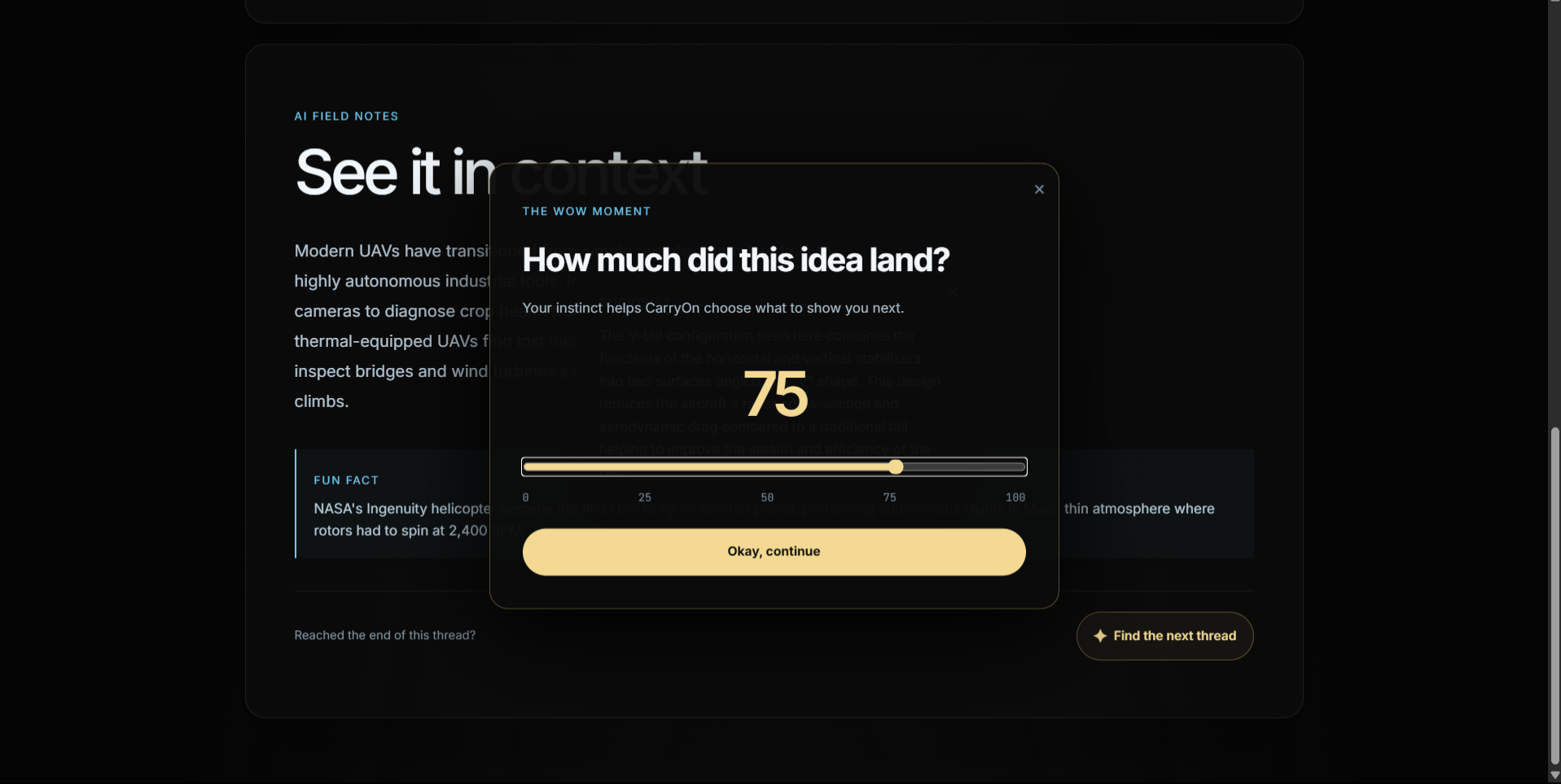
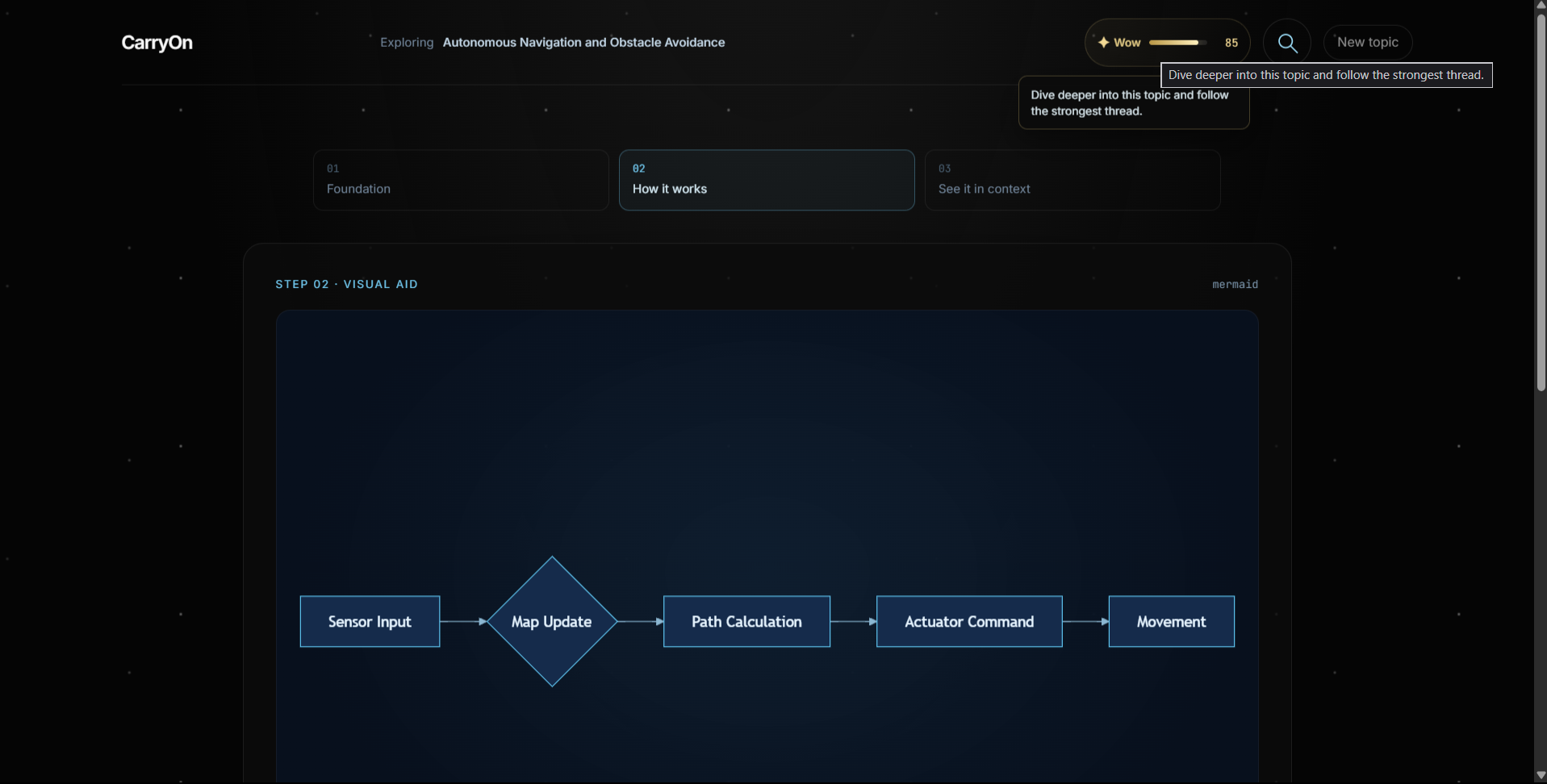
quantitative rating for wow factor
-
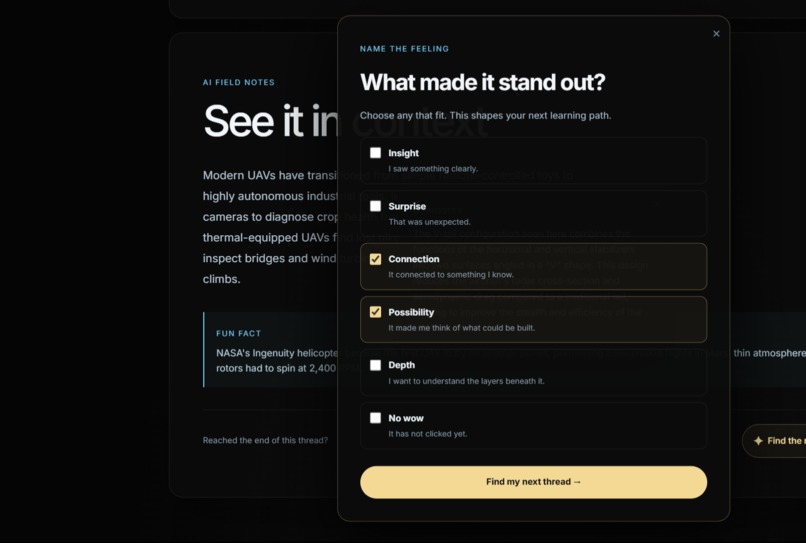
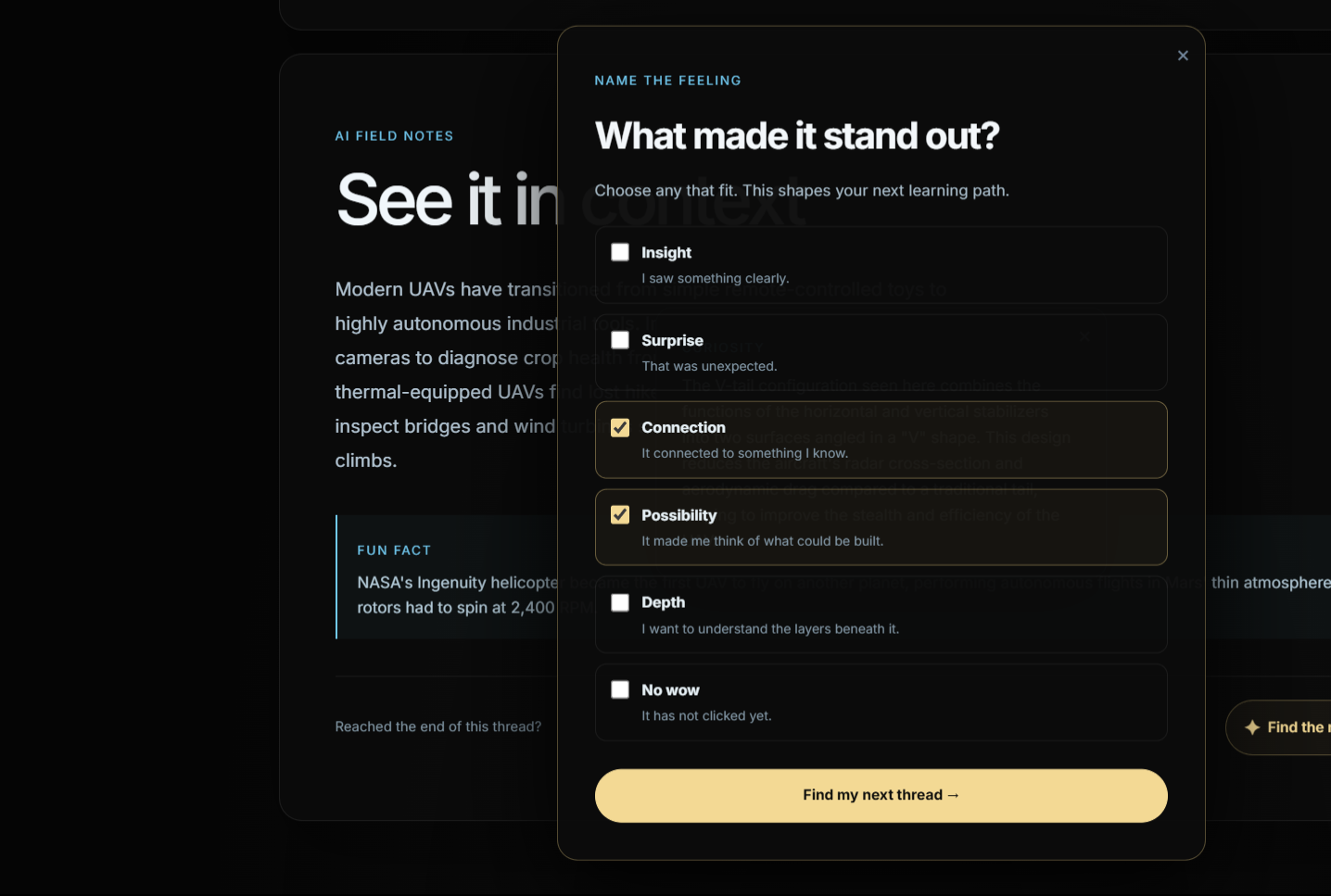
qualitative rating for wow factor
-
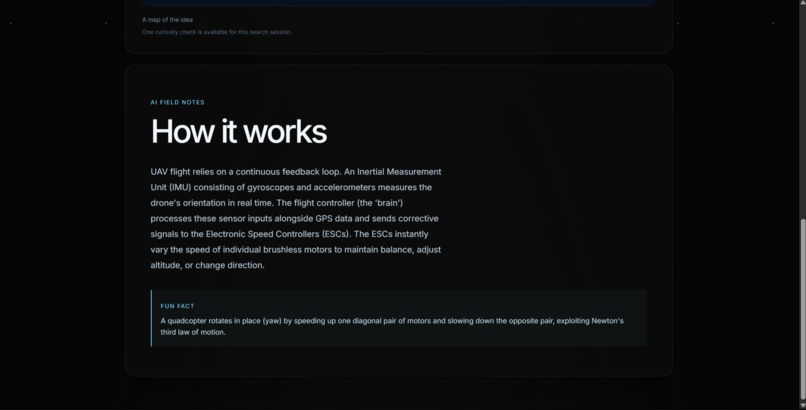
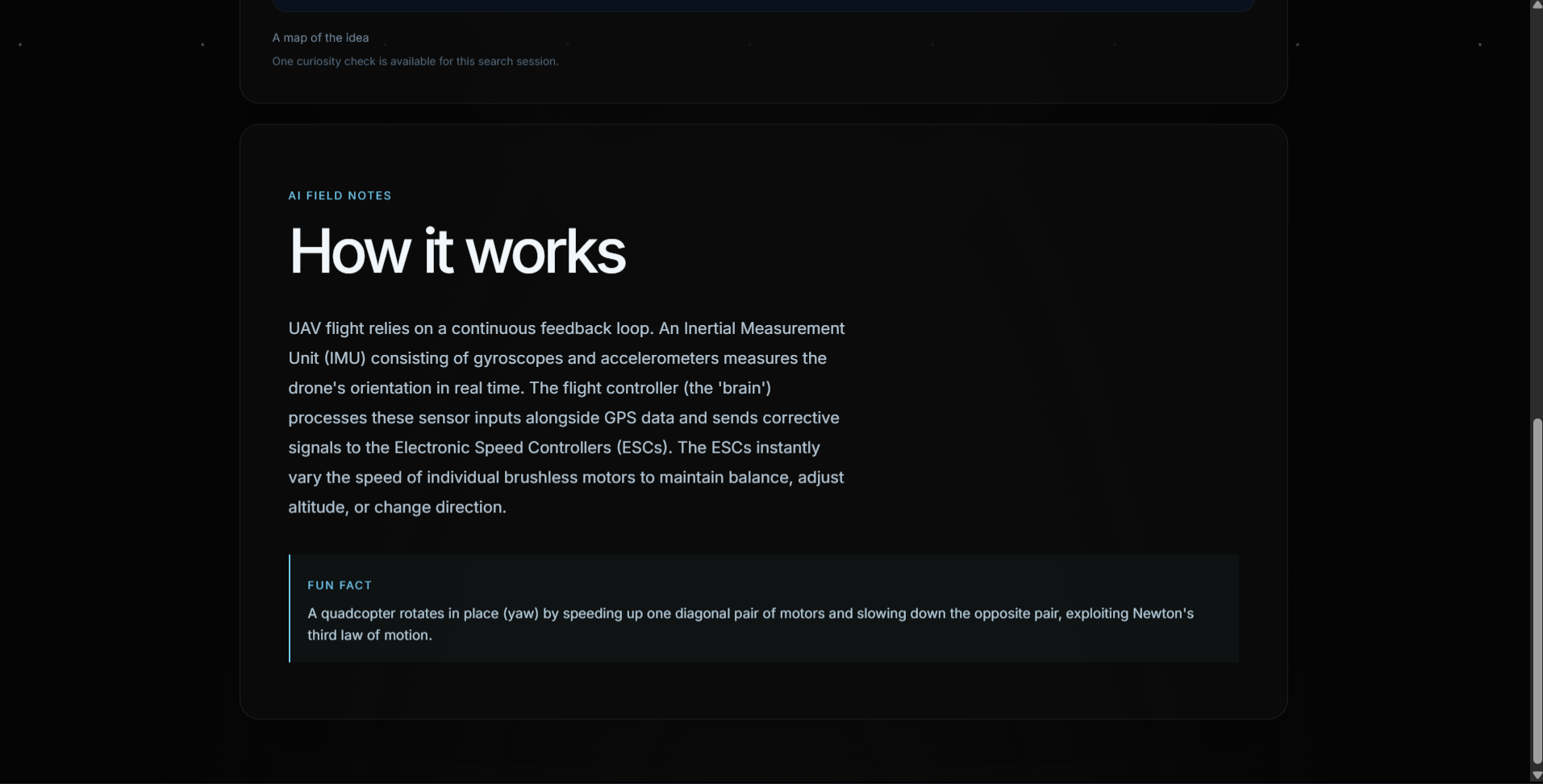
ai explanation
-
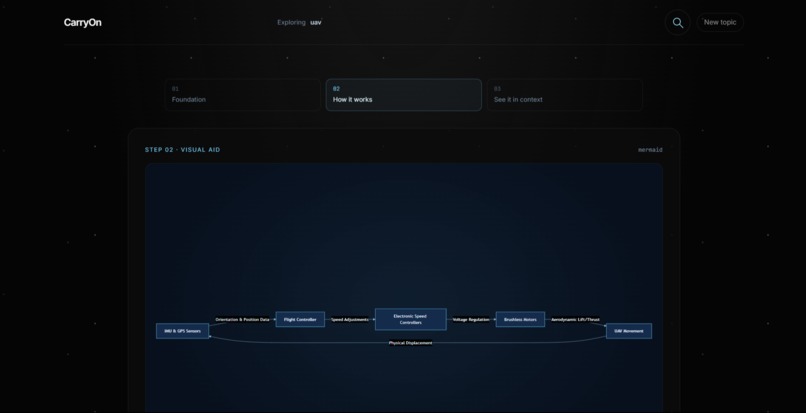
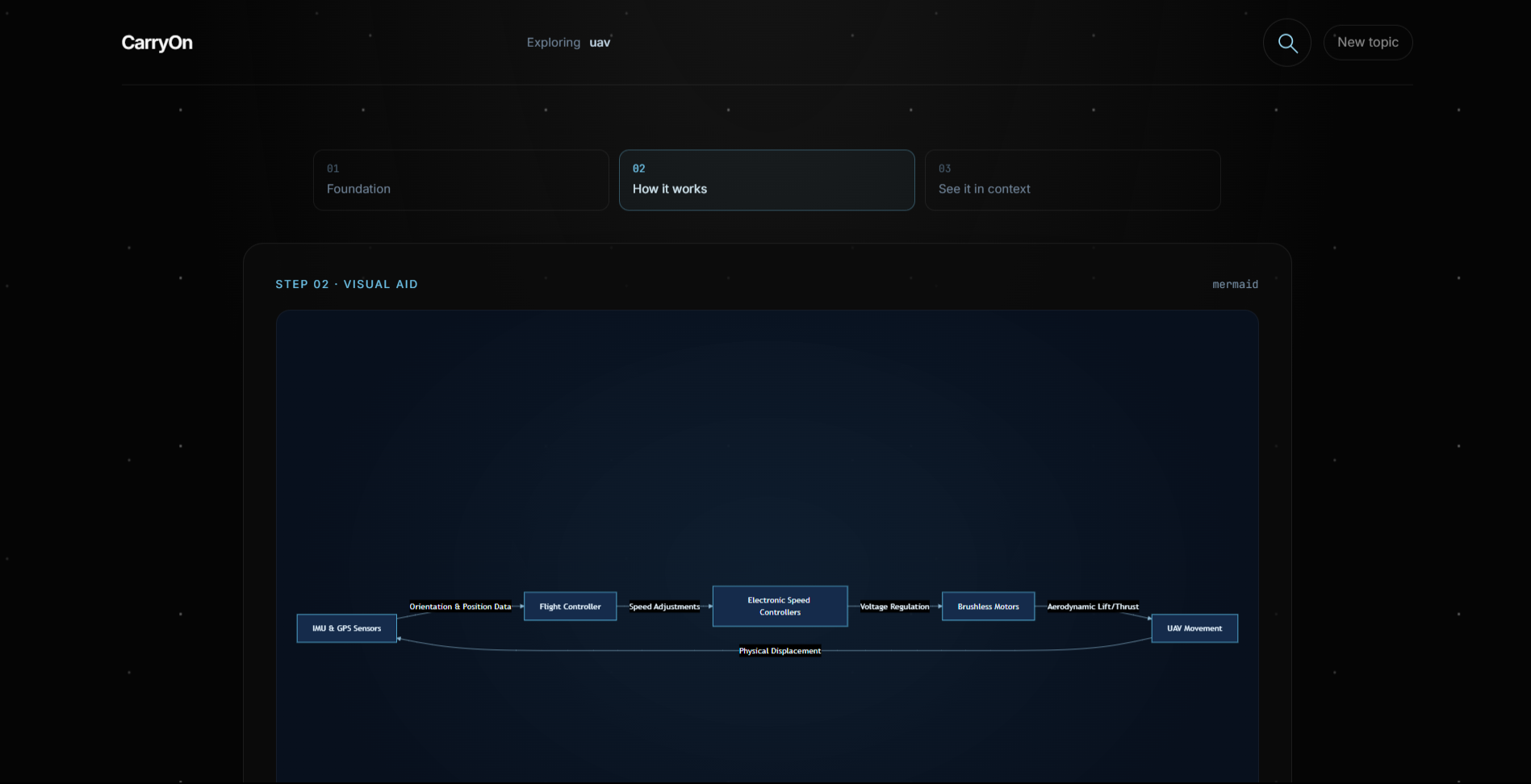
ai generated visualizer
-
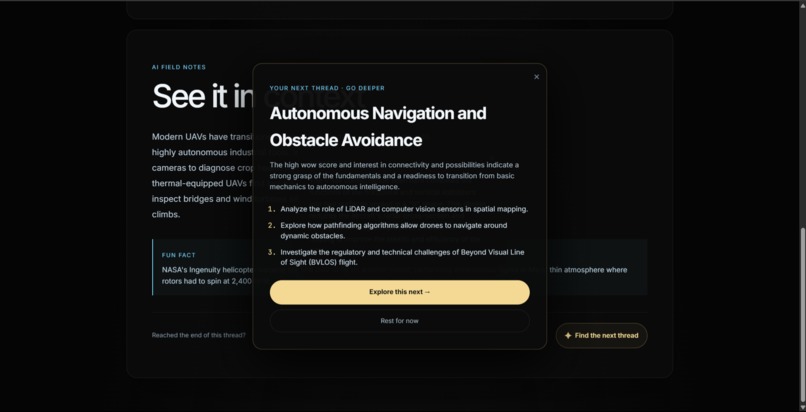
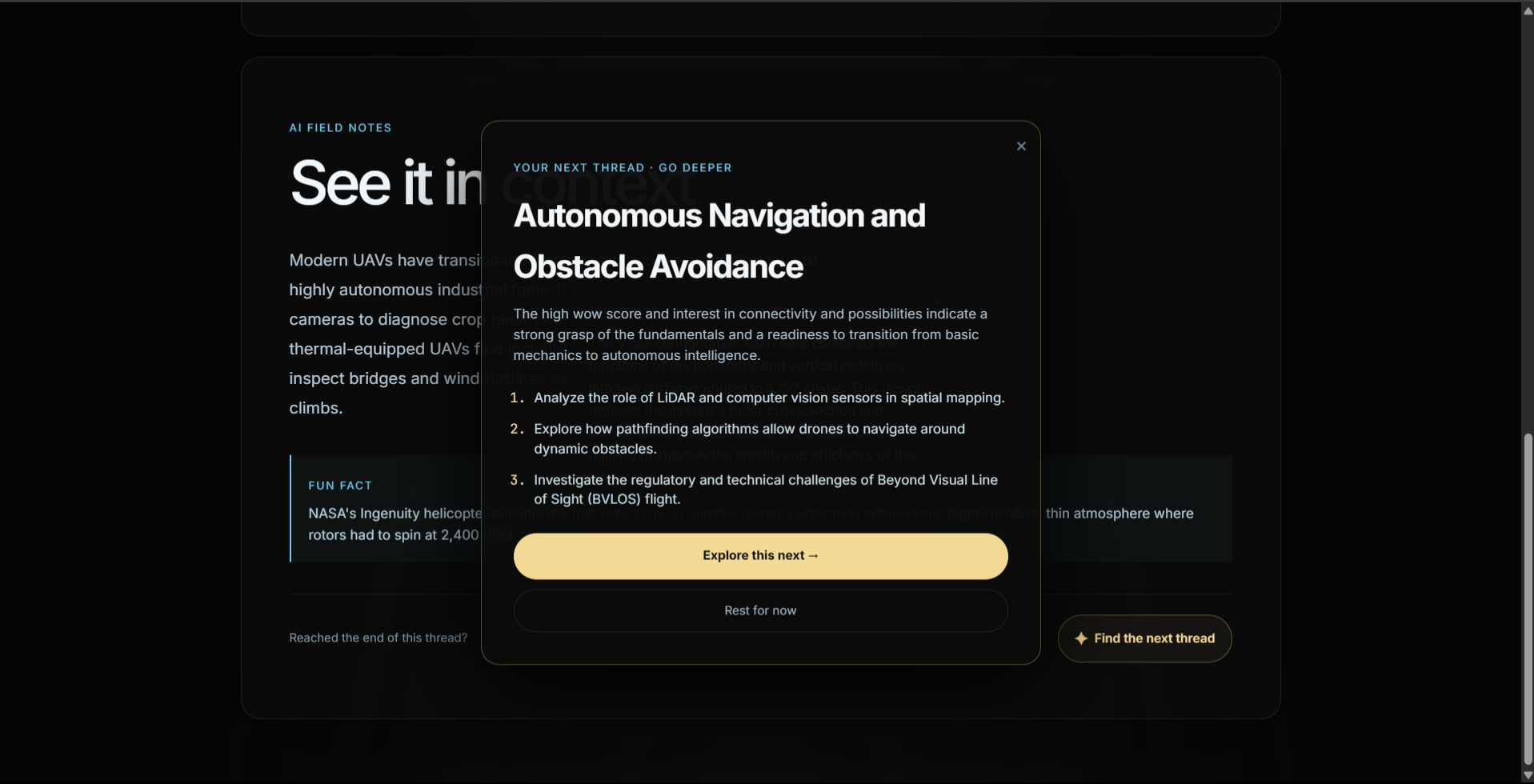
curated next learning path
-
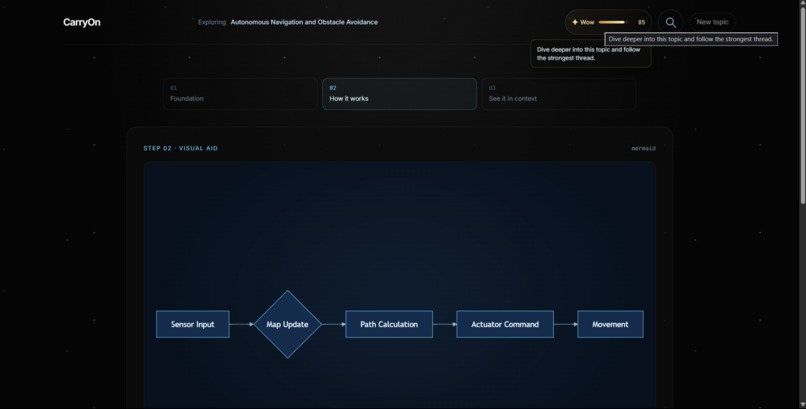
wow rating for guidance
-
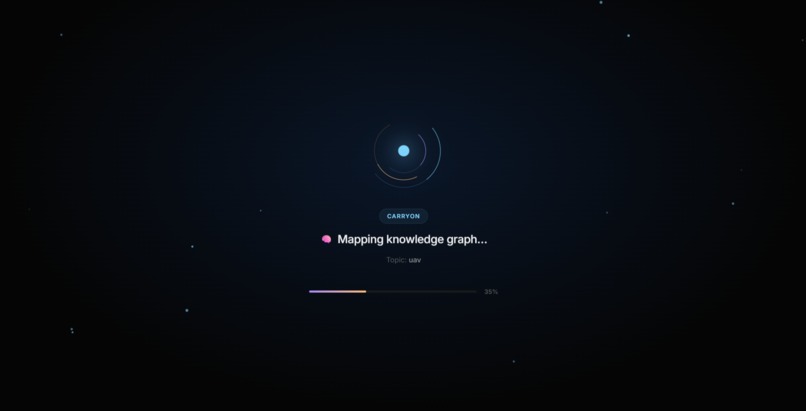
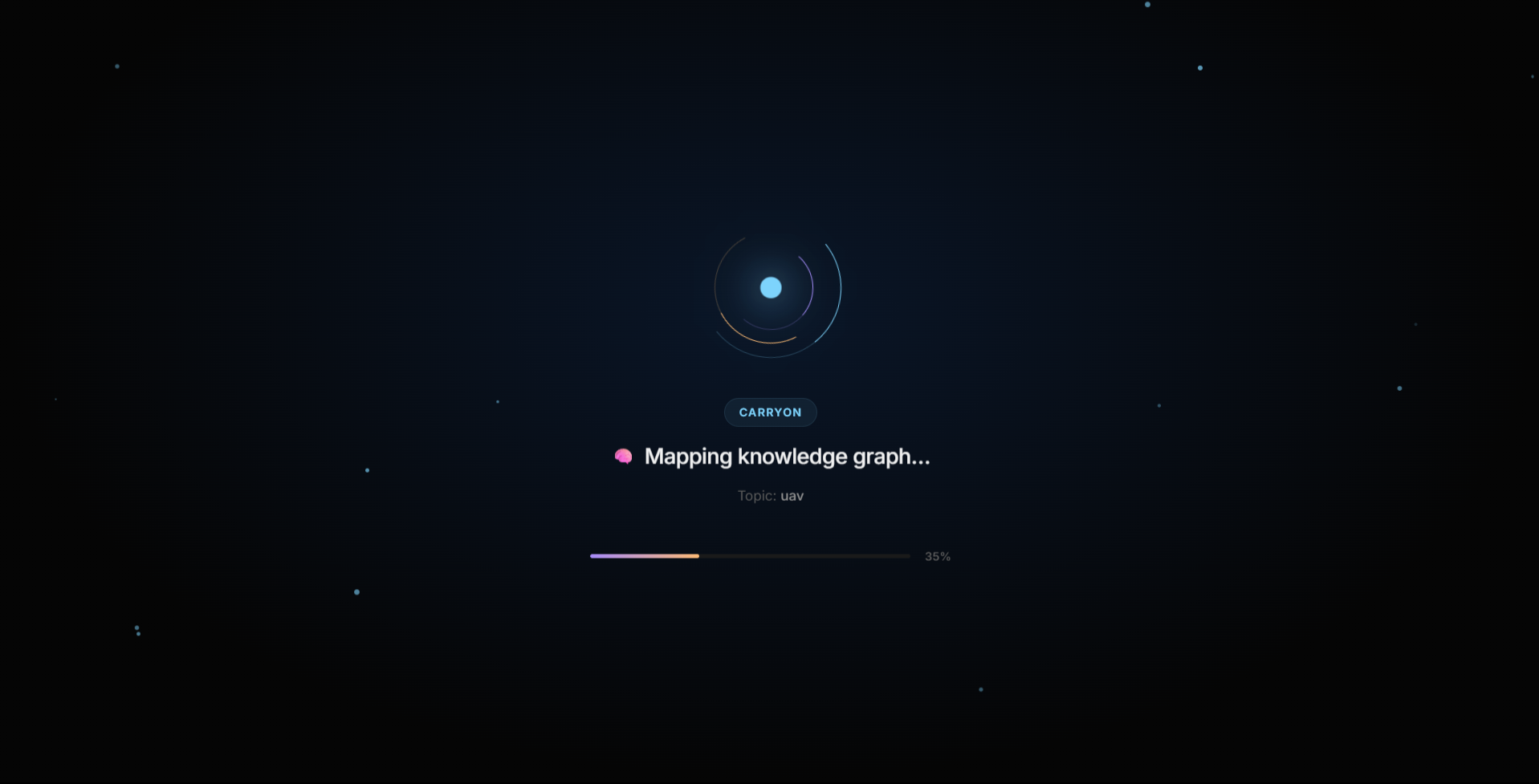
journey creation loading page
-
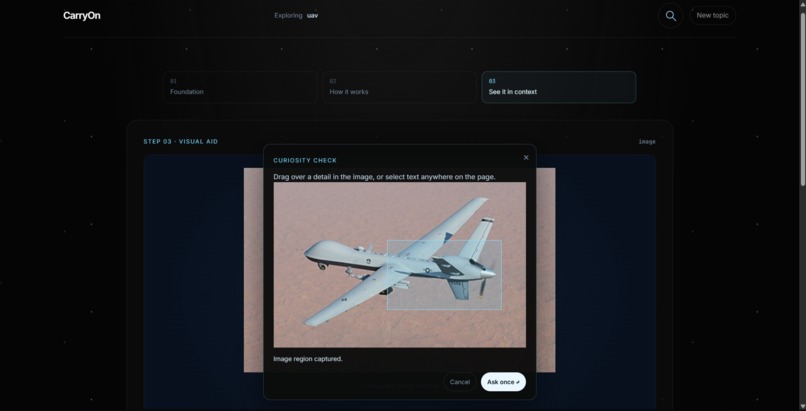
ai guided visual aid
-
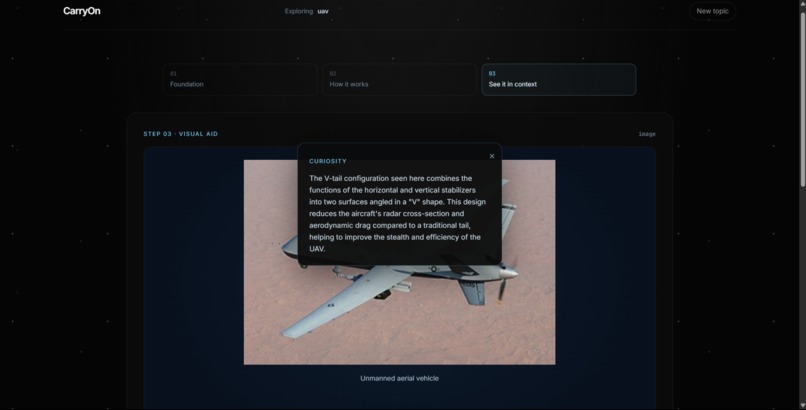
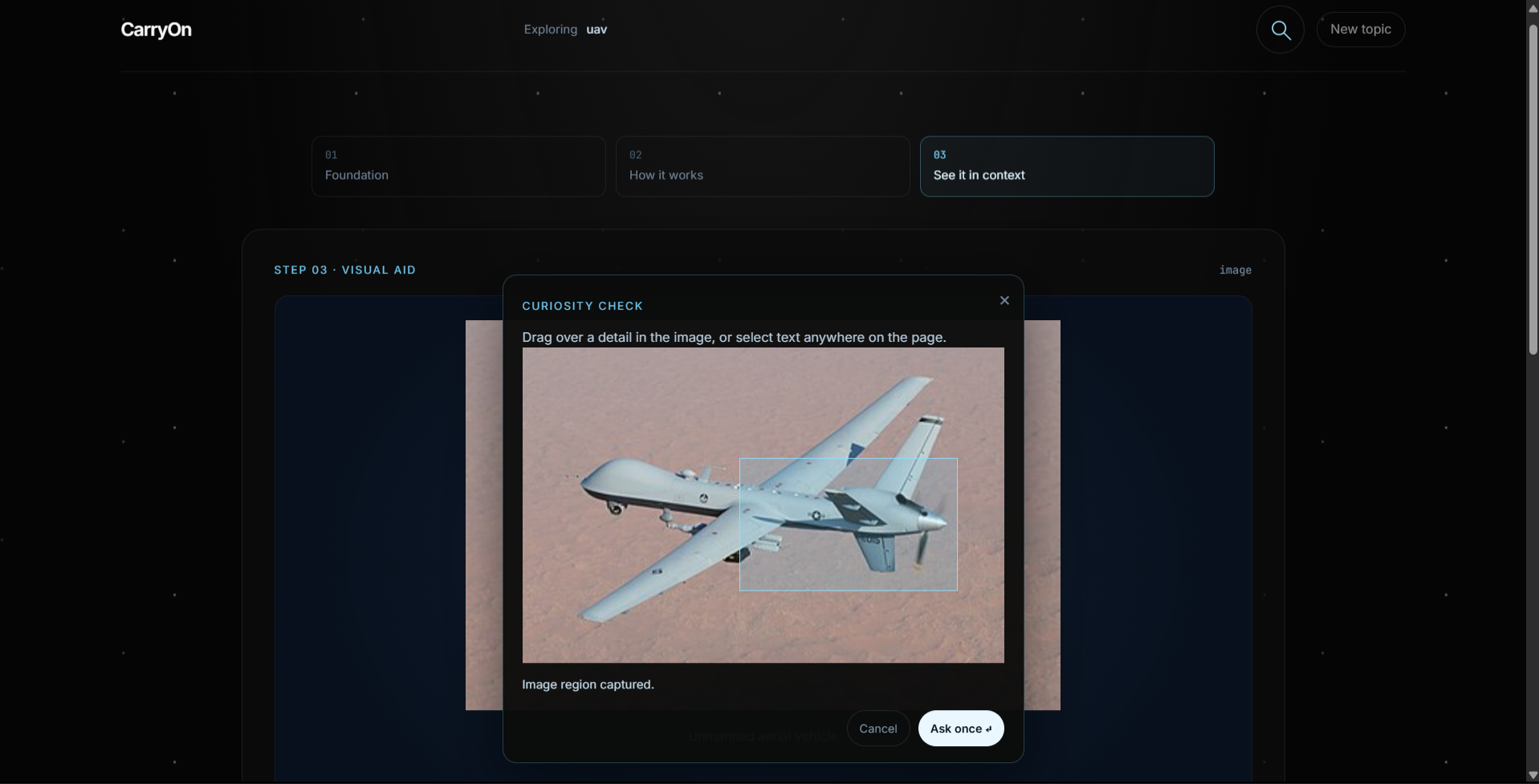
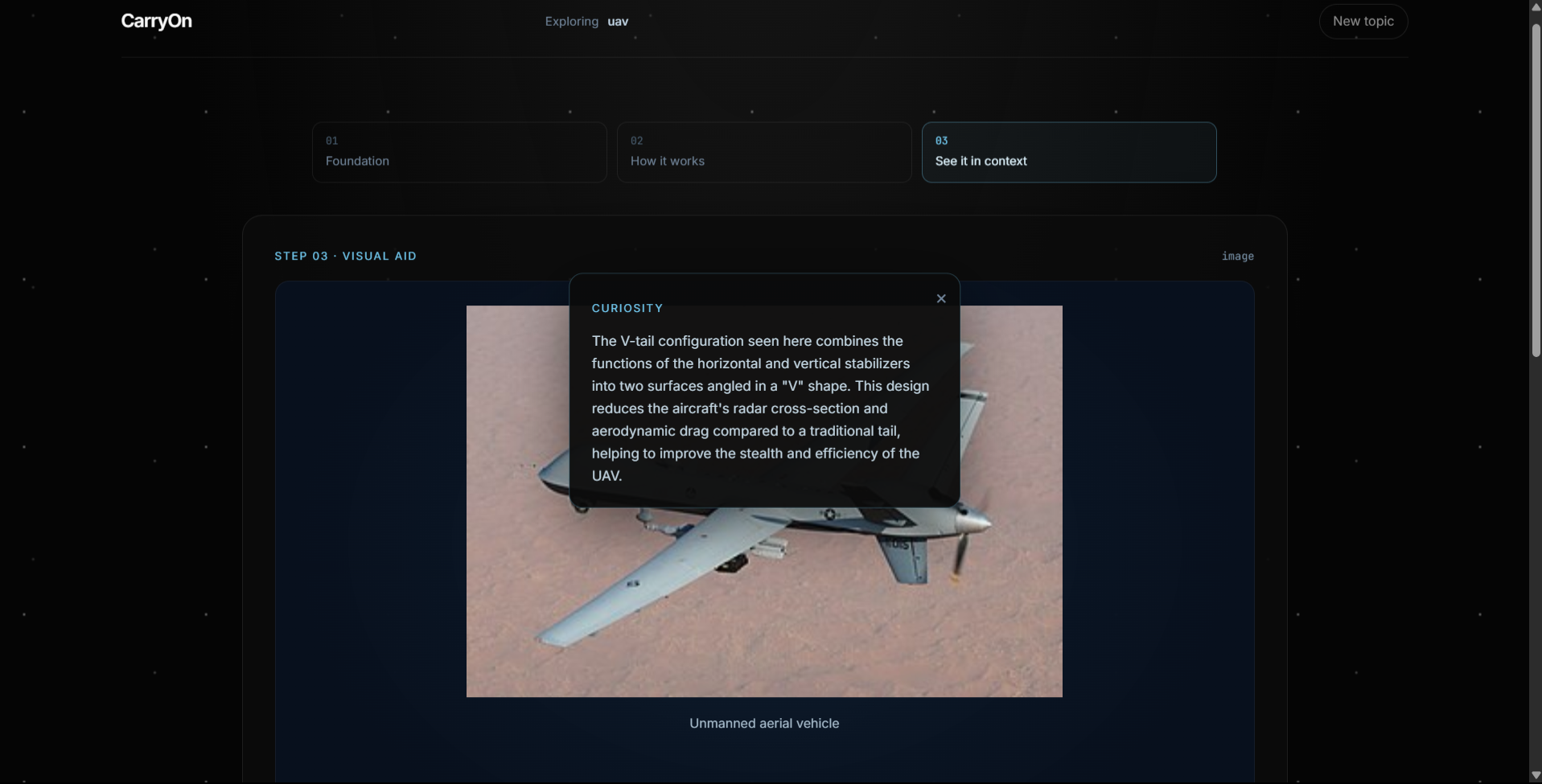
specific explanation of selected text
Inspiration
While learning subjects like Operating Systems and Compiler Design, we kept running into what we call the "rabbit hole" problem. Whenever we used AI or other learning tools to understand a concept, they mostly provided long blocks of text. Although the explanations were technically correct, they lacked interactive visualizations and failed to adapt to our naturally curiosity-driven way of learning.
For learners like us, who rely heavily on asking "why?" and "what happens next?", something always felt missing. We wanted a learning experience that didn't just answer a question but encouraged exploration while keeping curiosity alive.
What It Does
CarryOn is a simple idea with a powerful learning philosophy.
It begins with a basic question from the user, and from there our Curiosity Engine takes over. The system analyzes the topic and automatically selects the most suitable visual representation to explain it. It then breaks the learning journey into three progressive stages, allowing users to build their understanding step by step.
Instead of static diagrams, the platform provides interactive, real-time visual explanations that make abstract computer science concepts easier to understand. By combining animations, visual metaphors, and interactive elements, it creates an immersive learning experience rather than a passive reading session.
The highlight of the project is our home-grown Curiosity Engine. It models a learner's curiosity as a mathematical progression, predicting the most relevant concept to explore next. Rather than forcing users through a fixed learning path, it dynamically guides them toward concepts that naturally extend their understanding, ensuring their curiosity continues instead of fading away.
How We Built It
We primarily used OpenAI Codex to design the core architecture, overall philosophy, and the initial implementation of the web application. As development progressed and we reached usage limits, we integrated additional AI tools to accelerate development and complete the remaining features.
Our tech stack includes:
- React.js for the frontend
- Node.js + Express.js for the backend
- Supabase for authentication and user management
- AI APIs from multiple providers for content generation and intelligent explanations
- Vercel and Render for deployment and hosting
Challenges We Ran Into
The biggest challenge, honestly, was coming up with an original idea. The concept crystallized quite late in the hackathon, leaving us with very little time to design, build, test, and deploy the entire project.
Another major challenge was designing the user experience. Since our goal was to sustain curiosity, we had to carefully balance immersion with simplicity. We wanted the interface to feel engaging without overwhelming users with unnecessary visual clutter.
We also faced deployment challenges. As college students working with limited resources, choosing affordable and reliable hosting platforms while maintaining a live demo was difficult.
Another technical challenge was designing a visualization system that could explain complex concepts while remaining scalable and performant for future expansion.
Finally, much of the project was developed under limited AI token quotas and free API credits, which required us to carefully optimize prompts and development workflows.
Accomplishments That We're Proud Of
We're proud that we identified a practical approach to keeping learners engaged without relying on artificial attention-grabbing mechanisms such as endless scrolling or notifications.
We successfully transformed traditional text-based explanations into interactive visual learning experiences that make complex concepts significantly easier to understand.
One feature we're especially proud of is the ability for users to highlight any word or phrase they don't understand and instantly receive a deeper, context-aware explanation without interrupting their learning flow.
Most importantly, we're proud that we designed and built the entire project within a very short hackathon timeline.
What We Learned
Throughout this project, we gained hands-on experience with technologies such as:
- Supabase
- Vercel
- Render
We also learned about:
- Deployment pipelines and DevOps fundamentals
- The practical limitations of AI APIs and token budgets
- Different techniques for rendering interactive graphics and visualizations on the web
- Designing scalable user experiences for AI-powered educational platforms
What's Next for CarryOn
Our vision for CarryOn extends well beyond this hackathon.
Future improvements include:
- More AI-powered interactive visualizations
- Richer explanations using higher-capacity AI models
- Advanced zooming and concept exploration features
- Increasing curiosity search depth as API capacity grows
- Interactive simulators for subjects like Operating Systems, Networking, Compiler Design, and Data Structures
- Personalized learning paths powered by user interaction history
Where We Used Codex
OpenAI Codex played a significant role in accelerating development. It helped us with:
- Designing the overall software architecture
- Building the initial React application
- Integrating Supabase authentication
- Developing the Curiosity Engine and user journey logic
- Structuring backend APIs and project architecture
- Rapid prototyping and debugging during development
Built With
- codex
- express.js
- git
- node.js
- react
- render
- supabase
- vercel
- vite

Log in or sign up for Devpost to join the conversation.