-
-
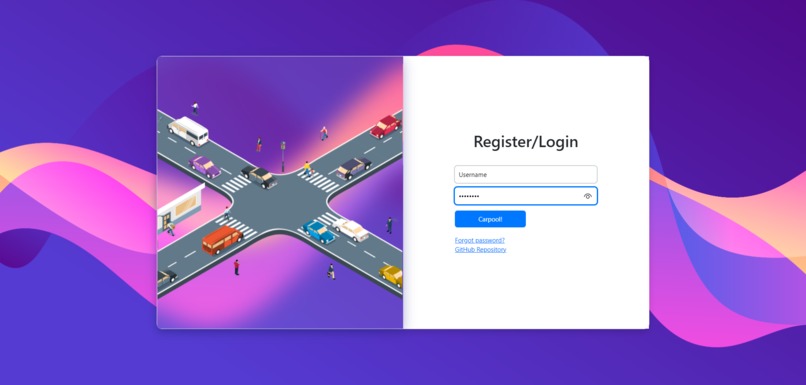
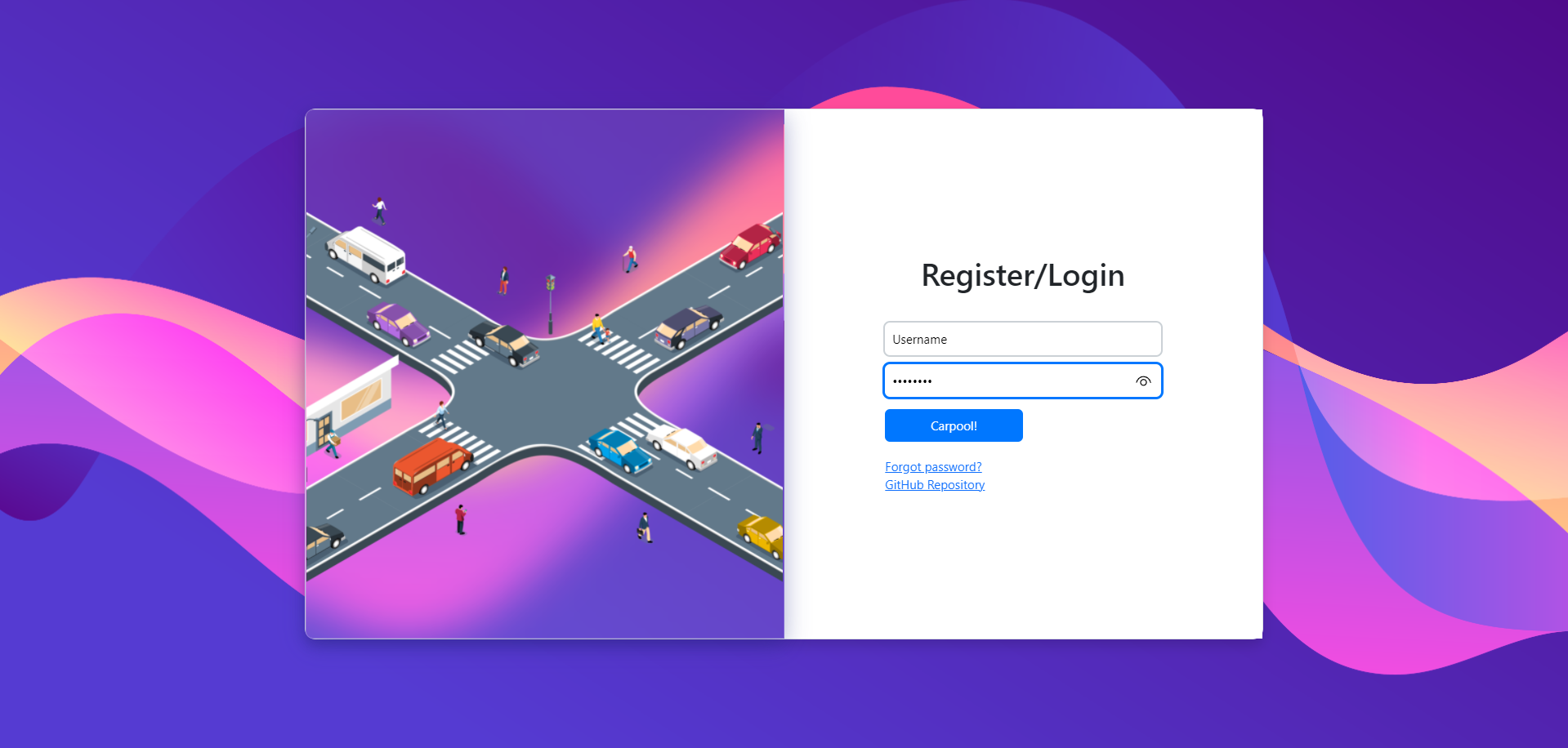
Homepage
-
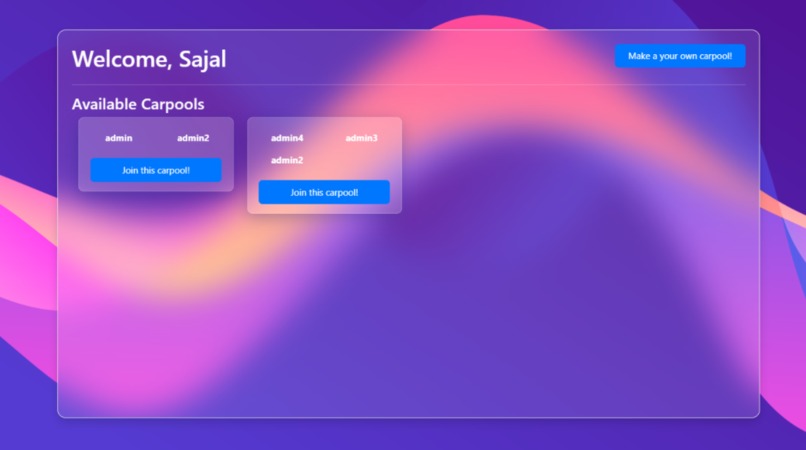
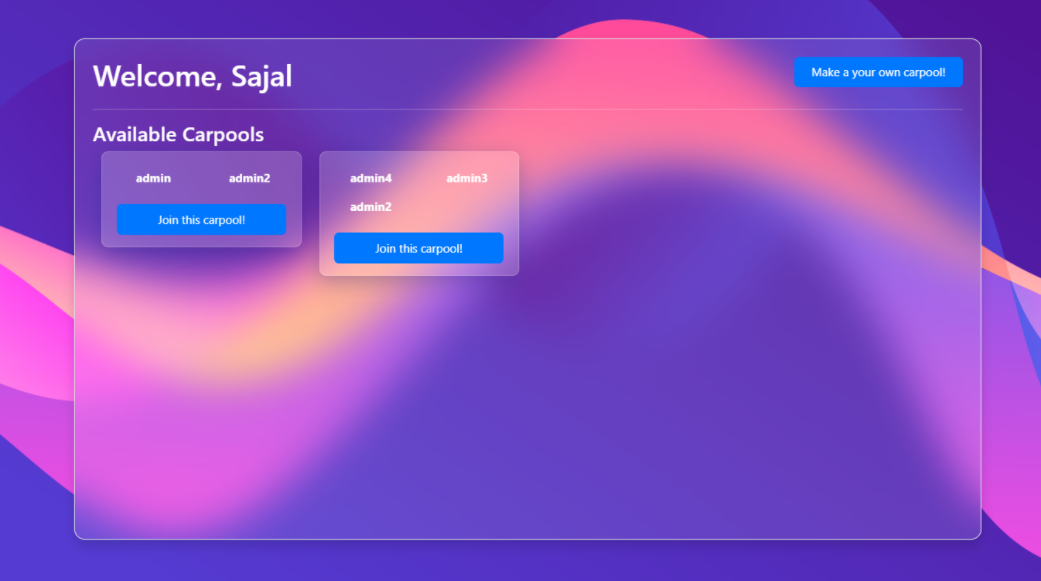
Browse available carpools
-
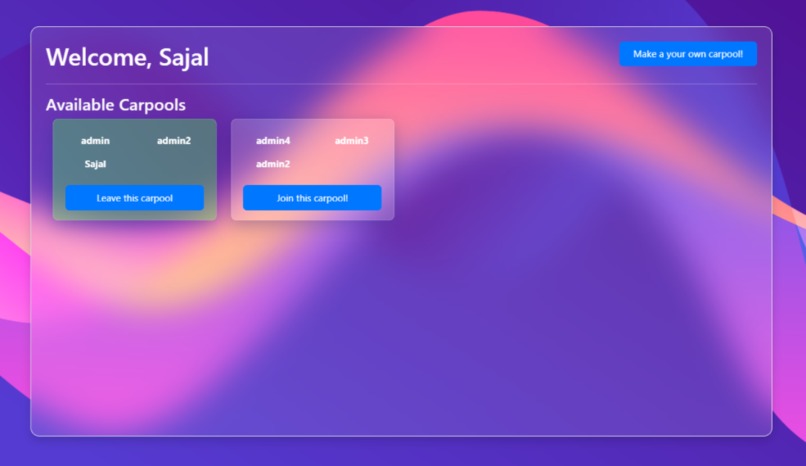
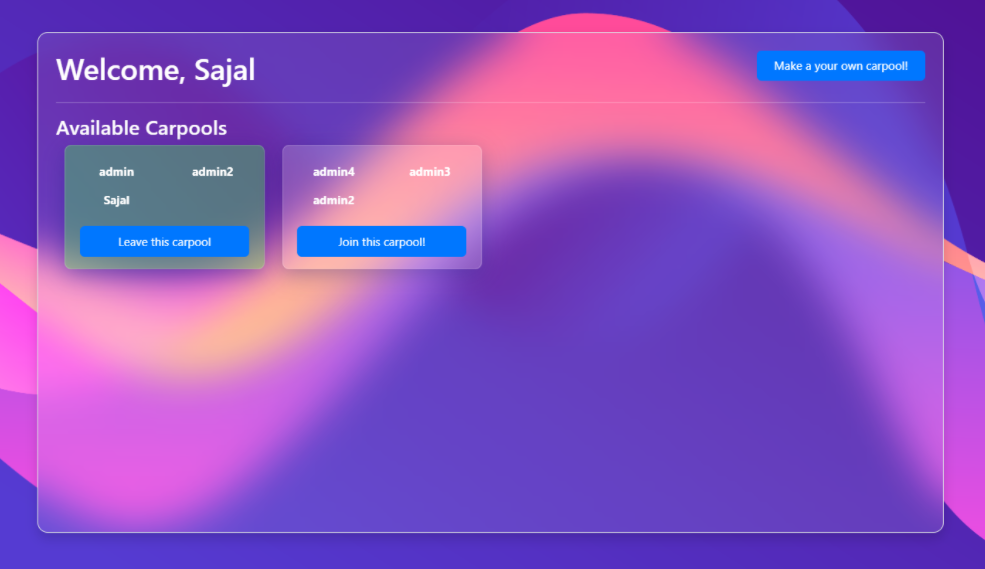
Join or leave a carpool
-
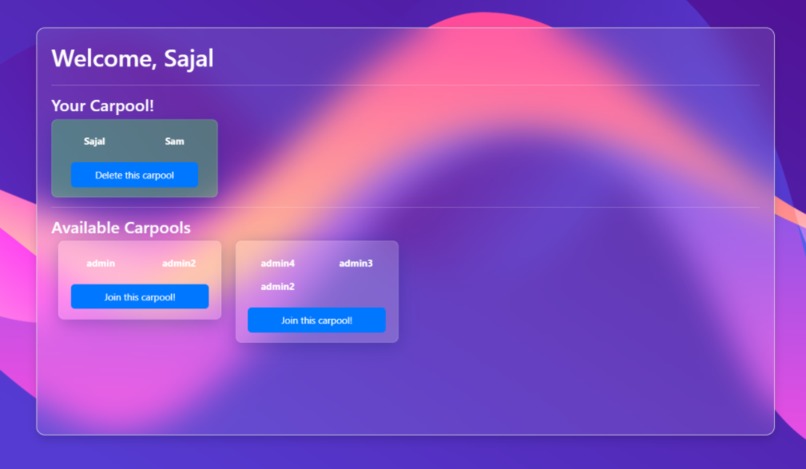
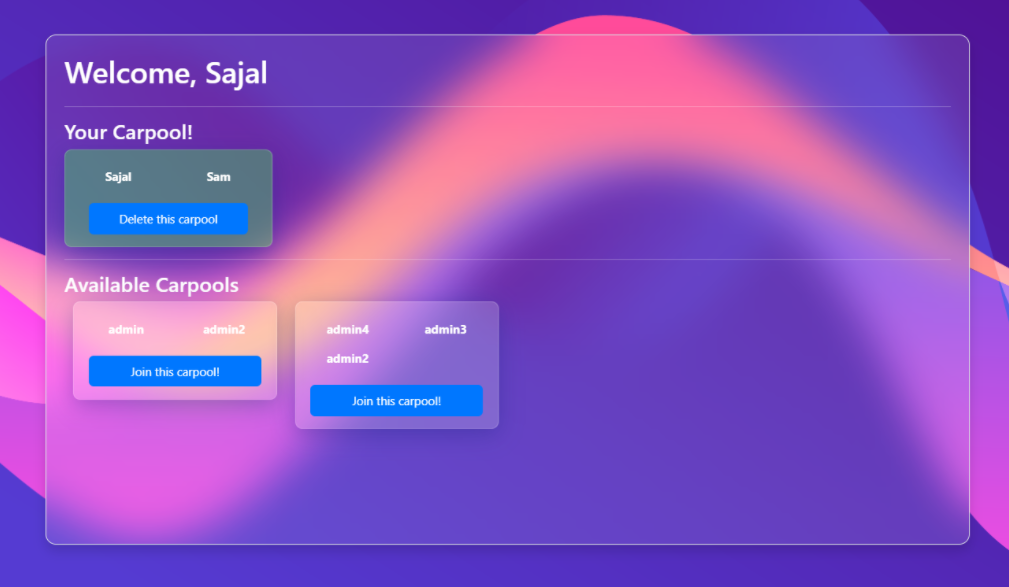
Make your own carpool!
🚗 Carpooled - Carpooling. Made Easy.
Carpooled is an open-source app by which everyone can share their car journey so that more than one person travels in a car, and prevents the need for others to have to drive to a location themselves. By having more people using one vehicle, carpooling reduces each person's travel costs such as: fuel costs, tolls, and the stress of driving. It is a full stack application, users can register, login, make their own carpool, join other's carpool and many more! Carpooled is live and hosted with REPL - https://carpooled.guptasajal411.repl.co/
Inspiration
We all know that carpooling can save fuel and reduce greenhouse gas emmisions. But it is always difficult to find a buddy specially if you are short on time. So I thought about making an application where all carpools will be listed and users can browse them, join one or even create their own carpool!
Features
New users can register for Carpooled
Allows users to login and logout
Allows users to browse carpools created by others
Users can make their own carpool
Users can join other's carpool, check out the members
Users can also leave the carpool
Users can delete their own carpool if they have to
Minimal, glassmorphism UI
Technologies used
- Frontend: Basic HTML, CSS & JavaScript. I also used Bootstrap for keeping the app simple and responsive.
- Backend: Node.js & Express.js for creating new routes, handling GET and POST requests, and performing CRUD operations on databases.
- Database: I have used MongoDB Atlas for remote database, and Mongoose for modelling the application data.
- Preview on REPL! - https://carpooled.guptasajal411.repl.co
How to use this?
- You can access all cool features of Carpooled here: https://carpooled.guptasajal411.repl.co/
- For running the app locally on your system, follow these steps:
- Clone the project repository:
git clone https://github.com/guptasajal411/carpooled.git - Move to the project directory:
cd carpooled - Install dependencies for Carpooled with NPM:
npm install - Create a new
.envfile in the project root folder for credentials to the MongoDB Atlas database, with variables:usernameMongoDB&password - Run
npm startto kickstart the application - Go to
localhost:3000to access Carpooled!
- Clone the project repository:

Log in or sign up for Devpost to join the conversation.