-
-

Carpooled - Carpooling. Made Easy.
-
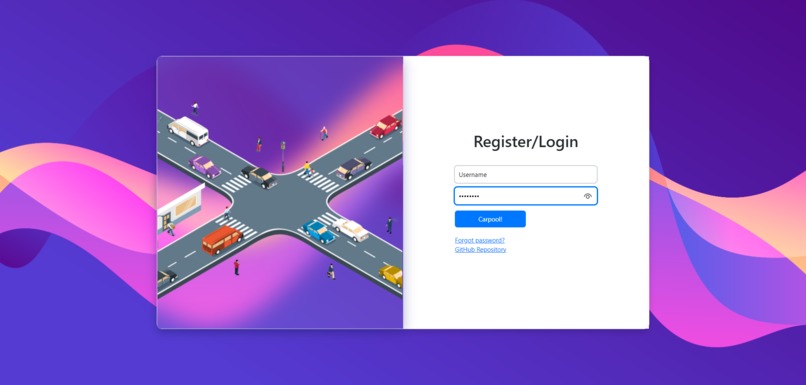
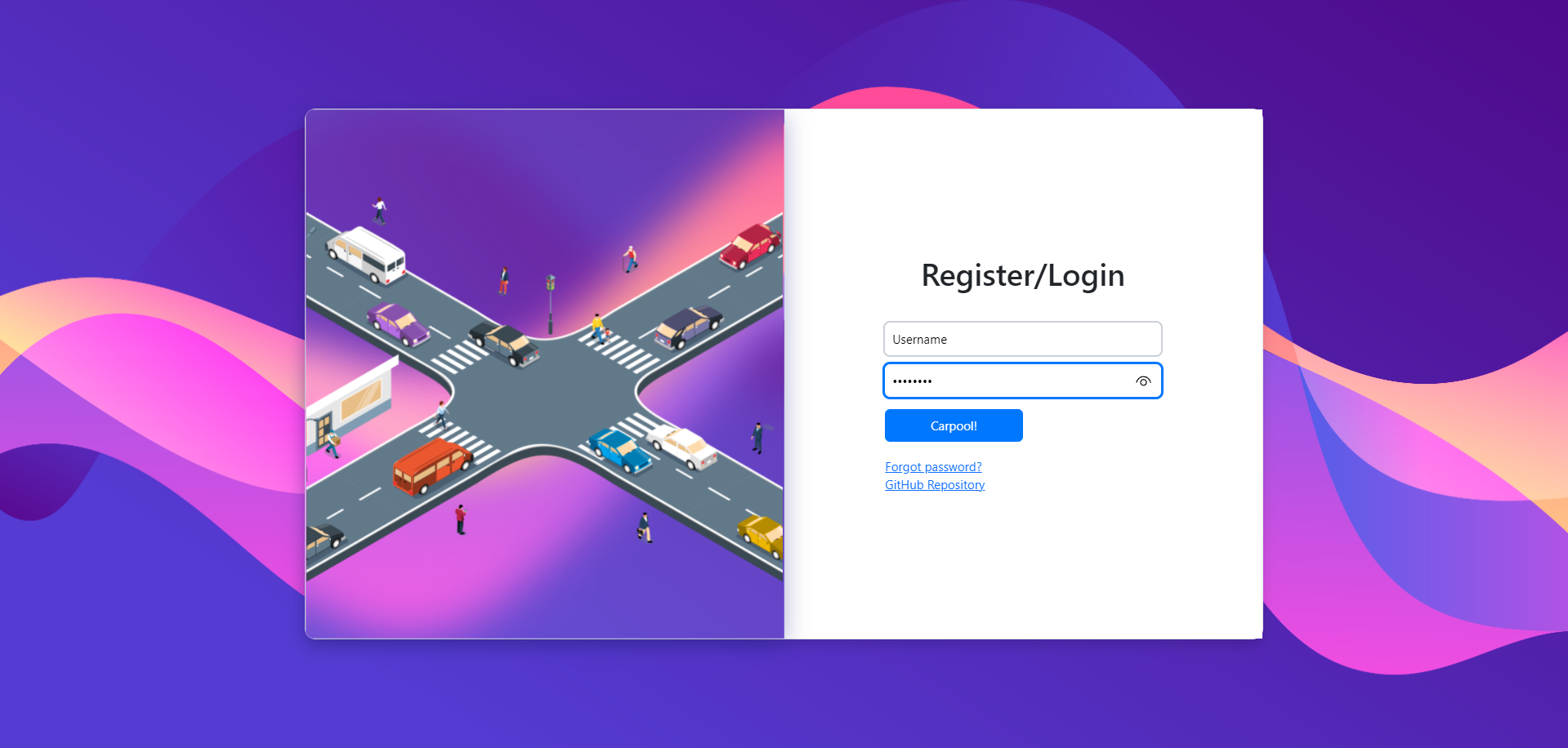
Homepage
-
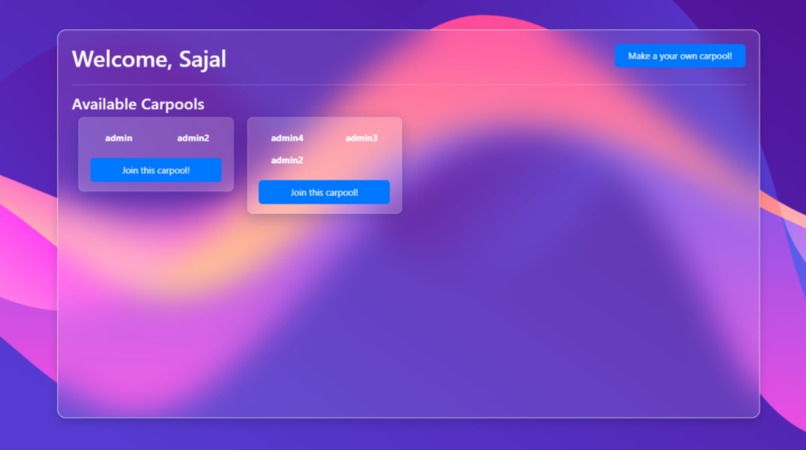
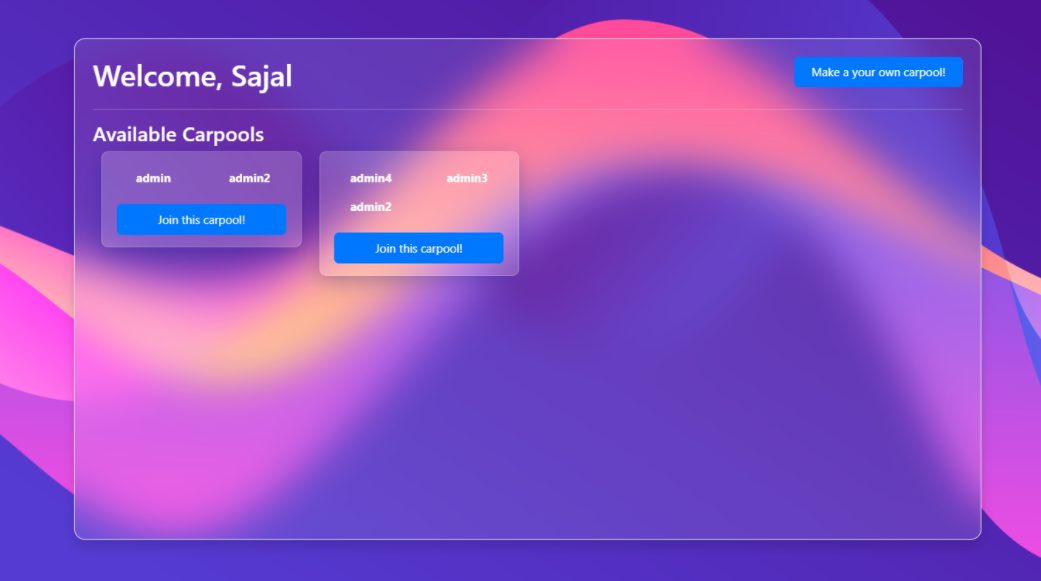
Browse Carpools
-
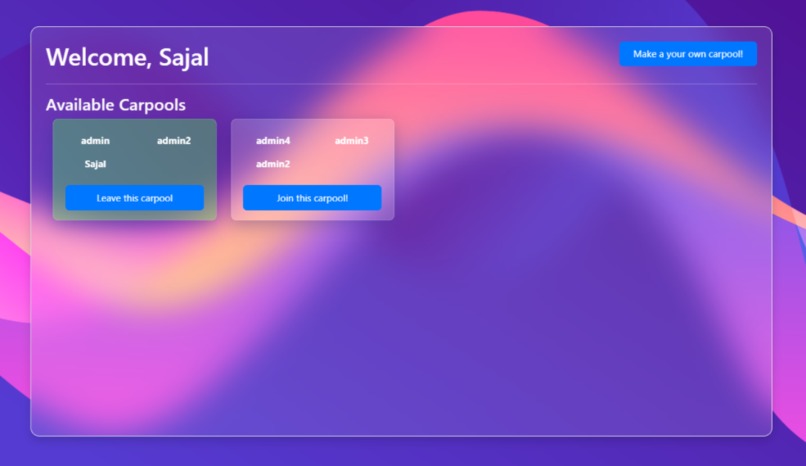
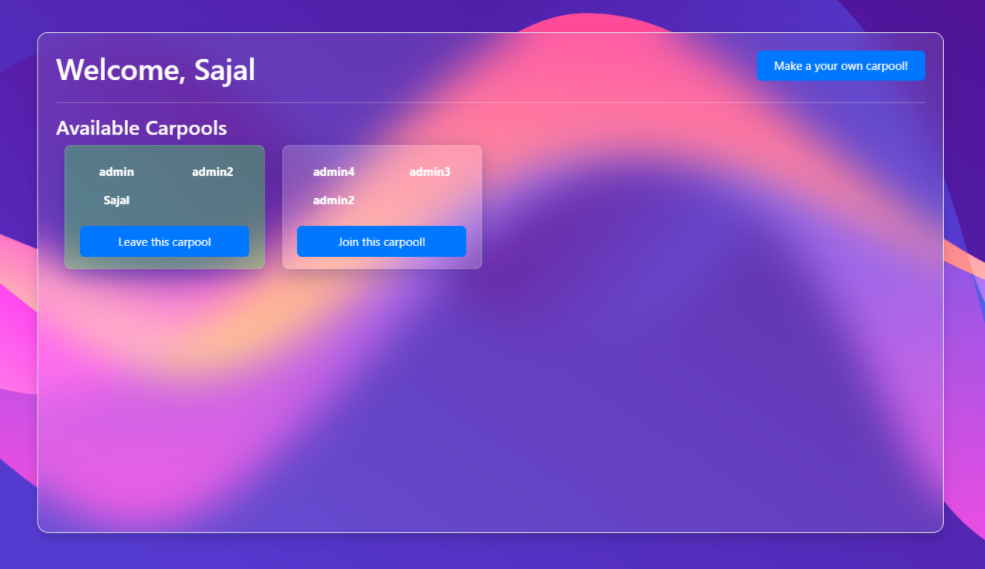
Join & Leave Carpools
-
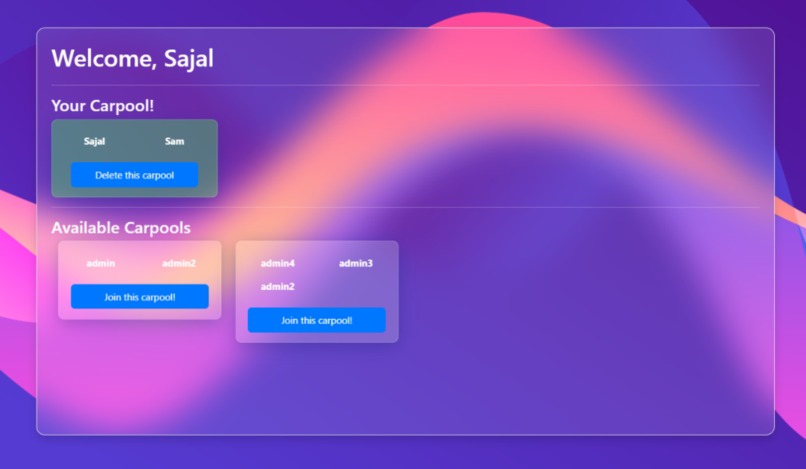
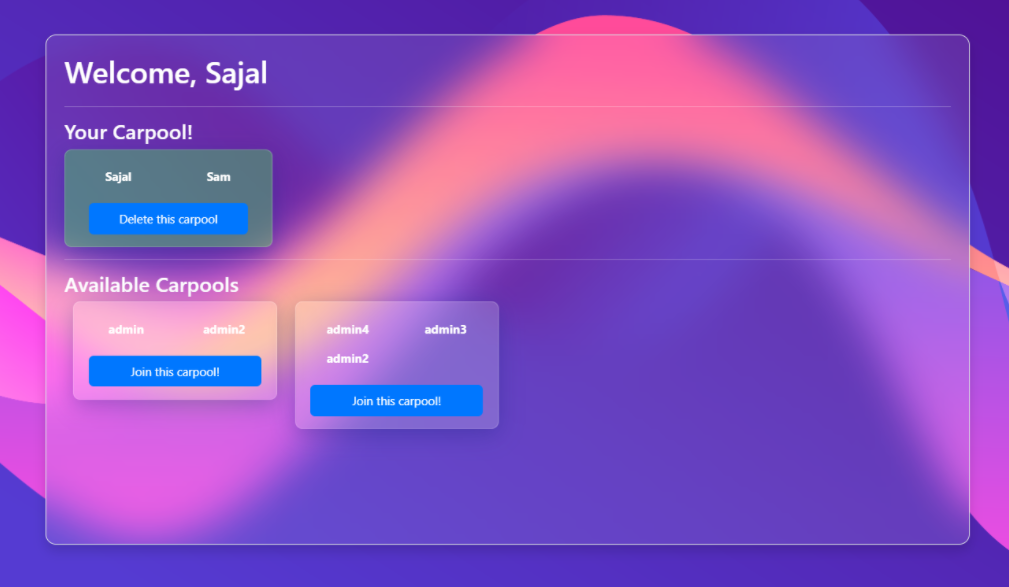
Create you own carpool & delete them

🚗 Carpooled - Carpooling. Made Easy.
![logo])(https://user-images.githubusercontent.com/70312106/139562288-65207c92-5a72-4d33-bd68-9ec8cbfff1a3.png)
Carpooled is an open-source app by which everyone can share their car journey so that more than one person travels in a car, and prevents the need for others to have to drive to a location themselves. By having more people using one vehicle, carpooling reduces each person's travel costs such as: fuel costs, tolls, and the stress of driving.
It is a full stack application, users can register, login, make their own carpool, join other's carpool and many more!
Carpooled is live and hosted with REPL - https://carpooled.guptasajal411.repl.co/
📷 Screenshots
Homepage
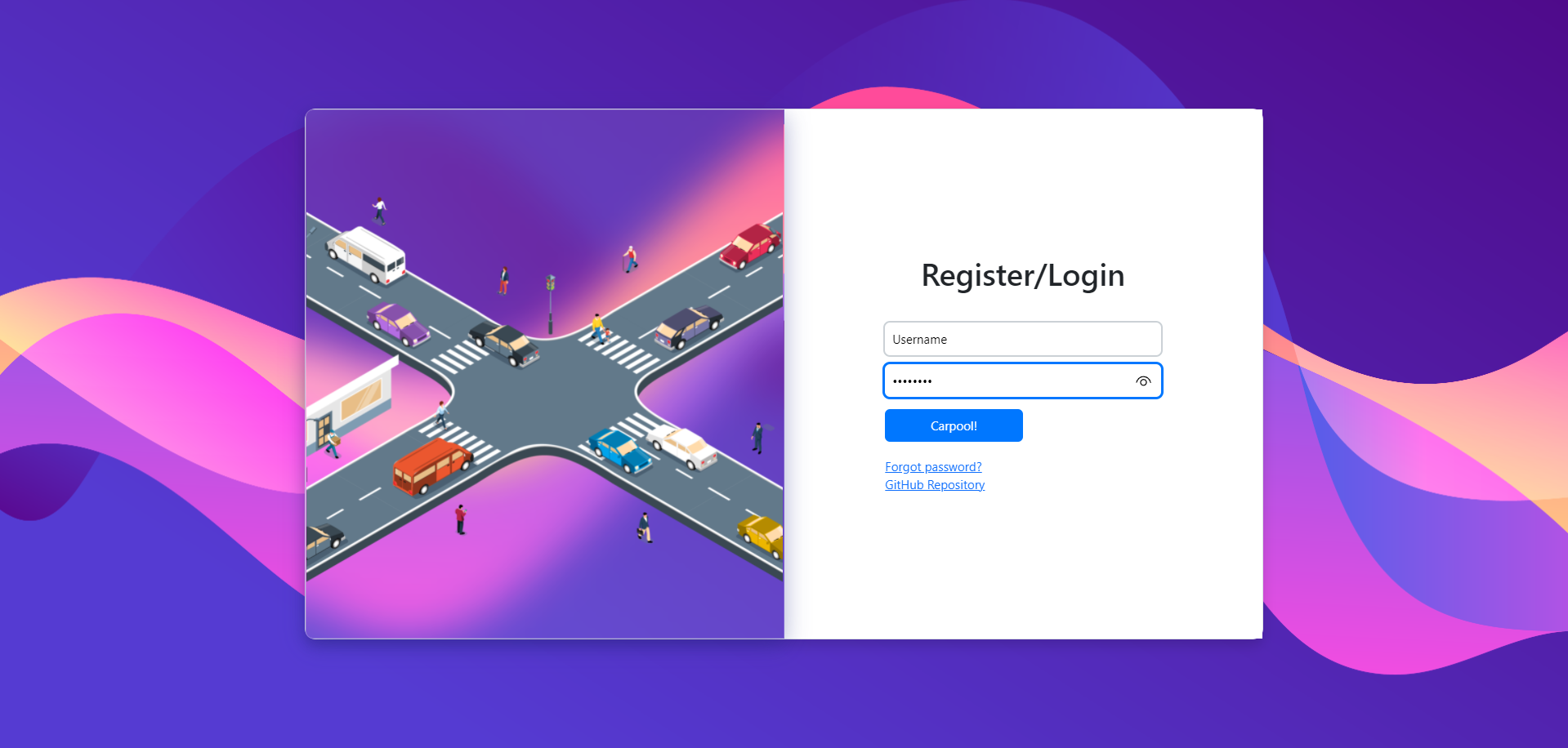
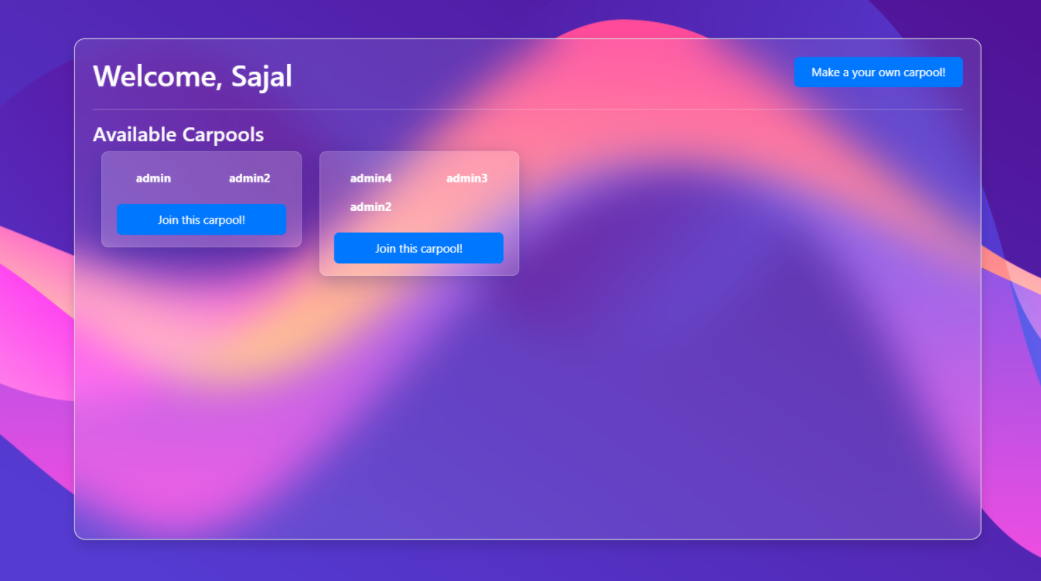
Browse Carpools
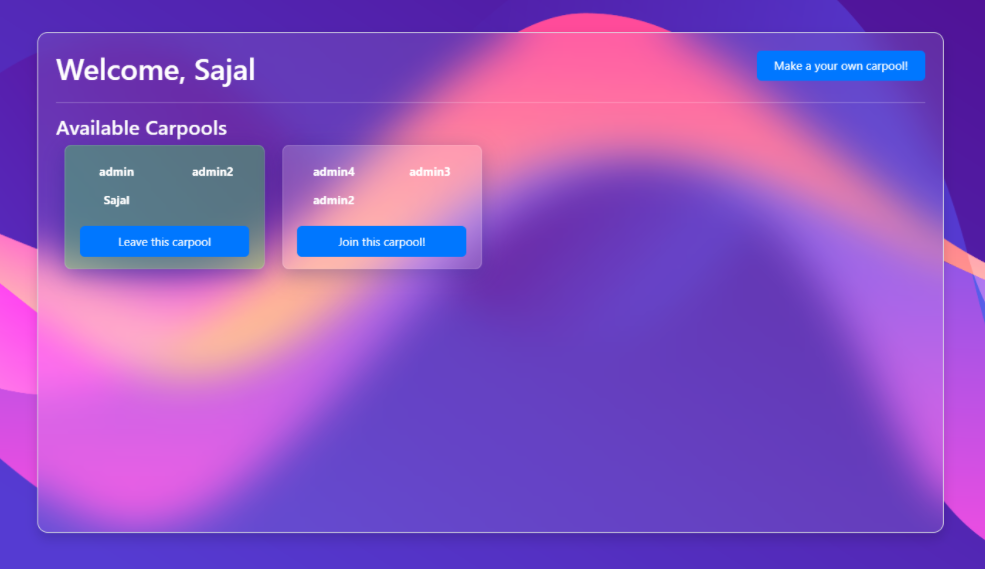
Join Carpools
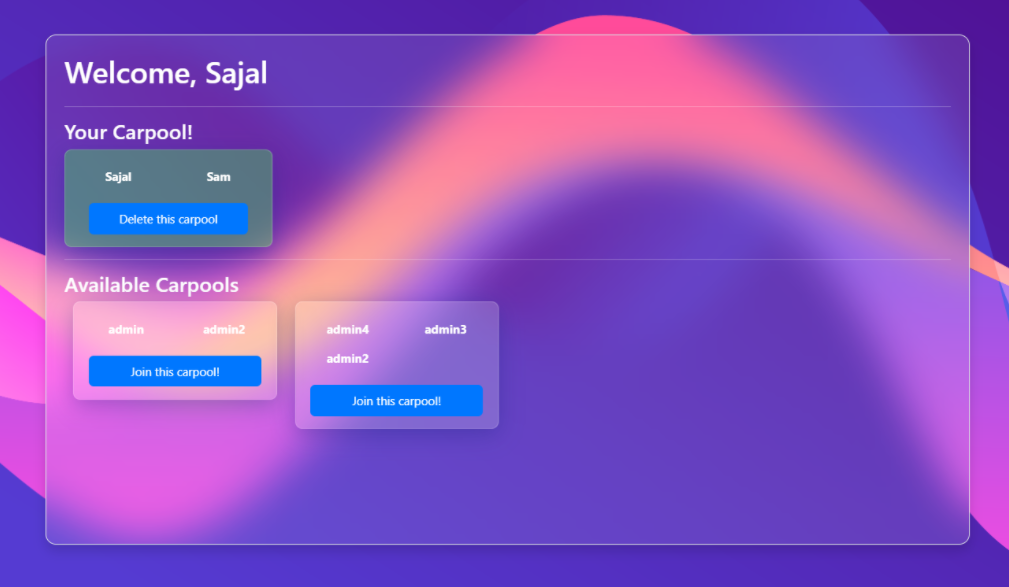
Create your own carpool!
💡 Inspiration
We all know that carpooling can save fuel and reduce greenhouse gas emmisions. But it is always difficult to find a buddy specially if you are short on time. So I thought about making an application where all carpools will be listed and users can browse them, join one or even create their own carpool!
🥳 Features
✅ New users can register for Carpooled
✅ Allows users to login and logout
✅ Allows users to browse carpools created by others
✅ Users can make their own carpool
✅ users can join other's carpool, check out the members
✅ Users can also leave the carpool
✅ Users can delete their own carpool if they have to
✅ Minimal, glassmorphism UI
🧐 Technologies used
- Frontend: Basic HTML, CSS & JavaScript. I also used Bootstrap for keeping the app simple and responsive.
- Backend: Node.js & Express.js for creating new routes, handling GET and POST requests, and performing CRUD operations on databases.
- Database: I have used MongoDB Atlas for remote database, and Mongoose for modelling the application data.
- Preview on REPL! - https://carpooled.guptasajal411.repl.co
🤔 How to use this?
- You can access all cool features of Bookshelfly here: https://carpooled.guptasajal411.repl.co/
- For running the app locally on your system, follow these steps:
- Clone the project repository:
git clone https://github.com/guptasajal411/carpooled.git - Move to the project directory:
cd carpooled - Install dependencies for Bookshelfly with NPM:
npm install - Create a new
.envfile in the project root folder for credentials to the MongoDB Atlas database, with variables:usernameMongoDB&password - Run
npm startto kickstart the application - Go to
localhost:3000to access Carpooled! 🥳
- Clone the project repository:


Log in or sign up for Devpost to join the conversation.