-
-
Your family wants to stay at home
-
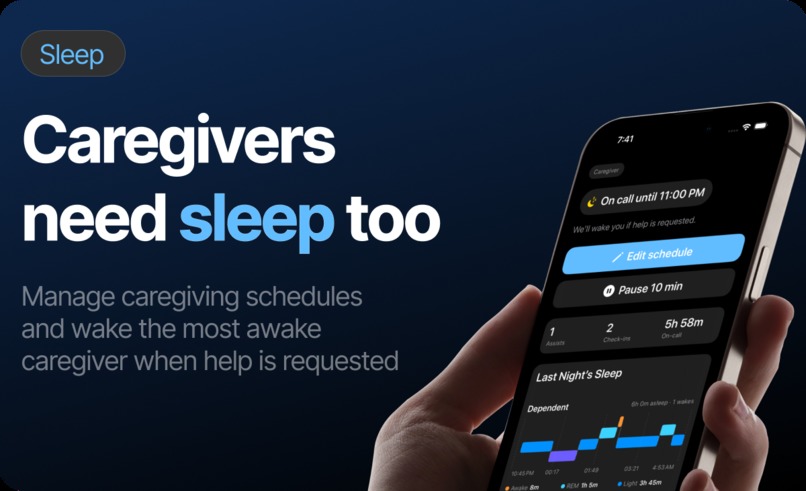
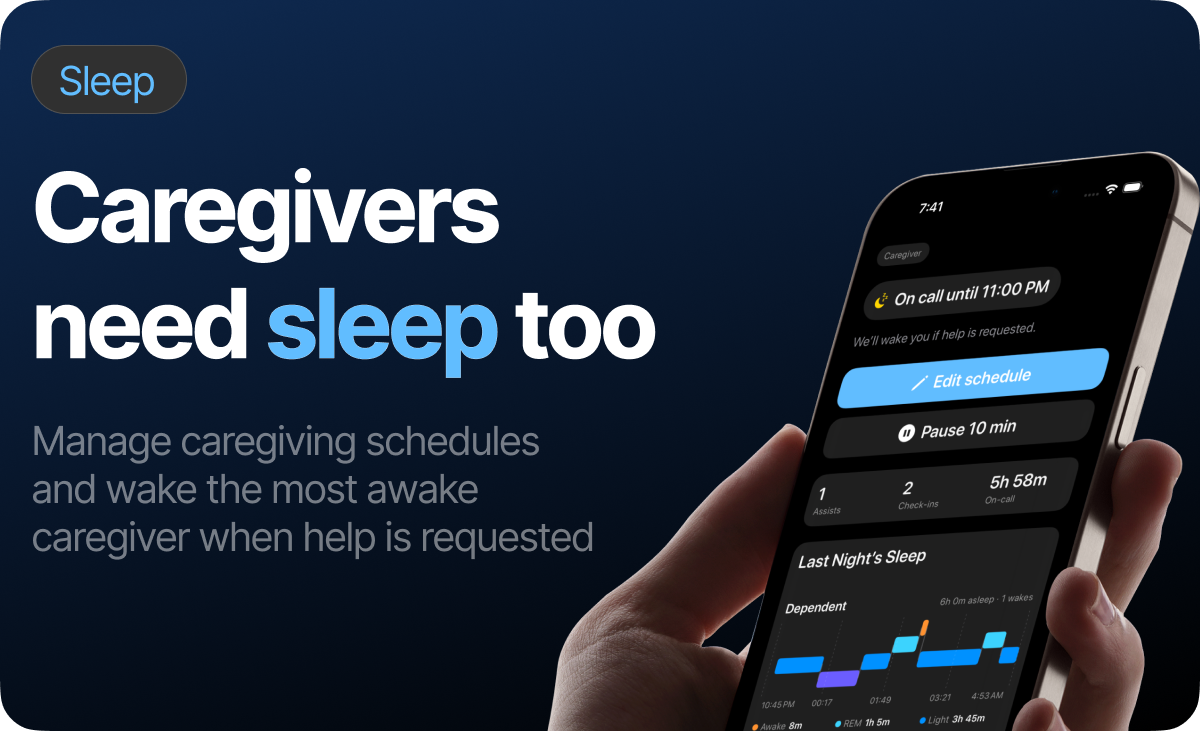
Caregivers need sleep too
-
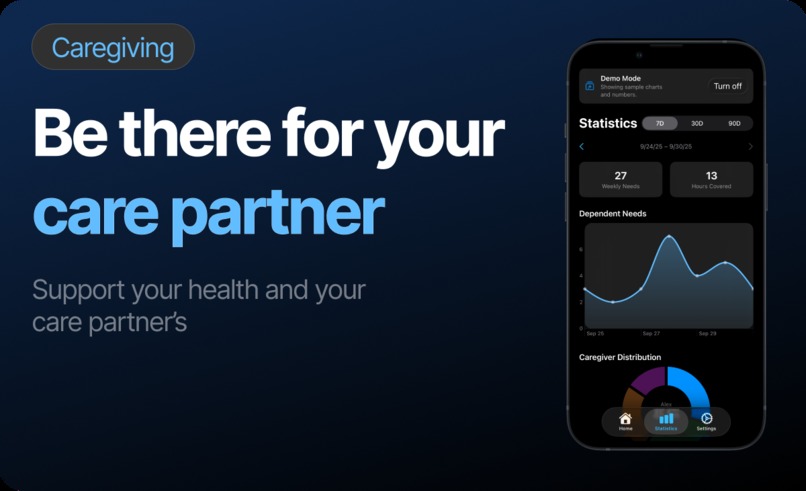
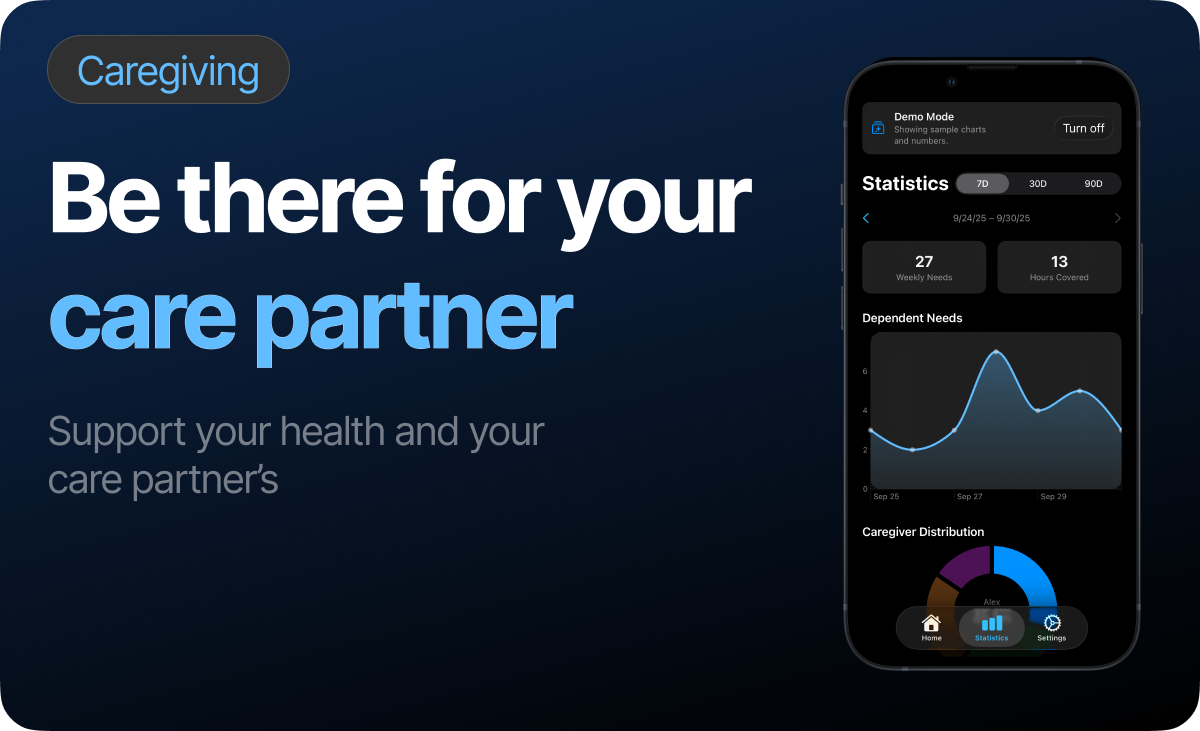
Be there for your care partner
-
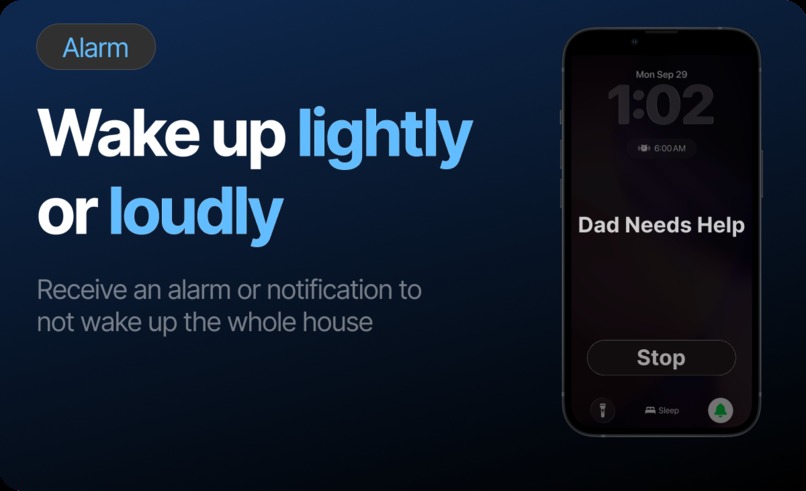
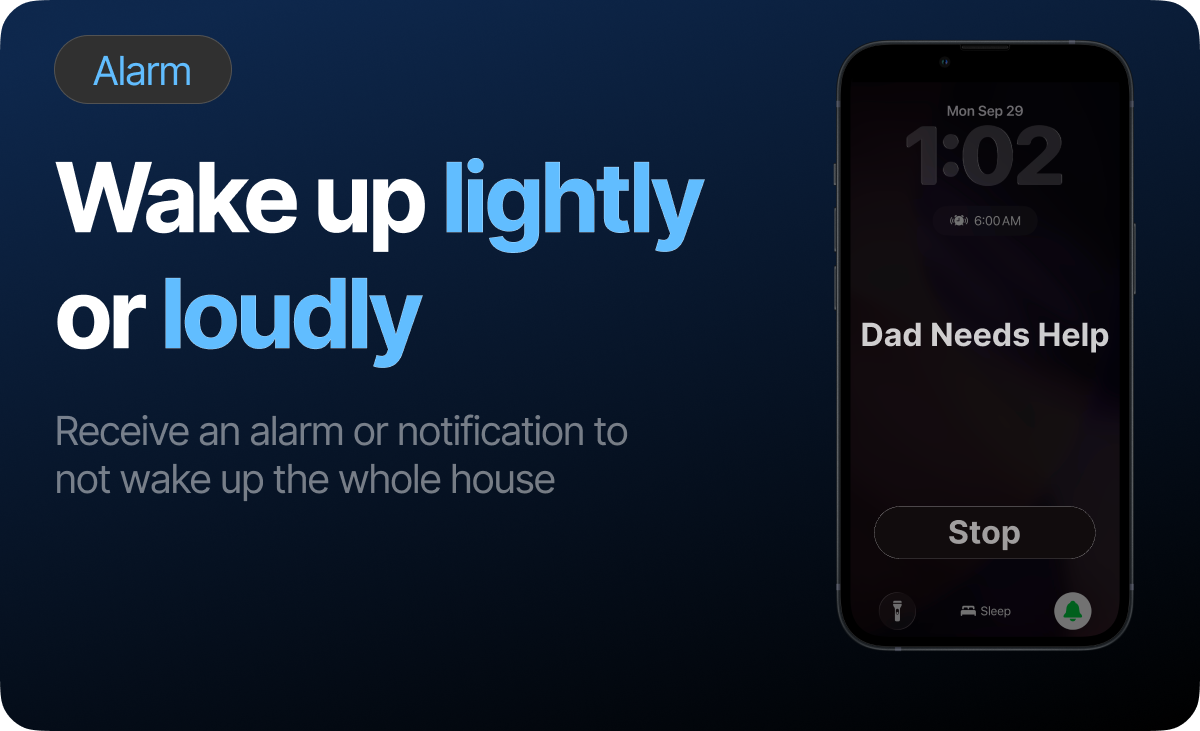
Wake up lightly or loudly
-
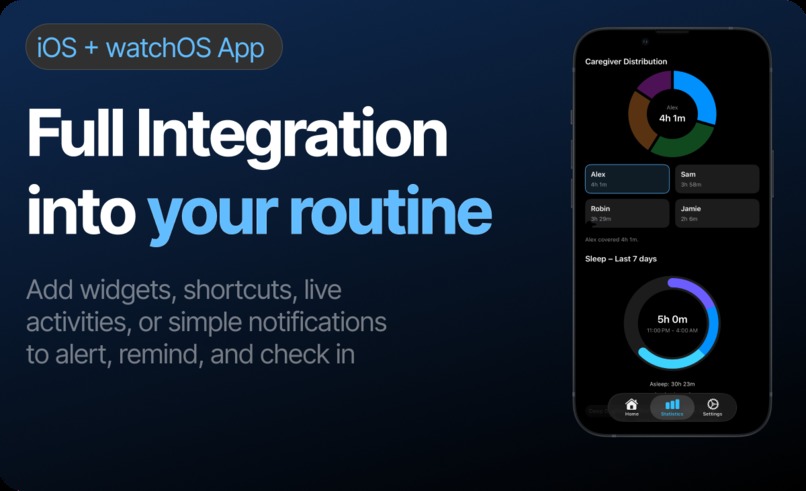
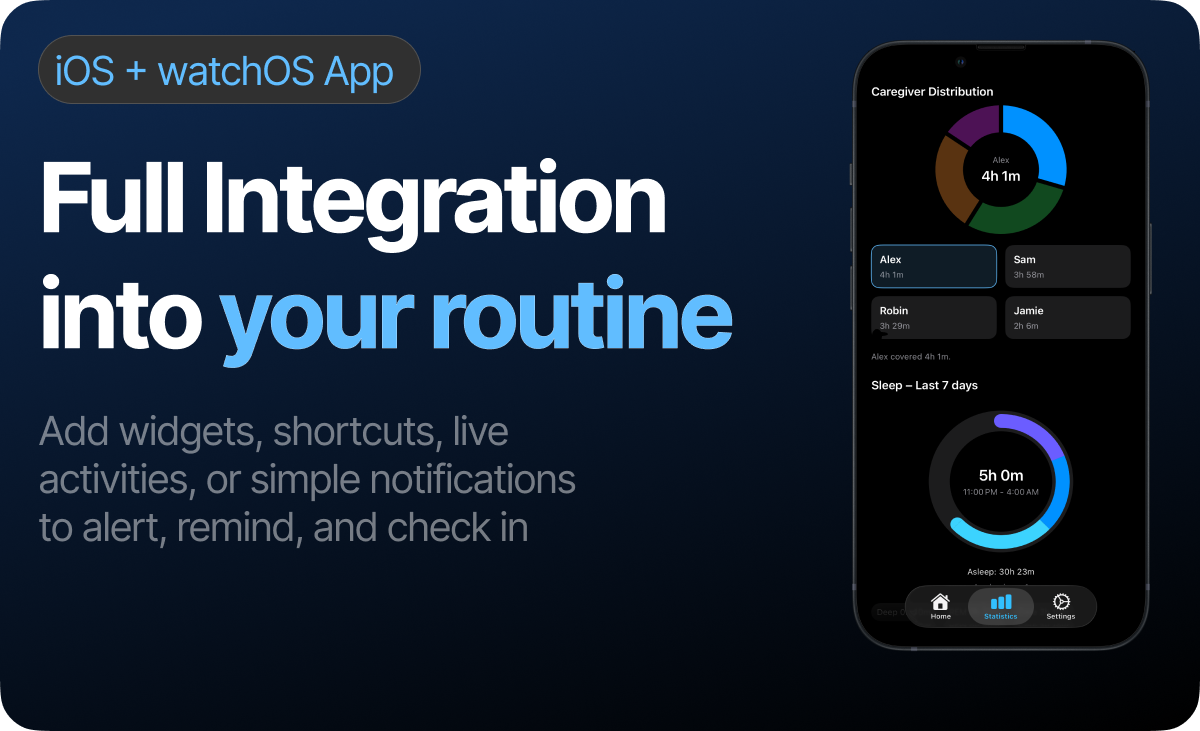
Full integration into your routine
-
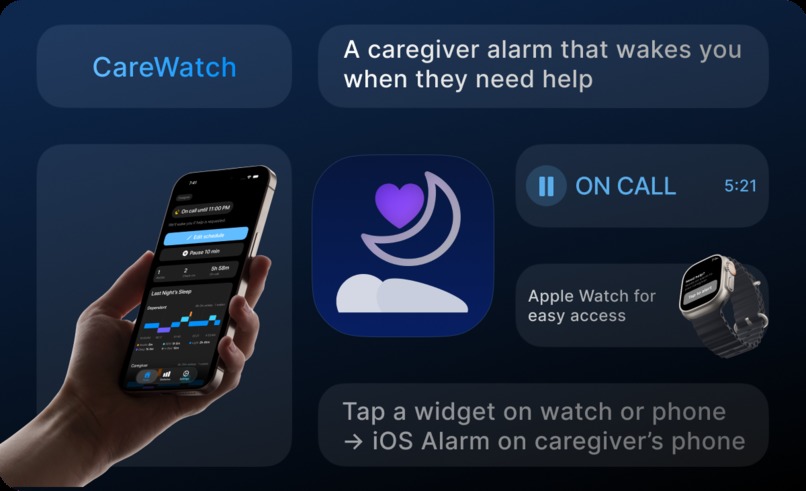
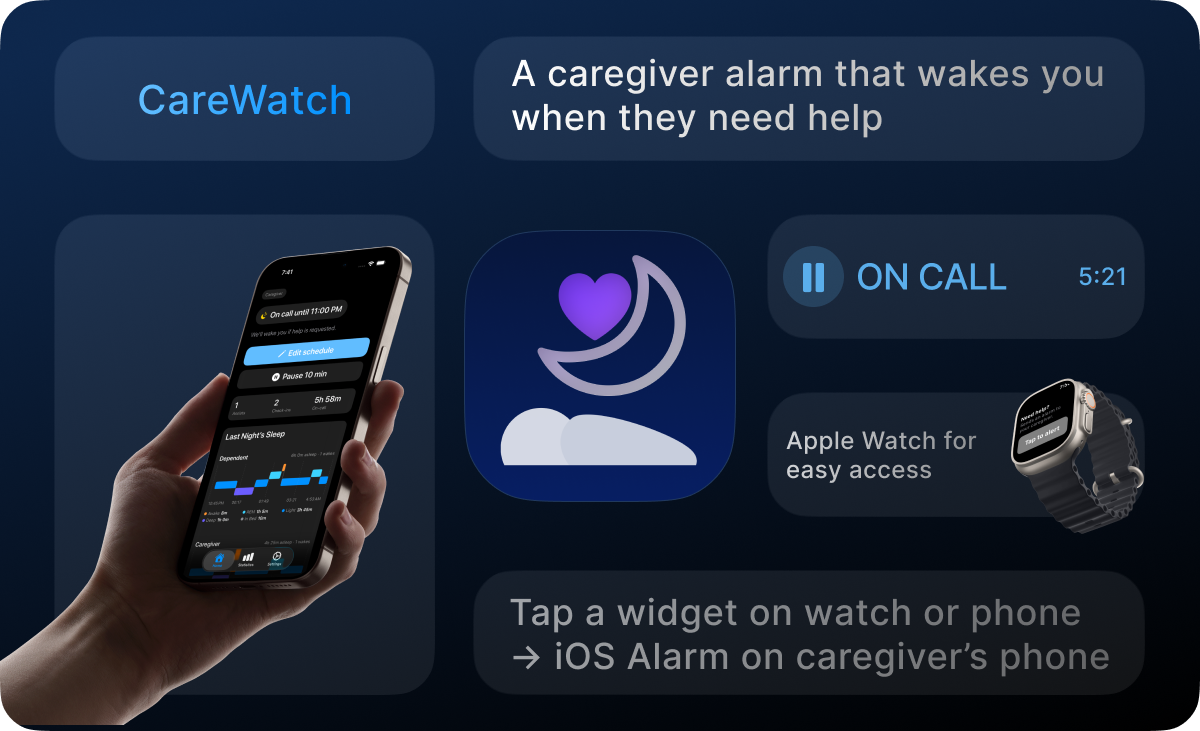
CareWatch: A caregiver alarm that wakes you when they need help
I built CareWatch to help families like mine sleep better despite evolving care needs.
An alarm app that reliably wakes the right caregiver when help is needed, so everyone sleeps better.
Why CareWatch?
CareWatch routes a loud or soft, reliable alert to the most available caregiver. Over time, we see patterns and adjust on‑call windows so everyone gets more sleep. When my dad needs help, one of us (my mom or me) should wake, not all of us. Get help to the right person, fast, and let everyone else keep sleeping.
How it works
- Tap for help on Apple Watch or iPhone (or let optional microphone and soon motion rules auto‑trigger).
- We check who’s most awake using available sleep/activity signals.
- A loud (or soft if needed) AlarmKit alarm fires on that caregiver’s iPhone/Watch.
- They help (bed exit, bathroom, transfer, “stuck in chair/bed,” etc.).
- Adjust schedules based on sleep stages and caregiver distribution.

Privacy‑first. Assistive tool — not a medical device.
Why should CareWatch win the RevenueCat Peace Prize?
- It helps tonight: We’re already using it at home, the flow is simple and it works.
- Caregivers are running on fumes: Better sleep changes daytime care.
- The aging curve is real: More families will face nights like ours.
- Momentum matters: The prize would amplify reach... Pro keeps the lights on so I can keep shipping.
Why this beats texting / calling (and the usual gadgets)
- Purpose oriented wake ups: text and calls are easily missed in do not disturb and other focus modes. CareWatch uses AlarmKit in iOS 26 so the right person actually wakes up.
- Routes to one person: Many devices ping everyone, CareWatch picks who is on call and most awake to reduce the noise and optimize sleep.
- Ease of access: A simple tap of a widget, live activity, a wake word if opted in, and soon motion based alerts to notify who is on call all without unlocking your phone or navigating to the app.
- Privacy at its core: Core features do not rely on an always‑on mic, never camera streams. Optional mic rules are opt‑in, on device, and easy to turn off.
- Gentle statistics: Nights are summarized into simple stats so families can rebalance coverage, many devices do not do this and require extra hardware.
What I learned / challenges I ran into
- Real‑life schedules: Overlaps, overnight ranges, and an instant Off Duty that just works.
- Routing edge cases: Hand‑offs and fluctuating data, yet still need to wake only the right person.
- Deadline pressure: New app + IAPs and a last minute submission.
- UX challenges: How can I balance alert fatigue, ease of alerting, and reduce friction? TLDR is...add options.
Monetization
- RevenueCat (Pro for caregiver stats).
- Pro: Week‑over‑week care stats + coverage, response time, and balance across caregivers.
How I built it
- iPhone + Apple Watch first: Big “Need help,” quick Watch access + widgets and live activities as entry points to trigger alarms.
- AlarmKit for wake‑ups: Loud (or soft if needed) sound, strong haptics.
- On‑call schedules & pairing: Easy caregiver and dependent linking, quiet hours, quick overrides.
- Lightweight signals: Recent activity + on‑call status to choose who to ping.
- Under the hood... SwiftUI (mobile codebase), Supabase (pairing/state), RevenueCat SDK (Pro for caregiver stats).
- Pro (optional): Week‑over‑week care stats + coverage, response time, and balance across caregivers.

What’s next for CareWatch?
- Smarter routing: Move HealthKit signals out of beta + add more in depth signals to refine “who to wake.” and "when to wake."
- Fairness + escalation: Rotate first‑call... escalate if there’s no response in N seconds.
- Weekly summaries: Turn assists into suggestions (ex. “shift Andreas to 11 PM–2 AM”).

Built With
- activitykit
- alarmkit
- healthkit
- sleepchartkit
- sql
- supabase
- swift
- swiftui
- typescript
- widgetkit

Log in or sign up for Devpost to join the conversation.