Inspiration
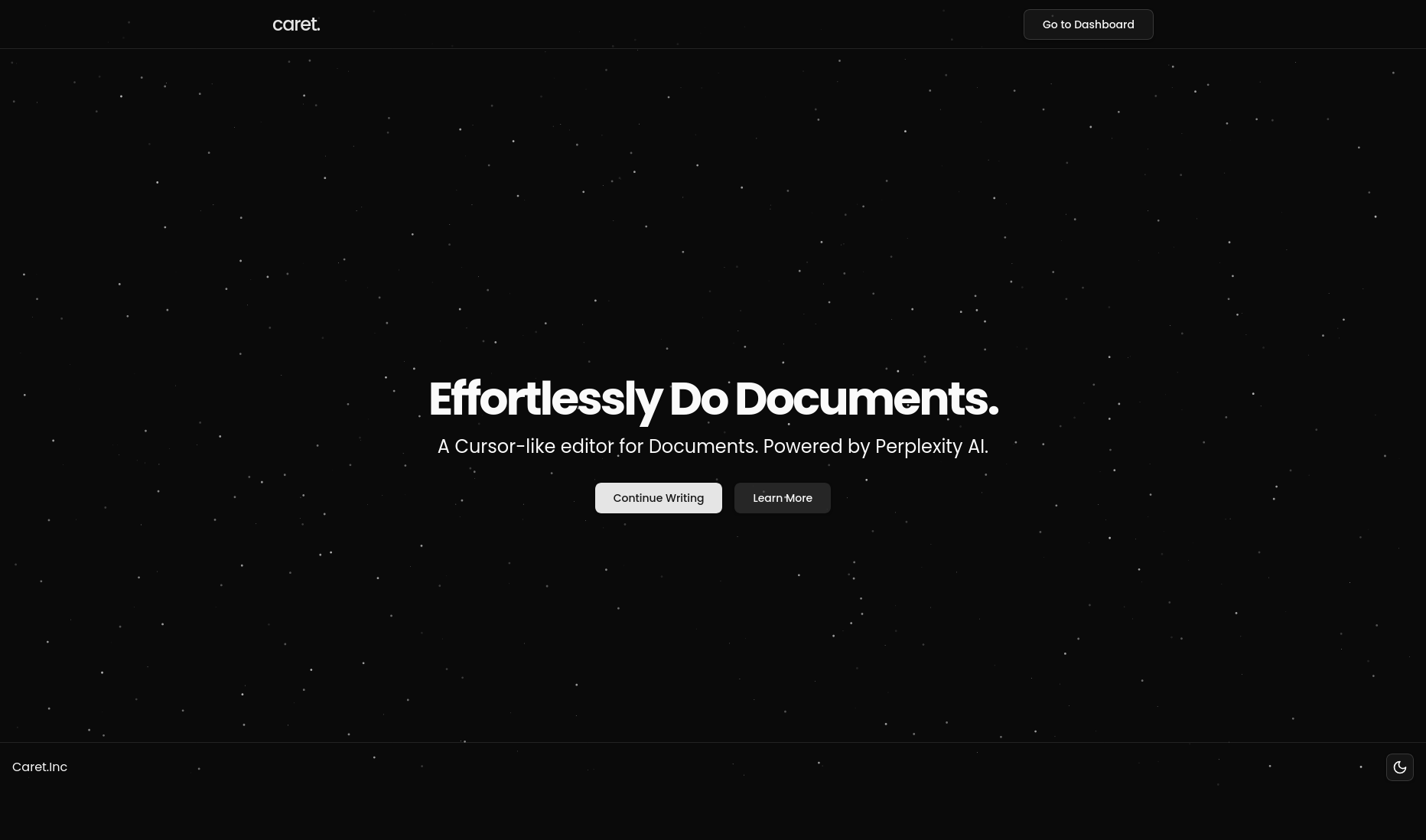
I got inspired by Cursor and how it makes editing with AI super smooth. While I was editing my own research paper, I realized I needed something similar, something that helps with writing, editing, and fact-checking without constantly switching tools. So I decided to build my own version.
What it does
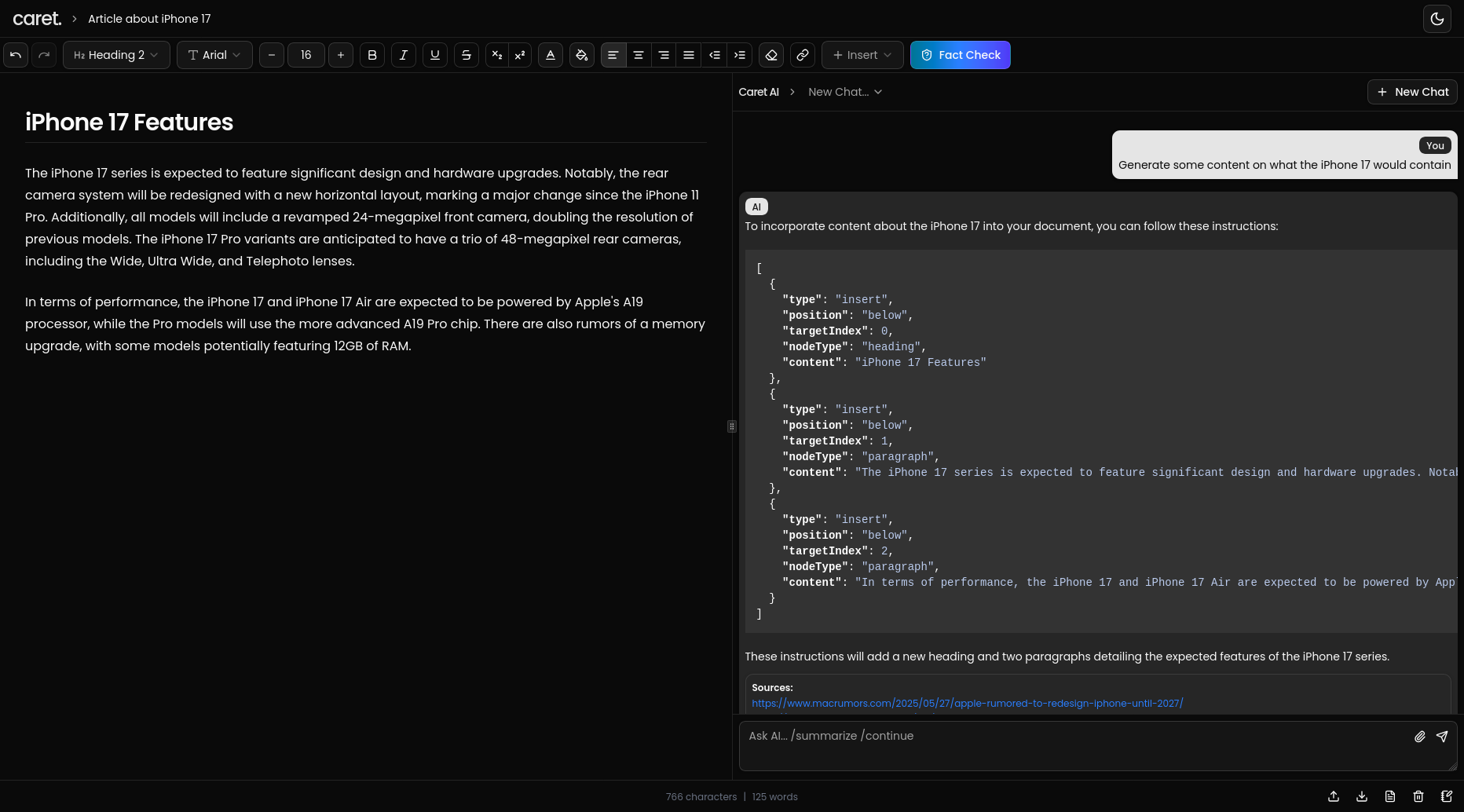
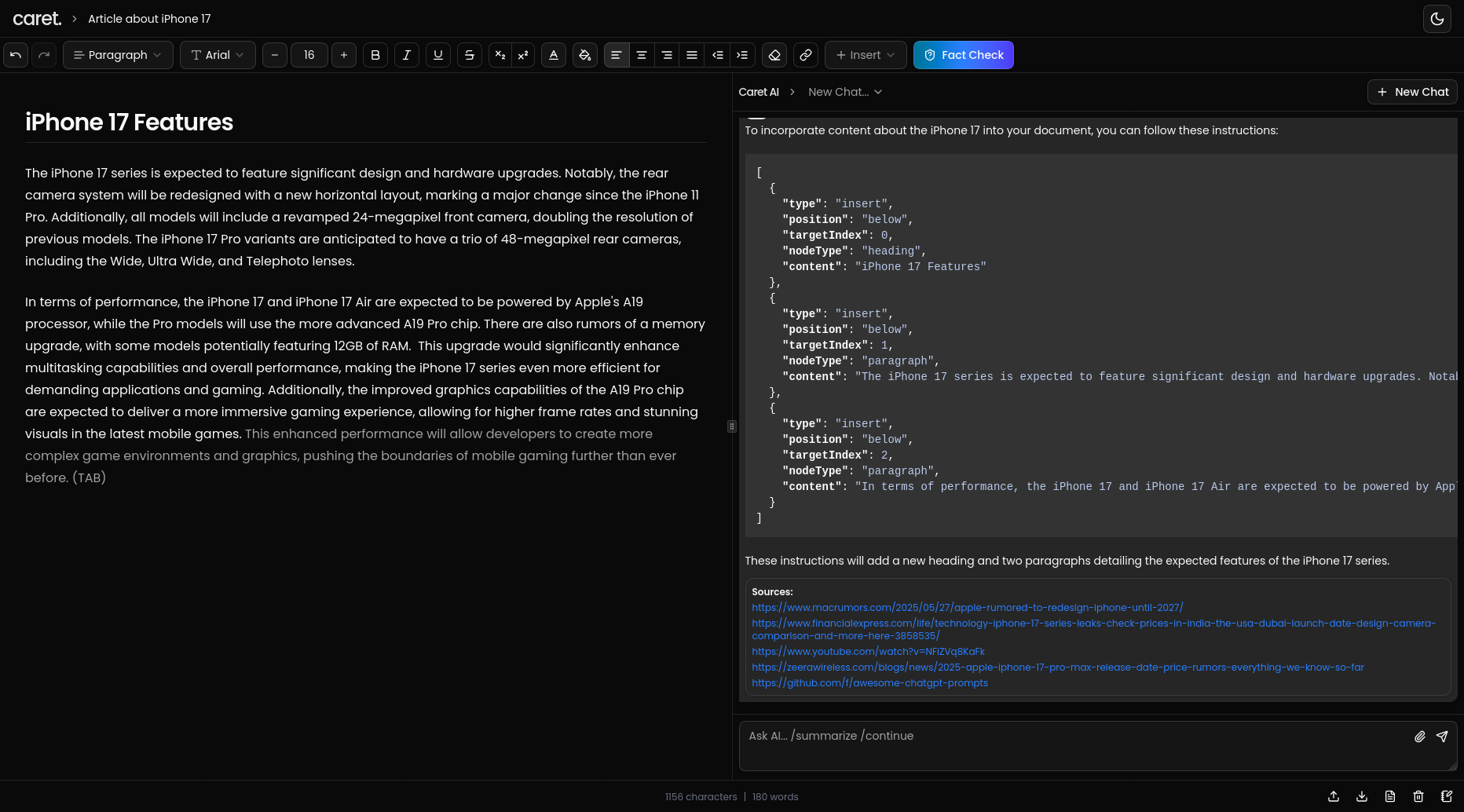
Caret brings AI into your document editor. It helps you write faster and better by:
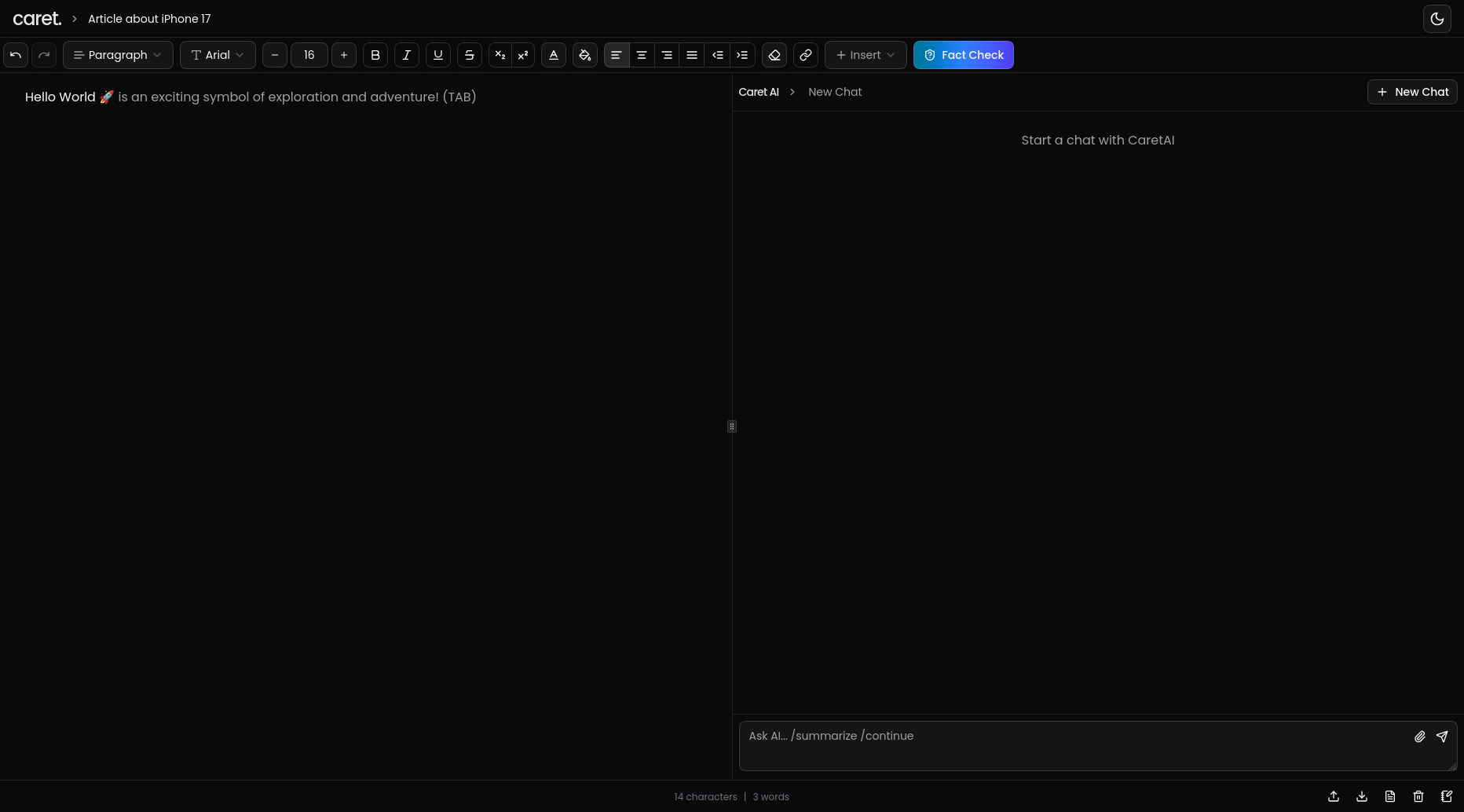
- Showing AI completions as you type (like Copilot, but for writing)
- Letting you hit Tab to complete suggestions
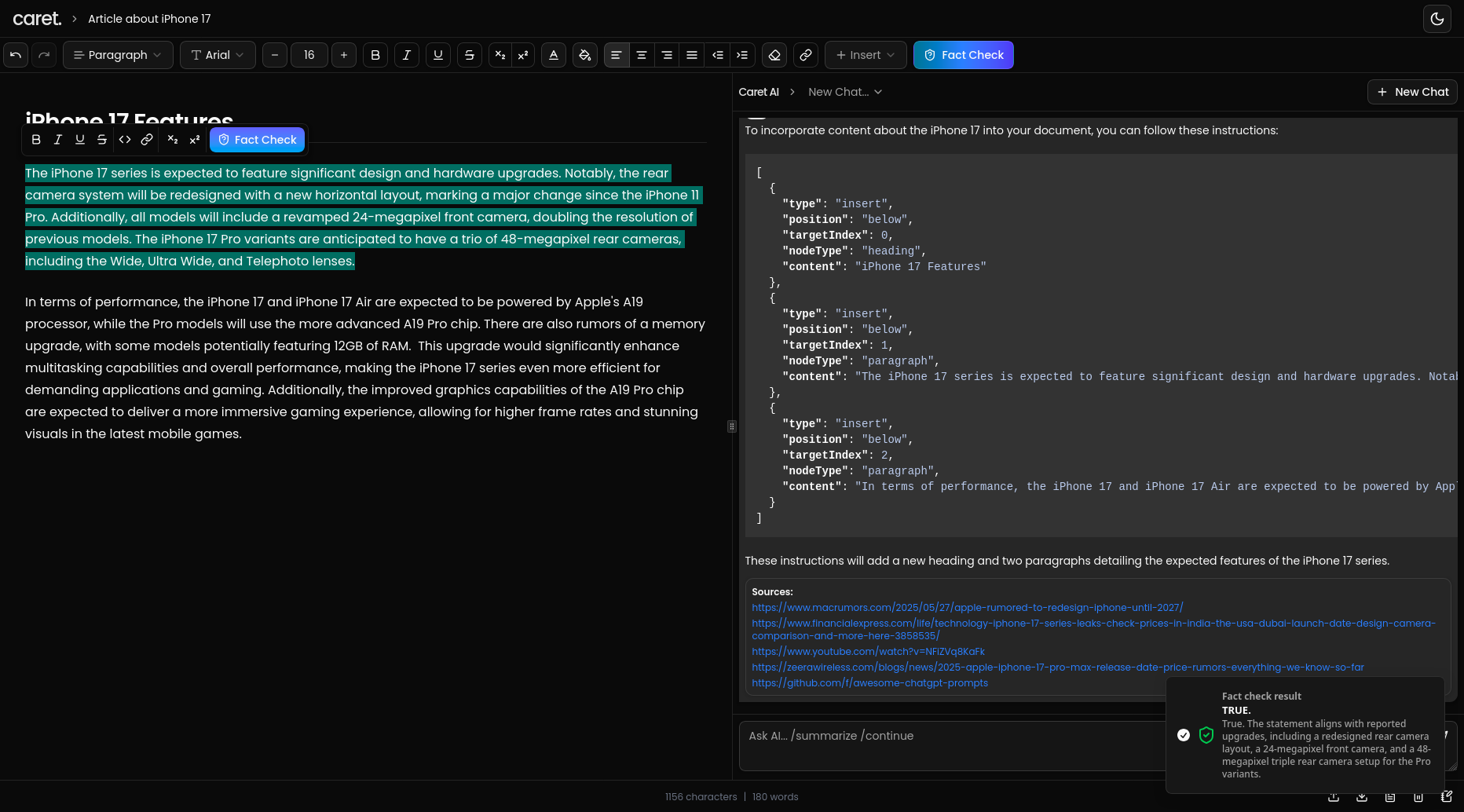
- Checking if selected text is actually true using a built-in fact checker
How we built it
Tech stack used:
- Next.js for the app
- Lexical for the editor
- Tailwind CSS for styling
- Perplexity Sonar API for fact-checking and completions
- Drizzle ORM with PostgreSQL for saving docs
- React Query to manage saving and syncing
Challenges we ran into
- Making AI suggestions not mess up the text or cursor
- Streaming completions smoothly so it doesn’t lag
- Figuring out how to fact check only selected parts of text and show useful results
Accomplishments that we're proud of
- Got AI completions and Tab completions working in a way that feels natural
- Built a working fact checker inside a text editor
- Made it all work together in a clean, fast UI
What we learned
- How to customize Lexical for advanced features
- How to work with streaming AI responses
- How tricky it is to keep the UX smooth when mixing user typing and AI input
What's next for Caret
- Adding /commands like /summarize or /rewrite
- More formatting tools and themes
- Better version control and document history
- Eventually, live collaboration and maybe even a plugin store
Built With
- drizzle
- nextjs
- openai
- perplexity
- postgresql
- shadcn
- tailwindcss

Log in or sign up for Devpost to join the conversation.