-
-
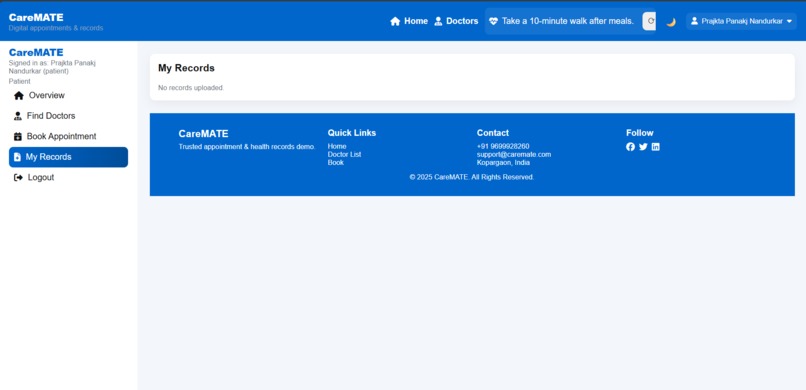
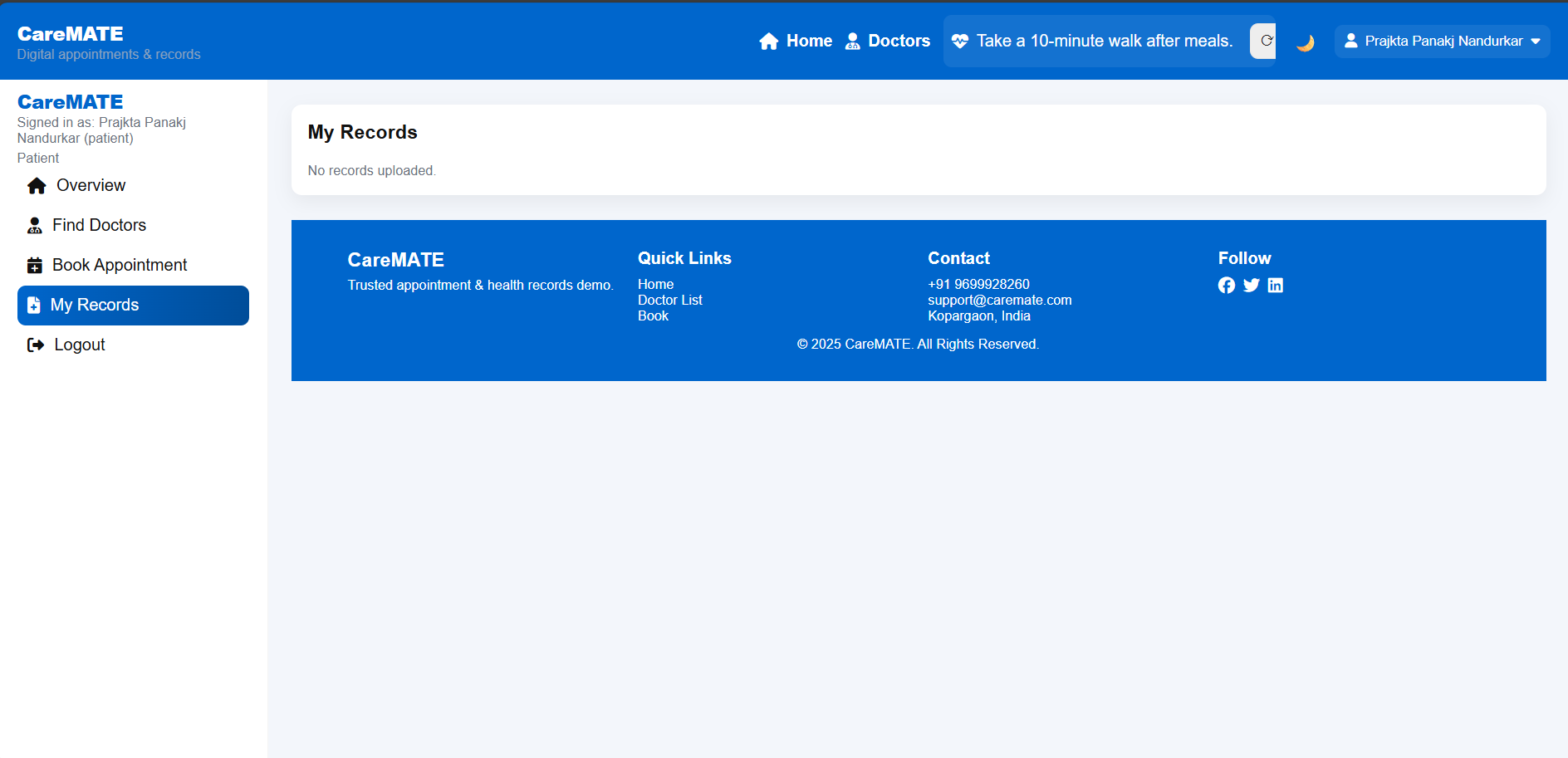
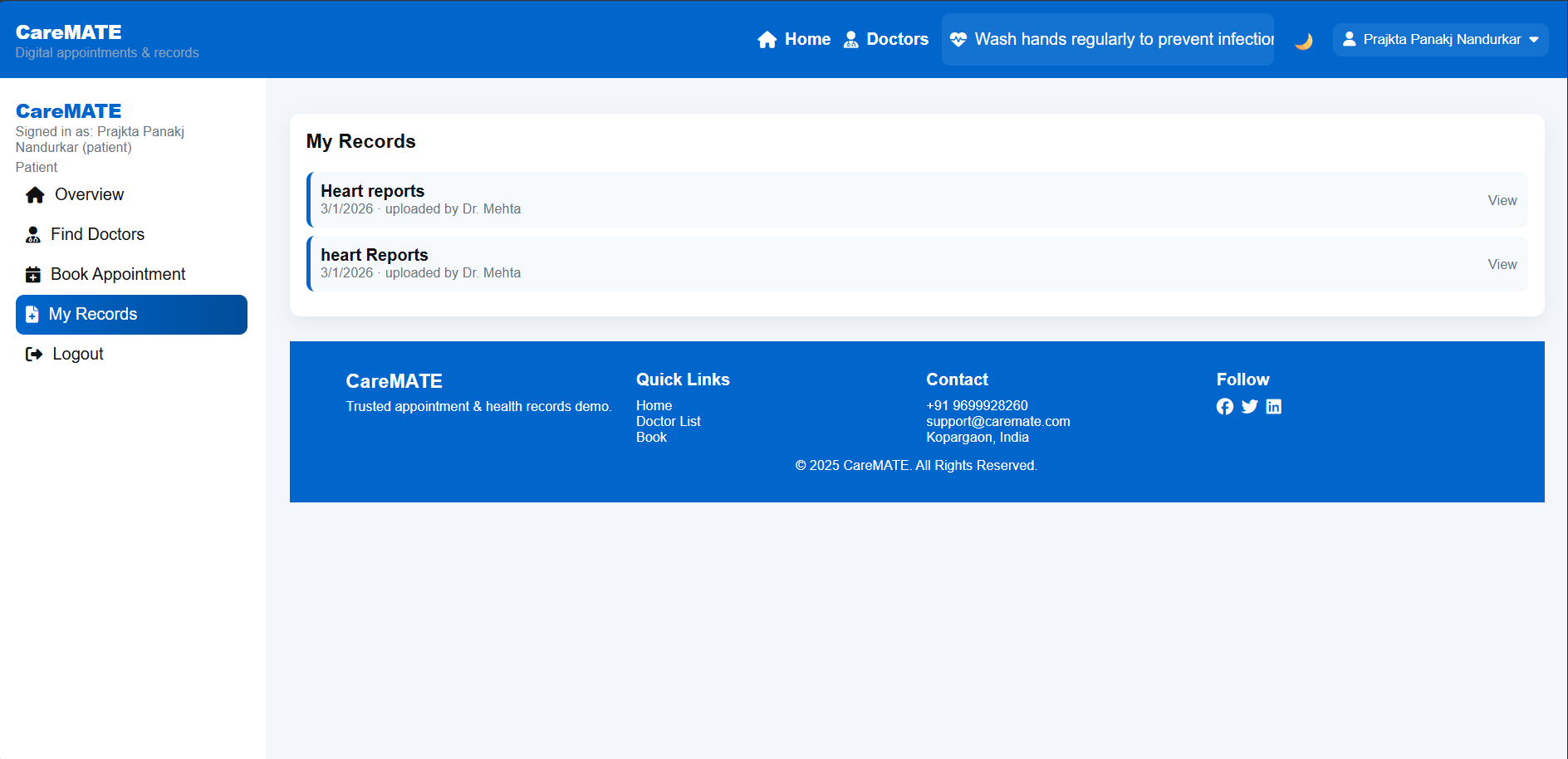
View and manage personal medical records securely
-
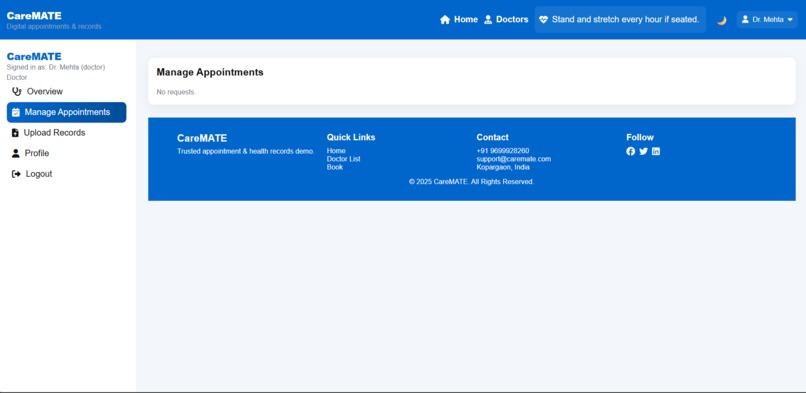
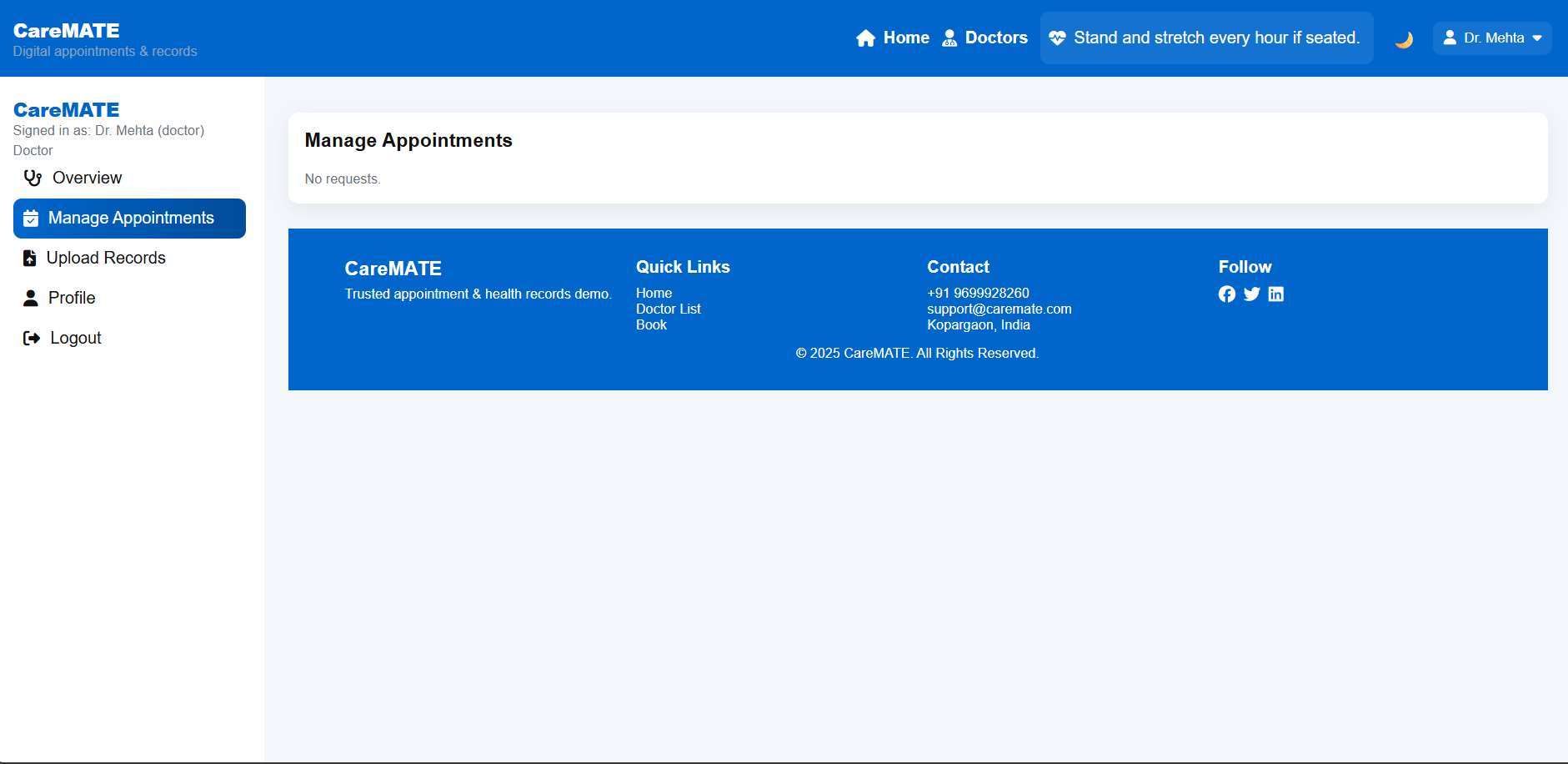
Manage availability and consultation timings.
-
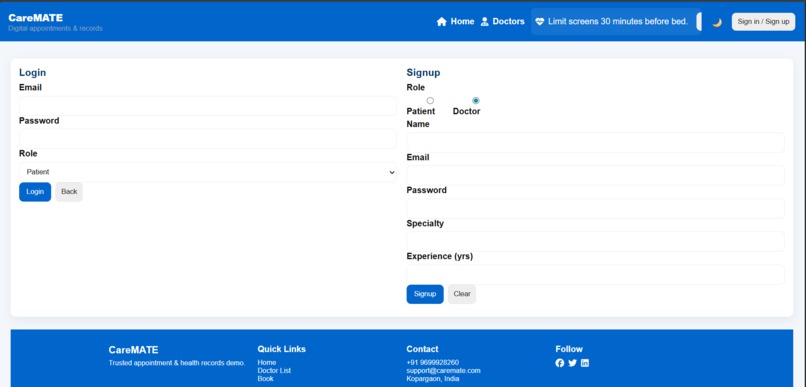
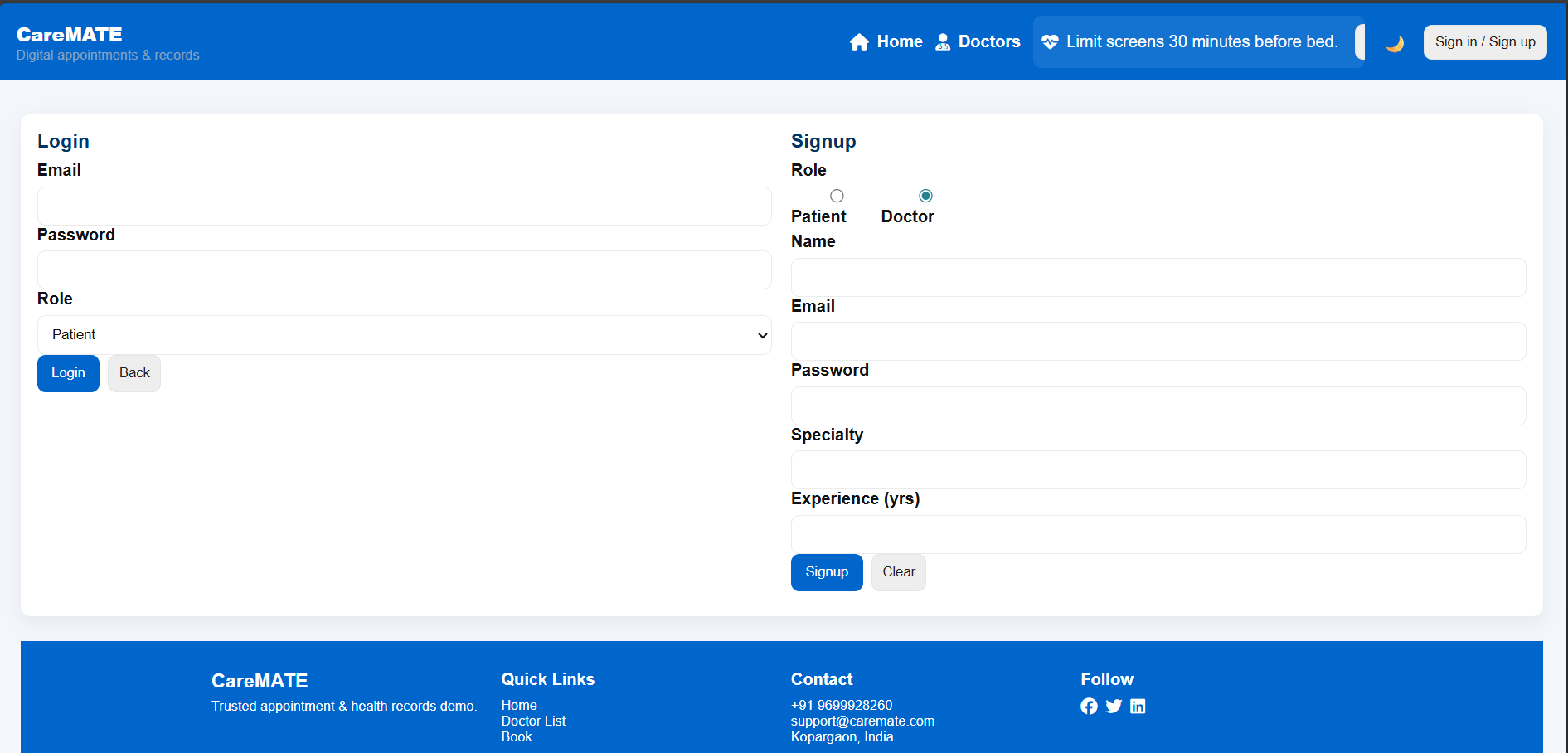
Role-based registration for patients and doctors.
-
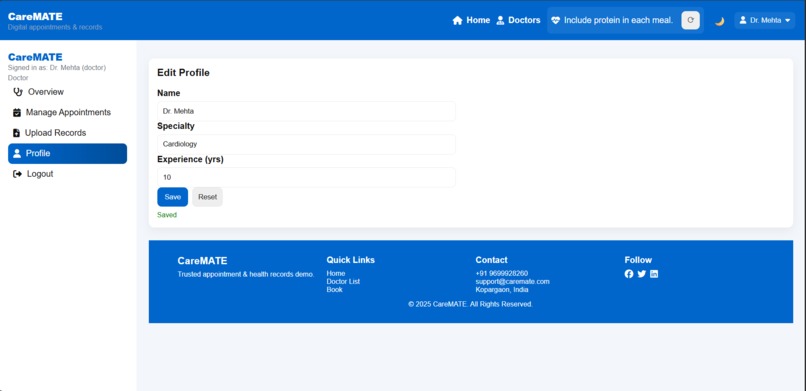
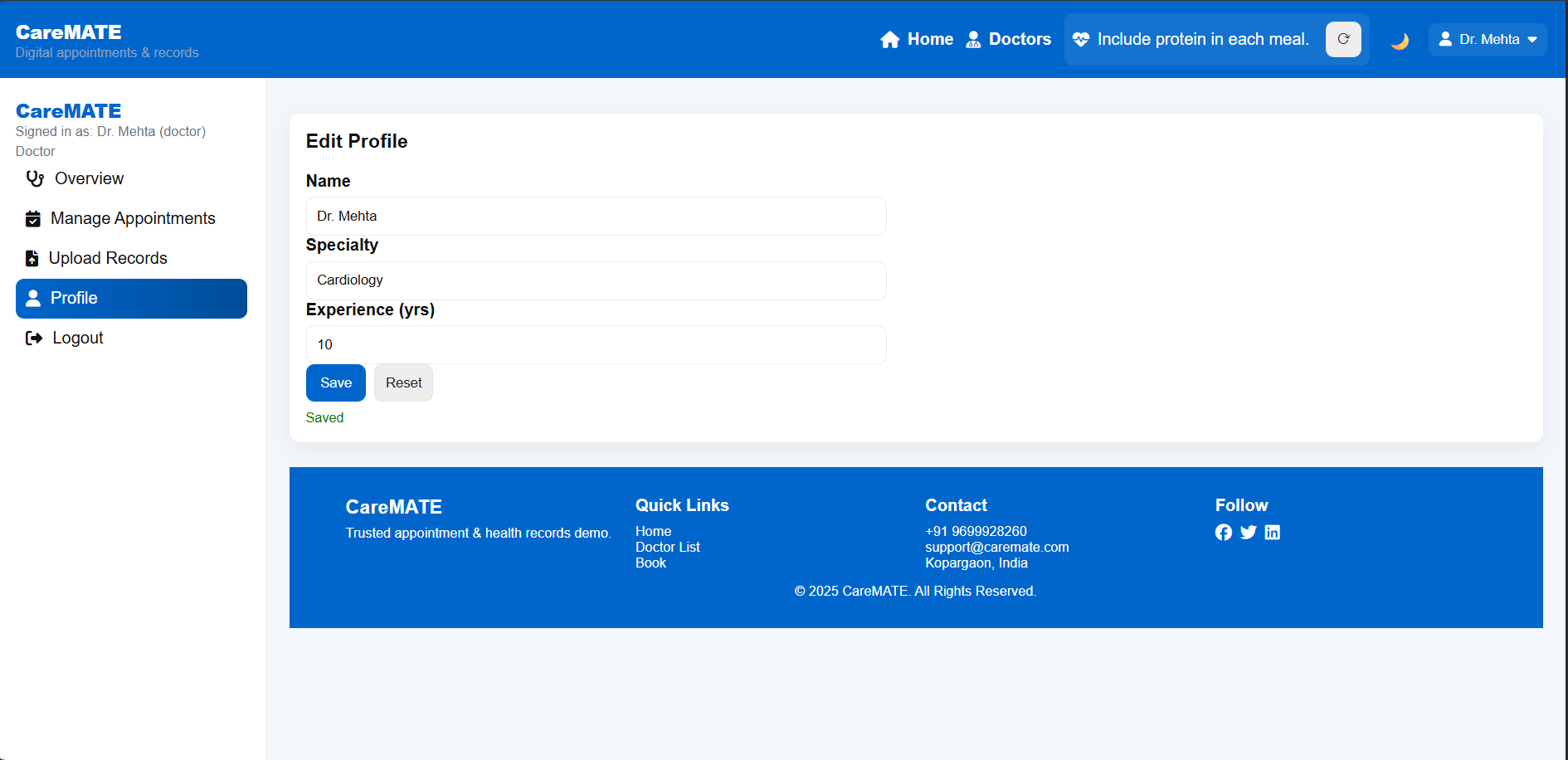
Update professional details and availability
-
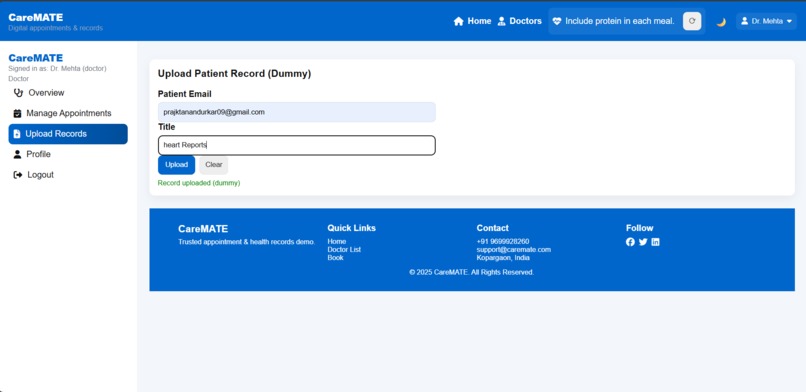
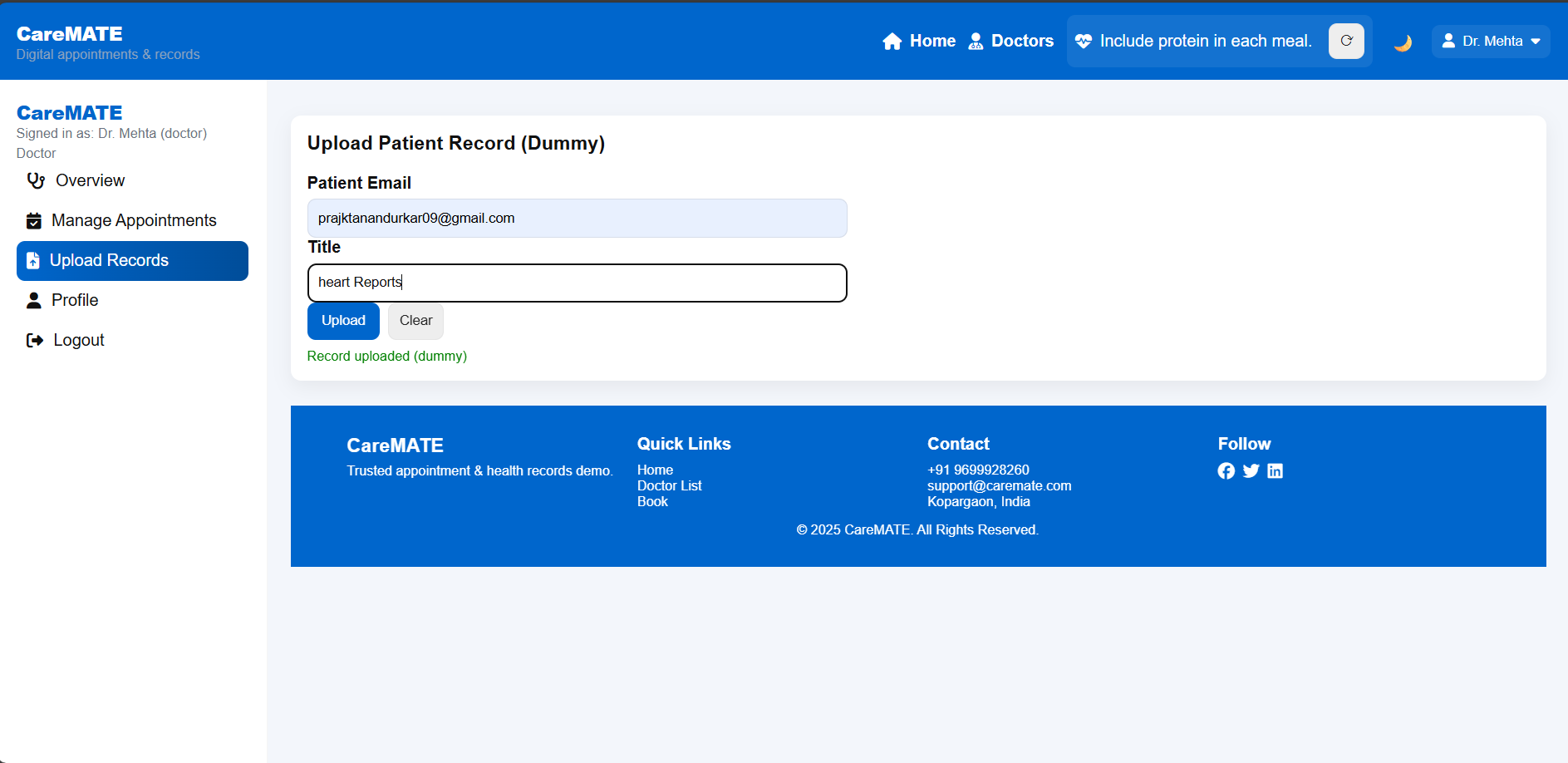
Doctors can easily upload record of Patients.
-
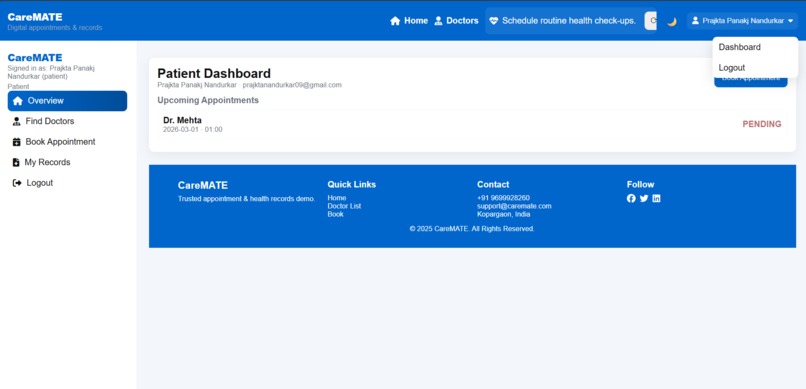
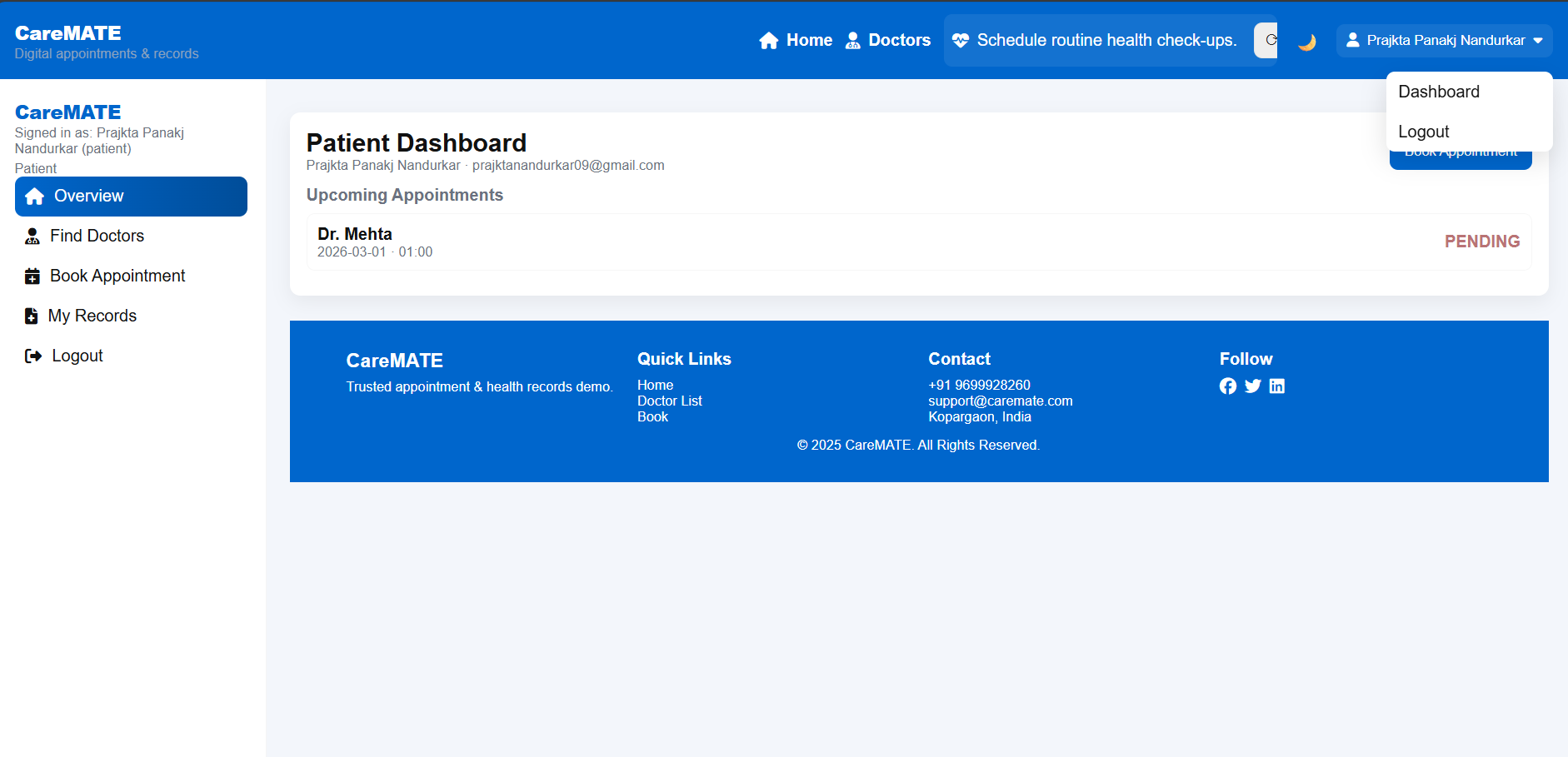
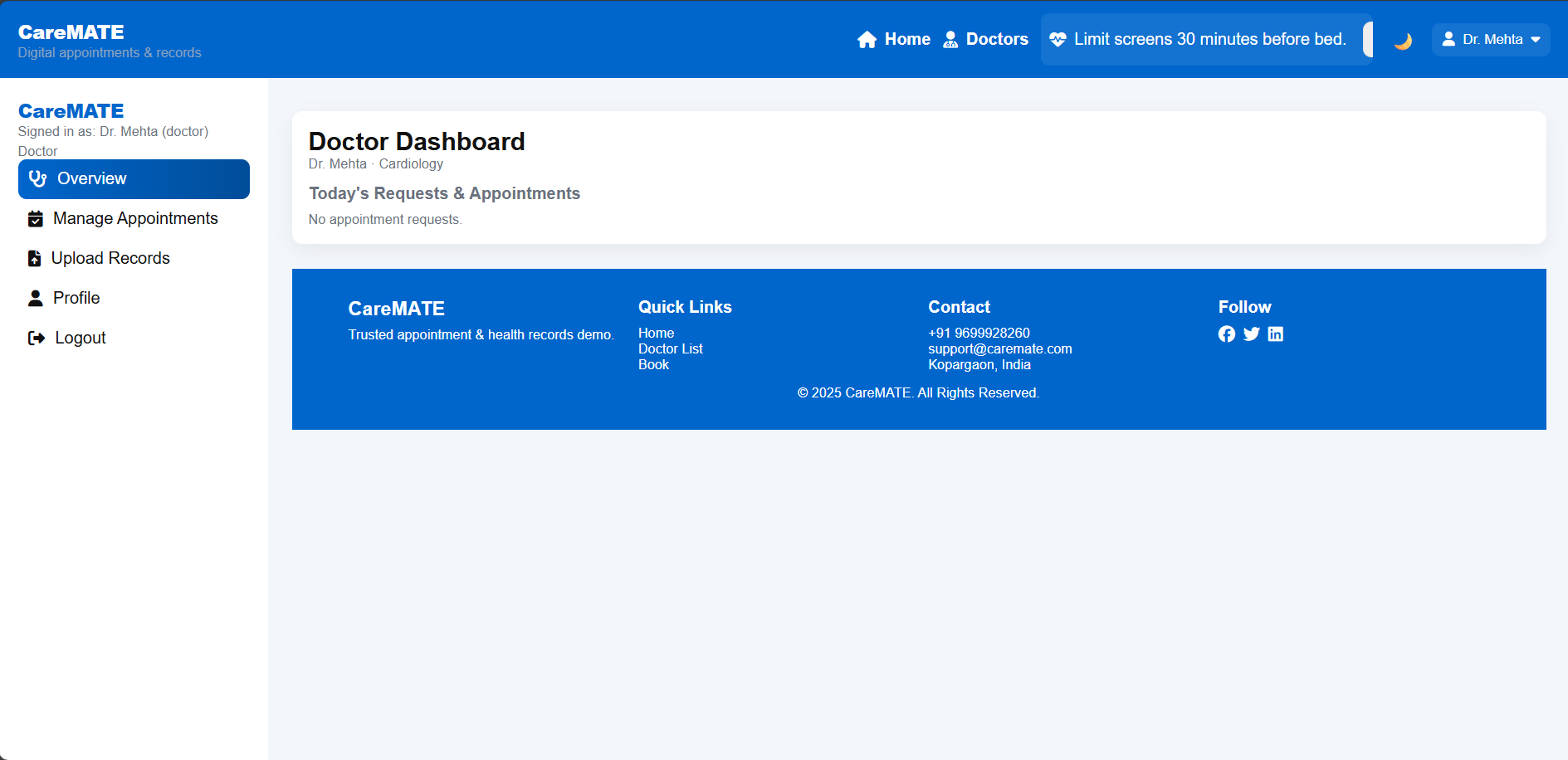
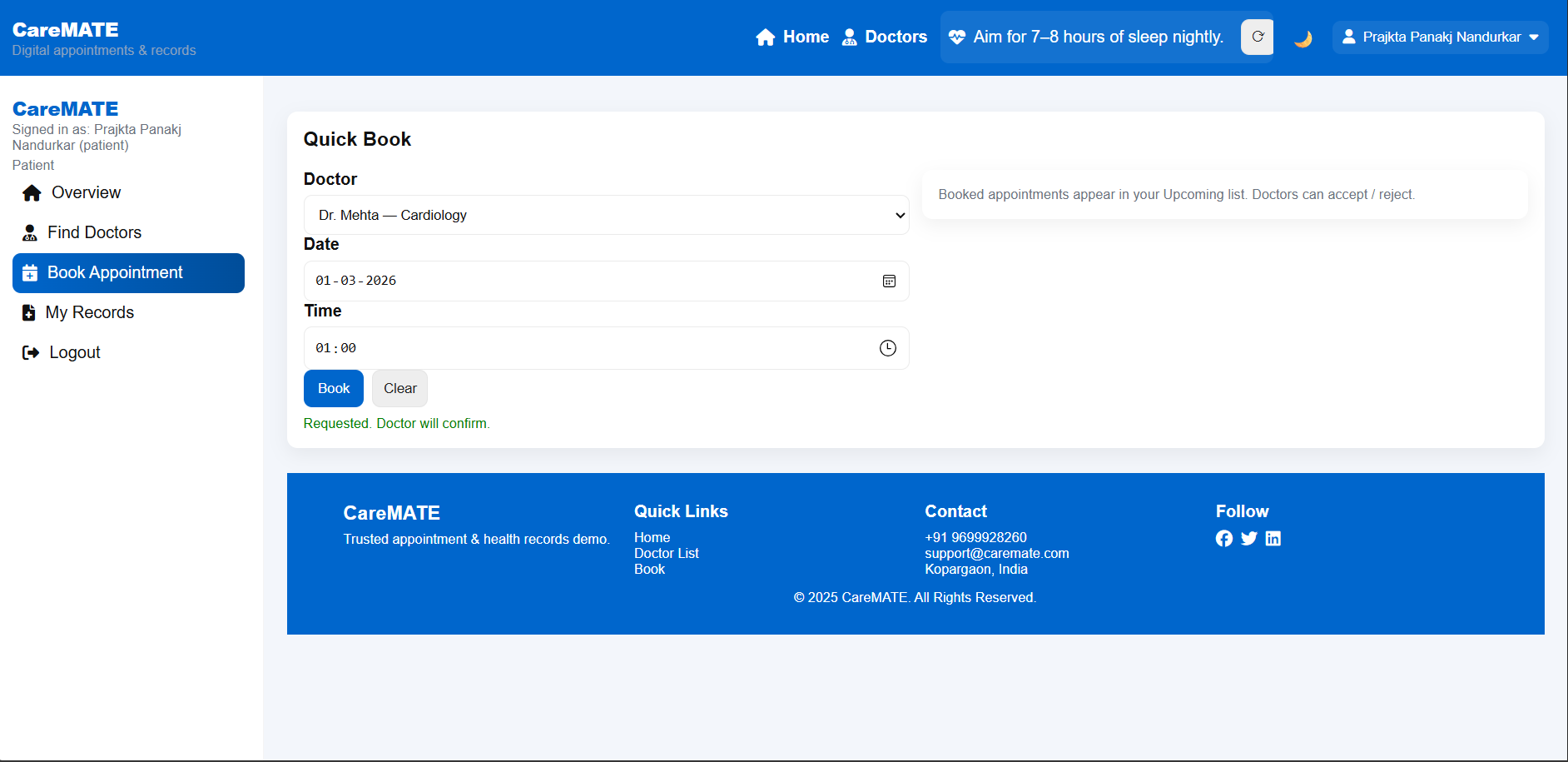
Personalized dashboard displaying appointments, records, and updates.
-
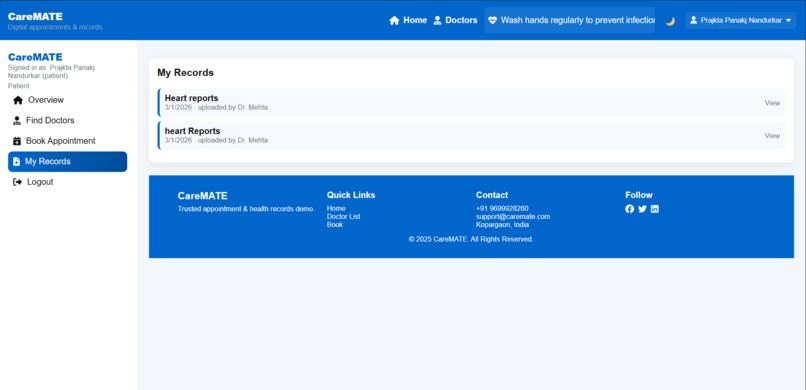
Doctors can easily upload record and Access patient details and consultation history.
-
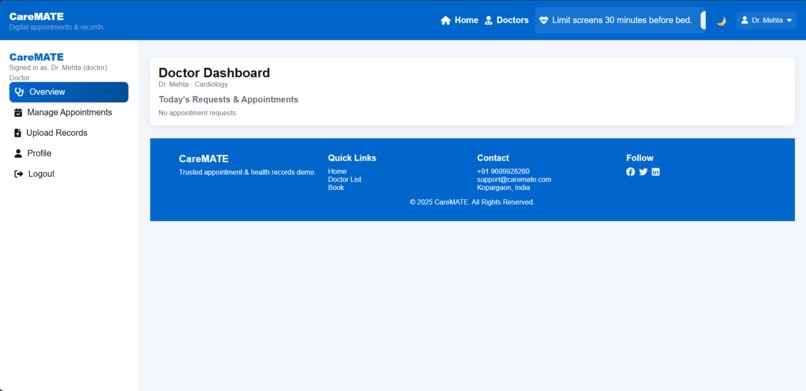
View and manage upcoming patient appointments.
-
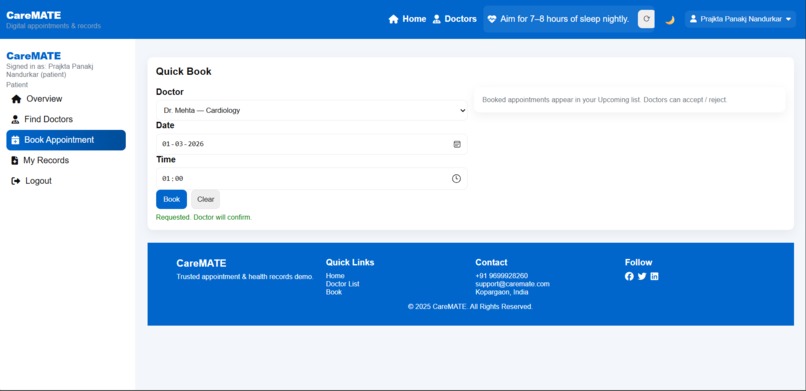
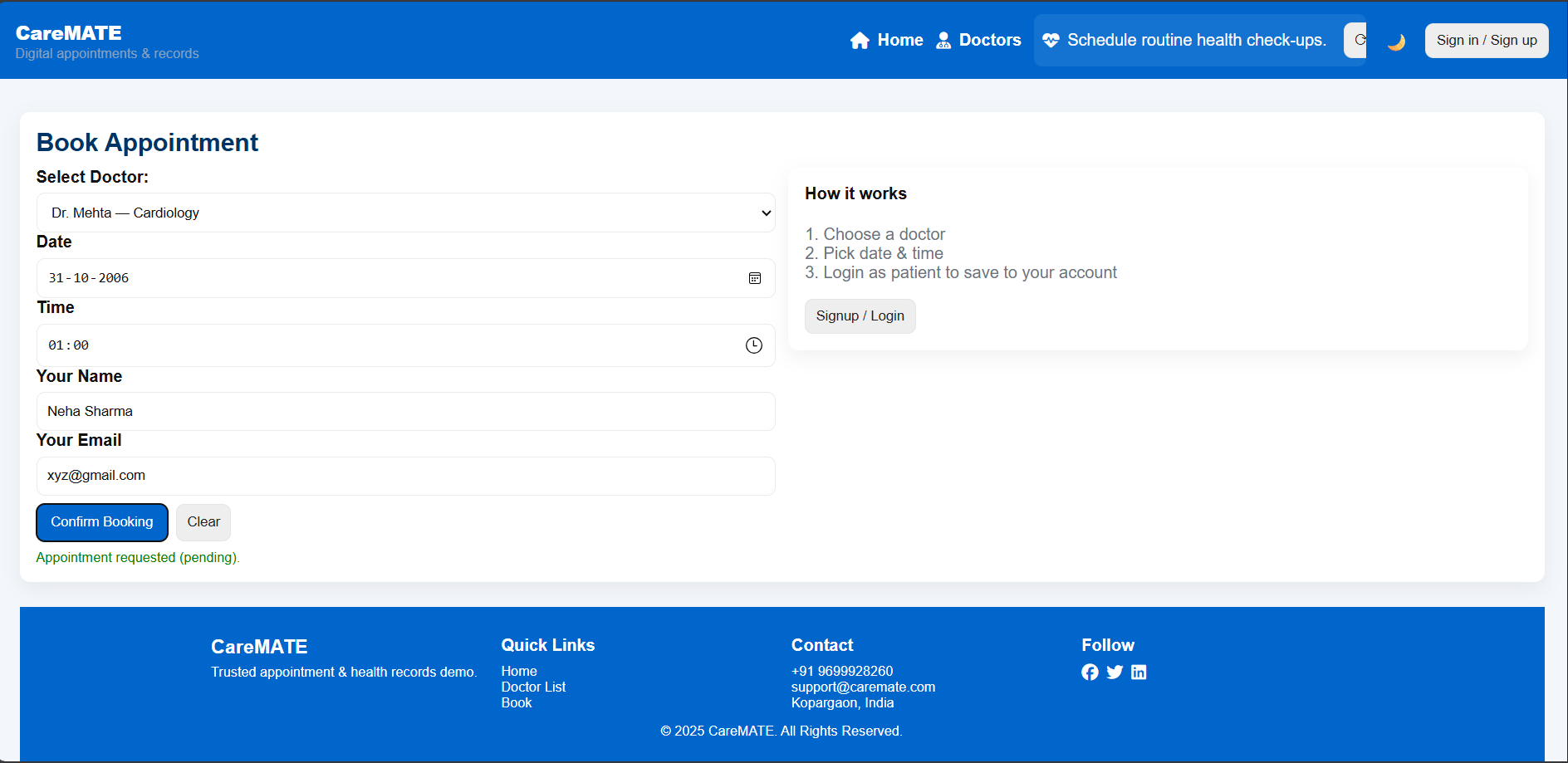
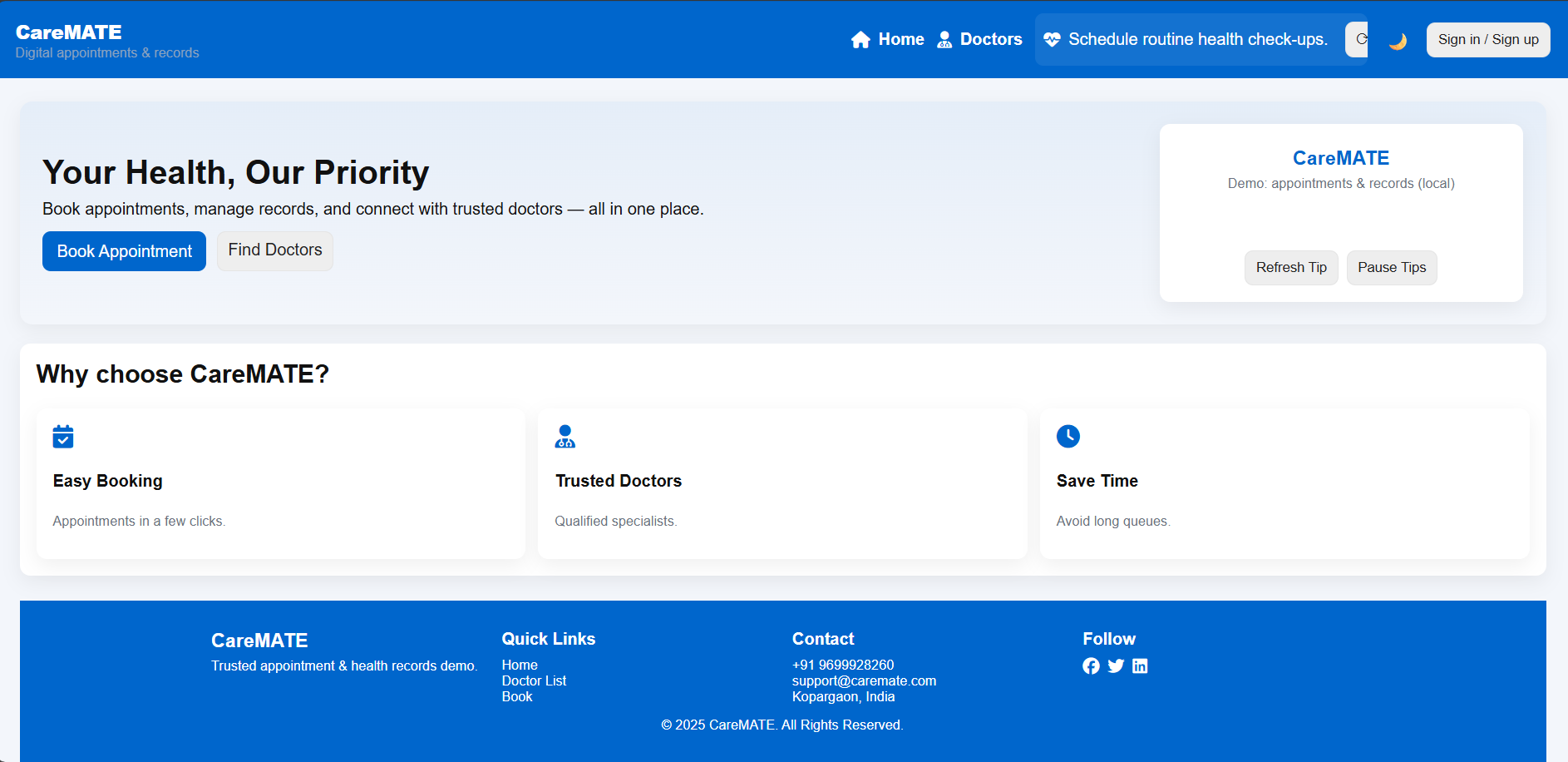
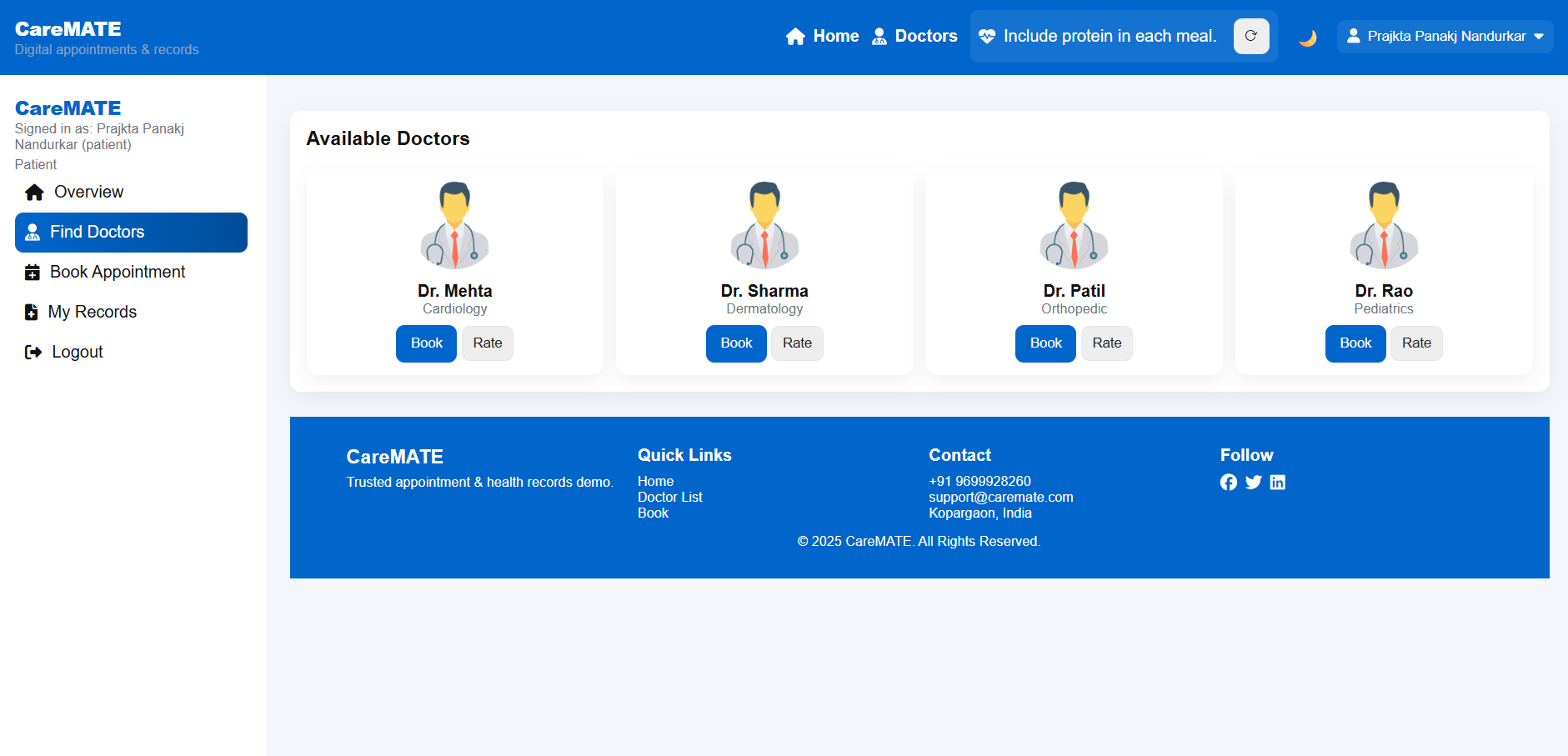
Easy appointment booking with available doctors.
-
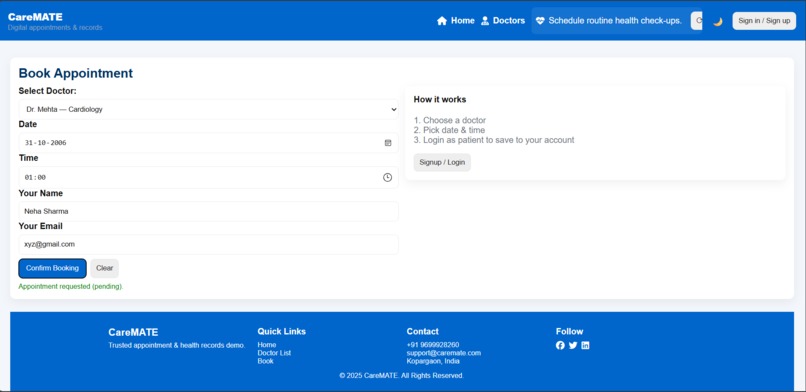
Secure login system with separate access for doctors and patients.
-
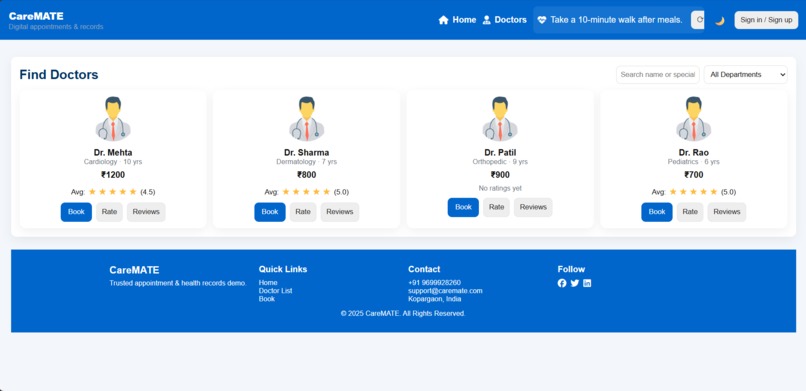
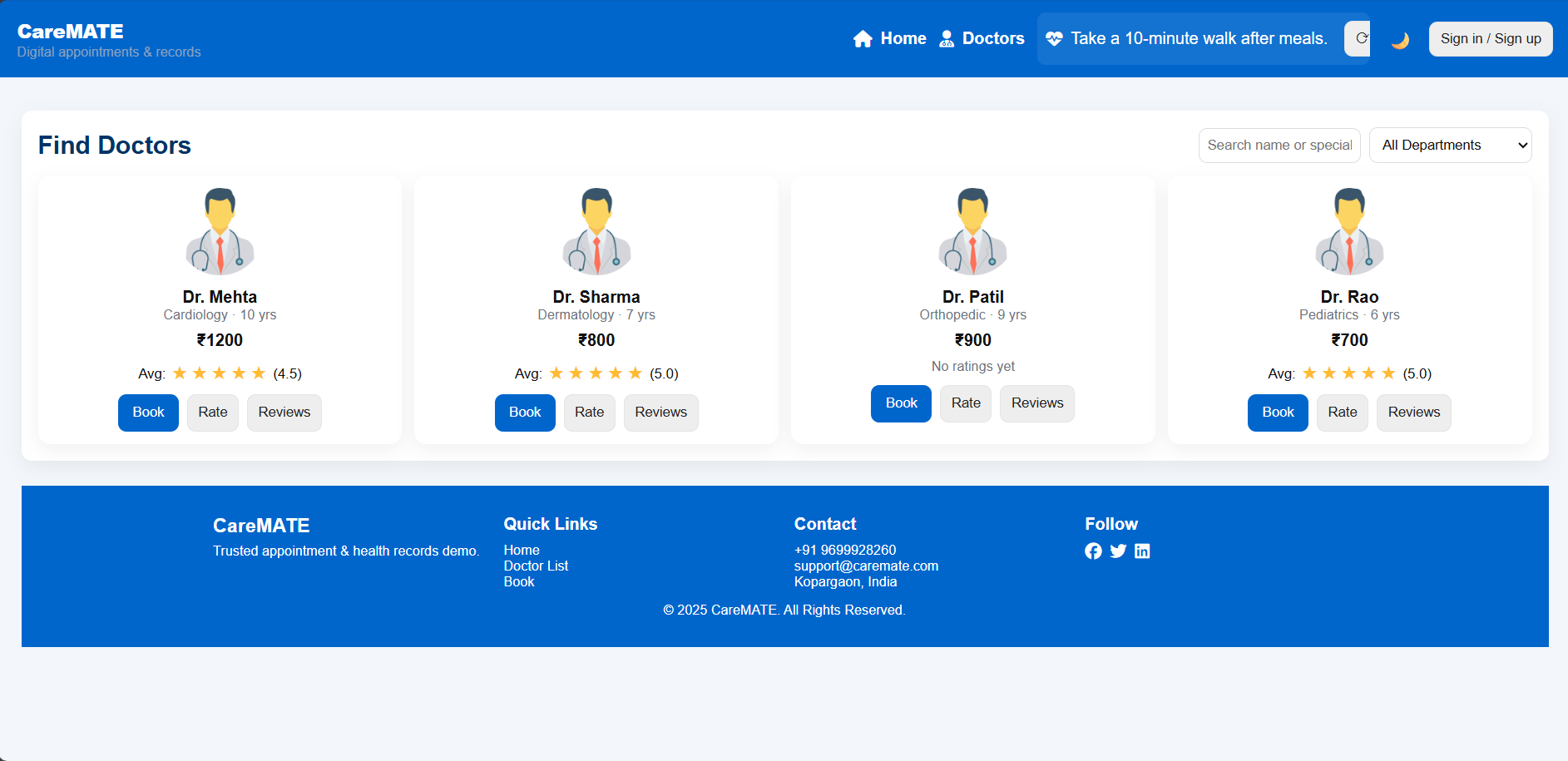
Patients can rate and review doctors based on their experience.
-
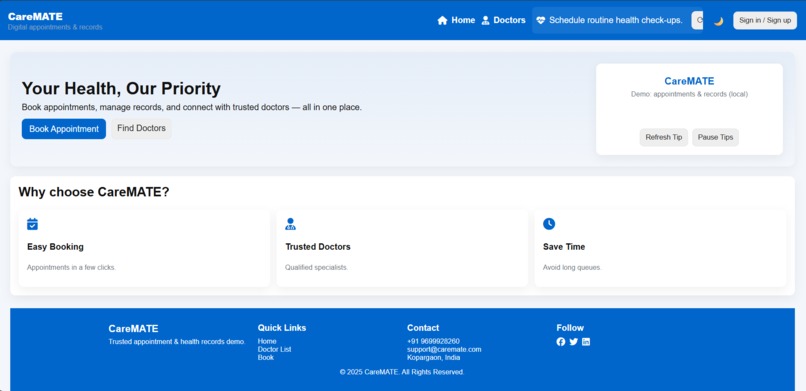
A digital healthcare platform that simplifies doctor–patient interaction.
-
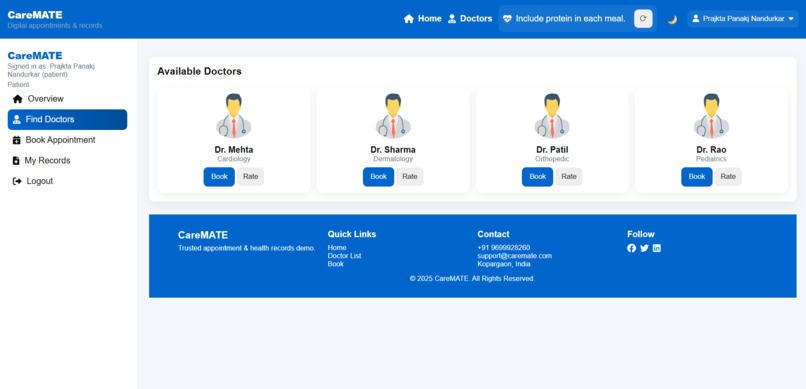
Quick access to consulted and assigned doctors.
Inspiration
The inspiration behind CareMATE came from observing real-life problems in healthcare systems, especially the difficulty of managing doctor appointments and medical records. Many patients still rely on paper-based files, which are hard to maintain and can be easily misplaced. During emergencies, the lack of quick access to medical history can become a serious issue. This motivated me to build a simple and digital solution that makes healthcare management more organized and accessible.
What it does
CareMATE is a user-friendly web application that allows patients to book doctor appointments, store health records digitally, and manage their medical data in one place. Doctors can view patient information and appointments through a dedicated dashboard. The system aims to reduce paperwork, save time, and improve healthcare efficiency.
Key Features
1) User authentication (Sign up / Login) 2) Patient dashboard 3) Doctor dashboard 4)Doctor appointment booking system 5) Digital health record management 6) Simple and clean user interface 7) Web-based access from anywhere
How we built it
CareMATE was developed as a web-based application with a focus on simplicity and usability. The frontend was built using HTML, CSS, and JavaScript, ensuring a clean and responsive interface. Separate sections were designed for patients and doctors to manage appointments and health records efficiently. The project was deployed using Netlify, allowing easy online access and testing. The system architecture was kept modular so that it can be extended in the future with backend services, databases, and AI-based features.
Challenges we ran into
One of the main challenges was designing a system that is simple yet practical for healthcare use. Ensuring smooth navigation between different user roles (patient and doctor) required careful planning. Another challenge was managing project scope within limited time while keeping the application functional and presentable.
Accomplishments that we're proud of
Built a clean and user-friendly interface focused on real-world usability
Implemented a functional doctor appointment management flow
Created structured dashboards for both patients and doctors
Deployed the project online using Netlify for live access
Transformed a real-life healthcare problem into a working digital solution
Gained hands-on experience in full project planning, development, and presentation
What we learned
Through this project, I gained hands-on experience in: Designing user-friendly web interfaces Structuring a real-world project from idea to deployment Understanding healthcare workflow requirements Hosting and deploying web applications Planning scalable features for future development This project also helped improve my problem-solving skills and strengthened my understanding of full project development rather than just coding.
Built With
- api
- css3
- html5
- javascript
- netlify
- python


Log in or sign up for Devpost to join the conversation.