-
-
Done
-
Done
-
Done
-
Done
-
done
-
done
-
Done
-
dom]ne
-
done
-
Done
-
done
-
done
-
done
-
done
-
done
-
Done
-
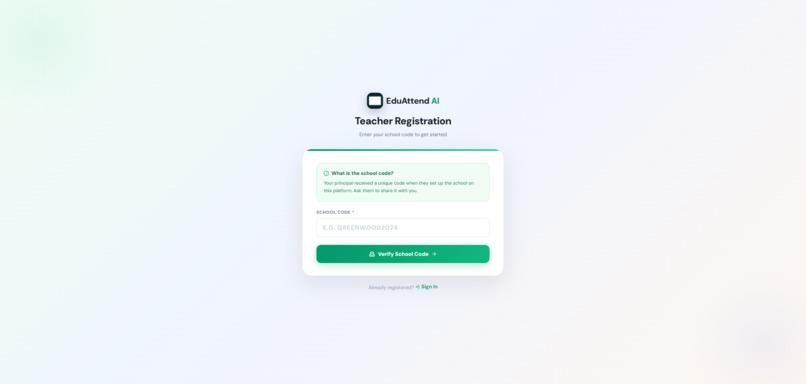
done
-
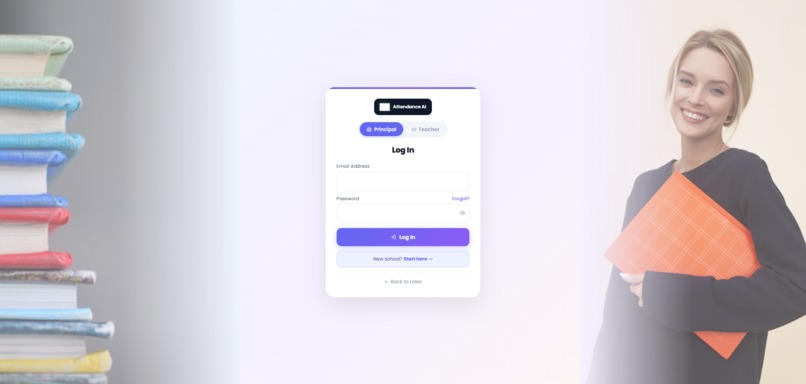
Done
-
Don
-
done
-
Done
-
done
-

done

Inspiration
Managing school attendance is still a paper-and-register problem in most South African schools. Teachers lose 10–15 minutes every morning calling names, parents have no idea their child is absent until hours later, and principals only discover attendance patterns after it is too late to intervene. We wanted to build something that makes the invisible visible — catching at-risk students before they disappear.
What it does
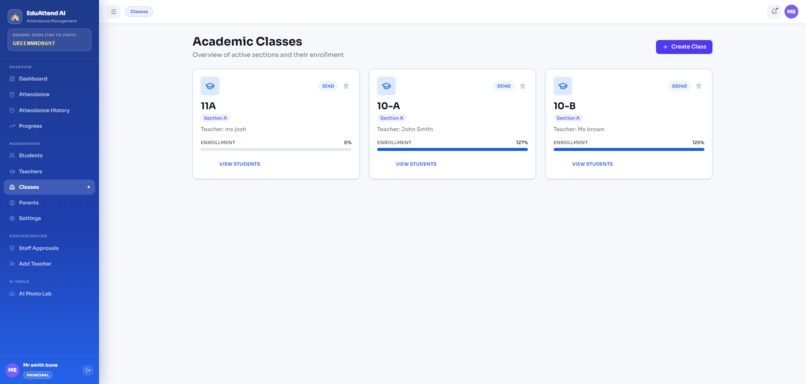
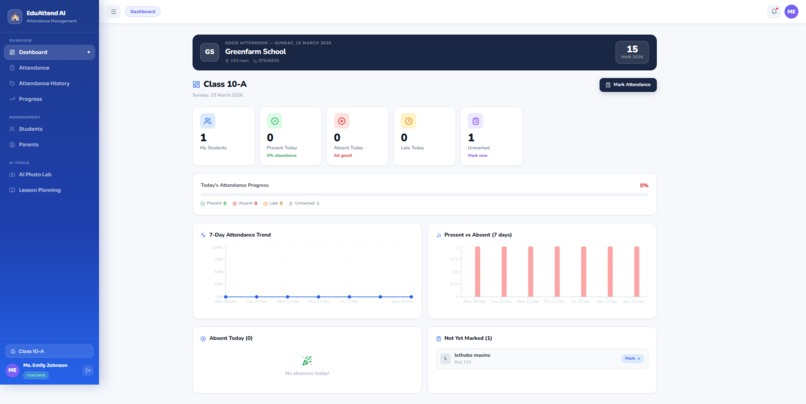
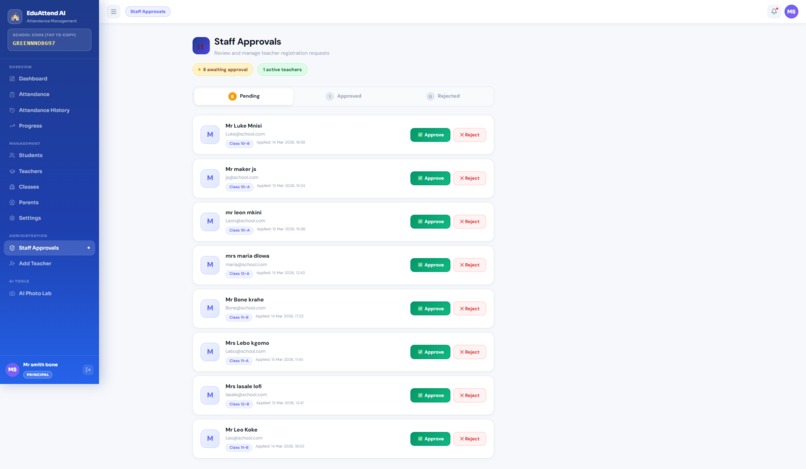
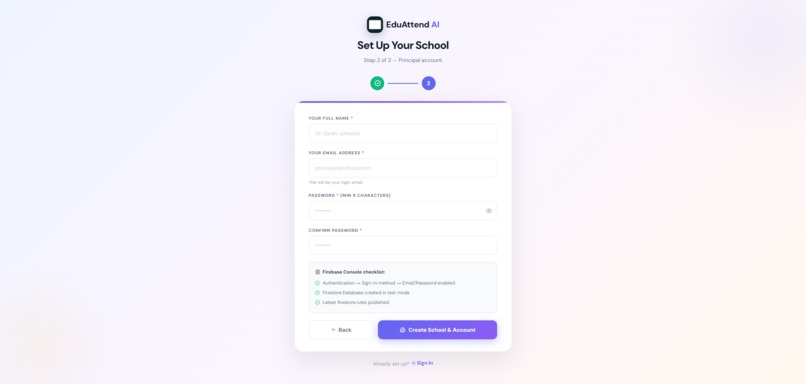
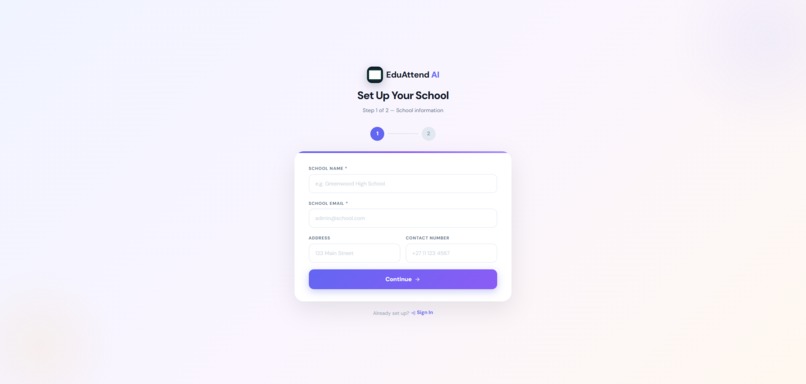
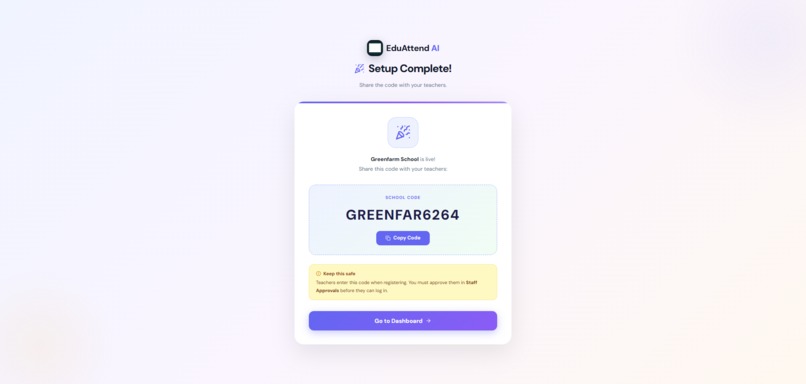
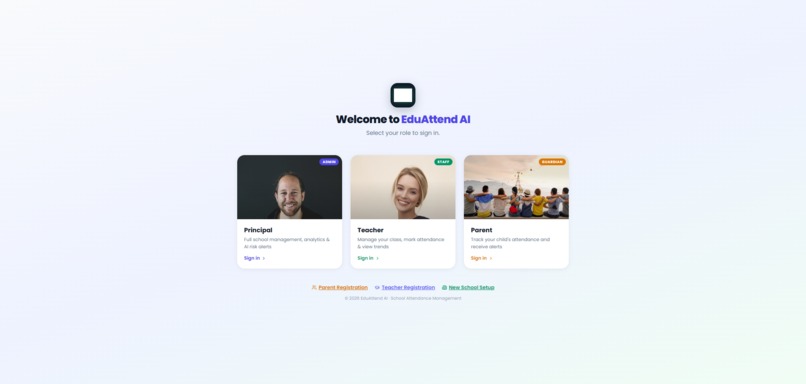
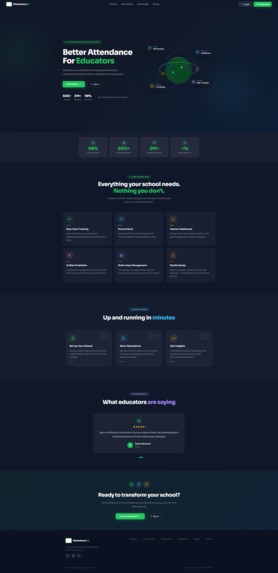
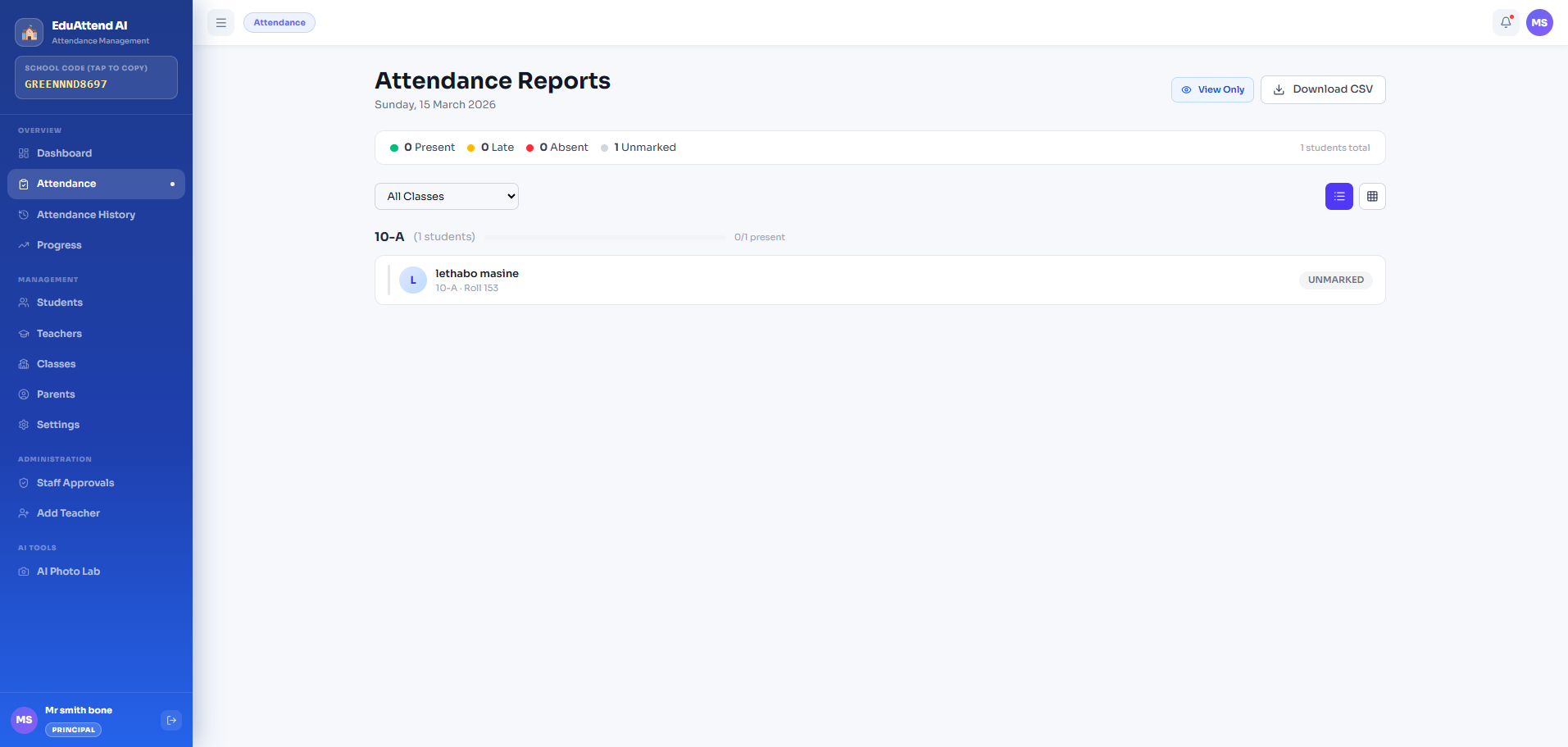
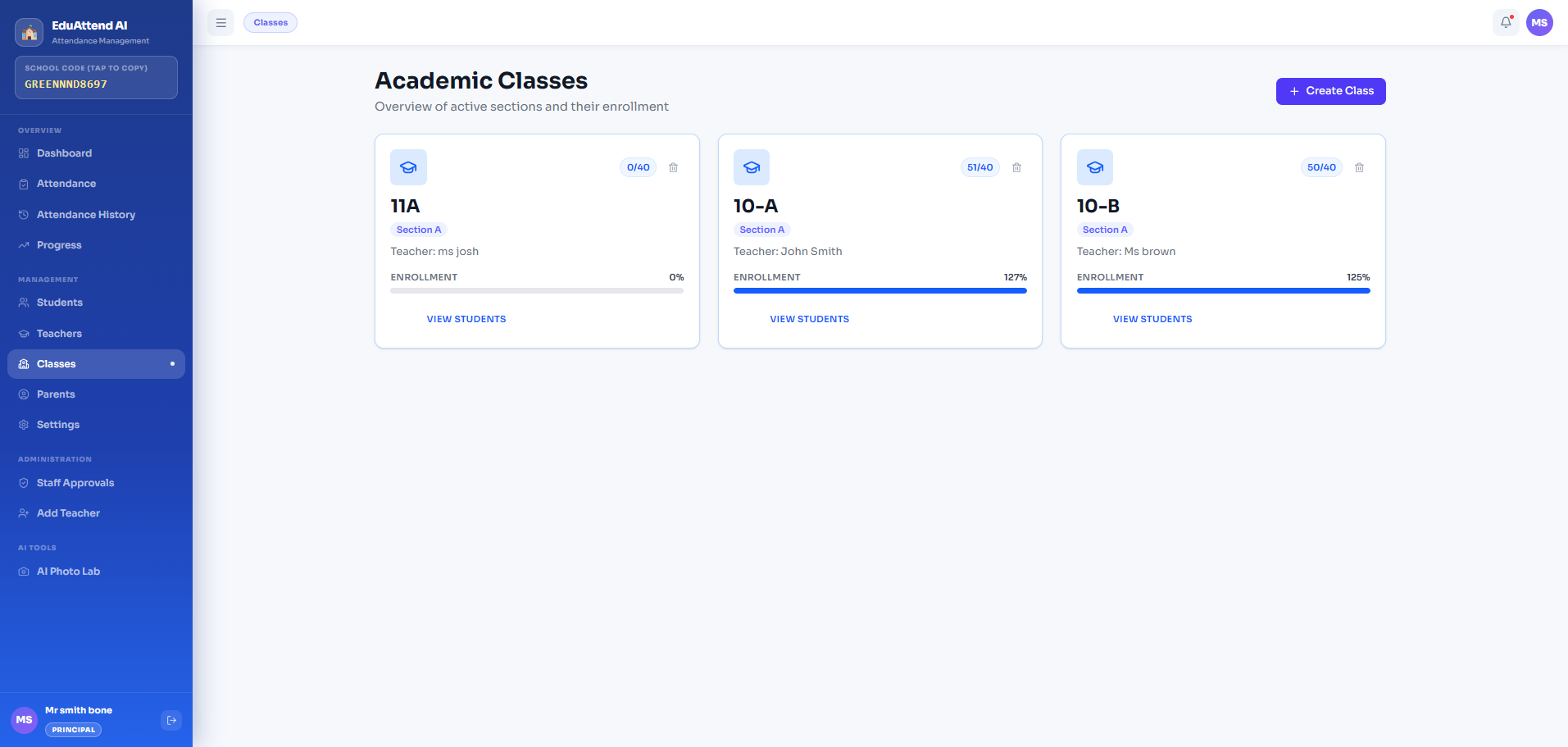
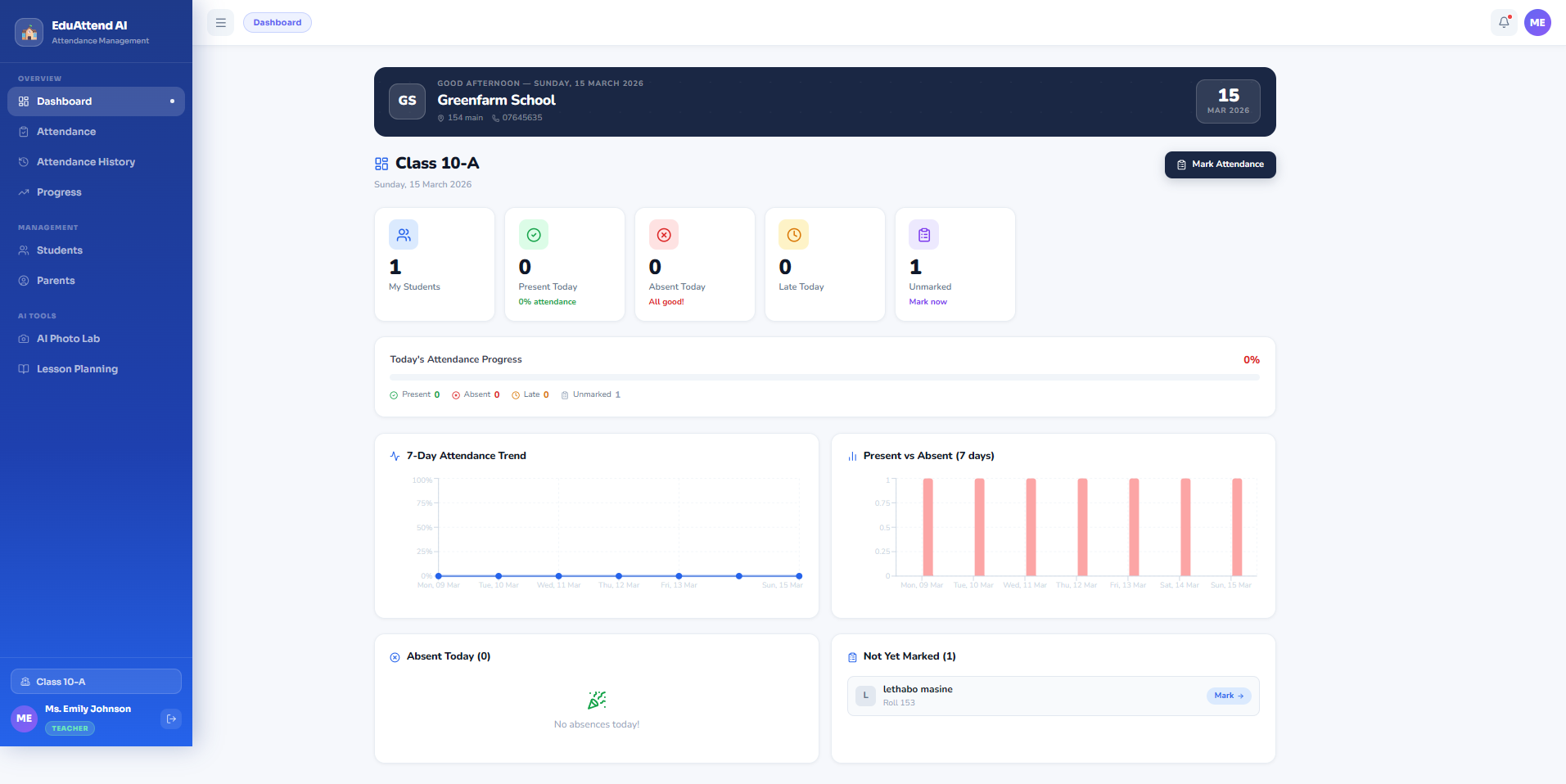
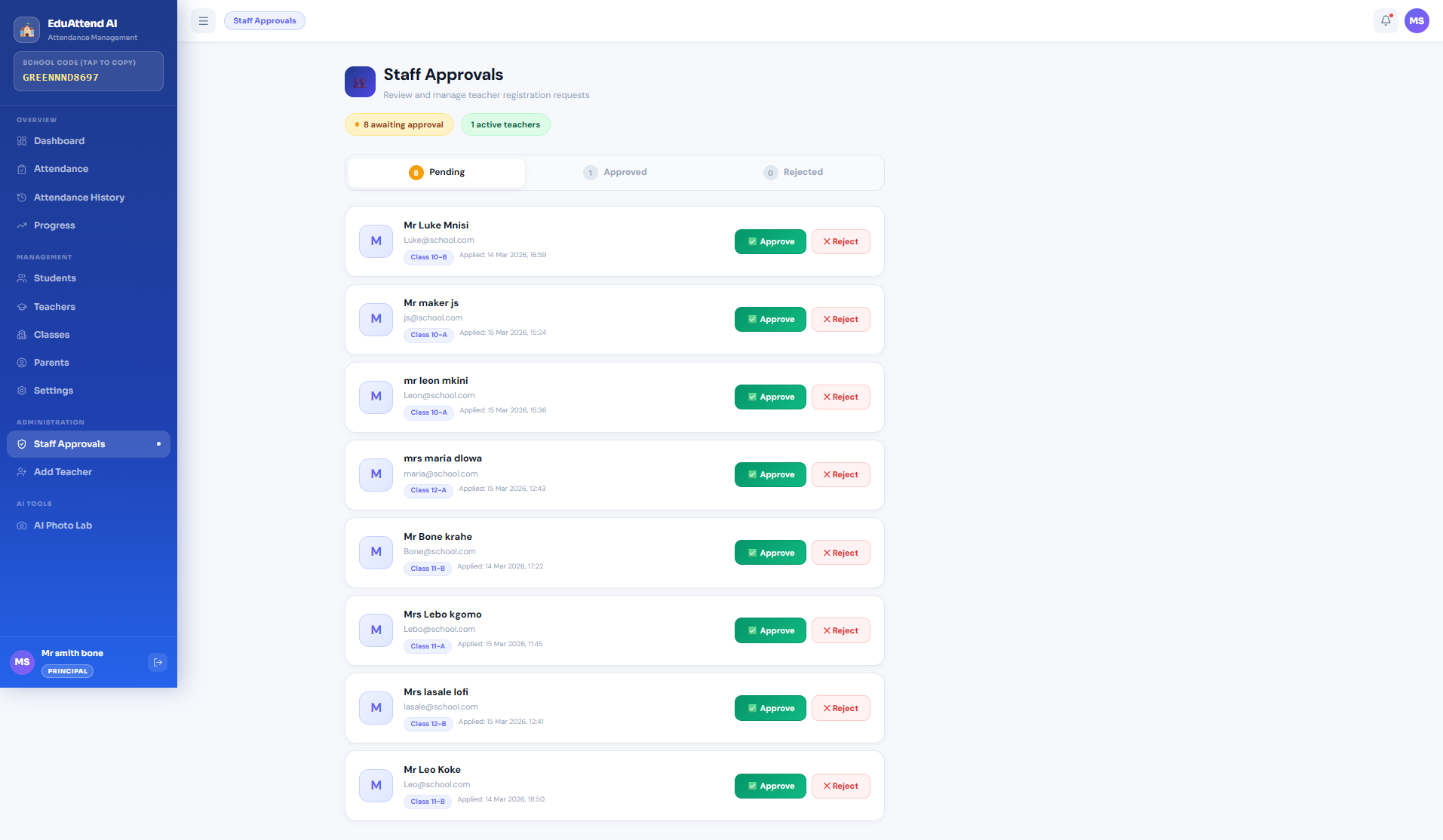
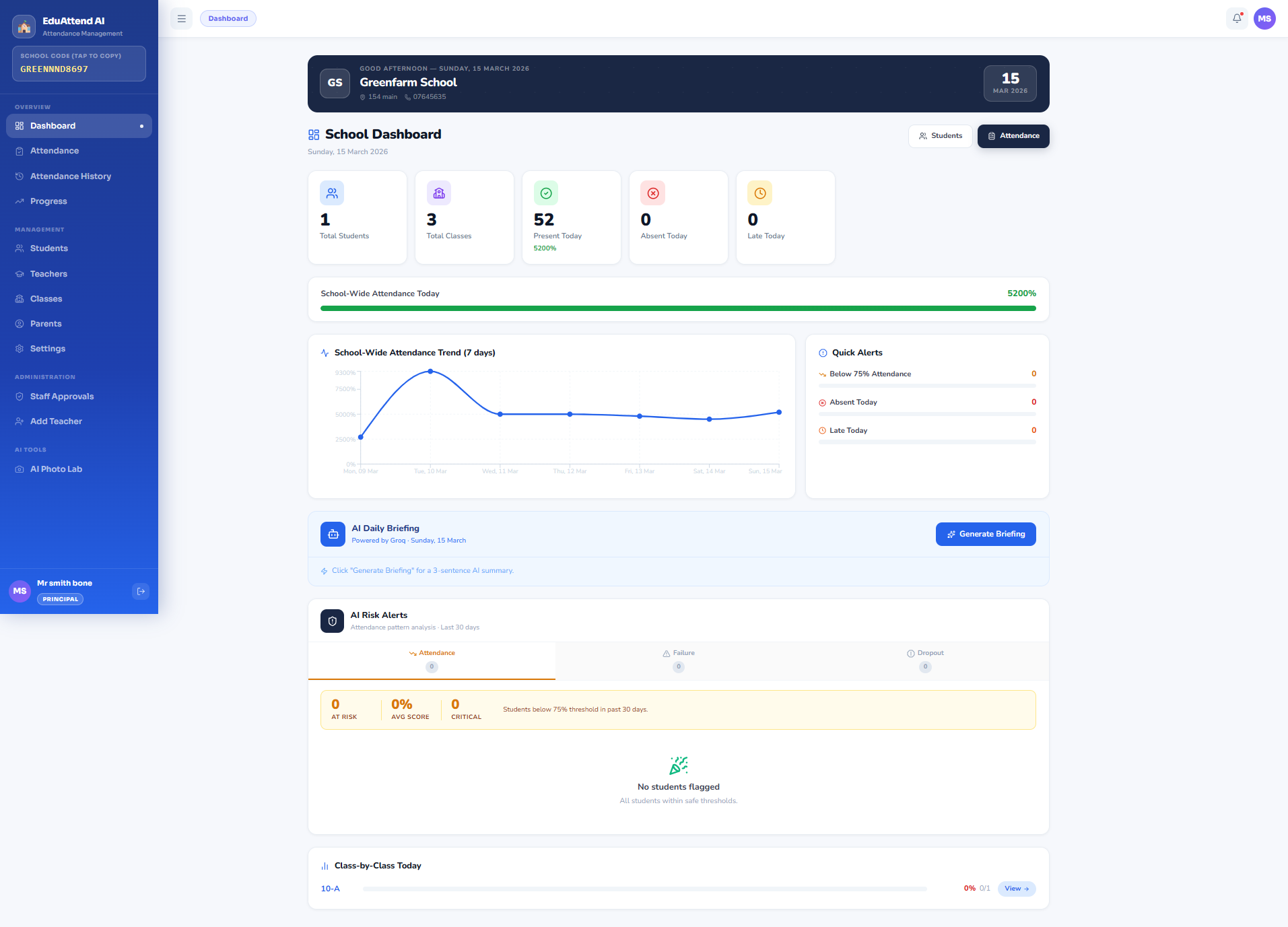
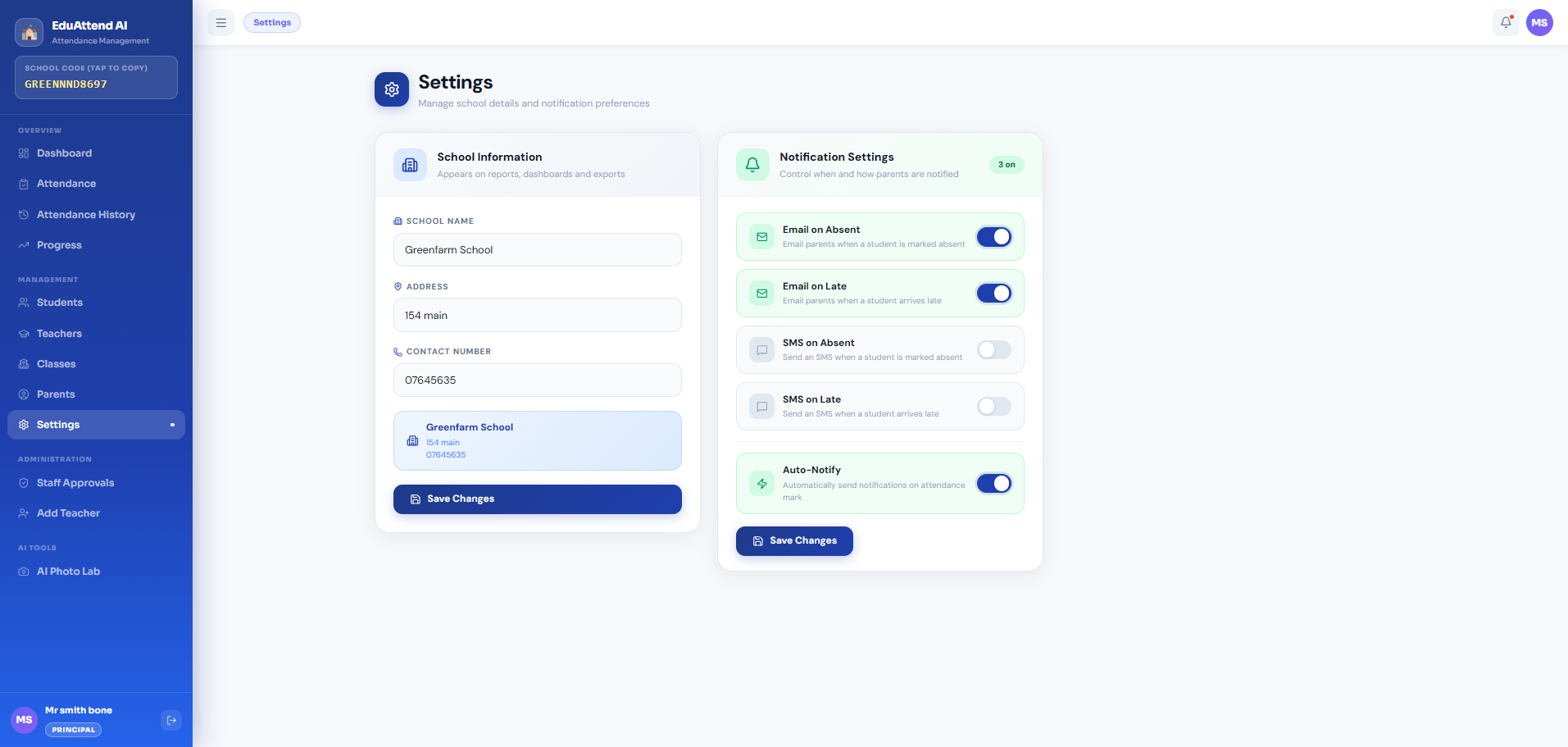
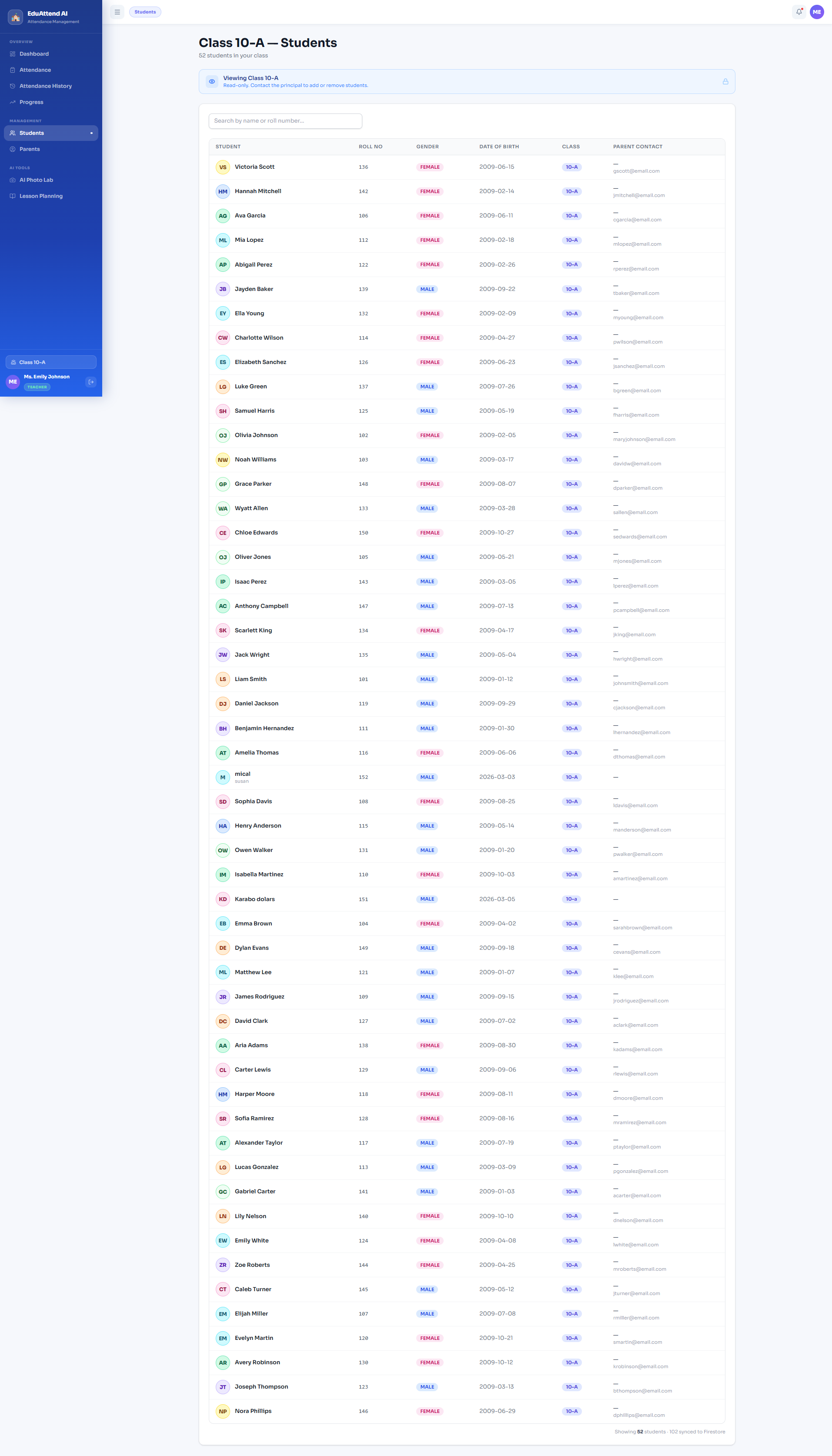
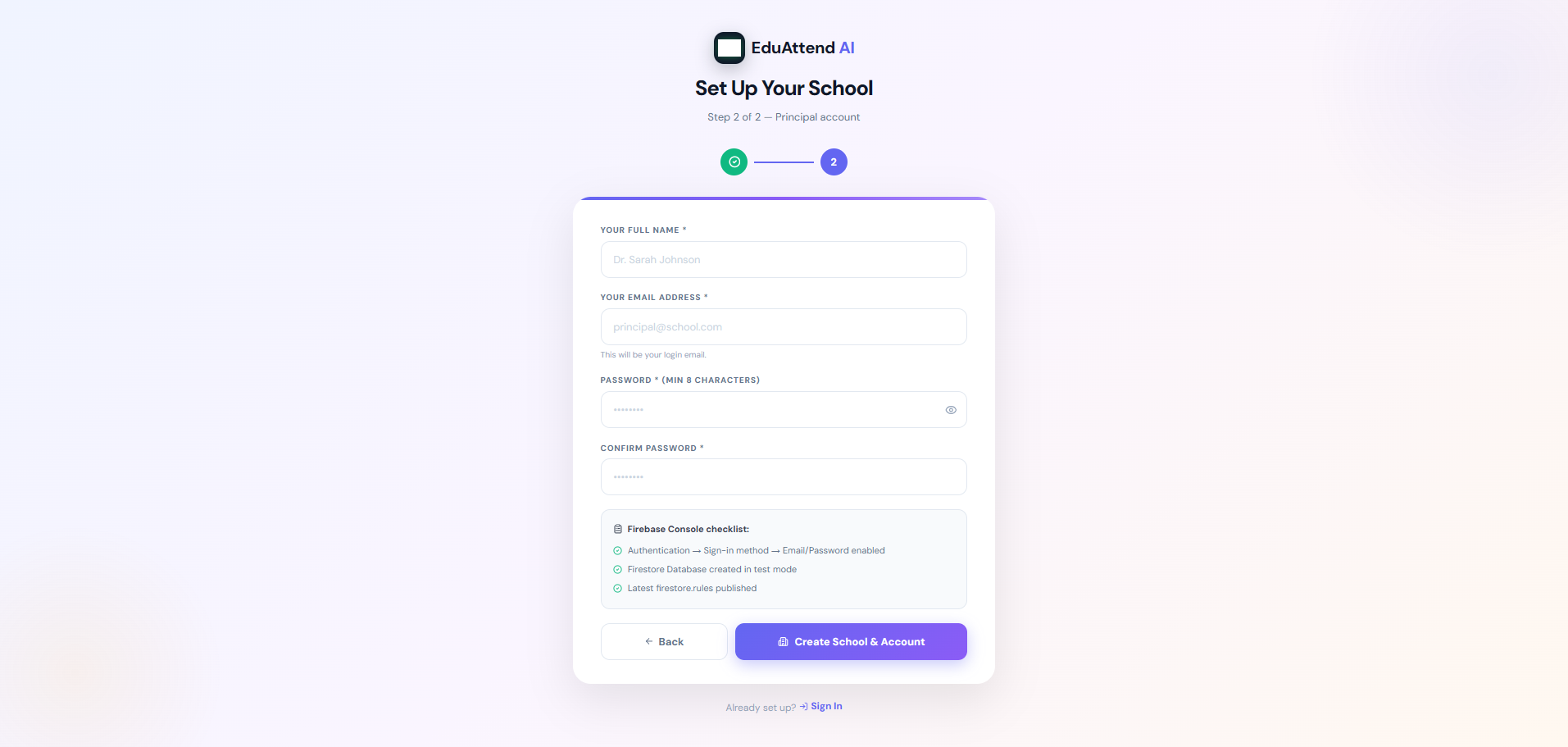
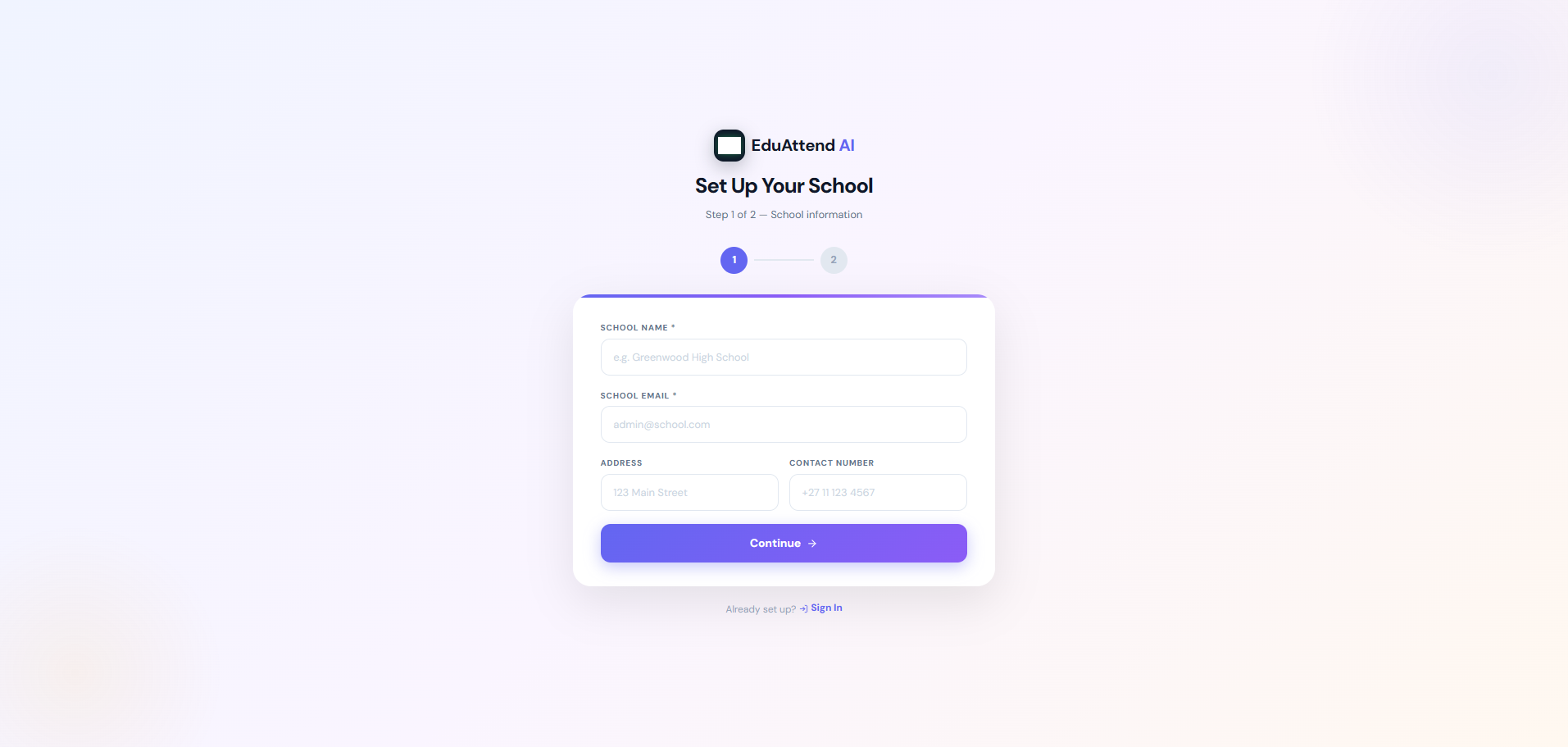
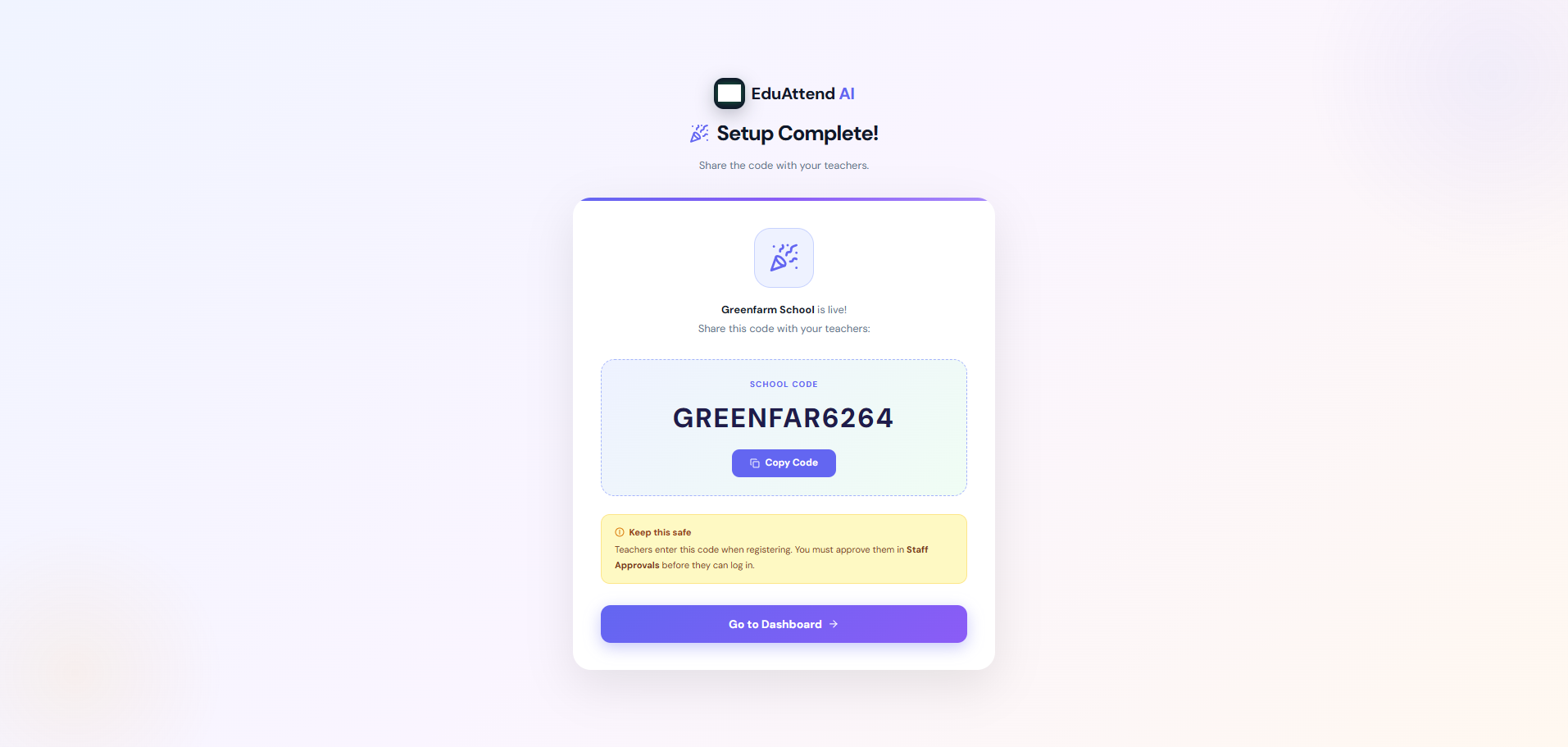
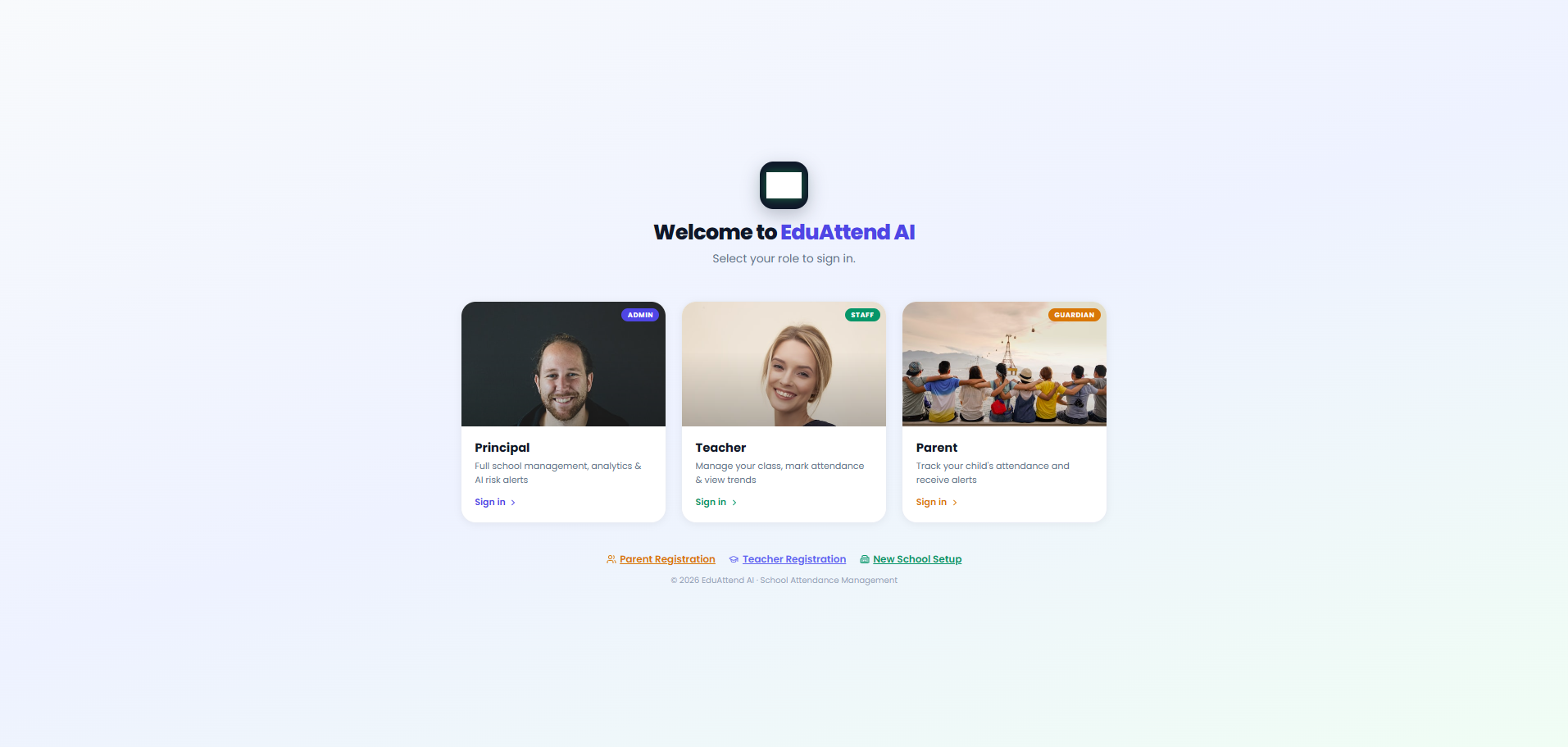
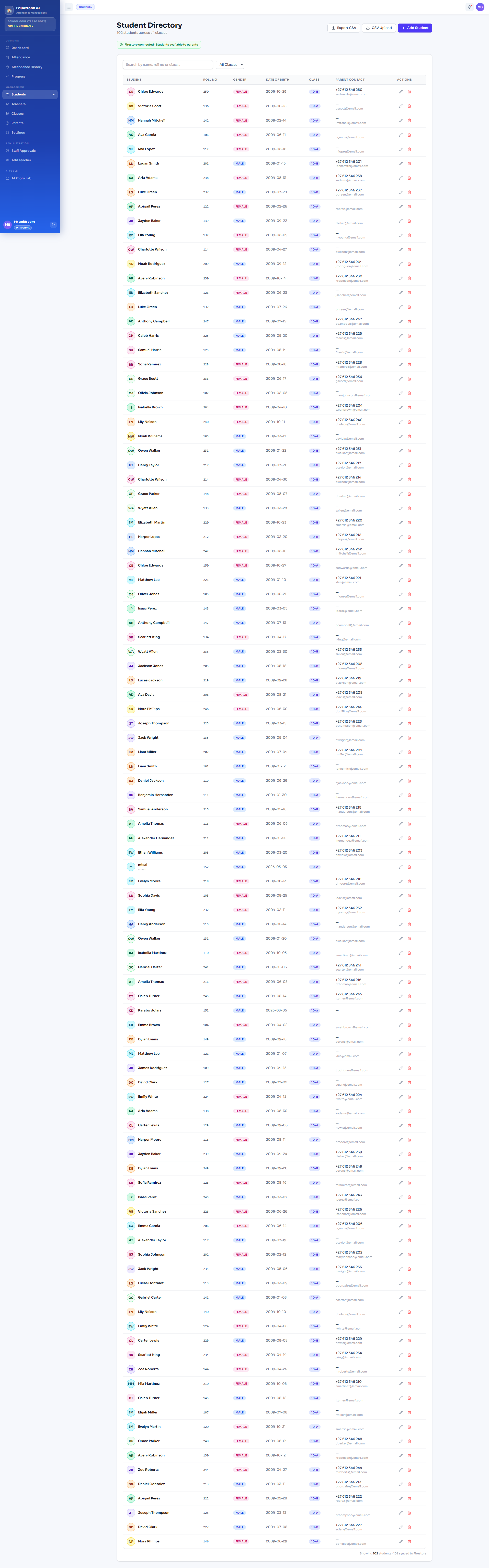
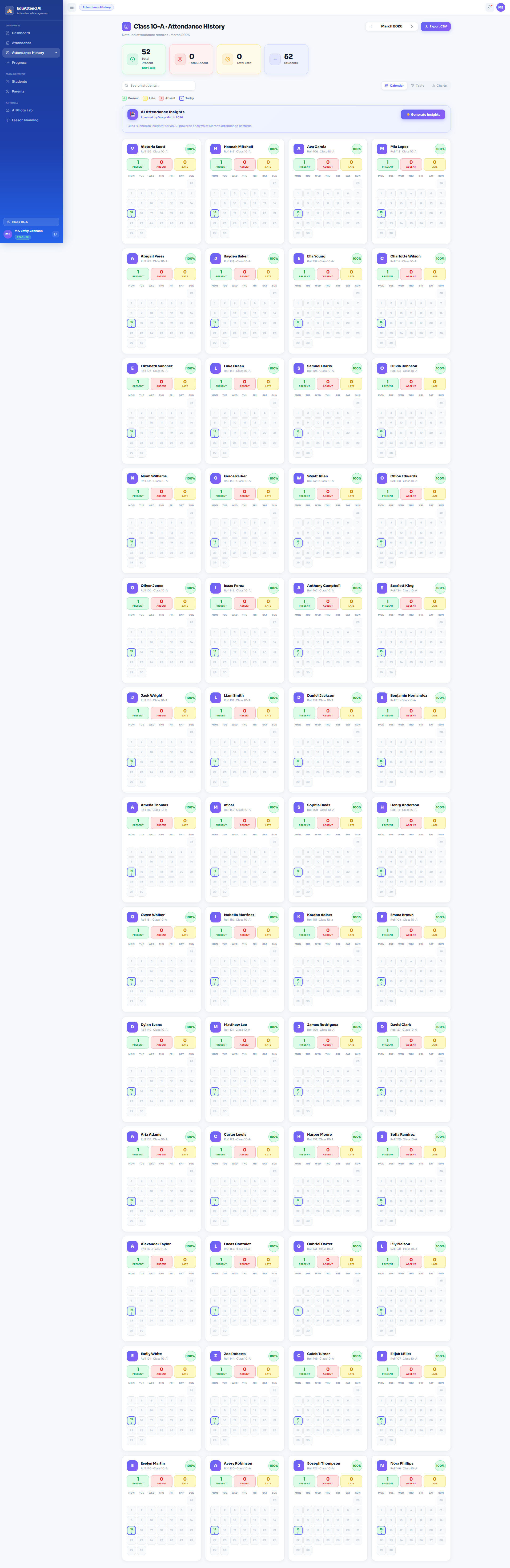
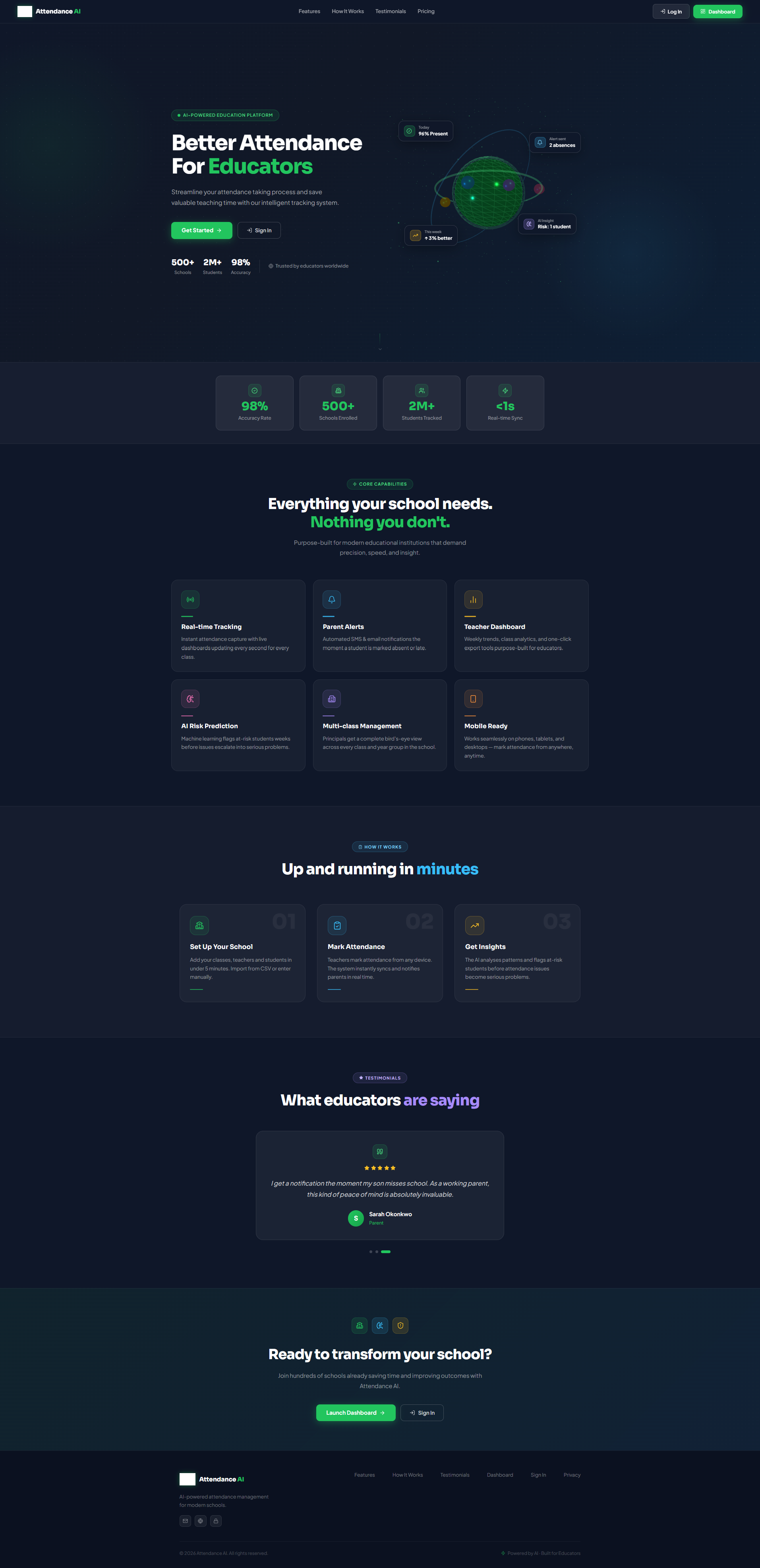
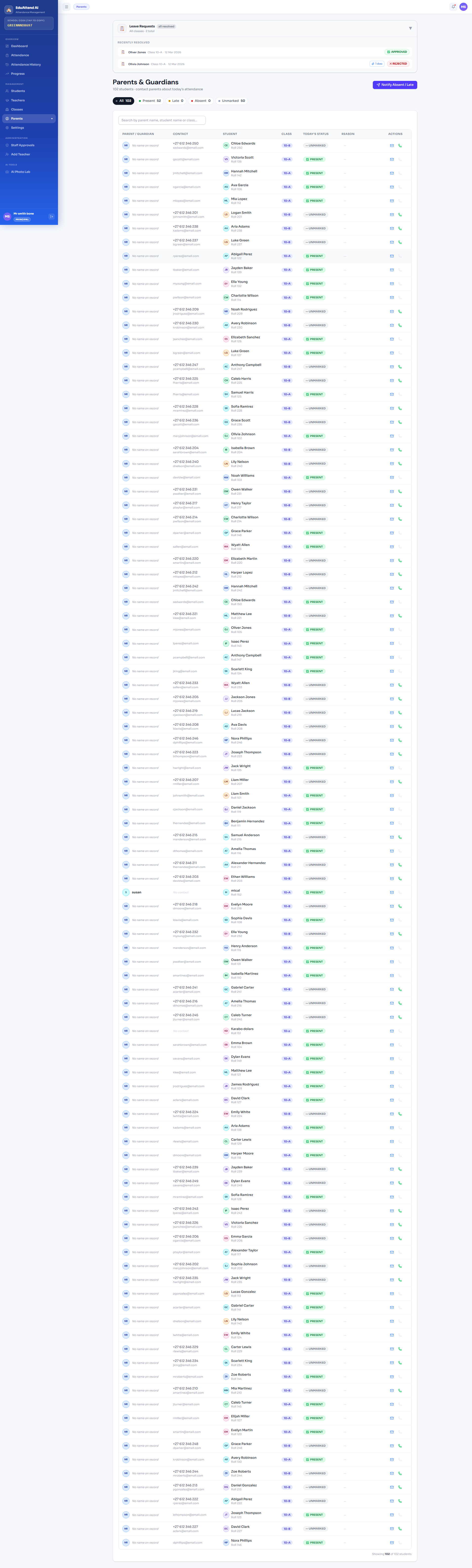
EduAttend AI is a full-stack school attendance management platform for principals, teachers, and parents:
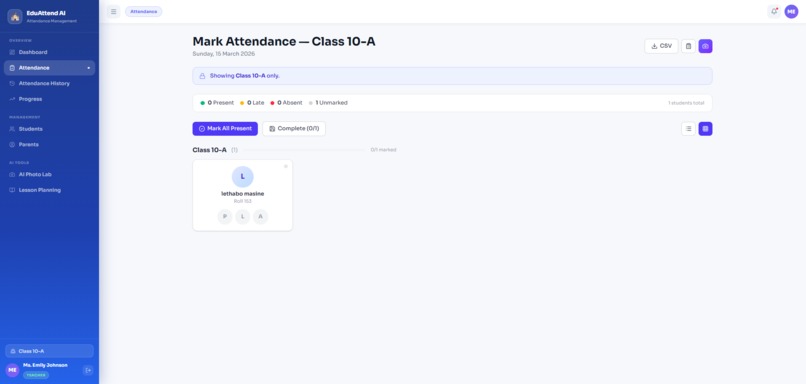
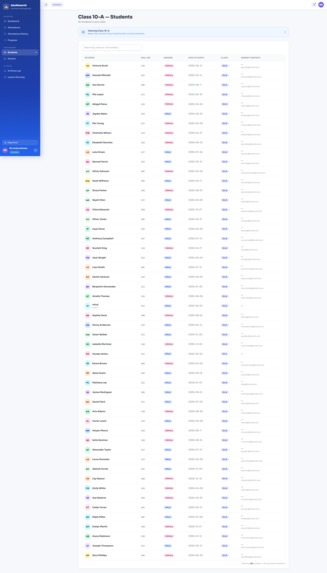
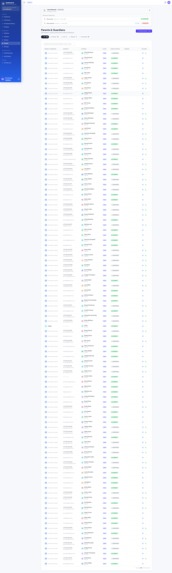
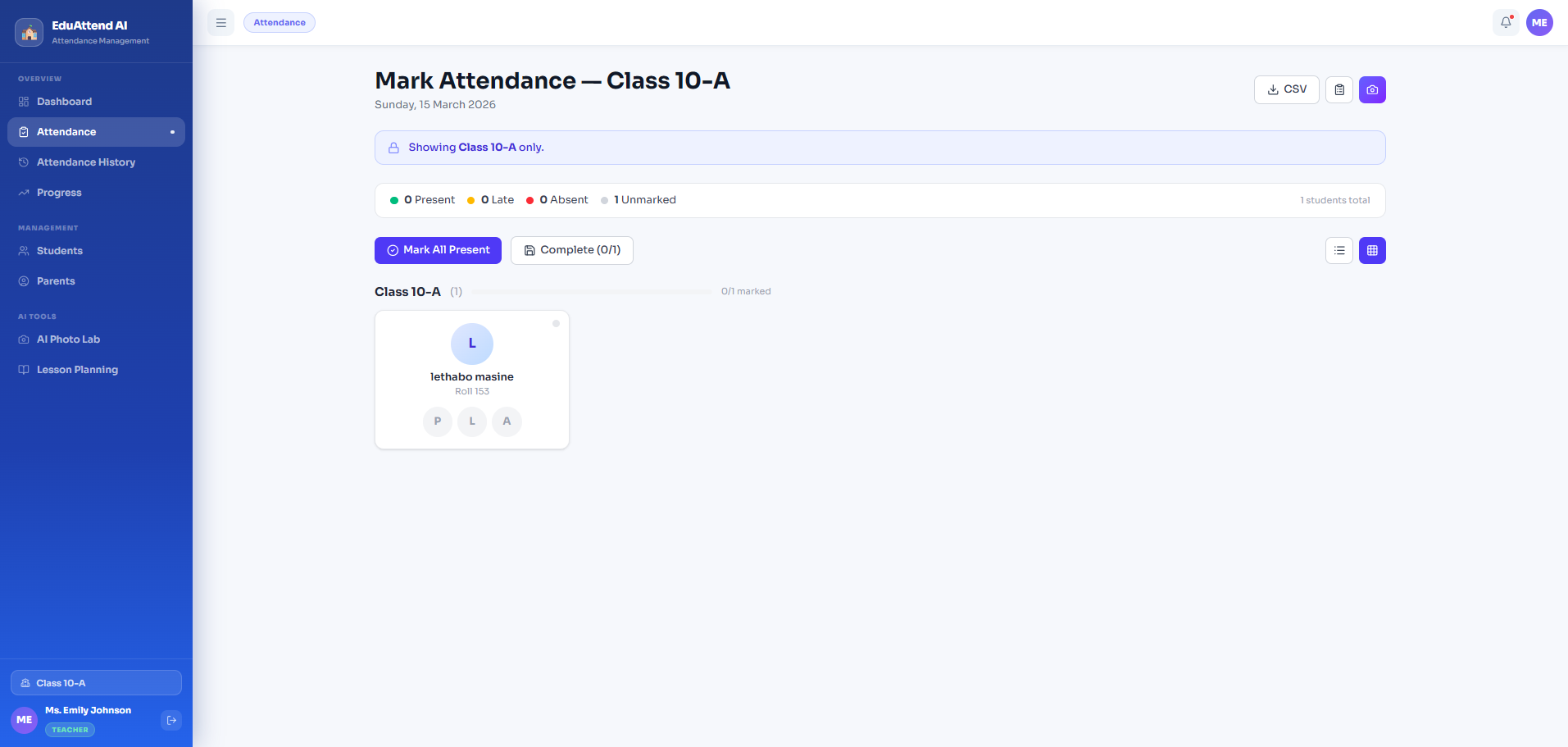
- Real-time attendance marking — teachers mark via grid or list view from any device
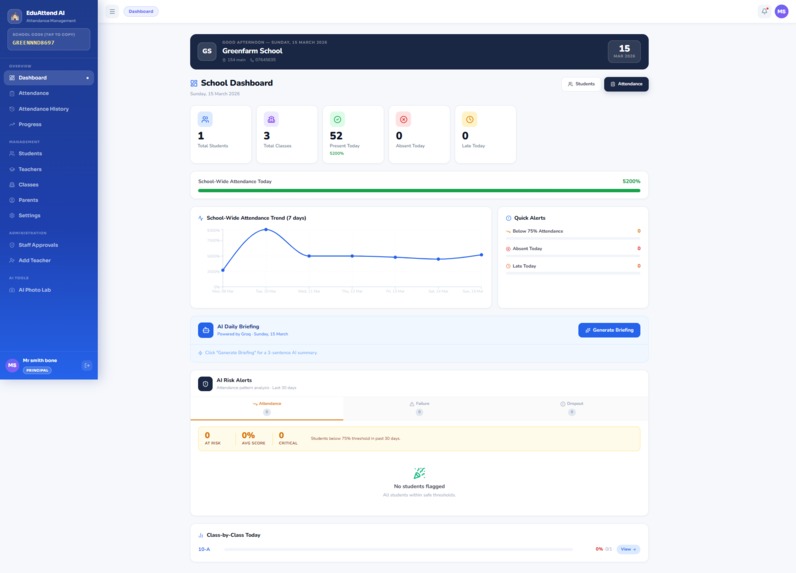
- AI daily briefing — Groq (llama-3.3-70b) generates a 3-sentence executive summary every morning for the principal
- AI risk engine — rule-based pattern analysis flags students with low attendance, failure risk, or dropout risk across a 30-day window
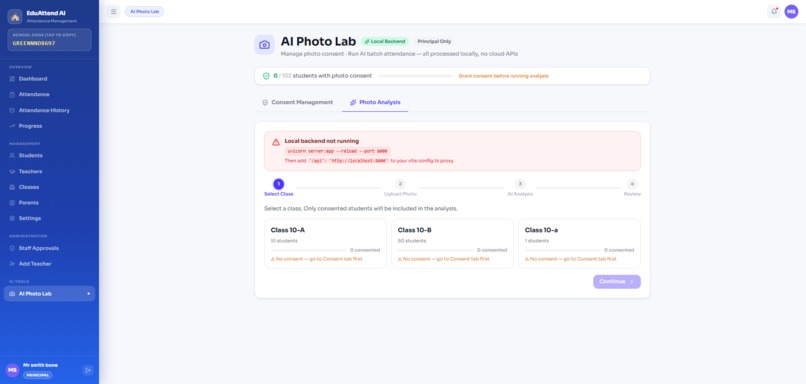
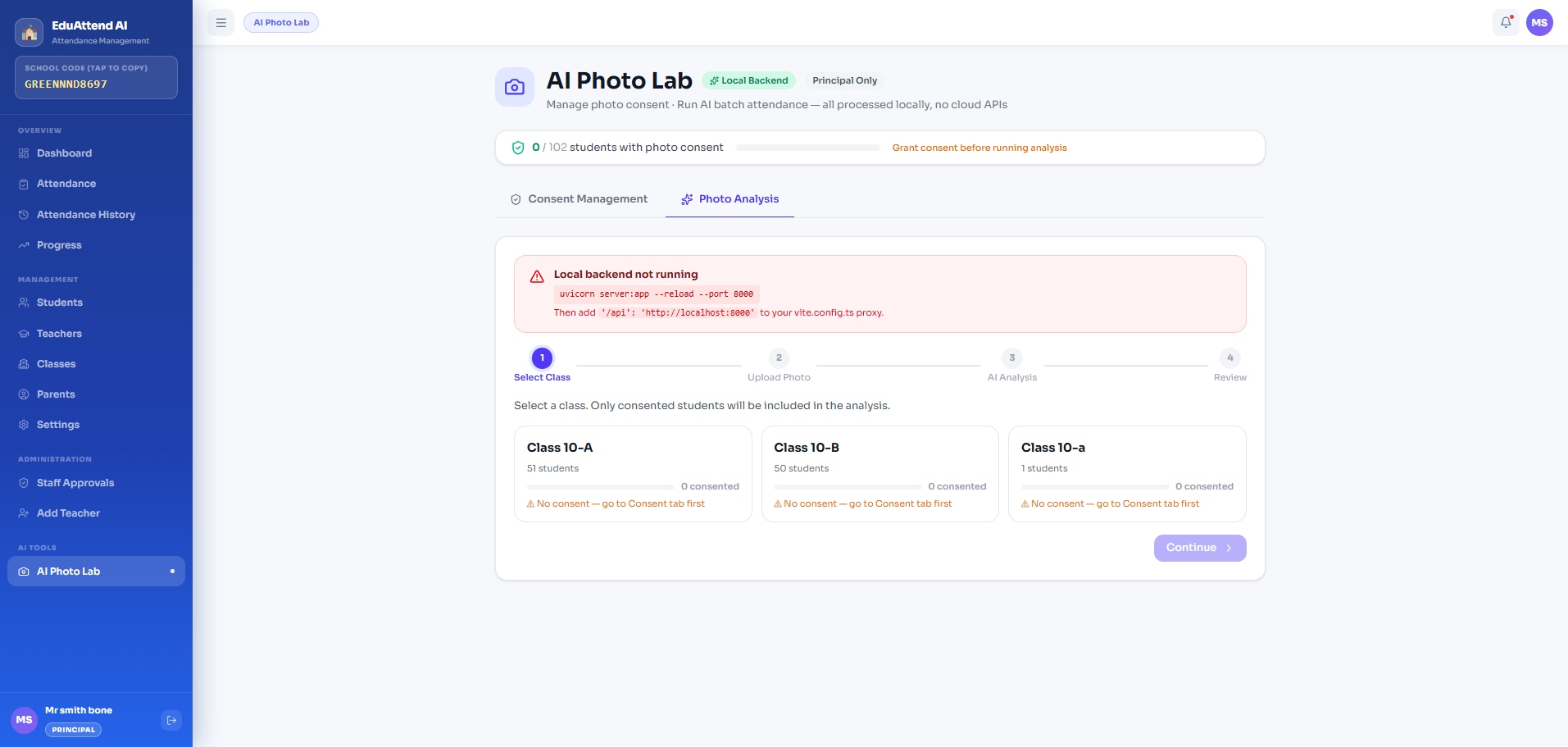
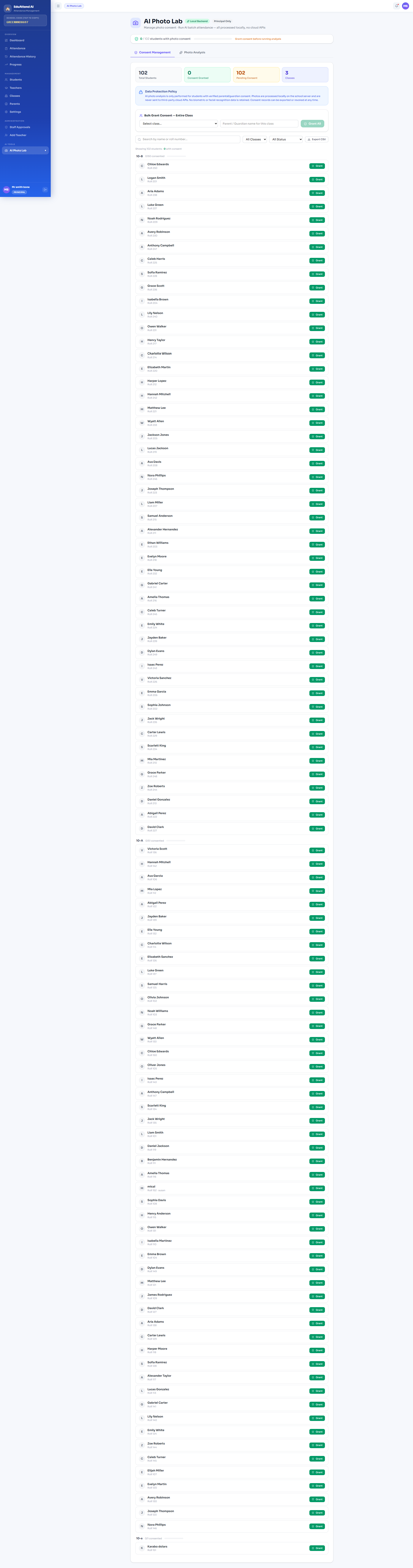
- AI photo attendance — a local BLIP model analyses a class photo and auto-fills the register, with parent consent gates
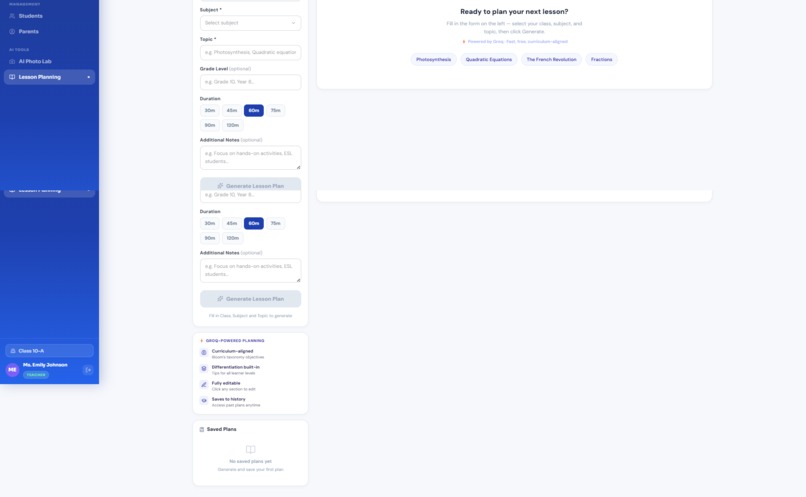
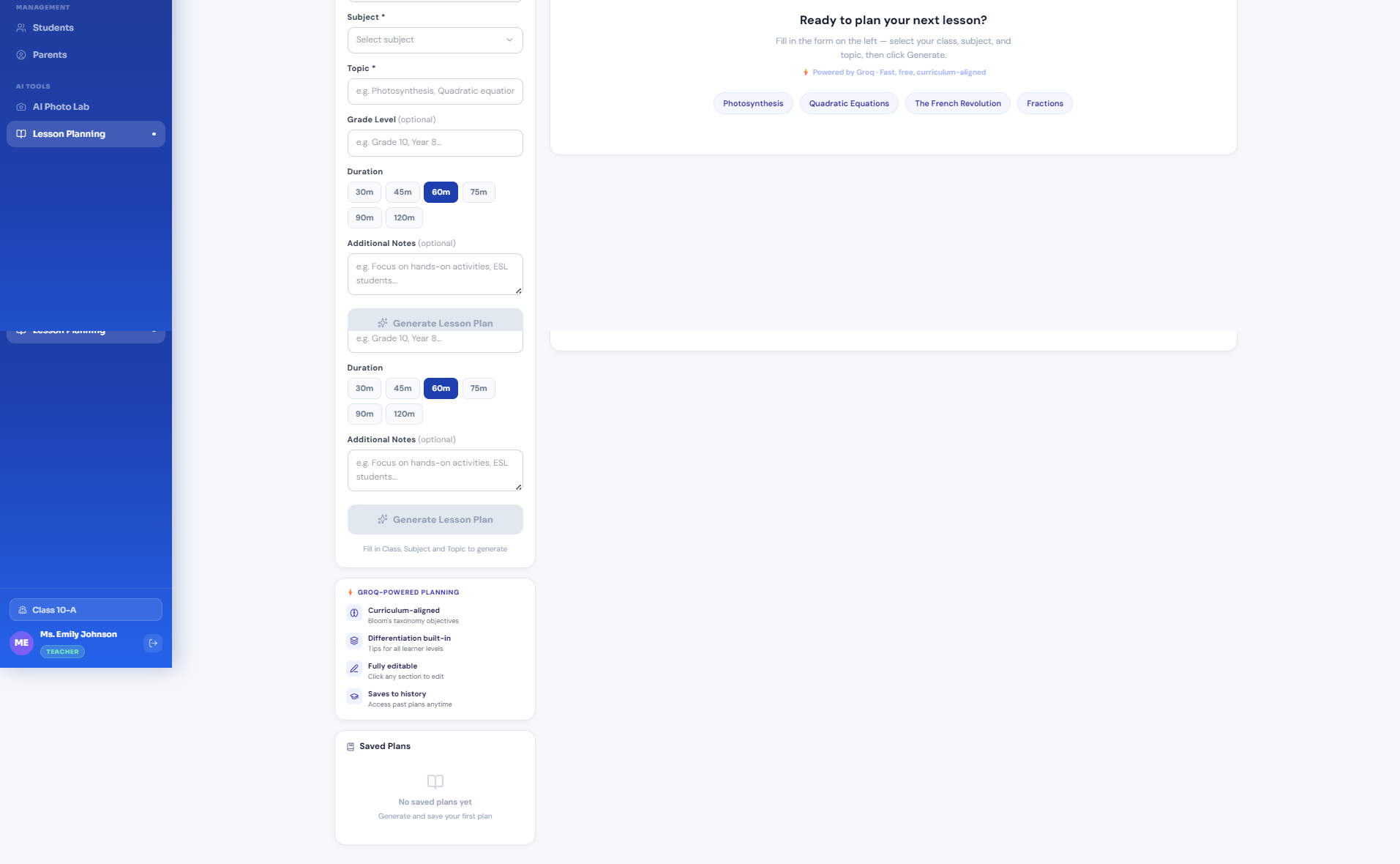
- AI lesson planning — Groq generates full, curriculum-aligned lesson plans from a subject + topic in seconds
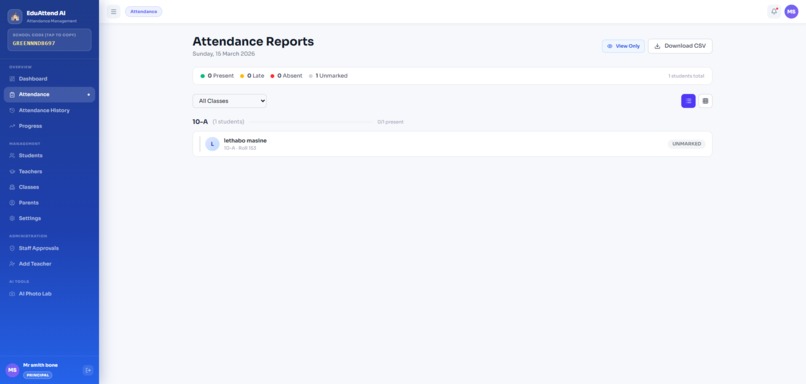
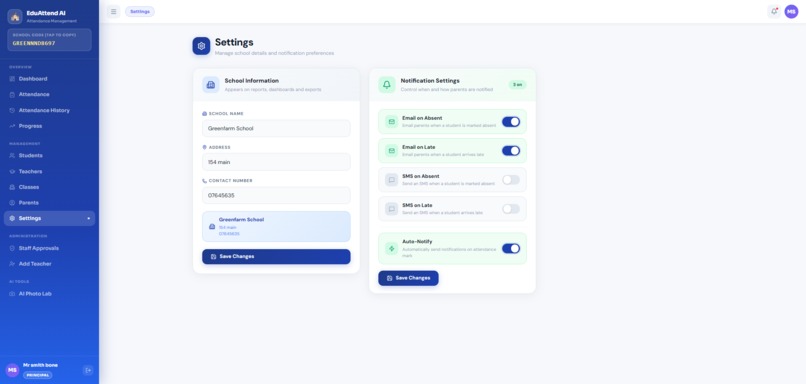
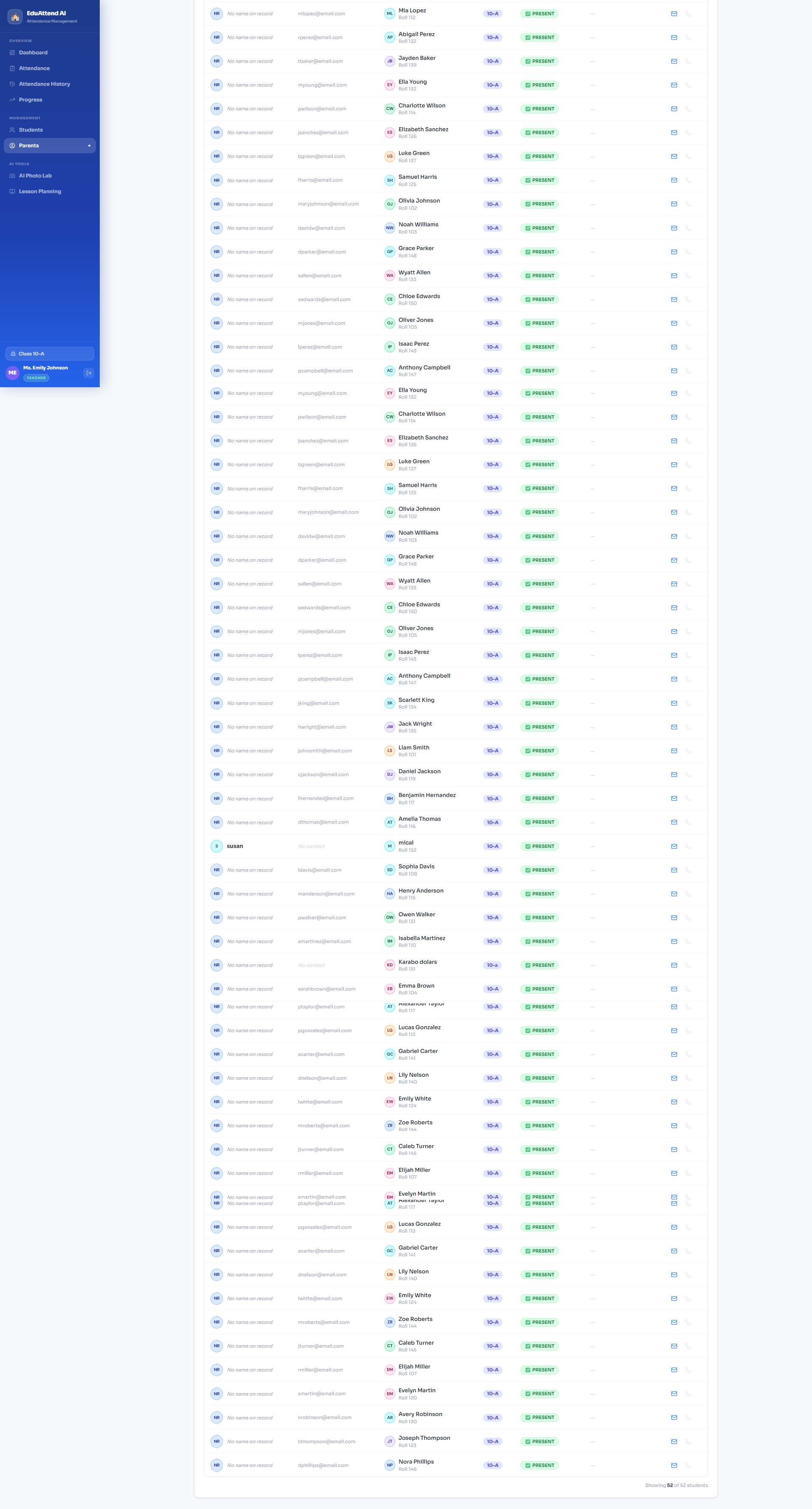
- Parent portal — parents see their child's attendance history and receive instant absence notifications
- Multi-school isolation — every school's data is fully namespaced in storage, so schools never see each other's records
How we built it
| Layer | Technology |
|---|---|
| Frontend | React 18 + TypeScript + Recharts |
| Auth & database | Firebase Authentication + Firestore |
| AI briefings & lesson plans | Groq API (llama-3.3-70b-versatile) |
| AI photo attendance | Local Python backend — Salesforce BLIP (image captioning) via FastAPI + uvicorn |
| Per-school storage | Custom schoolStorage.ts — namespaced localStorage keys (school:{id}:students) |
| Deployment | Vite + Vercel |
The architecture separates concerns cleanly: Firestore is the source of truth for
users and students; localStorage is a per-school offline cache keyed by schoolId;
and the AI features are additive — the app works fully without a Groq key or the
local backend running.
Challenges we faced
🔴 AI photo recognition — the hardest problem
This was by far the most difficult part of the build. The original plan was to use a cloud vision API to identify individual students by face. We hit several walls:
Privacy and consent. Facial recognition of minors requires explicit parental consent. We had to design a full consent management system — per-student opt-in, parent name recording, consent revocation — before a single photo could be processed.
Model accuracy. Out-of-the-box face recognition models (DeepFace, face-api.js) struggled with:
- Group classroom photos with overlapping faces
- Variable lighting and low-resolution phone cameras
- Students who look similar in age
We pivoted to a headcount + roll-order heuristic: BLIP captions the image (e.g. "a classroom with 28 students seated at desks"), we extract the count with a regex, then assign present/absent by roll number order. This is less precise than true face recognition, but it is privacy-safe, runs entirely locally, and gives teachers a useful starting point they can correct manually.
Duplicate photo rejection. We implemented SHA-256 image hashing to prevent the same photo being submitted twice in a session — a simple but important guard against accidental duplicate records.
Local backend latency. The BLIP model is ~1.9 GB and takes 8–12 seconds on CPU for the first inference. We added a loading state with progress steps so teachers know the model is working and not frozen.
🟡 Multi-school data isolation
All schools were initially sharing the same localStorage keys ('students',
'attendance_records'). School B could log in and see School A's data. The fix was
a namespaced storage utility:
school:{schoolId}:students
school:{schoolId}:attendance\_records
school:{schoolId}:classes
With automatic migration of legacy flat keys on first login for existing accounts.
🟡 Groq JSON reliability
groqJSON() occasionally returned markdown-wrapped JSON or truncated objects. We
added a strip-and-retry layer that cleans backtick fences before parsing, and falls
back gracefully with a user-facing error rather than a crash.
What we learned
- Privacy-first AI is not a constraint — it is a feature. Parents trusted the system more once they saw the consent screen and understood photos never left the school's server.
- Local models beat cloud APIs for sensitive data. Running BLIP locally means no student images ever reach a third-party server.
- Namespacing from day one saves pain later. Adding schoolId to every storage key is a small upfront cost that prevents a class of bugs that are nearly impossible to fix after data exists.
- Groq is remarkably fast for school-scale workloads. A full lesson plan generates in under 3 seconds — fast enough that teachers use it mid-prep, not just in advance.
What's next
- Push notifications (FCM) for real-time parent absence alerts
- True on-device face recognition using TensorFlow.js + a fine-tuned model
- Offline-first PWA mode for schools with unreliable internet
- SMS alerts via AfricastalKing for parents without smartphones
- Analytics exports for district-level reporting

Log in or sign up for Devpost to join the conversation.