Inspiration
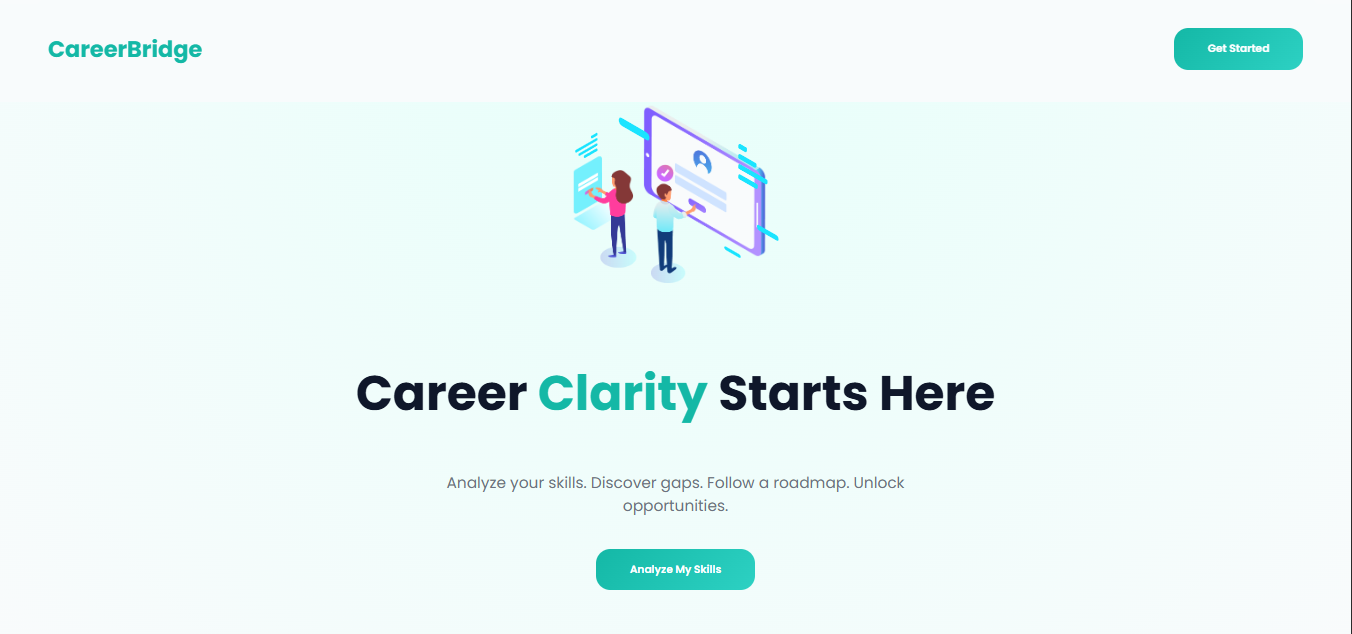
Many students and early professionals struggle to identify their skill gaps and often feel confused about what skills to learn to become job-ready or hackathon-ready.
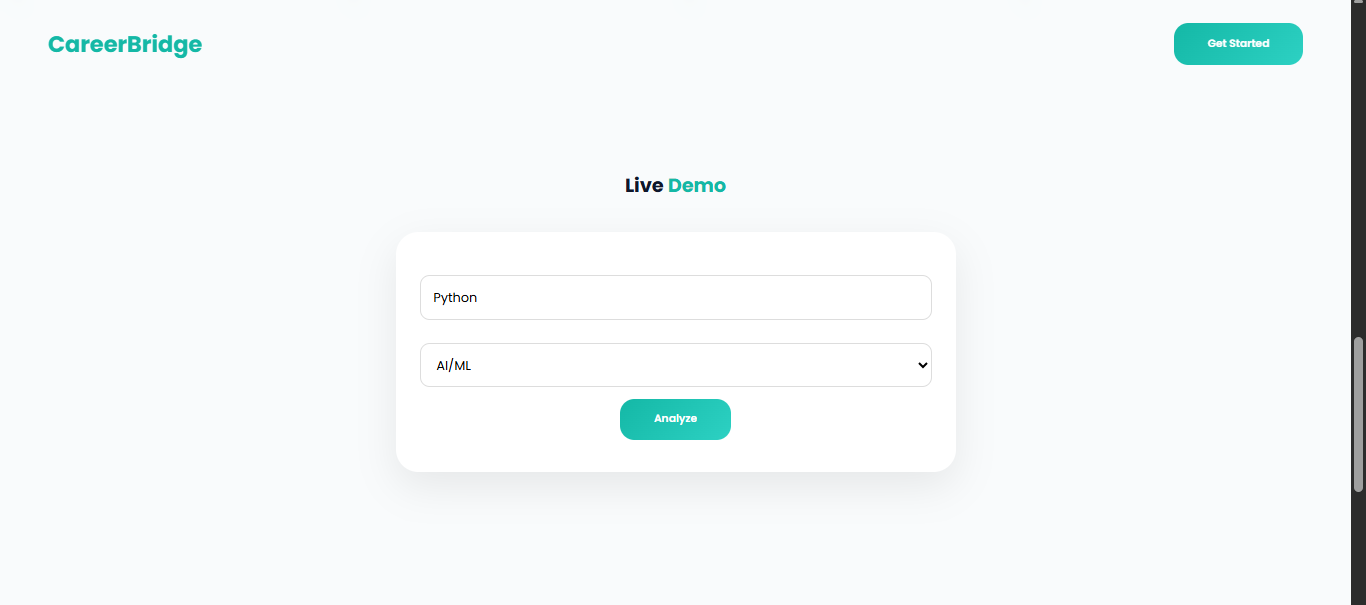
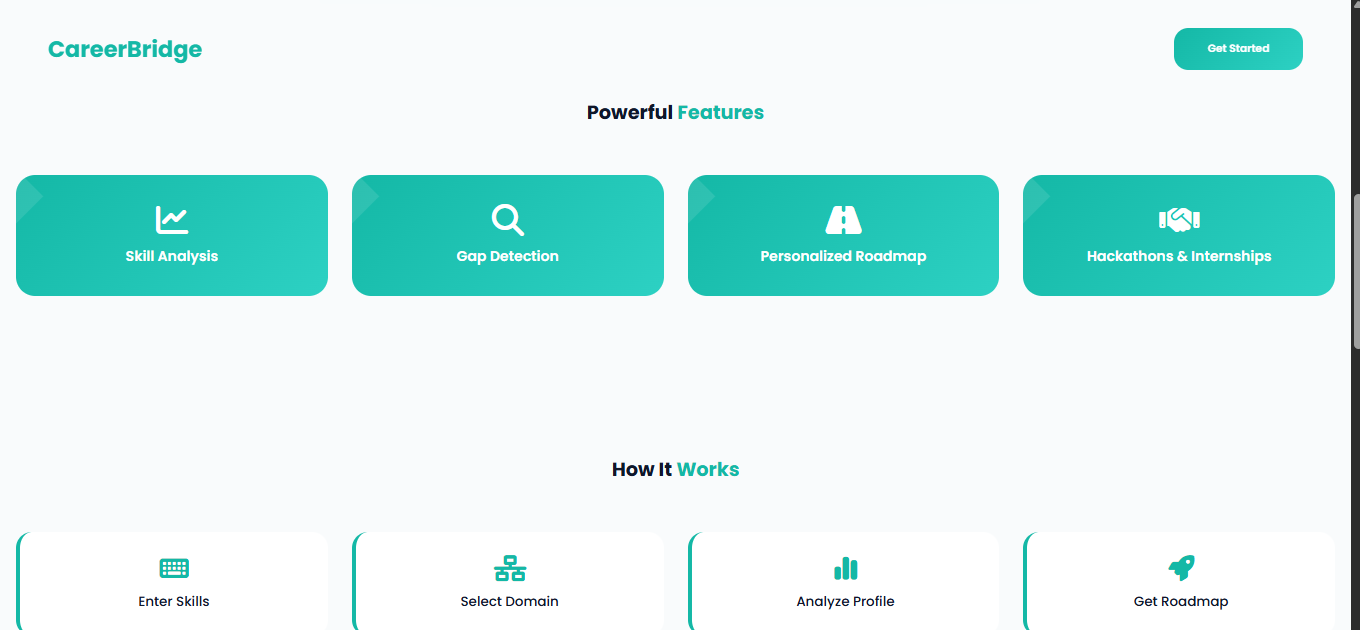
CareerBridge was built to solve this problem by analyzing a user’s current skills, identifying gaps, and providing a personalized learning roadmap along with domain-specific hackathons, internships, and learning centers.
The goal was to create a single intelligent dashboard that helps users move from confusion to clarity in their career journey.
What I Learned
- Built a full-stack application using FastAPI (backend) and an interactive JavaScript frontend.
- Integrated Leaflet.js maps to visualize nearby learning centers and hackathons.
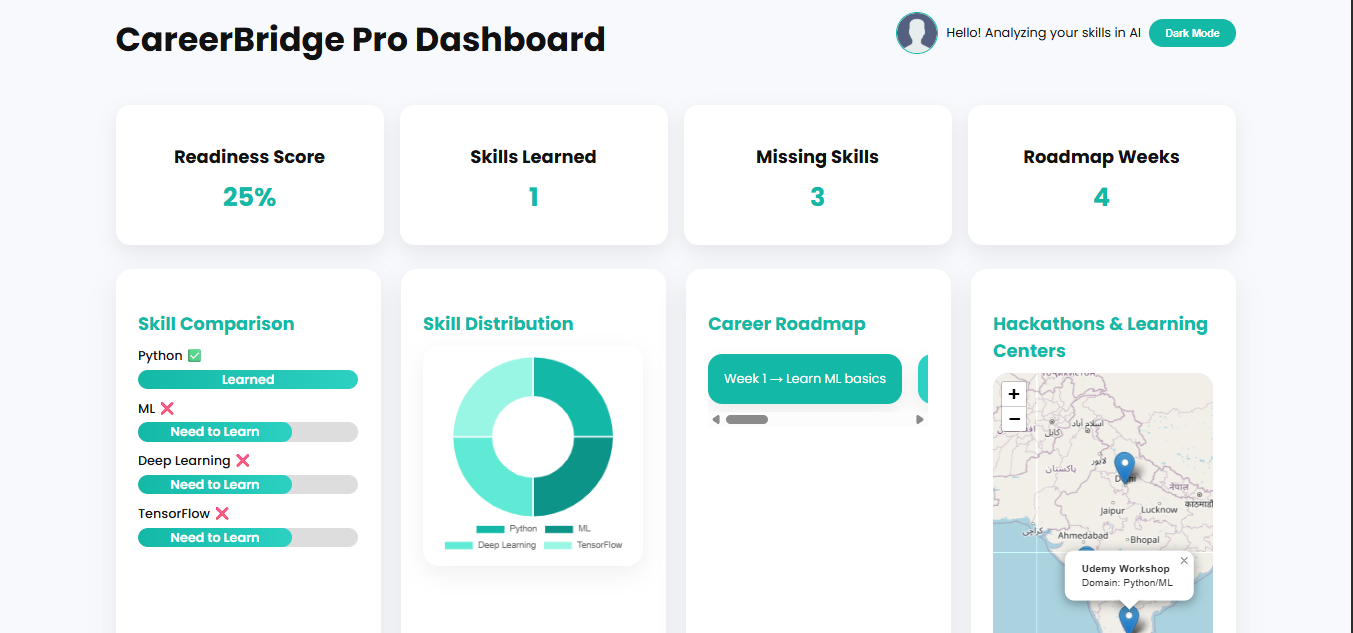
- Designed dynamic, data-driven dashboards with charts, timelines, and progress indicators.
- Implemented API-driven skill analysis, readiness scoring, and roadmap generation.
- Improved understanding of frontend–backend synchronization, async API calls, and UI state management.
How I Built It
Frontend:
- HTML, CSS, and JavaScript for a responsive, modern UI
- Chart.js for skill distribution, progress visualization, and comparisons
- Interactive dashboards with animations and clean UX
- HTML, CSS, and JavaScript for a responsive, modern UI
Backend:
- FastAPI (Python) to process skill input
- Calculate readiness score
- Identify missing skills
- Generate personalized learning roadmaps
- FastAPI (Python) to process skill input
Dashboard Features:
- Skill comparison (learned vs missing)
- Readiness score and visual progress indicators
- Personalized weekly roadmap
- Recommended learning resources
- Resume builder access
- Skill comparison (learned vs missing)
Map Integration:
- Leaflet.js to display hackathons and learning centers on an interactive map
- Leaflet.js to display hackathons and learning centers on an interactive map
Skill Analysis Logic:
- Skills categorized into core, must-have, and advanced
- Roadmap dynamically adapts based on selected domain
- Skills categorized into core, must-have, and advanced
Challenges Faced
- Handling dynamic user skill input across multiple domains.
- Designing visualizations that are informative but not overwhelming.
- Keeping frontend and backend data in sync for a smooth user experience.
- Balancing professional UI design with performance and responsiveness.

Log in or sign up for Devpost to join the conversation.