-
-
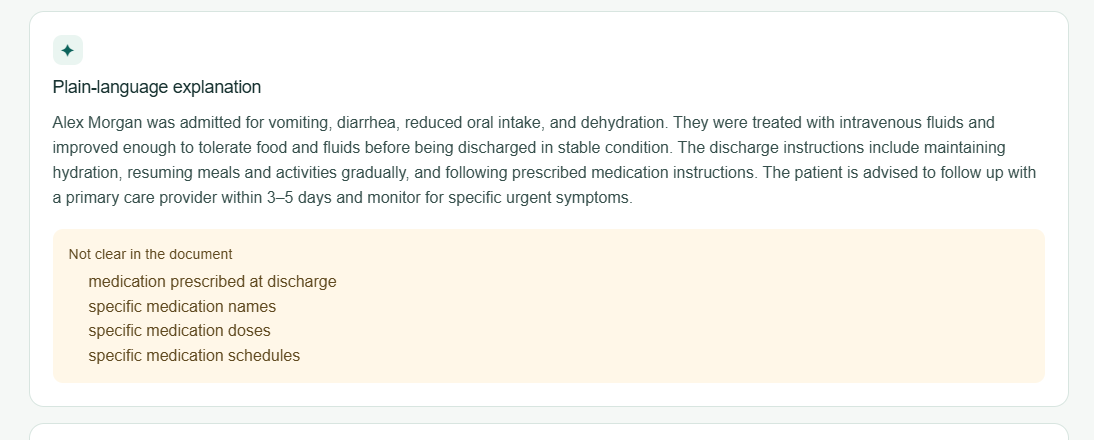
Plain-language explanation
-
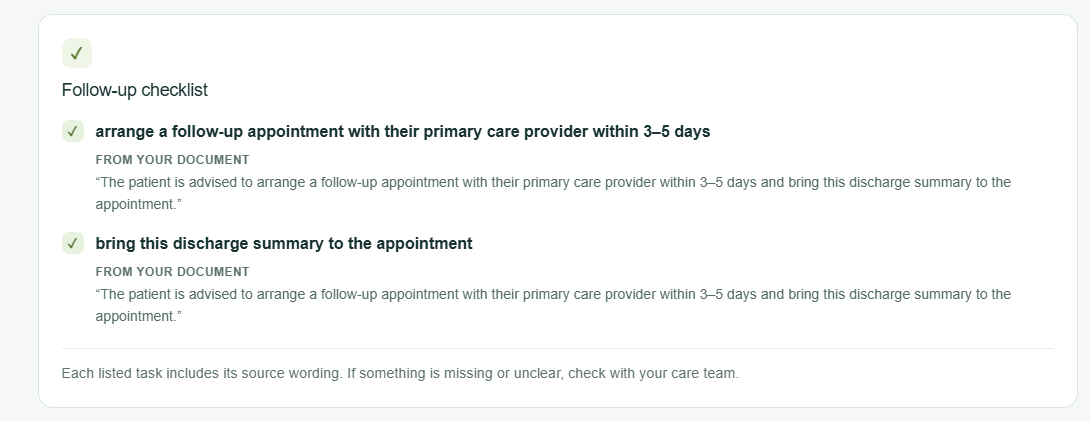
Follow-up checklist
-
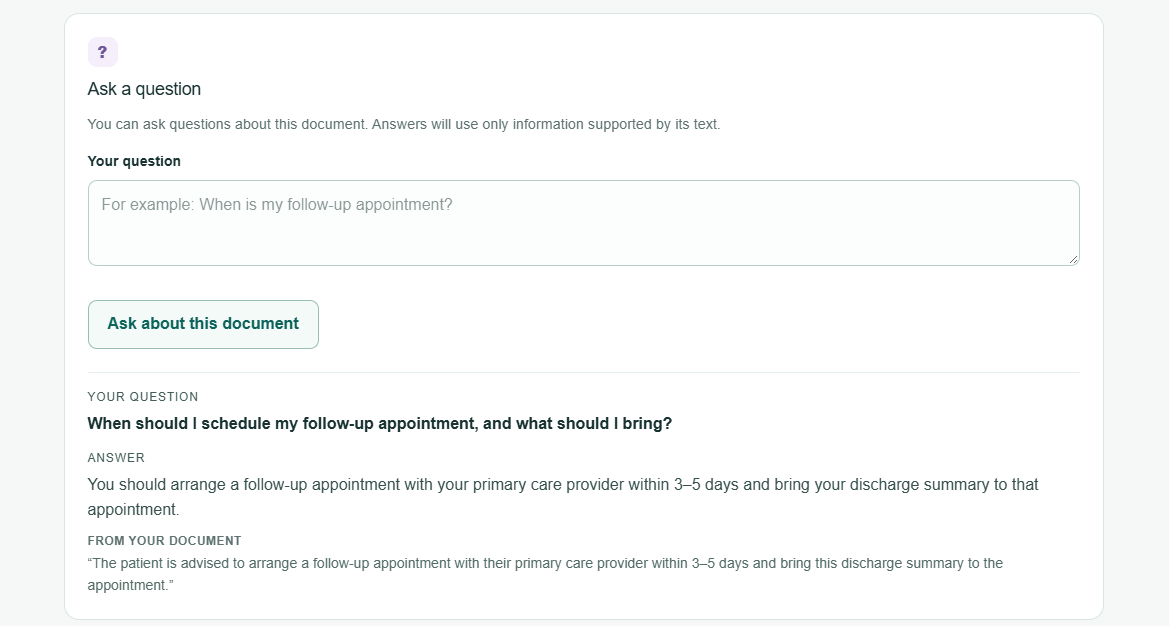
Ask a question
-
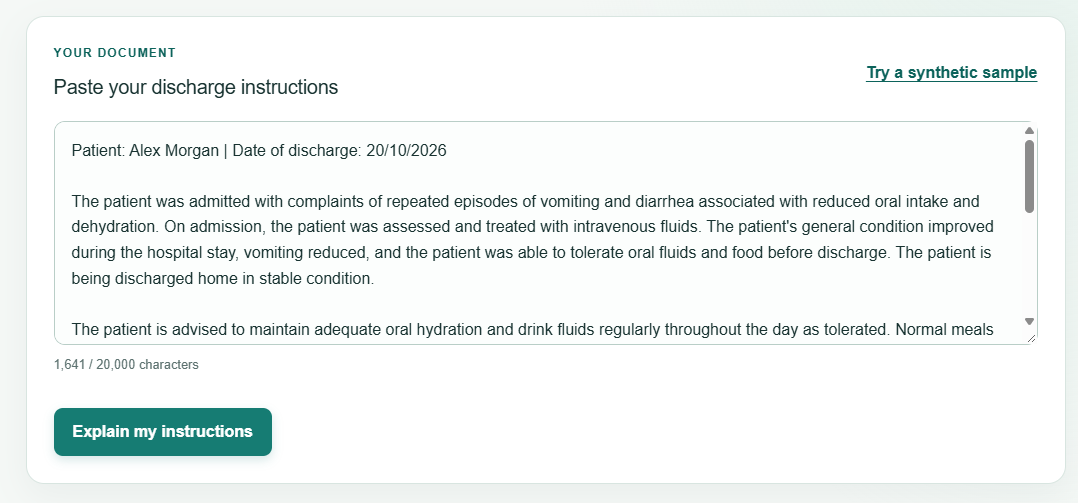
Paste your discharge instructions
-
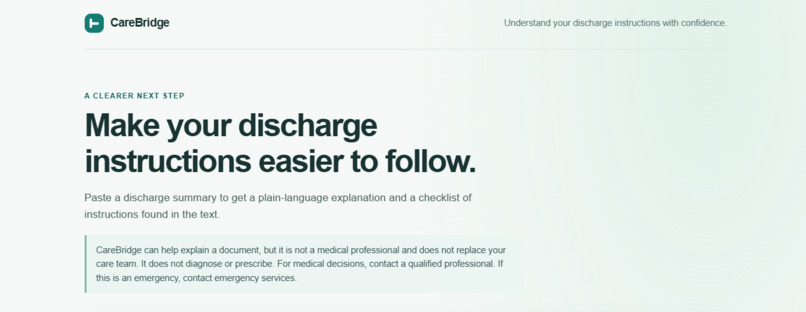
HomePage
Inspiration
Leaving a hospital should mark the beginning of recovery, not the beginning of confusion.
Discharge summaries often contain medical terminology, follow-up instructions, and important details that can be difficult for patients and caregivers to interpret. I wanted to explore how AI could make these instructions easier to understand without replacing professional medical advice.
That idea led to CareBridge — Clarity that follows you home.
What It Does
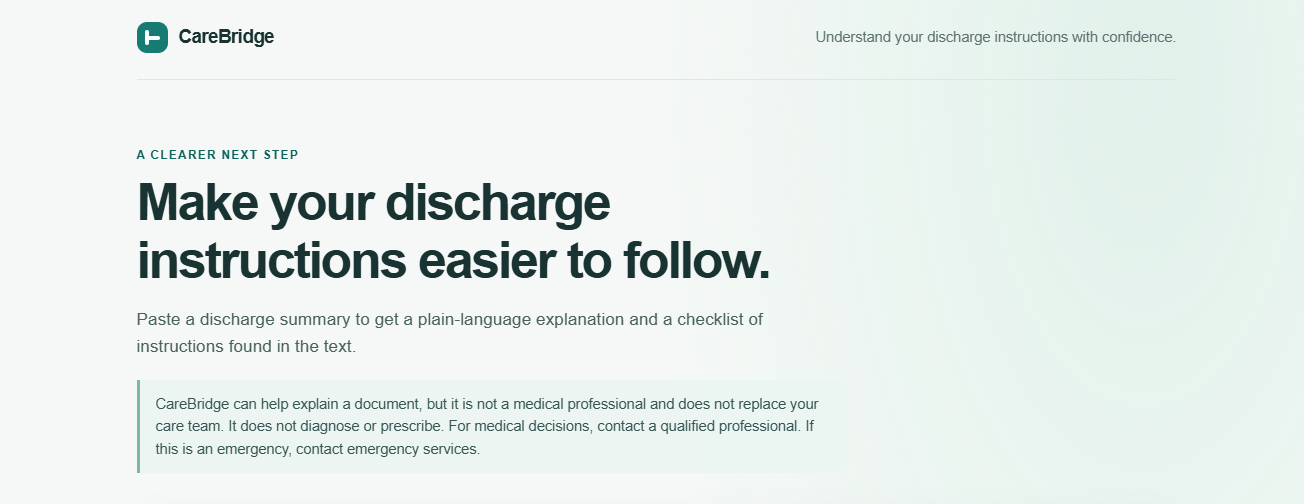
CareBridge is an AI-powered web application that helps patients and caregivers make sense of hospital discharge instructions.
Its core features are:
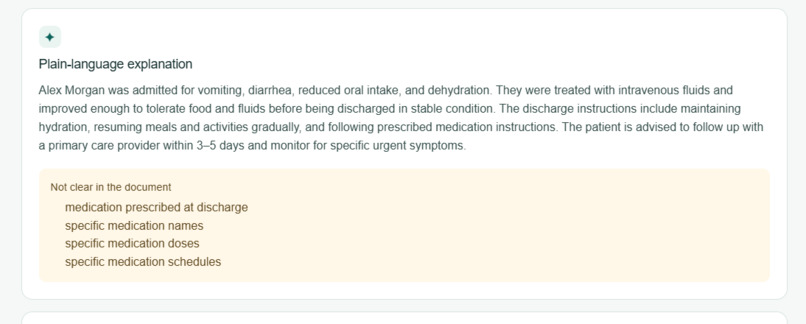
- Plain-language explanations: Transforms complex discharge instructions into clearer, easier-to-understand language.
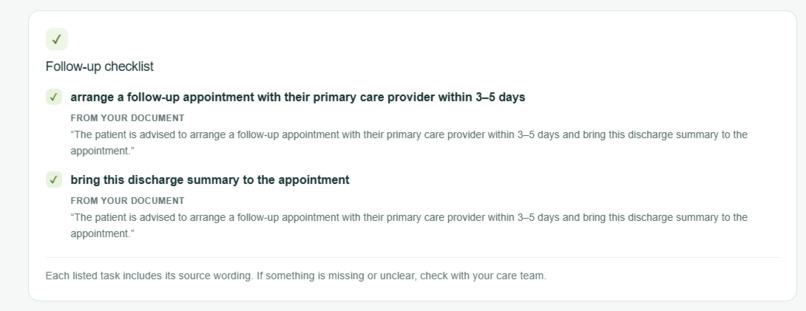
- Follow-up checklists: Extracts actionable follow-up instructions explicitly stated in the supplied document.
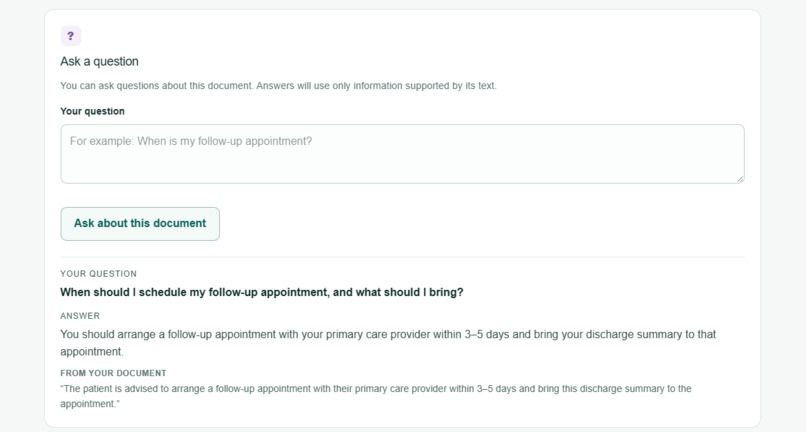
- Document-grounded Q&A: Lets users ask questions about the same document and provides supporting text when available. If the document does not contain the answer, CareBridge is designed to acknowledge that rather than guess.
The goal is simple: help people understand what their discharge documents say and identify the next steps those documents actually specify.
How I Built It
I built CareBridge using Next.js, React, TypeScript, Tailwind CSS, and Cloudflare Workers AI, with a Gemma model powering the AI features.
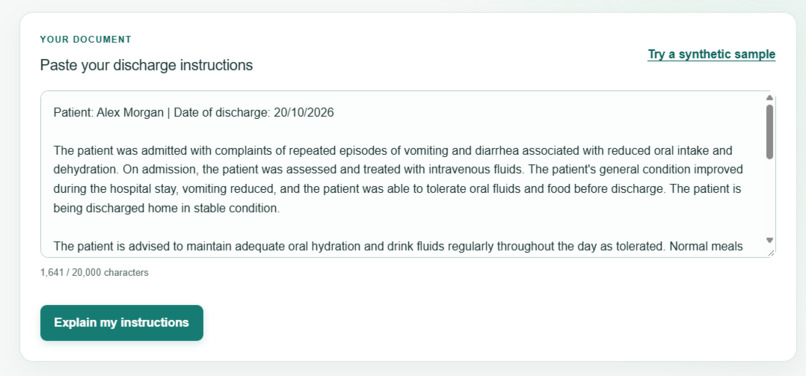
The application follows a straightforward flow: users paste a synthetic discharge summary, the frontend sends it to a server-side API route, and the AI generates an explanation, follow-up checklist, and answers to questions. The application validates outputs and checks supporting text against the supplied document.
I kept the MVP focused on a single page and avoided adding a database or persistent document history. This allowed me to concentrate on the core user experience and the challenges of building a document-grounded AI application.
Challenges I Faced
One of the biggest challenges was designing the application so that it would not confidently invent missing medical instructions. A fluent AI response is not necessarily a reliable one, especially in a healthcare context.
I addressed this by focusing on the supplied document as the source of truth, checking supporting text against the source, and designing the Q&A experience to acknowledge when information is missing. These measures improve traceability, although they cannot guarantee medical accuracy.
As a beginner in full-stack development, I also had to understand how the frontend, server-side API, AI provider, environment variables, and deployment fit together. Getting the application running locally, testing it, and deploying it to Vercel helped me understand how the individual pieces of a web application work as a system.
What I Learned
This project taught me that building an AI application involves much more than connecting a model to a user interface. The surrounding system matters: how information flows, how outputs are validated, how errors are handled, and how limitations are communicated.
I also learned the value of defining a focused MVP, documenting requirements before implementation, testing edge cases, and prioritizing responsible behavior over adding features simply for the sake of complexity.
What's Next
PDF Upload: Upload discharge summaries directly instead of copying and pasting text.
Real-Time Status: Show progress while AI generates results.
Authentication: Add secure sign-up and login for personalized access.
Saved History: Store and revisit previous documents, explanations, checklists, and conversations.
Personalized Dashboard: Organize documents and follow-up instructions in one place.
Improved Safety and Accessibility: Strengthen AI reliability and make CareBridge easier for everyone to use.
Future versions will focus on making discharge instructions easier to understand while prioritizing privacy, security, and responsible AI.
Built With
- cloudflare
- css
- next.js
- react
- tailwind
- typescript


Log in or sign up for Devpost to join the conversation.