Inspiration
Caring for aging parents is becoming harder as families live farther apart and daily responsibilities grow. I wanted to create a solution that makes long-distance care giving less stressful and more organized. The idea for CareBridge came from watching families struggle to coordinate tasks, track health needs, and stay connected, and be confident that their loved ones are safe.
What it does
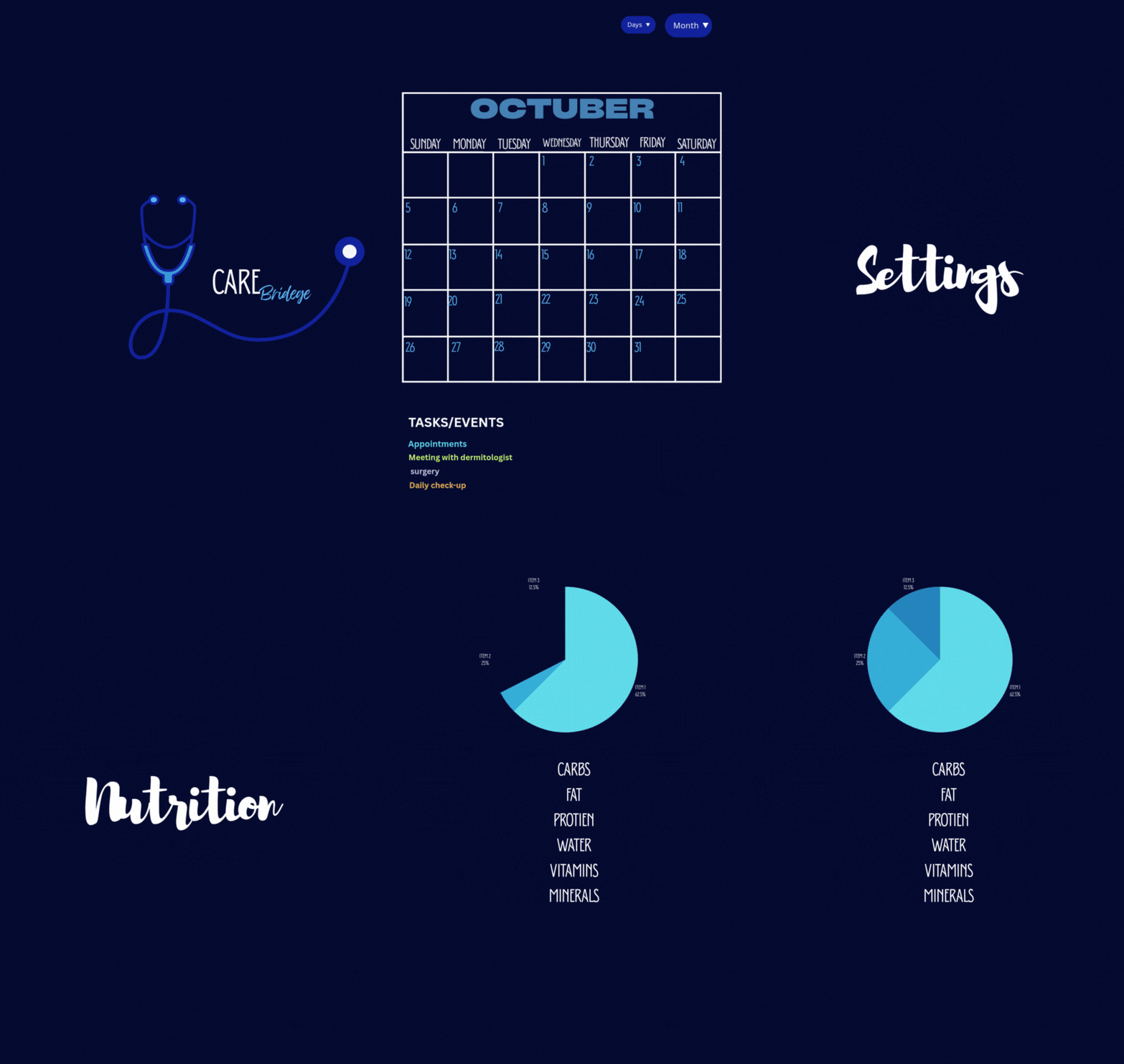
CareBridge is an app designed to help families remotely support elderly parents. It offers:
- A shared calendar for appointments, routines, and reminders
- Nutrition tracking to promote healthier habits
- A personal profile with essential health and daily-living information
- Simple, senior-friendly screens CareBridge builds a bridge between distance and care by centralizing what families need in one place.
How we built it
We divided the work based on our strengths: UI/UX Design: I designed the complete interface using Canva, focusing on readability, accessibility, and ease of use for seniors. Development: My partner began building the functional prototype. We chose a simple and realistic tech stack: Frontend: React Native (for cross-platform mobile) Backend: Firebase Authentication + Firestore Hosting: Firebase Design Tools: Canva, wireframes,
Challenges we ran into
- Choosing the right features without overwhelming users
- Designing screens simple enough for seniors
Accomplishments that we're proud of
- Clean and accessible UI design
- Good teamwork and split roles
- A meaningful idea that solves a real problem
What we learned
-How to design for accessibility -Basics of mobile app structure
- Better teamwork and communication
- Importance of focusing on user needs first
What's next for CARE Bridge
- Add medication reminders & safety alerts
- Test with real users (seniors + caregivers)
- Improve accessibility and expand features
Built With
- canva

Log in or sign up for Devpost to join the conversation.