Inspiration
Medical paperwork is written for people who can read small print, decode jargon, make phone calls, and have the energy to do all of it. I've watched family members struggle to understand bills and letters from the healthcare system, and for disabled patients those barriers stack up: a blind patient can't read a denial letter, a Deaf patient can't "call the number below," and a patient with a learning disability gets a wall of jargon. Missing a deadline or misunderstanding instructions can cost someone their care or their coverage.
What it does
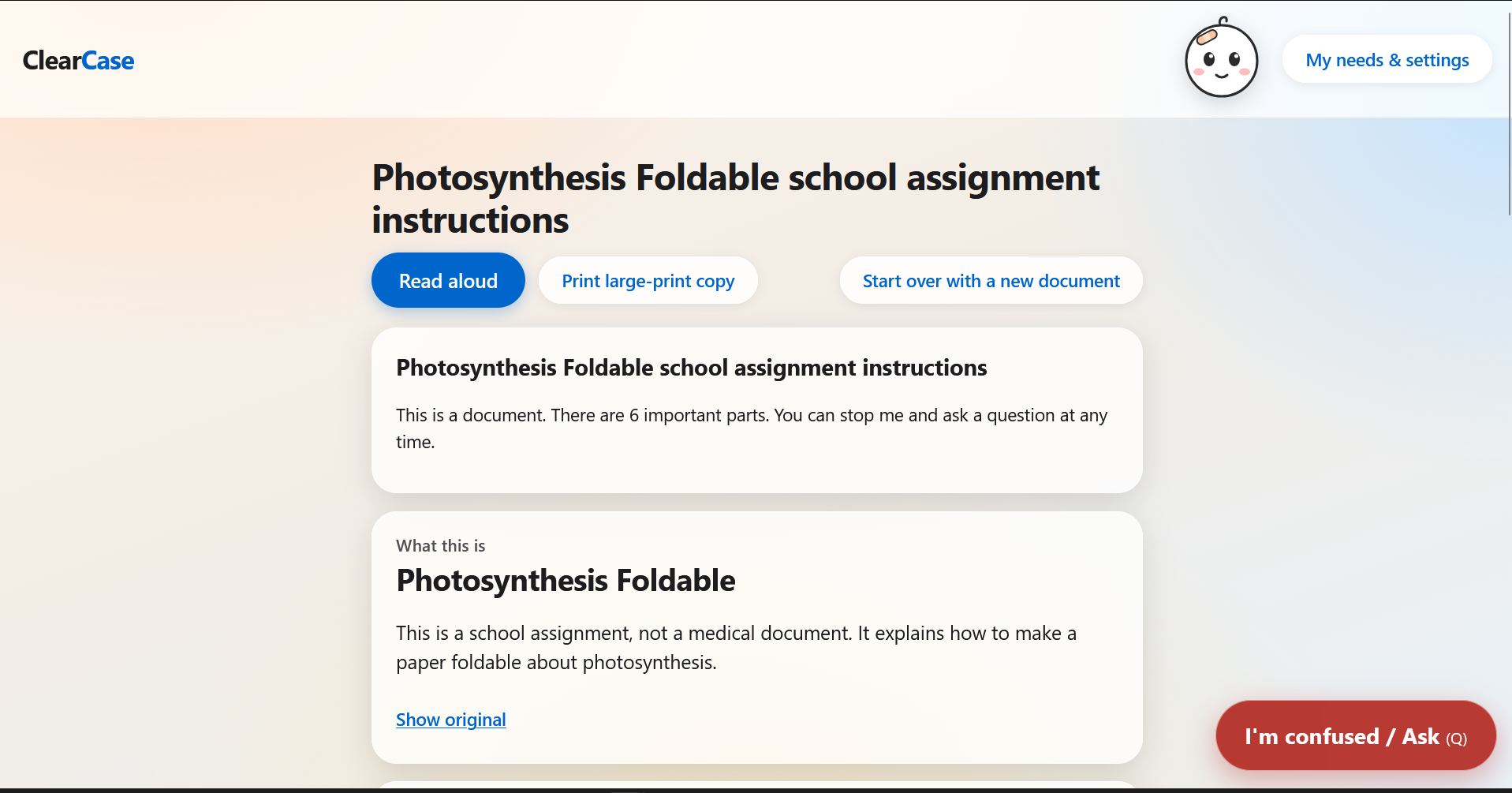
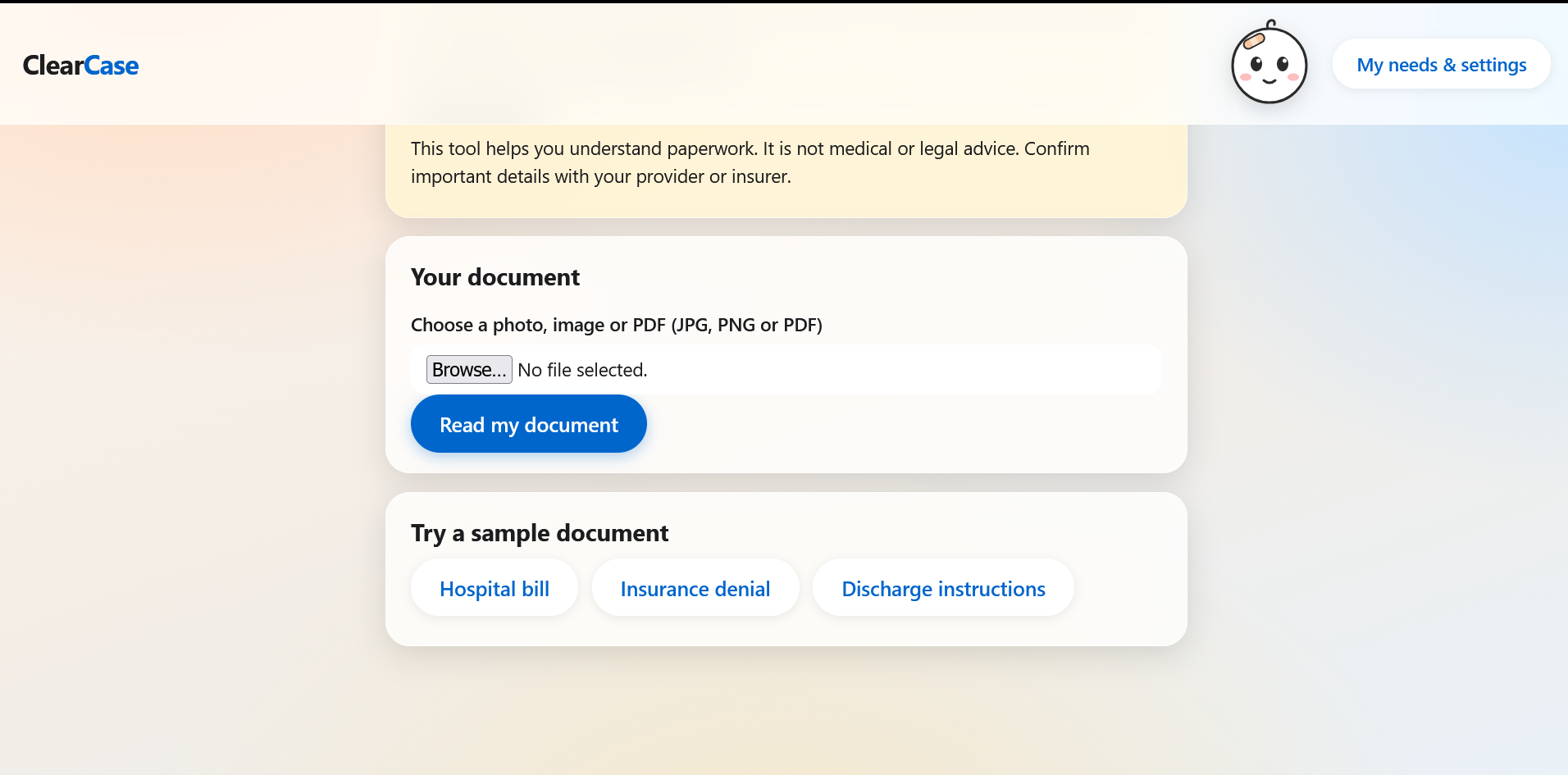
CareBridge takes one medical document (a bill, an insurance denial, discharge instructions) and turns it into the format that works for that specific person:
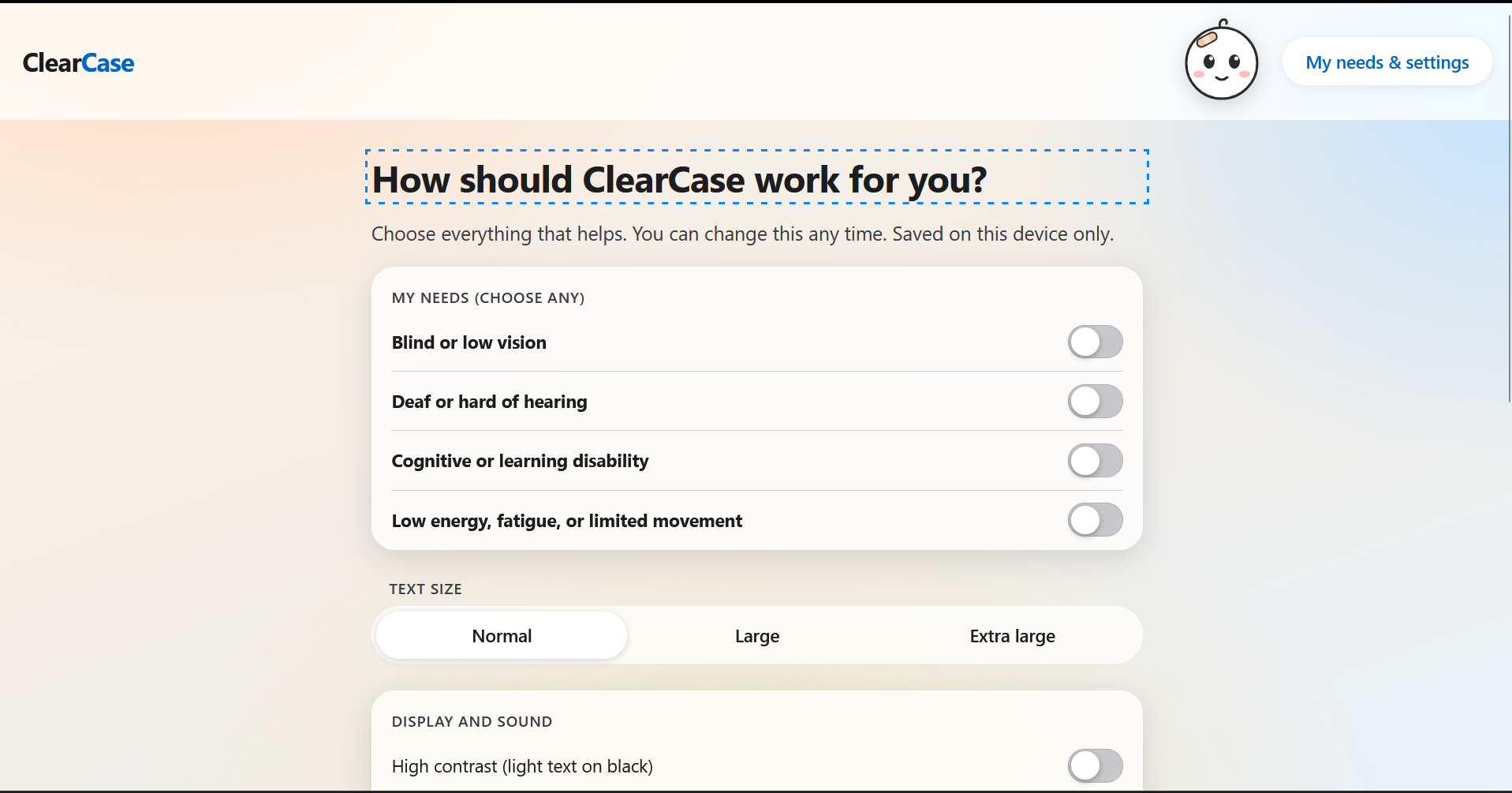
- Blind / low vision: read aloud in short pieces, with large high-contrast text and screen-reader support
- Deaf / hard of hearing: text only, with no audio dependence and a drafted message instead of "call this number"
- Cognitive / learning disabilities: very short, simple steps, one card at a time, with a dyslexia-friendly font option
- Fatigue / motor limits: a minimal-effort checklist with big buttons
Interrupt and ask: at any moment, even in the middle of being read aloud, the user can stop and ask a question ("What does this mean?", "Say it simpler"). CareBridge answers only from the document, quotes the exact line, and resumes where they left off. If the document doesn't say, it says so instead of guessing.
Verify, don't trust: every card has a "Show original" link, and amounts, dates, and medication names are flagged to double-check with a real person.
How we built it
- A Flask backend calls Claude through Amazon Bedrock (vision) to read the document image and return structured JSON: facts, deadlines, next steps, and the exact original text for each fact
- A plain HTML/CSS/JavaScript frontend renders the same JSON differently for each disability profile
- The browser's speech synthesis handles read-aloud, one short chunk at a time, with our own position tracking
- The question-answering step is grounded in the document and returns a source quote
- Sample documents are fictional and cached, so the demo works without an API key
Challenges we ran into
- Browser speech synthesis is unreliable for pausing and resuming, so we track our own position and speak one short chunk at a time
- Keeping simple language from changing the meaning, which is why every card links back to the original text
- Making answers stay inside what the document actually says
- Building for several different access needs without making the interface cluttered
Accomplishments that we're proud of
- The interrupt-and-ask flow, which fits how people actually read confusing paperwork
- The same document producing very different, useful outputs for different users
- Keyboard-only navigation and screen-reader announcements throughout
What we learned
Accessibility is not one setting. Different disabilities need different shapes of information, not just bigger text. We also learned how important it is to show a model's sources instead of asking users to trust it.
What's next for CareBridge
- Test with disabled users and accessibility experts. We have not done user testing yet, and that is the most important next step
- Support PDFs and multi-page documents
- Offer clinics and insurers a way to send the accessible version automatically
- Add a reply helper that drafts accommodation requests and appeal letters
- Add more languages
Built With
- claude

Log in or sign up for Devpost to join the conversation.