Inspiration
A doorbell is an audio-first device: it rings. If you are deaf or hard of hearing, the most basic alert in the house simply never reaches you. And for an older adult living alone, the front door is where the important things happen — a package arrives, a neighbor knocks, or, in the worst case, someone falls on the doorstep and nobody knows.
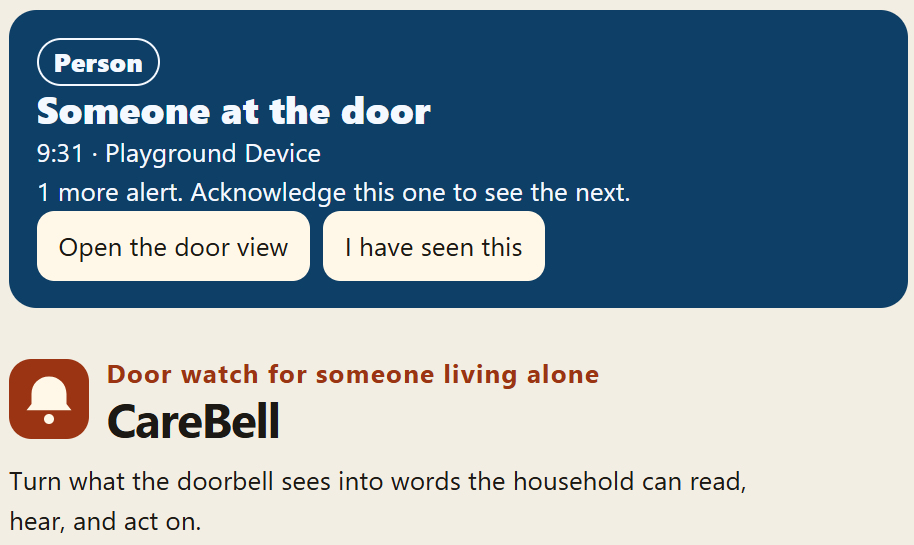
I built CareBell for those households, and for the family members who worry about them from far away. The idea: a Ring doorbell already sees everything at the door. CareBell translates what it sees into words a household can read, hear, and act on.
What it does
CareBell watches Ring doorbell recordings with a local vision pipeline and turns them into clear, accessible alerts:
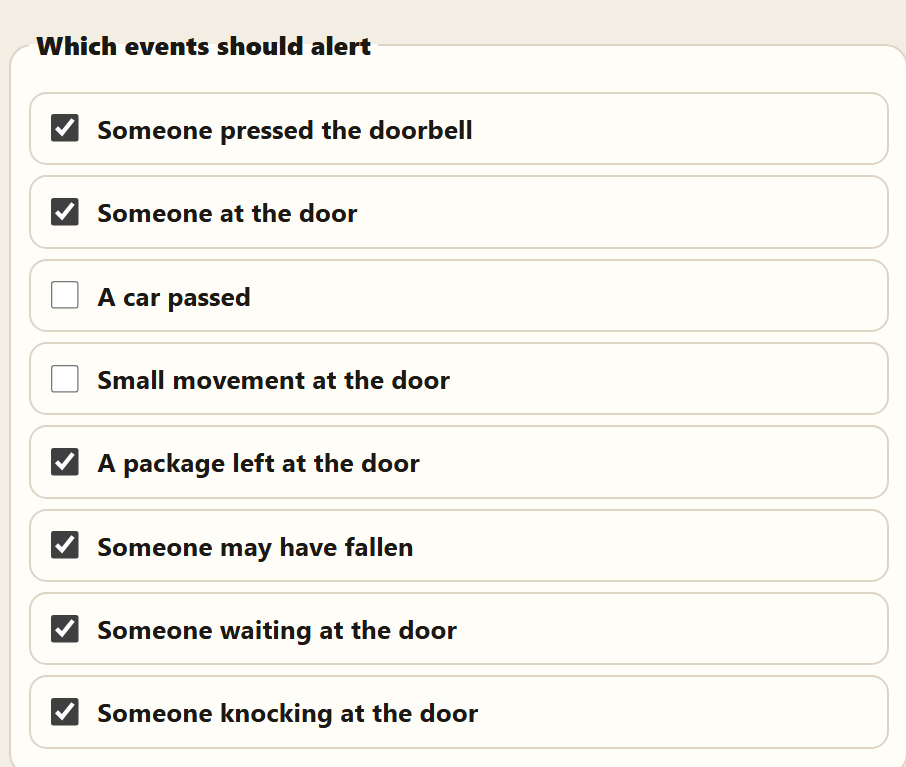
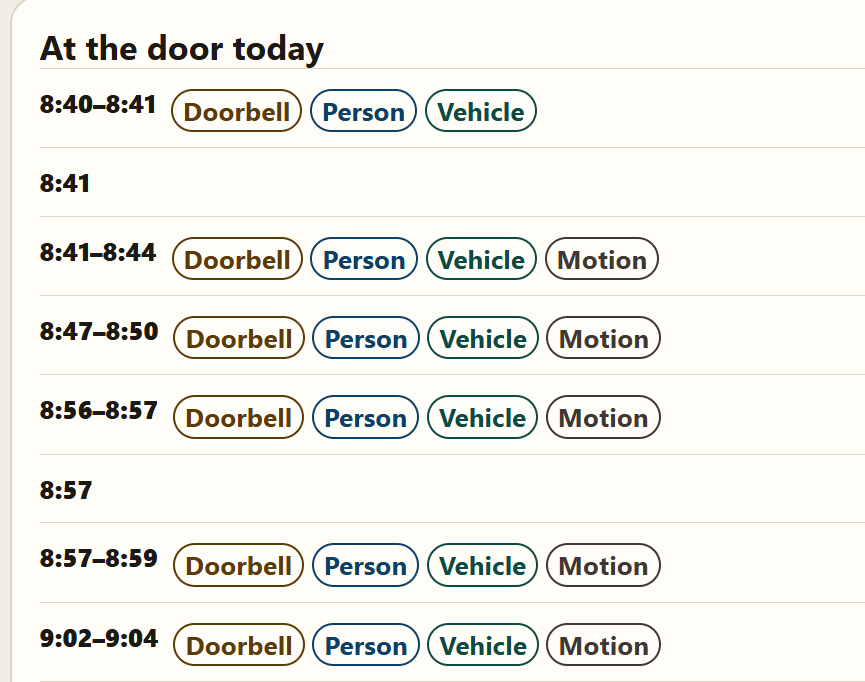
- Someone pressed the doorbell
- Someone is at the door
- A package was left at the door
- Someone may have fallen (critical alert — the emergency contact is told)
- The same person has been waiting near the door for a minute
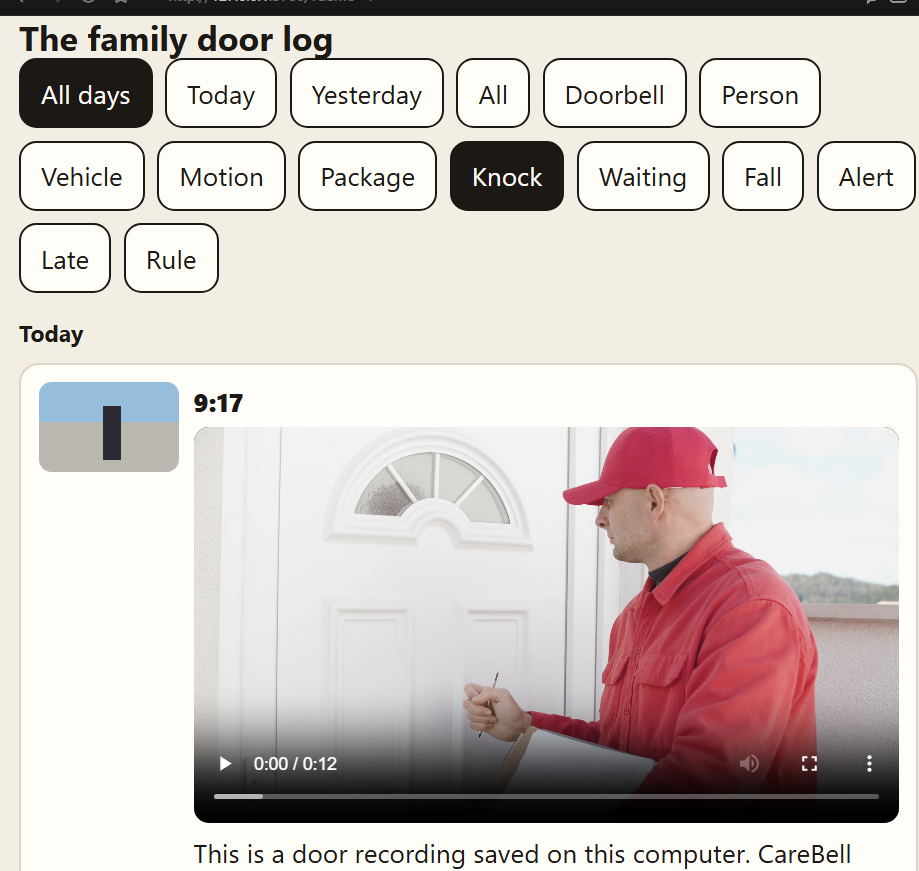
- Someone is knocking
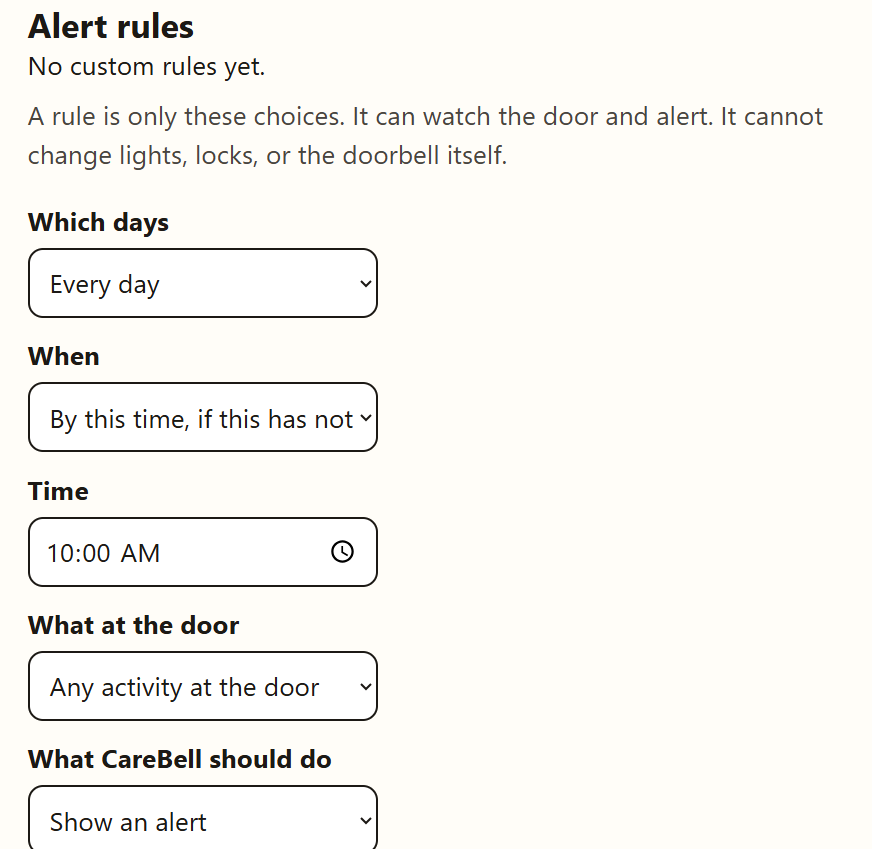
You can also create alerts just by describing them. Type one sentence — "Tell me if no one has come to the door by 10am" or "Alert me if the same person waits at the door for five minutes" — and Gemini turns it into a working alert rule: the time window, the door condition to watch for, and whether to show an alert or notify the emergency contact.
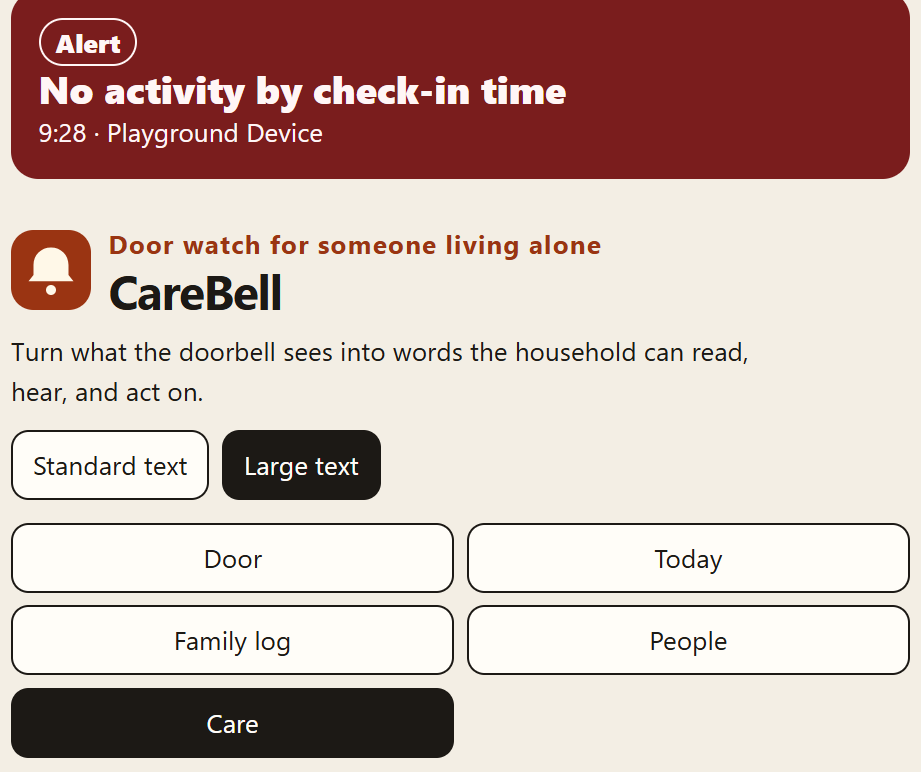
The interface is accessibility-first: large text, bedside alerts, and spoken commands are first-class, not afterthoughts. Family members get a "Today" view and a family log, so care doesn't depend on being in the same house. People you name in the app can be recognized; a stranger is never named.
Privacy is a design rule, not a setting: video frames are analyzed on your own computer and are not sent to a cloud vision service. The only thing that ever leaves the machine is the sentence you type when you ask Gemini to build a rule.
How I built it
- Ring integration only through the official Ring APIs: OAuth account linking, HMAC-signed webhooks for doorbell events, and clip download when the doorbell saves a recording.
- Vision pipeline (all local):
ffmpegextracts frames from each clip; OpenCV handles preprocessing, motion energy, and region-of-interest checks; ML models running in ONNX Runtime — MoveNet pose estimation and an object detector (person / package / vehicle) — observe each frame; a tracker follows people and objects across frames; then dedicated scoring heads (scoreFall,scorePackage,scoreLoiter,scoreKnock) combine pose, position, and time into events with confidence scores. Low-confidence events are flaggedneedsReviewinstead of being presented as fact. - Gemini alert creation: the sentence is sent to Gemini (Flash) with a strict JSON response schema, and the returned rule is re-validated and sanitized locally before it is saved. Out-of-scope requests ("unlock the door at 6pm") are refused — CareBell only watches the door; it never controls locks, lights, or anything else.
- Server & client: TypeScript/Node server holding accounts, the event timeline, the family log, and rules; an Expo app plus web UI (Door, Today, Family log, People, Care) built around large type and high contrast.
Challenges I ran into
- Ring's detection is coarse-grained. A
motion_detectedevent says someone moved — not whether they dropped a package, lingered, or fell. All the meaning had to come from my own frame analysis, including defining "lingering" and "may have fallen" honestly. - Wiring an LLM into a safety-adjacent product. Letting a model create alert rules is powerful and dangerous in equal measure. The fix was defense in depth: a strict output schema, local sanitization of every field, a scope check before the model is even called, and a full manual rule builder as fallback when no Gemini key is set.
- Clips lag events. A recording is only downloadable seconds after the event, so the pipeline is near-real-time by design, not real-time.
- Local inference on modest hardware. OpenCV + ONNX models on a home computer meant keeping models small, frames lean, and the pipeline honest about confidence.
- Privacy vs. usefulness. Recognizing a named family member is helpful; identifying strangers is not something I wanted to build. Only people explicitly saved by the household can be named, and all data lives in a local
data/folder that is never committed.
What I learned
Accessibility is not a font-size setting. Designing for someone who cannot hear the bell changes every decision — how alerts escalate, how events are worded, what "urgent" means. I also learned that combining classical computer vision (OpenCV), small ML models, and an LLM works best when each does what it is good at: models observe, code decides, and the LLM only translates human language into rules — it never gets the final say on safety.
What's next
Richer daily safety summaries for family members, smarter inactivity check-ins, and support for more Ring devices around the home — with video still processed locally.
Built With
- amazon-dynamodb
- cursor
- gemini
- ringapi
- typescript

Log in or sign up for Devpost to join the conversation.