-
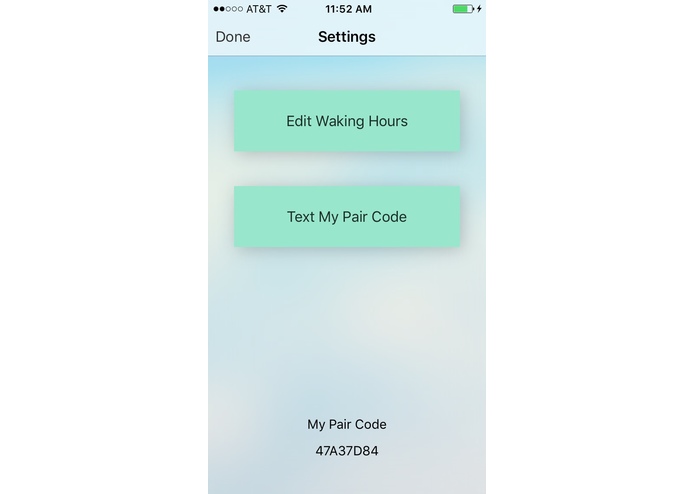
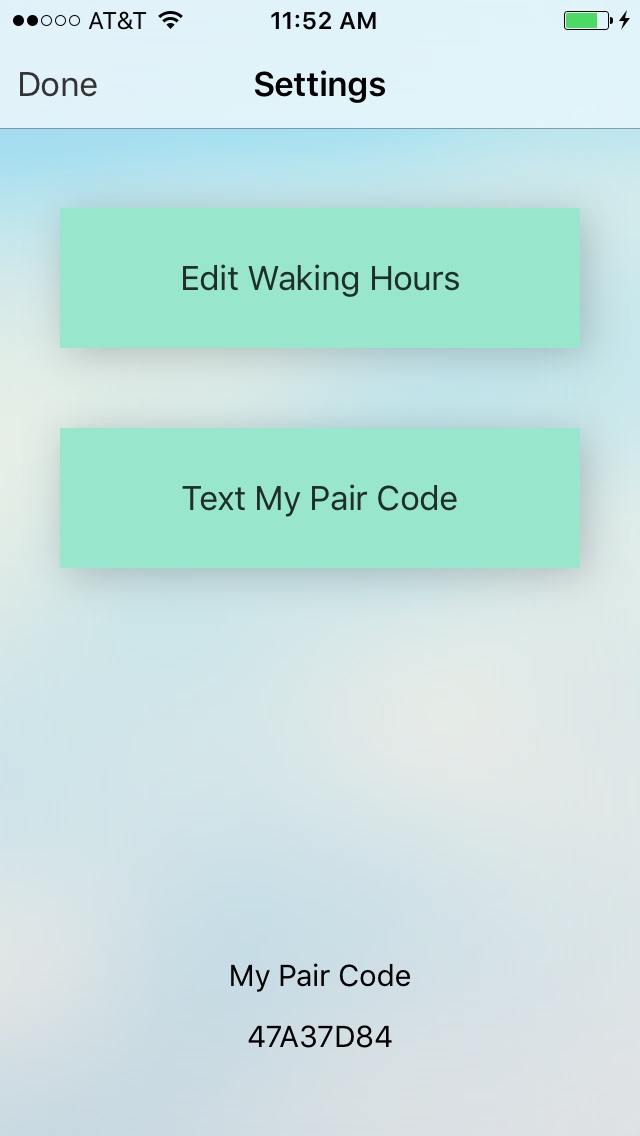
medicine user settings screen
-
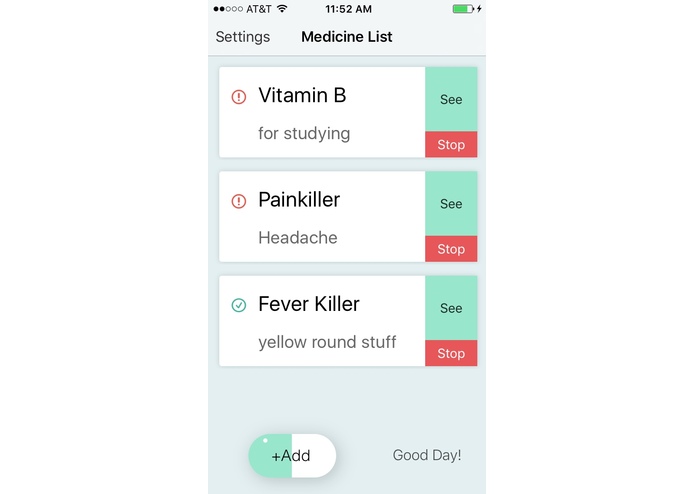
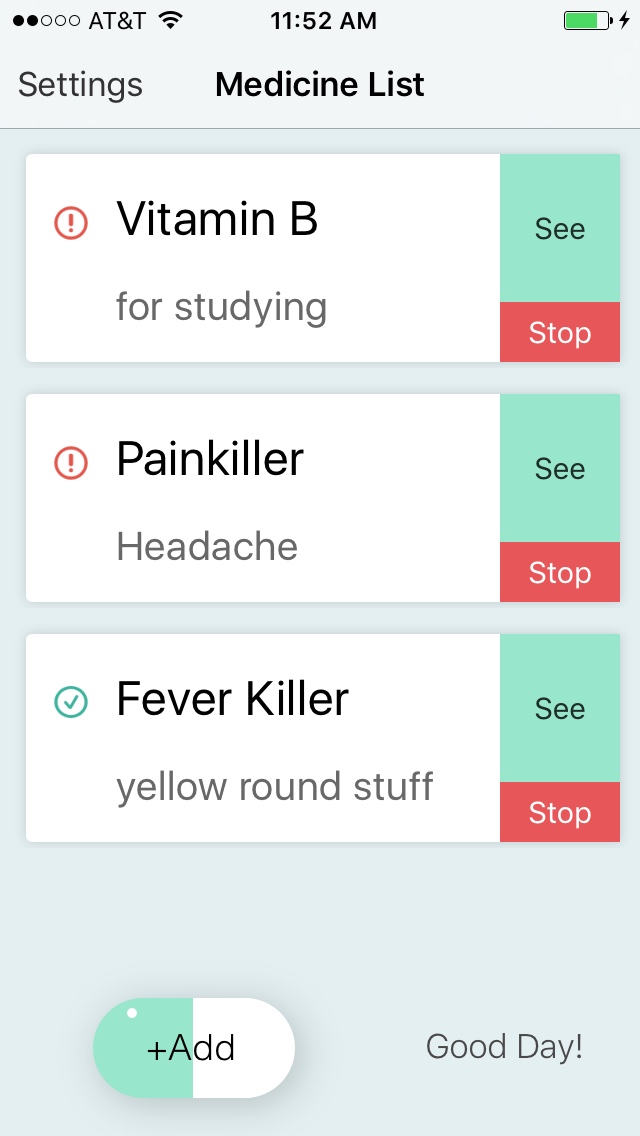
medicine user main screen with today status signs
-
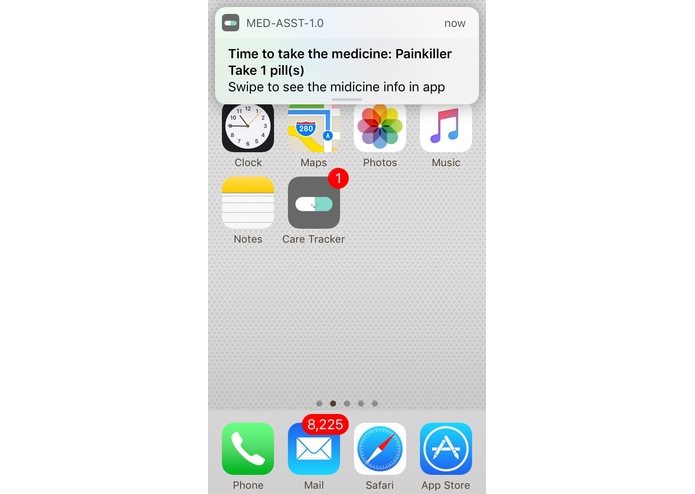
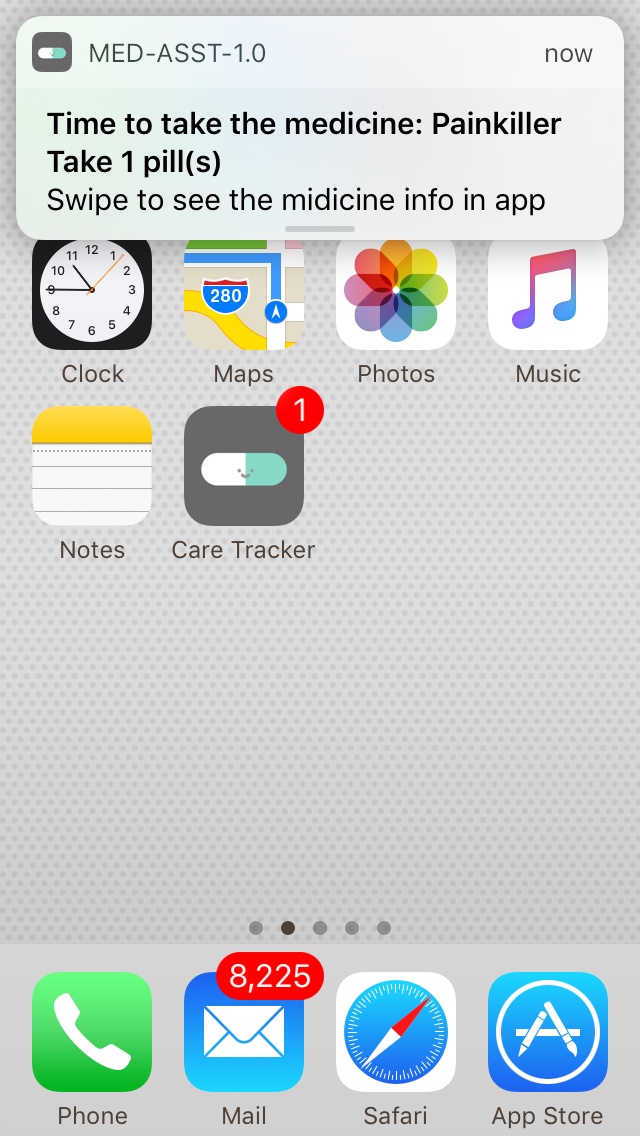
notification pops out
-
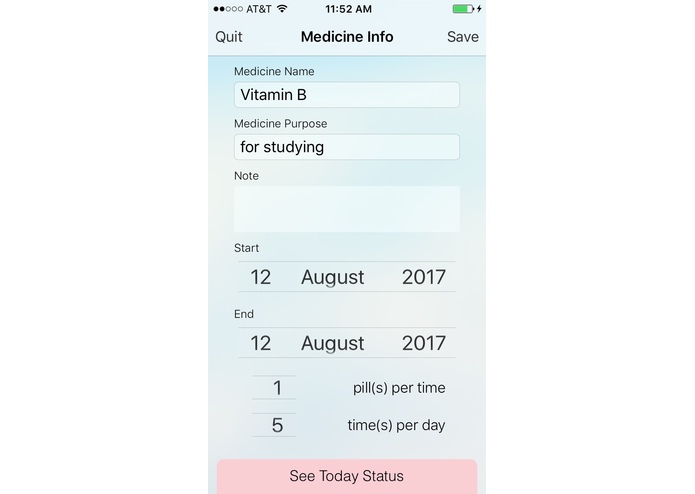
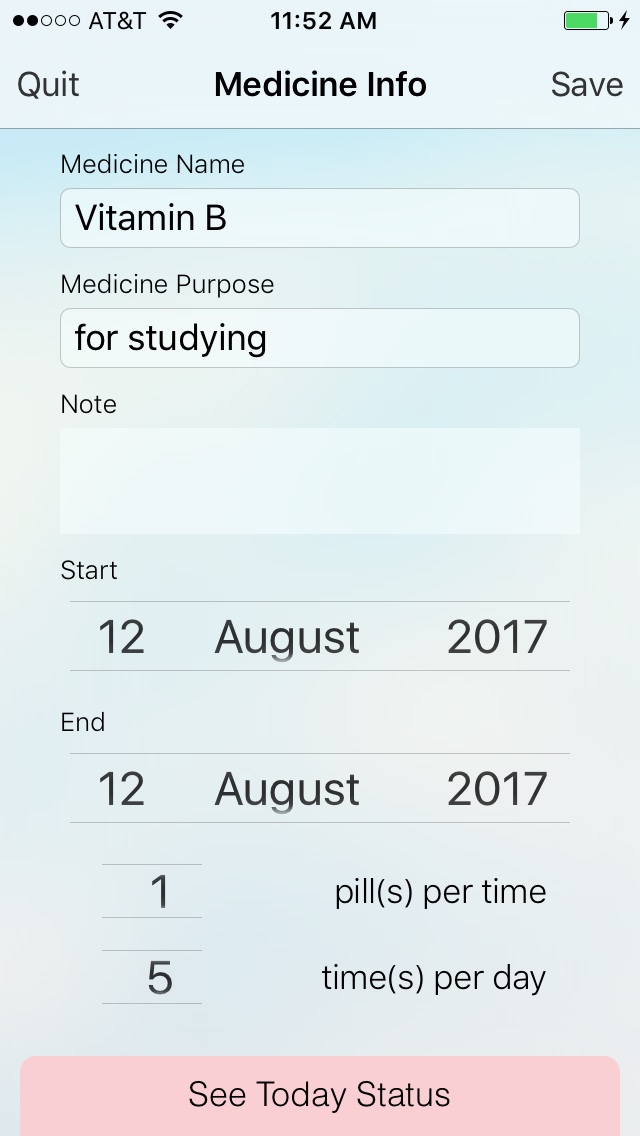
medicine user medicine detail screen
-
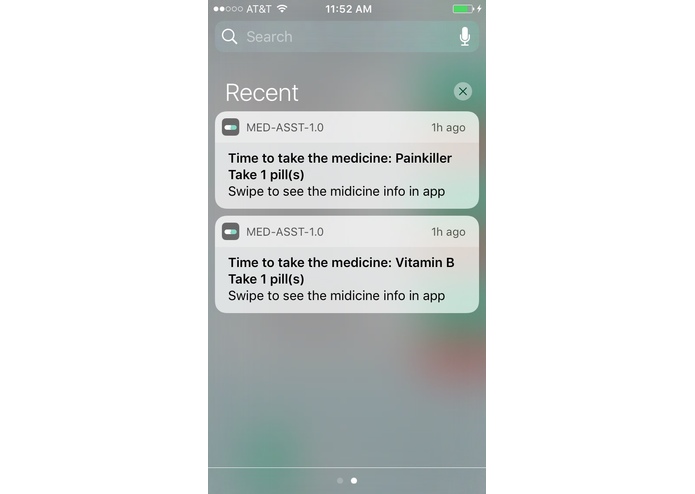
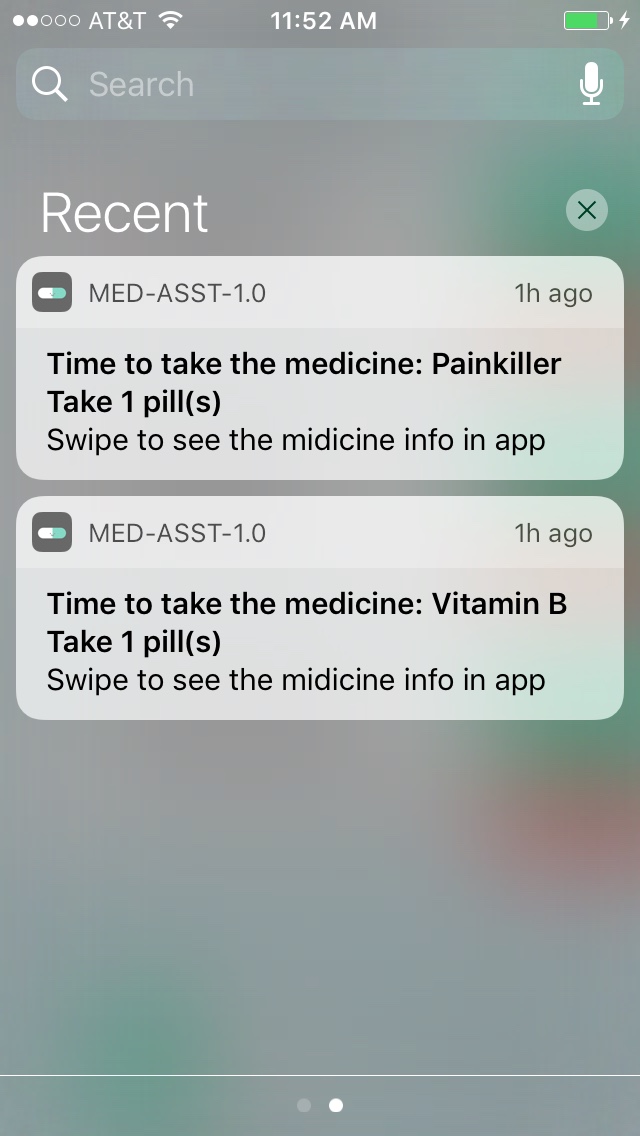
notifications pop out
-
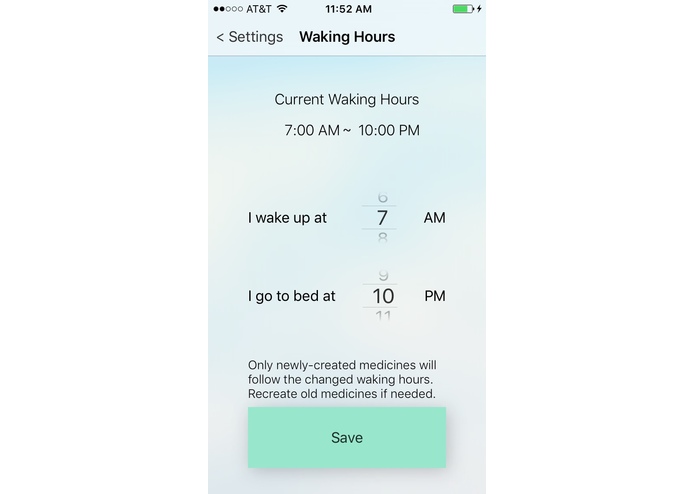
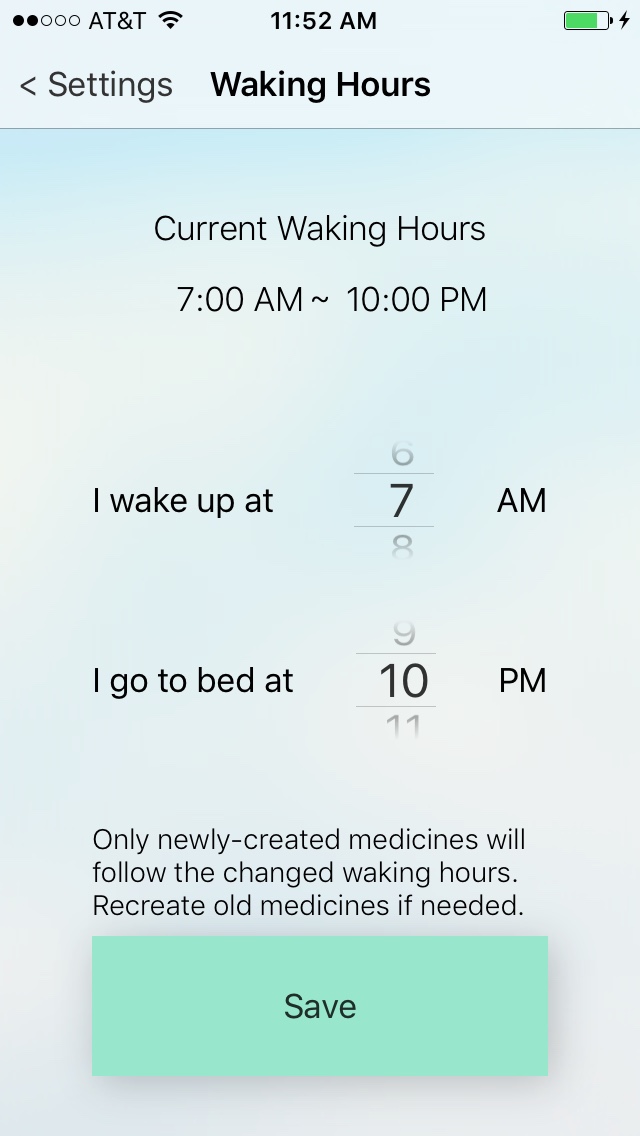
medicine user setting waking hours
-
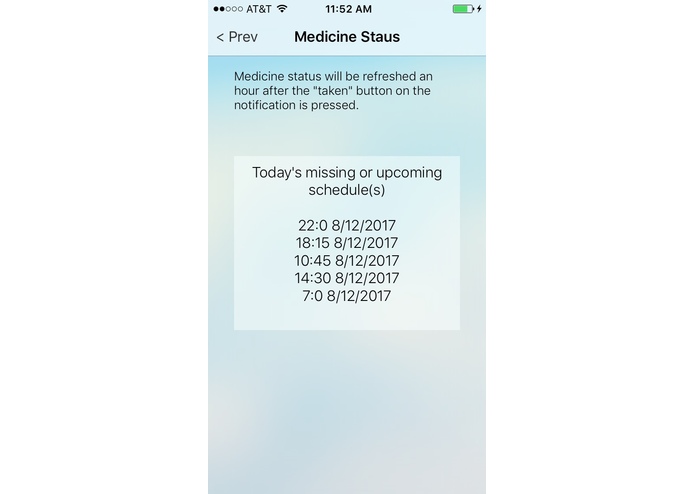
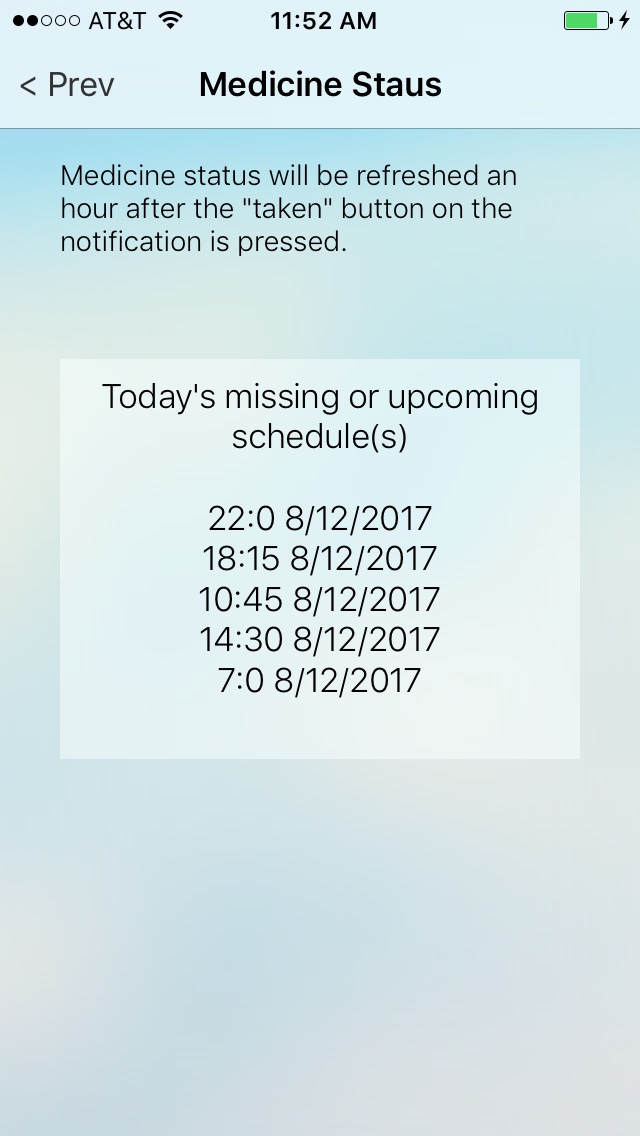
medicine user today status of the medicine
-
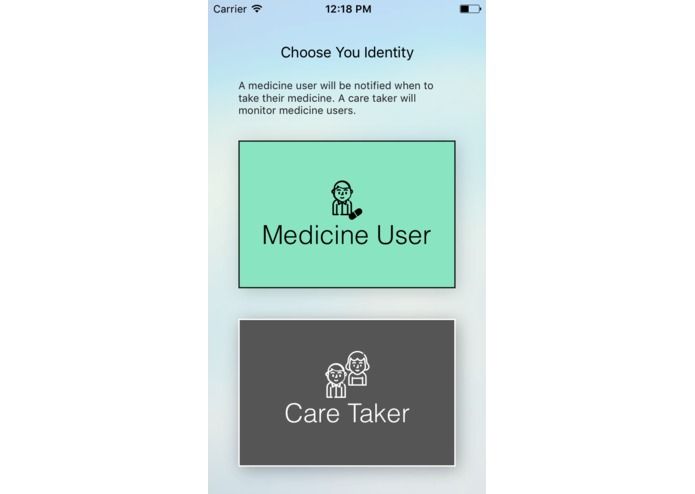
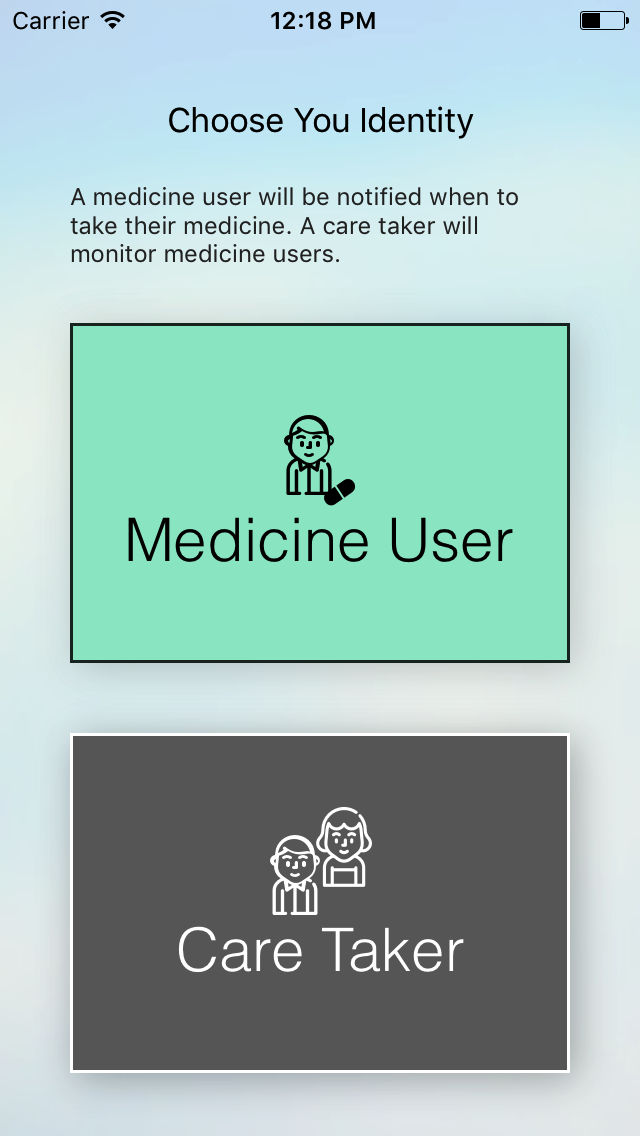
The main screen when the user first time open the app
-
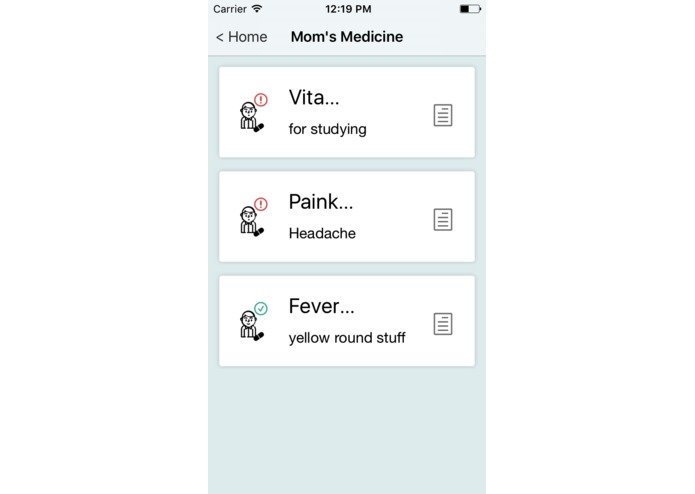
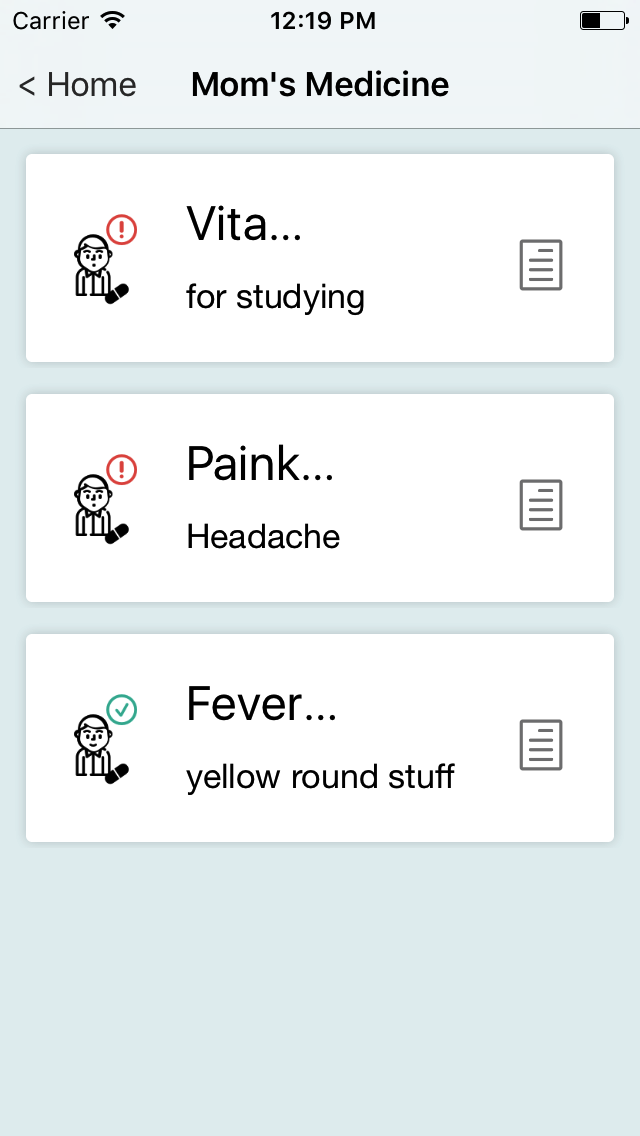
care taker can monitor all the medicine the medicine user has
-
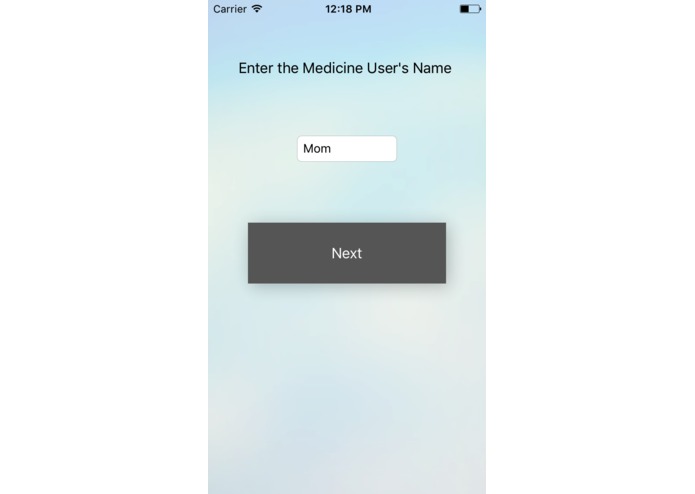
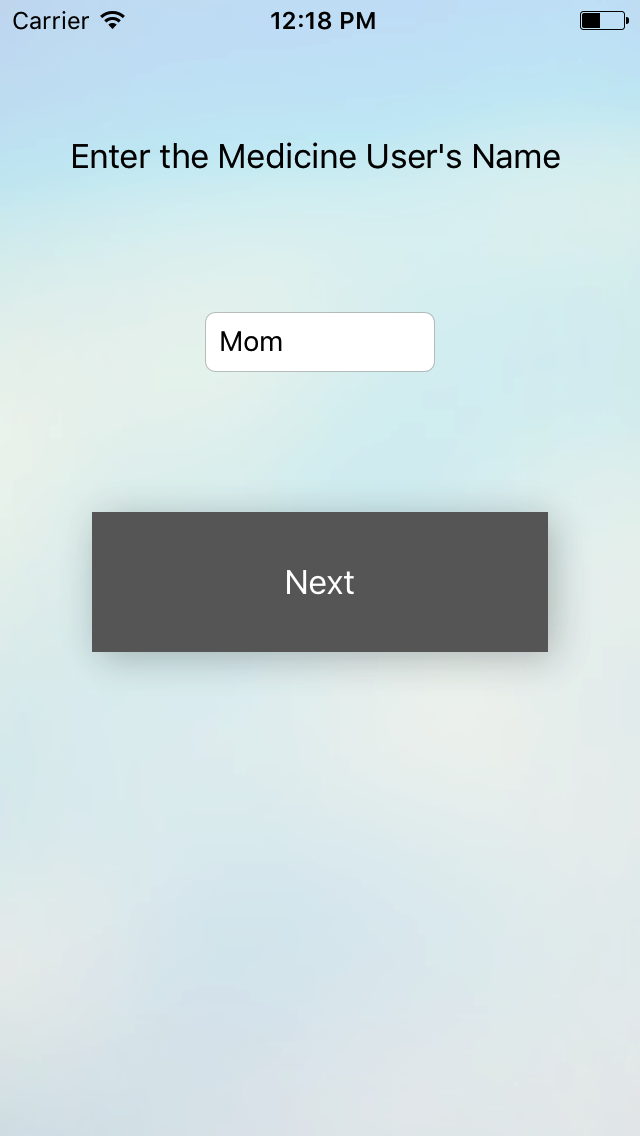
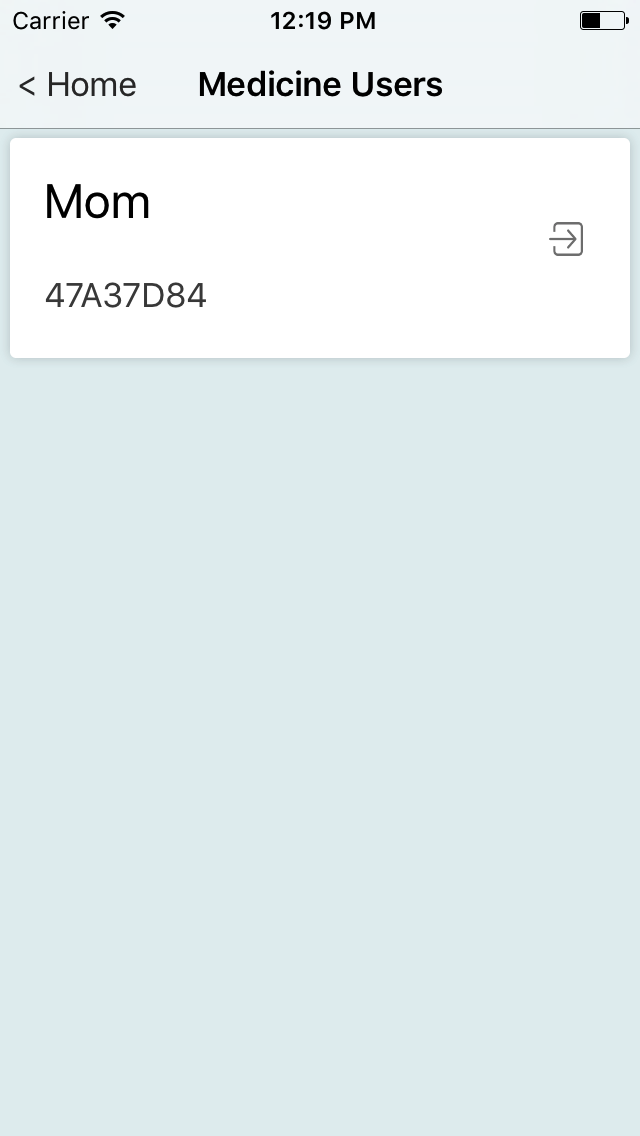
care taker enter the name of the medicine user of the pair code
-
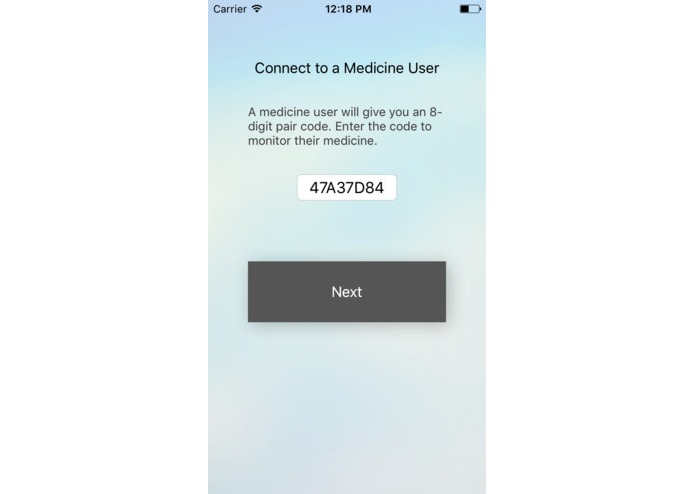
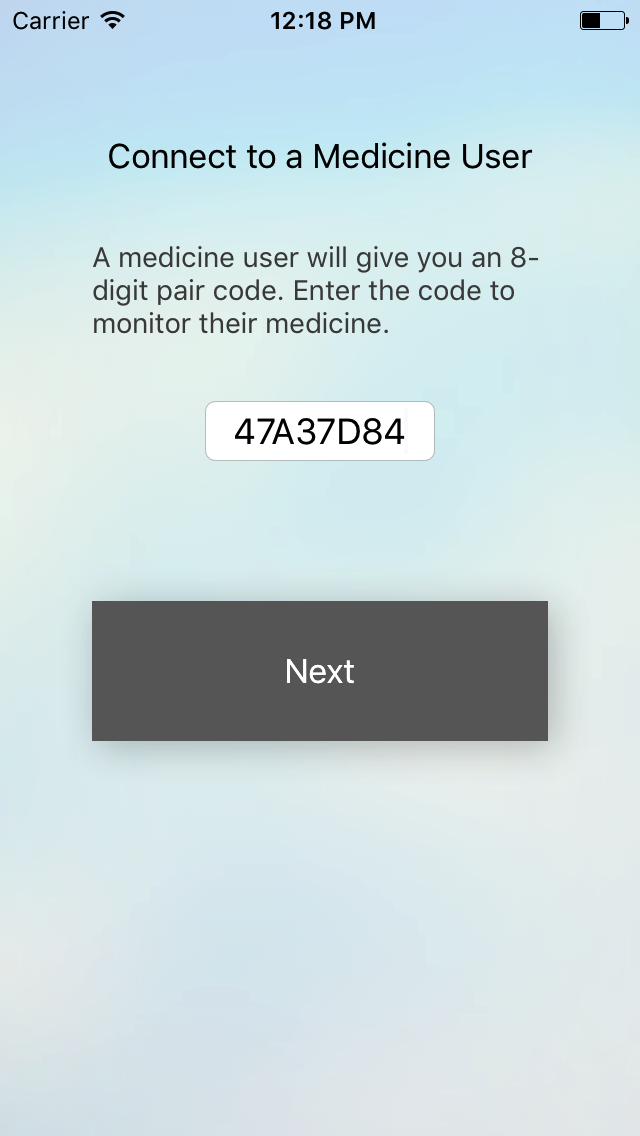
care taker enter the pair code given by the medicine user
-
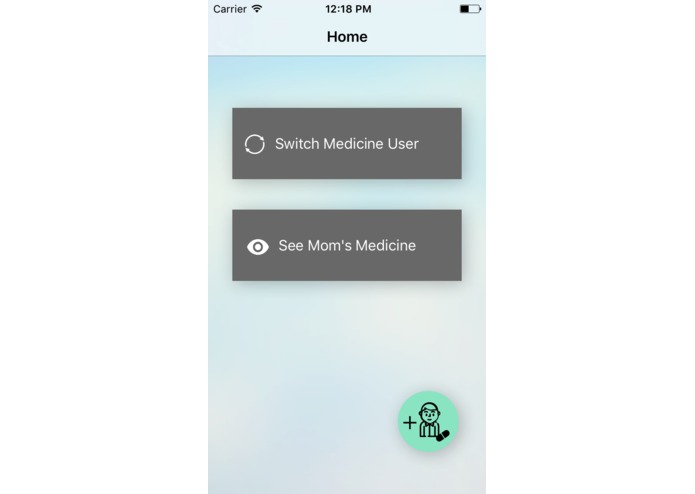
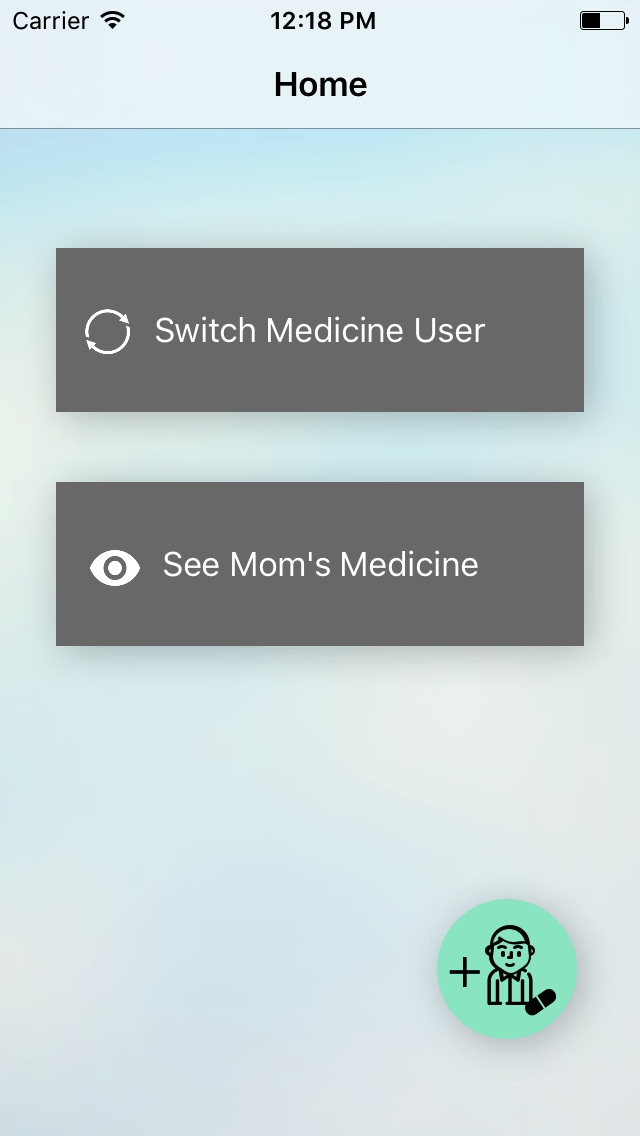
care taker home screen
-
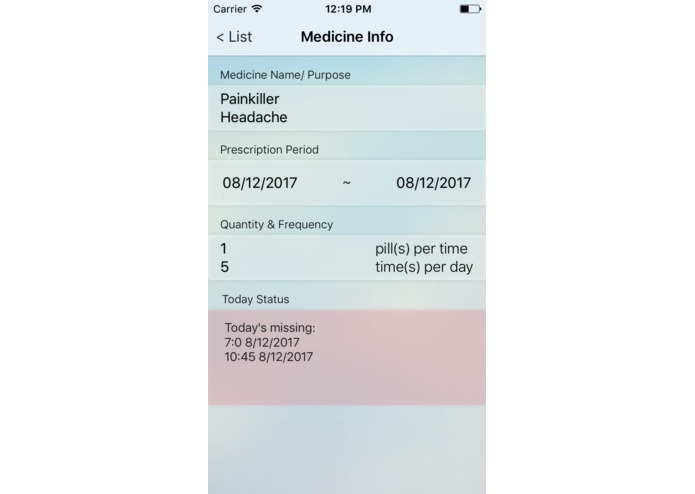
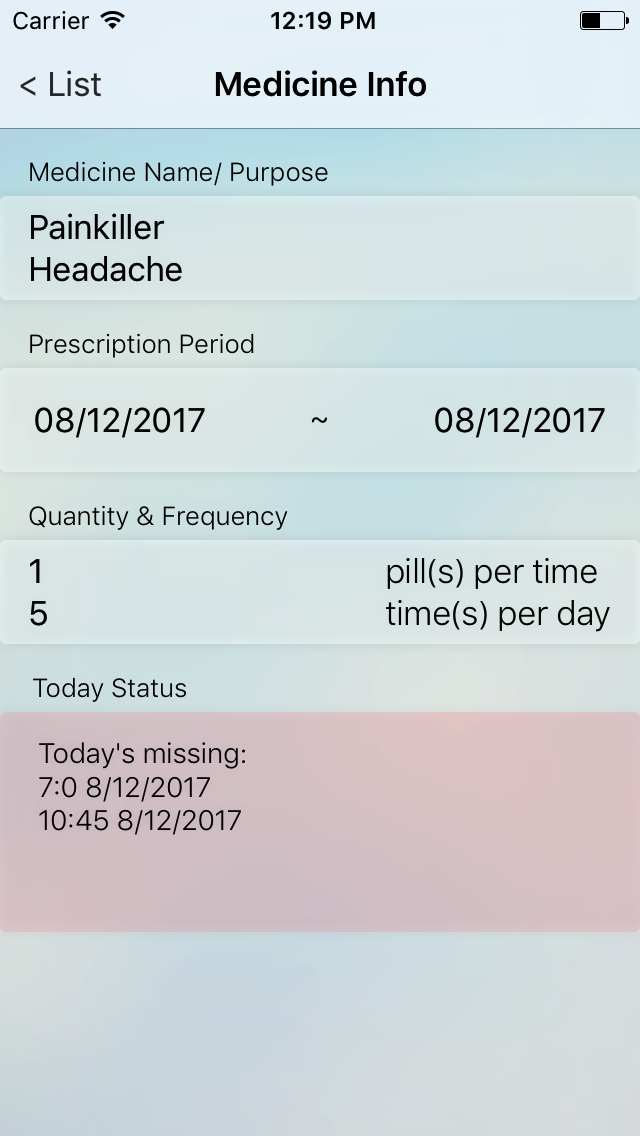
care taker can see the missed taking time in medicine detail screen
-
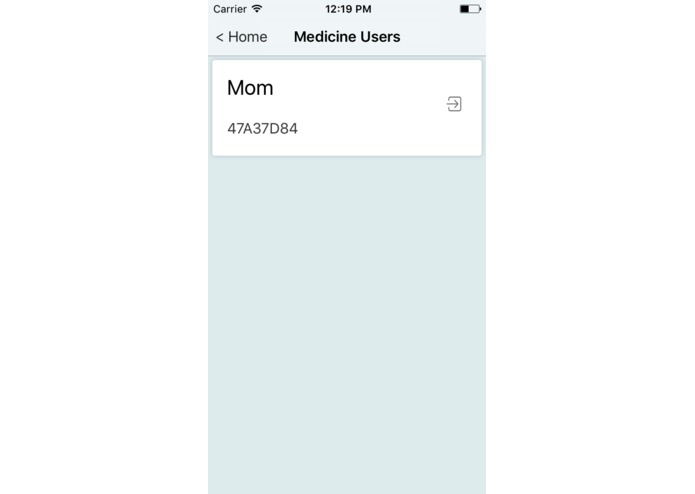
care taker can switch to different medicine user if they have multiple medicine users entered
-
app icon
Inspiration
My parents Since I was studying in a different city from my parents, so I could not check their medicine use status. They usually put the medicine inside a box and remember the time taking it for themselves. Hence, I decided to develop an app that serves both as a pill reminder for elderly which is easy to use and also a monitor for me to see if they missed any medicine today.
What it does
The elderly will only need to enter simple medicine information and set the waking hours and the app will calculate all the notifications for them. For the care taker mode, you only have to enter the pair code given by the elderly to see all their medicine information and today status.
How I built it
I use firebase to store all the medicine information.
Challenges I ran into
The most difficult part is scheduling notifications and reedit the scheduled notifications.
Accomplishments that I'm proud of
I have successfully implemented firebase database, app structure and UserDefaults eventually.
What I learned
UserDefaults, UserNotificationCenter, Firebase
What's next for Care Check
Let one user to be both a medicine user and a care taker.
Log in or sign up for Devpost to join the conversation.