Inspiration
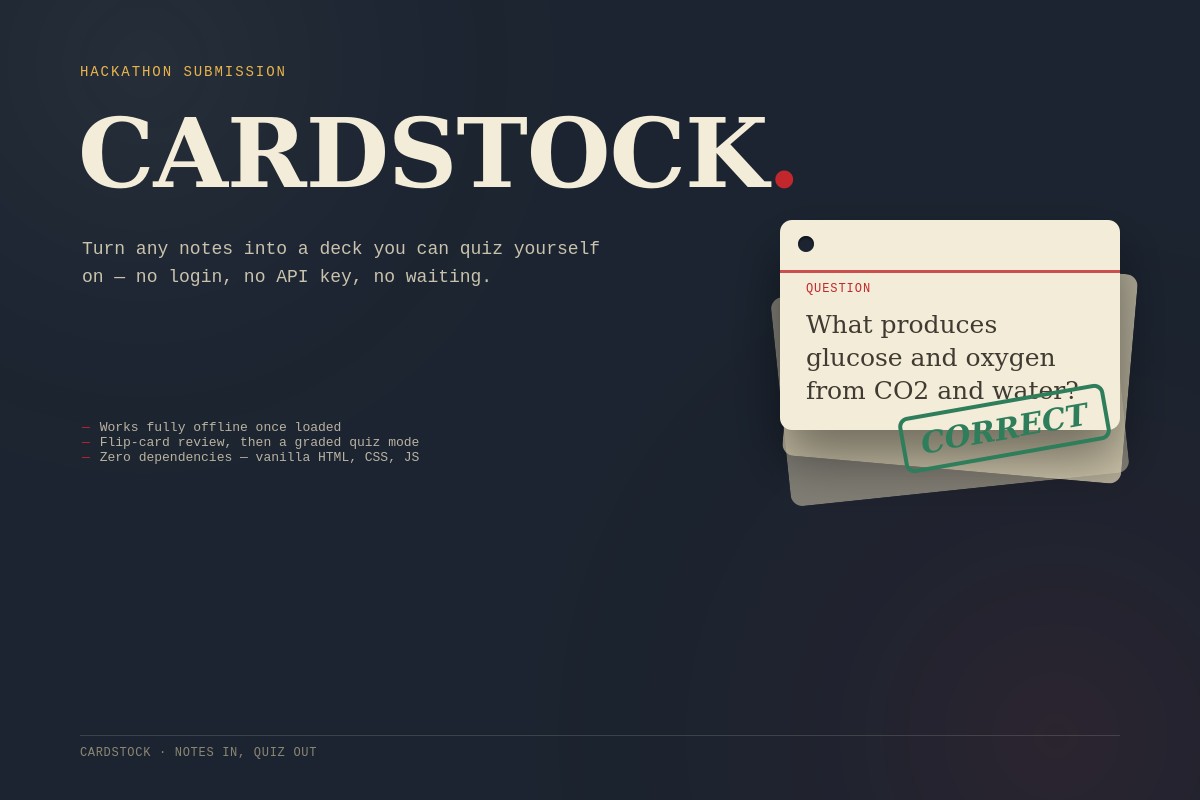
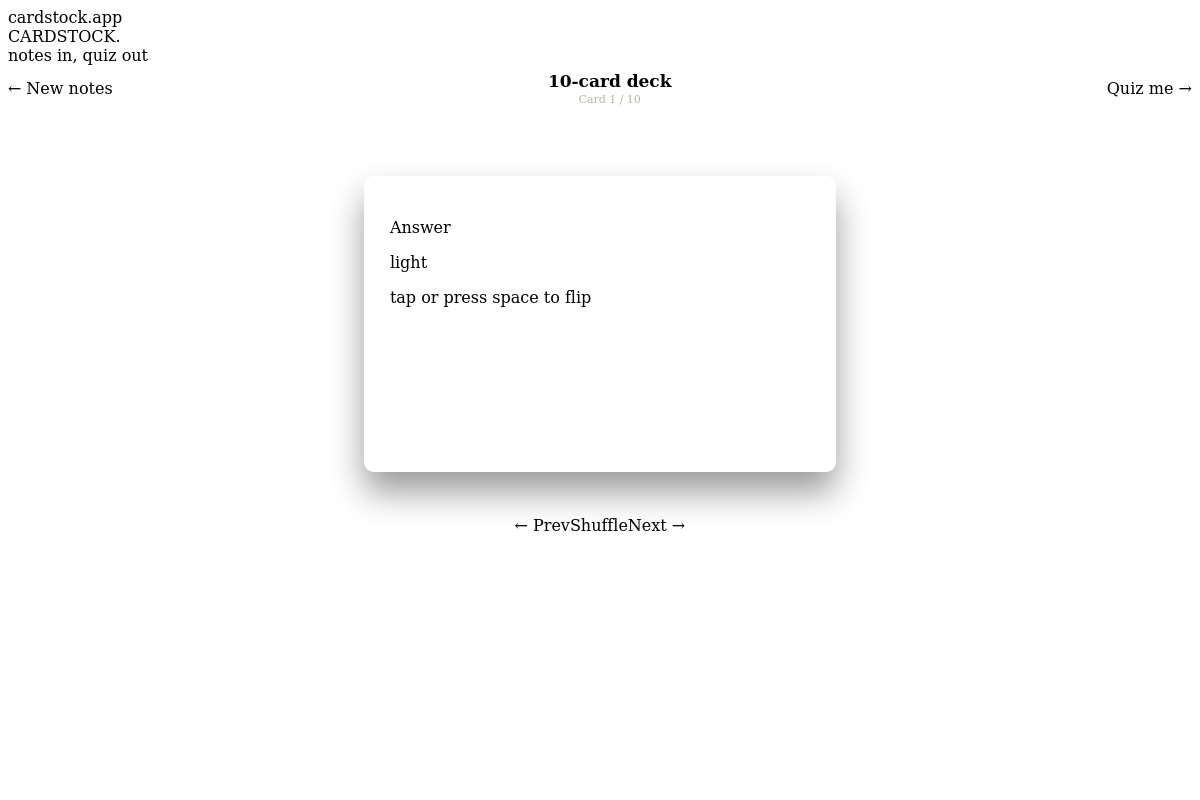
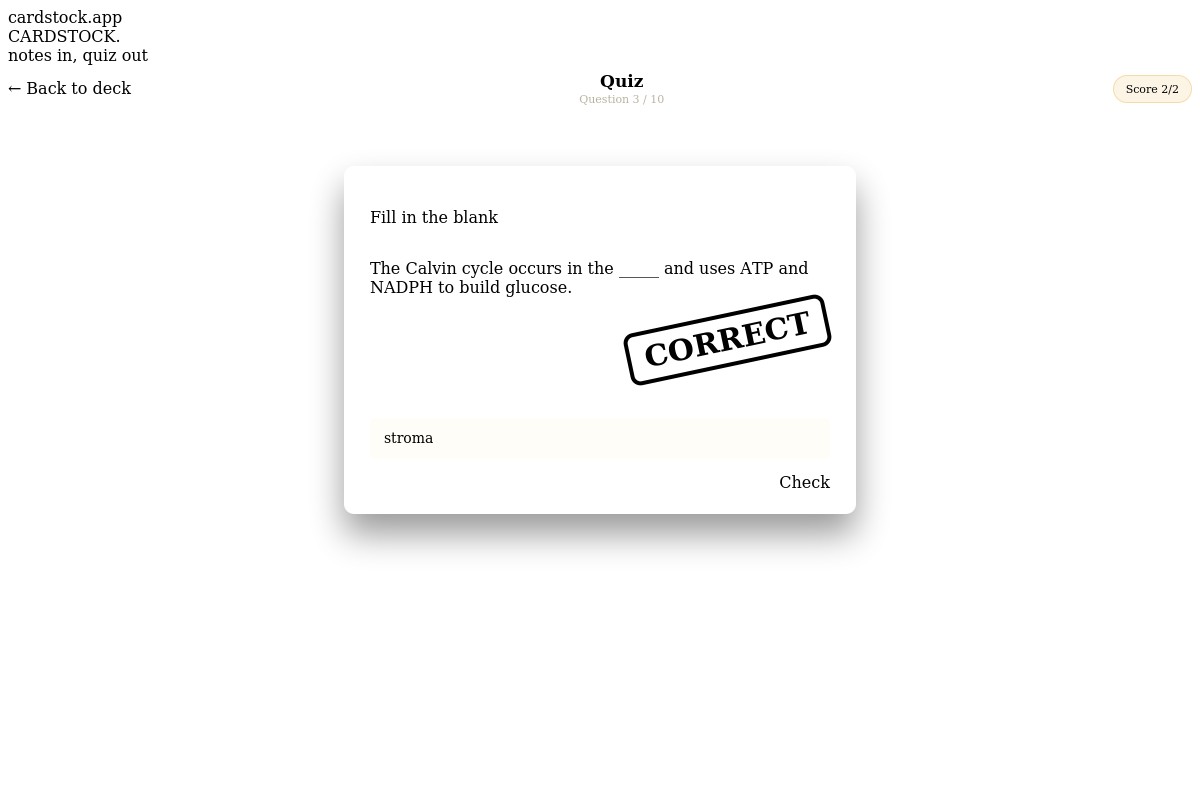
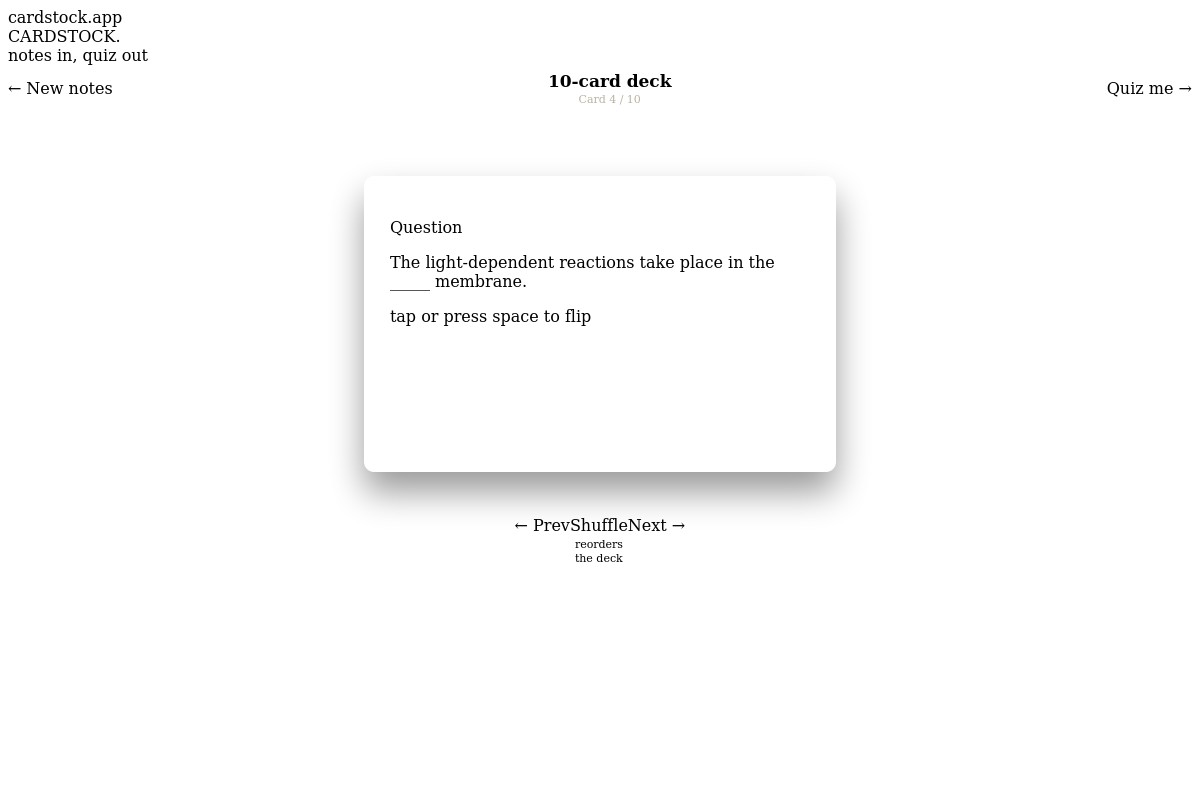
Inspiration Studying from raw notes is slow — you read the same paragraph three times and still can't tell if it actually sank in. Flashcard apps exist, but most either need an account, a subscription, or an internet connection to call an AI model — friction that gets in the way right when you're trying to cram before an exam. We wanted something that turns notes into a quiz in the time it takes to paste them in, with nothing standing between you and studying. What it does Cardstock takes any block of notes — a paragraph, a study guide, a lecture transcript — and turns it into a deck of flip-style flashcards in seconds. You can review the deck like physical index cards, then switch to Quiz Mode, where each card becomes a fill-in-the-blank question. Answer, get graded instantly with a stamp animation, and see a final letter grade at the end of the run. How we built it The core is a lightweight extractive algorithm that runs entirely in the browser: it splits notes into sentences, scores each word by length, capitalization, and presence of numbers to find the most "answerable" term in each sentence, then blanks it out to build a question/answer pair. No server, no database, no API key required. The interface is built with vanilla HTML, CSS, and JavaScript, with a deliberate visual identity — die-cut index cards, a punch hole, a red rule line, and a rubber-stamp grading animation — instead of a generic dashboard look. There's also an optional AI mode: if a user supplies their own API key, the app calls an LLM to generate sharper, more nuanced cards, but this is strictly additive — the app is fully functional without it. Challenges we ran into The hardest part was making the offline keyword-extraction algorithm good enough to feel "smart" without any AI behind it — tuning the scoring so it picks meaningful terms (names, numbers, key nouns) instead of random common words, and avoiding duplicate or nonsensical blanks. Accomplishments that we're proud of Building something that works with zero setup and zero risk of failing live — no API rate limits, no network dependency — was a deliberate choice to make the demo bulletproof, and it paid off. We're also proud of giving the app an actual visual identity instead of a generic AI-wrapper look.
What it does
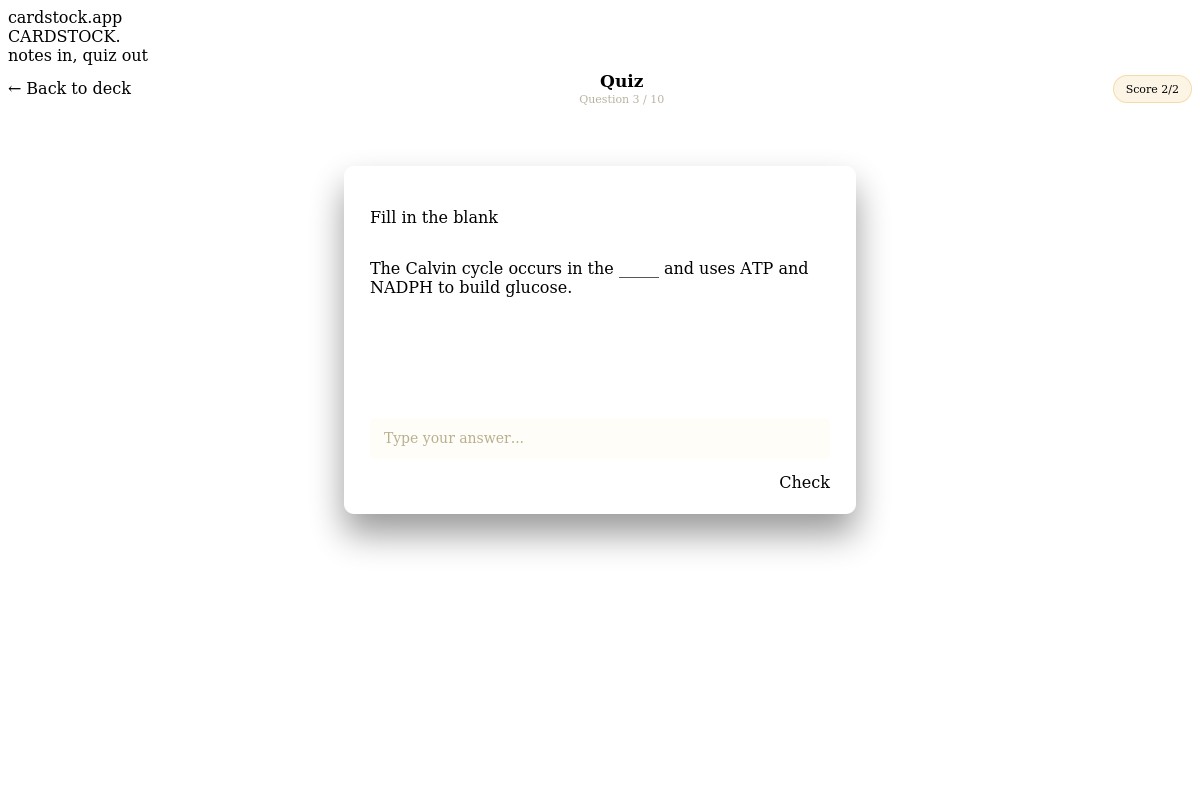
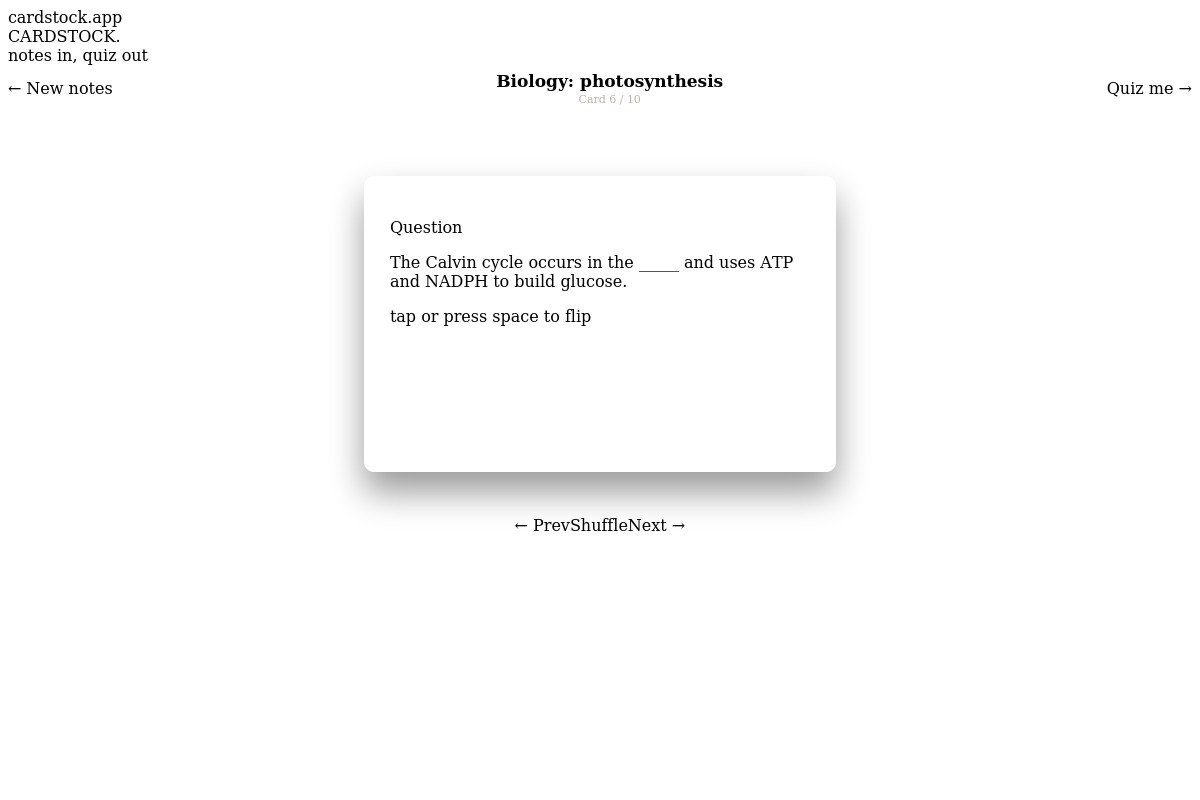
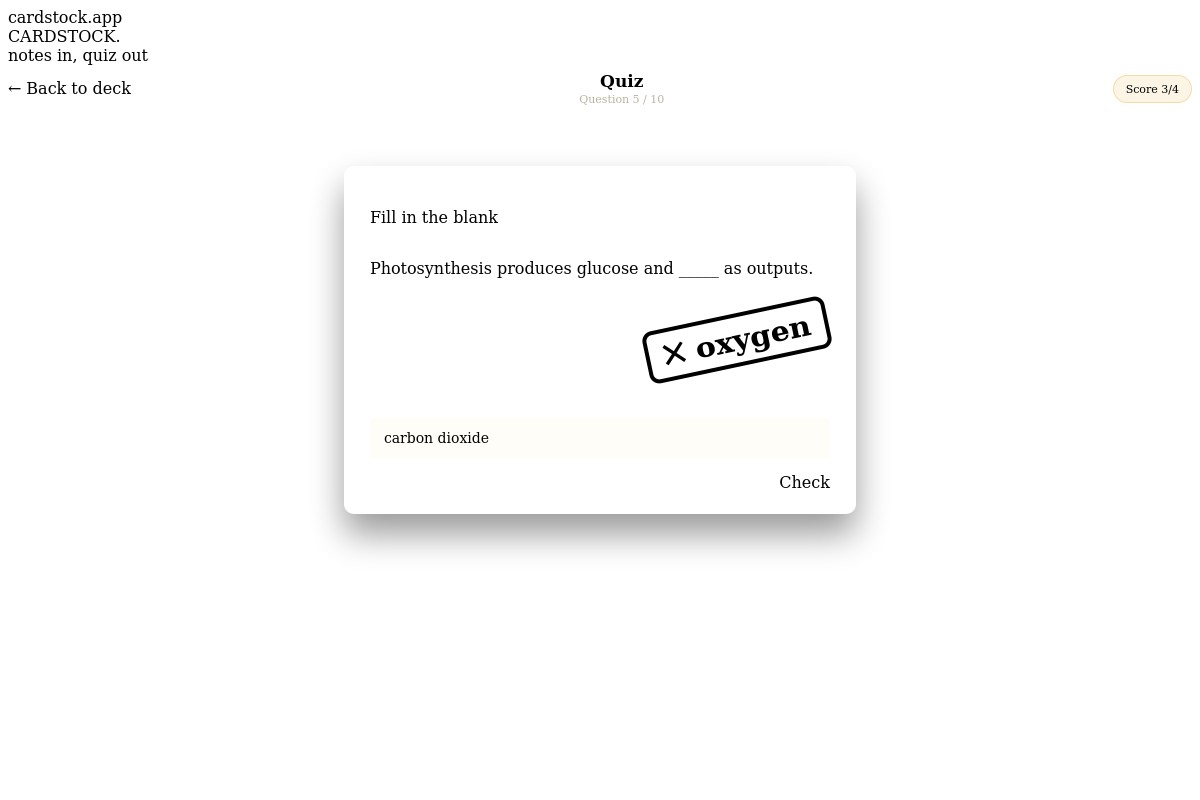
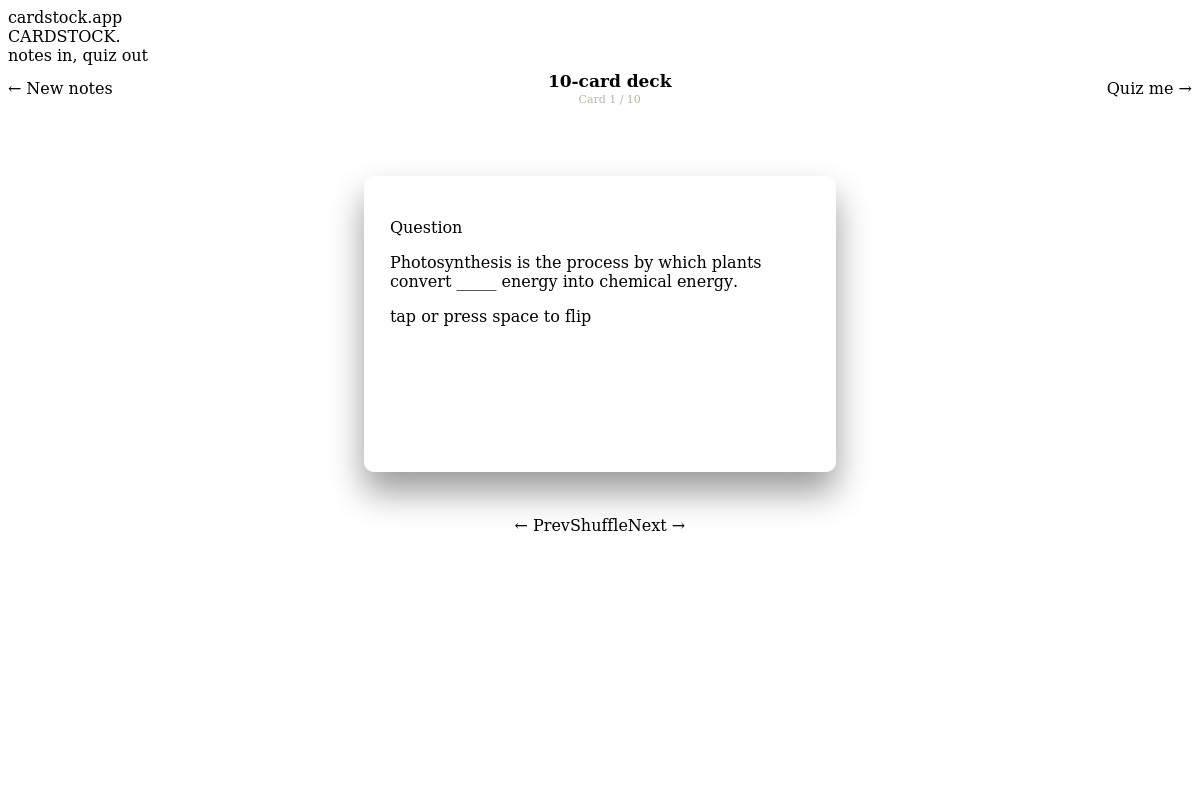
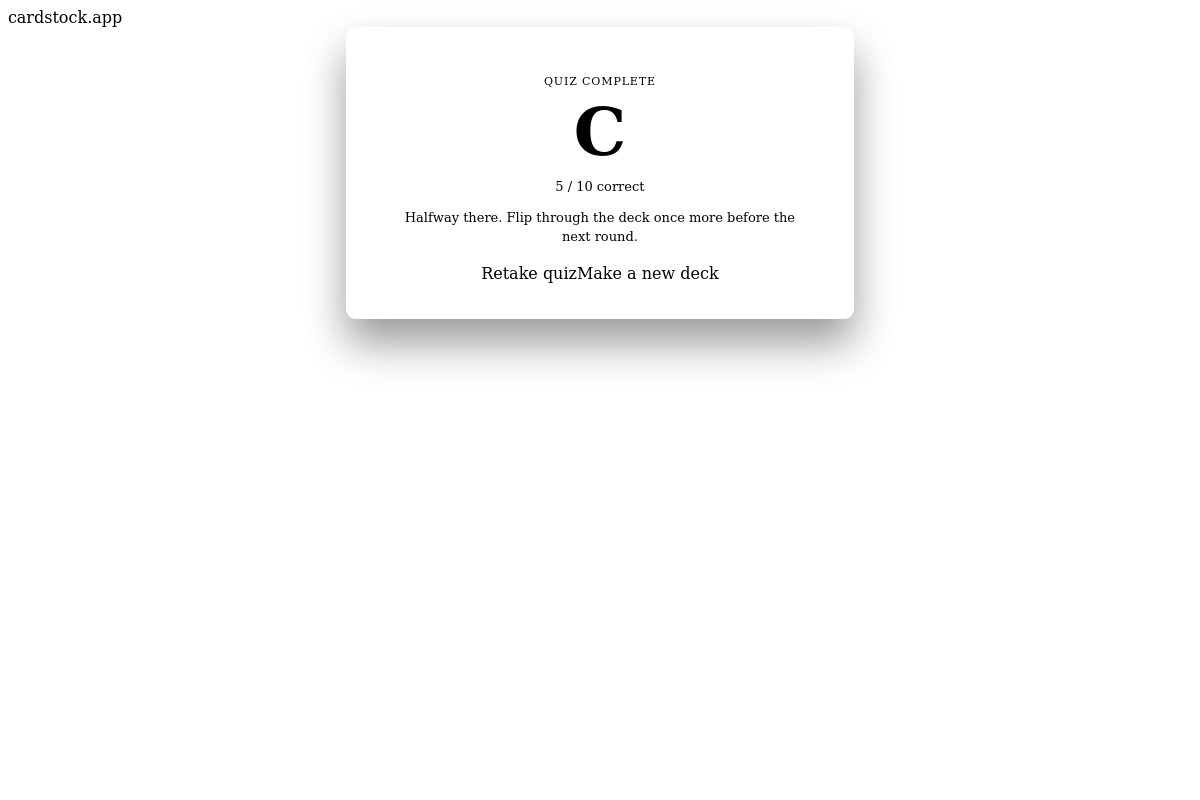
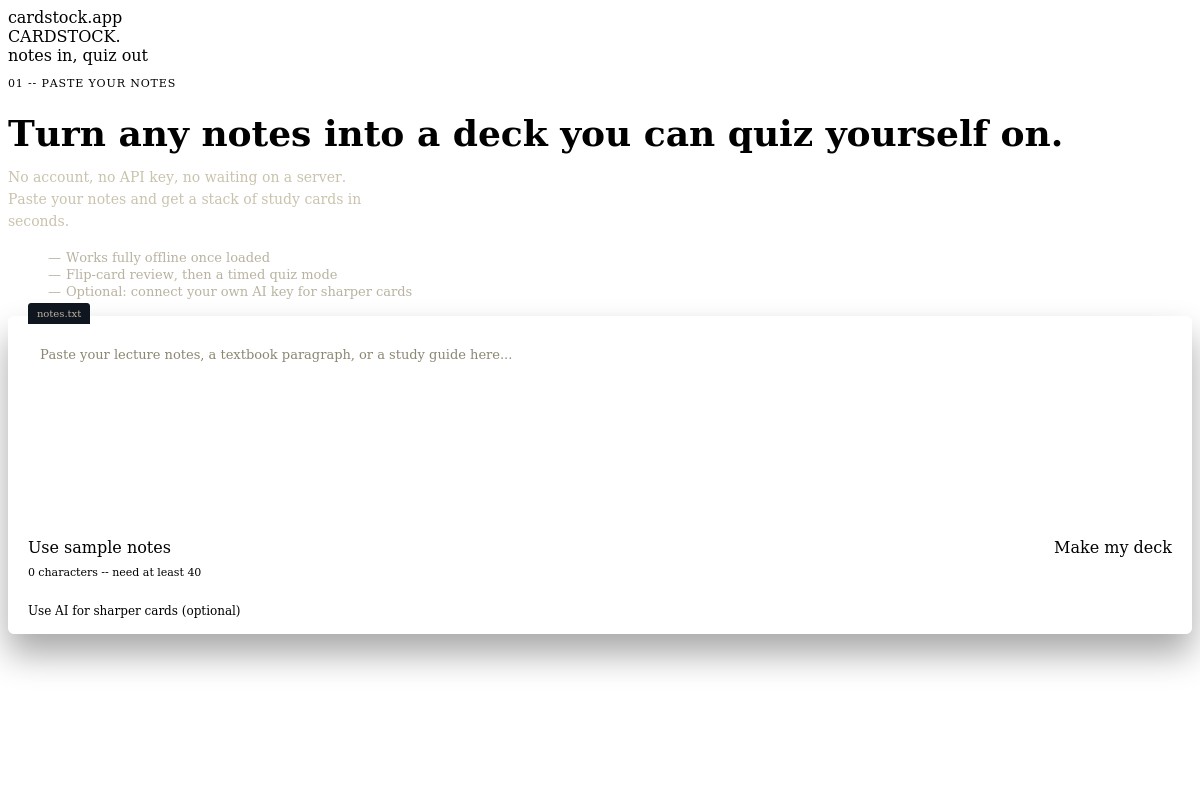
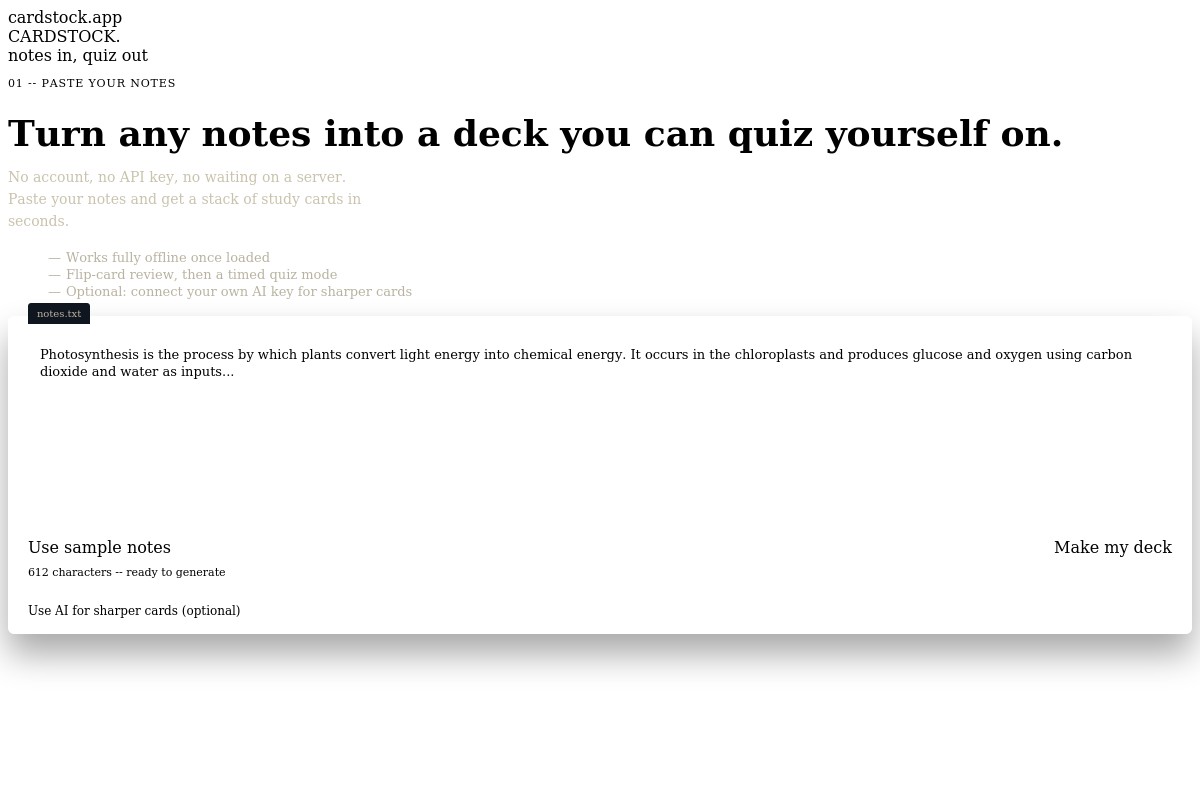
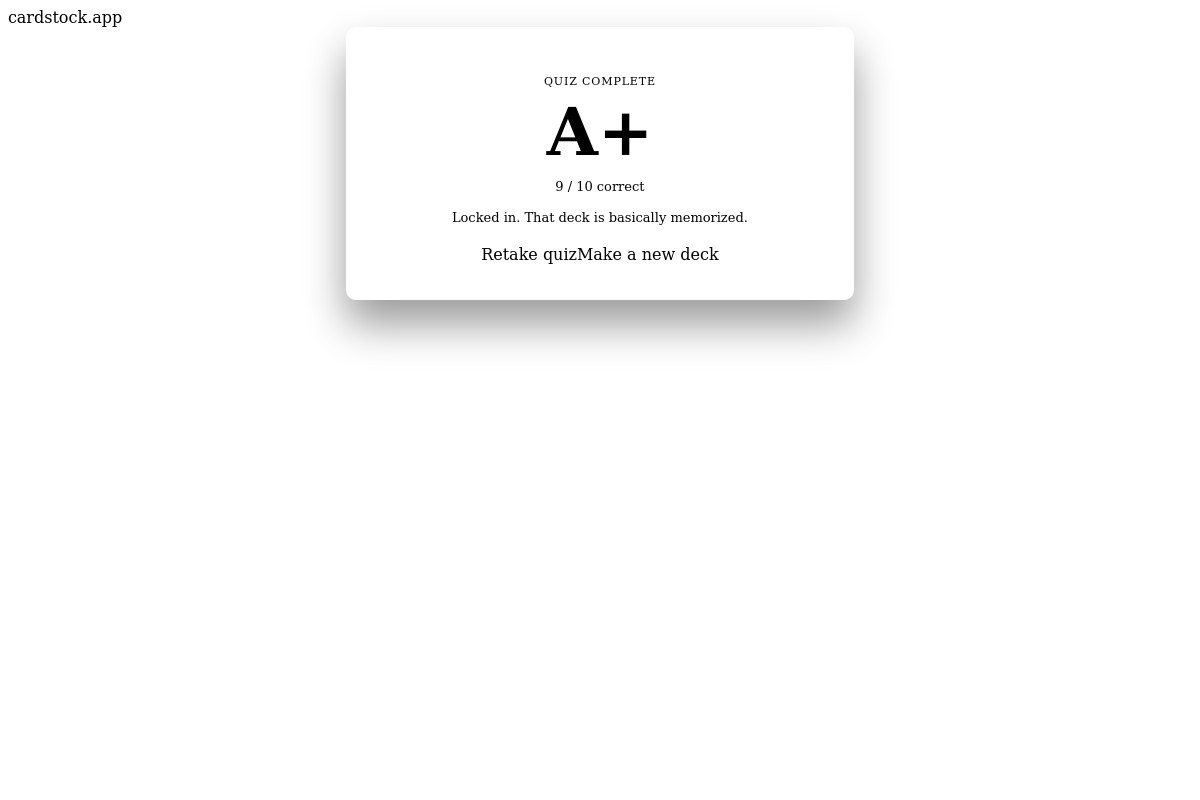
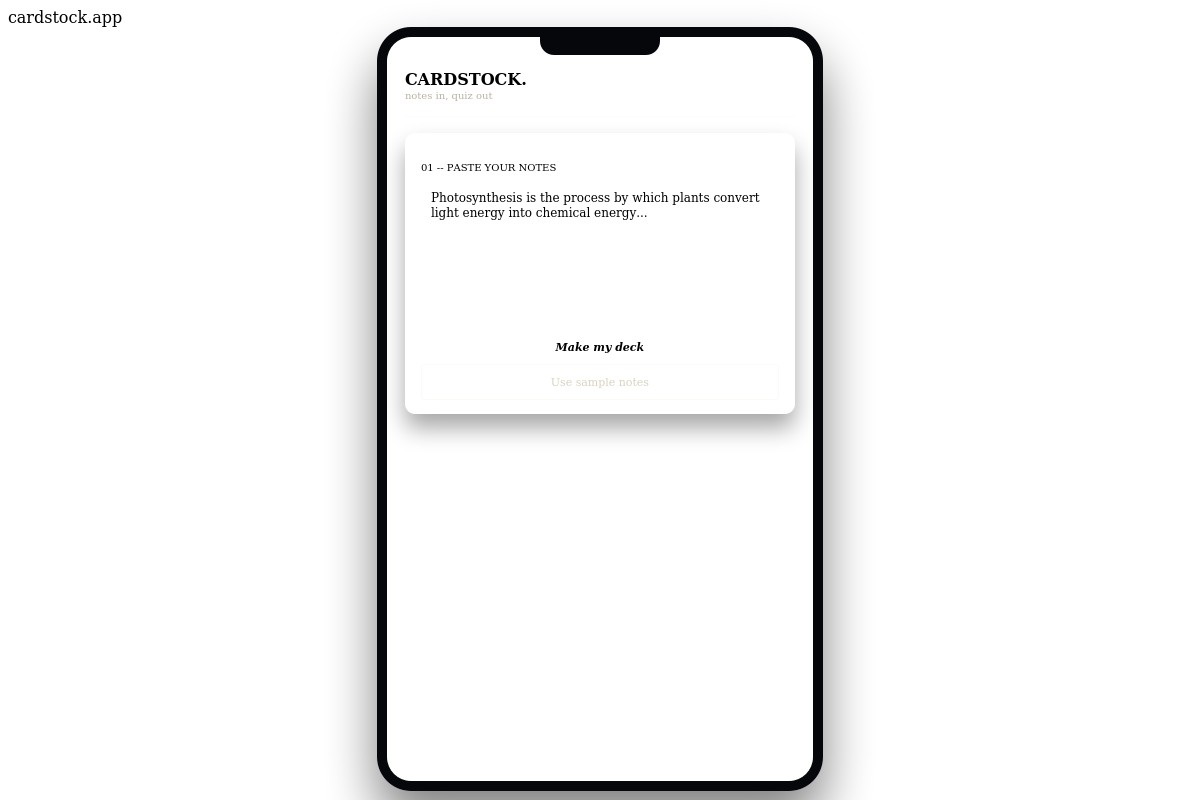
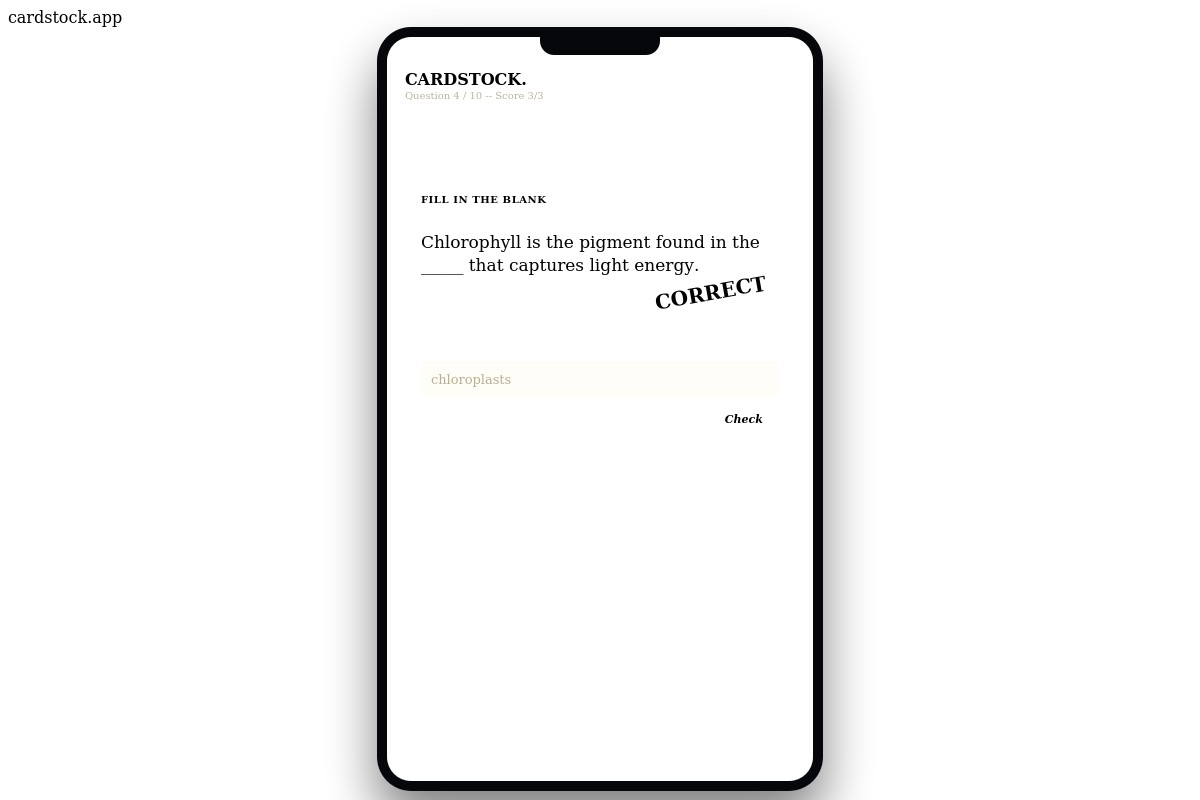
Cardstock turns any block of notes — a paragraph, a study guide, a lecture transcript — into a deck of flip-style flashcards in seconds. Paste your notes, hit "Make my deck," and a lightweight algorithm running entirely in your browser builds a set of question-and-answer cards automatically, with no login, no API key, and no server required. Review the deck like physical index cards, flipping each one between question and answer, then switch to Quiz Mode, where every card becomes a fill-in-the-blank question. Type your answer, get graded instantly with a rubber-stamp animation, and see a final letter grade once you've gone through the whole deck — so you know exactly what's actually sunk in versus what needs another pass before your exam.
How we built it
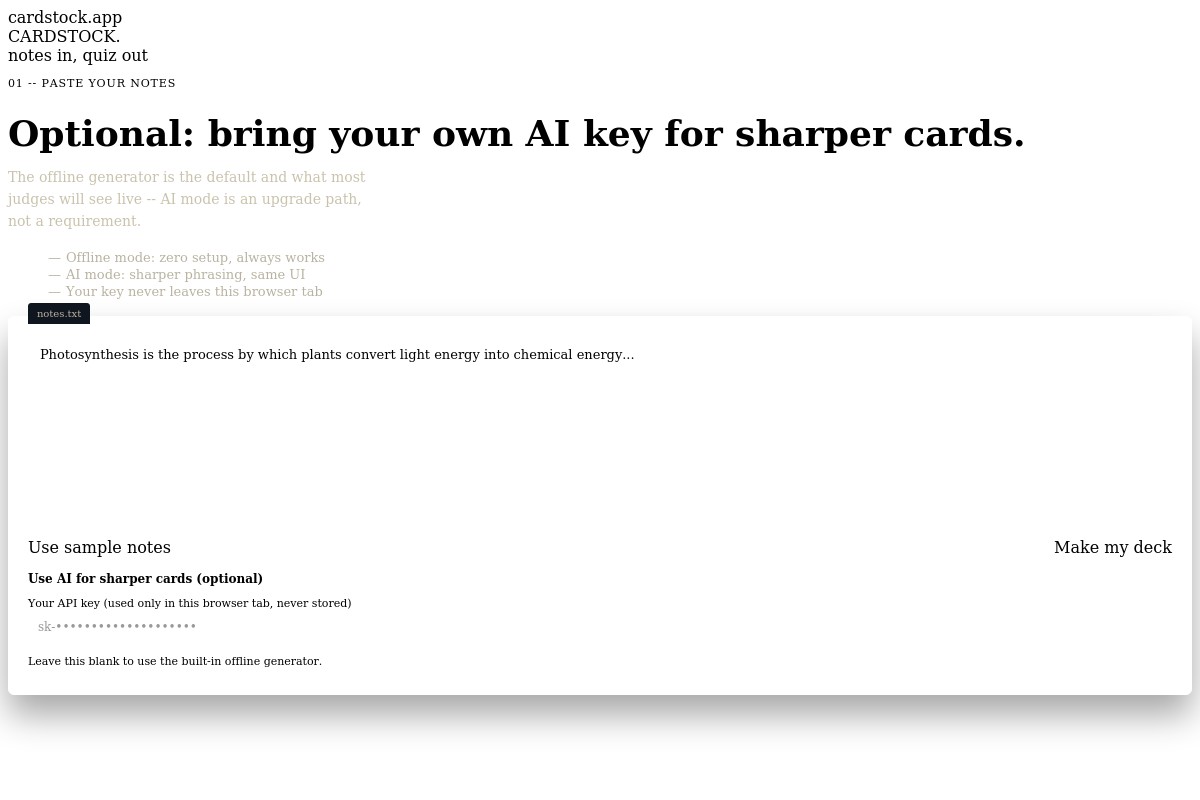
The core is a lightweight extractive algorithm that runs entirely in the browser: it splits notes into sentences, scores each word by length, capitalization, and presence of numbers to find the most "answerable" keyword in each sentence, then blanks it out to build a question/answer flashcard. No server, no database, no signup required. The interface is built with vanilla HTML, CSS, and JavaScript, styled around a deliberate "teacher's red pen on an index card" identity — die-cut card shapes, a punch hole, a red rule line, and a rubber-stamp grading animation — instead of a generic dashboard look. An optional AI mode layers on top: if a user supplies their own API key, the app calls an LLM to generate sharper cards, but this is strictly additive — the core product works fully without it.
Challenges we ran into
The hardest part was tuning the offline keyword-extraction algorithm to feel genuinely useful without any AI behind it — getting the scoring right so it picks meaningful terms (names, numbers, key nouns) instead of random common words, and avoiding duplicate or nonsensical blanks across a deck. Balancing a distinctive visual identity against the tight build window was another challenge — it would have been faster to use a generic UI kit, but a memorable brand mattered more for standing out in judging.
Accomplishments that we're proud of
Building something that works with zero setup and zero risk of failing live — no API rate limits, no network dependency for the core flow — was a deliberate choice to make the demo bulletproof, and it held up. We're also proud of giving the app a real visual identity instead of a generic AI-wrapper look, and of the fact that a solo build in a short window still shipped a complete loop: input → deck → quiz → graded results.
What we learned
Constraint-driven design produces better products than open-ended ones — deciding early that the app had to work with zero backend forced a simpler, more reliable architecture than reaching for an AI API by default would have. We also learned that a small amount of visual craft (a consistent metaphor, a signature animation) does more for how a product is perceived than adding more features would have in the same amount of time.
What's next for Cardstock
Save decks with localStorage so users can pick up where they left off Spaced repetition — resurface missed cards more often instead of a flat quiz order Import notes from a photo or PDF via OCR Shareable deck links so classmates can quiz off the same notes A hosted AI tier so users don't need to bring their own API key
Built With
- css-animations
- css3
- google-fonts
- html5
- javascript
- responsive-design

Log in or sign up for Devpost to join the conversation.