Inspiration
In my time at high school, exam stress was always overwhelming. I could go over the material until my eyes hurt, but I could never be sure I was ready. I wanted a fast and convenient way to test my knowledge on study material, so I created Cardly.
What it does
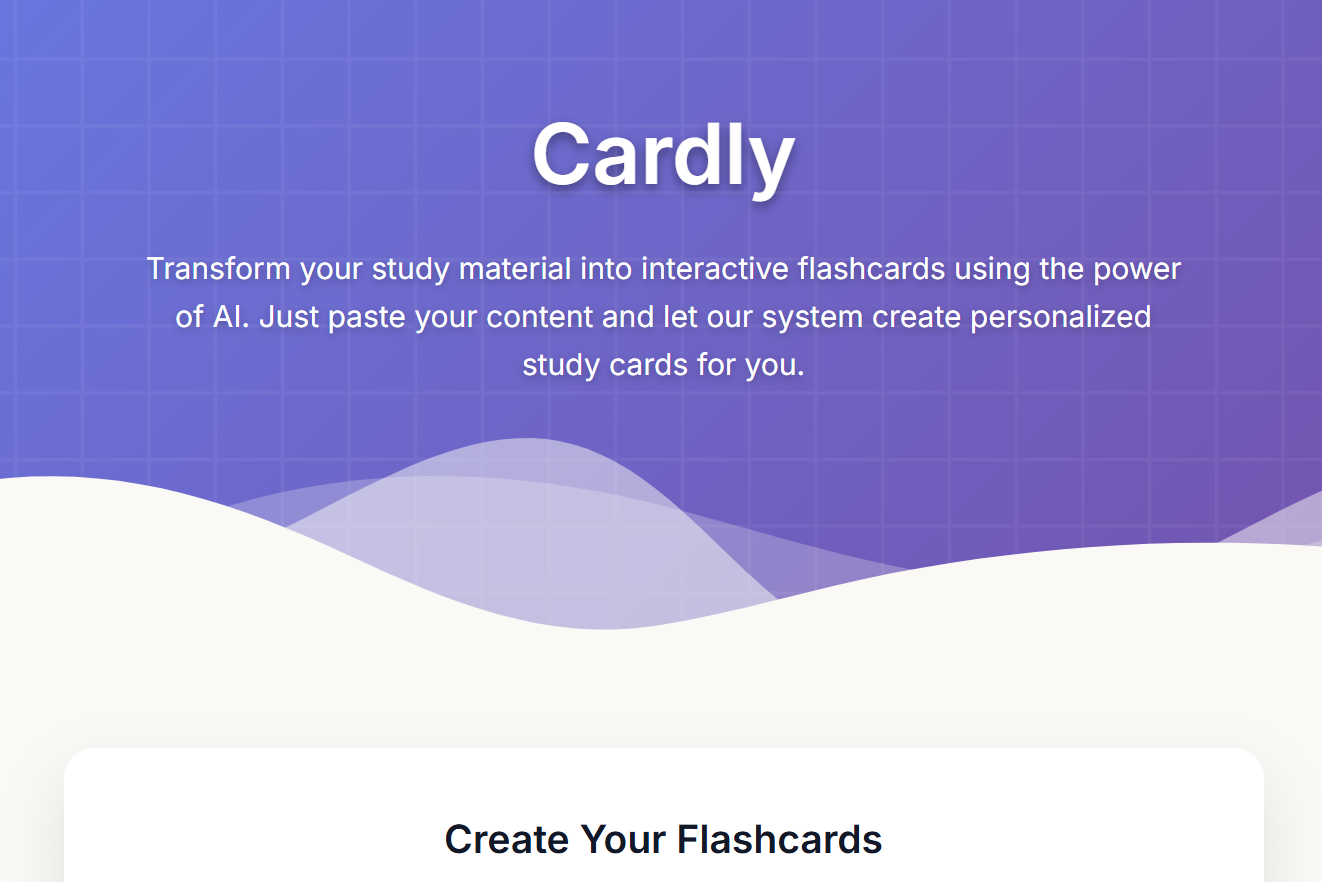
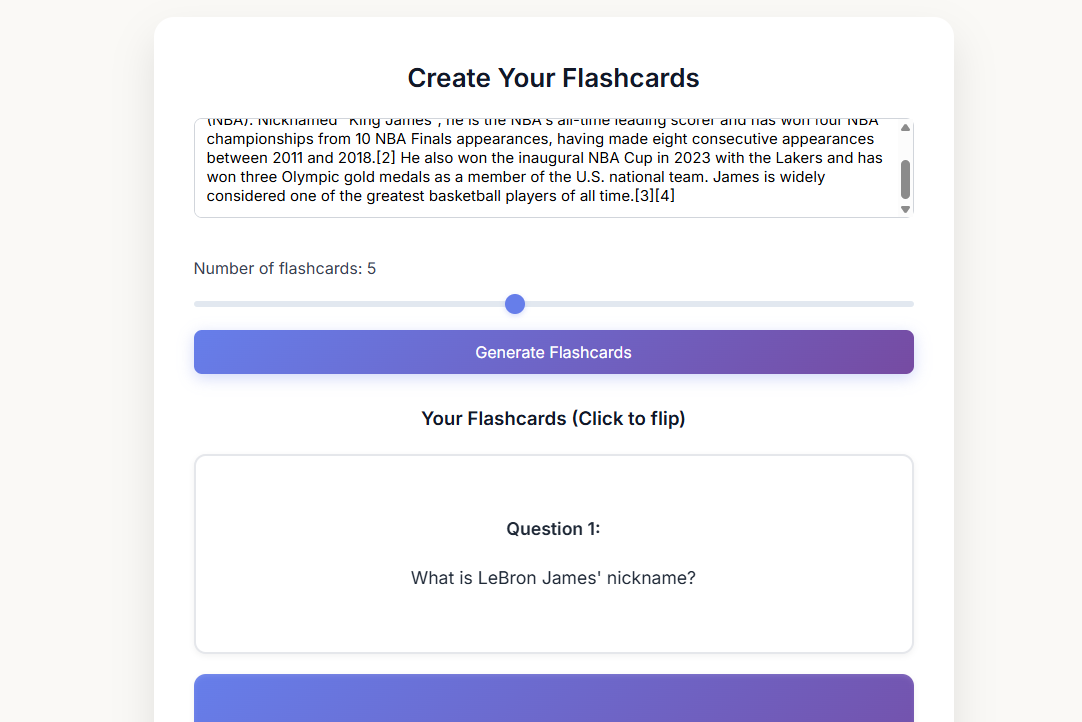
Cardly takes notes, textbook excerpts, or study materials and turns them into clean, interactive flashcards. Users can choose how many they want, click to flip them, and instantly see where they're strong or where they need to improve.
How we built it
I built Cardly using HTML for the structure, CSS for a sleek and modern look, and JavaScript for all the interactivity. I integrated the Google Gemini 1.5 Flash to read through my study material and generate properly formatted Q&A pairs. From there, the site checks that everything is in the right format, builds the flashcards, and displays them with smooth animations and a responsive layout.
Challenges we ran into
At first it was difficult to ensure Gemini returned the exact format needed to display them on flashcards. Multiple prompts were tried until a consistent one was found. I also ran into issues with making the layout adapt to every screen size while keeping the flashcards readable. Finally, I had to balance adding elements with creating a distraction-free atmosphere.
Accomplishments that we're proud of
I’m proud that Cardly works exactly how I imagined it, being fast, simple, and genuinely useful. The Gemini integration works reliably, the design feels polished, and the whole experience makes studying more efficient.
What we learned
I learned how to integrate and work with generative AI APIs, how to validate unpredictable AI output, and how to design a responsive, user-friendly website.
What's next for Cardly
I want to allow users to import different types of files like slideshows or pdfs, making the site more accessible.


Log in or sign up for Devpost to join the conversation.