-
-
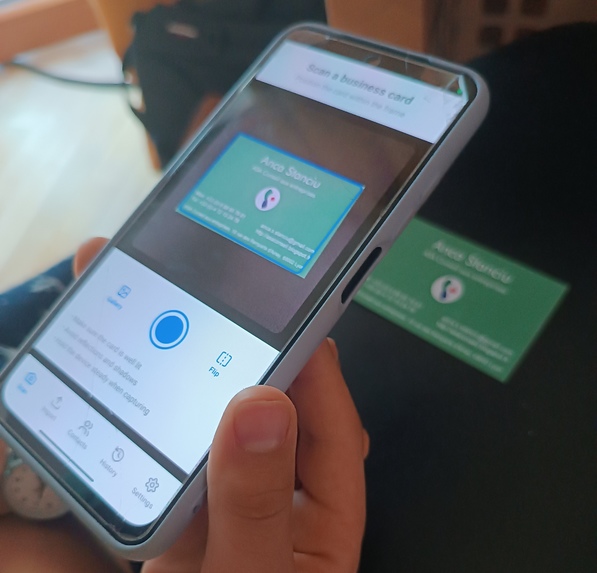
Scan any business card format with AI
-
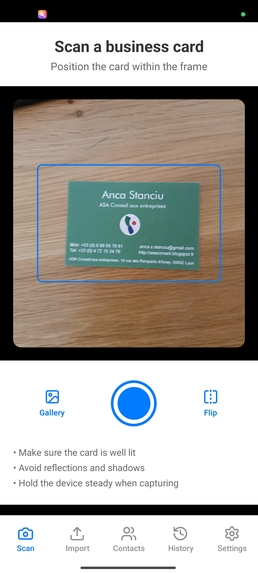
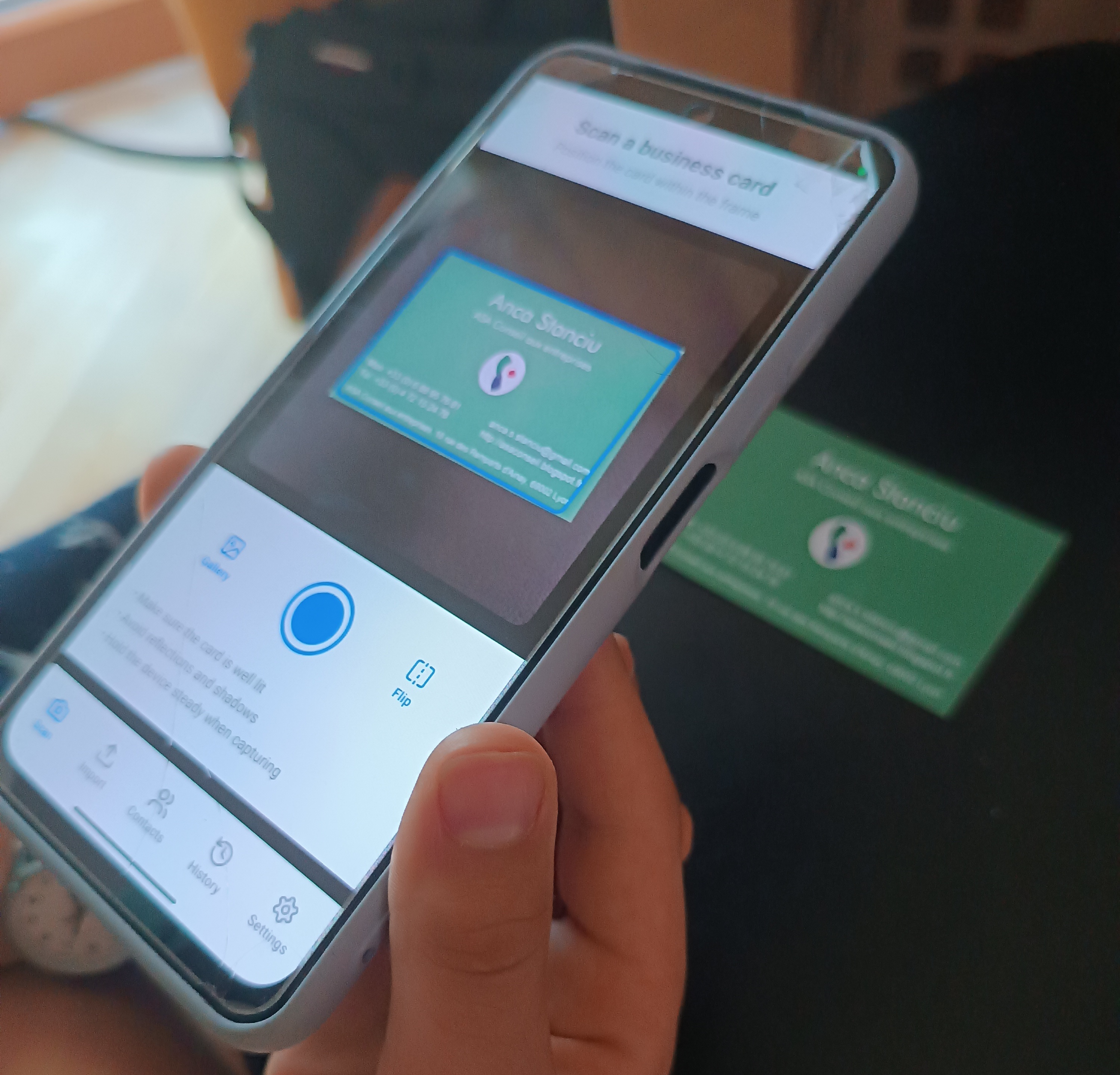
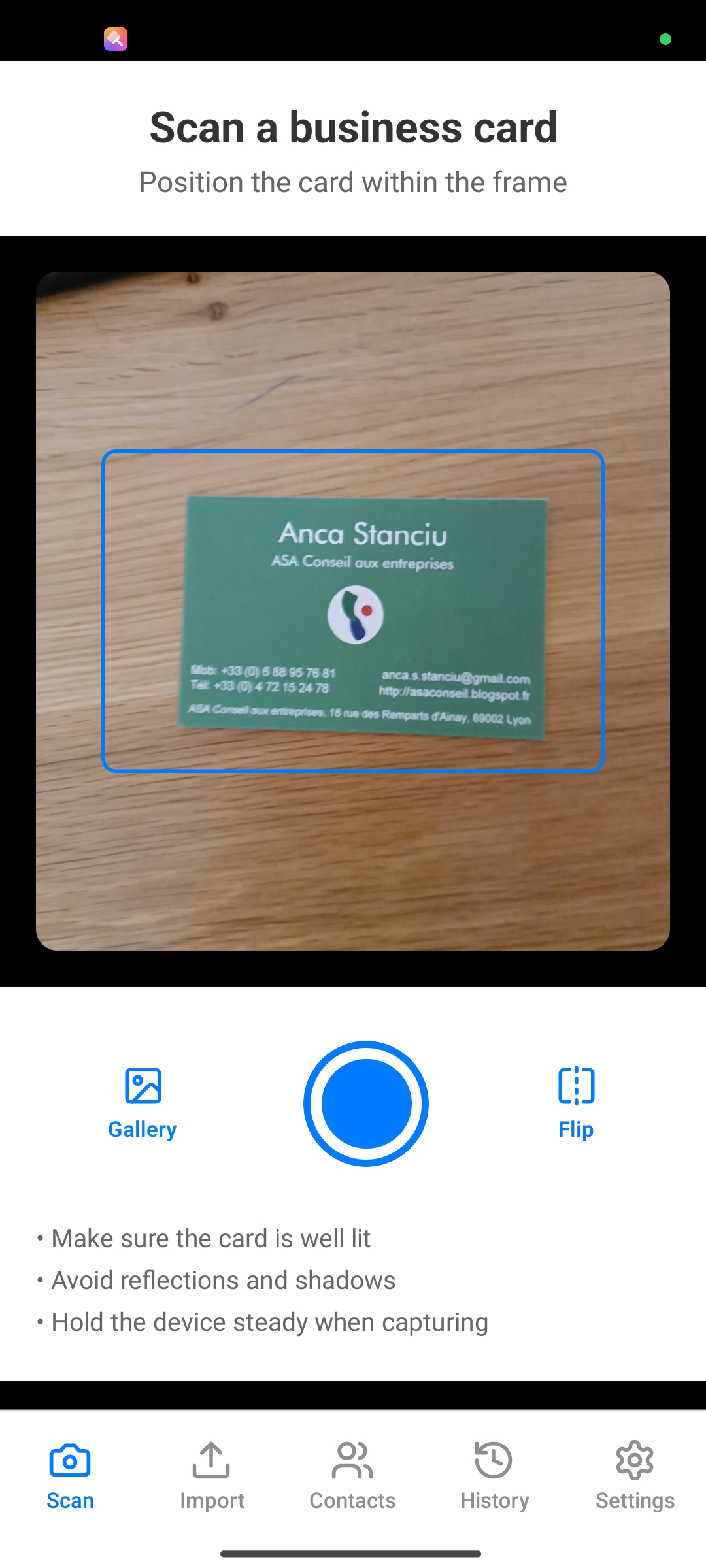
Main Scan Page
-
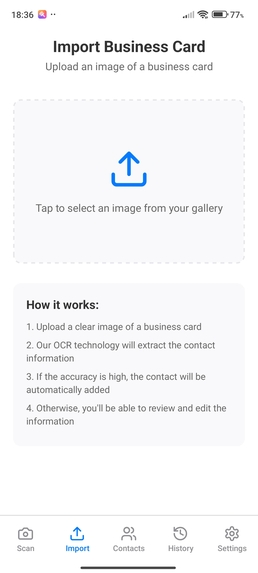
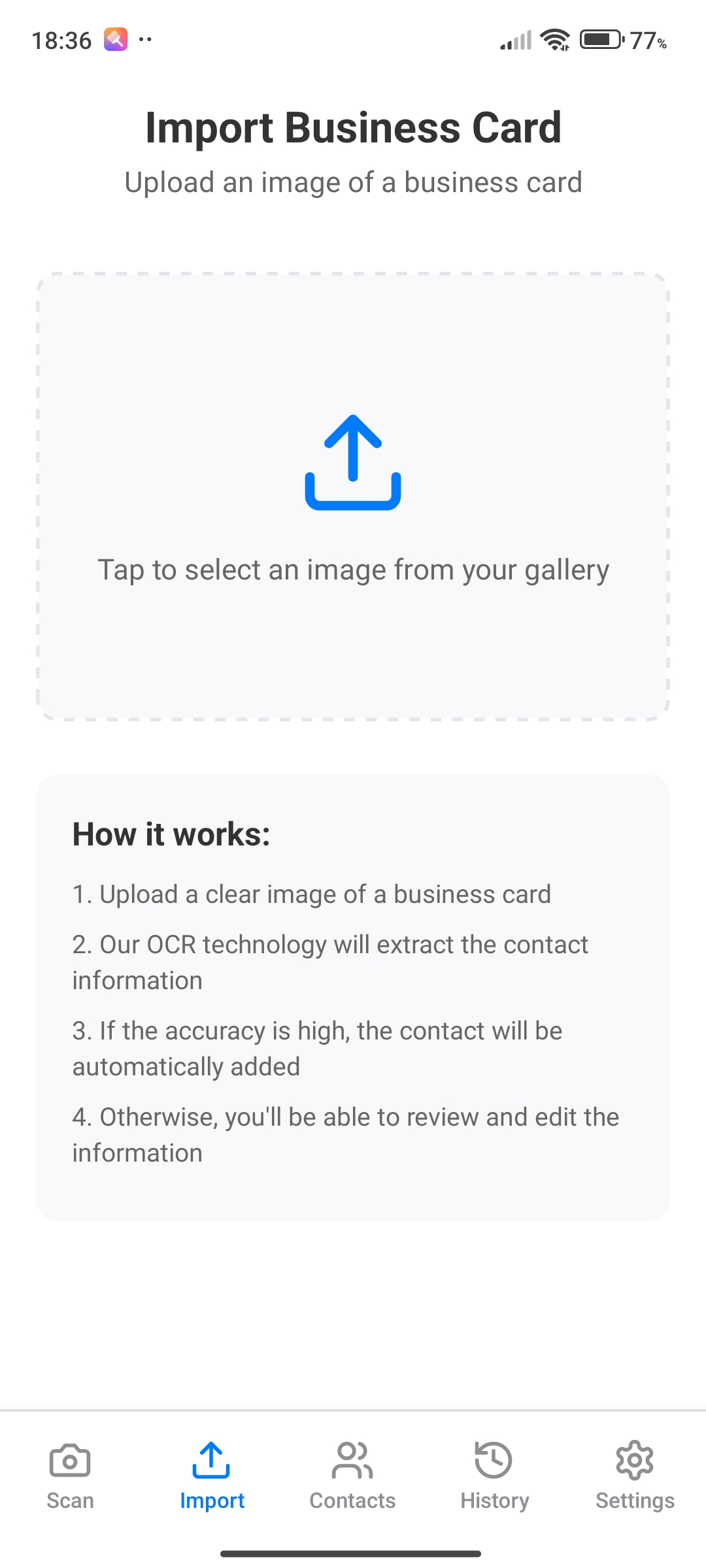
Import
-
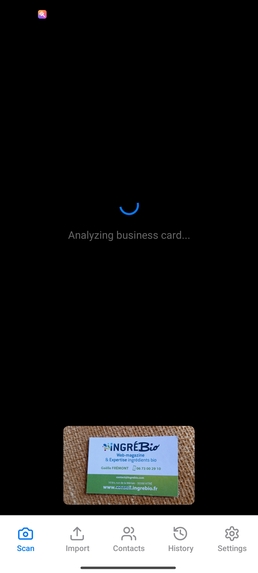
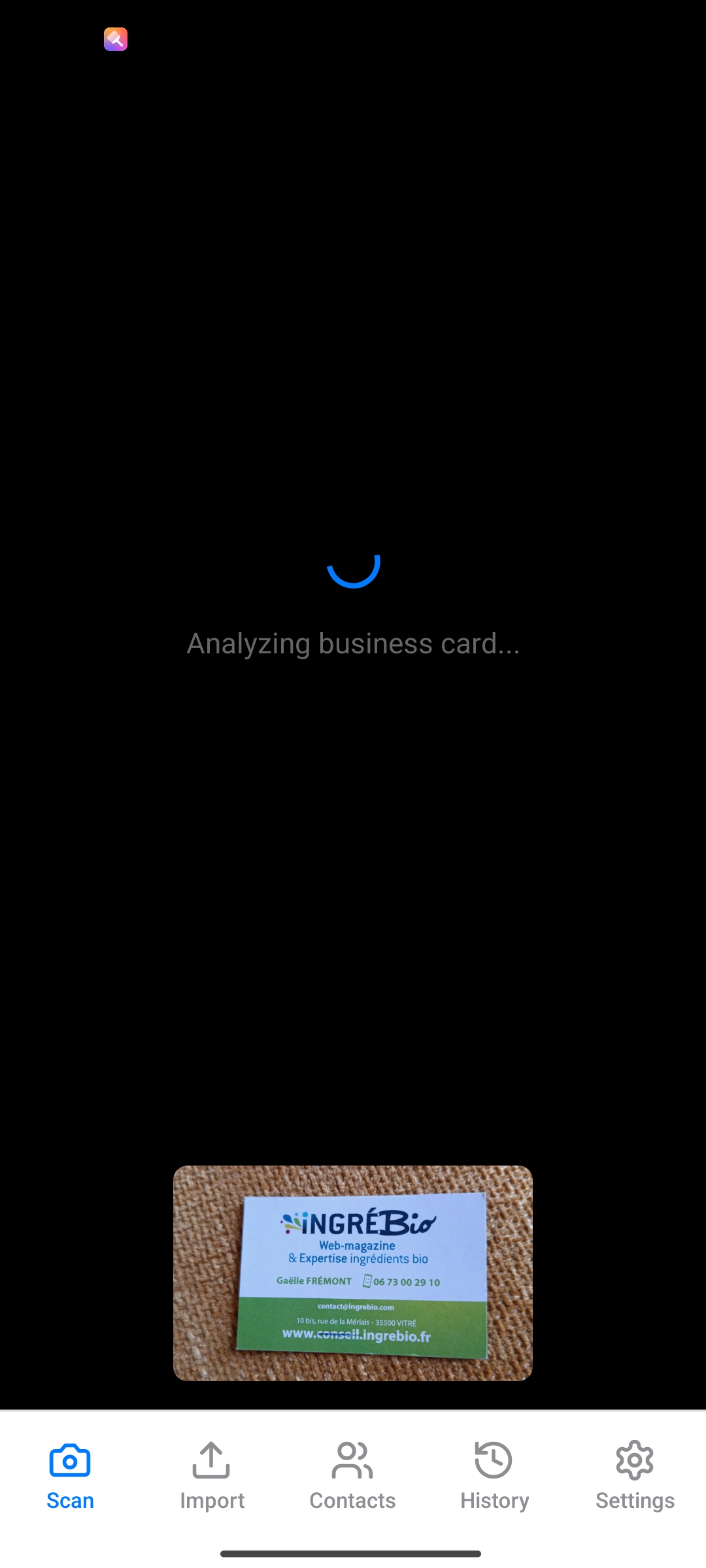
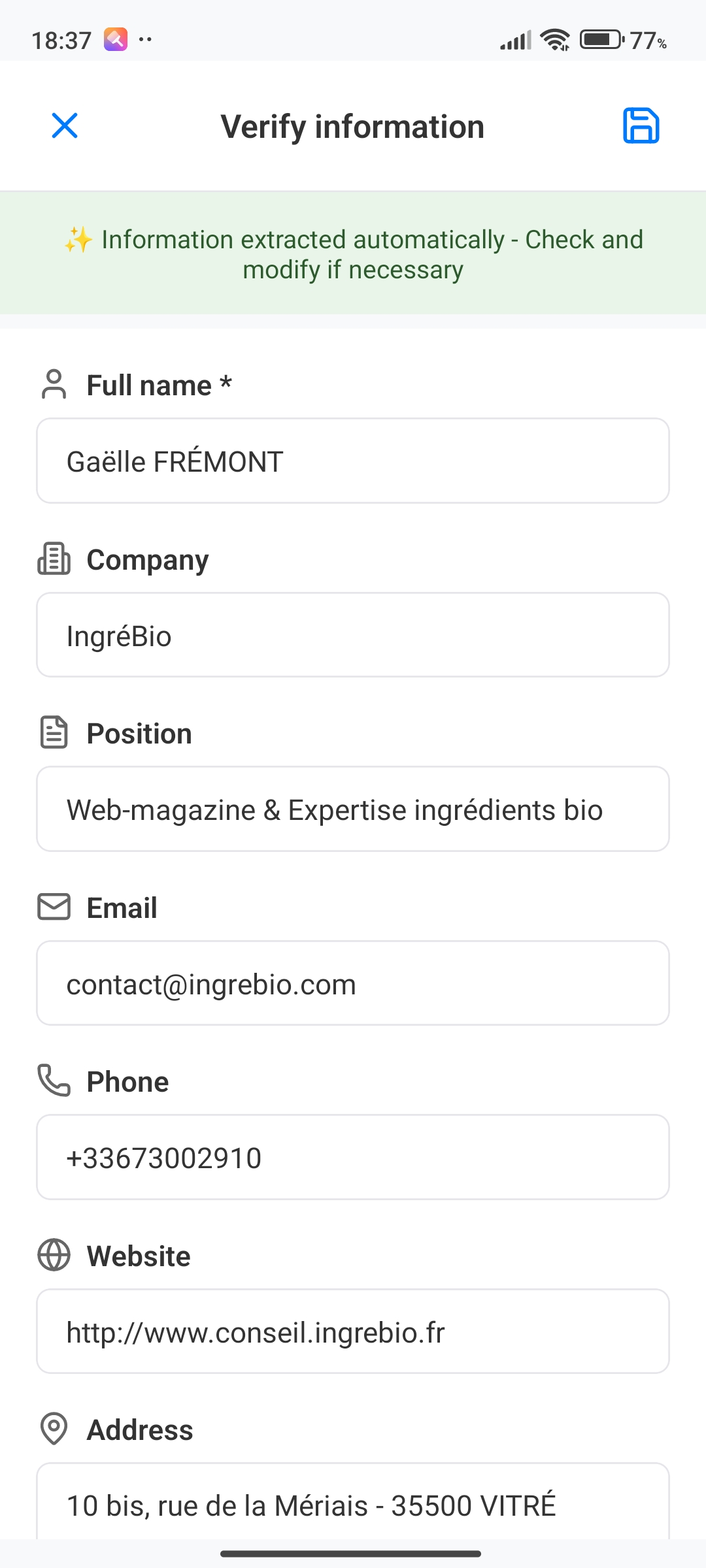
Import Process - OCR and call LLM to extract business info
-
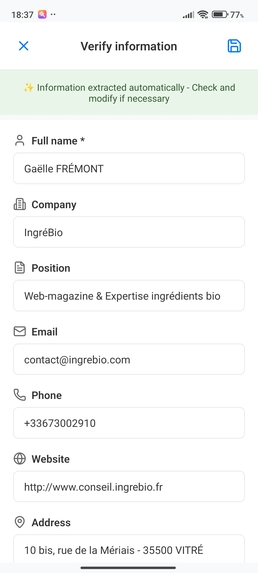
Succesful import
-
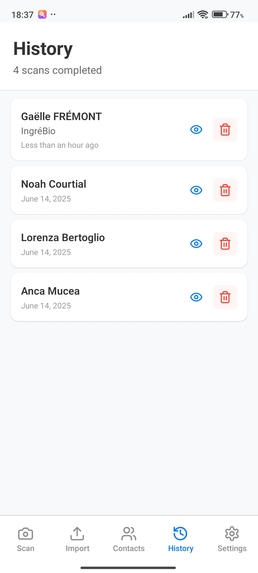
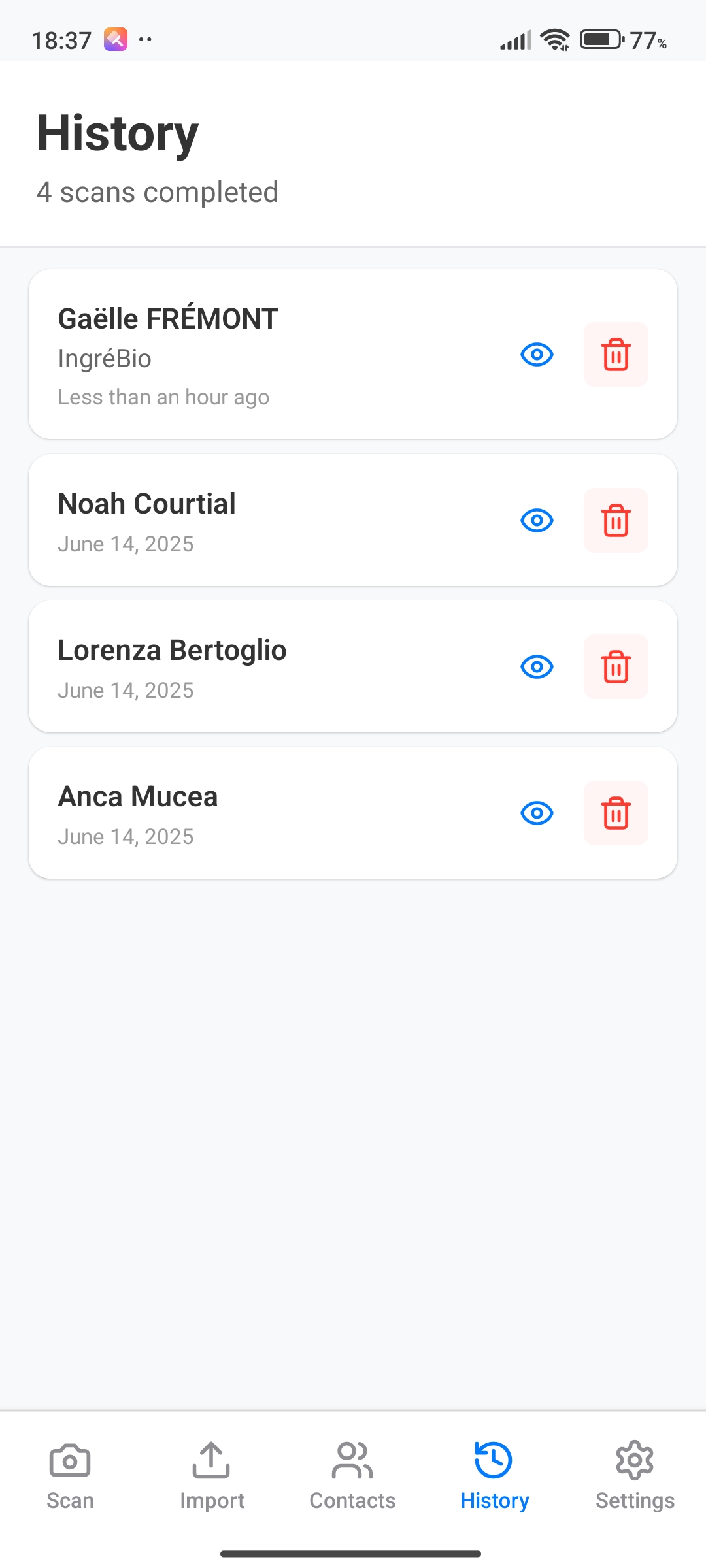
Recently Scanned History
-
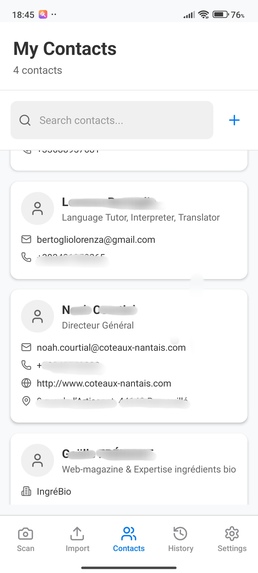
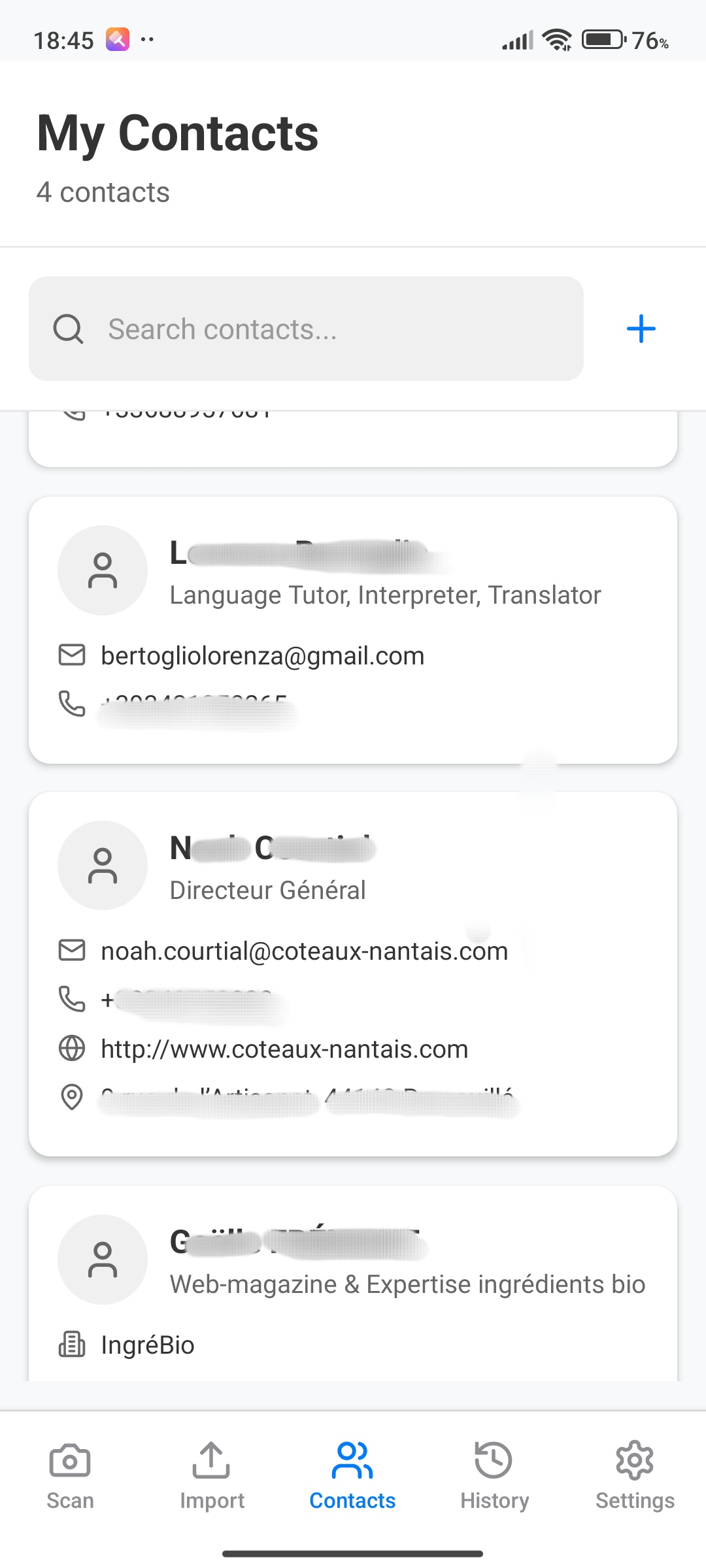
Contacts
-
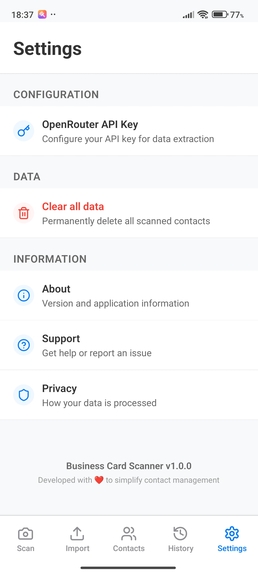
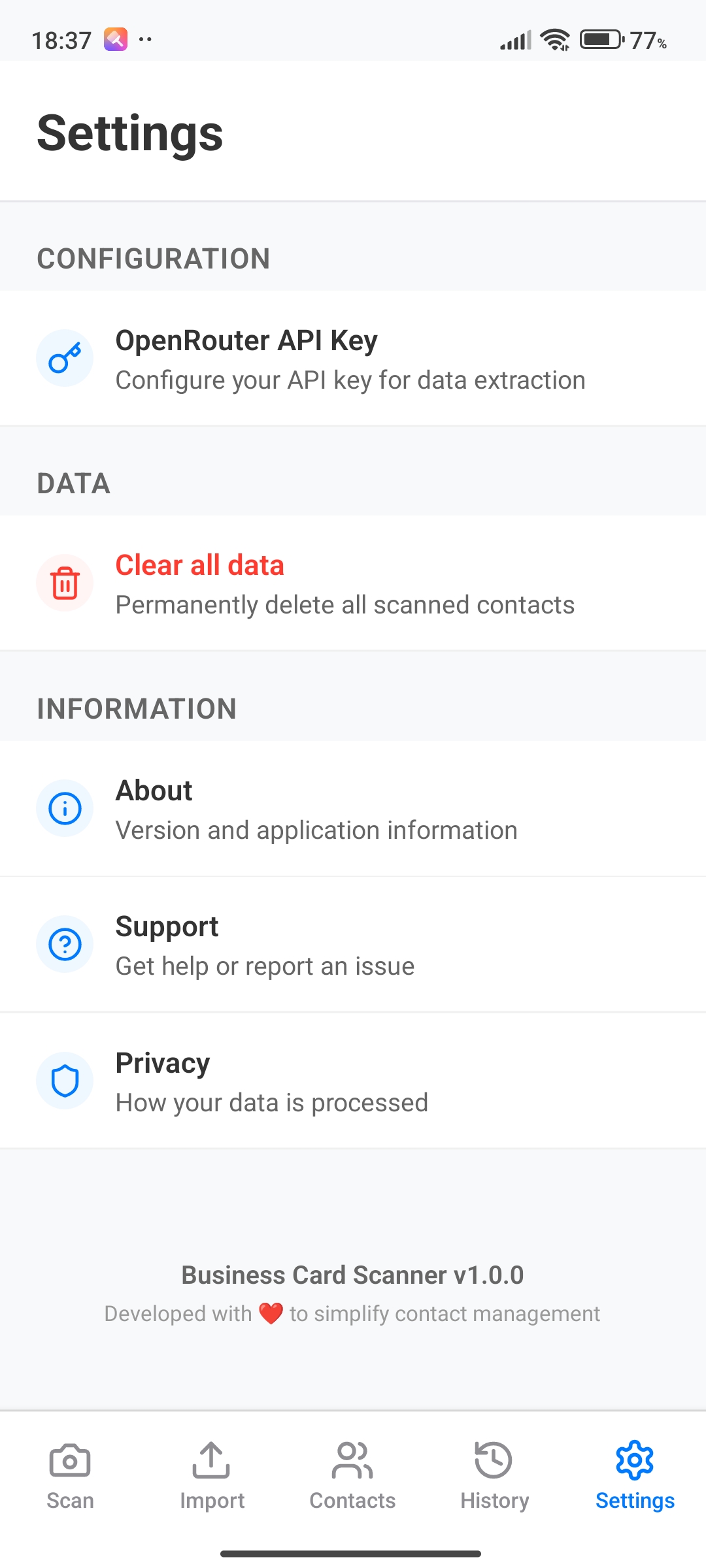
Settings
Inspiration
Attending various salons and conferences, I often meet new contacts who hand me their business cards. Many professionals still prefer traditional paper cards, which leads to a lot of time spent manually entering contact details into my phone. This inspired me to create a solution that bridges the gap between physical and digital networking.
What it does
Cardly allows users to instantly scan business cards using their mobile device. It extracts contact information using AI-powered OCR and saves the details directly to the phone’s contacts. Users can scan cards individually or in bulk, making networking fast, paperless, and effortless.
Try it
- Try it on your smartphone
Use it with Expo Go on your smartphone. Install Expo Go then scan QR Code (see images section) or enter URL below: exp://7yl2kls45pqsu5q.boltexpo.dev
- Try on web browser. Works when importing an already existing business card picture. https://superb-speculoos-b1d0c3.netlify.app then Choose "Import"
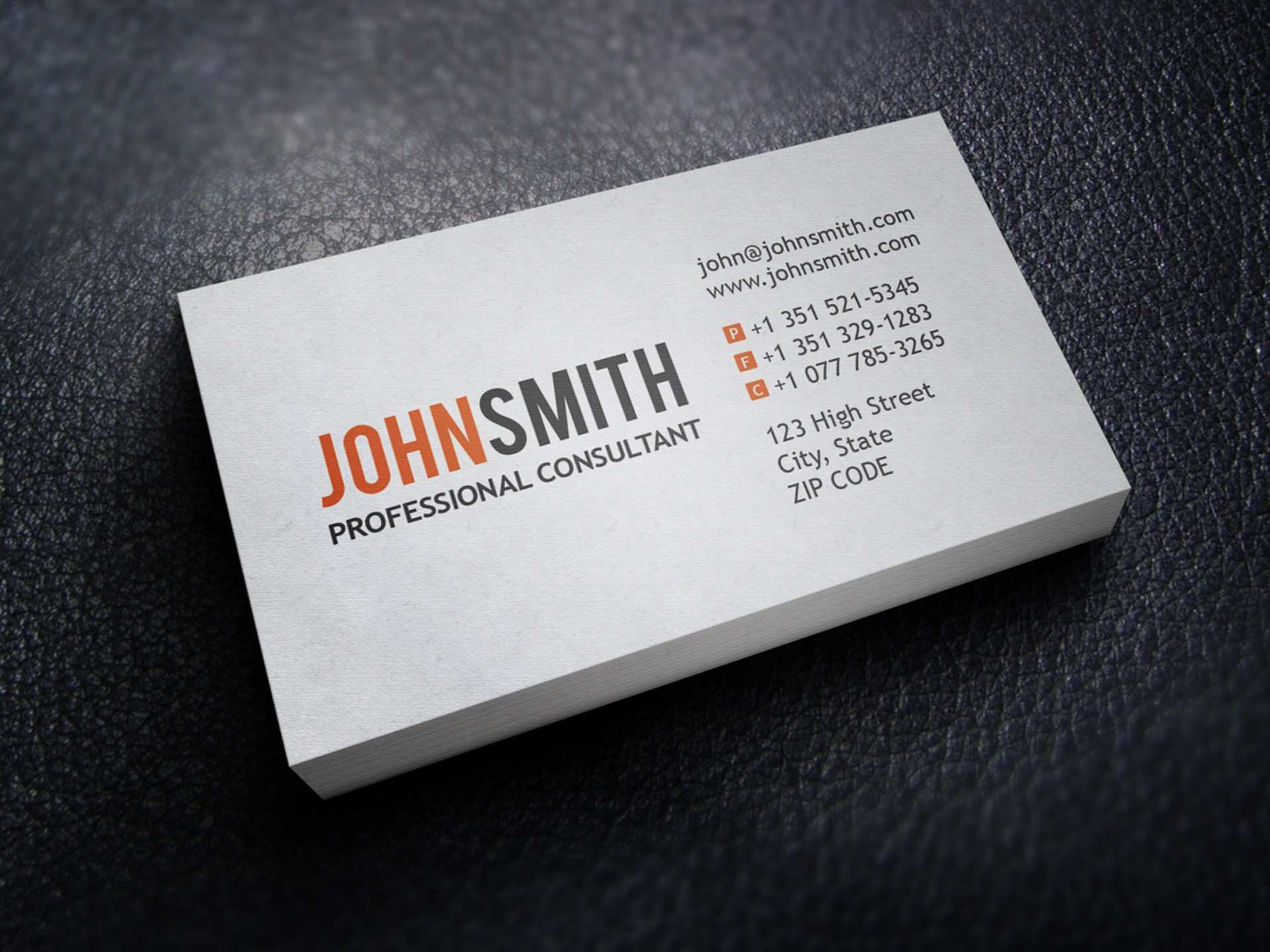
Don't have a scan of a business card on your laptop ? Here's one: https://legaldbol.com/wp-content/uploads/2019/03/32-Customize-Our-Free-Business-Card-Consultant-Templates-Templates-for-Business-Card-Consultant-Templates.jpg
How we built it
We designed Cardly with a focus on simplicity and smooth user experience. The app uses the device camera to capture card images, processes them with an OCR engine, and parses the extracted text into contact fields. The workflow is optimized for both real-time scanning and bulk import after events.
Challenges we ran into
Handling the wide variety of business card layouts, fonts, and languages was a significant challenge. Ensuring accurate data extraction required fine-tuning the OCR process and developing smart parsing logic. We also worked to make the interface intuitive for users of all tech backgrounds.
Accomplishments that we're proud of
We’re proud of creating a seamless user experience that significantly reduces the time and effort needed to digitize business cards. Cardly’s ability to handle bulk imports and its reliable contact extraction set it apart from other solutions.
What we learned
We learned a lot about mobile development, OCR technologies, and user-centric design. Integrating with device contacts and ensuring privacy and data security were also valuable learning experiences.
What's next for Cardly
Next, we plan to enhance Cardly with features like multi-language support, cloud backup, and integration with popular CRM platforms. We also aim to further improve OCR accuracy and add smart suggestions for organizing and following up with new contacts.
Built With
- bolt


Log in or sign up for Devpost to join the conversation.