-
-
Add to Marketplace option
Where It Started
Every plugin in the Logitech Marketplace is built for creatives — Photoshop shortcuts, Premiere Pro macros, Figma layer controls. That makes sense. Logitech designed these devices for people who work visually.
But we work in AI. We build agents. We write retrieval pipelines at 9am and pitch investors at 11am.
When we looked at the MX Master 4 on our desks — haptic motor, gesture button, thumb wheel, an entire on-screen ring overlay — we had one question:
Why is none of this wired up to the tools new age founders actually use?
That question became Carbo.
The Insight
The problem isn't that founders lack tools. It's the opposite — there are too many, and the gaps between them are where all the time goes.
Logitech's own research calls it "tab overload." We just call it Tuesday.
A Real Morning
| Time | What You're Doing | Context Switches |
|---|---|---|
| 9:00 | Debugging in Cursor — highlight function, switch to terminal, type Claude Code prompt, wait, copy, switch back, paste, wrong context, go back | 4 switches for one code change |
| 9:45 | Investor call in 15 min — open Calendar, open LinkedIn, search Gmail for last thread, check pitch deck version | 4 more switches before the call even starts |
| 12:00 | Lunch | 93 context switches logged. No idea how time broke down. |
What We Built
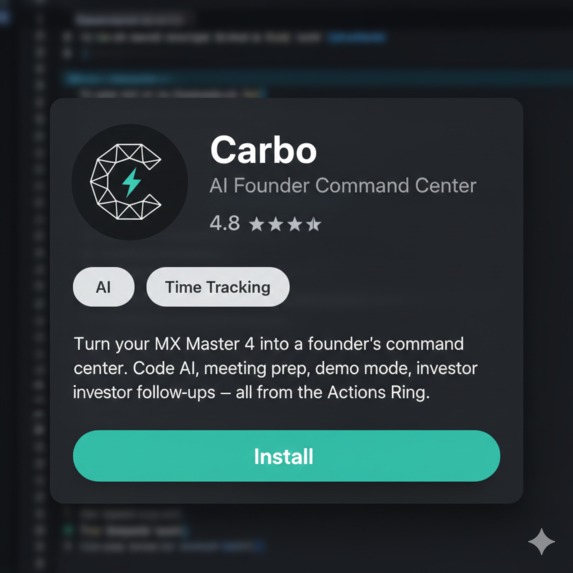
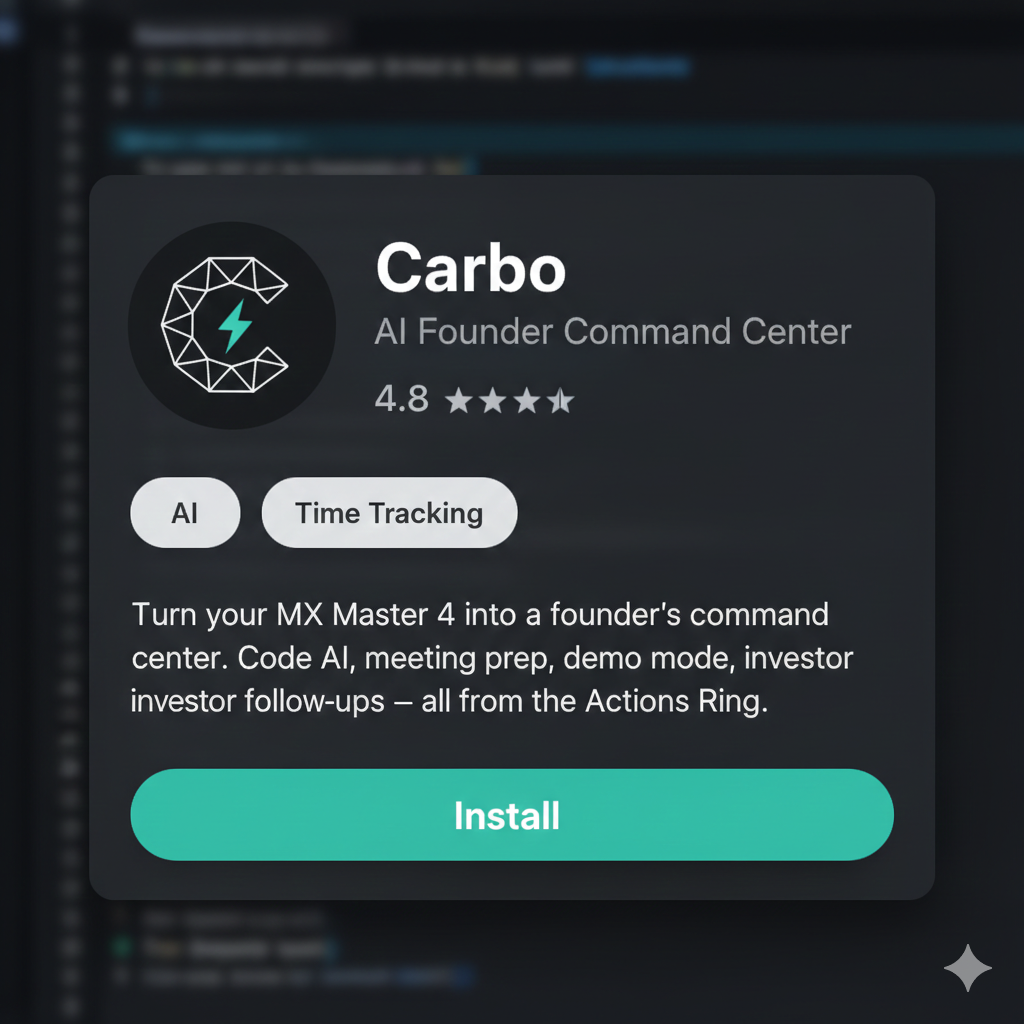
Carbo is an Actions SDK plugin for the MX Master 4. It registers eight actions on the Actions Ring — the on-screen radial menu that appears when you press the Haptic Sense Panel.
The Ring, By Zone
| Zone | Bubbles | What They Do |
|---|---|---|
| Top (Code) | Claude Code, Cursor | Highlight code → press bubble → AI processes via CLI → haptic pulse when result hits clipboard → paste. Never leave your editor. |
| Left (Founder Ops) | Meeting Prep, Demo Mode | Meeting Prep: pulls next calendar event, looks up attendee on LinkedIn, finds last Gmail thread, surfaces a toast brief. Demo Mode: silences Slack, mutes notifications, one click on/off. |
| Right (Communication) | Investor Update | Drafts a follow-up email via Gmail — contact from calendar, deck attached. One click after every call. |
| Bottom (Time) | Time Log, Stats View, Focus Mode | Auto-tracks foreground app against active project. Thumb wheel switches projects with a haptic tick per click. Full breakdown at end of day — no timers. |
The Haptic Language
This is the part we're most proud of, and the hardest to explain without putting the mouse in someone's hand.
The MX Master 4 has 16 distinct haptic waveforms. We mapped 12 of them to specific meanings:
| What You Feel | What It Means |
|---|---|
| Sharp collision | AI command sent |
| Warm completed pulse | Result is ready — paste it |
| Knock | Action landed — email drafted, note saved |
| Ringing | Next meeting in 5 minutes |
| Happy alert | Focus / Demo mode activated |
| Gentle wave | Session ended, easing back |
| Soft tick (thumb wheel) | Project switched |
| Mad vibration | Something failed — check it |
How it works in practice:
- After an hour, you stop looking at the screen to check if something worked. You just feel it.
- The haptic motor vibrates the whole mouse — even when your hand is resting next to it — so it replaces audio notifications entirely.
- Instead of a Slack ping breaking your focus, you feel a gentle ringing in your palm. You decide whether it's worth stopping.
The core UX insight: haptics give you information without demanding attention. For someone deep in a code review or halfway through a pitch, that's the difference between staying in flow and losing it.
The Shift
Logitech built something remarkable with the MX ecosystem:
- The Actions Ring is a radial menu, a folder system, a per-app adaptive interface, and a haptic feedback channel — all in one
- The hardware is capable of so much more than shortcut keys
But right now, it only speaks one language: creative tools. Every example, every showcase plugin, every persona — it's a designer, an editor, a content creator.
The Underserved Audience
| Segment | Daily Tools | Why They're Underserved |
|---|---|---|
| AI founders | Cursor, Claude Code, Gmail, Calendar, LinkedIn, Slack | No plugins exist for their workflow |
| Indie hackers | VS Code, terminal, email, pitch decks | Already buying MX Master 4s, using ~10% of the hardware |
| Technical co-founders | Code editors, Zoom, Google Slides, investor comms | Same "tab overload" problem, zero Marketplace solutions |
These people would pay for a mouse that actually understands their workflow. Carbo is our proof that the Actions SDK can serve this audience — not by reinventing the wheel, but by connecting the wheel to different roads.
What's Next
The hackathon build covers the core loop:
- AI code dispatch — Claude Code + Cursor via CLI
- Meeting prep — Calendar + LinkedIn + Gmail → toast brief
- Demo mode — Slack DND + notification suppression
- Investor follow-ups — Gmail draft with deck attached
- Time tracking — passive, app-aware, thumb wheel to switch projects
- 8 bubbles, 2 folders, 12 haptic waveforms, context-aware profiles
But the real opportunity is bigger. The onboarding flow asks three questions — your AI tool, your communication stack, your day type — and pre-configures the entire ring. That's the foundation for something extensible.
Today it's Claude Code and Gmail. Tomorrow it could be any AI tool, any communication platform, any founder workflow triggered by a REST API.
The mouse is already smart. Carbo just teaches it who you are.
Built With
- claude
- logitech

Log in or sign up for Devpost to join the conversation.