Inspiration
Typing on the web still feels surprisingly manual. Whether you are filling out forms, replying to messages, searching for products, or navigating a workflow, you often repeat the same small actions over and over. We wanted to make the browser feel more predictive, almost like it understood the next thing you were about to do.
caret was inspired by autocomplete in code editors, but brought to everyday web browsing: lightweight, contextual, and always one tab away.... (pun intended 😉)
What it does
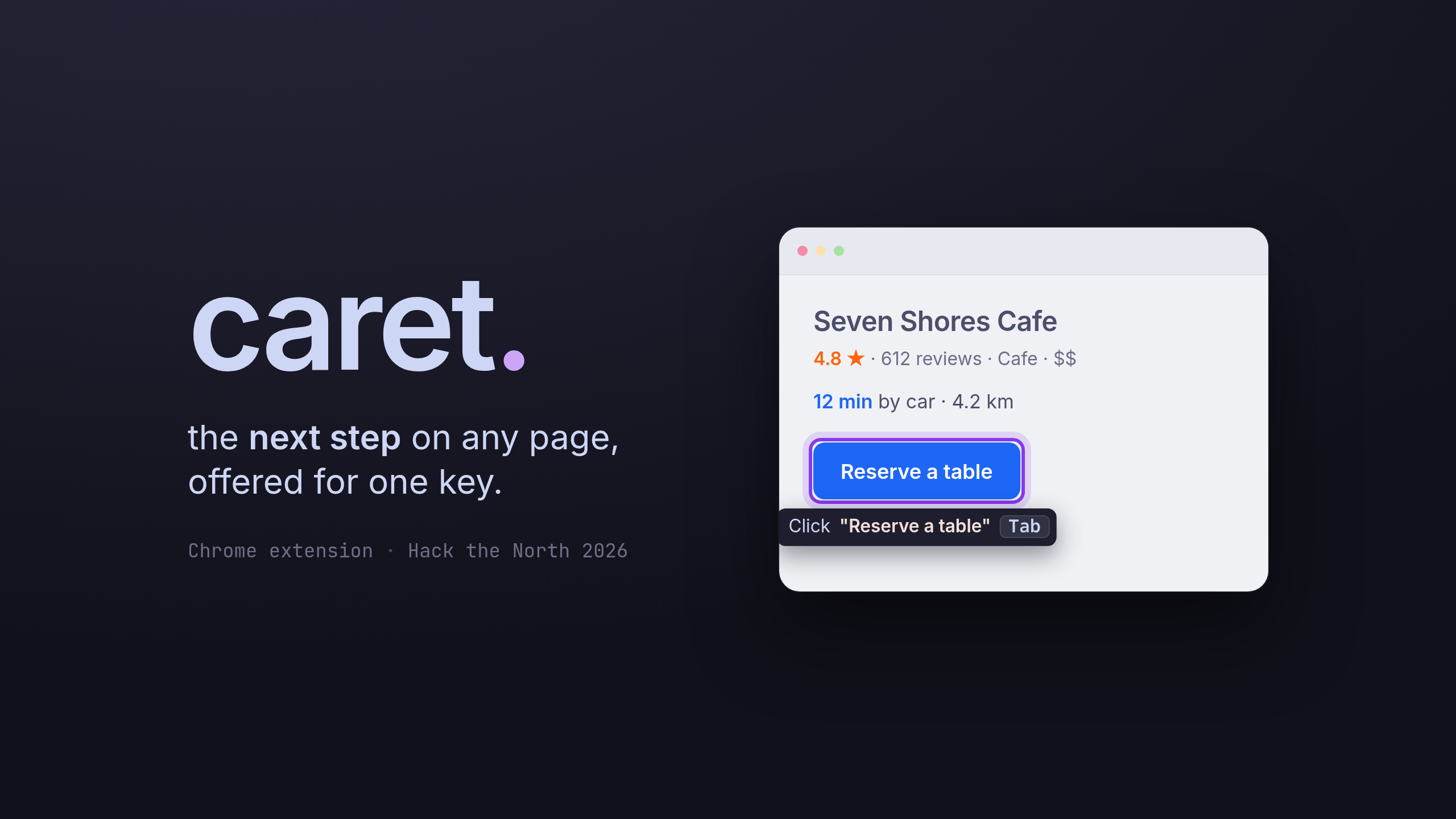
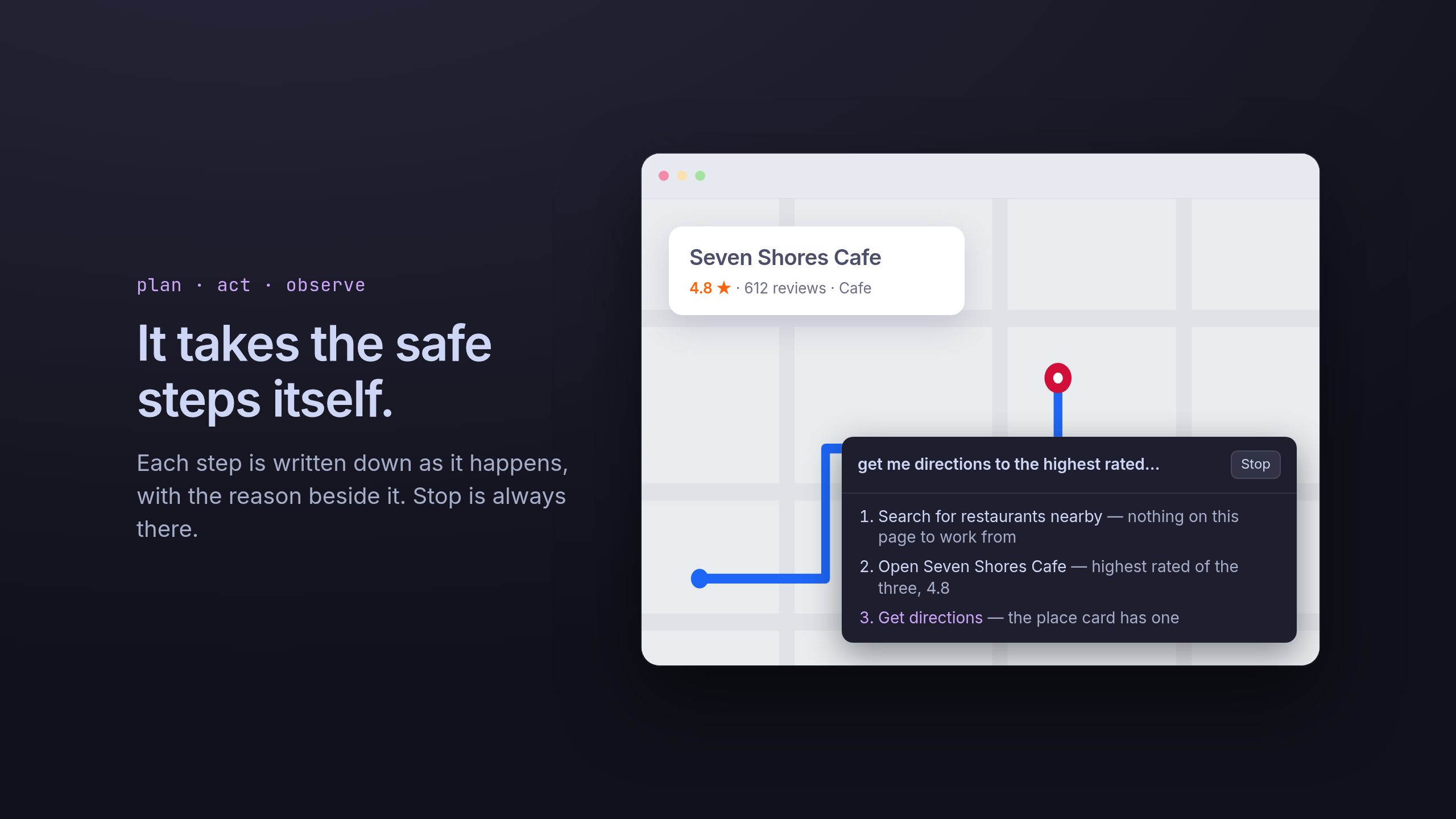
caret is a browser assistant that predicts what you are likely to type or do next. It reads the current page context, understands recent user activity, and suggests short, relevant completions or actions.
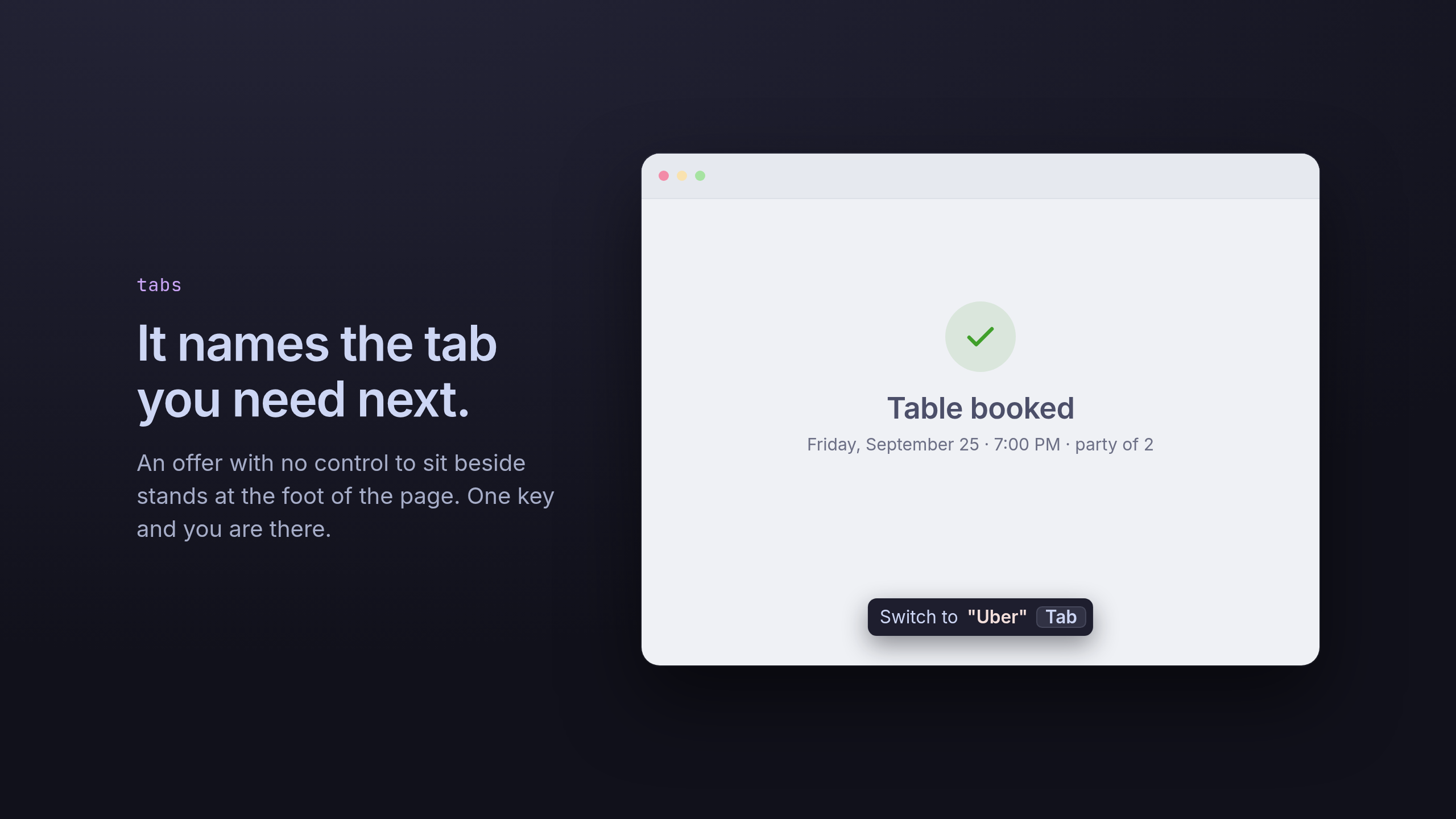
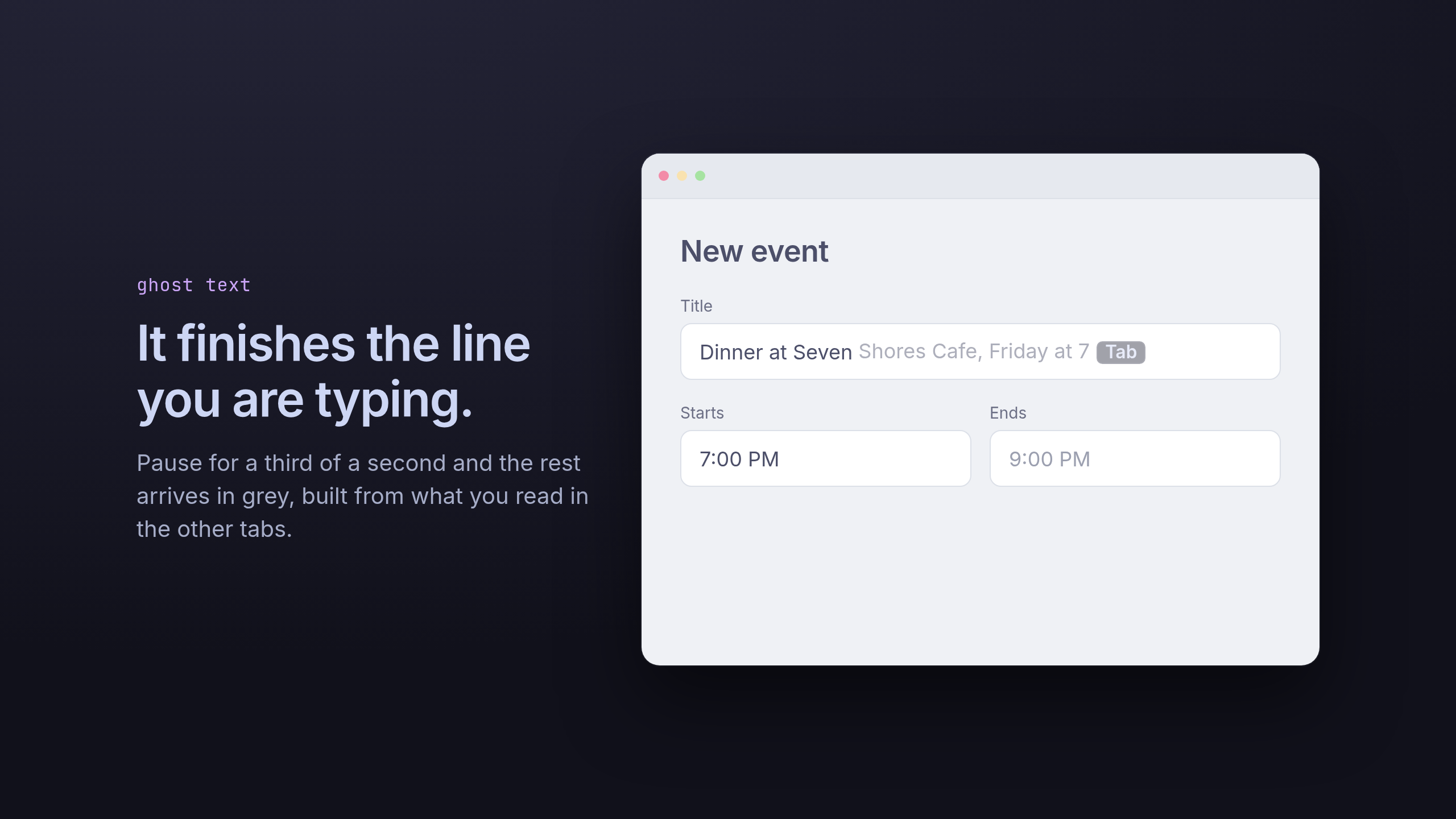
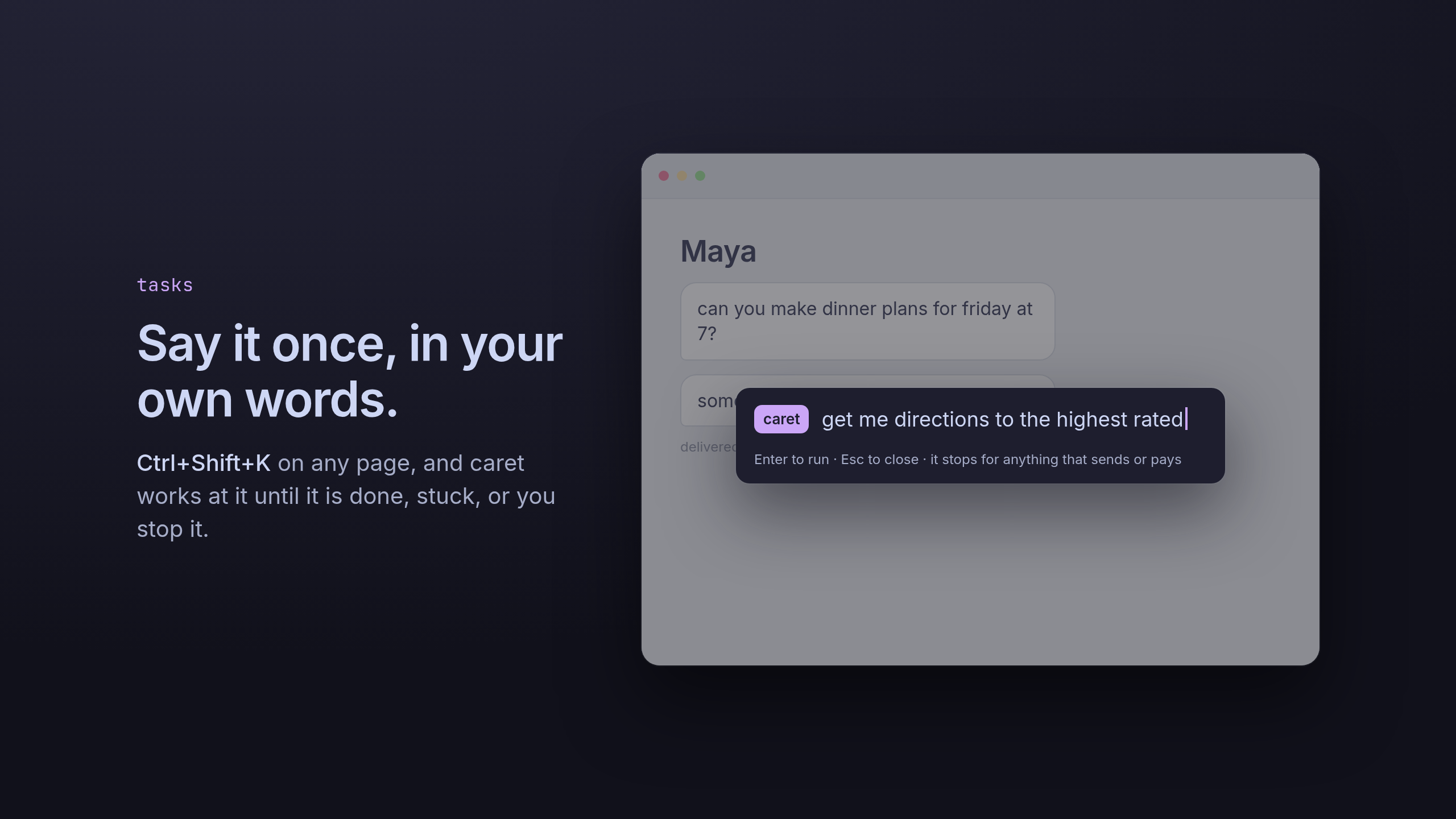
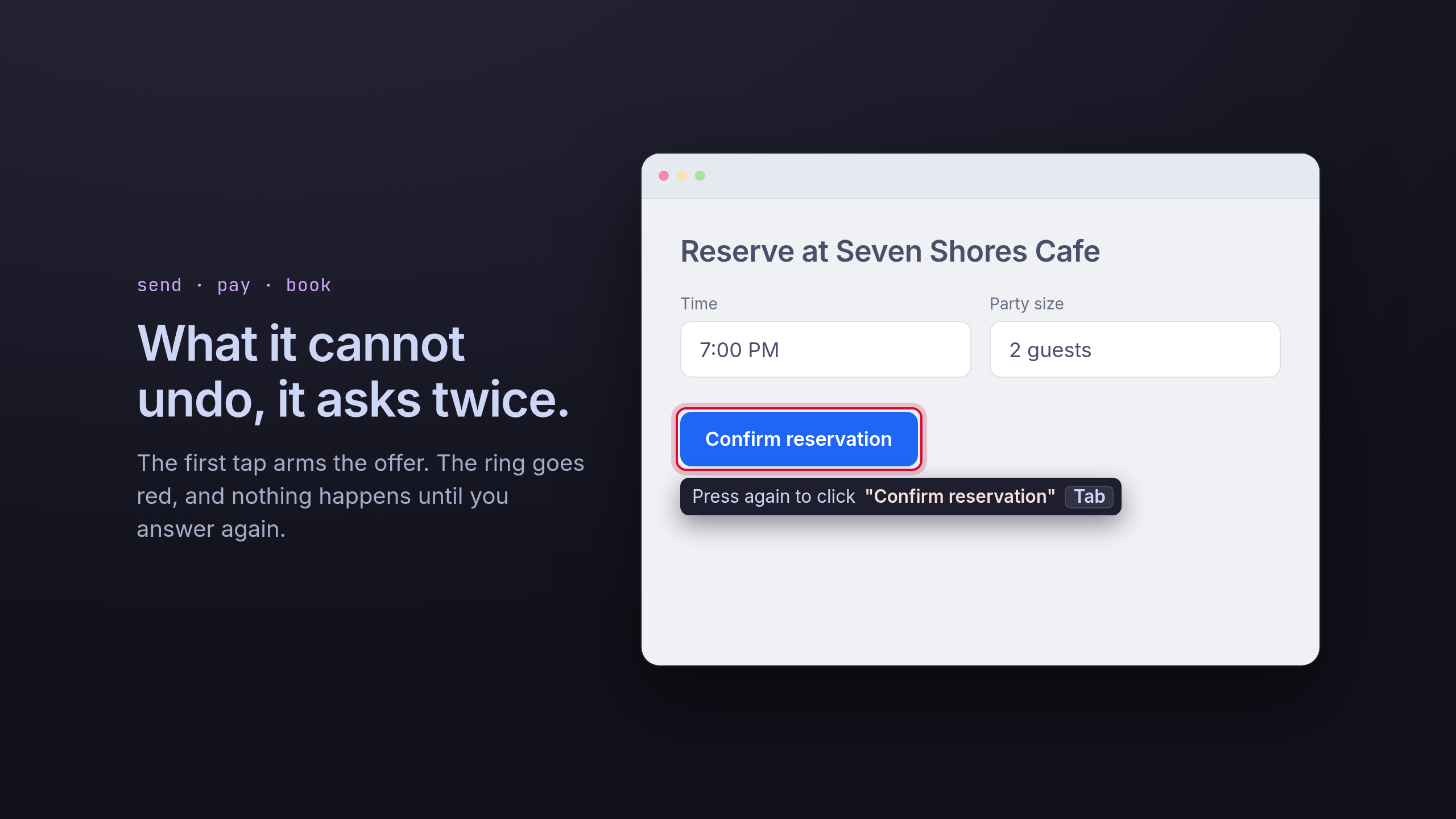
For example, caret can suggest text while you type, recommend the next button or field to interact with, and use recent context like copied text, visited pages, or microphone-derived notes to make suggestions more personalized. The user can accept a suggestion with a single keypress, keeping the interaction fast and unobtrusive.
How we built it
We built caret as a Chrome extension with a background agent architecture. The extension observes the browser context, extracts useful signals from the active page, and sends compact context to an LLM to generate suggestions.
The architecture is split into a few main parts:
- A content script that understands the page, detects focused fields, renders suggestions, and handles one-key acceptance.
- A background agent that coordinates state, recent activity, memory, model calls, and prediction timing typically used for more complex tasks.
- An offscreen document that handles browser APIs unavailable to service workers, such as clipboard and microphone access.
- A memory pipeline that stores short-lived user context and retrieves relevant facts for future suggestions.
- An analytics layer that tracks suggested actions, accepted actions, skipped actions, and behavioral patterns.
This allowed us to keep the user experience lightweight while still giving the agent enough context to make useful predictions.
How We Used ElasticSearch
Elasticsearch as the browser agent’s context layer.
caretturns messy browser activity into searchable memory across five indices:caret-observations,caret-facts,caret-tasks,caret-details, andcaret-actions. Raw inputs include Chrome accessibility tree snapshots, live page text, copied snippets, voice transcripts, accepted suggestions, dismissed suggestions, and “alternative” actions where the user does something different. The ingestion pipeline redacts sensitive values, deduplicates repeated captures with content hashes, normalizes events from different sources, and writes compact documents with fields likekind,noteSource,actionType,status,outcome,host,text, andtext_semantic. The idea underneath it: the browser session is a corpus. “What is the user trying to do?” is retrieval. “What task is still open?” is ES|QL. “Did the user accept the suggestion?” is an indexed action outcome.Hybrid retrieval for deciding the next action, not just answering a question.
caretuses BM25 over fields liketext^3,title^2,host, andpathto retrieve exact matches such as product names, form labels, copied phrases, and page titles. When an Elastic inference endpoint is configured, documents are also indexed into asemantic_textfield calledtext_semantic, letting the agent retrieve related intent even when the wording changes. Search uses an RRF retriever to fuse lexical BM25 with semantic retrieval, so “AirPods checkout hesitation” can pull exact AirPods product context and softer signals like “same-day pickup,” “return window,” or “compare Bose again.” The agent receives only the top evidence lines, not the full browser log.A custom background agent closes the loop through
caret-actions. The background worker reads the current page through Chrome’s accessibility tree, retrieves relevant context from Elasticsearch, predicts the next text completion or UI action, and records what happened next. Each suggestion outcome becomes acaret-actionsdocument with fields likekind,label,accepted,outcome,actual,host, andat. If the user accepts, it becomes positive feedback. If they dismiss it or click something else, it becomes a dismissed or alternative outcome. This makescaretmore than chatbot-style RAG: it uses Elasticsearch to retrieve, act, observe the outcome, and improve the next prediction.caret-tasks,caret-facts, andcaret-detailsgive the agent memory with shape. Distilled page notes and microphone notes becomecaret-factsdocuments withnoteSourcevalues likeread,copied, orheard. Open intents becomecaret-tasksdocuments with fields likeactionType,status,conflictReason,lastSeenAt, andfields. Extracted stable values, such as names, locations, times, product details, or copied specs, becomecaret-details.caretuses ES|QL overcaret-tasksto summarize unresolved or conflicting work from the last few minutes, and analytics overcaret-actionsto detect behavior patterns like comparison shopping, repeated backtracking, low acceptance on checkout suggestions, or purchase hesitation. Those patterns become future context for the agent.
Technologies Used
- Chrome Extension Manifest V3
- TypeScript
- WXT
- OpenAI APIs for text generation and transcription
- Elasticsearch for memory, analytics, and behavioral search
- Chrome Accessibility and DOM context
- Offscreen documents for clipboard and microphone workflows
- Vitest for testing
- Browser storage for short-lived session memory
Challenges We Faced
The hardest part was making caret helpful without being distracting. Suggestions had to be short, relevant, and timed carefully so they felt like assistance rather than interruption.
We also had to design a memory system that was useful but privacy-conscious. Raw audio is not stored; microphone input is transcribed, distilled into short notes, and then indexed only as useful context. Similarly, recent activity is compressed into facts rather than stored as full browsing history.
Another challenge was browser architecture. Chrome extension service workers cannot directly access every API we needed, so we built an agent system using a background worker, content scripts, and an offscreen document working together.
What We Learned
We learned that good autocomplete is not just about predicting text. It is about understanding intent. The best suggestions come from combining the current page, recent actions, and behavioral patterns into a small amount of high-quality context.
We also learned that analytics can make agents much smarter. By tracking what users accept, ignore, or do differently, caret can improve over time and surface interesting behavioral insights.
What's Next
Next, we want to improve personalization, expand analytics, support more browsers, and use the acceptance/rejection feedback loop to make caret’s suggestions even more accurate. We also want to build richer user trend summaries, such as identifying indecisive shopping behavior, repeated workflows, and moments where the agent could be more helpful.

Log in or sign up for Devpost to join the conversation.