Inspiration
A check-engine light shows up with no context. Is it a $20 fix or a $4,000 one? Is the car safe to drive? Will insurance cover it? Today those answers come from a mechanic, an insurer and a search engine that don't talk to each other. We wanted one screen that answers all three the moment the car is plugged in.
What it does
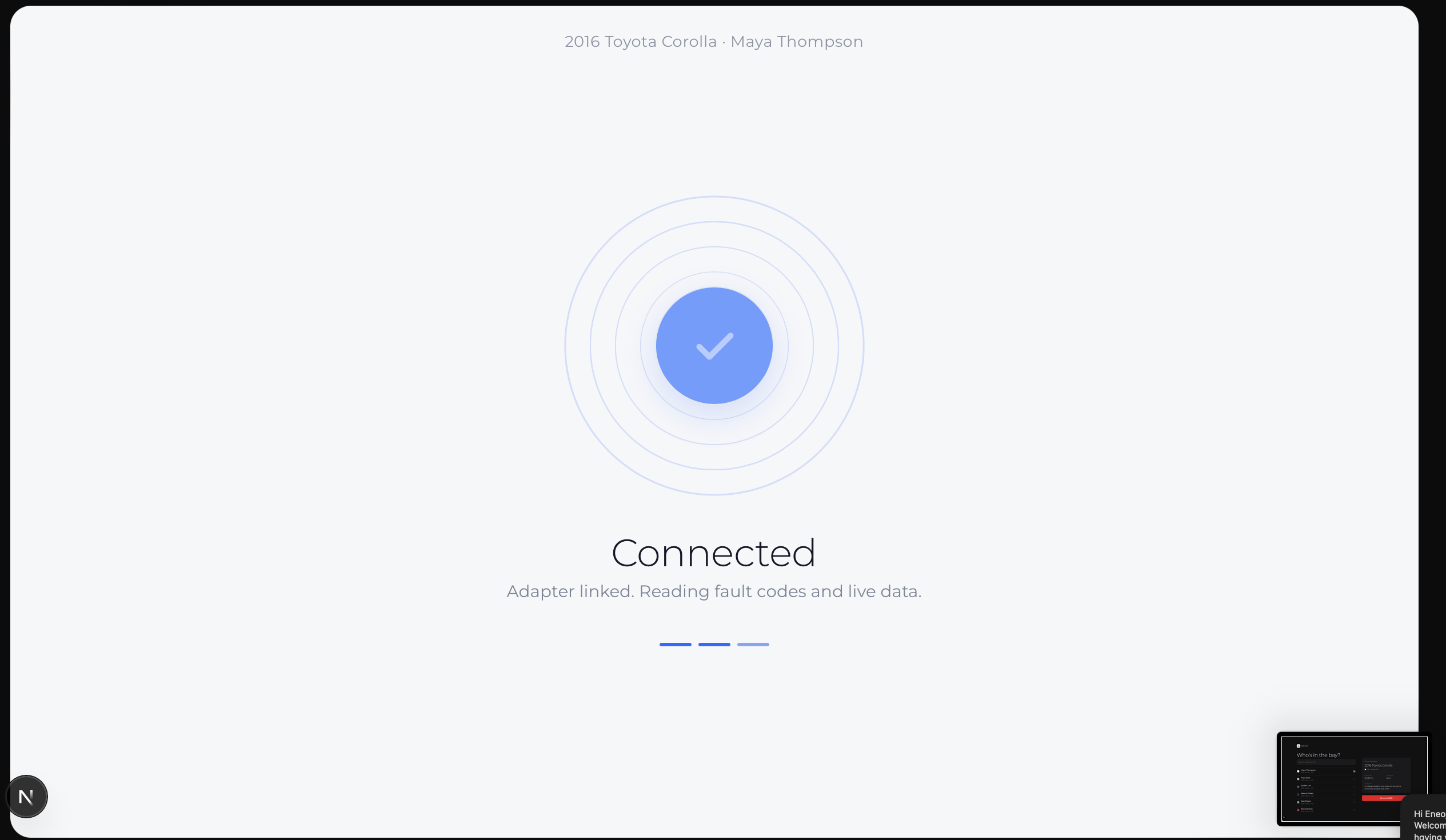
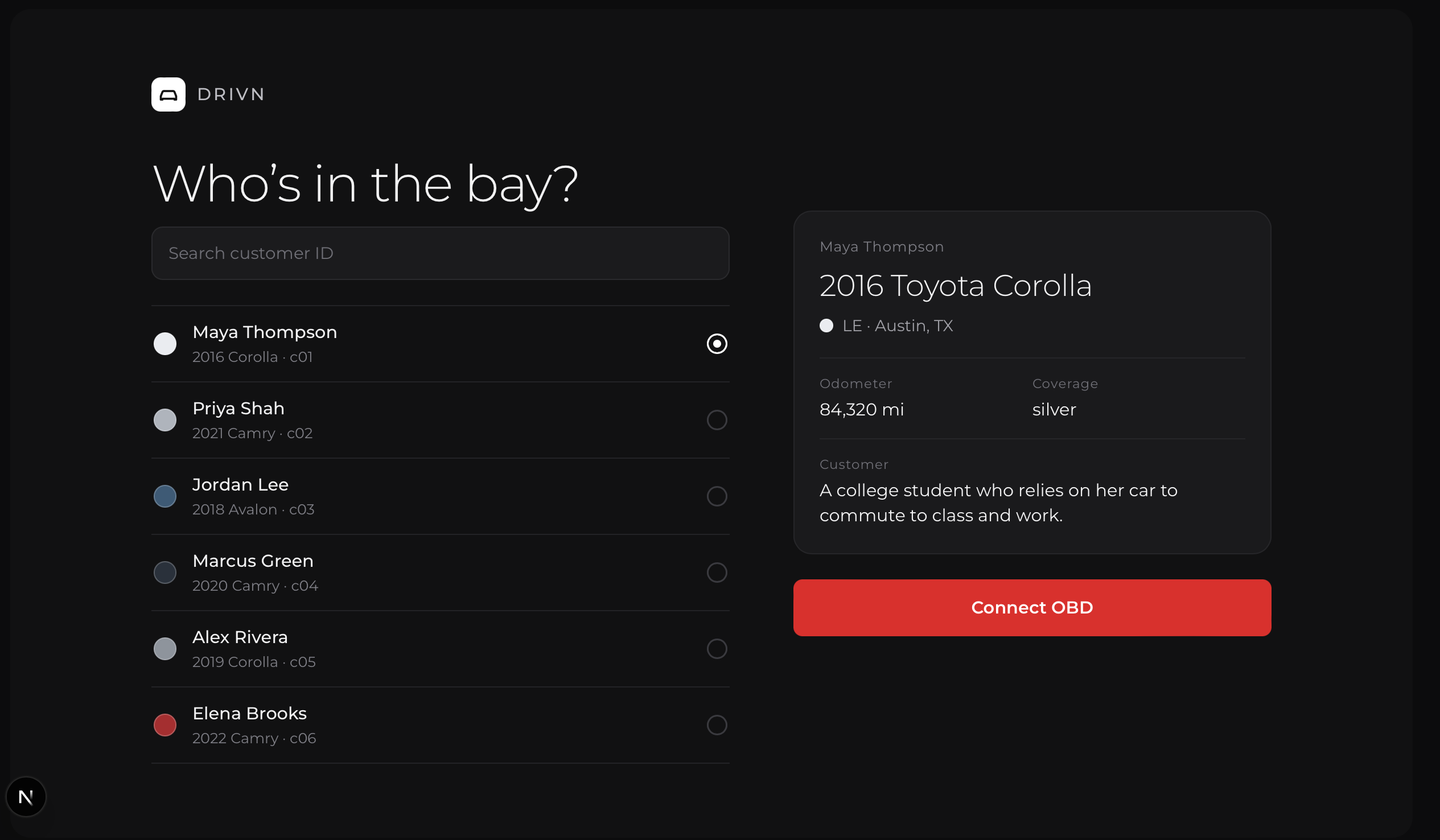
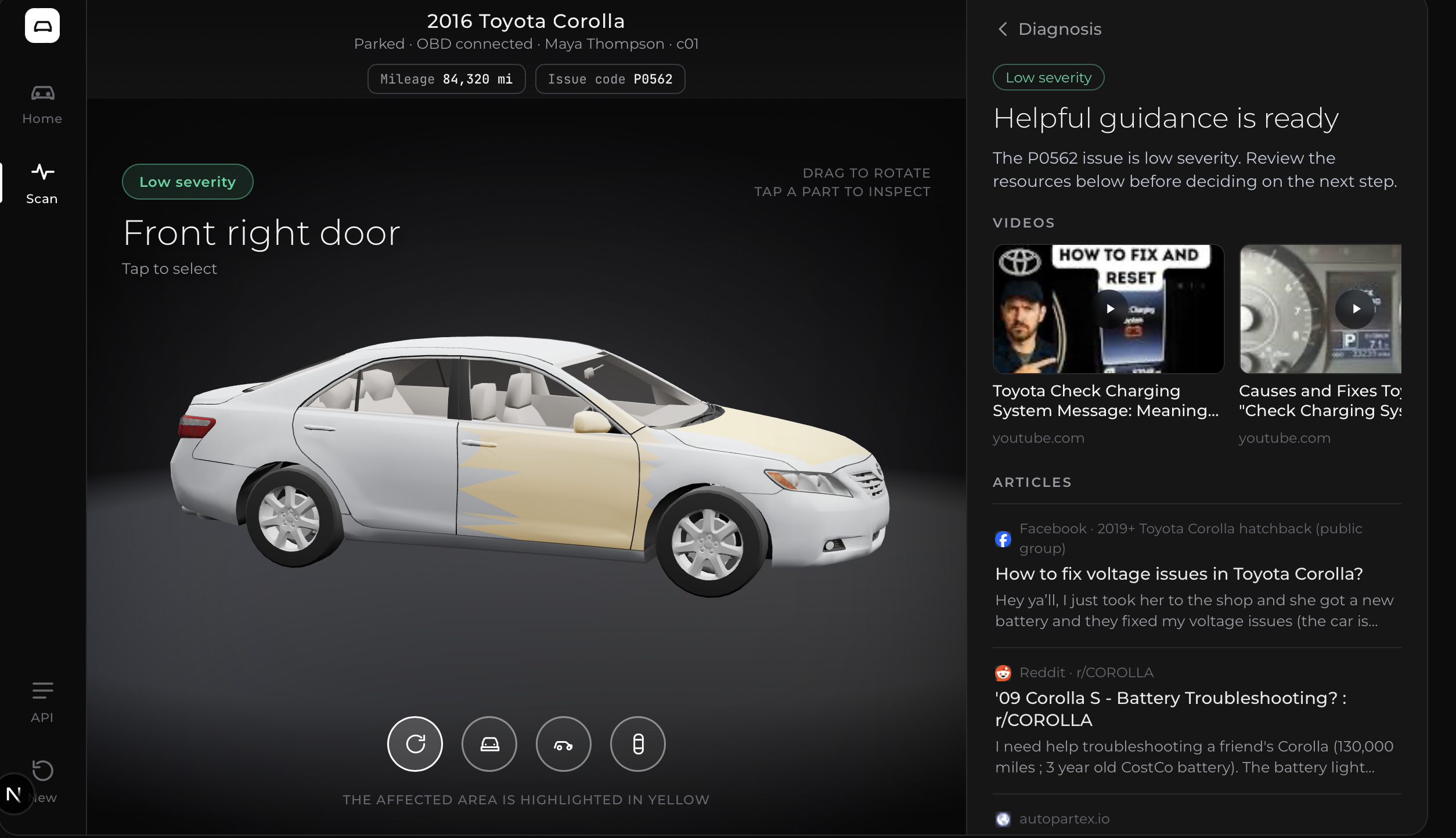
Drivn connects to a car's OBD-II port, reads the fault code, vehicle model and mileage, and shows the problem on an interactive 3D model of the customer's car, with the affected part highlighted in yellow.
- Low severity: repair guides and videos for that exact car and fault code.
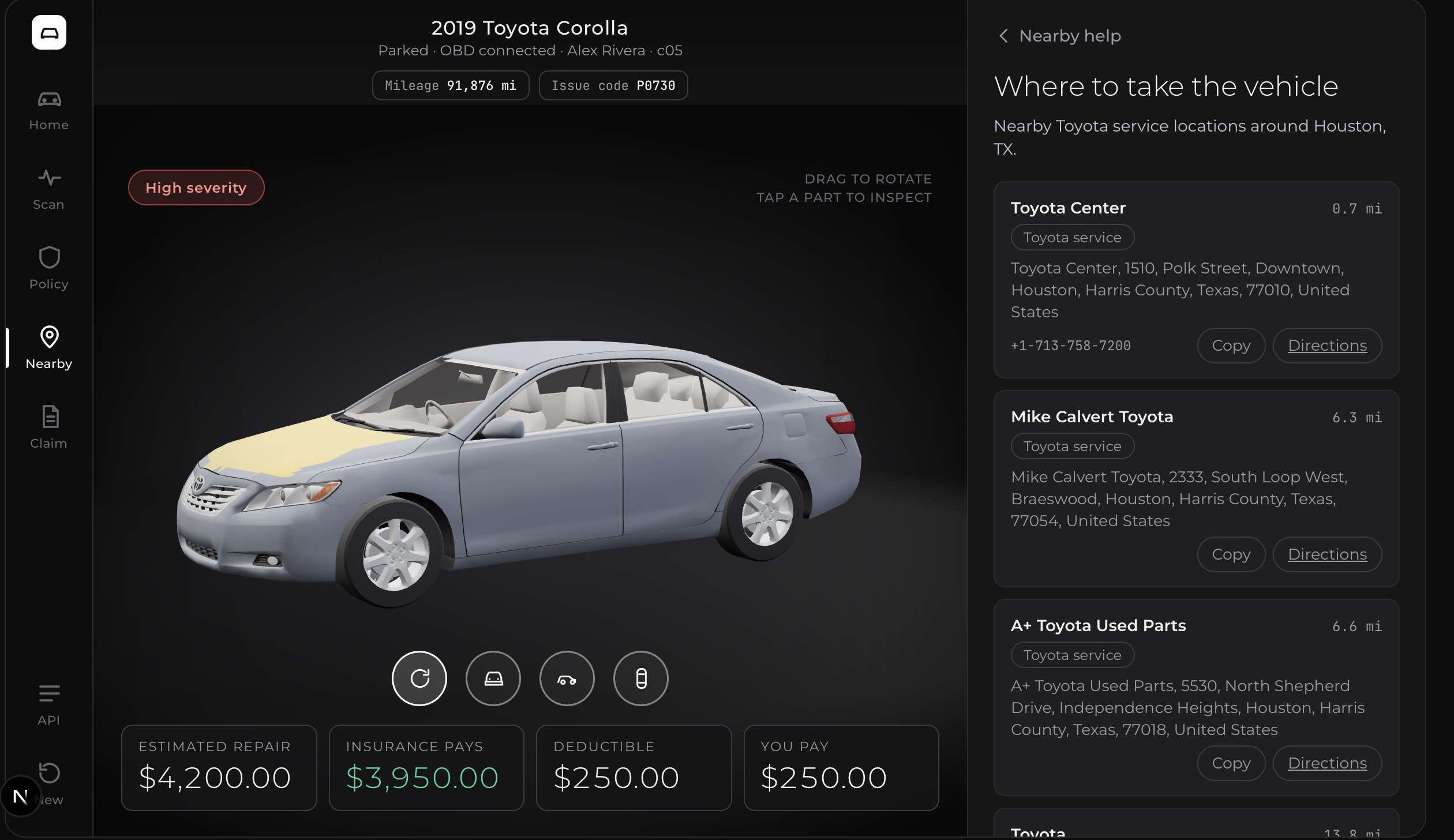
- High severity: an AI agent reads the insurance policy and returns whether the car is safe to drive, what's covered, the repair cost, the deductible, what insurance pays and what the driver pays, plus next steps.
For serious issues, Drivn autofills an insurance claim from everything it already knows, then finds nearby Toyota service centres with directions.
How we built it
- Frontend: Next.js, React and TypeScript, with Three.js (React Three Fiber) for the interactive 3D car and part highlighting.
- Backend: Python and FastAPI.
- AI: a Snowflake Cortex Agent analyses serious cases against the insurance policy and returns structured safety, coverage and cost data.
- Search: SerpAPI for repair articles and videos.
- Locations: OpenStreetMap Nominatim for nearby Toyota service centres.
- Hardware: OBD-II via an ELM327 adapter, plus an emulator and Arduino tests.
The diagnosis and the 3D model load in parallel, so the car is already on screen while the agent works.
Challenges we ran into
- Real car models. Good Toyota 3D models are mostly paid, and free ones come as one merged mesh with no part names. We wrote code that splits the body into panels (hood, bumper, fenders, doors) so the affected part can still be highlighted.
- Making it feel clean. Our first code-built car looked like a toy. It took several redesigns to land on a clean, Tesla-app-inspired look.
- Agent latency. Serious cases can take a while, so we designed the loading state to keep the 3D car live and show the agent's progress.
- Policy text into numbers. Getting consistent coverage and cost figures from an AI reading a policy took careful prompting and strict response schemas.
Accomplishments that we're proud of
- One complete flow: connect, diagnose, coverage, autofilled claim, nearby service.
- A 3D car that explains the problem better than a fault code ever could.
- Out-of-pocket costs shown before the repair, not after.
- Severity-aware flows that work on desktop and mobile.
What we learned
- How OBD-II works, and how little context a single fault code gives you.
- How to pair an LLM agent with regular APIs, and why structured output matters when it drives a UI.
- Practical Three.js: loading models, lighting, framing for every screen size, and picking parts.
- In a stressful moment, order matters: safety first, then cost, then paperwork.
What's next for Drivn
- Live OBD data end to end, including live sensors.
- An accurate, part-labelled 3D model for every vehicle.
- Booking appointments in the app, with the diagnosis sent ahead.
- Real claim submission through insurer integrations, with proper privacy and consent.
- Cost estimates based on regional labour rates and live parts pricing.
- Predictive maintenance that flags problems before the warning light comes on.


Log in or sign up for Devpost to join the conversation.