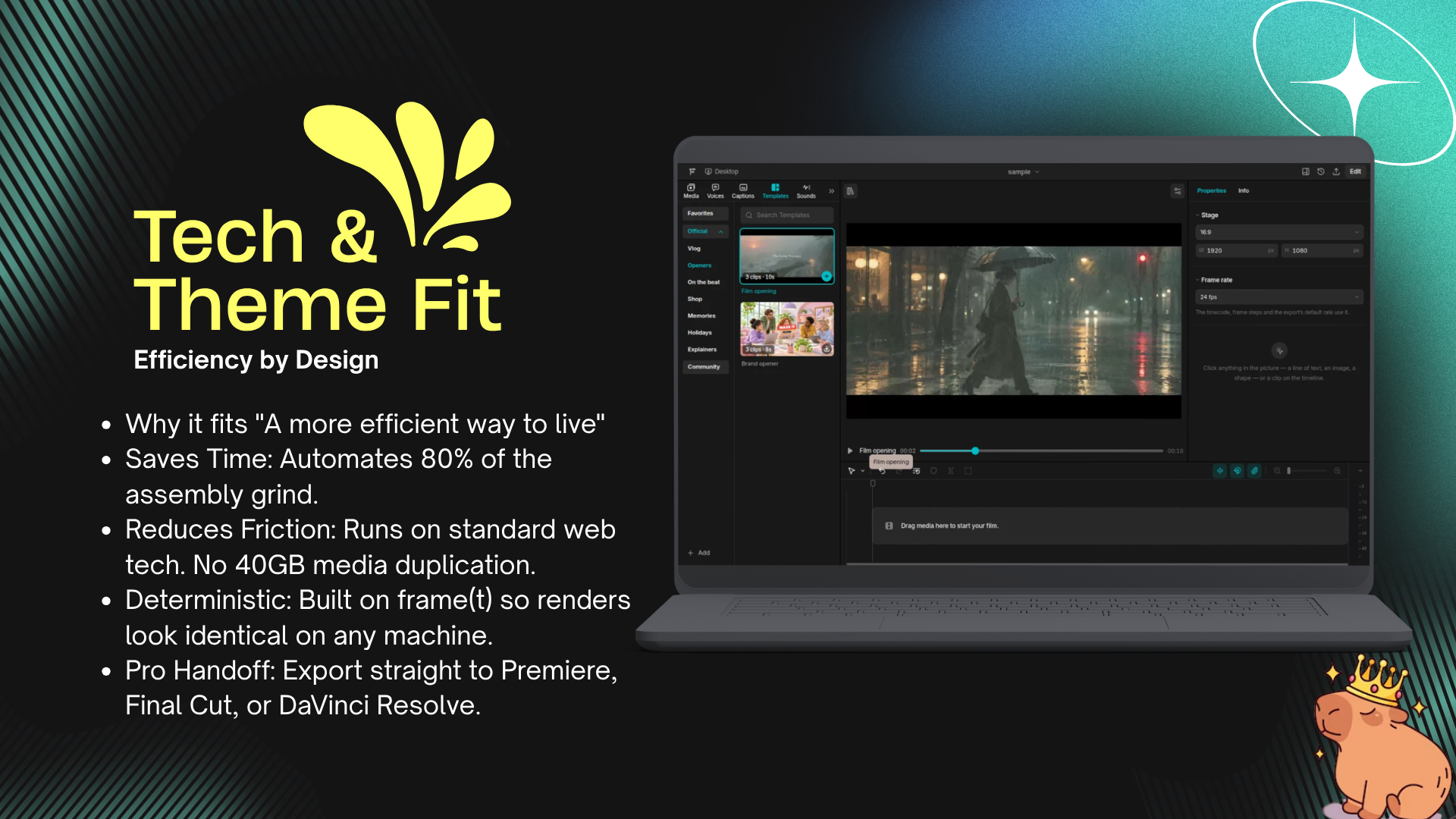
🦫 CapyCut — the AI video agent that automates human editing work.
A film is a folder. A shot is a web page. Your coding agent is the editor.
















Video ate the internet. Editing ate everyone who makes it.
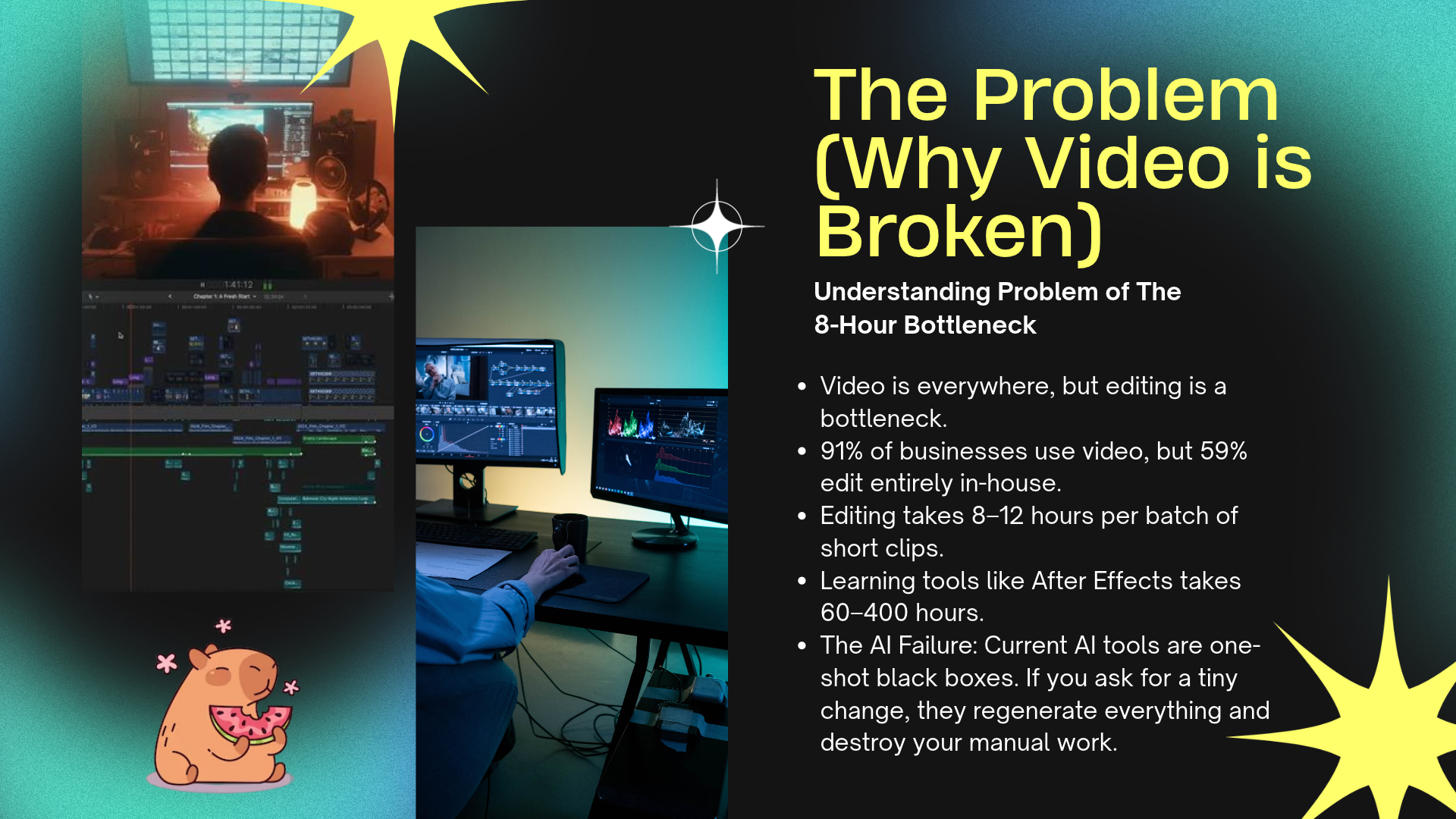
🎬 The problem is bigger than “editing is slow”
Video is no longer a specialist product. It is the default way people sell, teach, announce, explain and remember. 91% of businesses use video. 59% make it entirely in-house. So the person editing is a marketer, a founder, a teacher, a student — not an editor.
And the work is brutal:
- 8–12 hours to deliver a batch of 3–5 short clips.
- 60–400 hours to get genuinely good at motion graphics.
- 82% now say video gives them good ROI — down from 93% the year before.
That last number is the whole story. More video, less craft. More output, worse results. That is not productivity. That is churn with a render queue.
Then AI arrived and created a second problem.
One-shot tools are slot machines. Type a prompt, get a flattened MP4. One wrong line? Regenerate everything. Your manual fixes? Gone. Your project? A video file you cannot open, cannot edit, cannot hand to an editor, cannot fix at 2 a.m. before launch.
So creators are stuck between two bad choices:
| The old NLE | The new AI | |
|---|---|---|
| Control | Total | None |
| Learning curve | 60–400 hours | Minutes |
| Your edits | Yours | Wiped on the next generation |
| Output | A locked project | A flattened MP4 |
| Who it serves | Professionals | People who give up on control |
CapyCut refuses both.
💡 The Idea: Automating the Human Editor
Most AI video tools today are just black boxes. 🛑 You type a prompt, and it spits out a single, locked video file. If the AI gets one tiny detail wrong, you have to start over. That isn’t efficiency; it’s just a new kind of frustration.
CapyCut is designed to actually automate the grueling human workload of video editing. 🤖⚡
Instead of acting like a slot machine, CapyCut uses AI to take over the mechanical, time-consuming tasks that drain human editors: scrubbing through hours of raw footage, making the rough cuts, syncing audio, and building the initial assembly.
Because of how CapyCut is built, the AI can actually "read" and "look" at its own work. It renders frames, spots mistakes, and fixes them instantly—working exactly like a human editor, but at the speed of a computer. ⏱️✨
🔓 The Unlock
CapyCut automates the 80% of editing that is mechanical grunt work, giving that time back to the human creator. The AI does the heavy lifting of the assembly, so the human is free to do what only a human can do: direct the story, apply the creative craft, and make the final polish. 🎬🔥
🧠 Three breakthroughs
1. The agent can see its own work
Most AI video tools generate blind. They write a prompt, render a file, and hope. CapyCut gives the agent eyes.
openfilm look renders a frame, a contact sheet, or a whole stretch. It measures loudness. It flags white flashes, black frames, long stills and frames that do not match their neighbours. It even checks that the same t draws the same picture twice.
So the loop is not “generate and pray.” It is write → render → look → fix → repeat. That is how a human editor works. Now the agent works the same way.
2. Your edits survive the next AI pass
This is the feature that wins the demo.
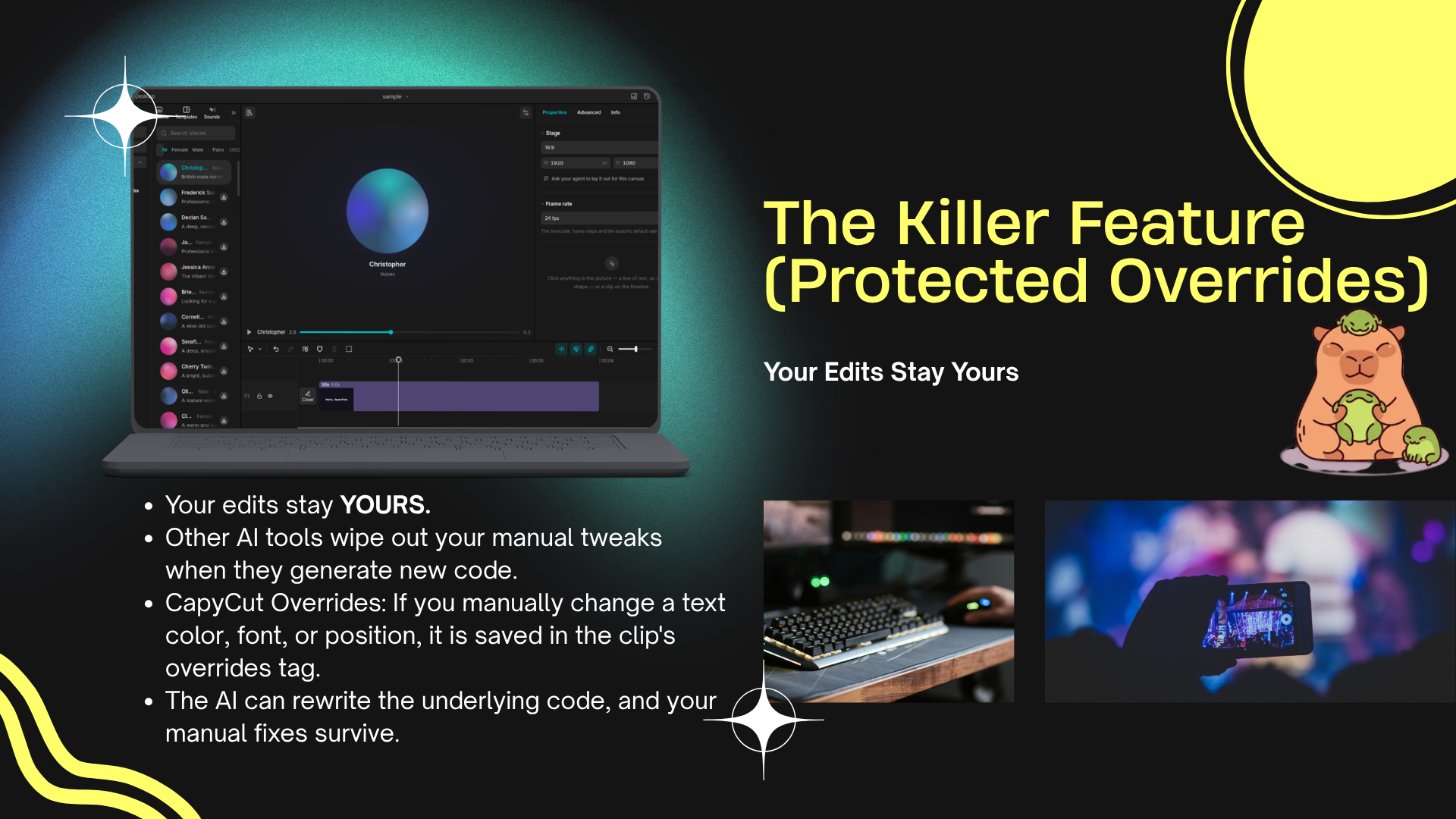
Most AI video tools treat your manual fixes as disposable. Change the text, move the logo, recolour the title — then ask the agent for one more revision, and watch your work disappear.
CapyCut stores hand edits as clip-level overrides, not as edits to the shot’s source code. The agent can rewrite the page. Your text, colour, position, size and timing still apply.
That is a data-model decision, not a UI trick. It is the difference between an AI that helps you and an AI that keeps undoing you.
3. You are never locked in
A CapyCut project is a folder. No database. No proprietary project file. No cloud account required. Your footage stays where it is, linked in place instead of copied into a 40 GB project tree.
And when the film is done, you are not trapped in CapyCut:
- MP4 / WebM / MOV for delivery.
- ProRes, alpha, GIF, stills for other pipelines.
- Premiere / Resolve XML, Final Cut Pro FCPXML, CapCut / Jianying draft for finishing.
- SRT / VTT / TXT subtitles, PPTX / PDF slides, audio stems, and a project zip.
The 80% mechanical grind goes away. The 20% craft stays yours — in whatever tool you already love.
🔁 How it works: the review-and-direct loop
        ┌─────────────────────────────────────────────┐
        │  You: "Cut a 15-second trailer, on the beat" │
        └──────────────────────┬──────────────────────┘
                               ▼
        ┌─────────────────────────────────────────────┐
        │  Agent: reads film.html, writes the shots    │
        │  renders frame(t) → looks → fixes → repeats  │
        └──────────────────────┬──────────────────────┘
                               ▼
        ┌─────────────────────────────────────────────┐
        │  Studio: you watch, point, drag, circle      │
        │  your edit is saved in the clip's overrides  │
        └──────────────────────┬──────────────────────┘
                               ▼
        ┌─────────────────────────────────────────────┐
        │  Agent rewrites the shot. Your edit stays.   │
        └─────────────────────────────────────────────┘
That last line is the whole product.
Most other AI video tools wipe your tweaks when they regenerate. CapyCut does not. The agent can rewrite the shot, and the thing you fixed stays fixed.
That is the 15 seconds that wins the demo. Show it.
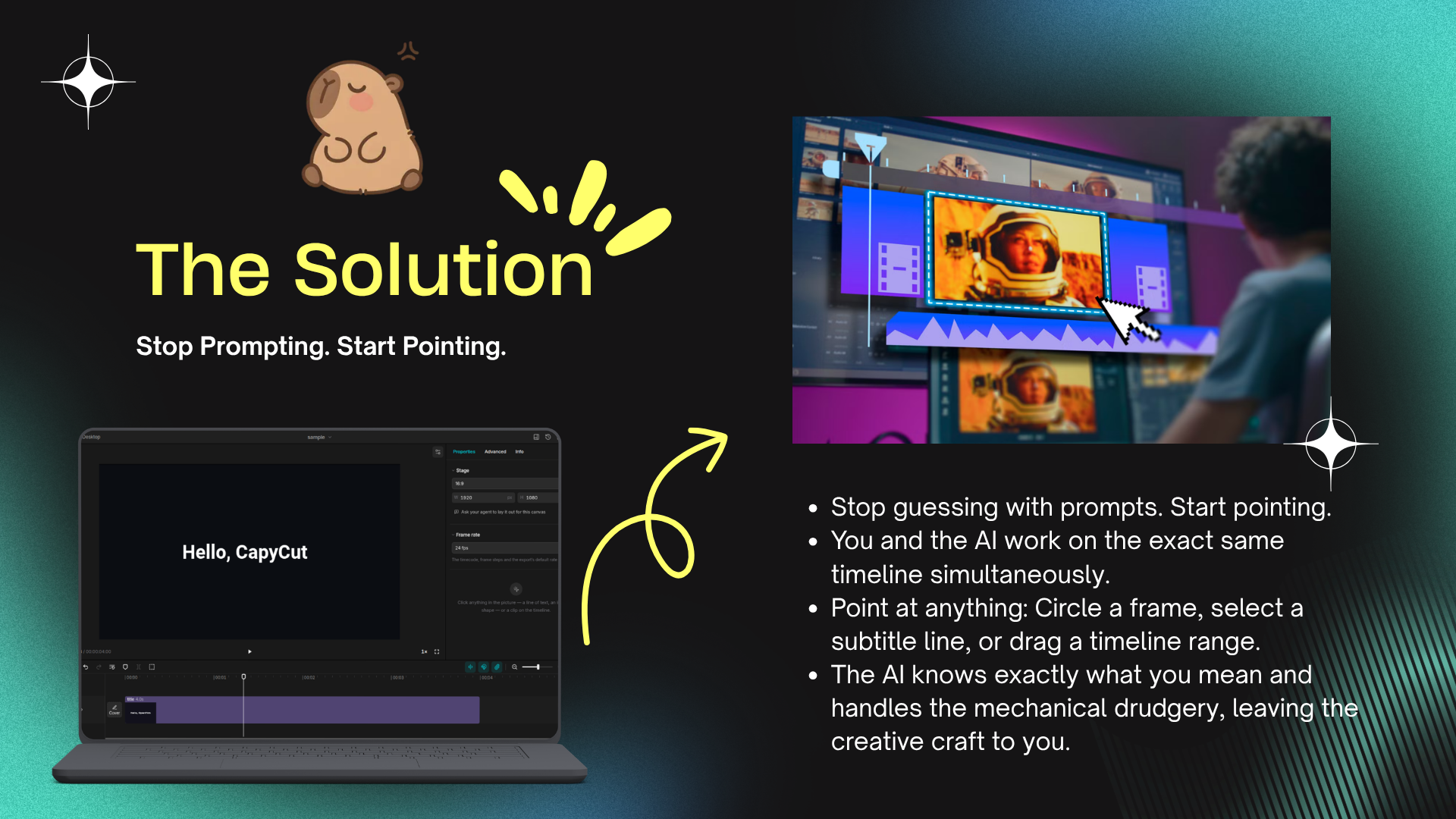
🎯 Point at anything. Say it once.
Text prompts are a terrible interface for video. “Make the intro punchier” leaves the agent guessing across dozens of layers and timecodes.
CapyCut replaces the guess with a link.
In Screening, you watch the film full size. Then you:
- Click a moment.
- Drag a stretch.
- Draw a box around part of the frame.
Each mark becomes a numbered link in the chat — ① ② ③ — with the exact time and the exact pixels. You say what to change once. The agent knows exactly where you mean.
No timestamp lists. No “around the middle.” No email chain. Just: here, this, now.
🧰 What you actually get
| Workspace | What it does | The “aha” |
|---|---|---|
| 🎬 Screening | Watch full size; click a moment, drag a stretch, draw a box on the frame | Marks become numbered links in the chat — ① ② ③ |
| ✂️ Edit | Timeline, trim, split, ripple, keyframes, captions, voice-over, effects, transitions, export | Edit text, colour, position and size inside a shot; saved as overrides |
| 🧠 Canvas | Storyboard, notes, references, characters, generated shots | Plan before pixels; send the shots you like to the timeline in order |
| 🎨 Color | Wheels, curves, scopes, camera-log input, .cube / .ctf LUTs |
Preview matches export — because it is the same renderer |
| ⌨️ CLI | open, look, render, get, doctor, update |
look is how the agent checks its own work |
| 📦 Export | MP4 / WebM / MOV, GIF, audio mix + stems, stills, poster, SRT / VTT / TXT, PPTX / PDF | Premiere / Resolve XML, FCPXML, CapCut — no lock-in |
Under the hood, the Edit workspace is a real editor: track flags, linked clips, snapping, keyframes with a graph editor, motion paths, masks, blend modes, caption tracks, voice-over, markers, I/O ranges, proxies, undo, version history and a recycle bin.
The library is not a demo shelf. It ships with 6,658 sounds, 1,587 stickers, 350 effects, 238 transitions, 175 templates, 128 motions, 69 filters and 20 layer styles — free, commercial-safe, in the box.
⚡ Why this wins
| One-shot AI | Traditional NLE | CapyCut | |
|---|---|---|---|
| Fix one wrong line | Regenerate everything | Re-cut by hand | Edit the text |
| Learning curve | Minutes, no control | 60–400 hours | Write a web page |
| Point at what’s wrong | Describe it and hope | Click it | Circle it |
| Your manual tweaks | Wiped next generation | Yours alone | Survive agent rewrites |
| Output | Flattened MP4 | Locked project | MP4, or Premiere / FCP / Resolve / CapCut |
| Your footage | Uploaded | Local | Local, linked in place |
| Extending it | Closed | Plugin silos | Open folder standard |
| Who can build on it | The vendor | Plugin SDKs | Anyone with a folder and a skill file |
🏗️ Not a mockup
┌──────────────┐   ACP    ┌──────────────────────────────┐
│ Claude Code  │◀────────▶│   Studio (local web editor)  │
│ Codex        │          │   Edit · Screening · Canvas  │
│ Copilot ...  │          │   Color                      │
│ Built-in Pi  │          └──────────────┬───────────────┘
└──────┬───────┘                         │
       │ writes files                    │ reads / writes
       ▼                                 ▼
┌────────────────────────────────────────────────────────┐
│  Project folder: film.html + scenes/*.html + assets/   │
└──────────────────────────┬─────────────────────────────┘
                           │
              ┌────────────┴────────────┐
              ▼                         ▼
     Chromium frame(t)            ffmpeg / encoders
     (parallel workers)           (MP4, WebM, MOV)
              │                         │
              └────────────┬────────────┘
                           ▼
              MP4 · ProRes · GIF · stills · NLE XML
820 source modules. 461 test files. 13 agent options. 4 editors. 3 operating systems.
- Deterministic renderer — Chromium via Playwright. The host freezes
performance.now,requestAnimationFrame,Date, CSS/WAAPI, and seedsMath.randomfromt. - Parallel + motion blur — many browser workers, sub-frame samples over a shutter.
- Real encoders — H.264 / H.265 / VP9 / ProRes / alpha, BT.709, loudness to −14 LUFS with true peaks under −1 dBTP.
- NLE handoff — Premiere / Resolve XML, FCPXML, CapCut / Jianying draft.
- Local AI — Whisper captions, MediaPipe / ONNX background removal and face retouch. Nothing uploaded.
- One security boundary — three origins, a launch key, sandboxed plugins, keys sealed in the OS keychain.
🌍 Built for “a more efficient way to live”
| Theme word | What it means | How CapyCut delivers |
|---|---|---|
| Saves time | Less clock time for the same result | The agent builds the cut; you review and direct |
| Reduces friction | Fewer tools, fewer handoffs | One folder, one format, one agent, four editors |
| Eliminates frustration | Removes the part that makes people quit | No 60–400 hour wall; your edits are never wiped |
| Everyday life | Not enterprise, not Hollywood | Runs on a laptop; 4K stays on your disk; no upload |
This is not a tool for studios with a post-production department. It is for the person who has to ship a video tonight.
👥 Who it is for
| Who | Their day | What changes |
|---|---|---|
| Solo creator | 8–12 hours per batch of clips | The agent cuts; you point and polish |
| Teacher | Slides, captions, a 6-minute lesson | A film from a folder, captions local, no cloud |
| Small team | No editor on staff | One folder, one agent, NLE handoff when needed |
| Developer | Needs a launch video by Friday | Writes a page, renders an MP4, keeps the source |
🔬 The receipts
We label every number. Judges should be able to check us.
- ✅ Verified — Wyzowl 2026 dataset: 91%, 59%, 82% vs 93%, 89%, 85%, 96%, 63%.
- 🟡 Reported — Avid 2026 ACE survey: 81.7% want “around the edit” work automated.
- 🟠 Vendor-reported — 8–12 h → 1–2 h, 28–30% vs ~80% (Loopdesk, 250 channels).
- ⚪ Rule of thumb — “80% of production time is editing.” We do not present it as peer review.
The honest claim is sharper anyway: the craft is not the bottleneck. The clerical work around the craft is. We automate that. You keep the craft.
🧭 Judge’s map
| Criterion | Weight | What to look at |
|---|---|---|
| Functionality / Build Quality | 30% | Live 3-track, 11-clip timeline; film.html; a real render; an NLE export |
| Value & Impact | 25% | 91% adoption; 8–12 h per batch; 59% in-house; one folder replaces the grind |
| User Experience | 20% | Circle a region → mark ① → say it → watch it change |
| Creativity / Originality | 15% | “A film is a code repo” — deterministic frame(t) |
| Presentation | 10% | 3–8 minute video, crisp audio, real build |
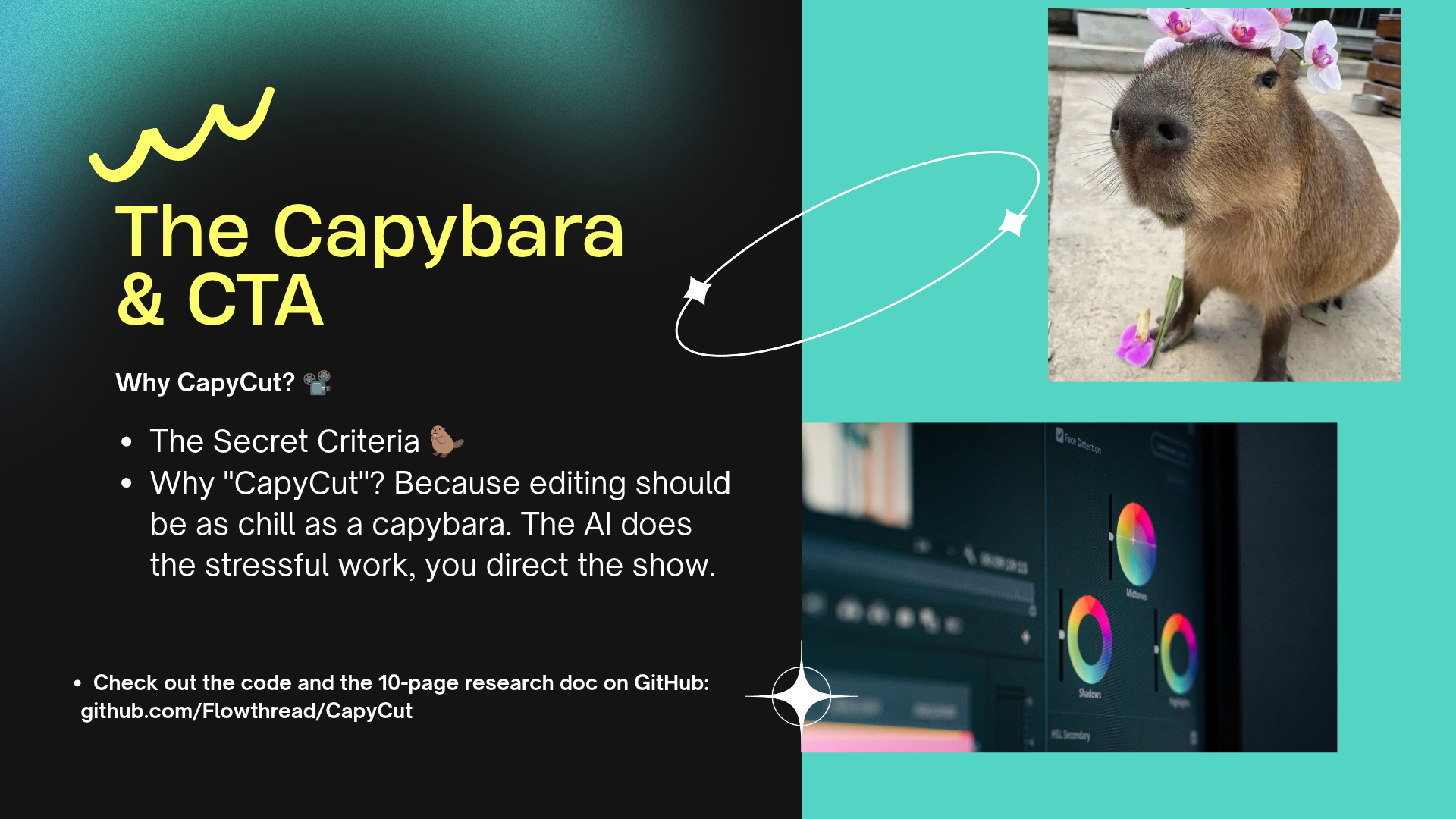
| Secret: Capybara | 0% | 🦫 hidden in the Canvas board |
Our live demo builds a 15-second road-trip trailer — 3 tracks, 11 clips — in about three and a half minutes, then shows the override surviving an agent rewrite.
🧱 Hard parts we actually solved
- Making a browser draw the same frame twice. Timers, CSS animations and
Math.randomall had to be driven fromt. - Keeping the person’s edits when the agent rewrites the page. Overrides plus a three-way merge, by clip, field and style property.
- Making preview and export agree. Same renderer, same colour pipeline, same sound mix.
- Keeping 4K local. Linked media, proxies, and no upload step.
- Making it feel live. Preview cache, parallel browsers, and a direct ffmpeg path for plain footage.
- Keeping up with agents. ACP support plus a nightly check against the newest releases of the agents people actually use.
🚀 What’s next
- More editors and plugins from the community.
- Signed desktop installers for macOS and Windows.
- More round-trips: AAF and OpenTimelineIO.
- Collaborative review on the same folder.
- More local models, so nothing leaves the laptop.
▶️ Try it
cd Capycut-Code
pnpm install
pnpm dev:desktop
Or bring your own coding agent:
npx skills add flowthread/capycut
# then ask: "Make a 20-second launch video for my CLI, with music."
Repo: https://github.com/Flowthread/CapyCut
Build-from-source MVP. No published installers yet. We would rather say that than link a dead download.
🛠️ Built with
TypeScript · React 19 · Electron · Node 22 · Playwright + Chromium · FFmpeg · MediaPipe + ONNX Runtime · WebVTT · ACES / OpenColorIO CTF · pnpm · Vite · Tailwind · Tiptap · React Flow
🦫 Secret criteria
There is a capybara sticker on the Canvas board. It is doing important production work.
👥 Team
-Built Solo By Abiha — Developer
Built for Teens Hack Houston 2026 In TimeLine — “A more efficient way to live.”

