-
-
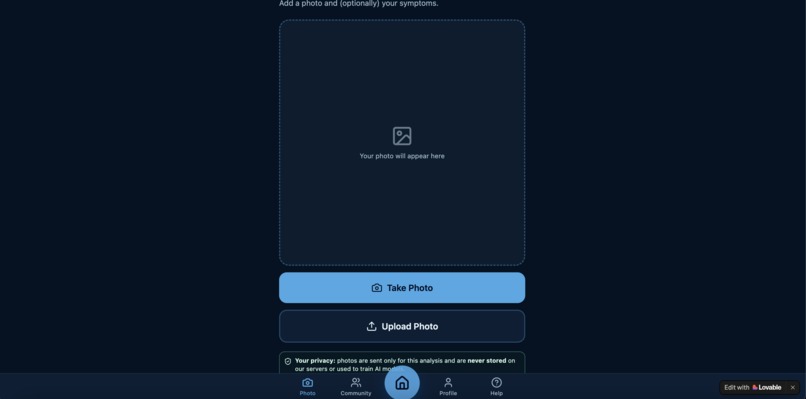
Photo Analysis
-
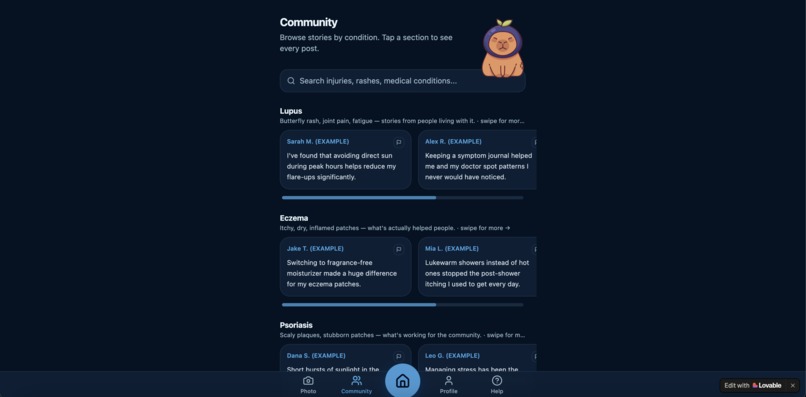
Comment Page (example comments shown)
-
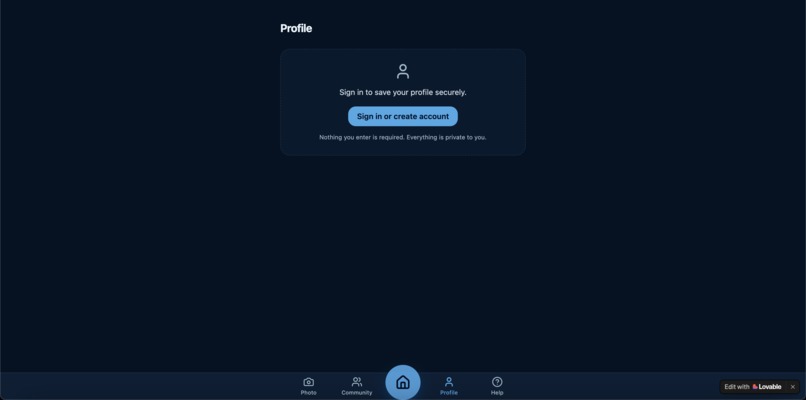
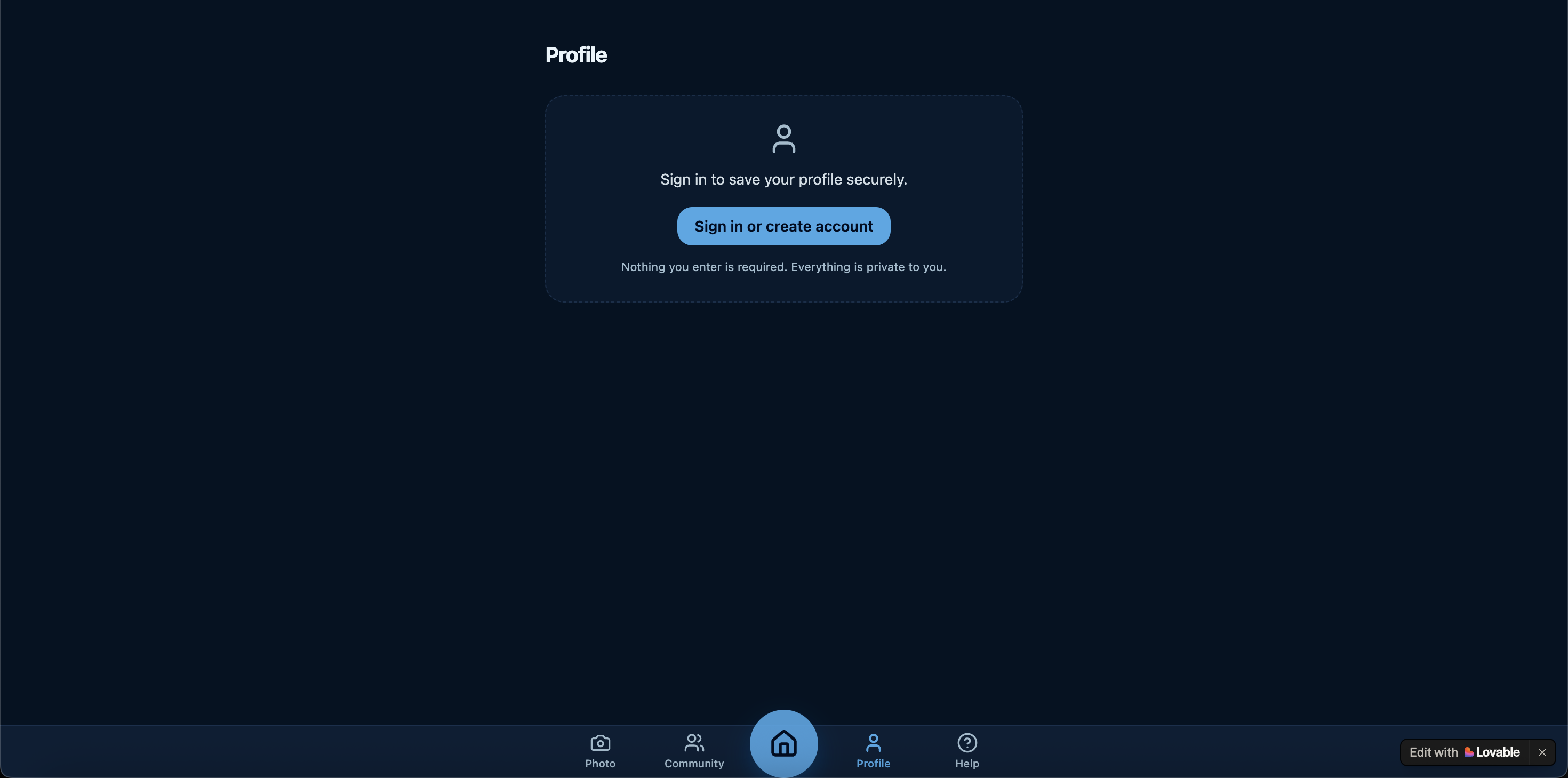
Sign In Page
-
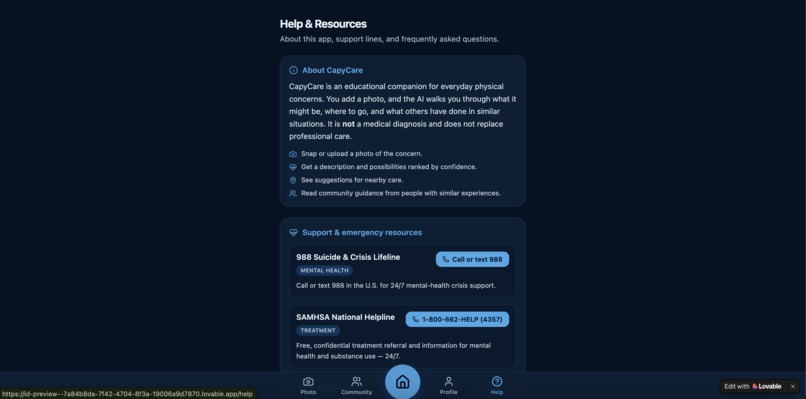
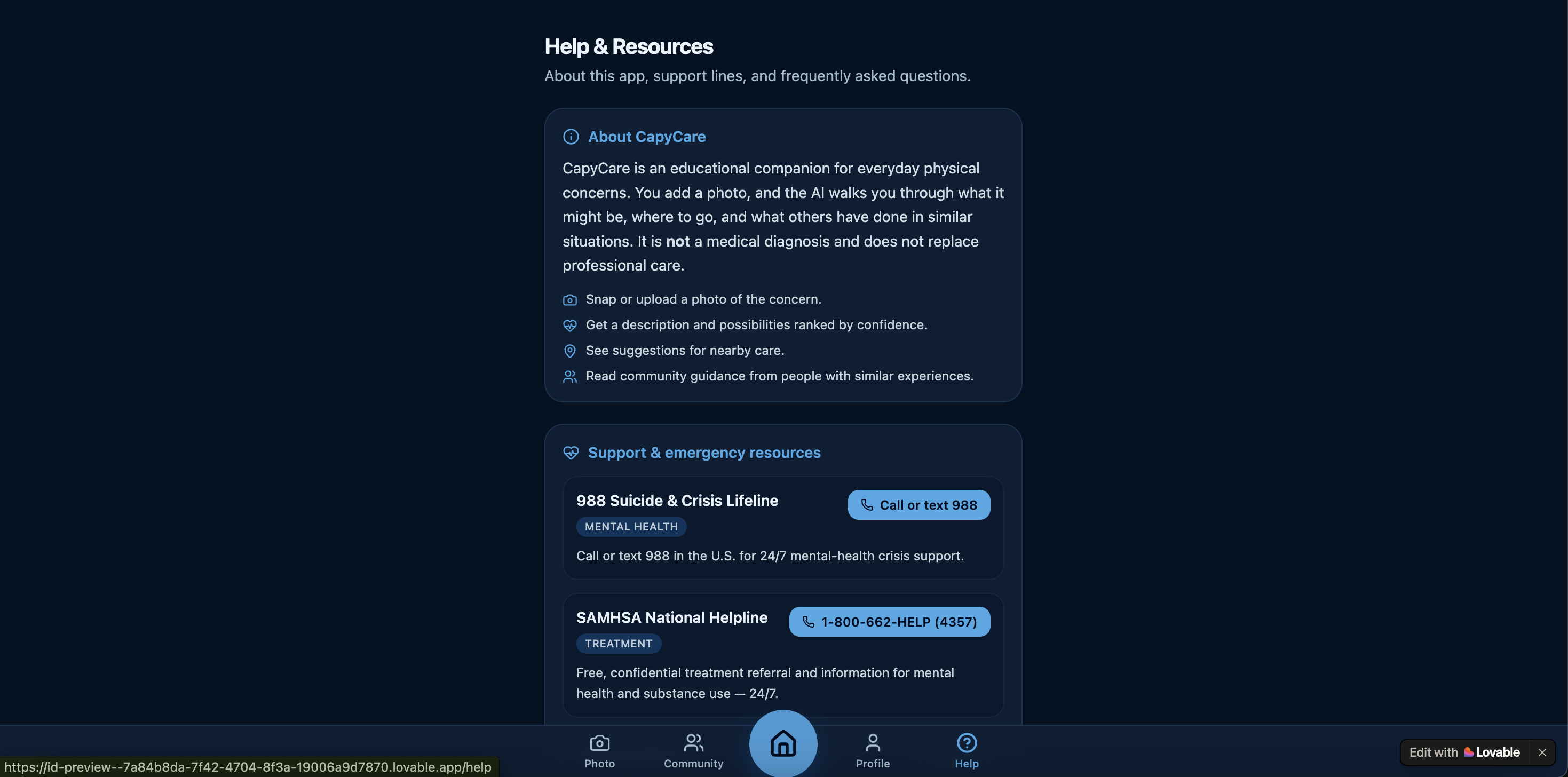
Help Page
-
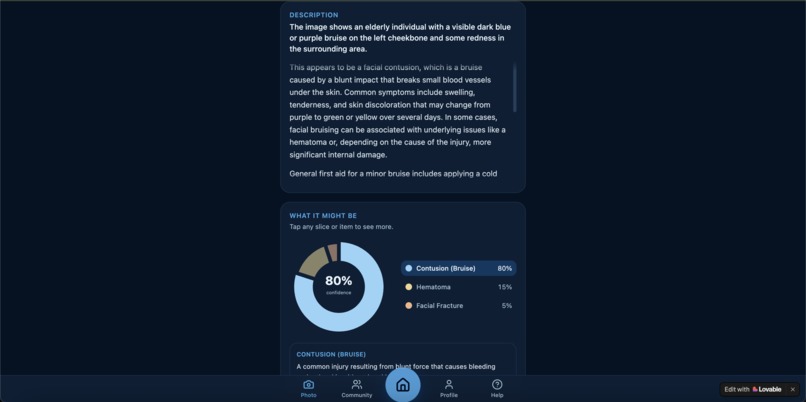
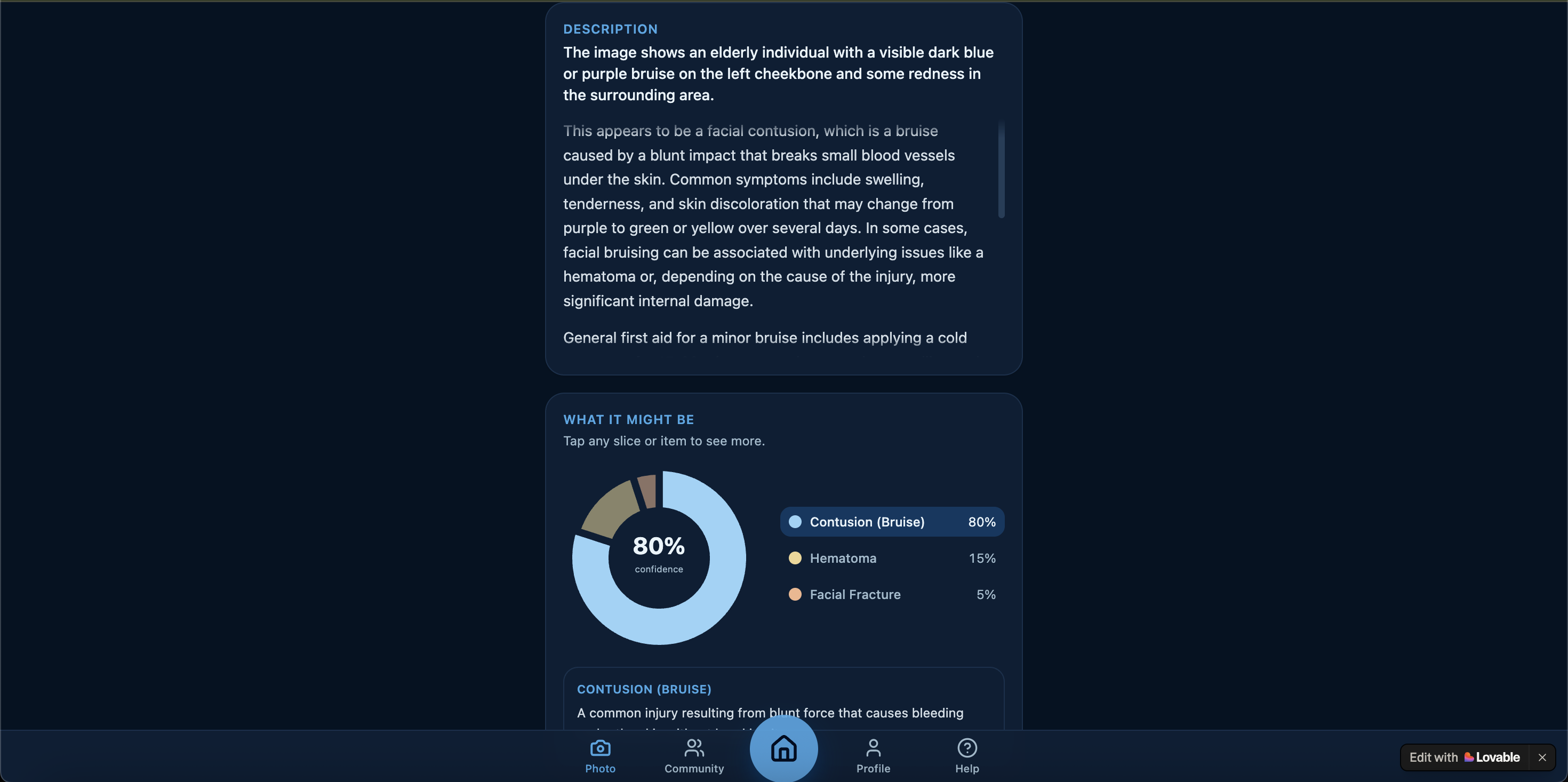
Description & Circle Chart
-
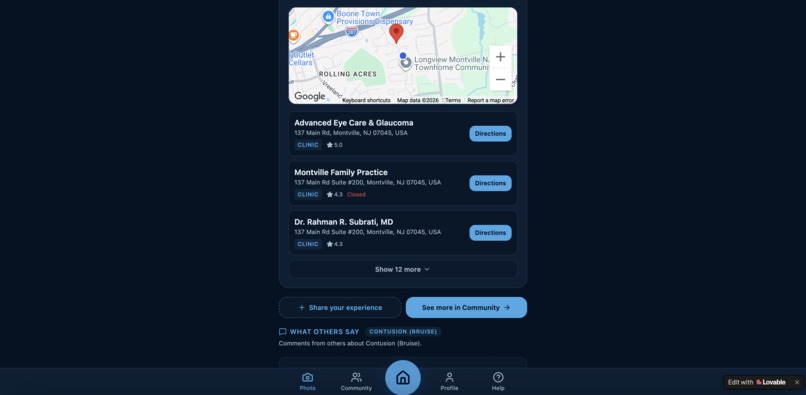
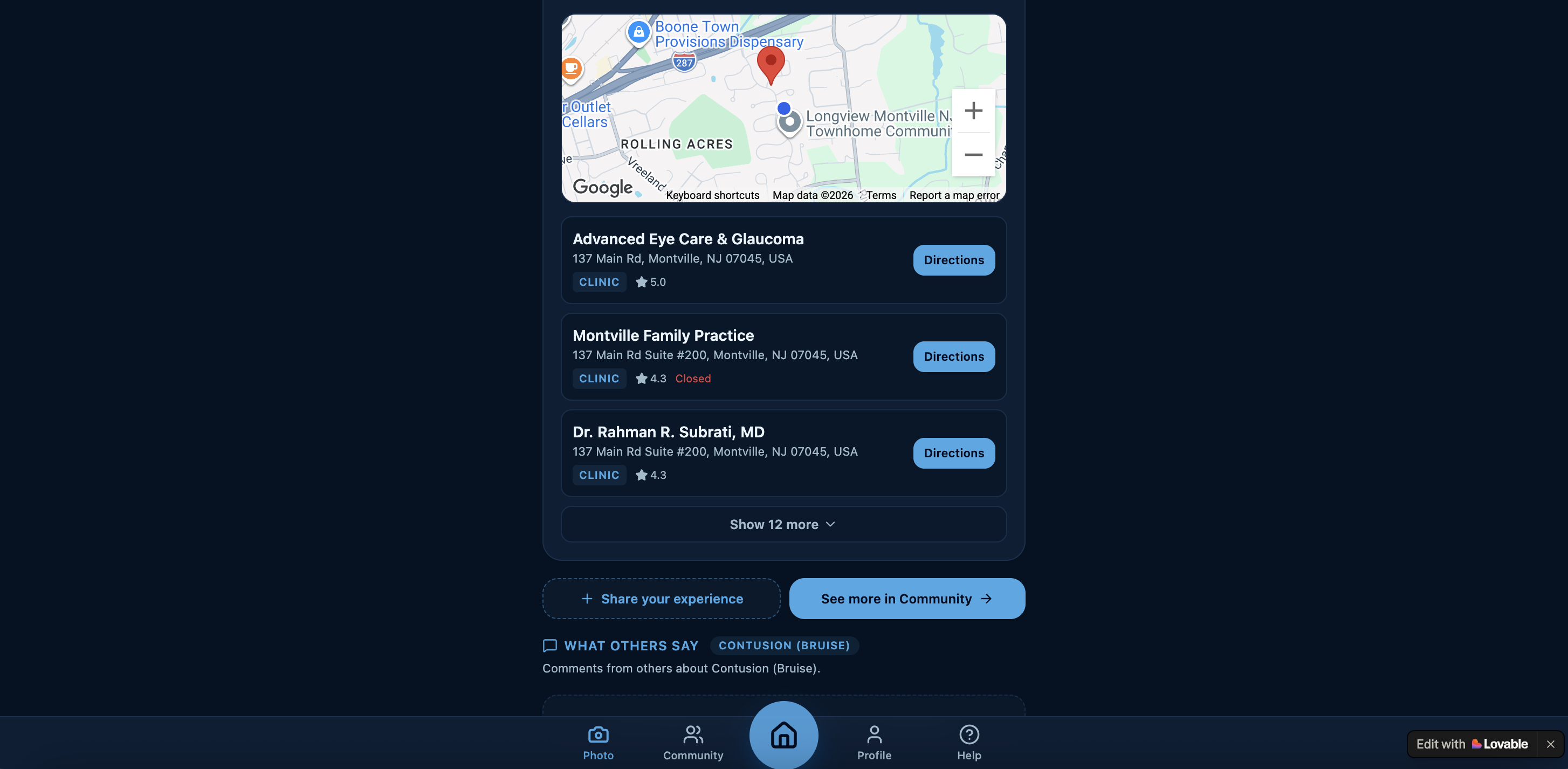
Map & Hospital Location
Inspiration
Our idea to build an AI powered app based on healthcare stemmed from a 2025 Congressional App Challenge district winner called SoniSight, which used AI to scan breast ultrasound images and determine if the scan was normal of suspicious. We took this idea and made it our own by making an AI powered app where users can scan and add their own description on an unknown skin illness/injury and allow AI to provide an organized, detailed report that identified the illness/injury and provided possible symptoms as well as medical guidance and red flags that required immediate professional attention.
What it does
While the app uses AI to actively search through doctor/government verified sources such as Medline Plus, MayoClinic, CDC, etc., to list symptoms and medical guidance, it also displays a circle graph for visual users that displays the possible injury and the AI's confidence percentage in it's analyzation.
Additionally, the app ties in community by providing a map of nearby hospital locations with the restriction that the user signs up for an account and is comfortable with sharing their present location. Some users might want to try the app out first, so it would be a hassle to be required to create an account automatically. However, if a user liked our app and wanted to use it continuously, they would be given the option to sign up for free and be given extra access to features such as nearby hospital locations.
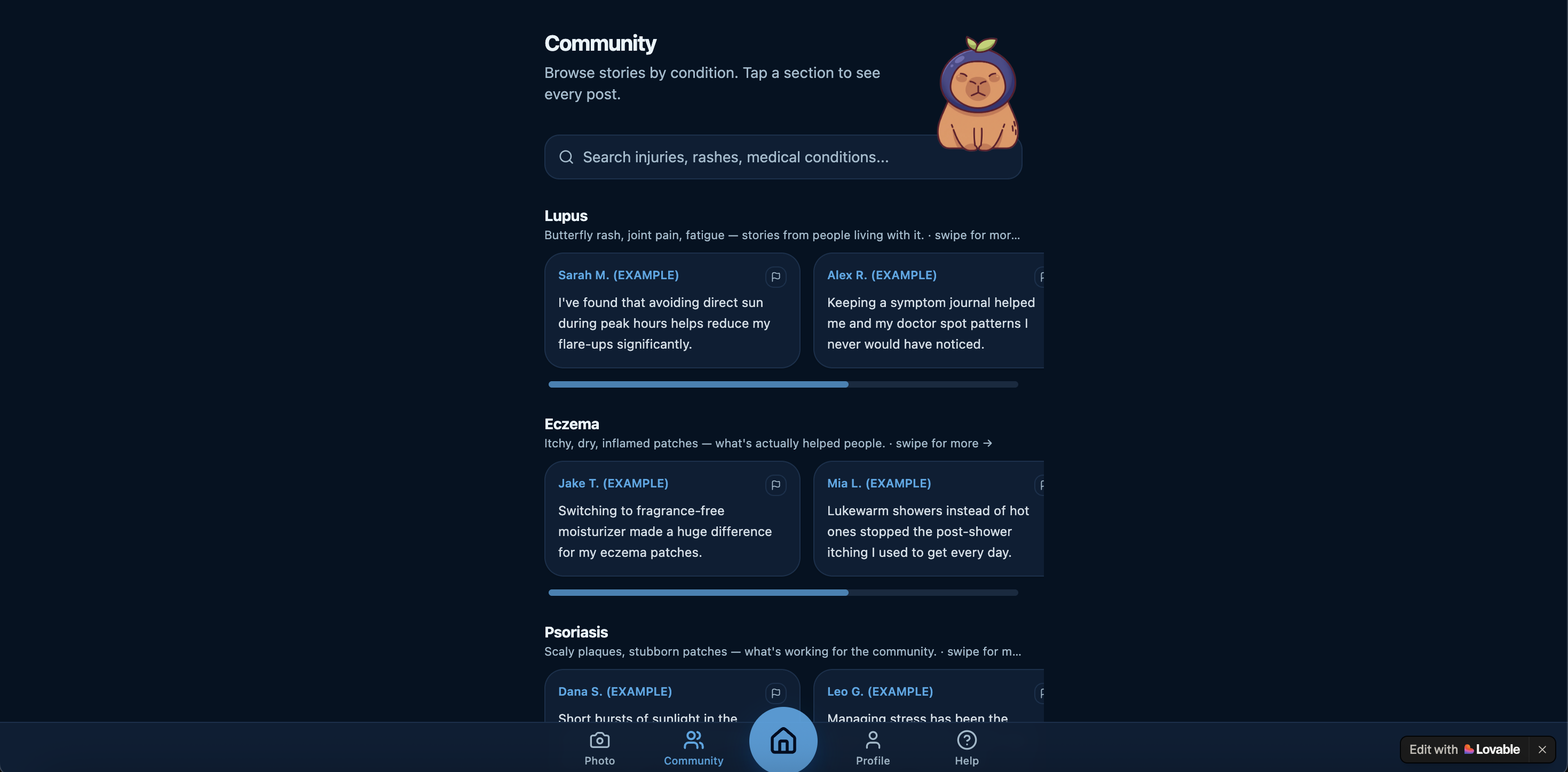
The app also has a commenting section corresponding with the injury/illness type to give users some first-hand human input on how people solved their own injury/illness. A separate commenting page is also provided if users want to access a safe space purely for other users contribute their own experiences on healing and recovering. Users can choose to stay anonymous or display their username when commenting.
Extra features, such as the help page, provides emergency resources such as the 988 Suicide & Crisis Lifeline, Poison Control phone number, etc., to provide allow users quick access to professional help if needed.
How we built it
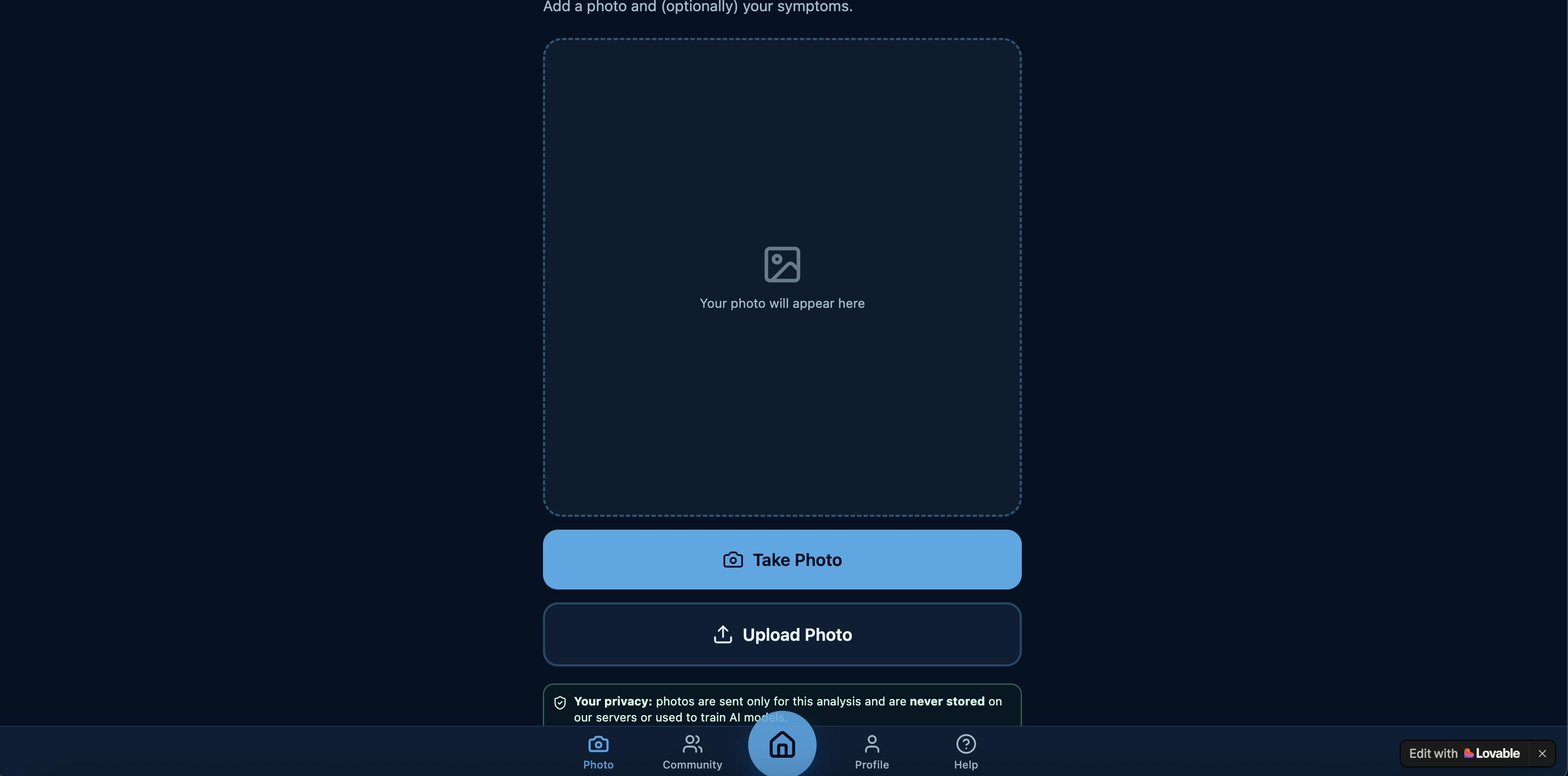
We used Loveable, an AI powered platform that helped us create our app with no coding required. We paid $25 for a one month trial to ensure we had enough credits to continue building our app. Most of the app, such as the photo taker, symptom analyzer, profile, community and help page were all created and perfected with the prompts we entered into the AI. To ensure the AI used trustable medical resources, we provided specific websites and explicitly stated for the AI to only use those sources.
We also used Google's Teachable Machine by adding pictures of the various common injuries/illnesses (such as Lupus, Eczema, etc.,) and labeling them as separate categories to train and develop a teachable model. We then asked Gemini to create a prompt which requested Loveable to insert the teachable model and install @tensorflow/tfjs and @teachablemachine/image npm packages. This teachable model is considered a secondary source to give the AI extra context on what different injuries/illnesses look like without having to breach user privacy and use their pictures for data.
Additionally, we linked the Google Maps connector with Loveable through it's simple connectors workspace to display a map for the "nearby locations" section of the app.
Challenges we ran into
A specific challenge we ran into was trying to figure out how to design the app to make it appealing enough to users. Additionally, it was difficult to figure out a way to ensure that our app benefited users in a community setting, and making sure the various tools were effective through test runs.
Accomplishments that we're proud of
One accomplishment that we're proud of is how detailed we were in designing our app. We did this by looking at videos of how successful apps such as Duolingo and Phantom leveraged creative tricks such as including a mascot to increase user connection to the app, and applied it to our own medical app, CapyCare (because a cute capybara is our app mascot).
Additionally, we're proud of the relative accuracy of our app compared to other chatbots such as Gemini, ChatGPT, Claude, etc. Because we wanted to ensure maximum accuracy and avoid AI hallucinations, we explicitly required the app to only search through trustable sources.
To ensure that the community page was a safe space, we also added a tiny flag button to each comment, which could report it as inappropriate when clicked. The comment would then be deleted, keeping the community page a safer space for other users.
What we learned
In terms of the front-end aspect of the app, in addition to a cute app mascot, we also learned that it's important to express what theme and feel of the app we want to convey. With these ideas in mind, we opted for a rich blue to make the app look calm and approachable.
We also learned that user privacy is a huge concern in the age of AI, and some may be suspicious about using an AI powered app. Thus, we added multiple disclaimers that stated user photos, locations, and other data were never stored in our AI model.
What's next for CapyCare
Possible expansions for CapyCare could be adding allowing users to customize their own profiles and explain their own health conditions to personalize the AI and make it more relevant to their concerns. In addition, we could also add a tiny thumbs up feature to comments that allows users to express their approval to a specific comment that they find helpful. This would then be able to increase the comments visibility and allow more people to view it.
Built With
- cloudflareworkers
- gemini
- googlemapsplatform
- localstorage
- lovablecloud
- loveableaigateway
- lucide
- postgresql
- react19
- row-levelsecurity
- shadcn/ui
- supabaseauth
- tailwindcssv4
- tanstackcreateserverfn
- tanstackquery
- tanstackrouter
- tanstackstartv1
- teachablemodel
- typescript
- vite7
- zod


Log in or sign up for Devpost to join the conversation.