-
-
logo!
-
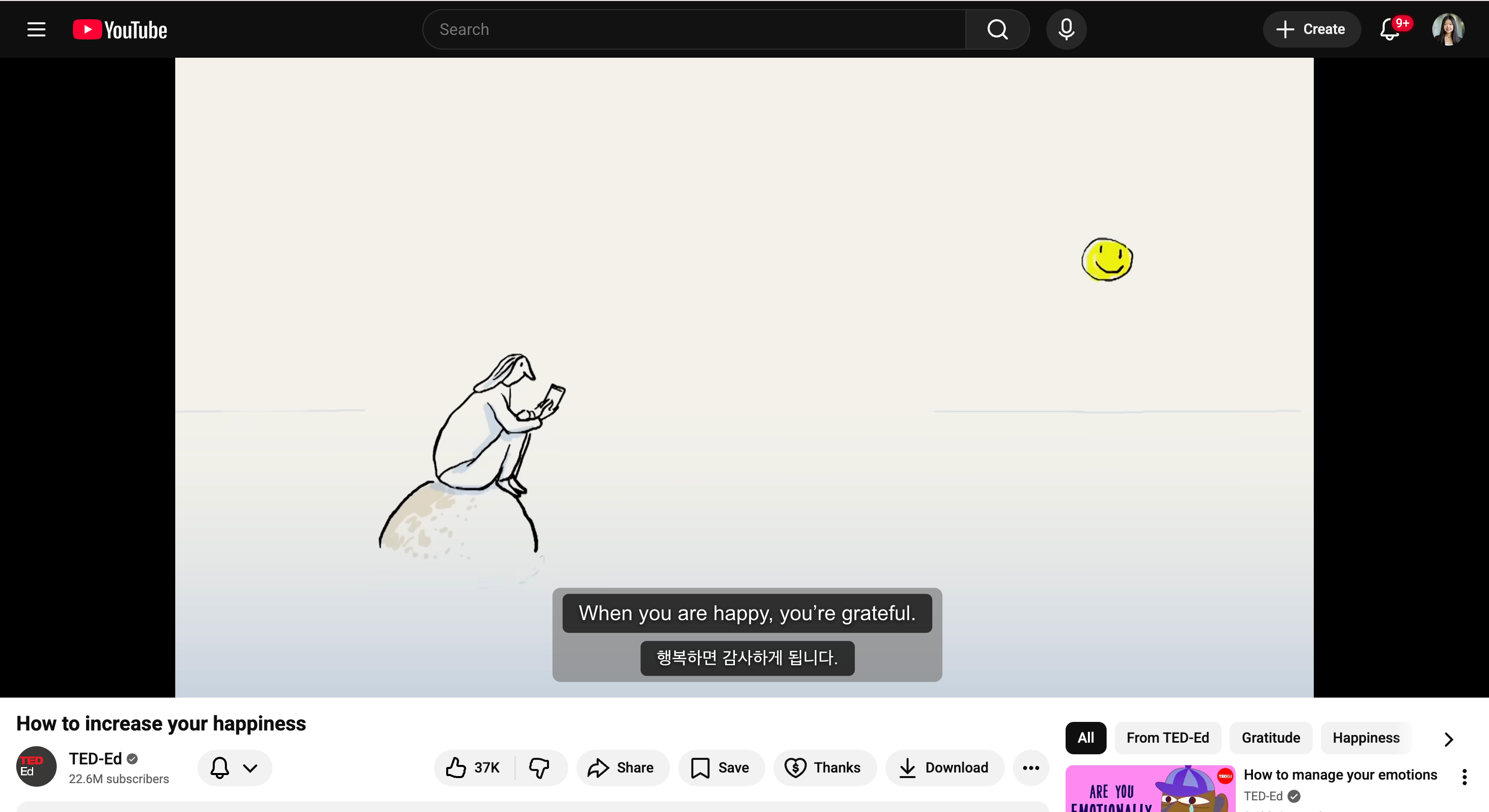
capty-bara @ work!
-
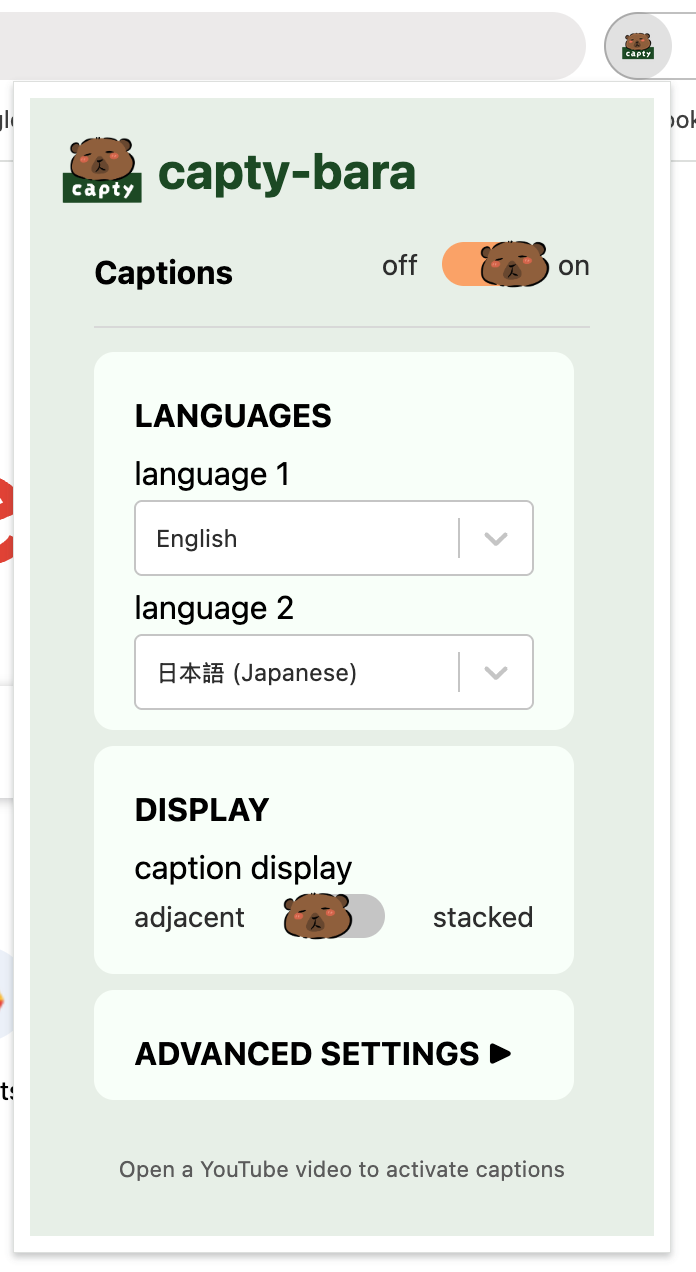
extension pop-up
-
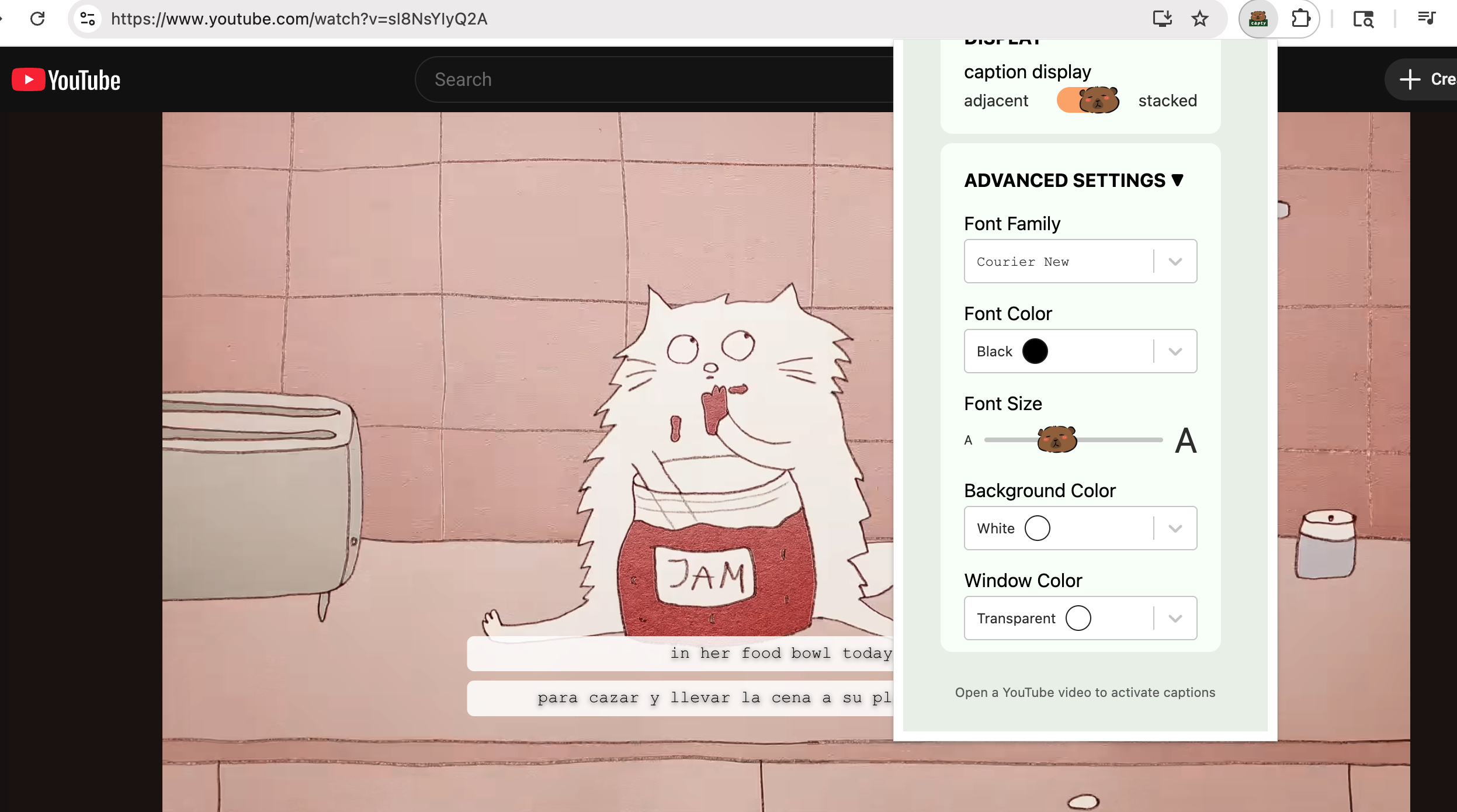
css settings for caption customization
Inspiration
Watching YouTube videos with my family is our favorite pastime. My grandma loves watching her Chinese cooking videos with Indonesian subtitles. Unfortunately, I only partially understand those two languages, but still needed subtitles in English to fully comprehend every detail. With that desire, I felt like I couldn't be the only one who wishes I could read two languages at a time. It's also immigrant families with different language-readers watching videos together or someone growing up hearing a language but never learned to read it or someone just wanting to learn a new language! Realizing that YouTube doesn't support simultaneous multi-language subtitles, we wanted to make media more accessible to all.
What it does
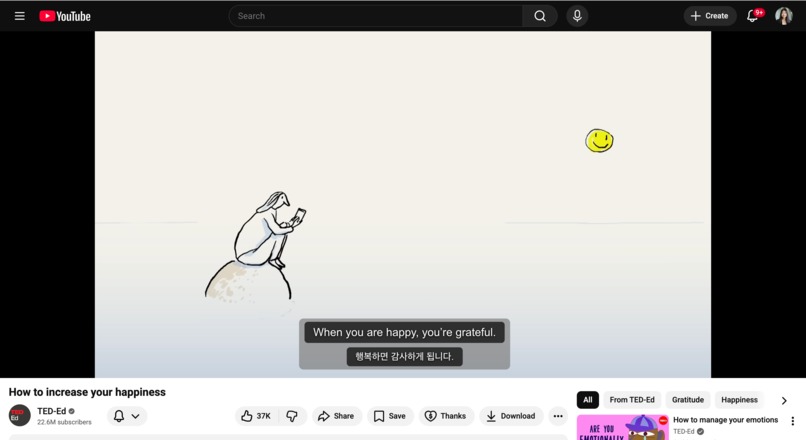
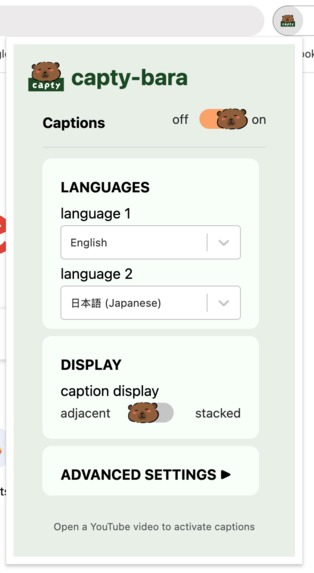
capty-bara is a Chrome extension that overlays dual-language subtitles on YouTube videos. You pick two languages, and both sets of captions appear simultaneously! A parent who reads Spanish and a kid who grew up with English can watch the same video, together, without anyone having to compromise.
How we built it
Built with React, JavaScript (express, Node), Tailwind CSS, Vite, youtube-transcript
Challenges we ran into
It took us almost half of the hackathon trying to fetch the transcript from YouTube because it would not return any text despite the data evidently existing. We initially thought that the Chrome extension format was a limitation due to its isolated background service worker, so we even pivoted out of making an extension at one point. However, we realized we could create our own API using GetTranscript... so we pivoted back to the Chrome extension and started again from the ground up midway.
Accomplishments that we're proud of
The extension works!! We spent about 10 hours trying to get the transcript, so we were so happy when we were able to get that going, especially since it was the backbone of our idea. We've never made a Chrome extension before so the fact that we could use it on our own is so fulfilling!
What we learned
Everything it took to build this! We learned how to create a Chrome extension, build express backend, how API calls are made, how to play around with timestamps and transcripts, to not name files the same name with different cases, git, npm run build (+ how to do a capybara star stack)
What's next for capty-bara
We would like to continue improving accessibility for all! In the short term, we can support for more languages that may not be originally embedded in the YouTube video, auto-translation of existing language subtitles on our end. We would also want to make the words clickable to show translations by keywords to boost learning :D Integrating with other platforms such as Netflix, Disney+, Zoom would also be great! In the long term, we would like to expand this extension to support other accessibility gaps, such as auto-generating alternative text or audio descriptions for videos.
Built With
- express.js
- javascript
- node.js
- procreate
- react
- tailwind
- youtube-transcript


Log in or sign up for Devpost to join the conversation.